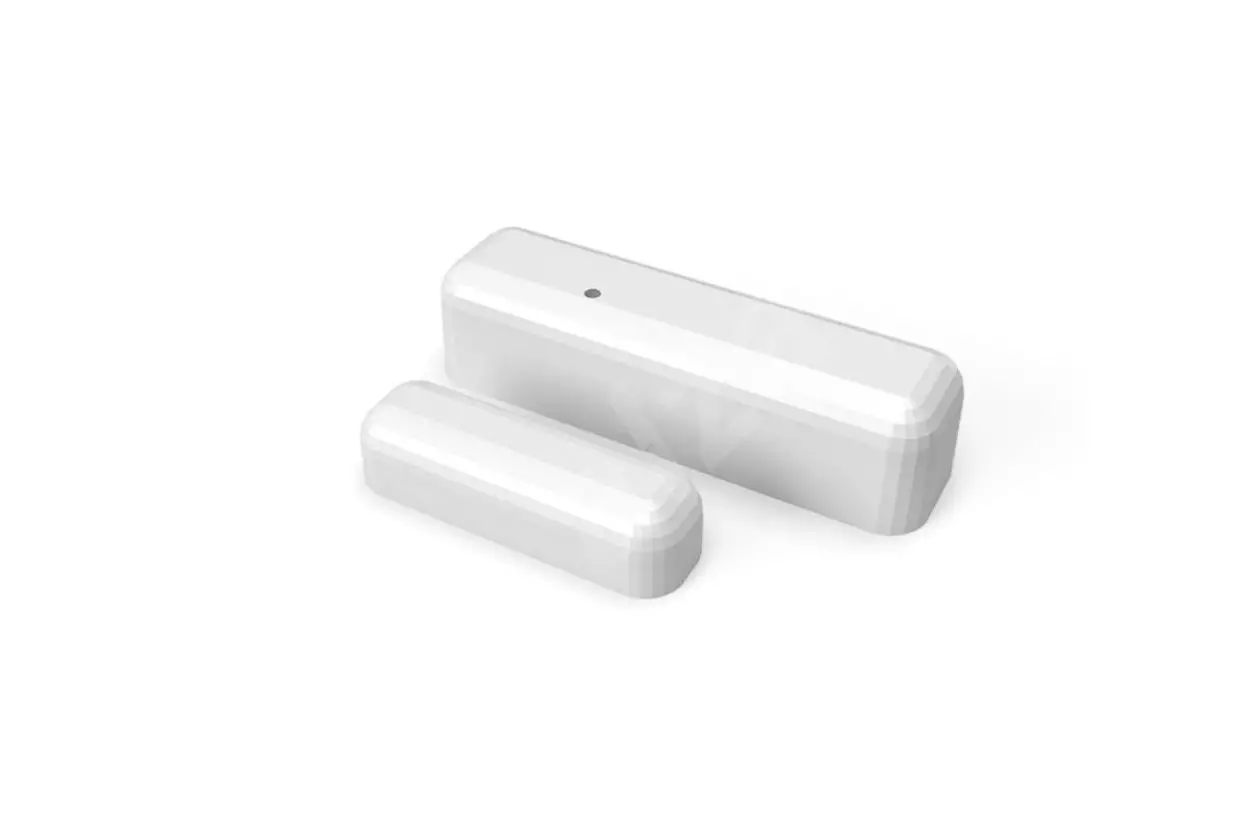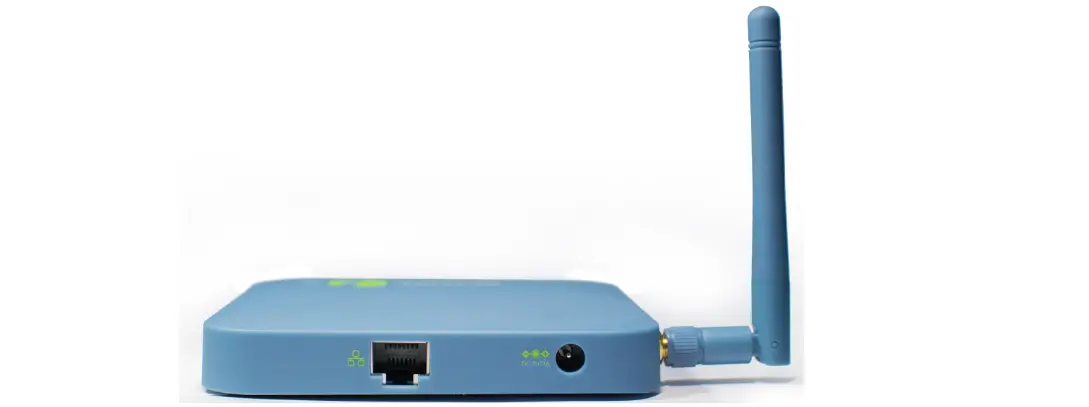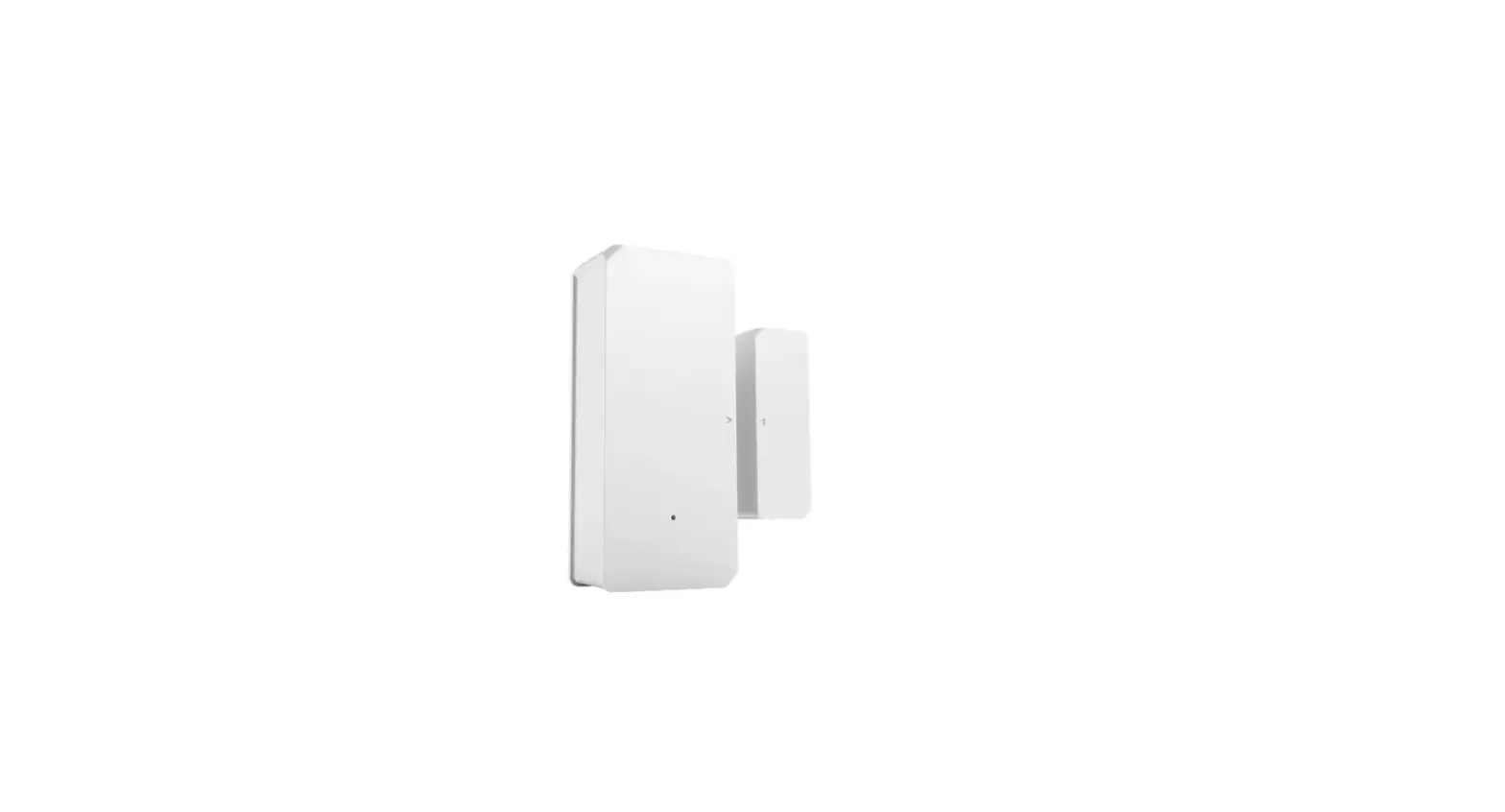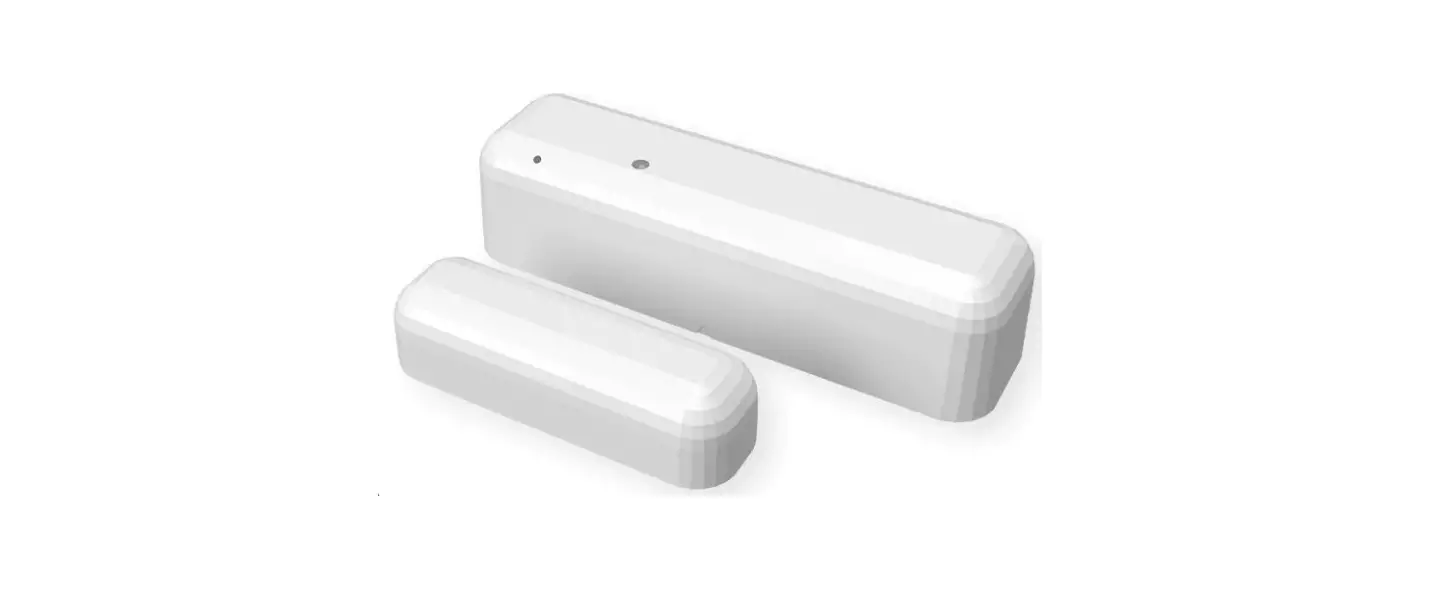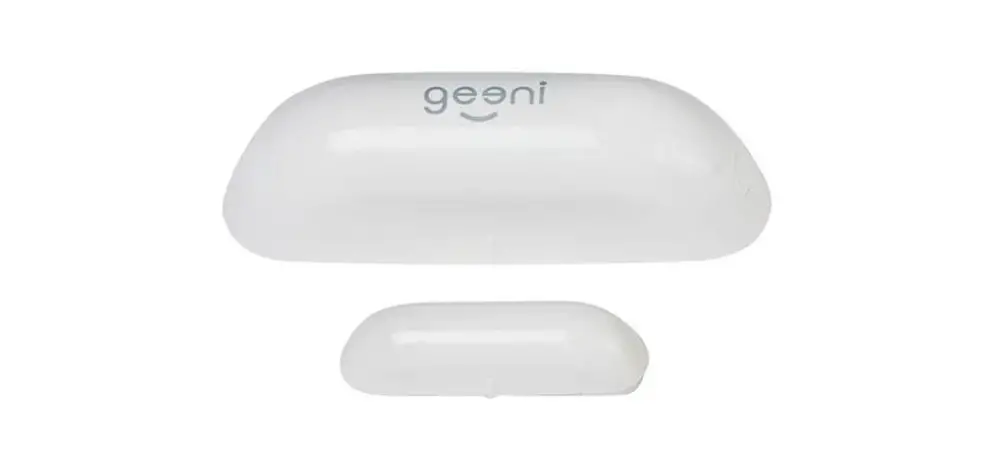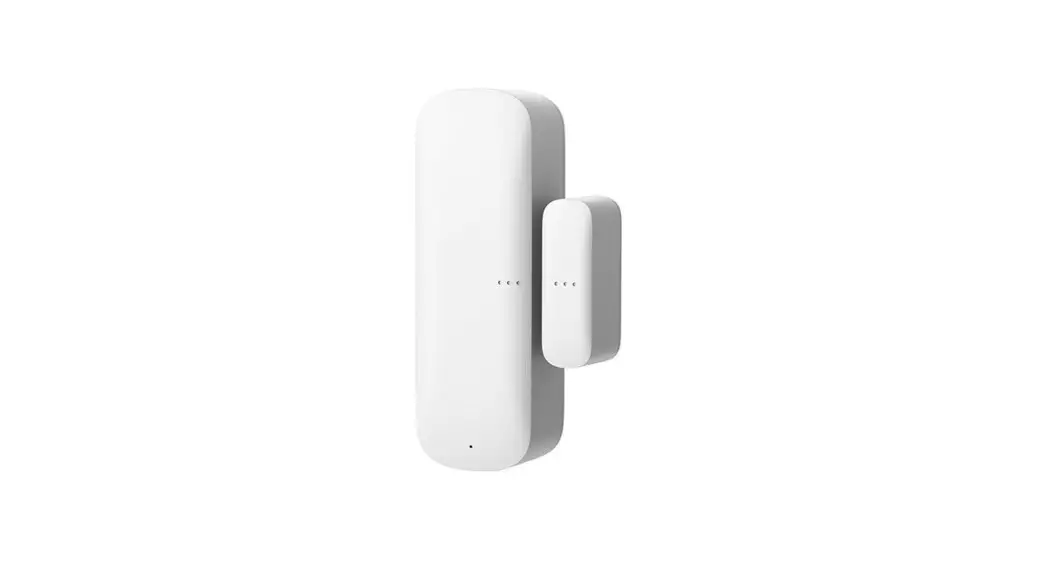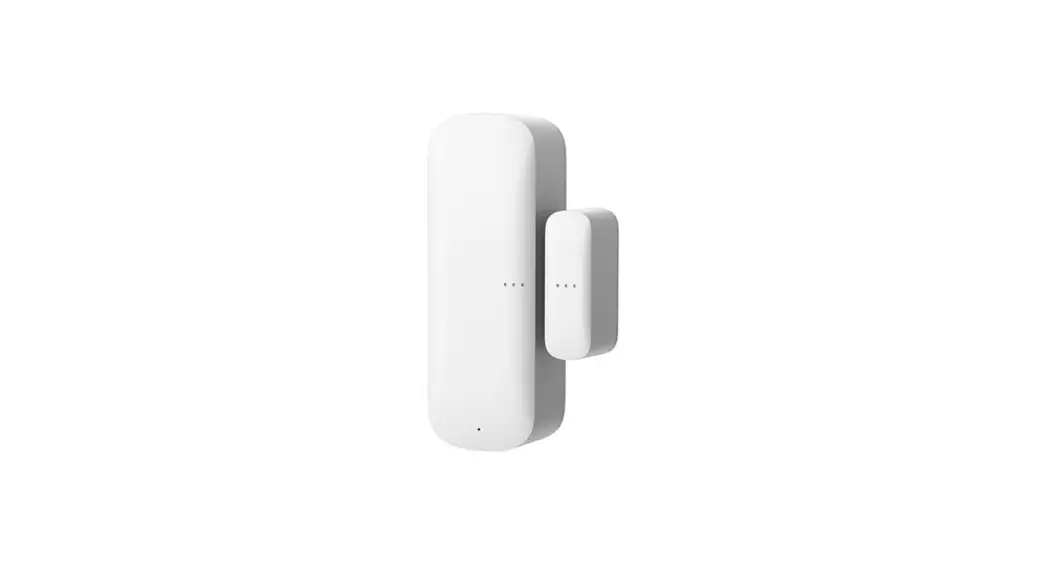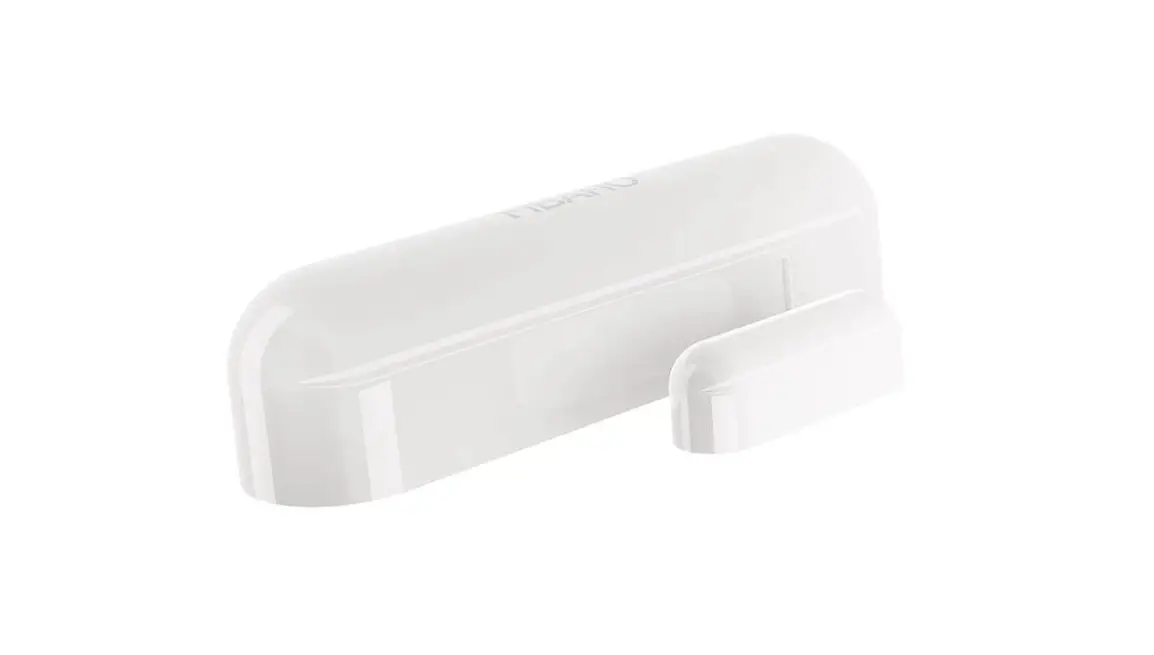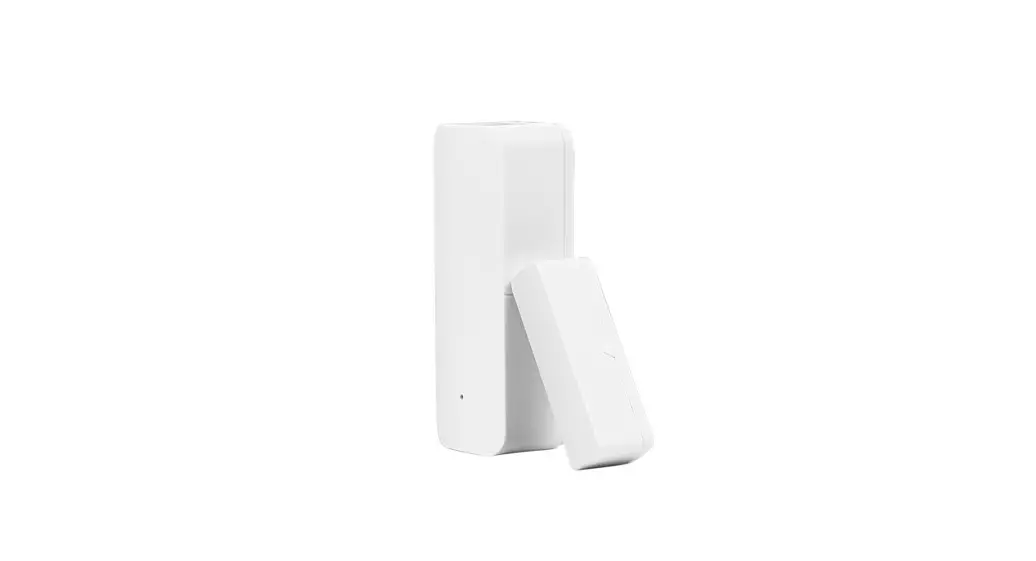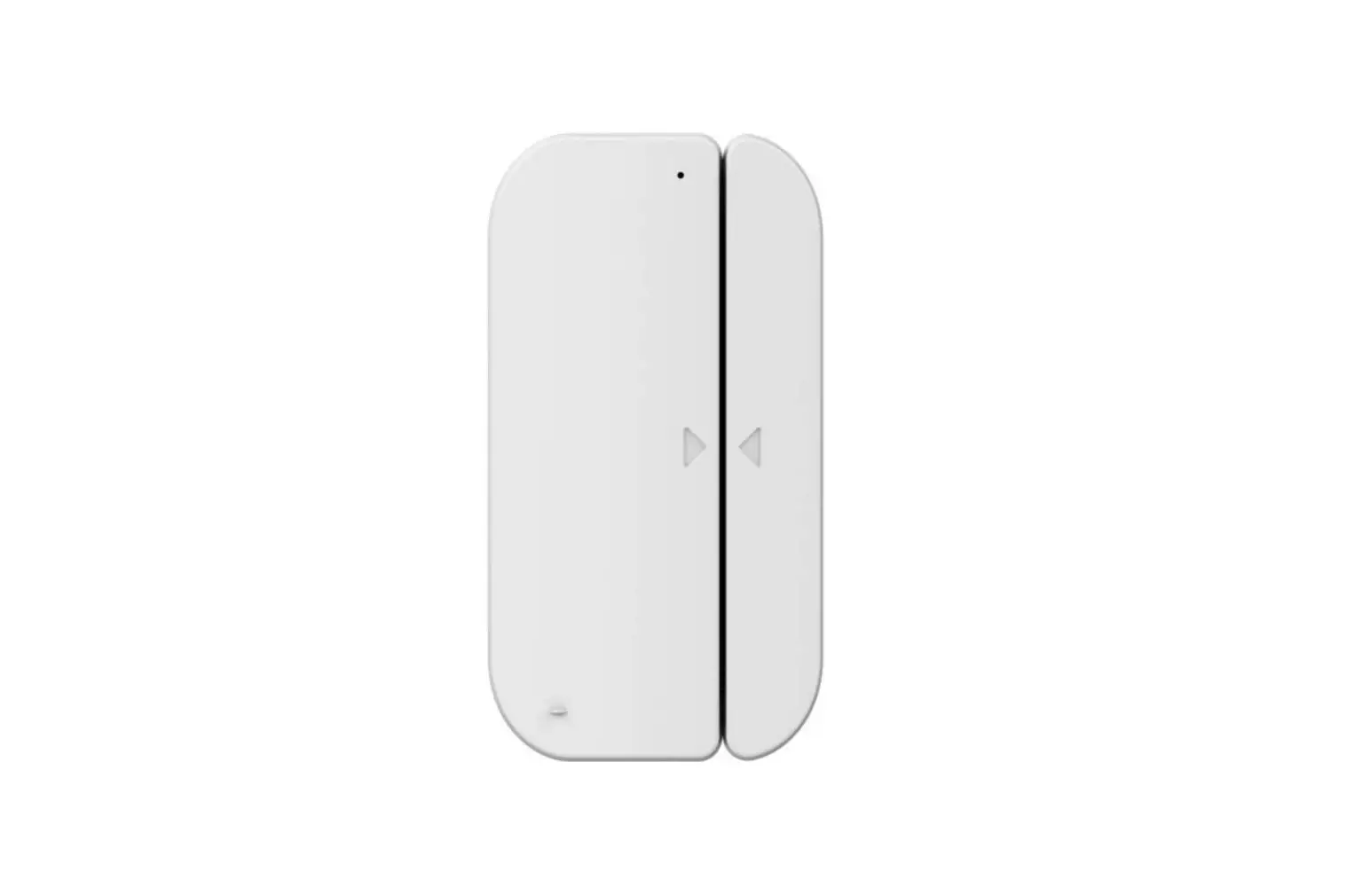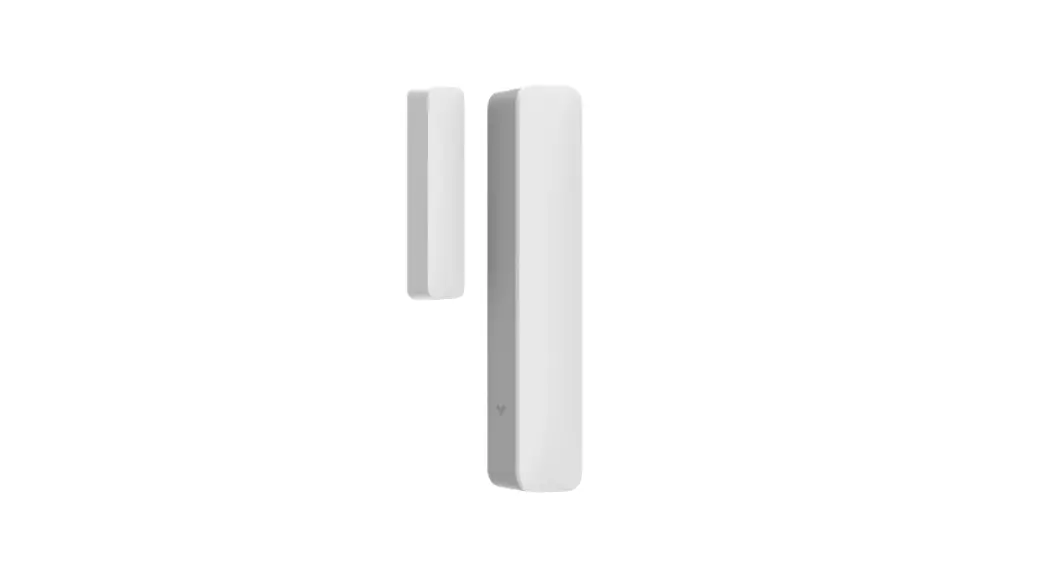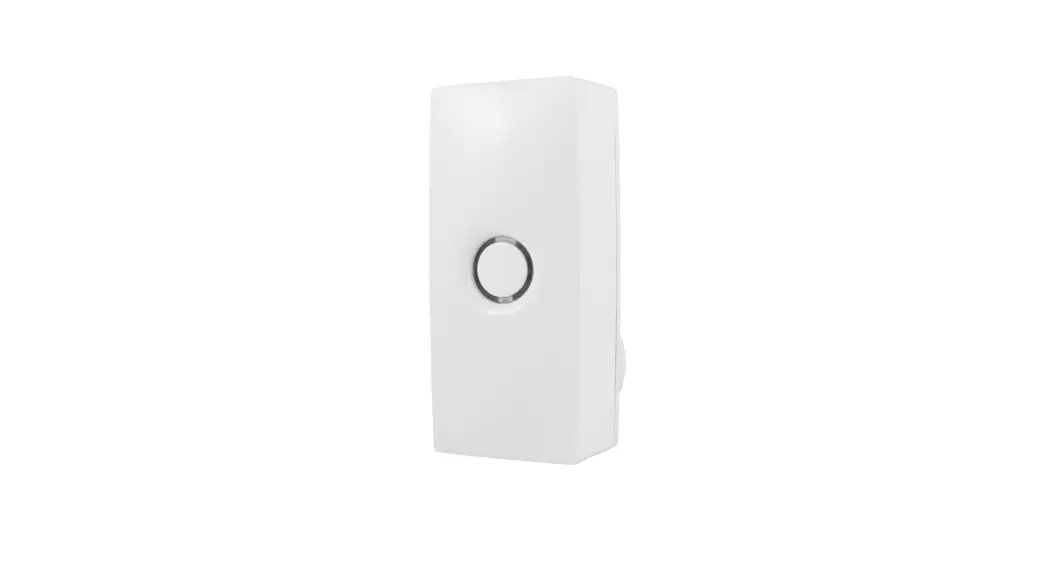
 GFS001WHV Wi-Fi Bridge and Door Sensor Kit
User Guide

Door Sensor Installation
IMPORTANT: Remove Internal and External lockset escutcheons from the door prior to installation. Latch can remain in the door.
Step 1:
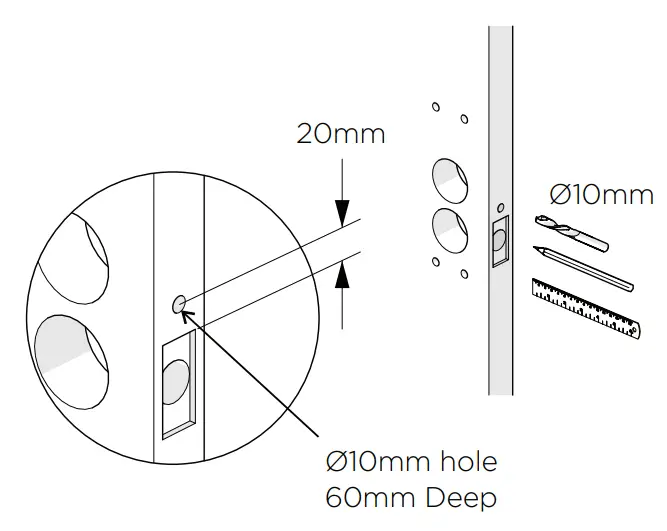
PREPARE DOOR
Drill a Ø10mm hole to a depth of 60mm inthe side of the door as shown.
Step 2:
INSTALL DOOR SENSOR IN DOOR
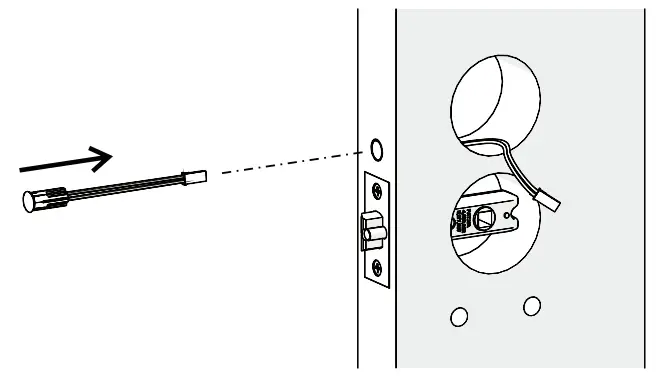
- Insert Door Sensor cable through the Ø10mm hole.
- Extend it through the Ø54mm hole.
- Firmly press the magnet housing into the door edge until the front face is flush with the door edge.
Step 3:
CONNECT DOOR SENSOR
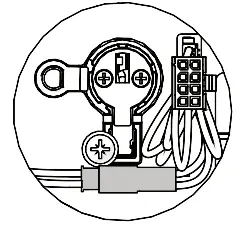
Connect Door Sensor cable to plugon the Main cable.
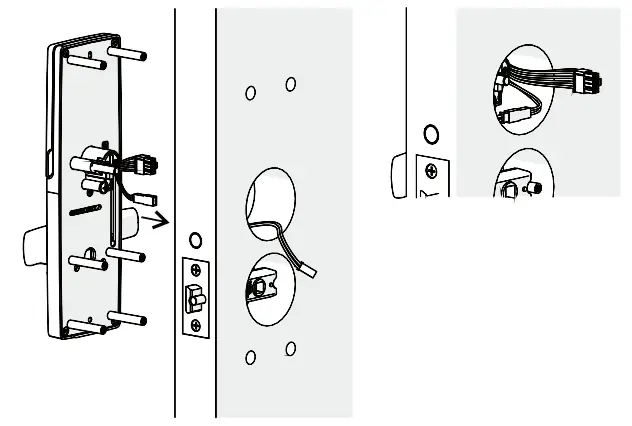 Ensure the cables are tucked in the Ø54 mm hole alongside the 2 cylinder, and are not in a position to be pinched during assembly of the Internal Furniture.
Step 4:
INSTALL DOOR POSITION MAGNET
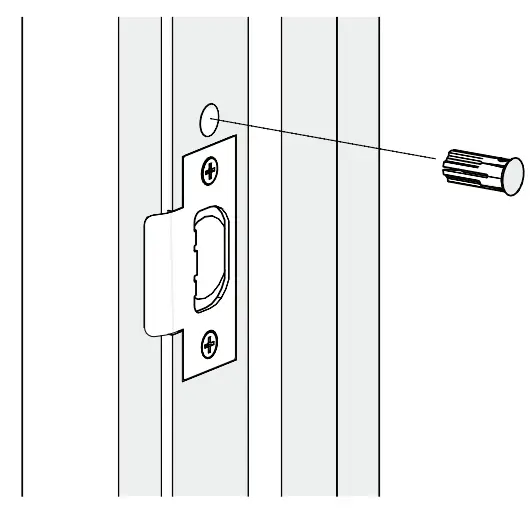
- Establish position of magnet such that italigns with Sensor in door. D
- rill a Ø10mm hole for the Door Position Magnet and fit magnet as shown.
Set up & Installation
Step 1: Follow the door sensor installation instructionson this leaflet.
Step 2: Plug in the Wi-Fi Bridge.
Step 3: On the Freestyle app, go to: Settings >
Add New Device > [Choose your home or property] The app will guide you through the setupprocess.
LET’S SEE IF IT WORKS.
Ensure your mobile Bluetooth is disabled. With the door open, try to unlock and lock via your app. If this works, you have completedthe set up! Enjoy your connected Gainsborough Freestyle lock. If this did not work, retry the set up.
Getting to know the lights
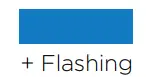 | INITIALISING/SETTING UP |
 | ERROR |
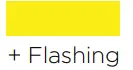 | NOT CONNECTED |
 | CONNECTED |
HOW TO RESET
- First, delete the device from the app prior to performing the reset. Go to
Settings >
Wi-fi Bridge settings >
[Chooseyour home or property] Delete the Wi-Fi Bridge. - Hold the centre button on the Wi-Fi bridgefor 10 seconds.
- Reset is complete when the light turns blue.
ELECTRICAL SAFETY INFORMATION
MODEL No.: GFS001WHV
FIRMWARE VERS.: 1.0
 ALLEGION (AUSTRALIA) PTY LTD
PHONE 1800 098 094
gainsboroughhardware.com.au
ALLEGION (NEW ZEALAND) LIMITEDPHONE 0800 477 869
gainsboroughhardware.co.nz
31-33 ALFRED STREET,
BLACKBURN, 3130 VIC AUSTRALIA
MADE IN CHINA Input: 100-240V /50/60Hz / 70mA
 Please recyclehis packaging
 Allegion NZ Homepage
 Gainsborough Hardware Home