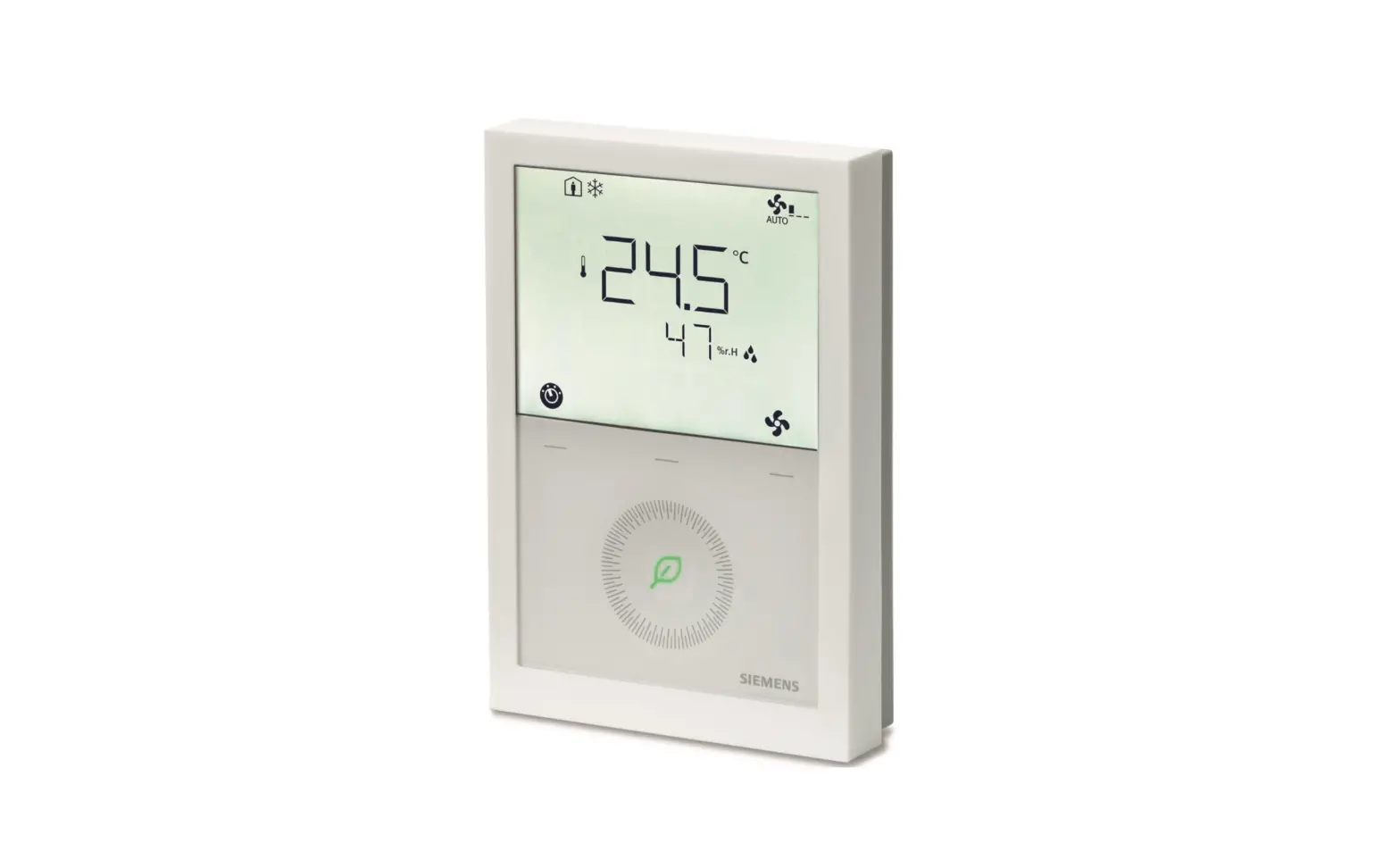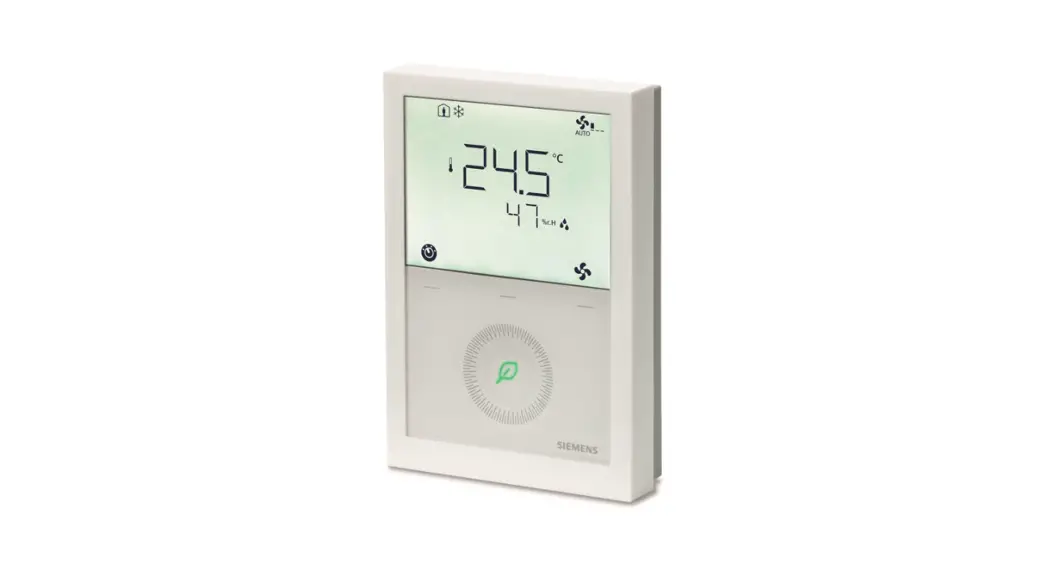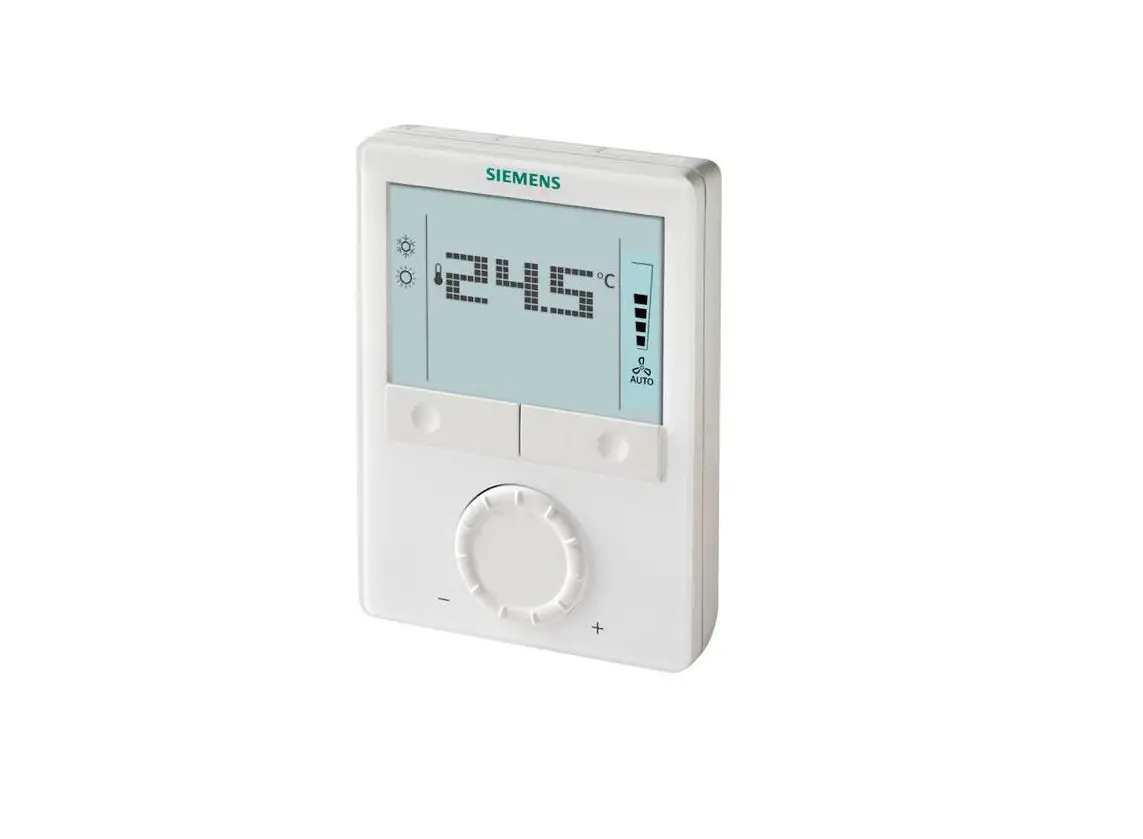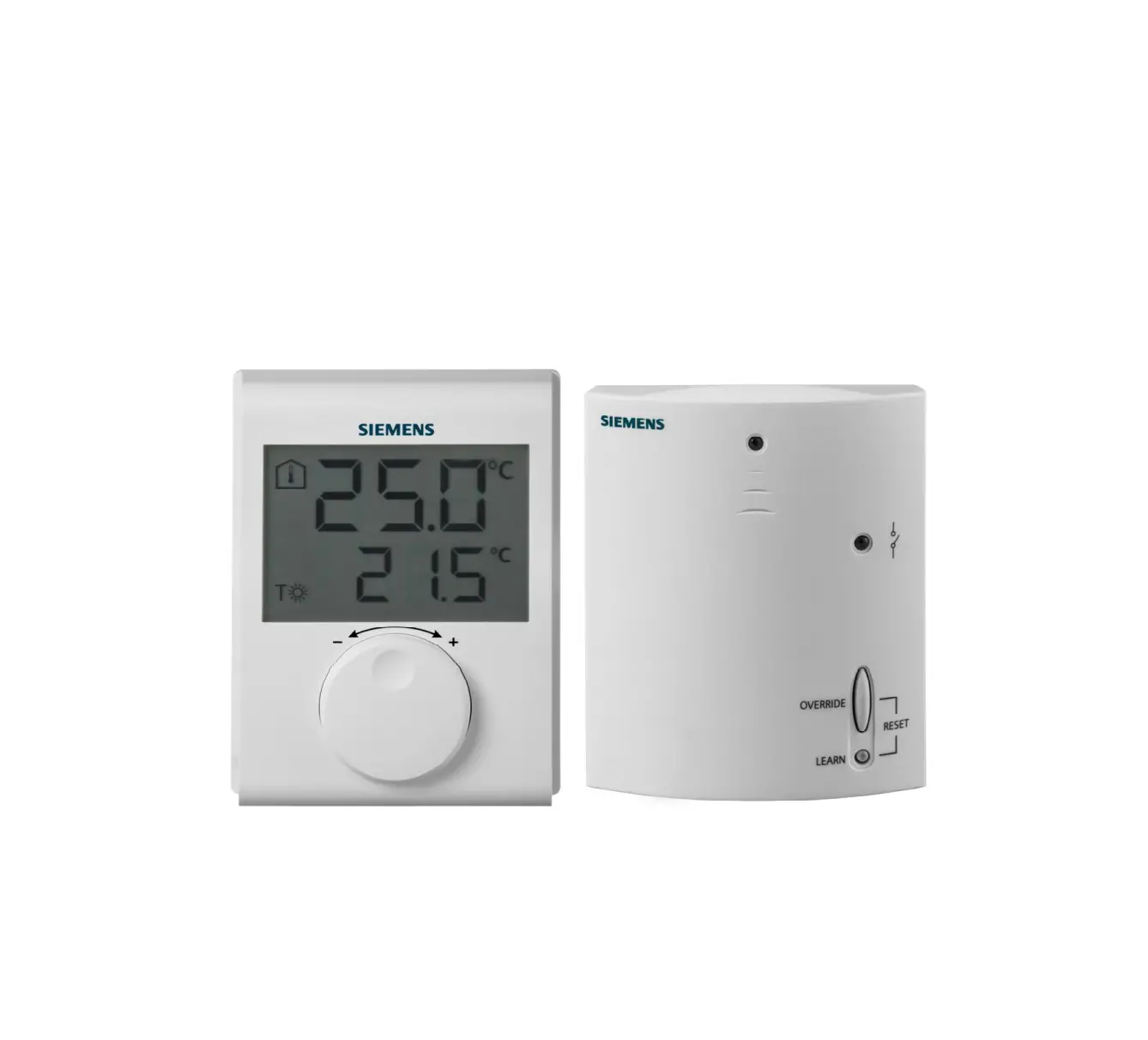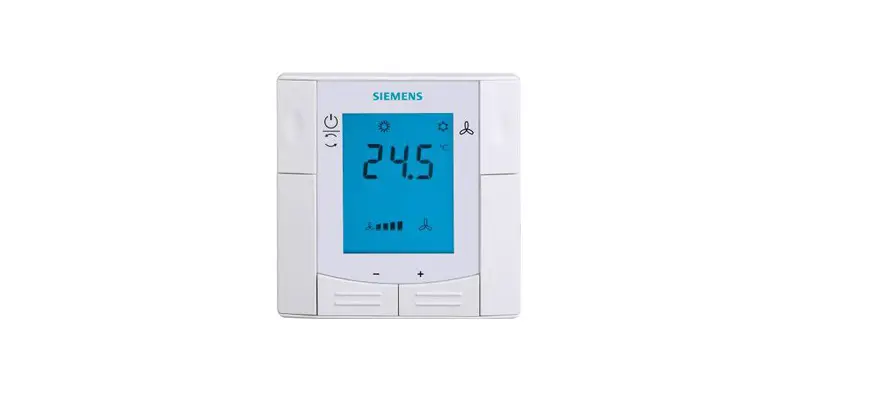

SIEMENS RDF302 Flash-Mount Room Thermometer
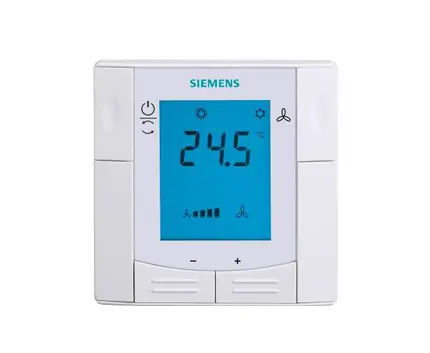
RDF302, RDF302/VB, RDF302.B – the room thermostat with RS 485 communications, using Modbus protocol, allow you to set the ideal room temperature you want.
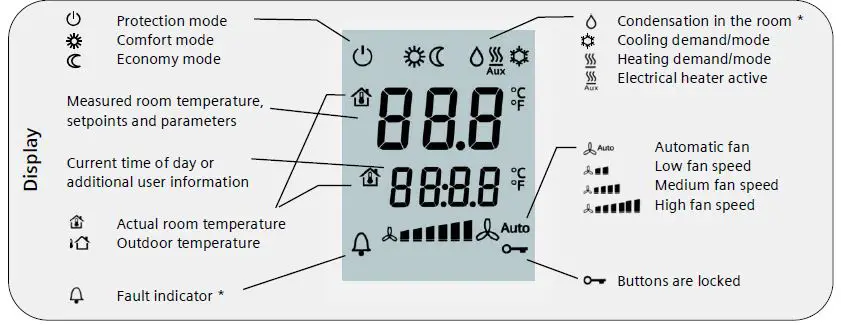
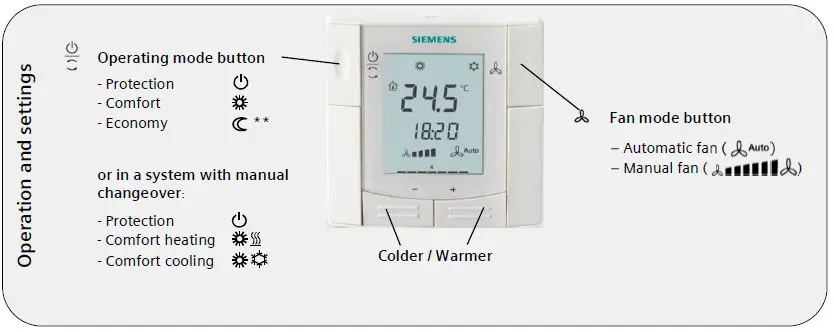
The thermostat provides Comfort, Economy, and Protection mode.
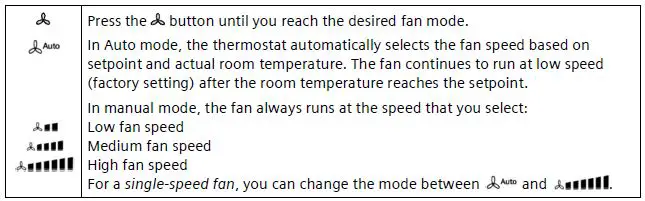
The fan operates either in Auto mode or at a speed selected in Manual mode.
You can either take advantage of the thermostat’s factory settings or adjust it as needed.
* Needs to be configured by your HVAC installer
** Needs to be enabled via parameter P02
Change room temperature
 Press + or – to increase or decrease the current room temperature setpoint for Comfort mode. The thermostat changes to Comfort .
The setting range is 5…40 °C, unless limited by parameters P09 and P10.
Change thermostat operating
 Press operating mode button to change the operating mode display.
In protection mode, the plant stops operating. However, if the room temperature drops below 8 °C, heating is switched on to protect the room against frost. Your HVAC installer can change the frost protection limit and set a heat protection limit as needed:
Changes made by installer: Frost protection: ……….. ˚CHeat protection: ……….. ˚C
 In Comfort mode, the thermostat maintains the room temperature on the setpoint which can be readjusted using the + and – buttons
 In Economy mode, the room temperature is maintained at a lower or higher setpoint, thus saving energy and money. Adjust parameters P11 and P12 to change the preselected setpoints.
The thermostat can be set to Economy mode either by pressing the operating mode button if enabled (P02 = 2), or via an external signal (switch or Modbus command) such as window contact, keycard or presence detector.
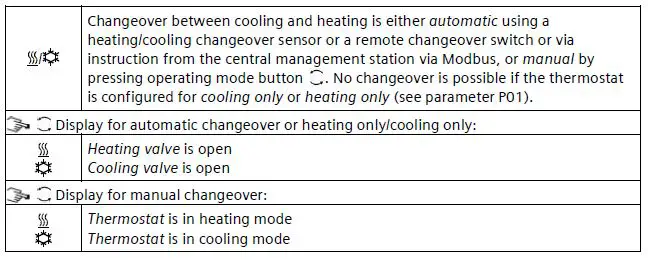
Change from heating to cooling mode
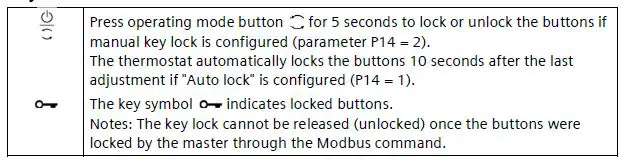
Key lock
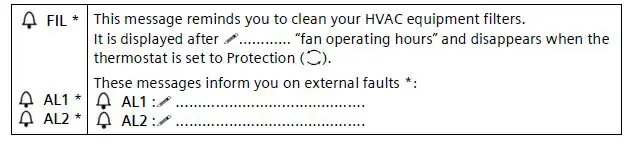
Reminder to clean filters and for external faults **
Recalibrating the sensor
 If the room temperature displayed by the thermostat does not agree with the temperature effectively measured (after min 1 hour of operation), the temperature sensor can be recalibrated through parameter P05.
Note: Economy mode
 The energy saving setpoints are factory-set to 15 °C for heating and 30 °C for cooling. Use parameters P11 and P12 to adjust the values.
Important: You can set these setpoints to OFF; the thermostat then is inactive, i.e. no protective heating or cooling function.
Risk of frost!
Commissioning
You can adjust a number of different control parameters to adapt the thermostat to your system and optimize control performance. You can do this during operation either via the buttons on the thermostat or using a commissioning tool via Modbus.
Baud rate and parity
The Baud rate can be adjusted to 4800 bps, 9600 bps, 19200 bps (factory setting) or 38400 bps. The Parity can be set to none, odd or even (factory setting). Your HVAC installer can set them through the additional parameters.
Important: Once you made any changes on the baud rate or parity, you must reset the power before the changes become effective.
* Needs to be configured by your HVAC installer
** RDF302.B does not have inputs X1 and X2.
Control parameters ****
Proceed as follows to change the most important control parameters (your HVAC installer can set additional parameters):
- Press the – and + buttons simultaneously at least 3 seconds. Release, and within 2 seconds, press + again for 3 seconds. “P01” is displayed.
- Repeatedly press the + or – button to select the required parameter.

- Press + and – simultaneously. The current value of the selected parameter begins to flash, allowing you to change the value by repeatedly pressing + or –.
- The next parameter is displayed when you press + and – again simultaneously.
- Repeat steps 2 to 4 to display and change additional parameters.
- Press + or – until “End” is displayed, and then press + and – simultaneously to save the change and exit parameter entry mode.

| Parameter | Description | Factory setting | Setting range | Adjustment ! | |
|
P01 |
Control sequence | 2-pipe: [0…3] 1 (Cooling only) 4-pipe: [2…4] 4 (Heating & Cooling) | 0 = Heating only 1 = Cooling only 2 = Manual Heating or Cooling 3 = Auto Changeover 4 = Heating & cooling | ||
| P02 | Mode selection by user via operating mode button | 1 (Comfort, Protection) | 1 = Comfort, Protection 2 = Comfort, Economy, Protection | ||
| P04 | Selection of °C or °F | °C | 0 = °C 1 = °F | ||
| P05 | Sensor calibration | 0.0 °C | –3…3 °C | ||
| P06 | Standard temperature display | 0 (Room temperature) | 0 = Room temperature 1 = Setpoint | ||
|
P07 |
Additional user information |
0 (no display) | 0 = No display 1 = Temperature in °C/°F 2 = Outside temperature (via bus) 3 = Time of day (12 h, via bus) 4 = Time of day (24 h, via bus) | ||
| P08 | Comfort basic setpoint | 21 °C | 5…40 °C | ||
| P09 | Minimum setpoint limitation in Comfort (WminComf) | 5 °C | 5…40 °C | ||
| P10 | Maximum setpoint limitation in Comfort (WmaxComf) | 35 °C | 5…40 °C | ||
| P11 | Setpoint of heating in Economy | (WheatEco) | 15 °C | OFF, 5 °C…WcoolEco | |
| P12 | Setpoint of cooling in Economy | (WcoolEco) | 30 °C | OFF, WheatEco…40 °C | |
| P13 *** | Electrical heater in cooling mode | ON | OFF = disabled ON = enabled | ||
| P14 | Key lock (Press operating mode button or unlock the buttons) | for 5 seconds to lock | 0 (Disabled) | 0 = Disabled 1 = Auto lock 2 = Manual lock | |
| *** Parameter P13 is only displayed for application “2-pipe with electric heater”. All temperature settings are in increments of 0.5 °C. | ! Please record all changes you make! | ||||
**** Parameters related to X1 and X2 input functions are not applicable to RDF302.B.