 INNOTRACE X1 Tool Instructions
 INNOTRACE X1 Tool Instructions
Homescreen

After the first start, the software must be registered on the engine / end user.
Registration
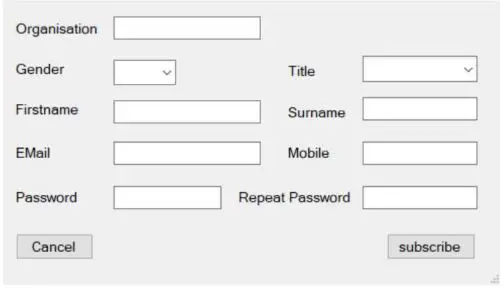
Organisation: The company name must be typed in here as a company or reseller.
Gender: Choose gender
Firstname: Firstname
Surname: Surname
Email: E Mail Adress
Mobile: Mobile phone number
Password: at least 8 characters
At least 1 uppercase letter, lowercase letter, number and special characters No 2 identical characters in a row. → Finally click on register.
Login
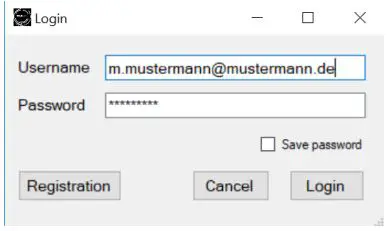
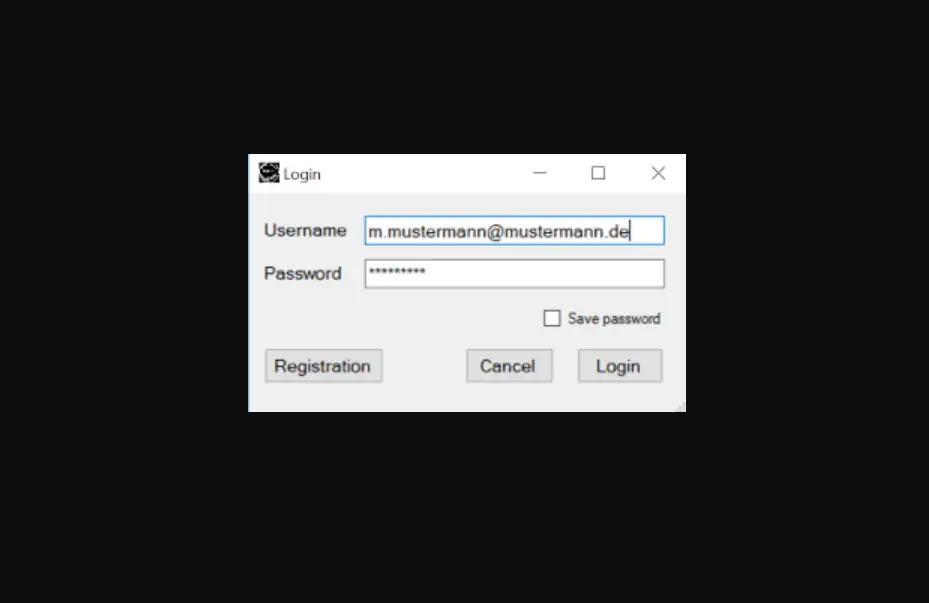
To log in, enter the previously assigned email address and password and then click on Login. In order not to have to re-enter the login data, the mark for “Save Password” can be set.
Firmware Update
After the motor has been successfully connected, if new firmware is available, a message is displayed as to whether it should be imported.
The lower status bar
The lower status bar reports the connection status.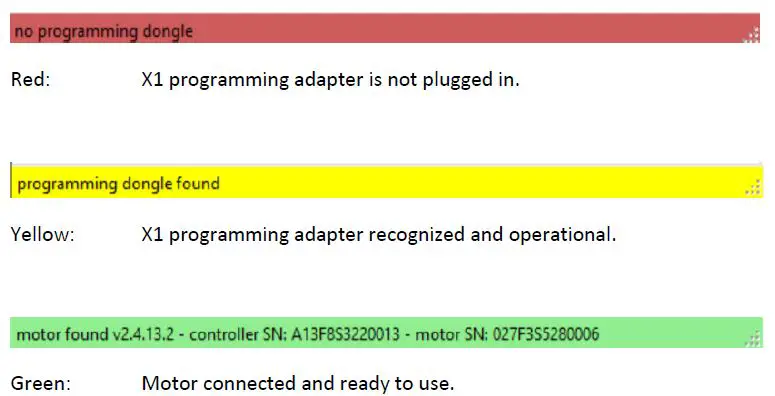
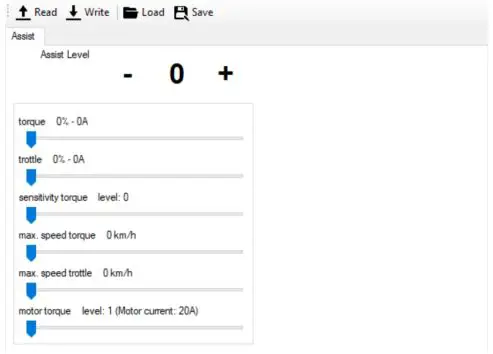
Read: Reading of the currently existing engine settings
Write: Write the motor settings currently displayed on the screen
Assist Level: 1 – 5 Bafang Eco
6 – 10 Bafang Sport
Torque: Maximum available continuous power for pedaling
Throttle: Maximum available continuous power for the throttle
Sensitivity Torque: Sensitivity of the torque sensor. The higher the value, the less force I need when pedaling to get the set maximum power.
peed Throttle: Maximum speed with the throttle
Speed Torque: Maximum speed when pedaling
Motor Torque: Torque when starting
Achtung: After the desired values have been set, use the button the settings are written to the motor.
Save & load settings

Load: Load engine settings saved on the computer.
Attention: The loaded settings must then be written to the motor with the Write button.
Save: Save the engine settings on the computer