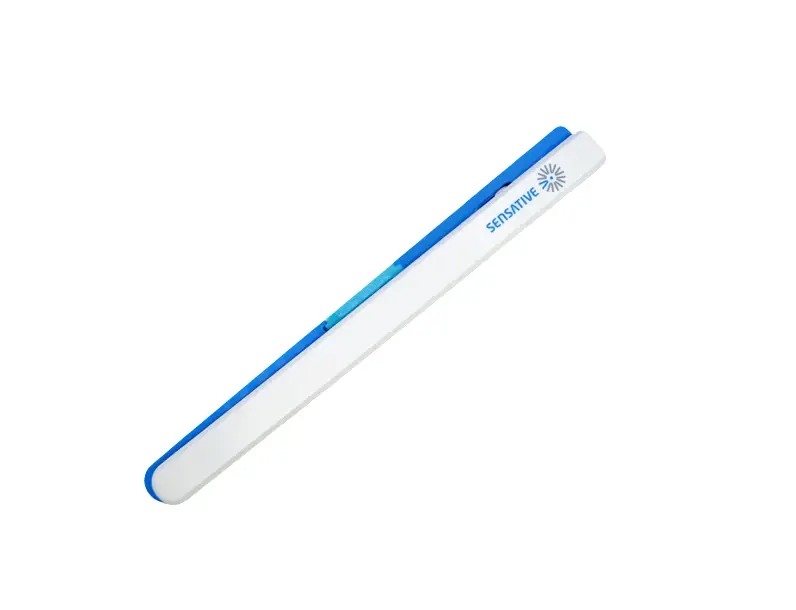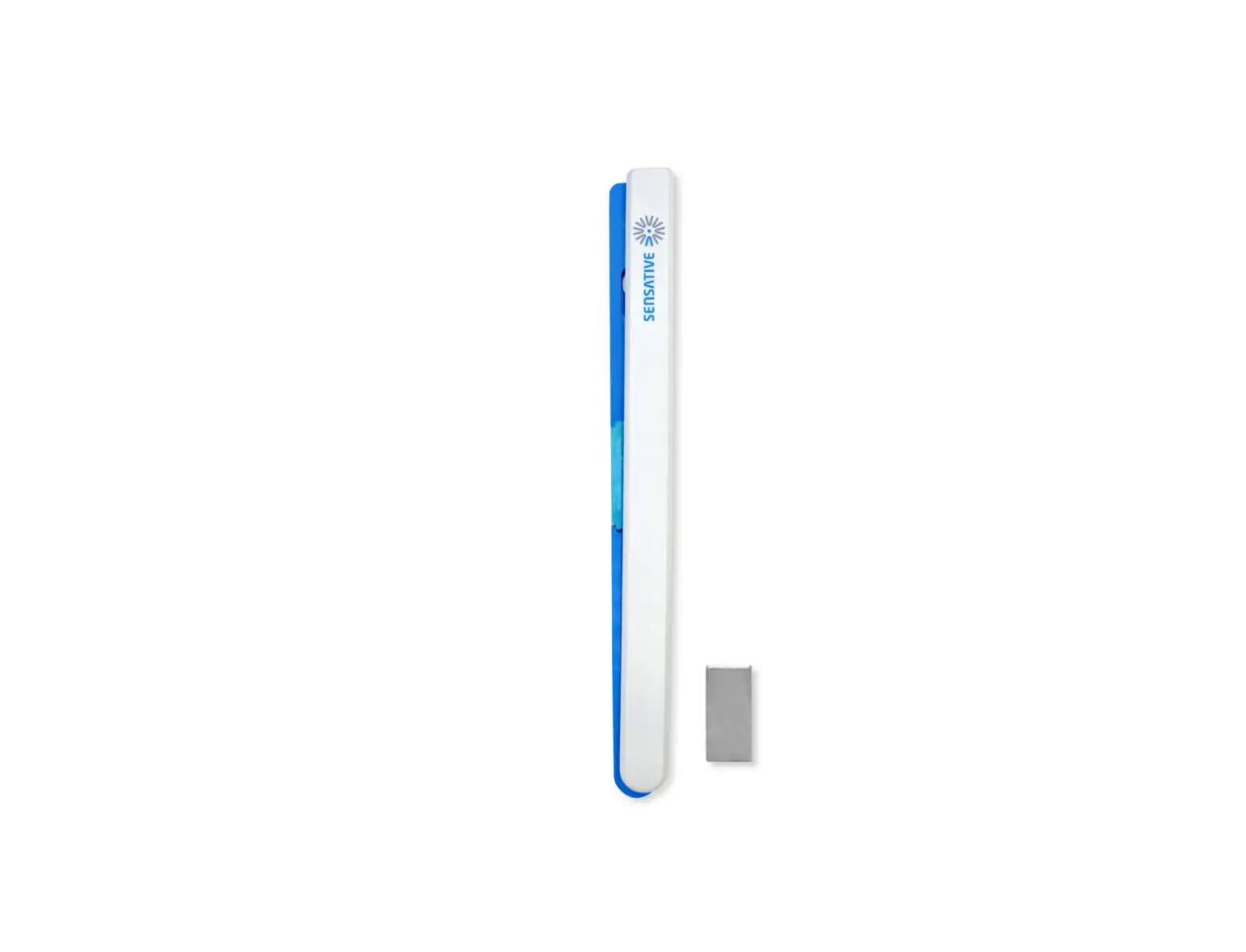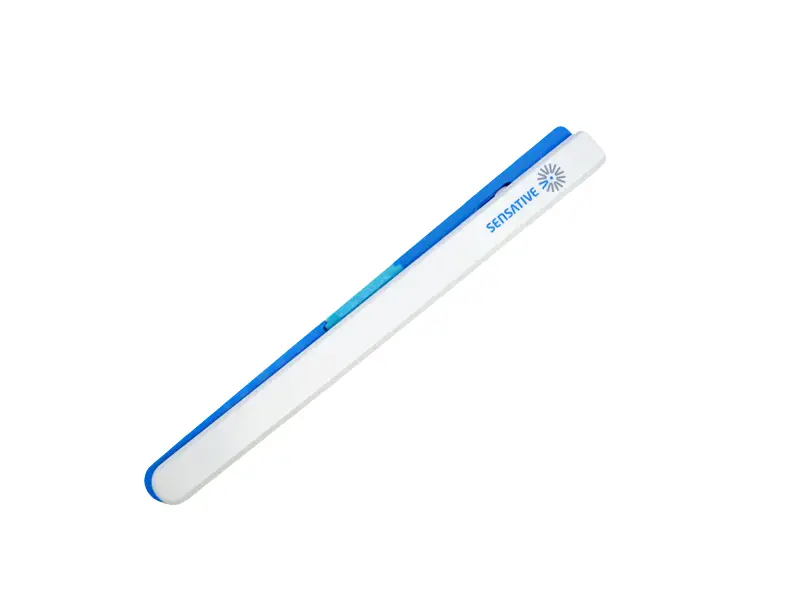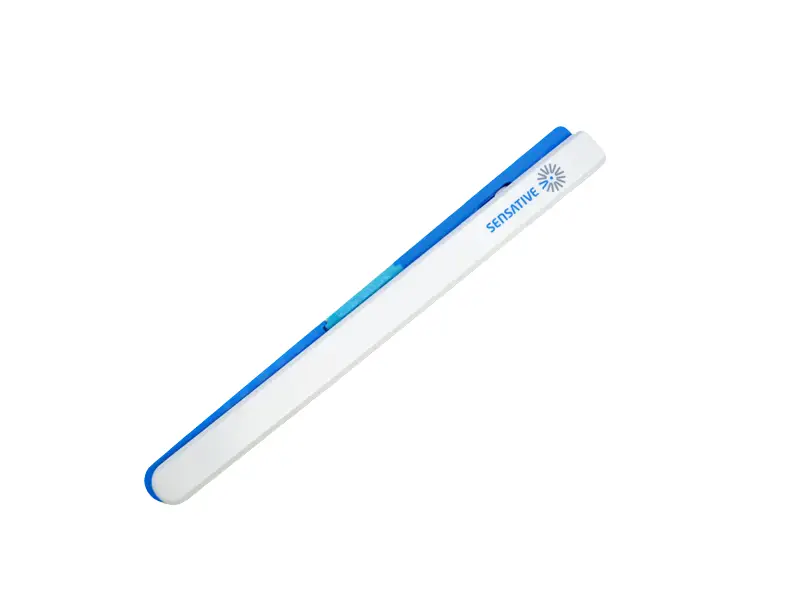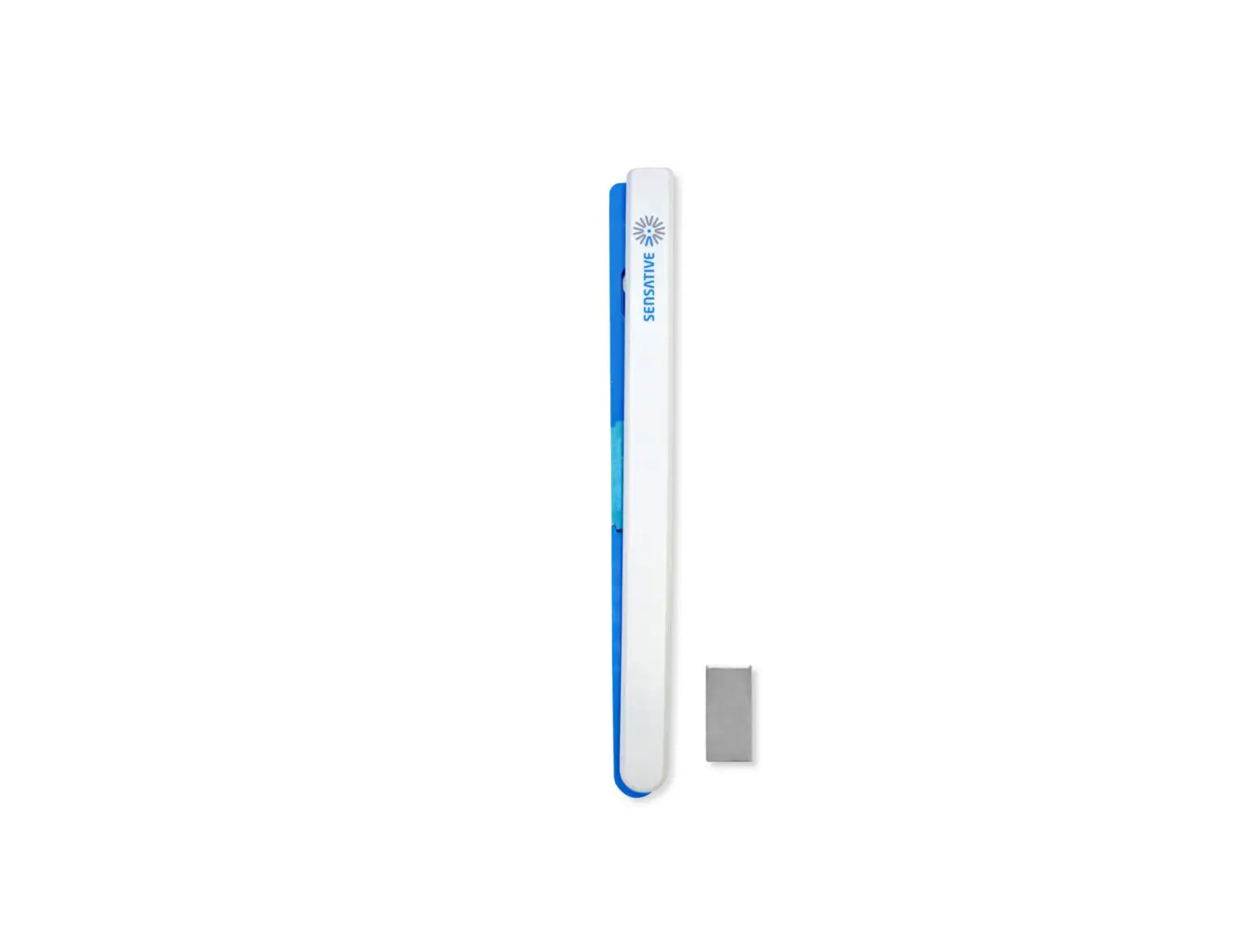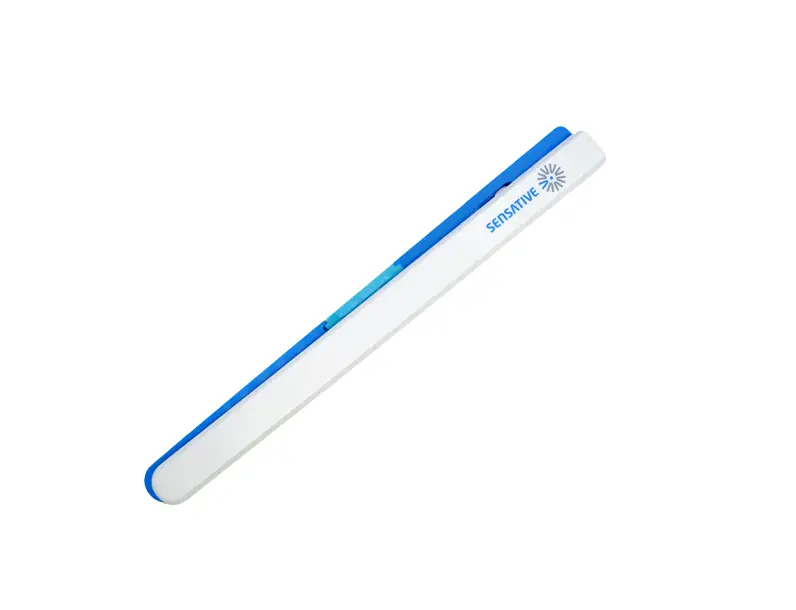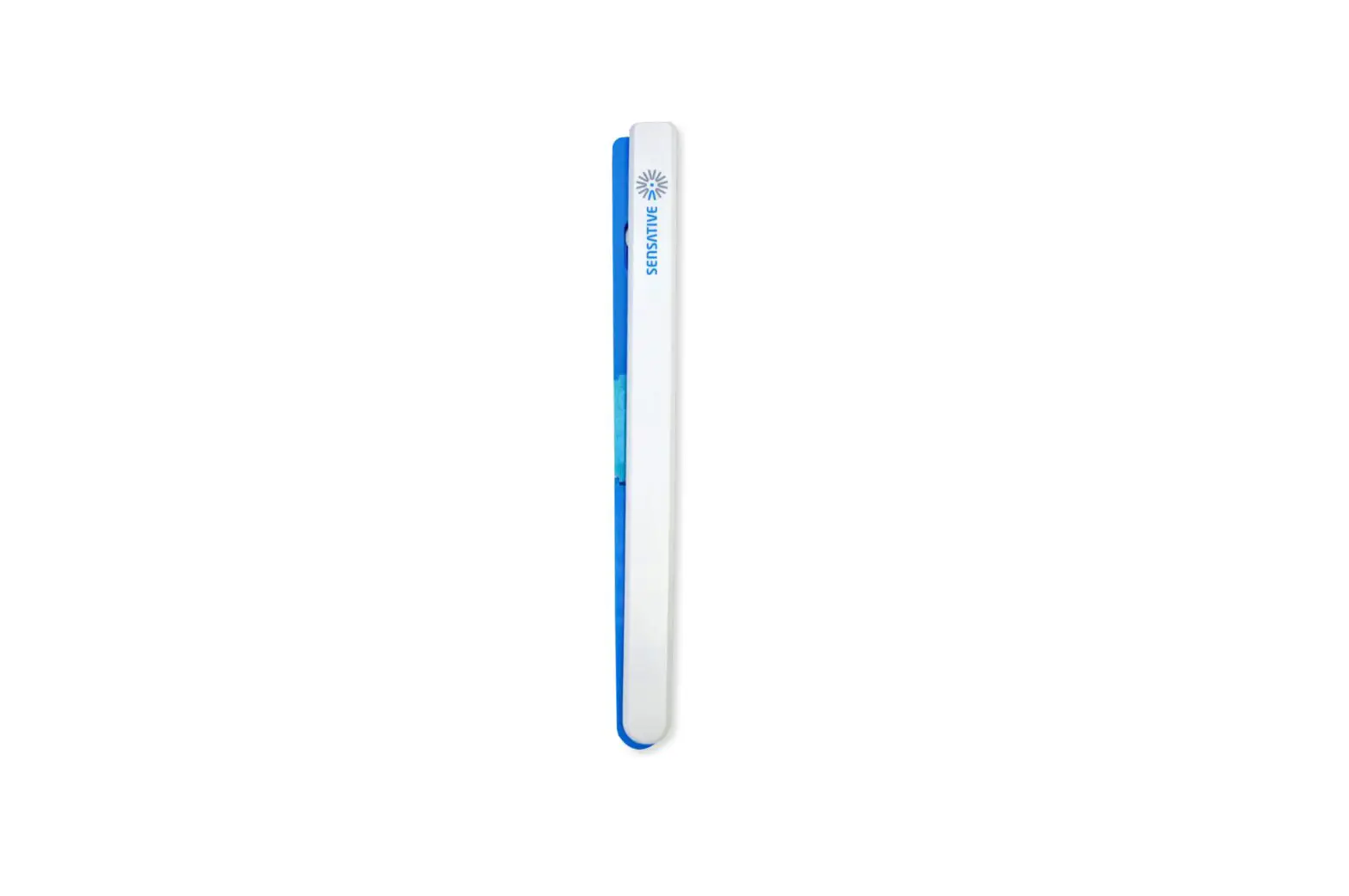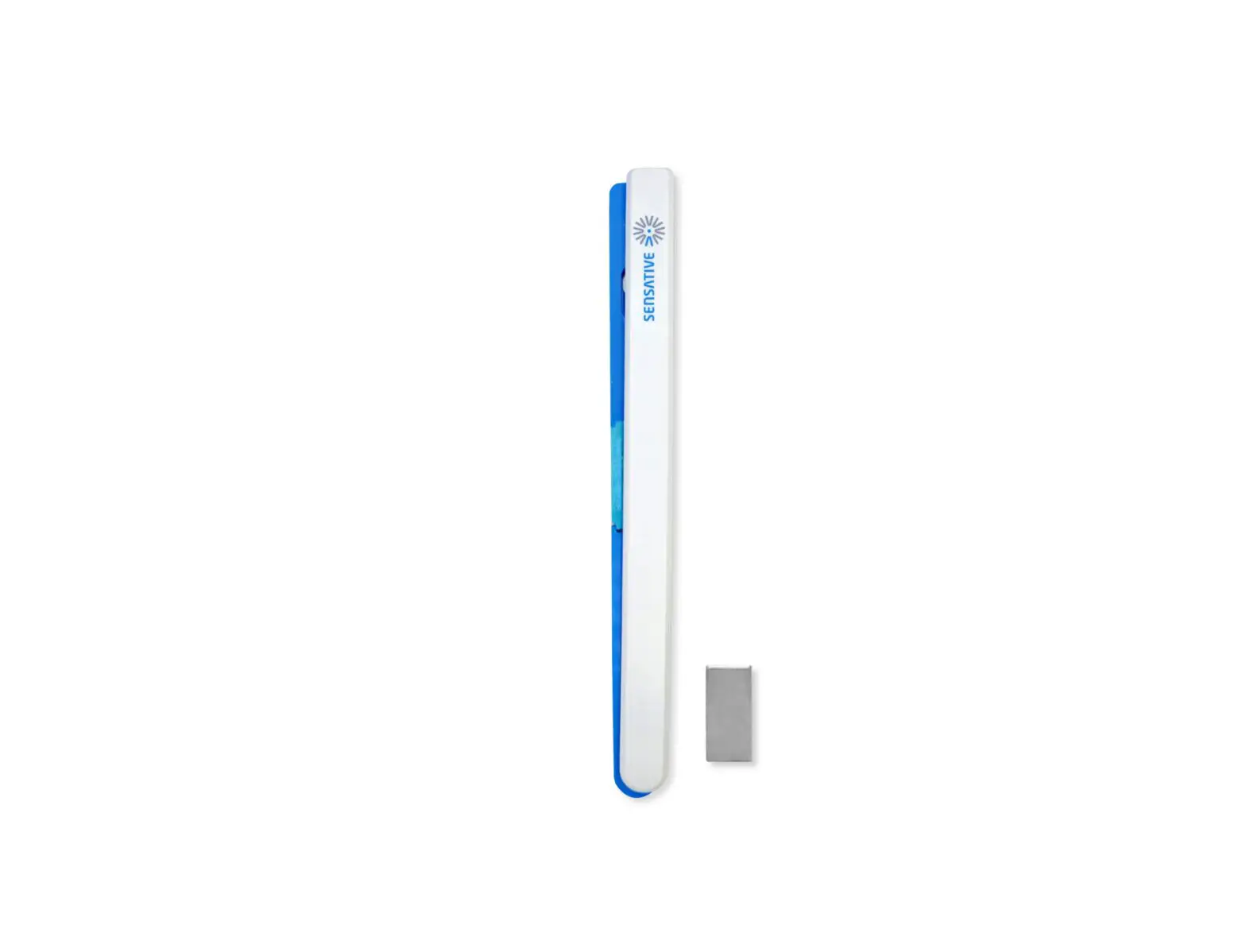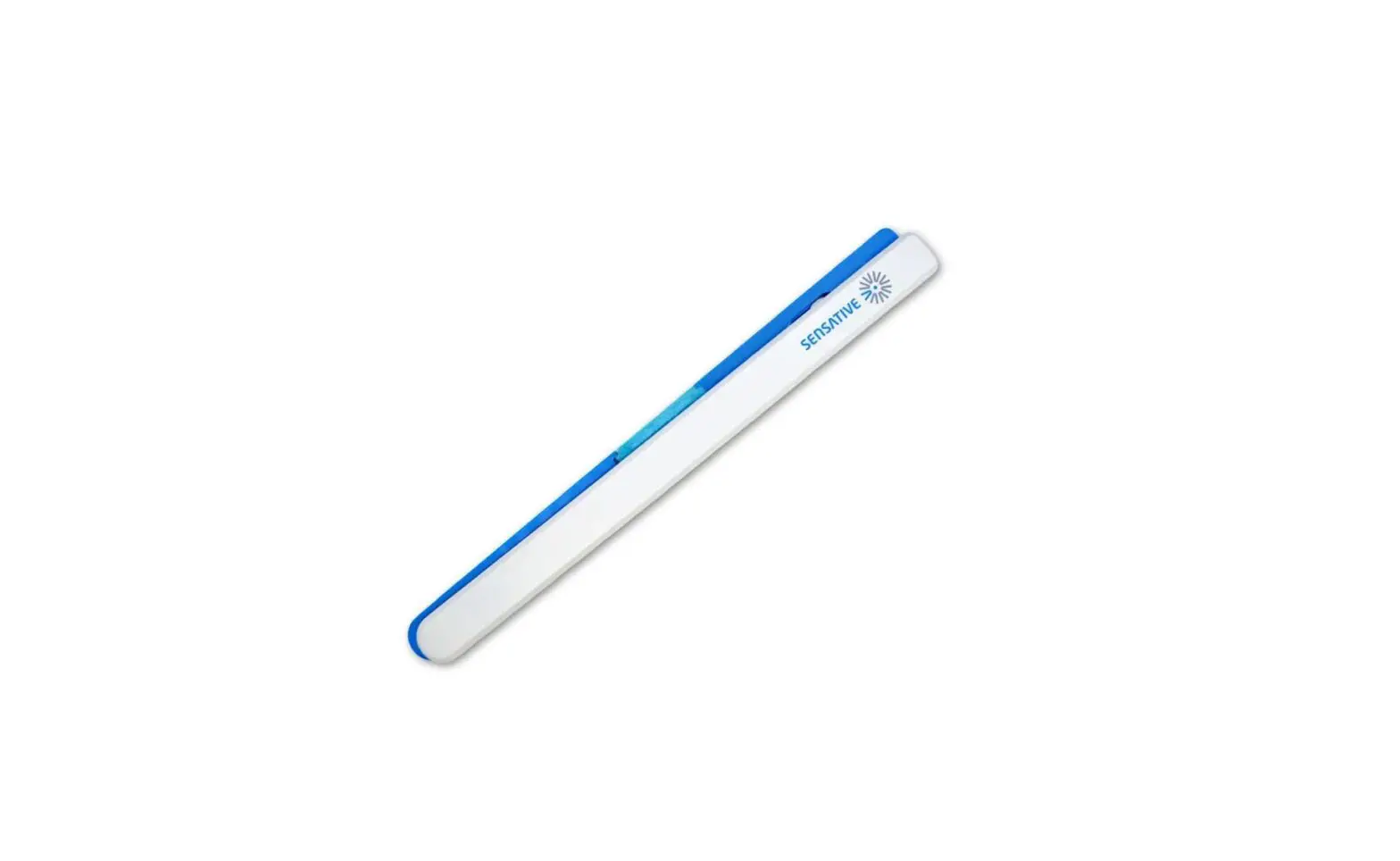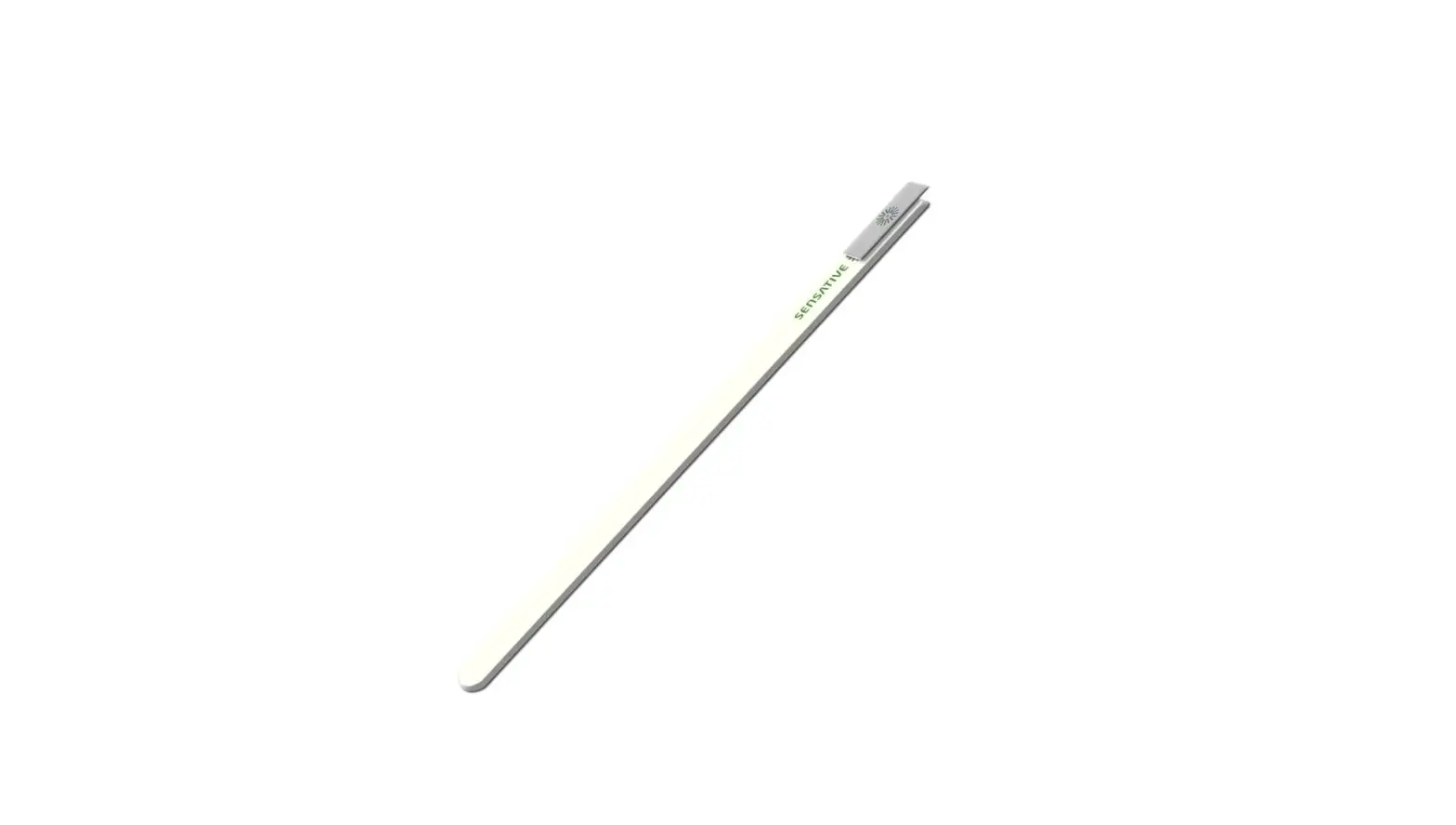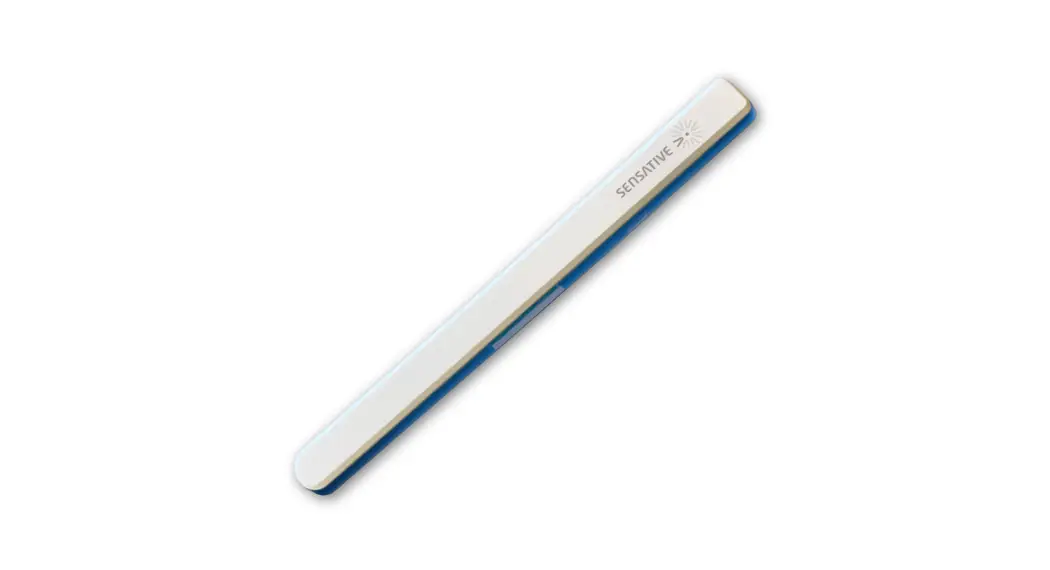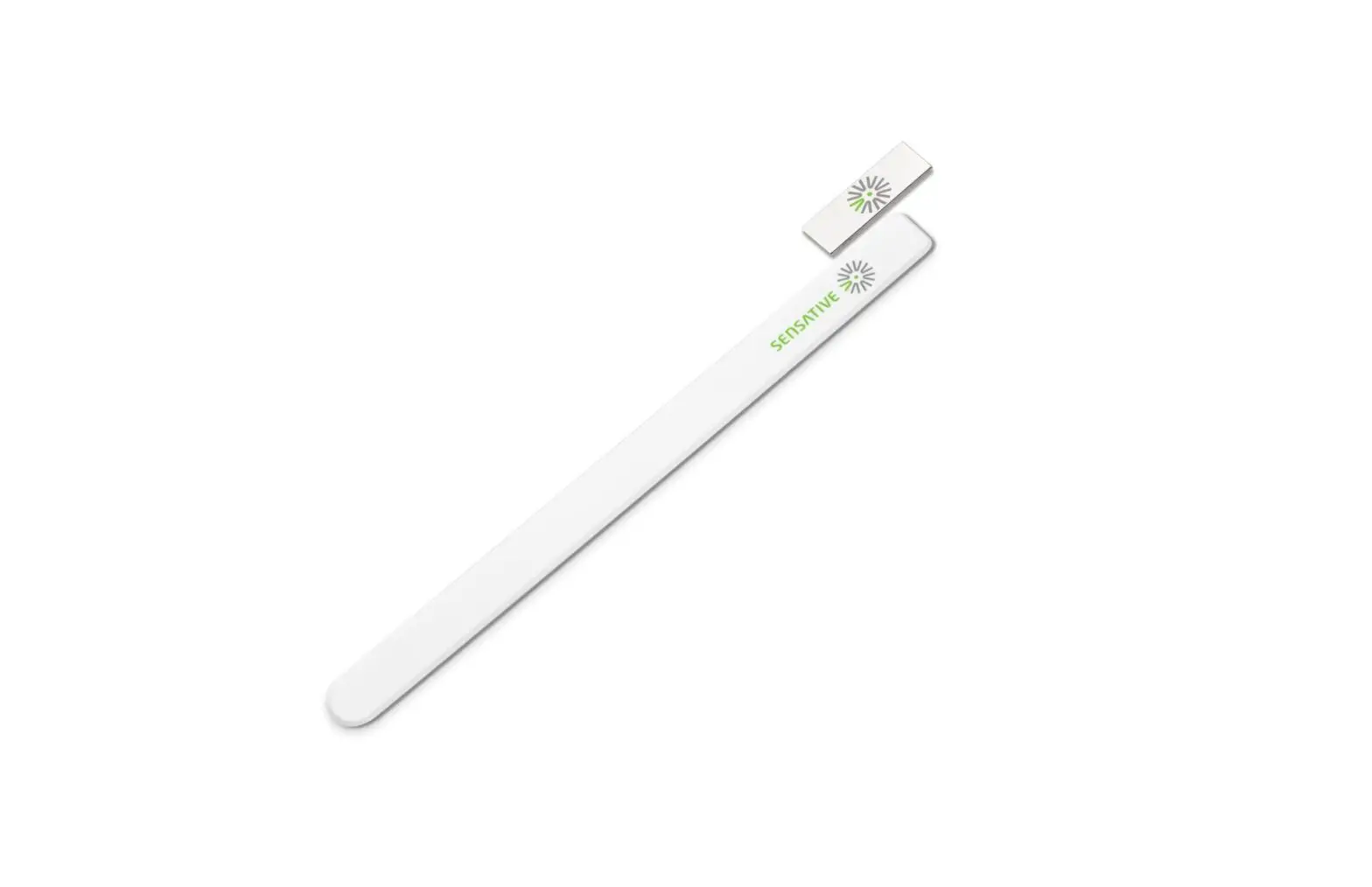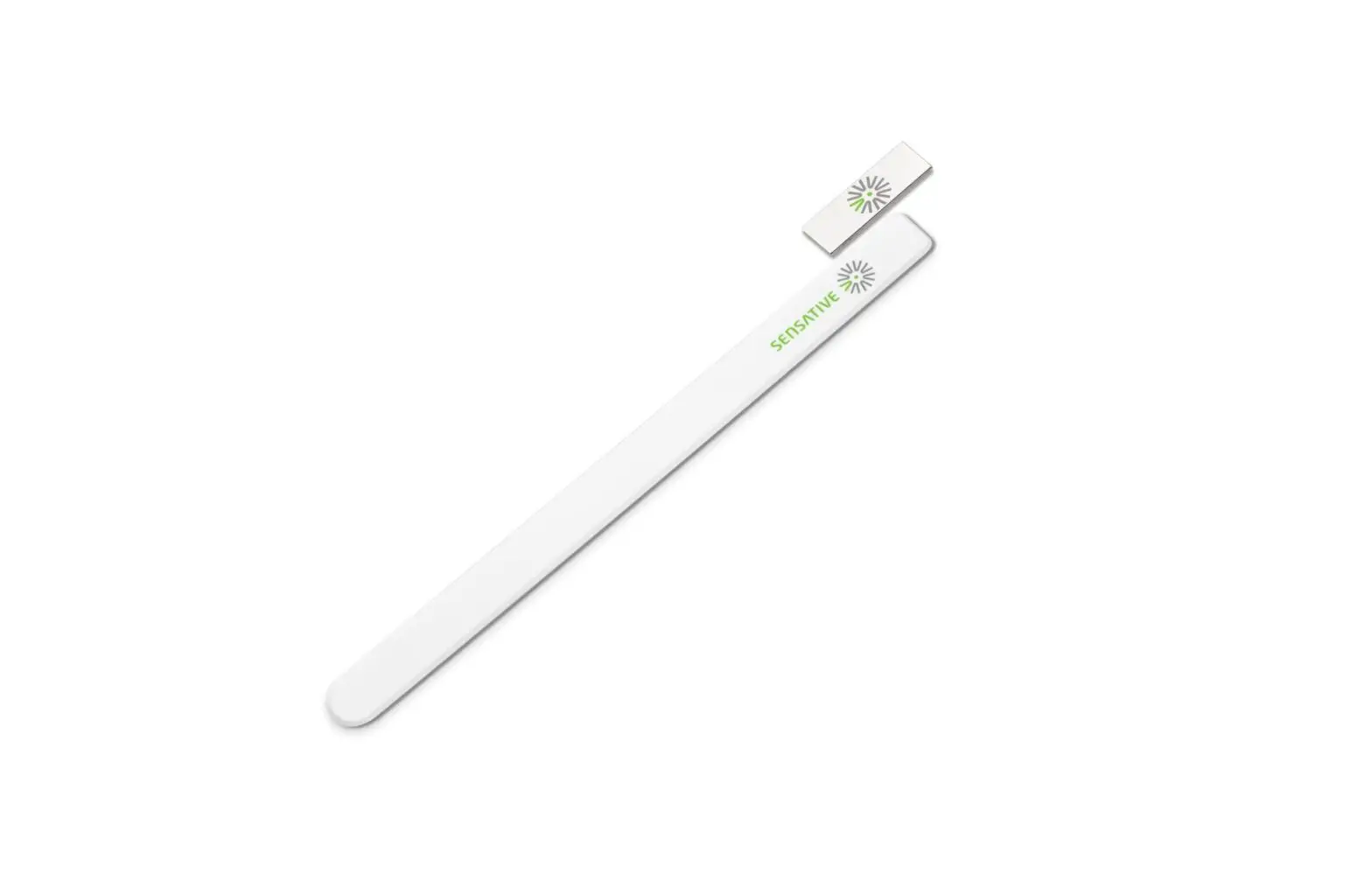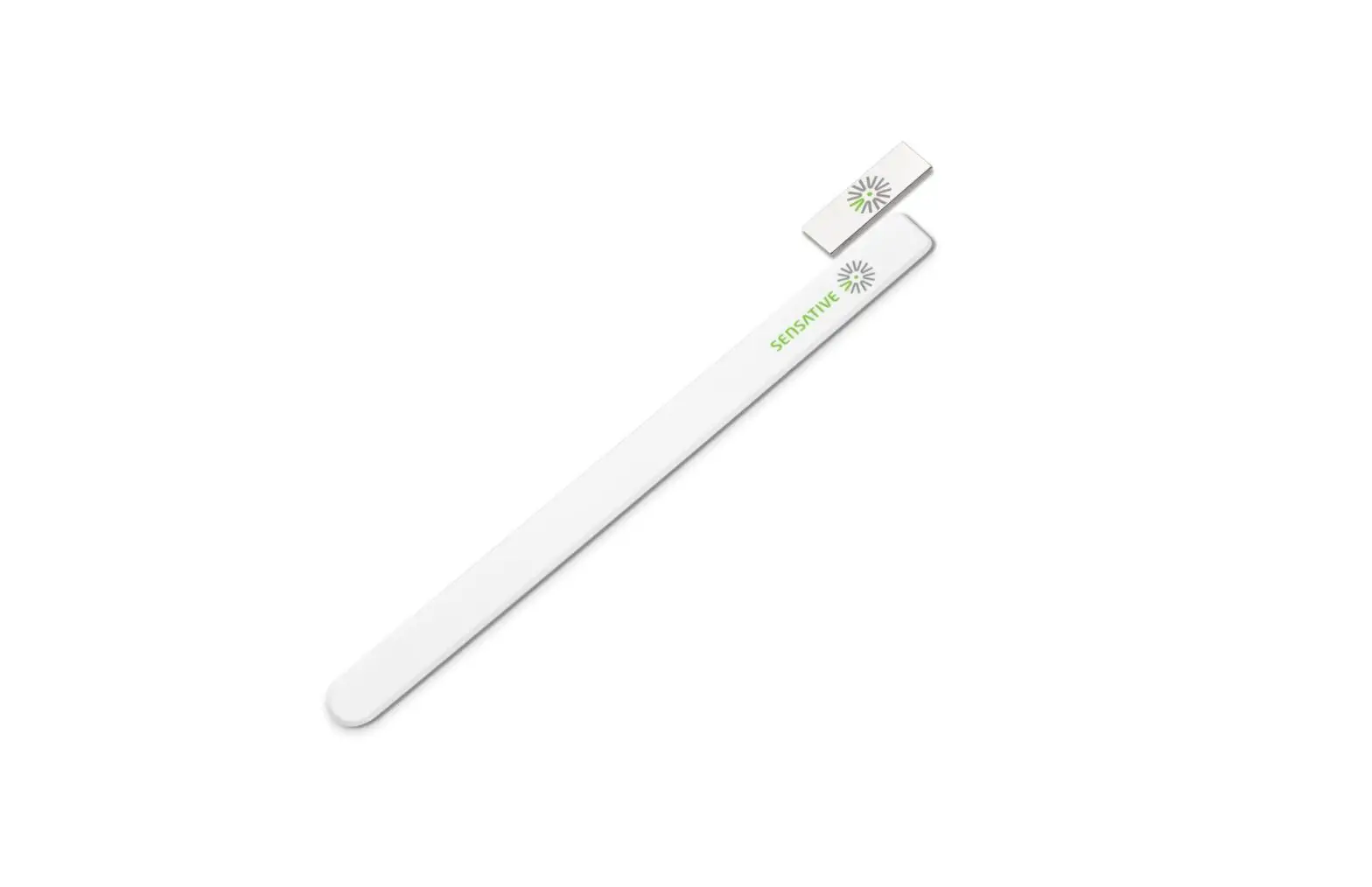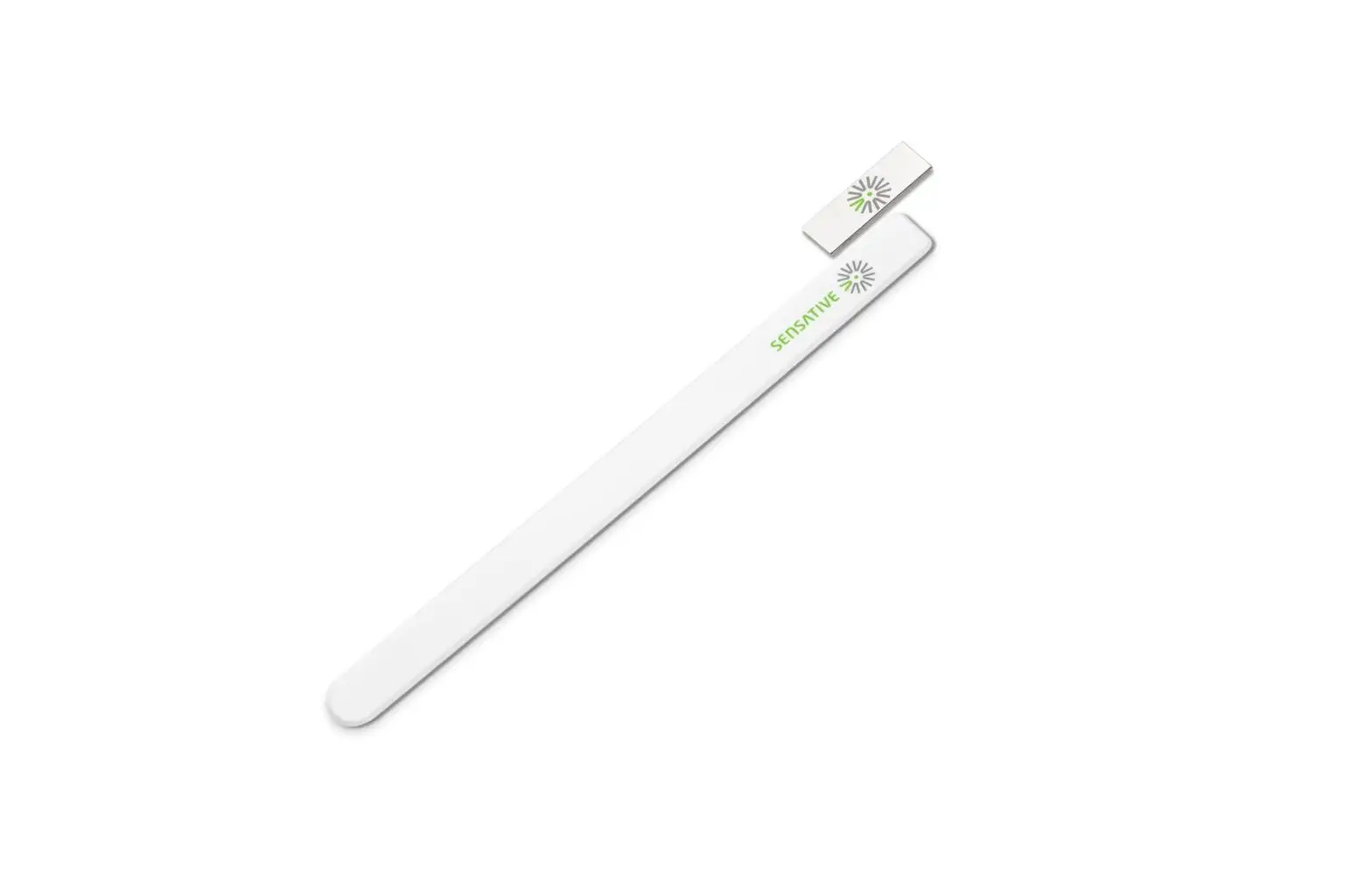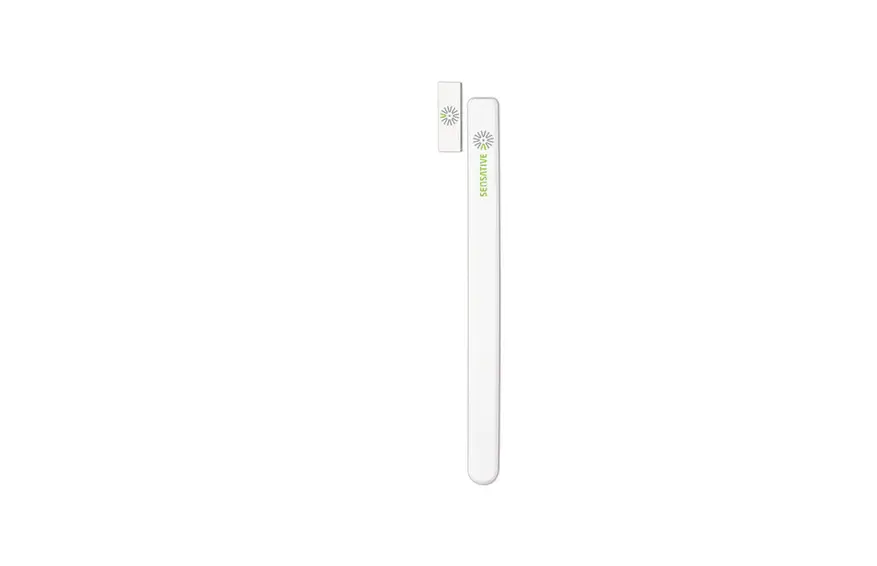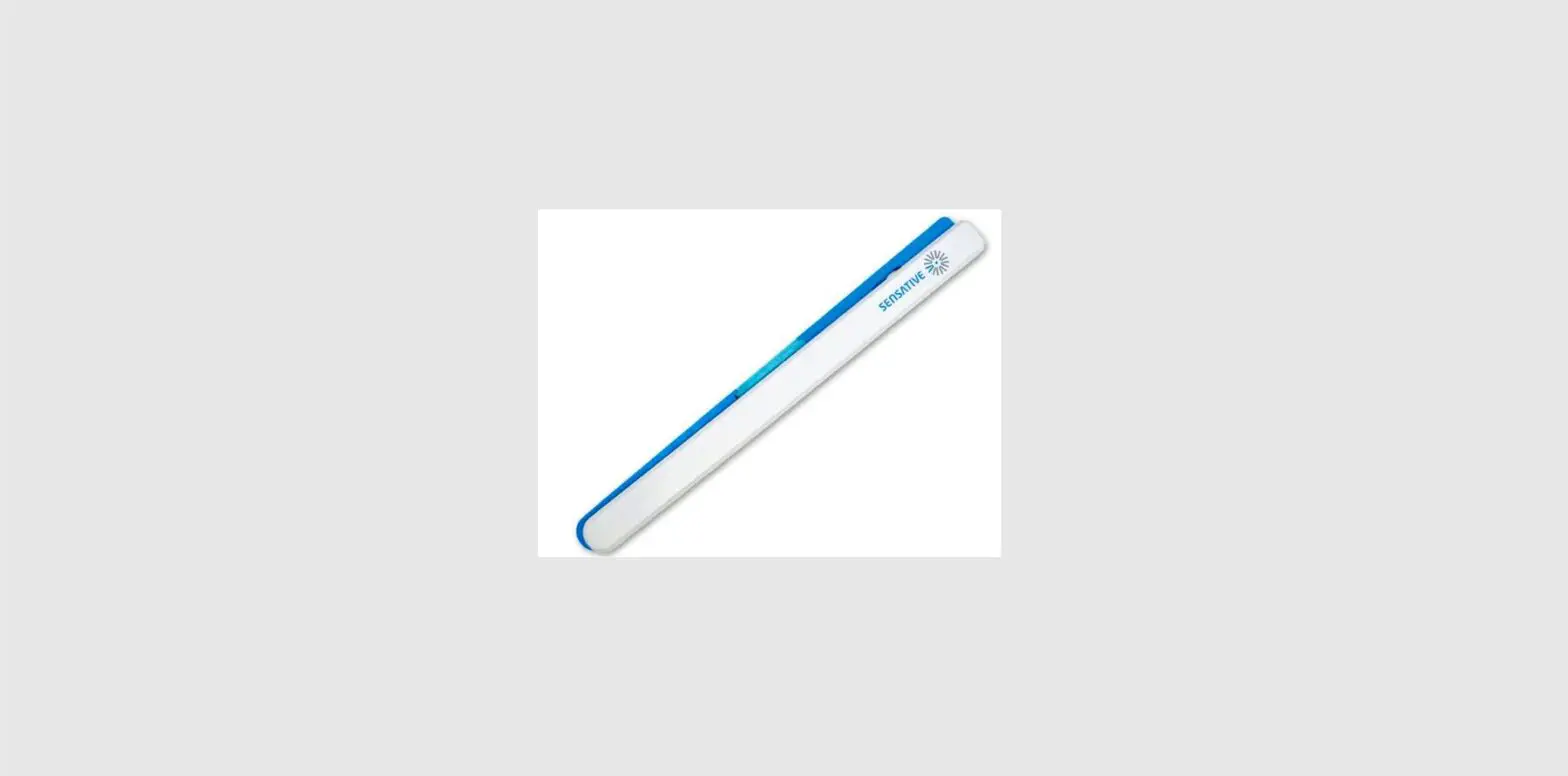

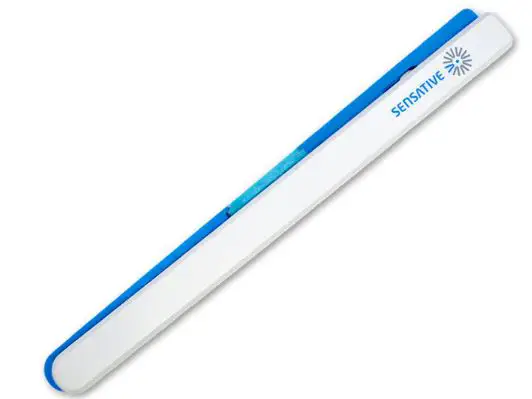
SENSATIVE Strips Drip
INSTALLATION
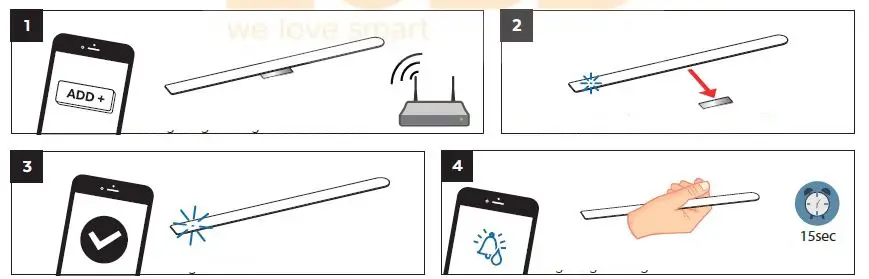
- Put your gateway into add mode
- Remove magnet (see 1 short LED blink)
- 1 long LED blink means success
- Hold in hand and look for status change in your gateway

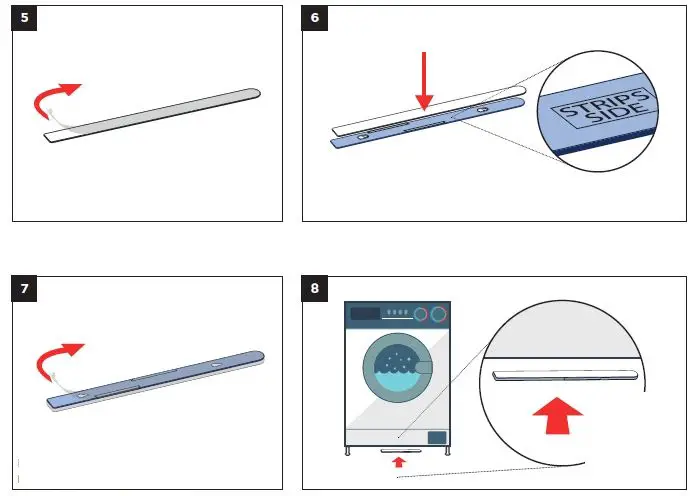
- Remove the protective tape from Strips Drip adhesive
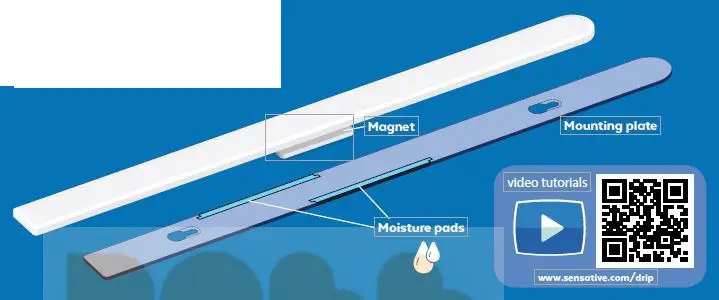
- Mount Strips Drip on the marked “Strips side” of the mounting plate
- Remove the protective tape from the mounting plate and place Strips Drip firmly on the surface
- Place Strips Drip so that the moisture detection pads will soak any leaking water

PRODUCT DESCRIPTION
SENSATIVE STRIPS DRIP ILLUSTRATIONS MANUAL
Colors used:
PANTONE 285C – Blue, background first spread PANTONE 2718C – Light Blue, Box background for QR code CMYK – All other details
Black Coating on all surfaces: Matte UV Coating
 Drip (500) Archives - Sensative