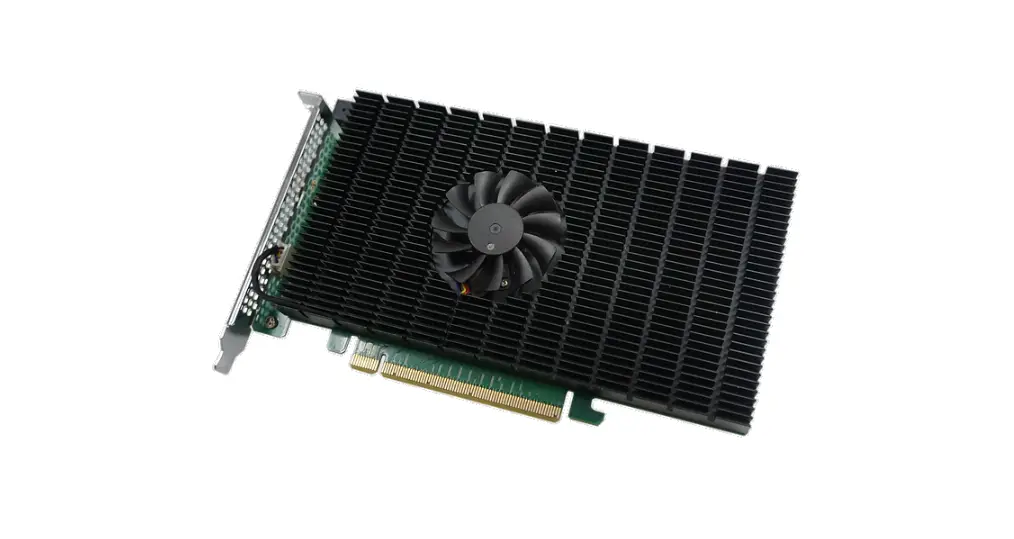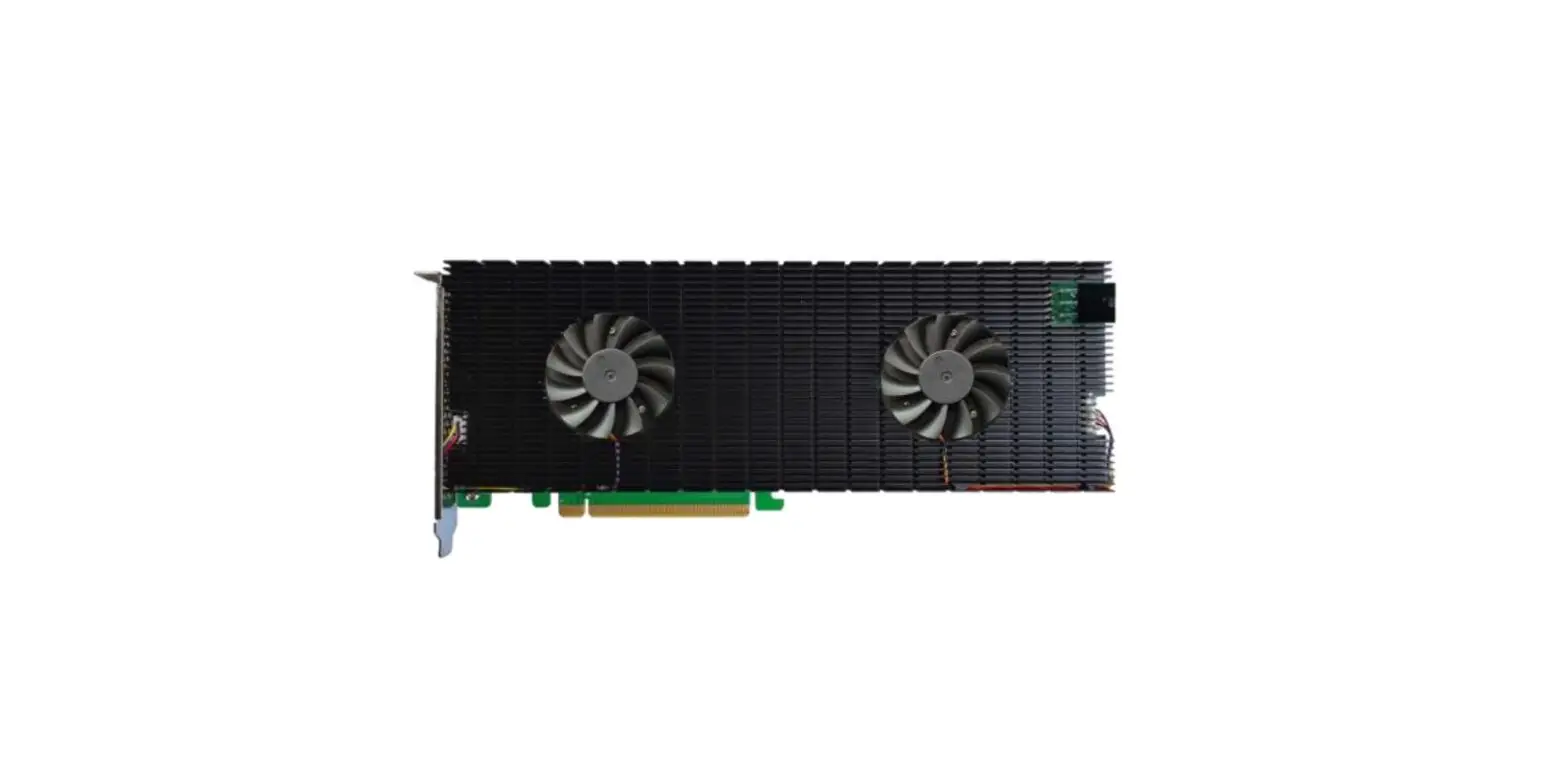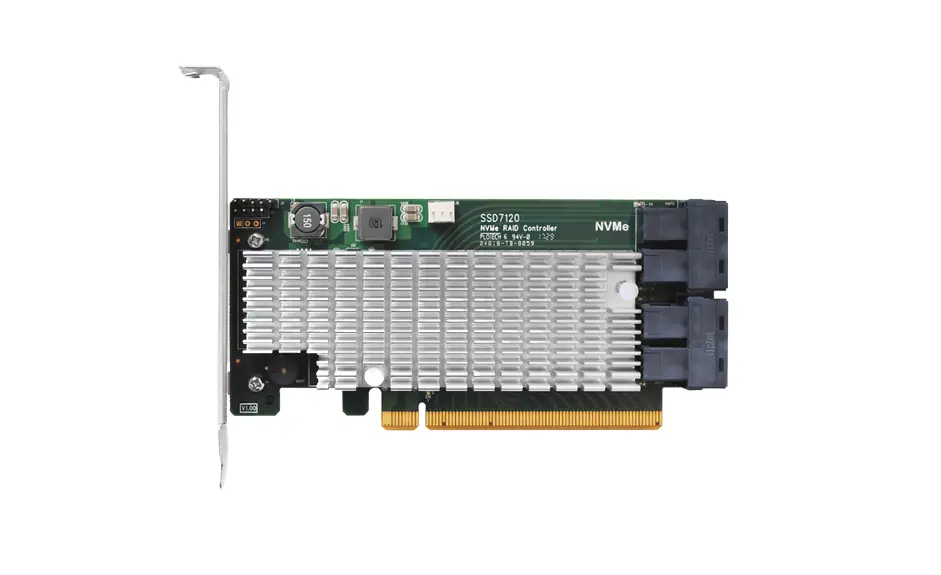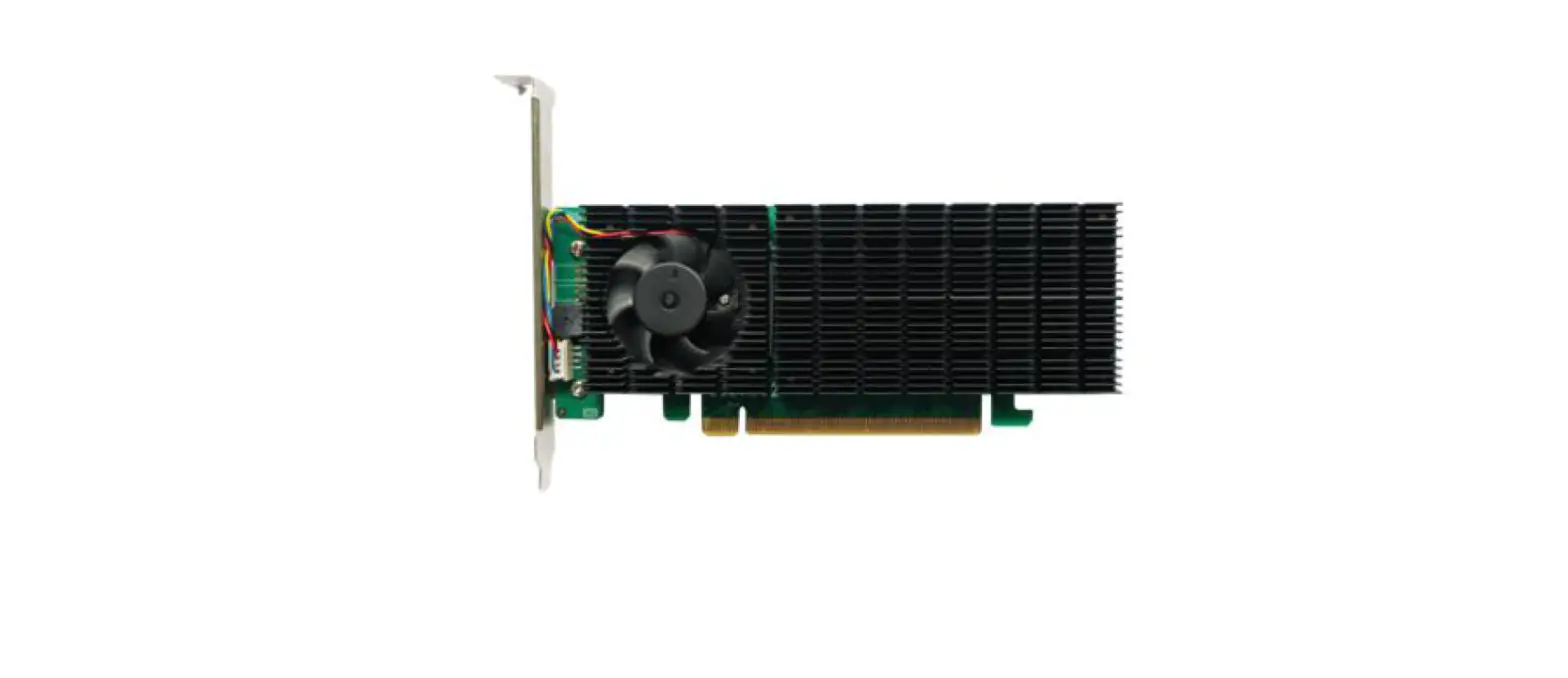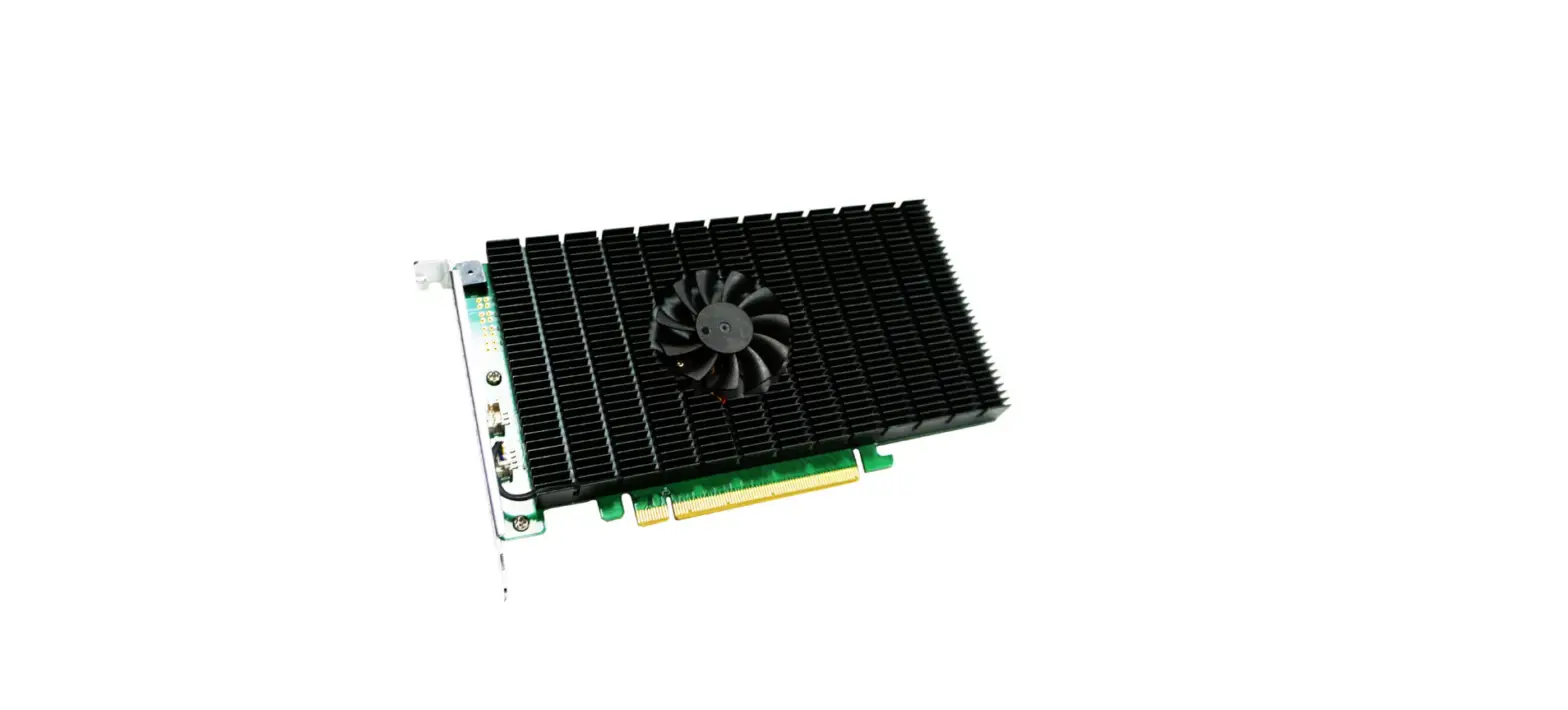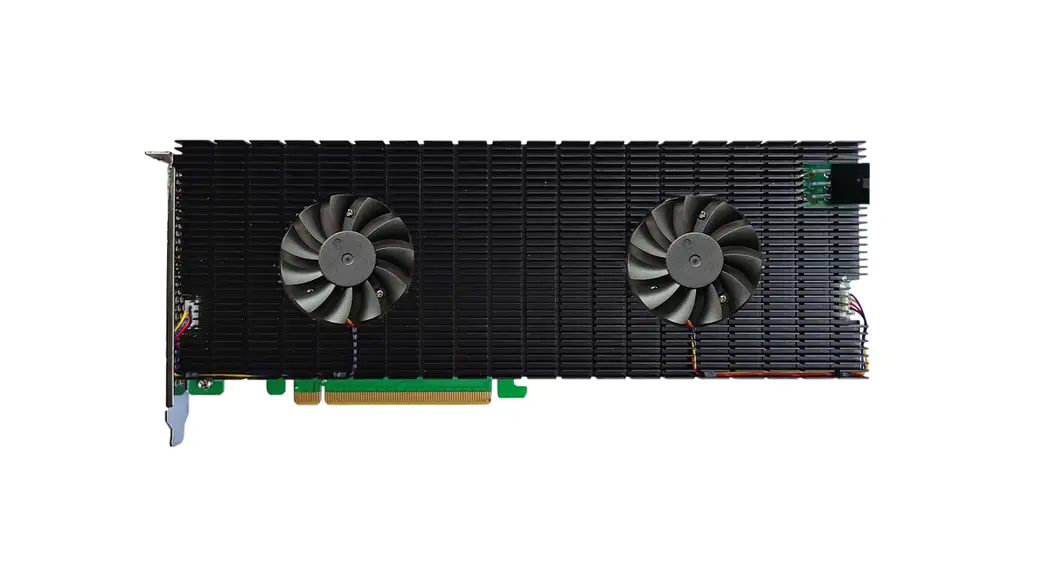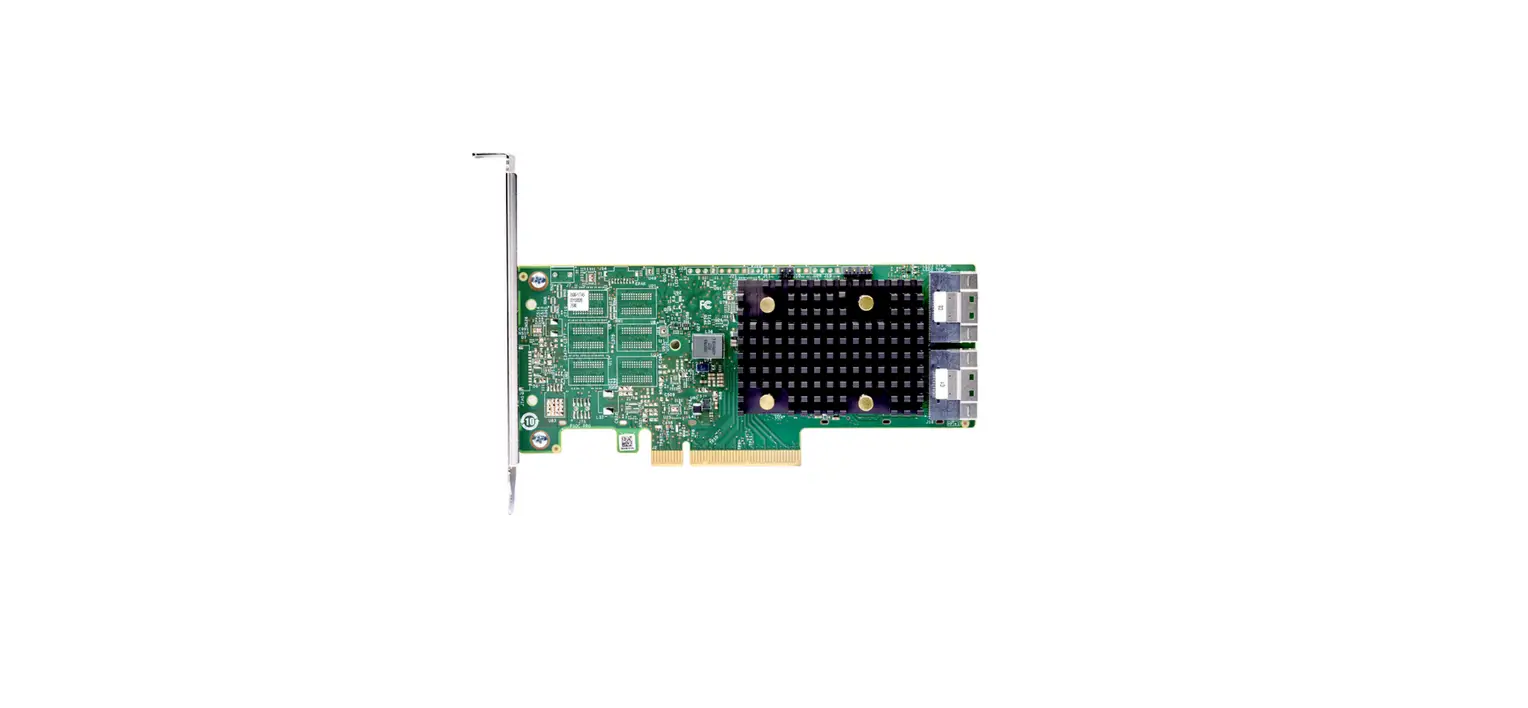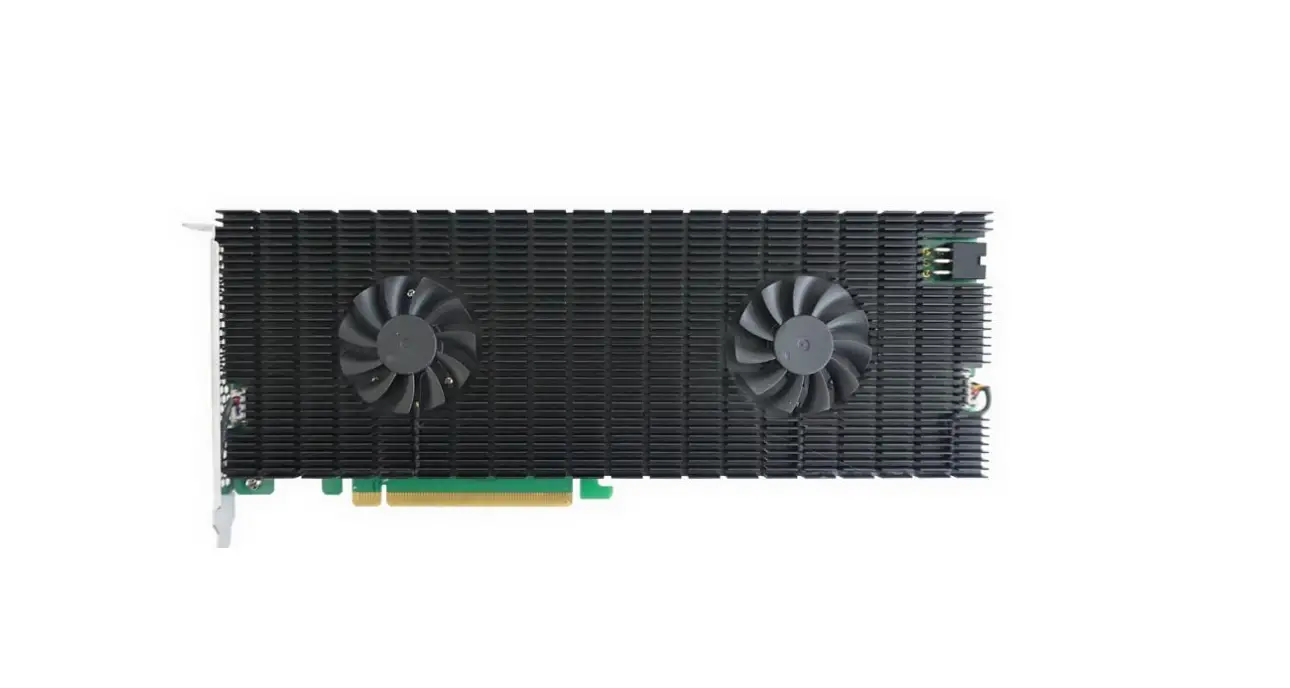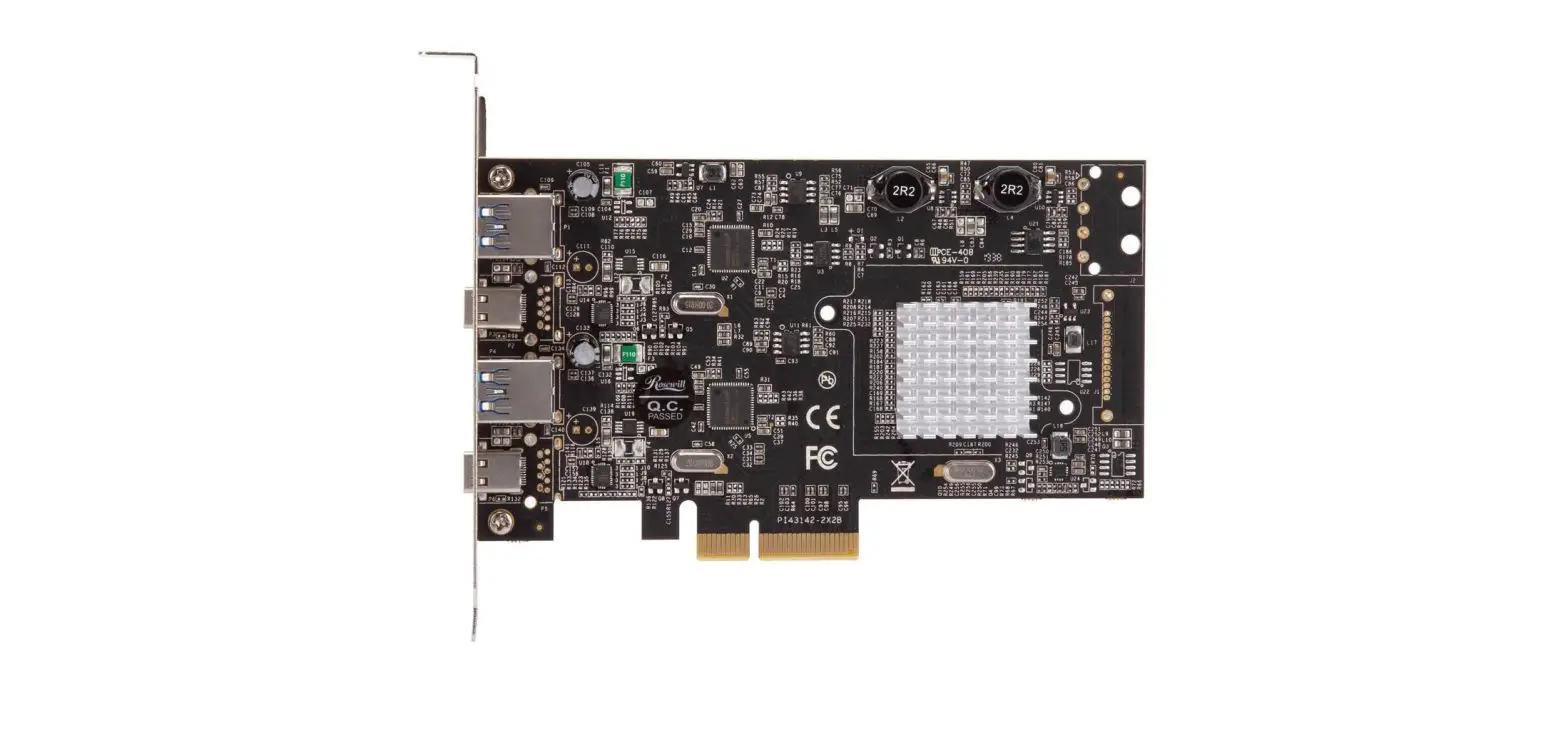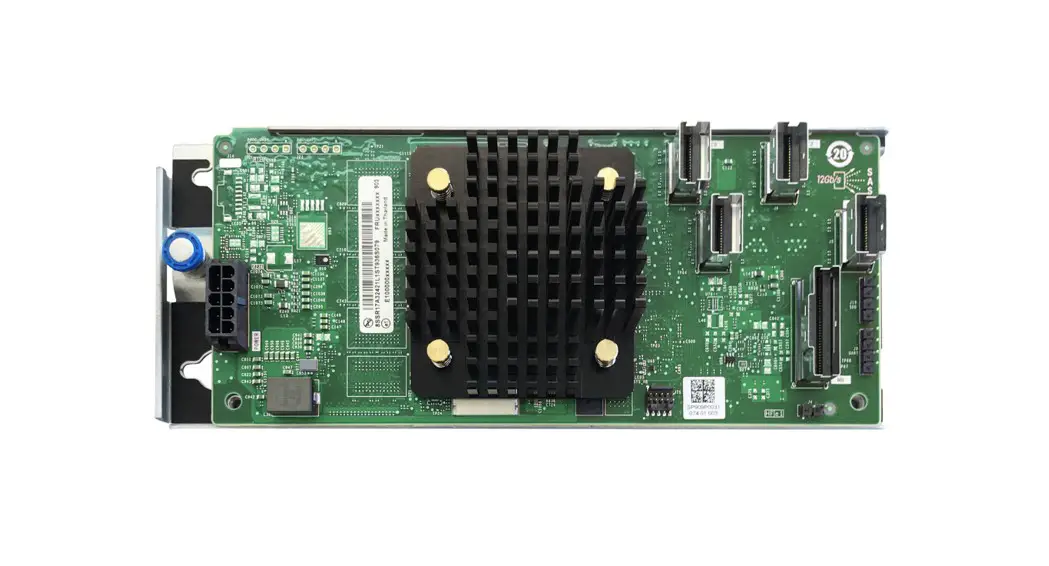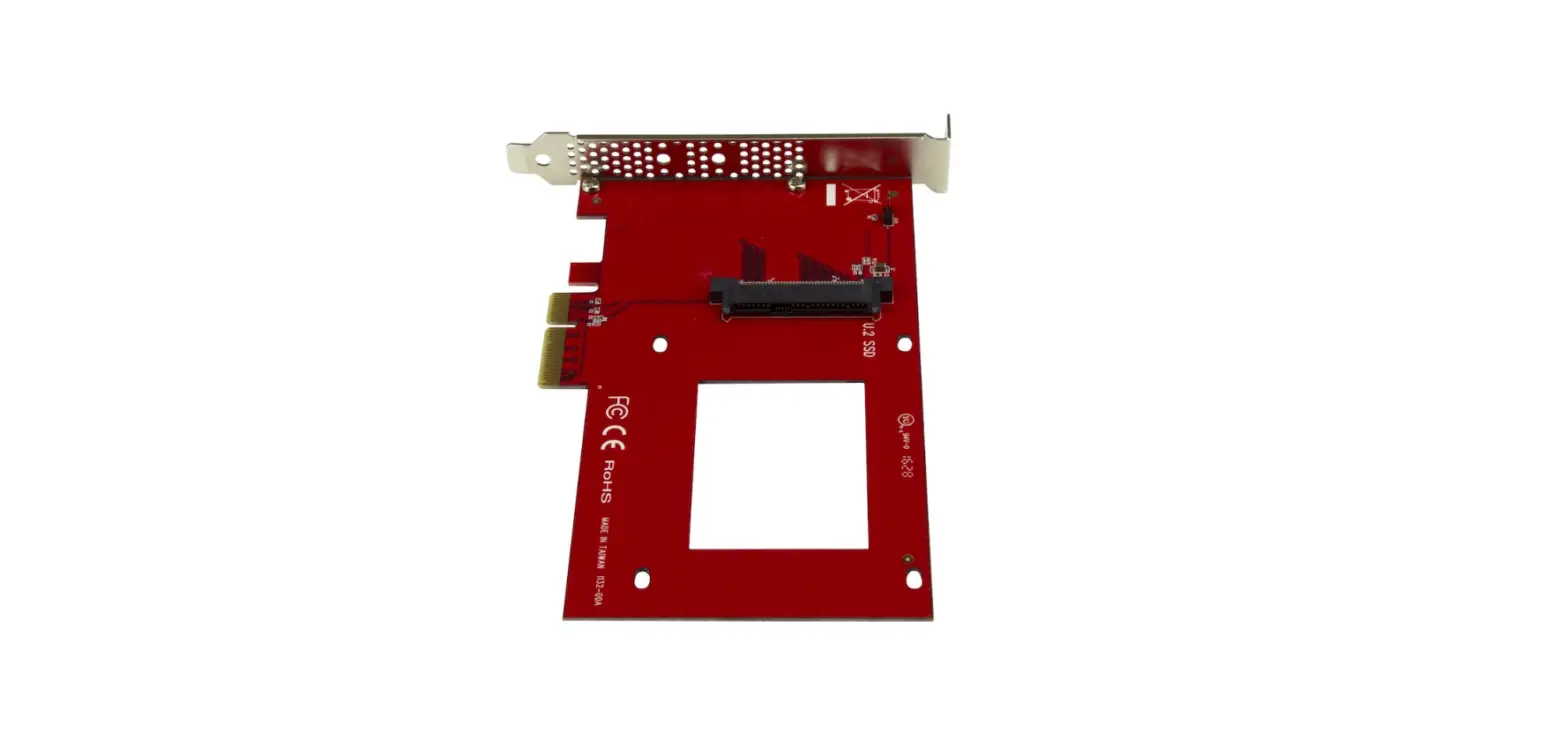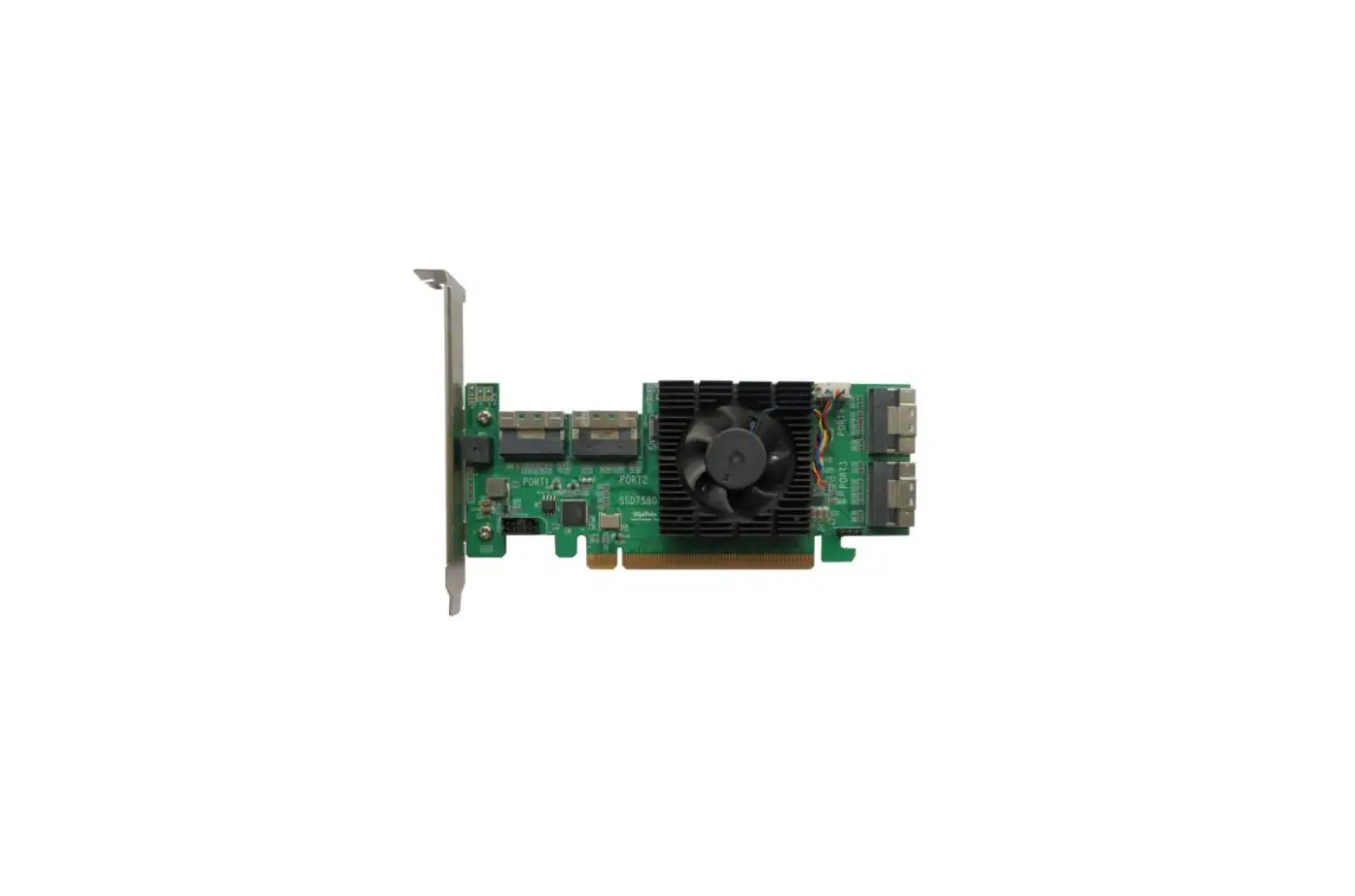

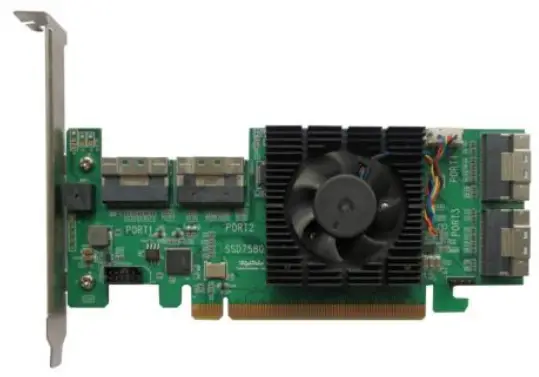
HighPoint Rocket 1580 8x U.2 Port to PCIe 4.0 x16 NVMe HBA Controller
System Requirements
PC Requirements
- System with a free PCIe 4.0 (or 3.0) x16 slot
- Windows 11, 10 / Server 2022, 2019, 2016, Microsoft Hyper-V
- RHEL/Debian/Ubuntu/Fedora/Proxmox/Xenserver (Linux kernel 3.10 and later)
- FreeBSD 12.1 and later
R1580 Kit Content
- R1580 Controller Card
- Quick Installation Guide
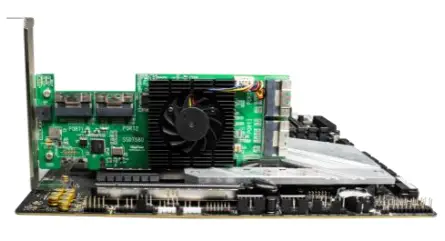
R1580 Hardware
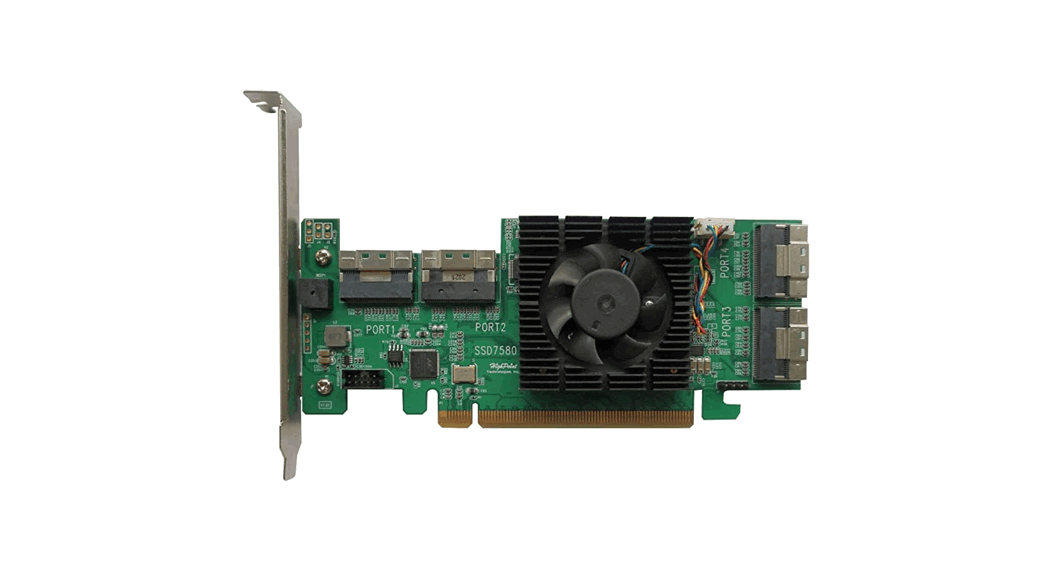
Front View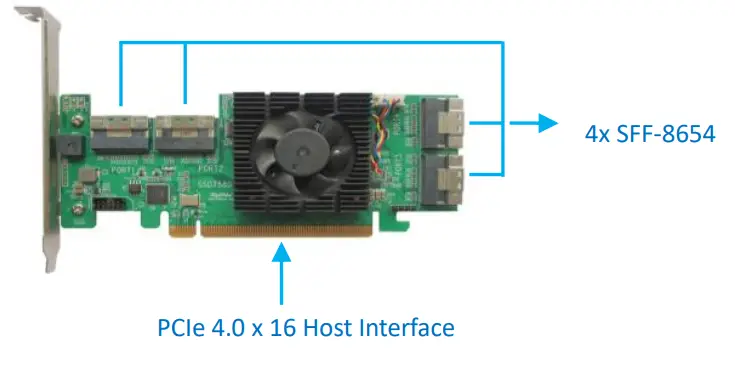
Hardware Installation
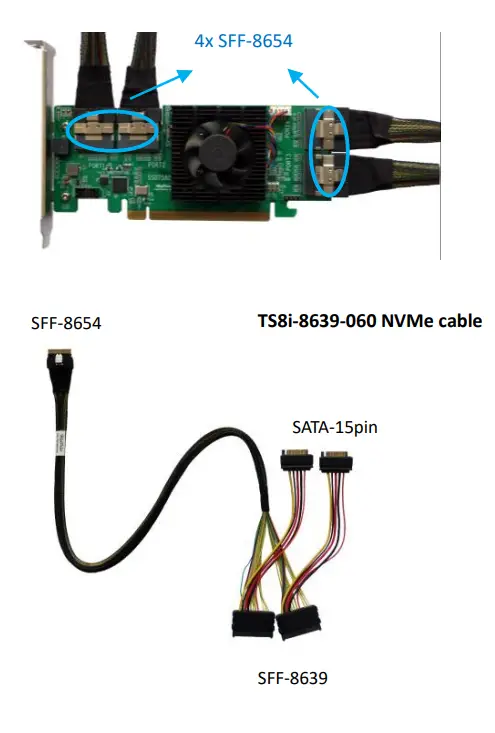
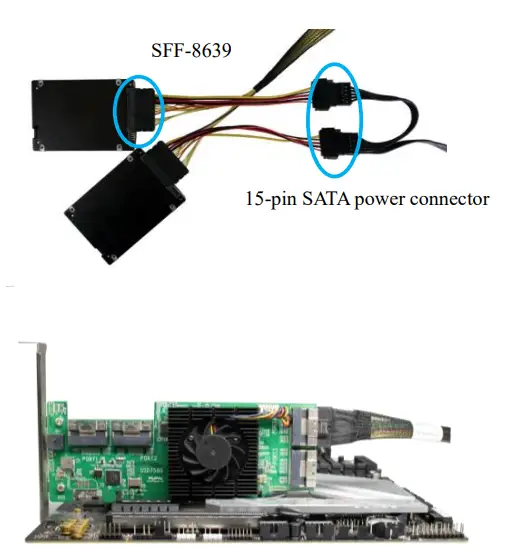
- Step 1: The R1580 provides four device ports that utilize SFF 8654 connectors. These ports accept a variety of HighPoint Certified Cable Acc ess or ies (see the Accessories section towards the end of this guide for more information). The following procedure explains how to connect U.2 NVMe SSDs directly to the R1580 using HighPoint TS8i 8639 060 NVMe cables

- Step 2: Connect the SSDs using TS8i 8639 060 cables The SFF 8639 port should be connected to the NVMe SSD’s U.2 port. The 15-pin SATA power connector should be connected to the system’s power supply.
- Step 3: Insert the R1580 controller into one of the motherboard’s op e n PCI E 4.0 x16 slots.

- Step 4: As described in step 2, connect the SFF 8639 cable connectors to the U.2/U.3 SSDs. Next, connect the SFF 8654 cable connector to one of the R1580’s four device ports (Ports 1 through 4)

- Step 5 Connect the remaining NVMe SSDs to the R1580 as described above. Once complete, Power on the system
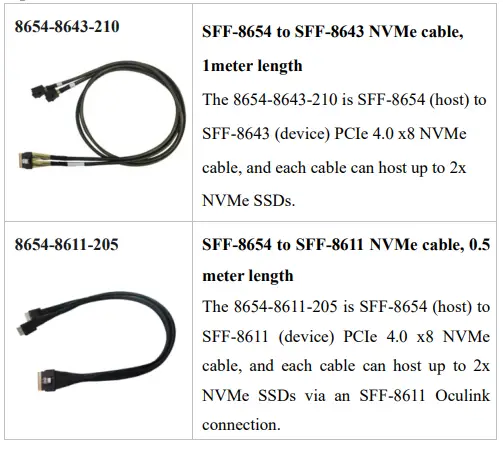
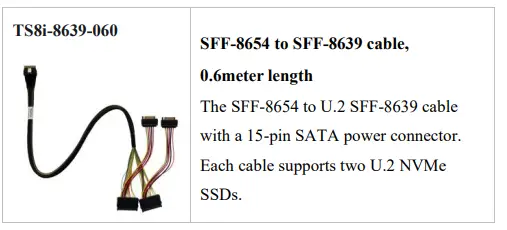
Optional Certified Cable Accessories

Resources
We recommend visiting the Software Downloads webpage for the latest drivers, management interfaces, and installation guides.
Document Downloads:
https://www.highpoint-tech.com/hba-gen4-nvme-u2
Customer Support
If you encounter any problems while utilizing the R1580, or have any questions about this or any other HighPoint Technologies, Inc. product, feel free to contact our Customer Support Department.
Web Support:
https://www.highpoint-tech.com/support-and-services
HighPoint Technologies, Inc. websites:
https://www.highpoint-tech.com
 Home | HighPoint Technology Inc.