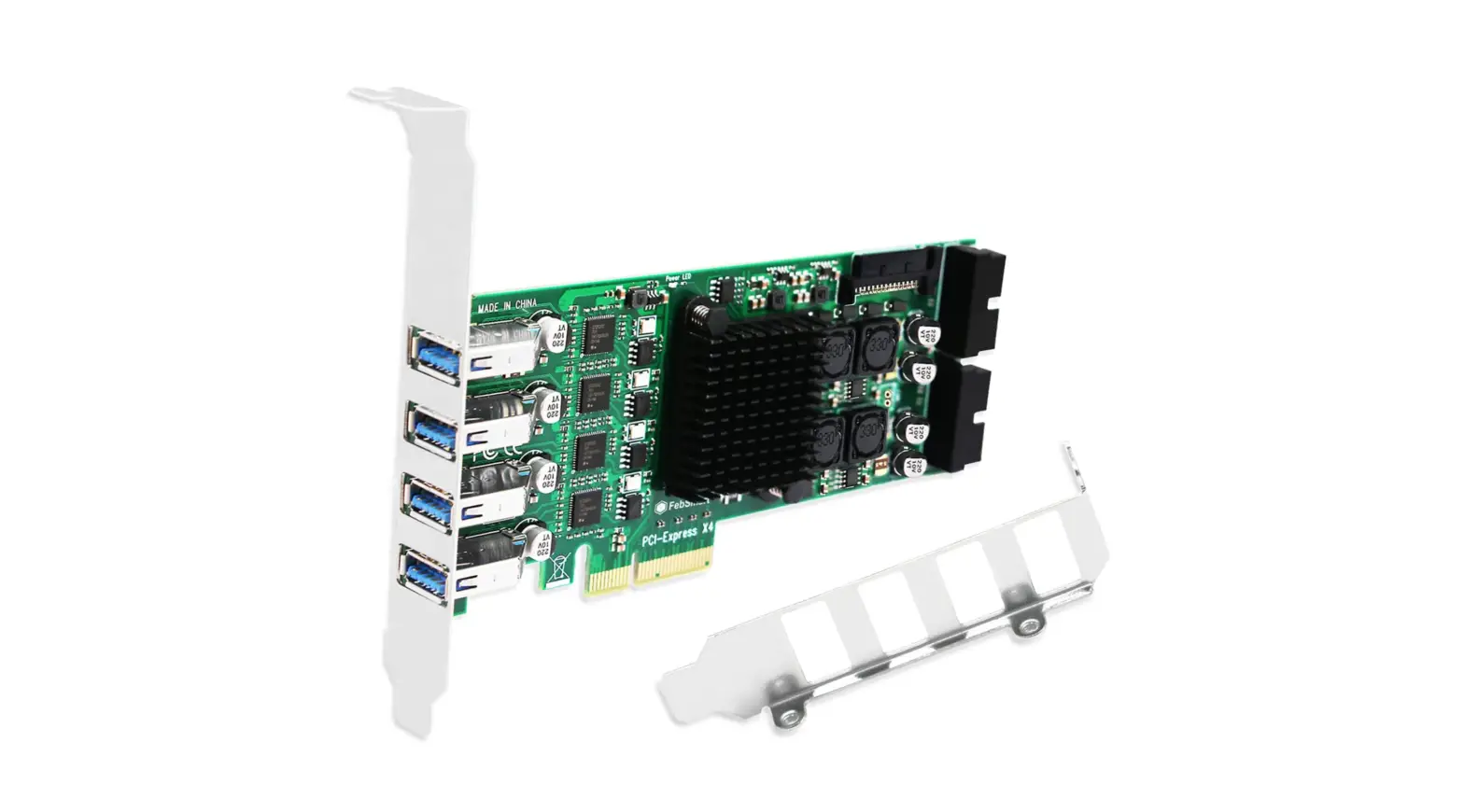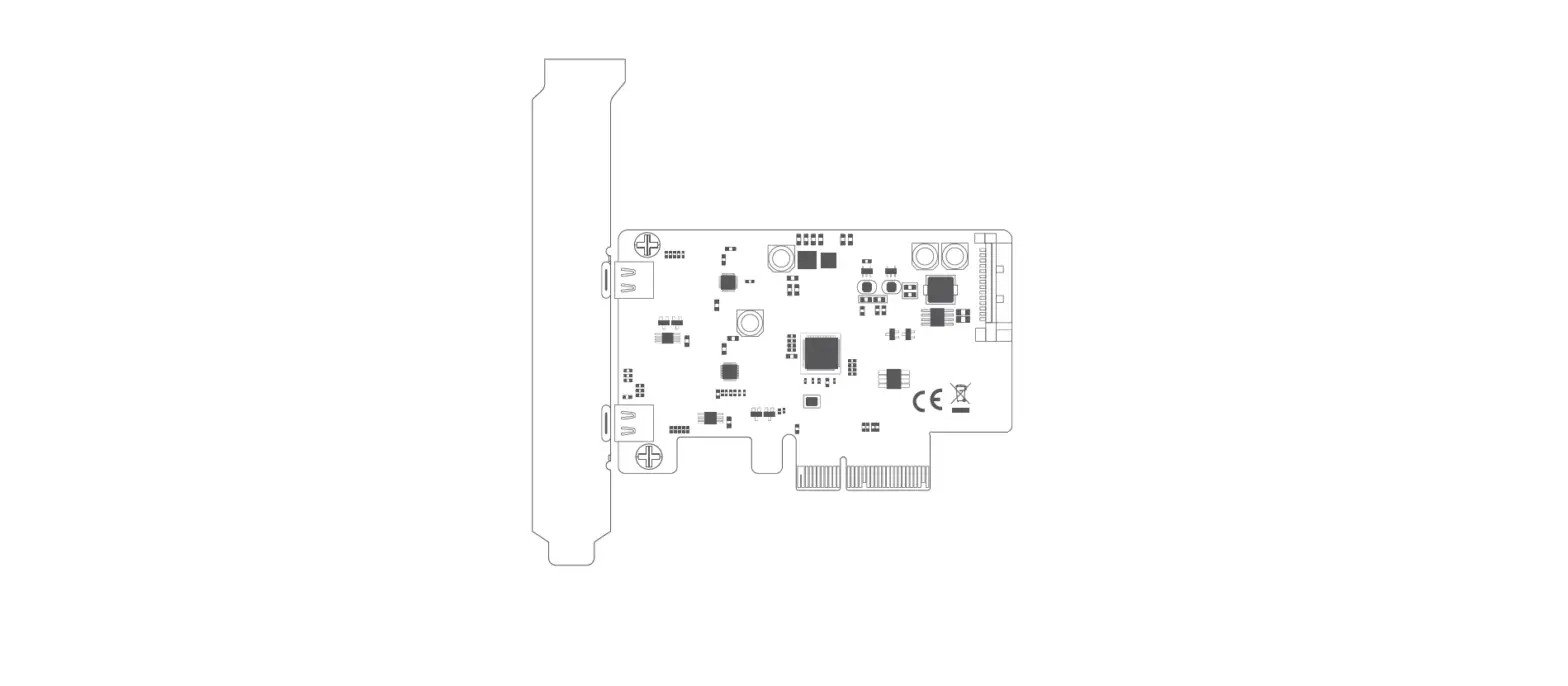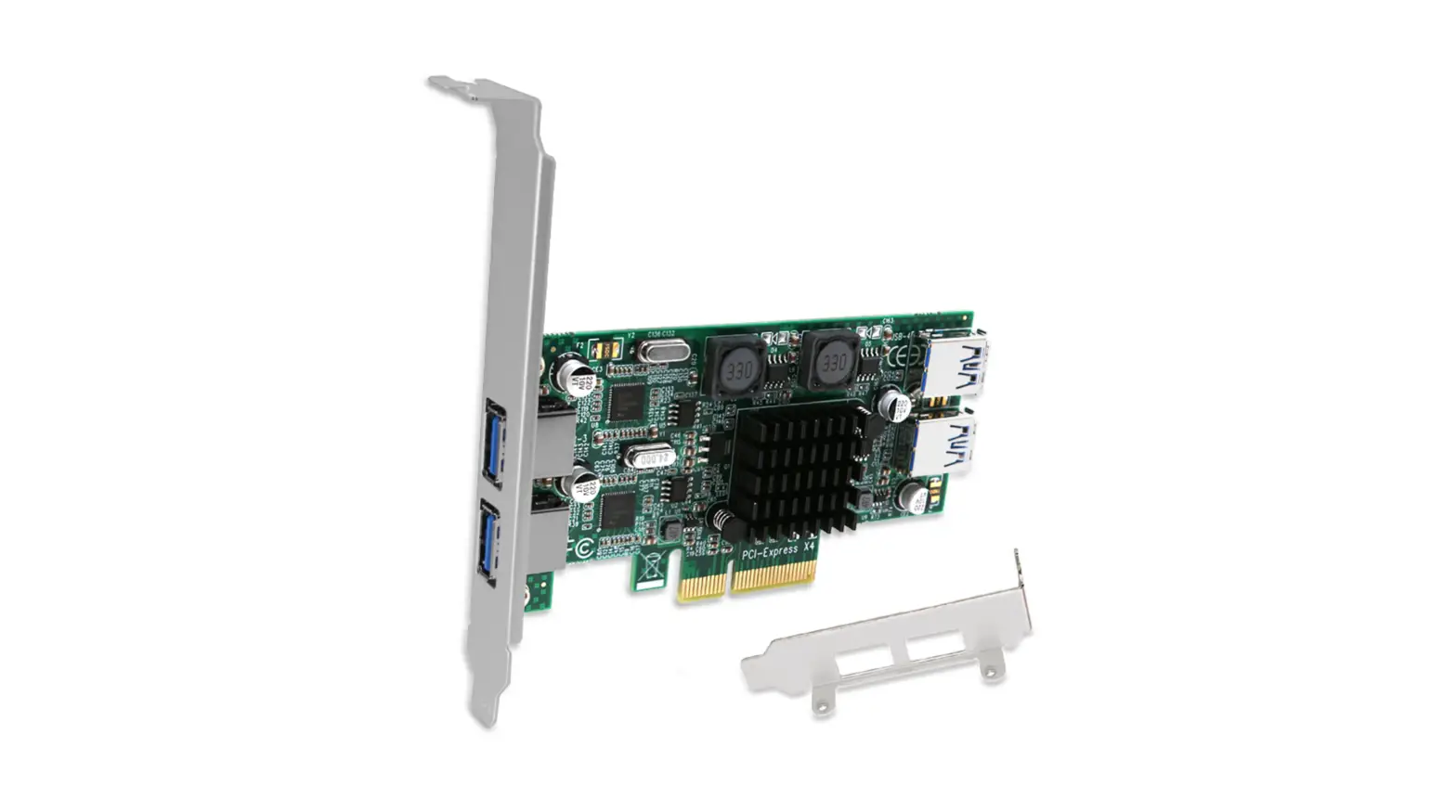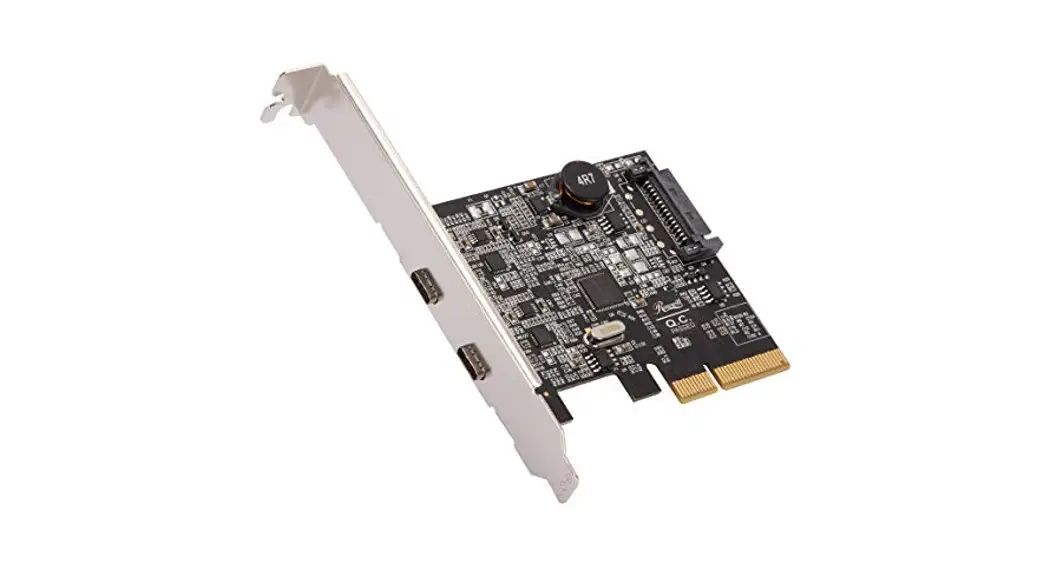
Rosewill RC-20002 4 Ports PCI Express Expansion Card/Adapter Installation Guide
INTRODUCTION
Features
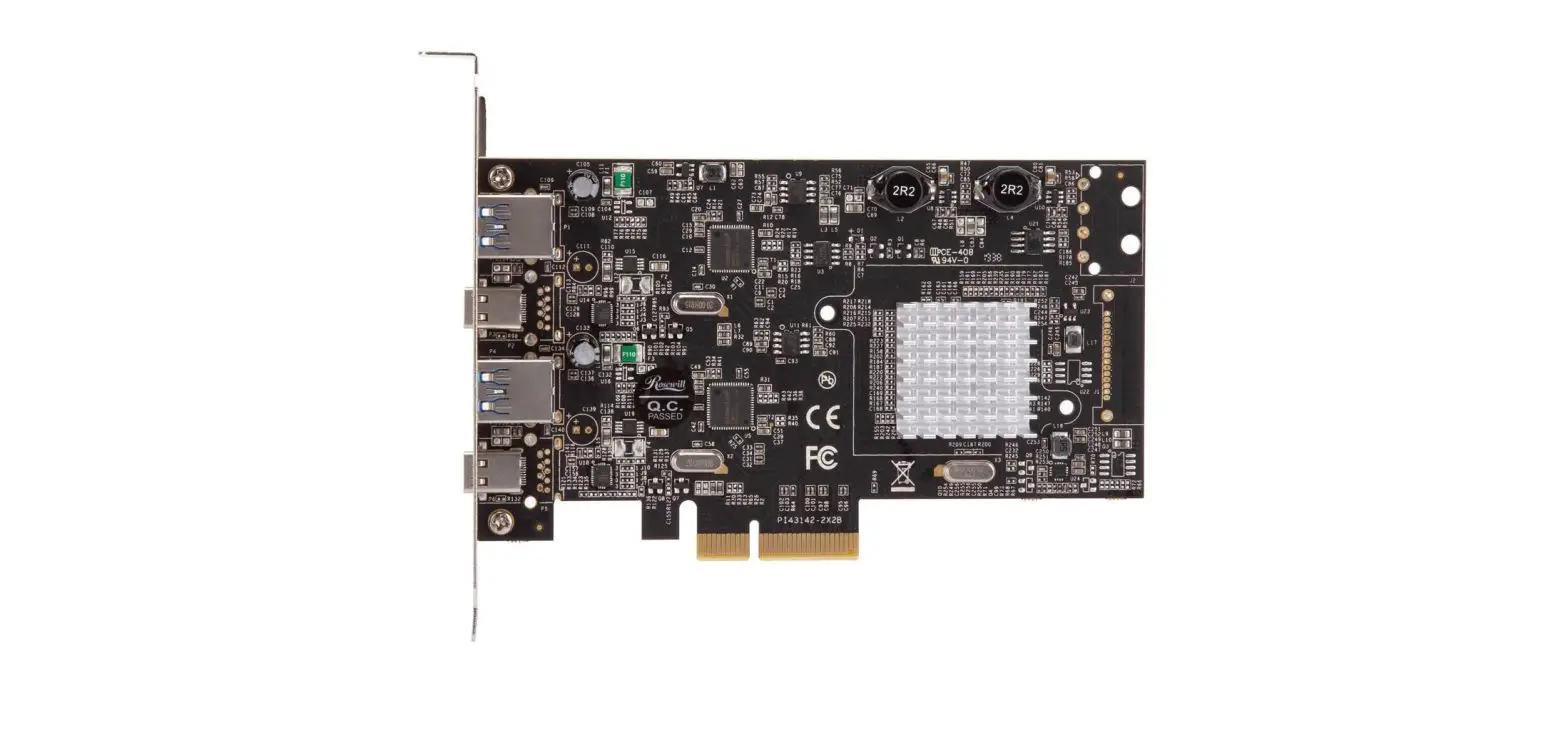
- PCI Express 2.0 x4
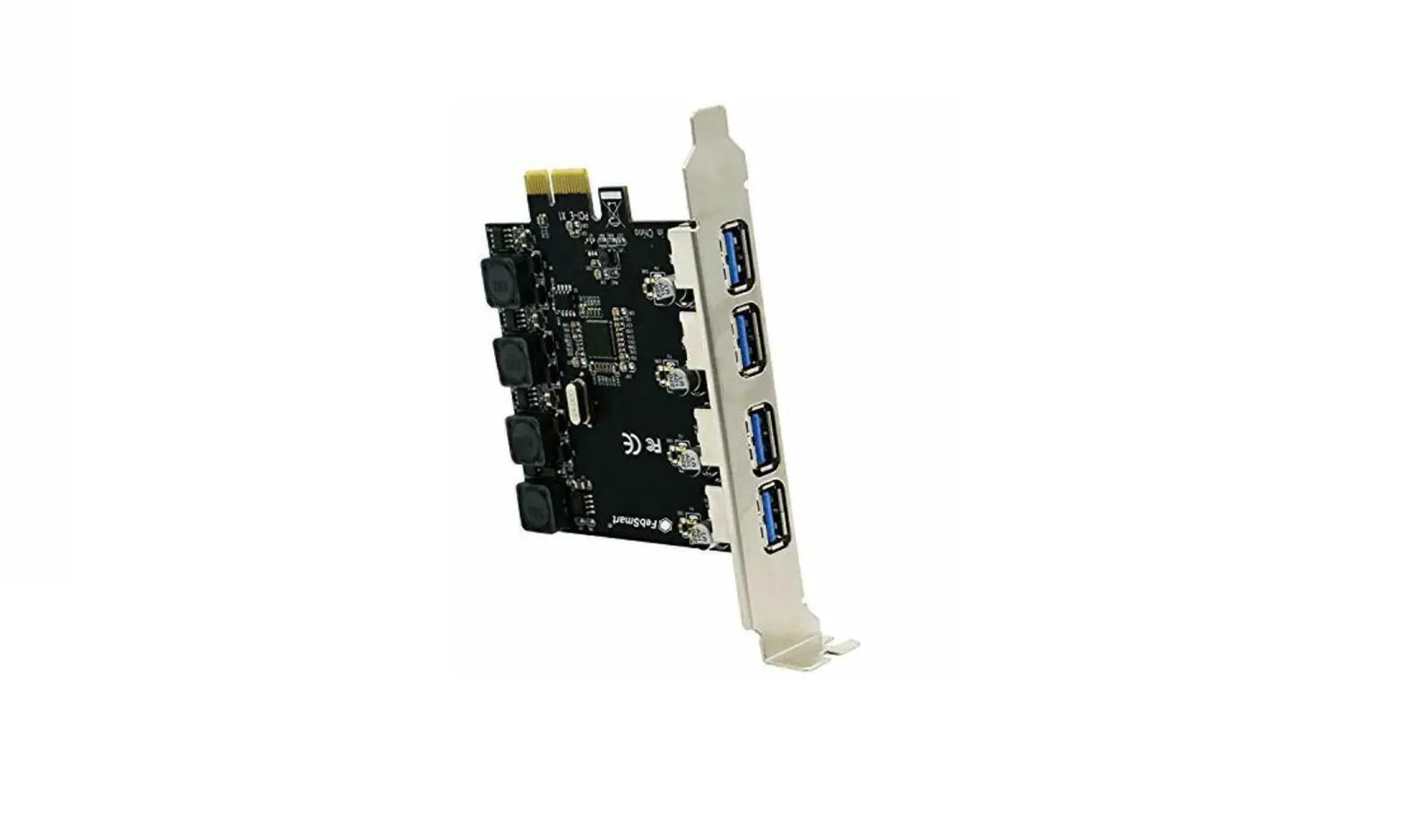
- Provides two SuperSpeed 10 Gbps USB 3.2 Gen 2 Type-C ports and two Type-A ports to support total transfer bandwidth up to 20 Gbps
- Compliant with Intel’s eXtensible Host Controller Interface (xHCI) Specification Revision 1.1
- Supports Multiple INs
- Supports the following speed data rates: 1.5 Mbps/12 Mbps/480 Mbps/5 Gbps/10 Gbps
- Supports 4 downstream ports for all speeds
- Hot-swapping feature allows you to connect/disconnect devices without powering down the system.
System Requirements
- Windows 8.x/10 (32/64 bit)
- macOS X 10.10 or later
- Linux 3.5 or later
- One available PCI Express x4, x8 or x16 slots.
Package Contents
- 1 x PCIe Dual Bus USB 3.2 4-Port Controller Card
- 1 x Quick Installation Guide
Note: Contents may vary depending on country/market.
GETTING STARTED
Hardware Installation
- Turn off the power to your computer.
- Unplug the power cord and remove your computer’s cover.
- Remove the slot bracket from an available PCI Express x4 (x8, x16) slot.
- To install the card, carefully align the card’s bus connector with the selected PCIe slot on the motherboard. Push the board down firmly.
- Replace the slot bracket’s holding screw to secure the card.
- Secure the computer cover and reconnect the power cord
Driver Installation for Windows and macOS
- Drivers are embedded into Windows 8.x/10 and macOS; the drivers can be installed automatically.
Technical Support Information [email protected] 1-800-575-9885
Please register your product at www.rosewill.com for complete warranty information and support for your product.

 Rosewill - Rosewill.com