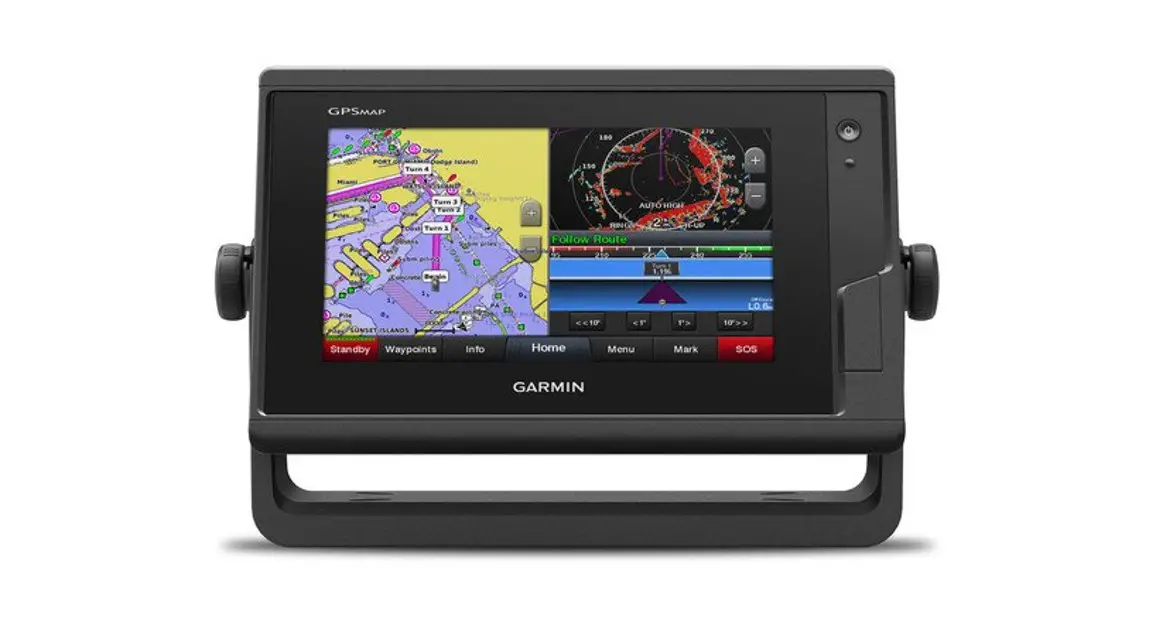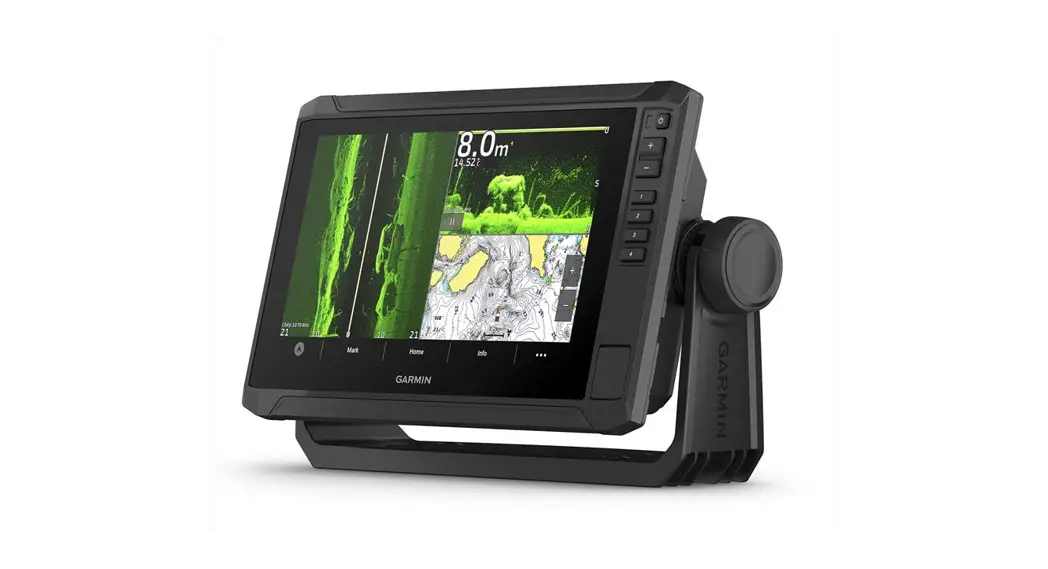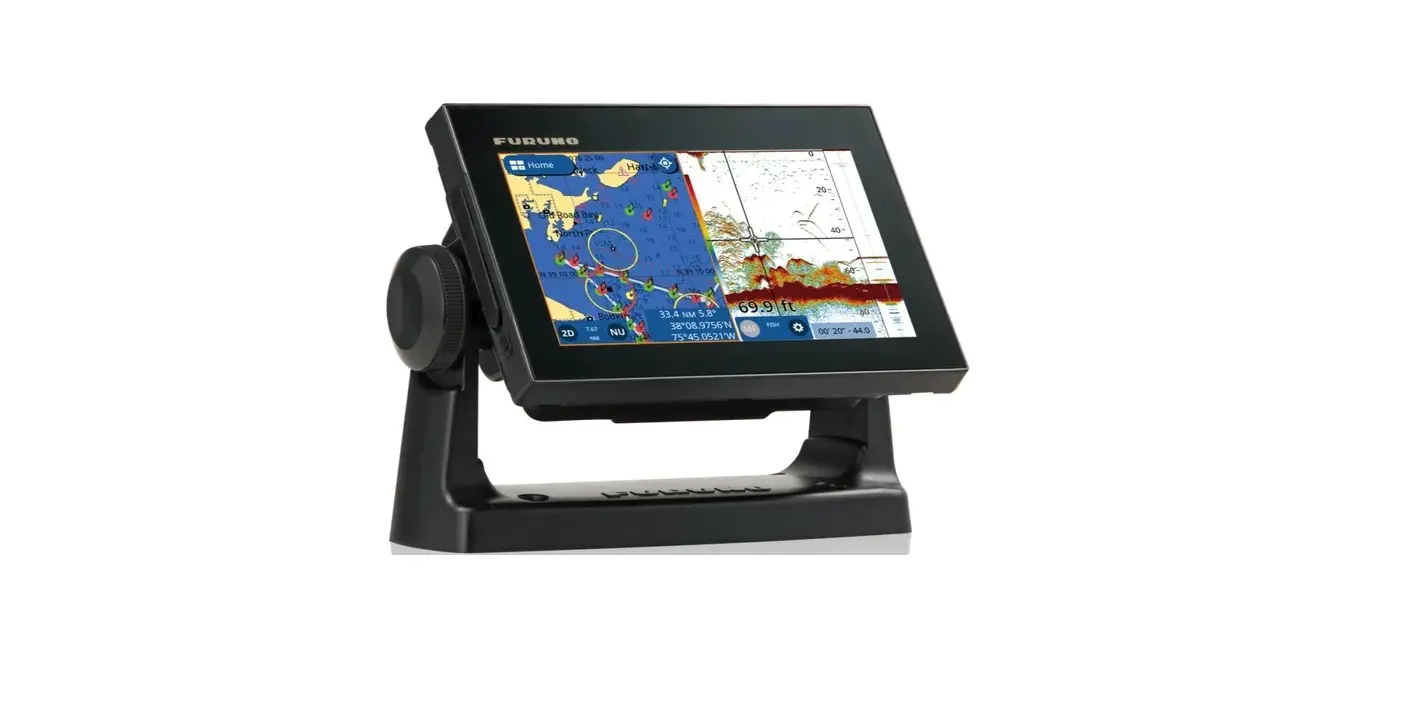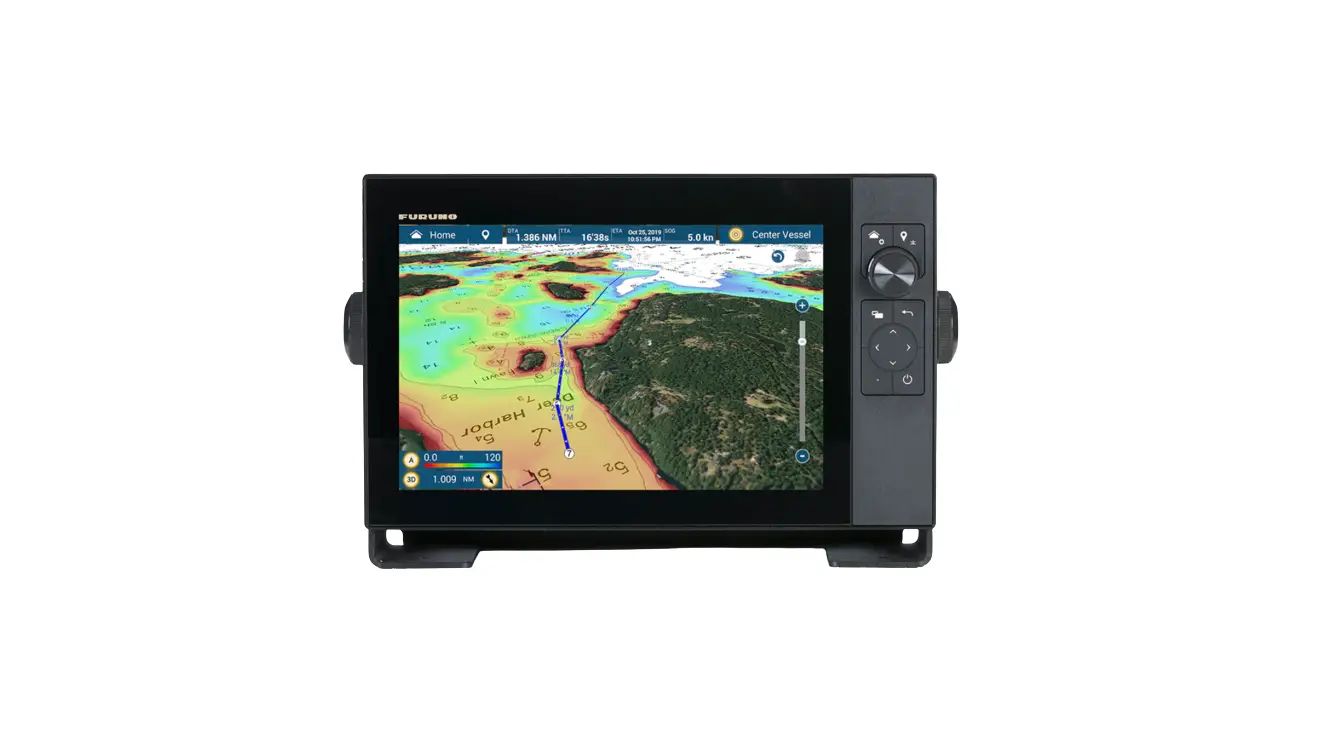
FURUNO TZT3 Hybrid Control 12 Inch Sounder – GPS Chartplotter Instructions
TZT3 Factory Reset/Clear
Save all valuable user data prior to conducting a reset, such as; waypoints, routes, tracks and user settings. Instructions for saving user data can be found in chapter 8 of the Operator’s Manual, chapter 6 of the onboard eGuide.
- Turn on the TZT12F/16F/19F and allow it to fully boot up normally.
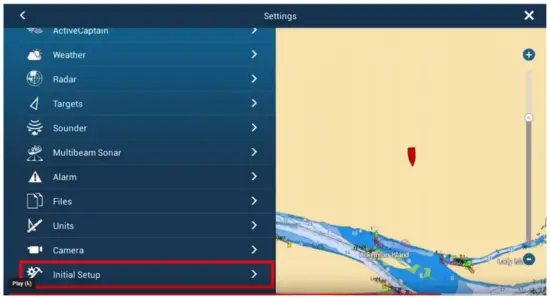
- Select “HOME” – “SETTINGS” – and “INITIAL SETUP”

- Select “Service” and enter Password “FURUNO SERVICE”. Don’t forget the space and use all CAPS.

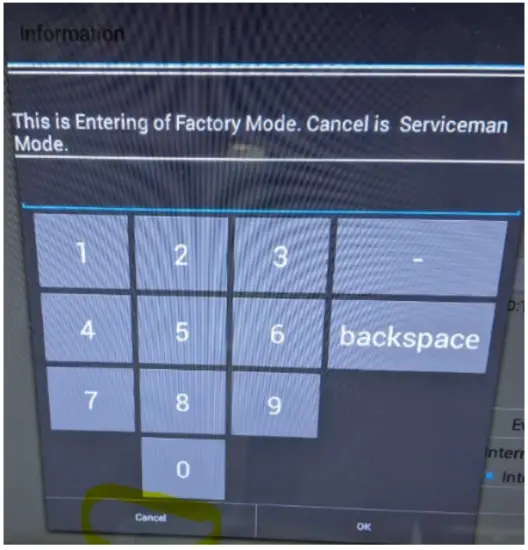
- When Service menu boots up, you will need to hit CANCEL to bypass the factory touch pad and enter the service mode.

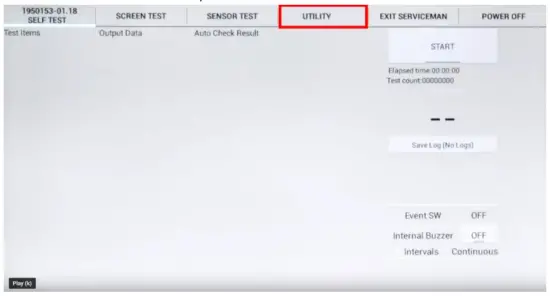
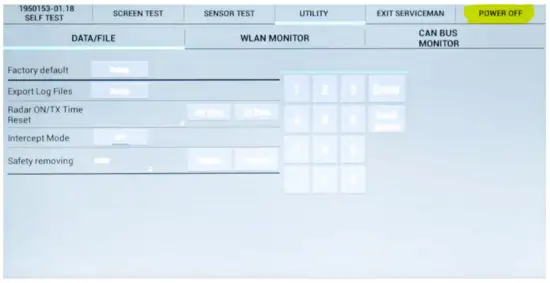
- Once into the service menu, select “UTILITY”

- Select “Factory Default.

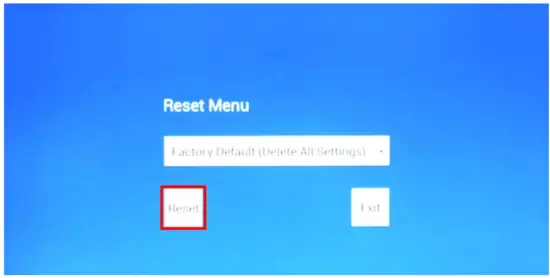
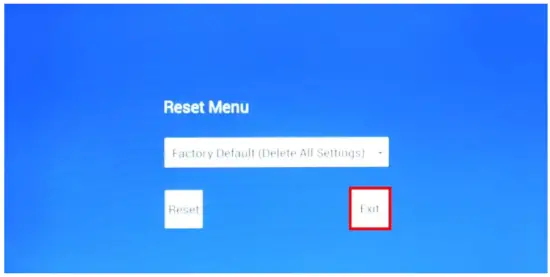
- When the reset menu appears, touch the pull-down arrow and select “Factory Default (Delete All
Settings) WARNING: You are about to clear the unit. Ensure you have backed up any desired user data!!
- Hit the “RESET” selection

- The system will ask you “Are you Sure”? You should select “OK”.
- When the system says “delete succeeded”; select the “OK” button.

- Select “EXIT”

- . Select “POWER OFF” from the Service Man menu.
- The unit is now ready to use and restore any settings or waypoint you wish to restore.