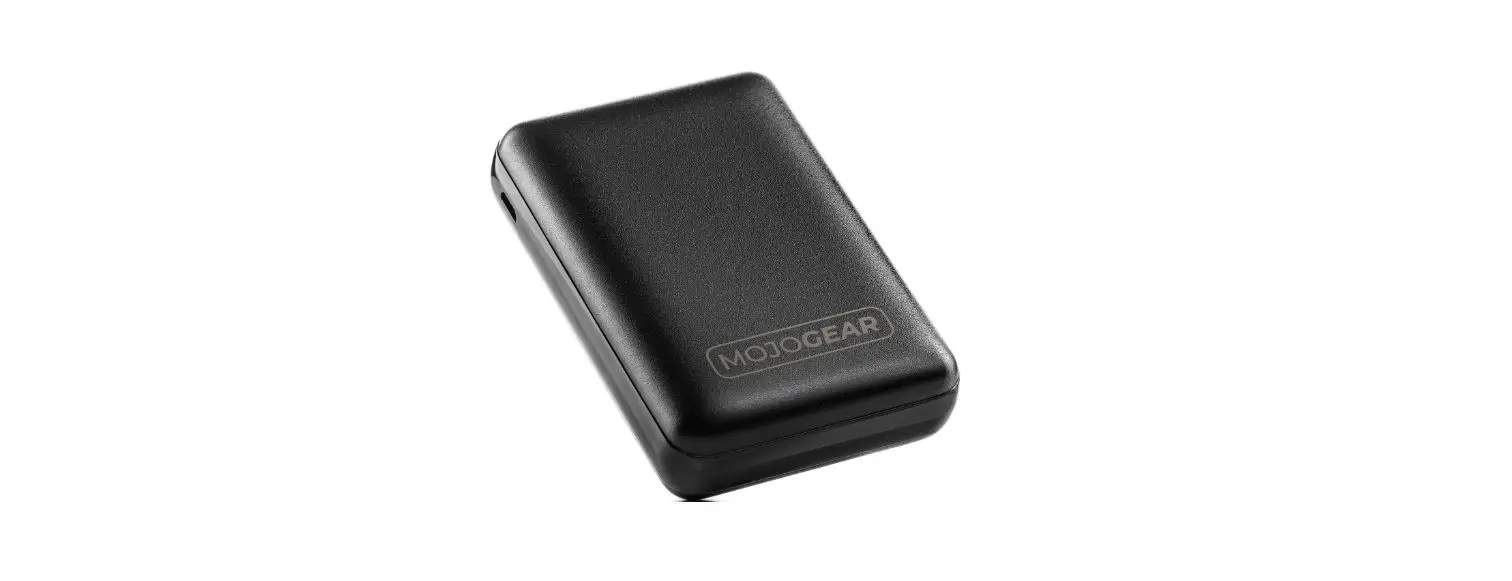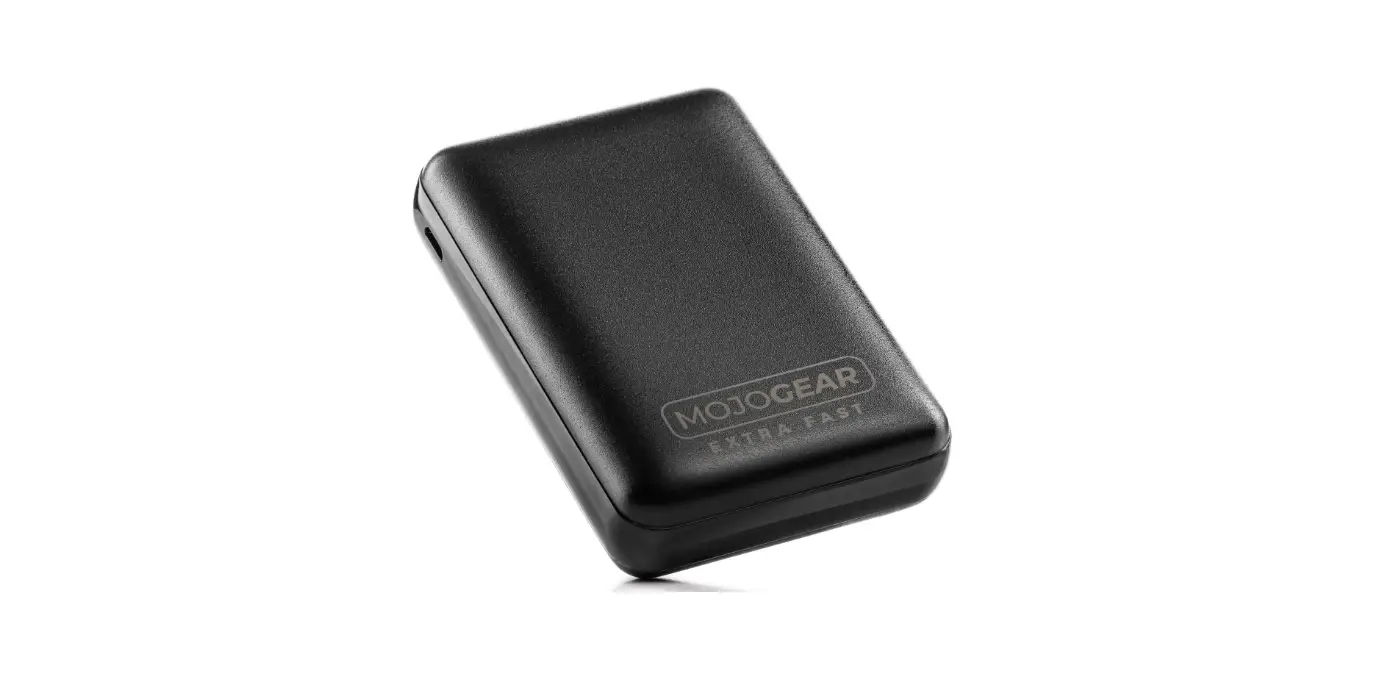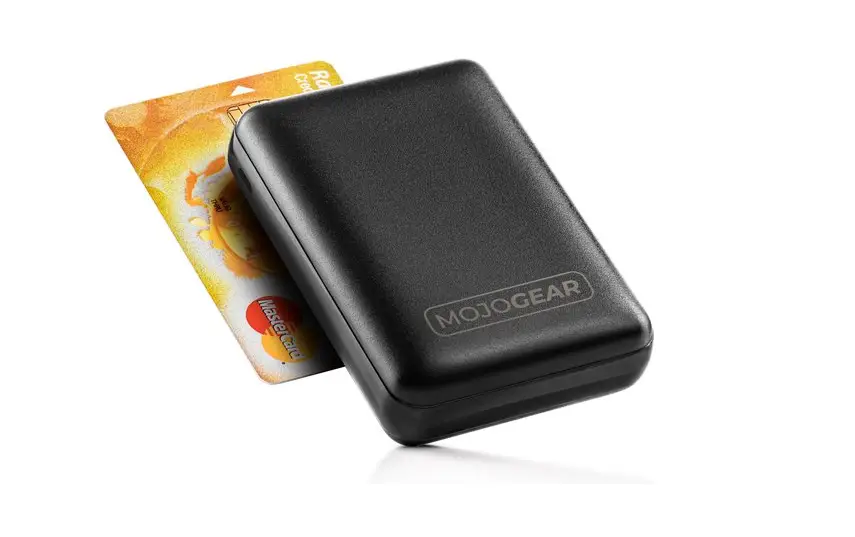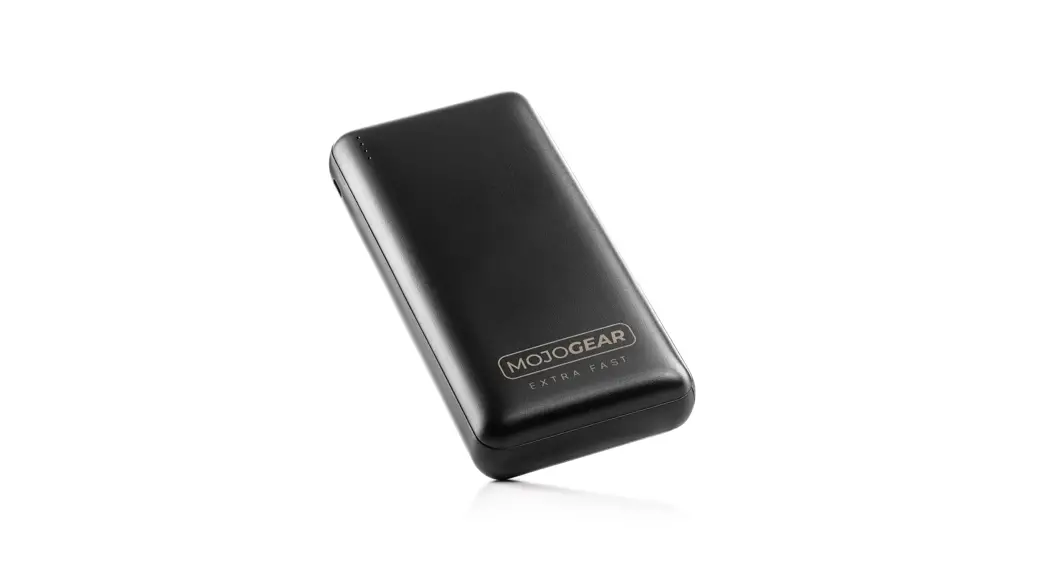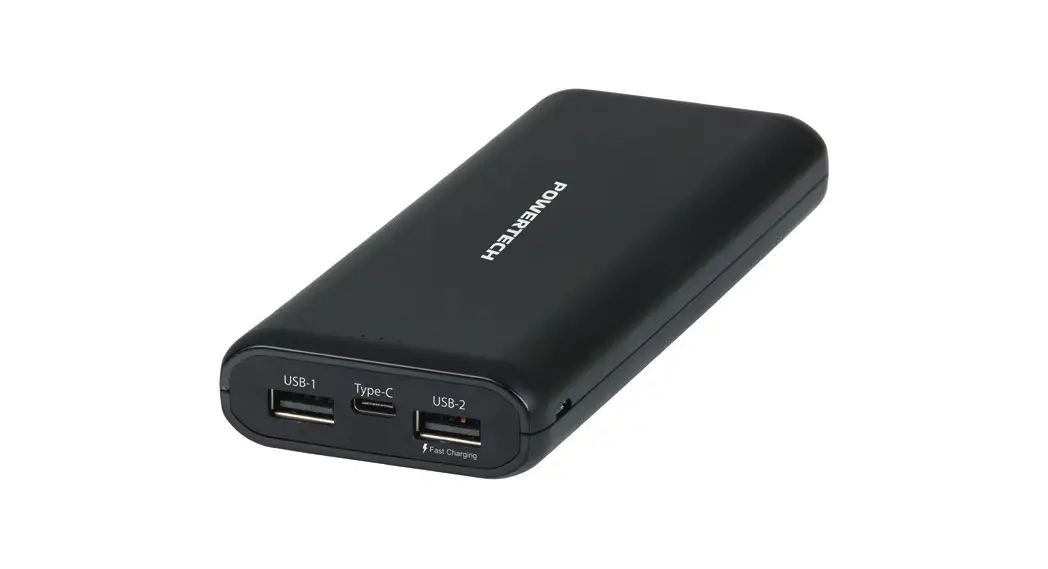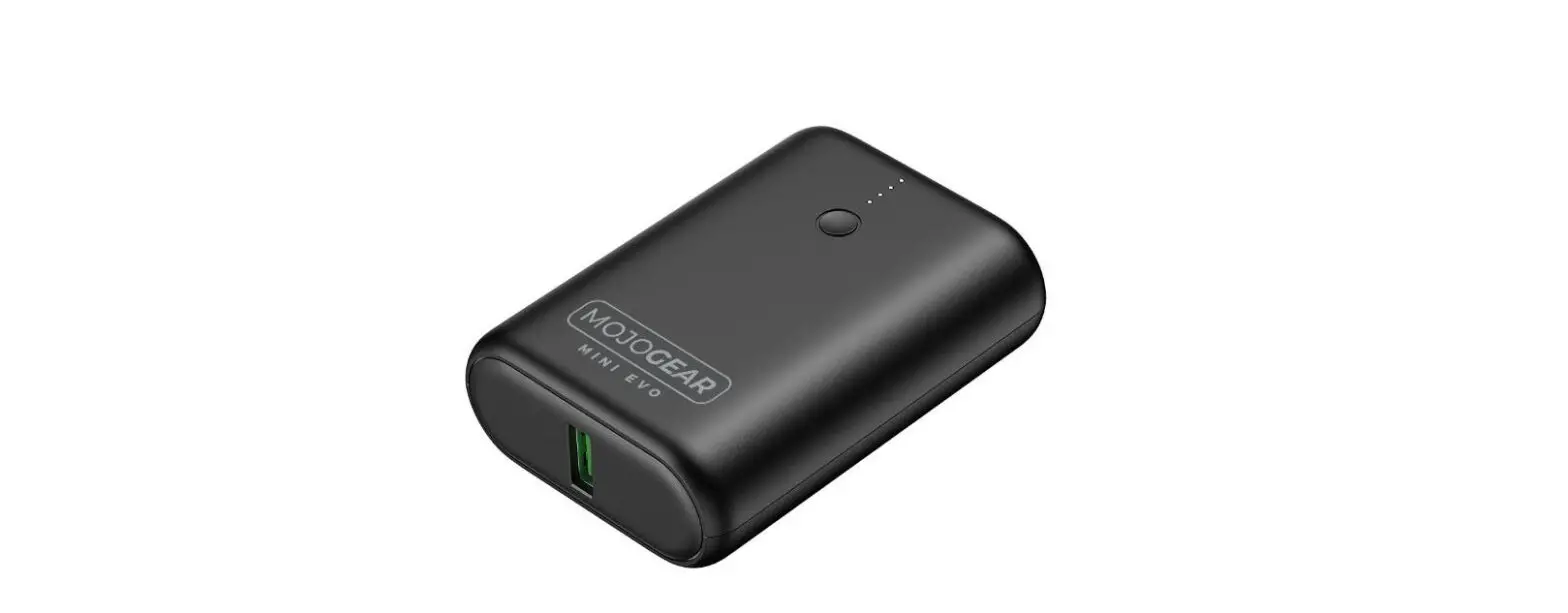

MOJOGEAR MINI EVO Power Bank with 10000nAh
Overview
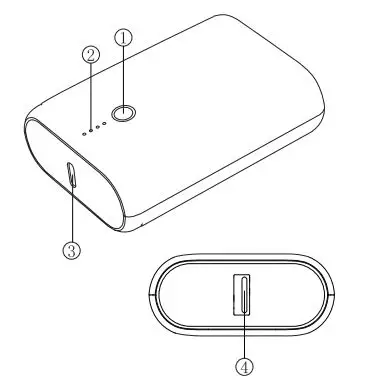
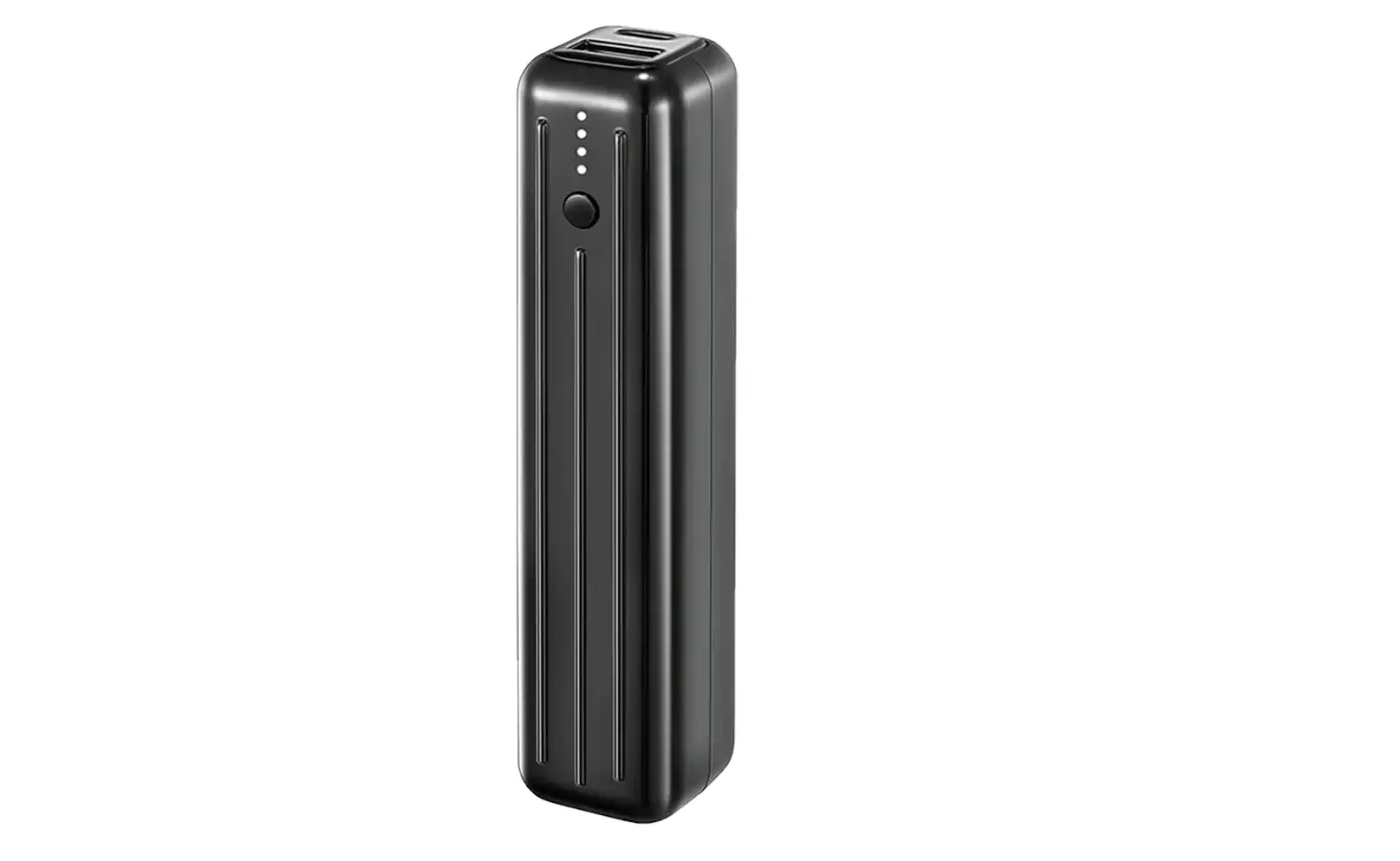
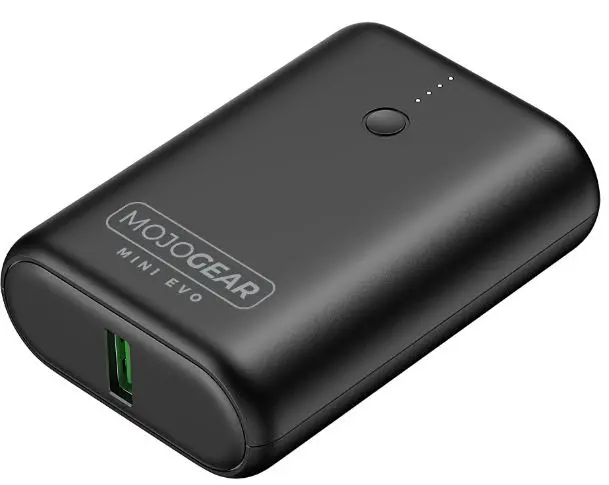
- Button
- LED power indicator
- USB-C input/output
- USB output
Power indicator
Press the power button to check the remaining battery power.
How to charge the power bank
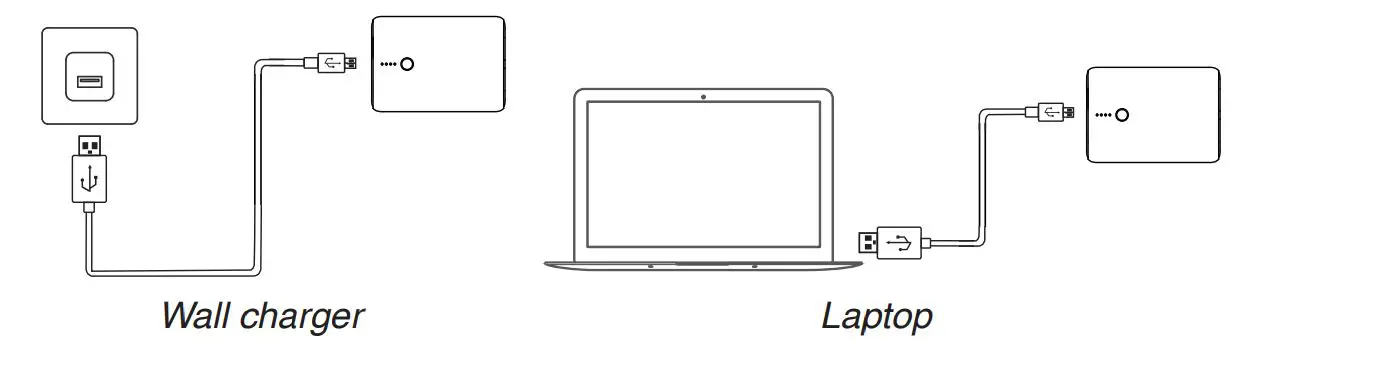
Connect the included USB-C cable (or any other cable with a USB-C connector) to a USB outlet (wall charger, laptop). To achieve maximum charging speed, we advice to use a USB outlet that supports 3A or 18W. Depending on the charging speed, it can take 2,5 to 8 hours to fully charge the power bank.
How to charge your devices
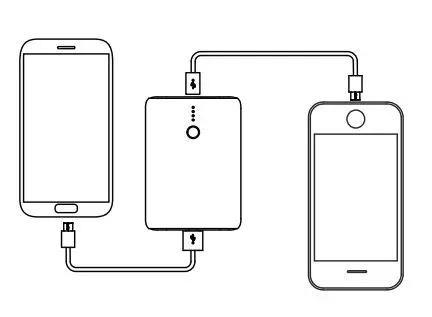
Connect a charging cable to the USB or USB-C port on the power bank. For some devices, you can use the included cable. You can charge two devices simultaneously, using both ports.