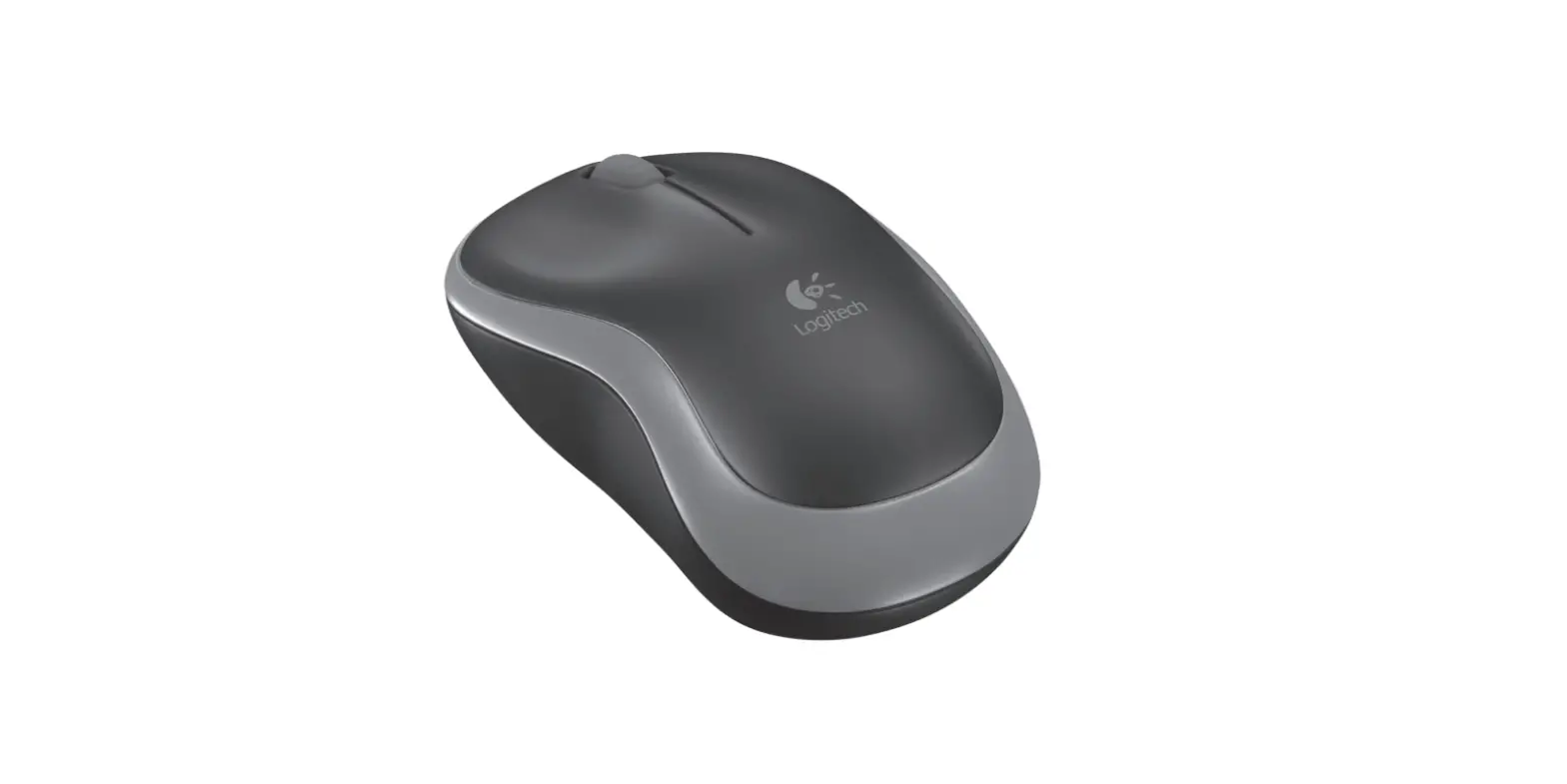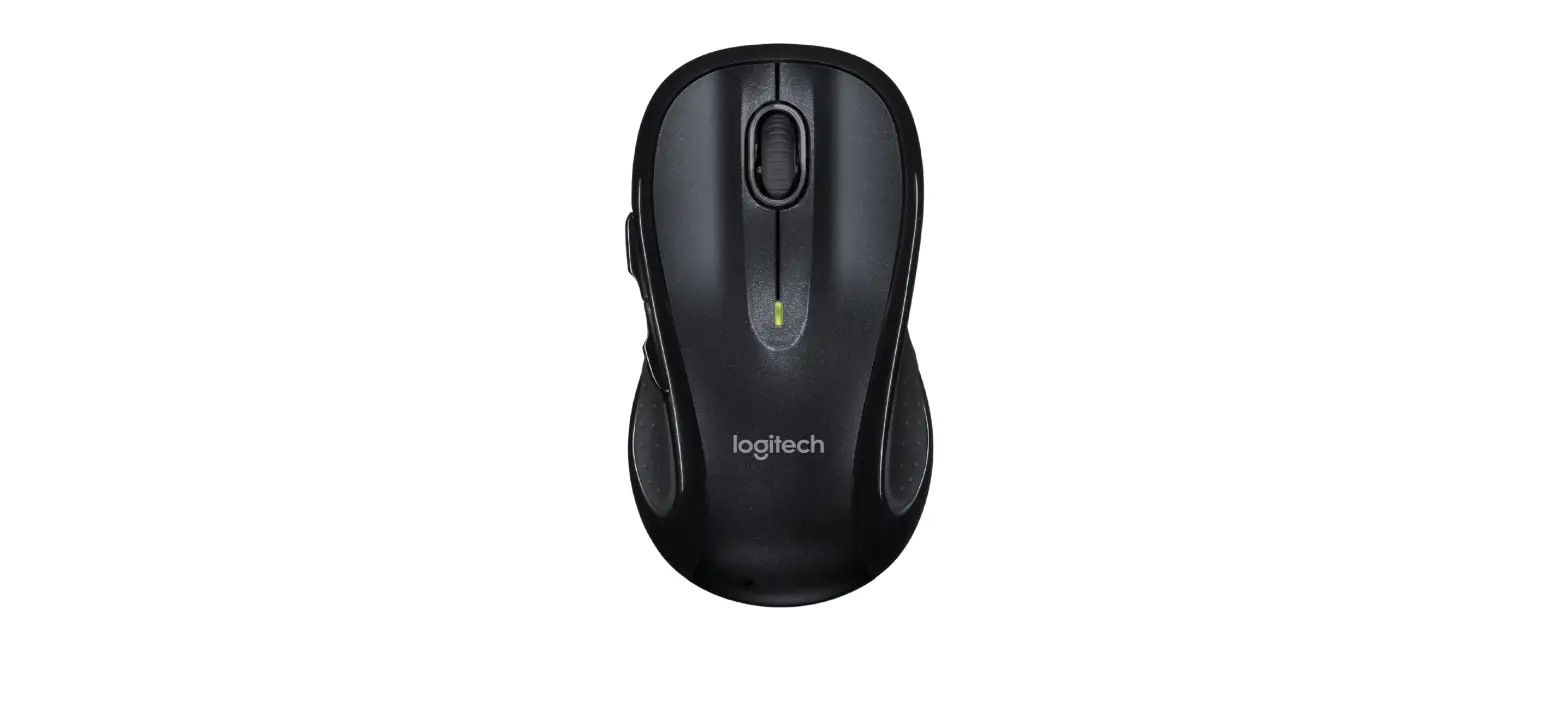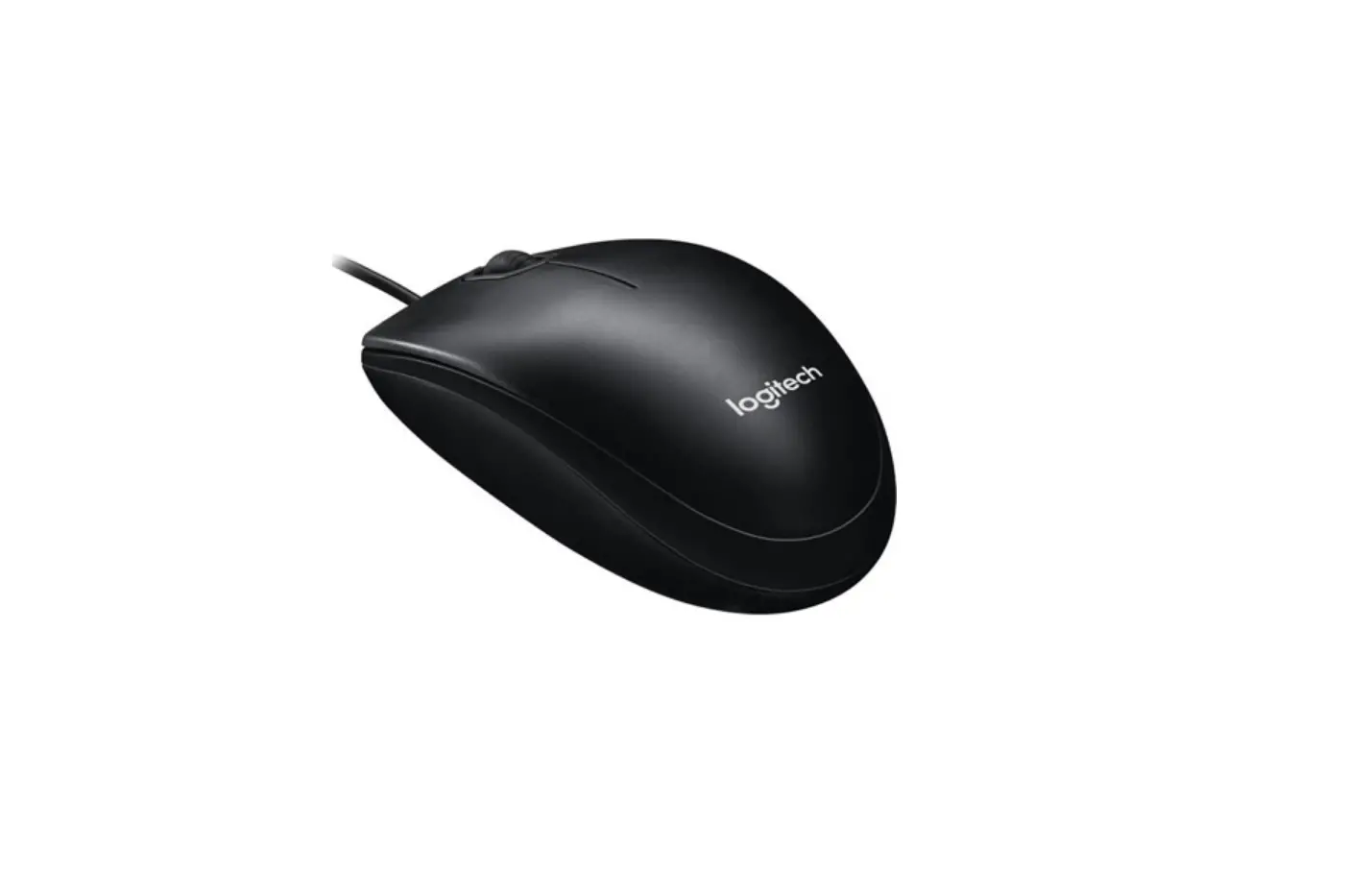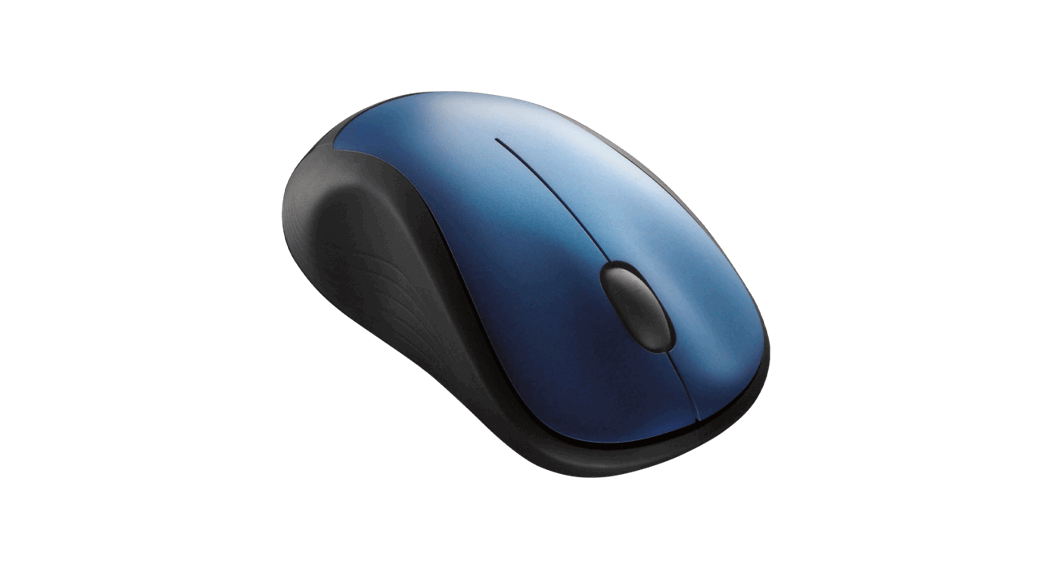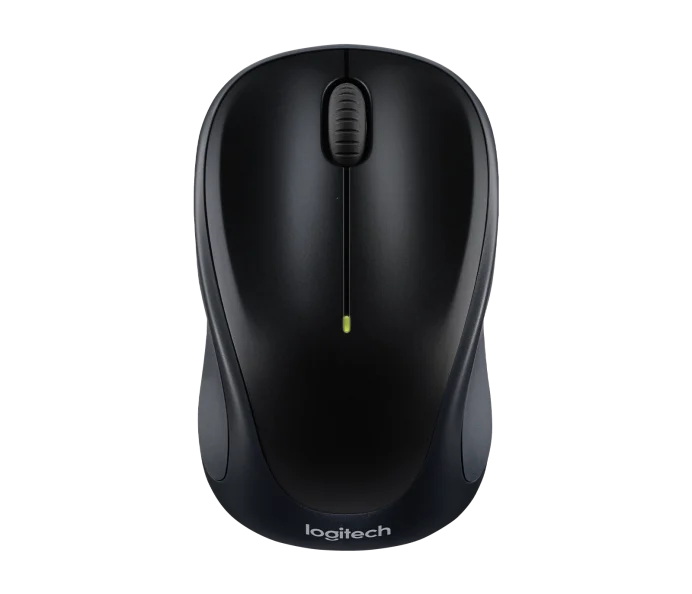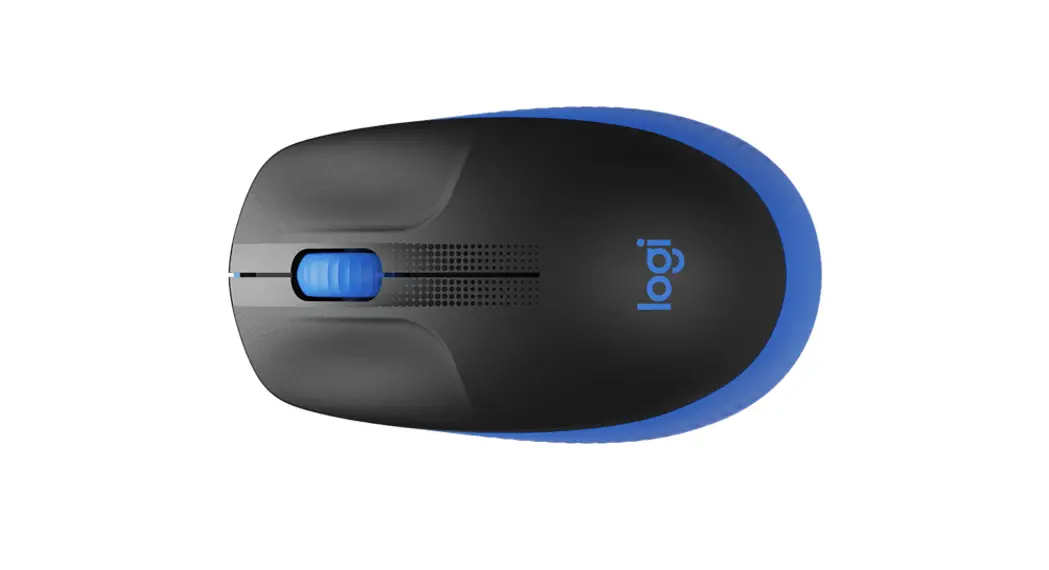
logitech M720 Mouse User Guide
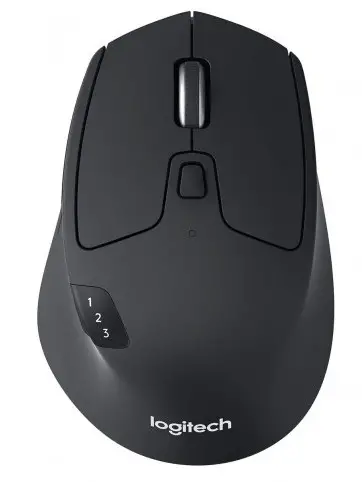 logitech M720 Mouse
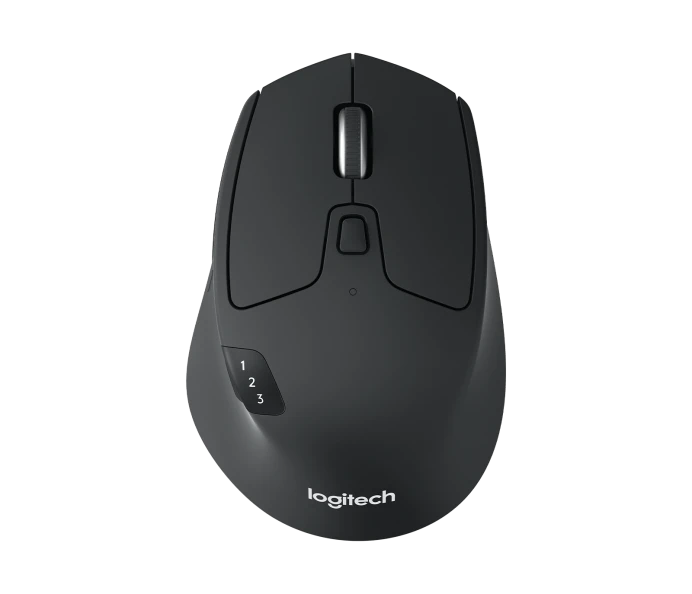
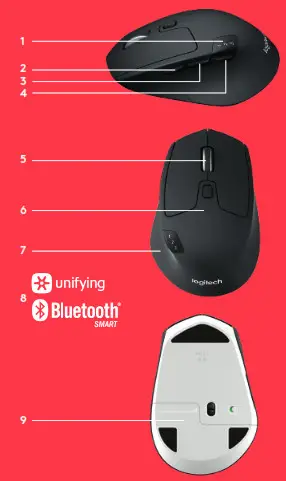
PRODUCT FEATURES
- Easy-switch
- Forward button
- Back button
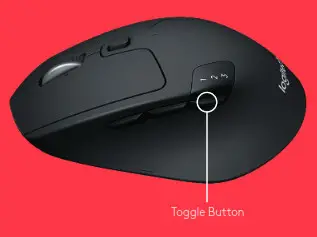
- Toggle & connect button
- Hyper-fast scroll wheel
- Battery LED
- Thumb button
- Dual Connectivity
Other Top Logitech Mouse Manuals:
- logitech Mouse User Guide
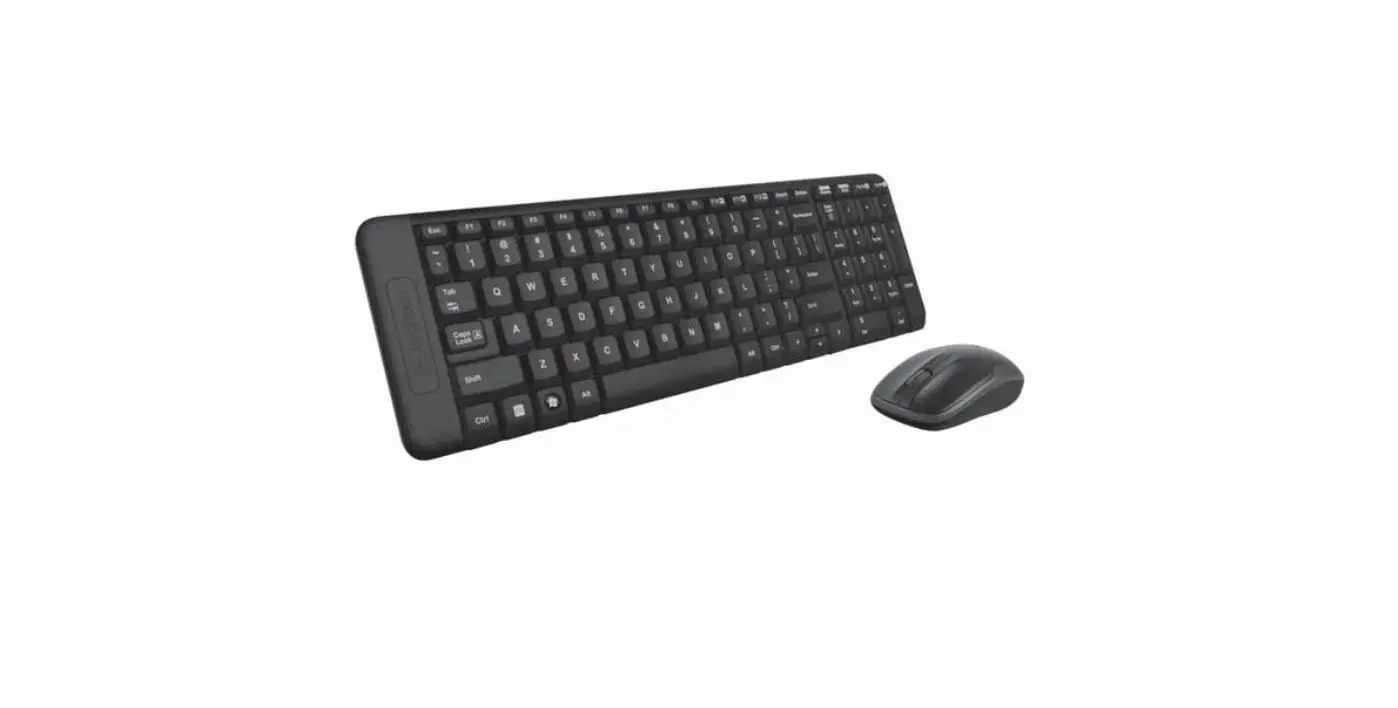
- logitech MK345 Wireless Keyboard and Mouse Combo User Guide
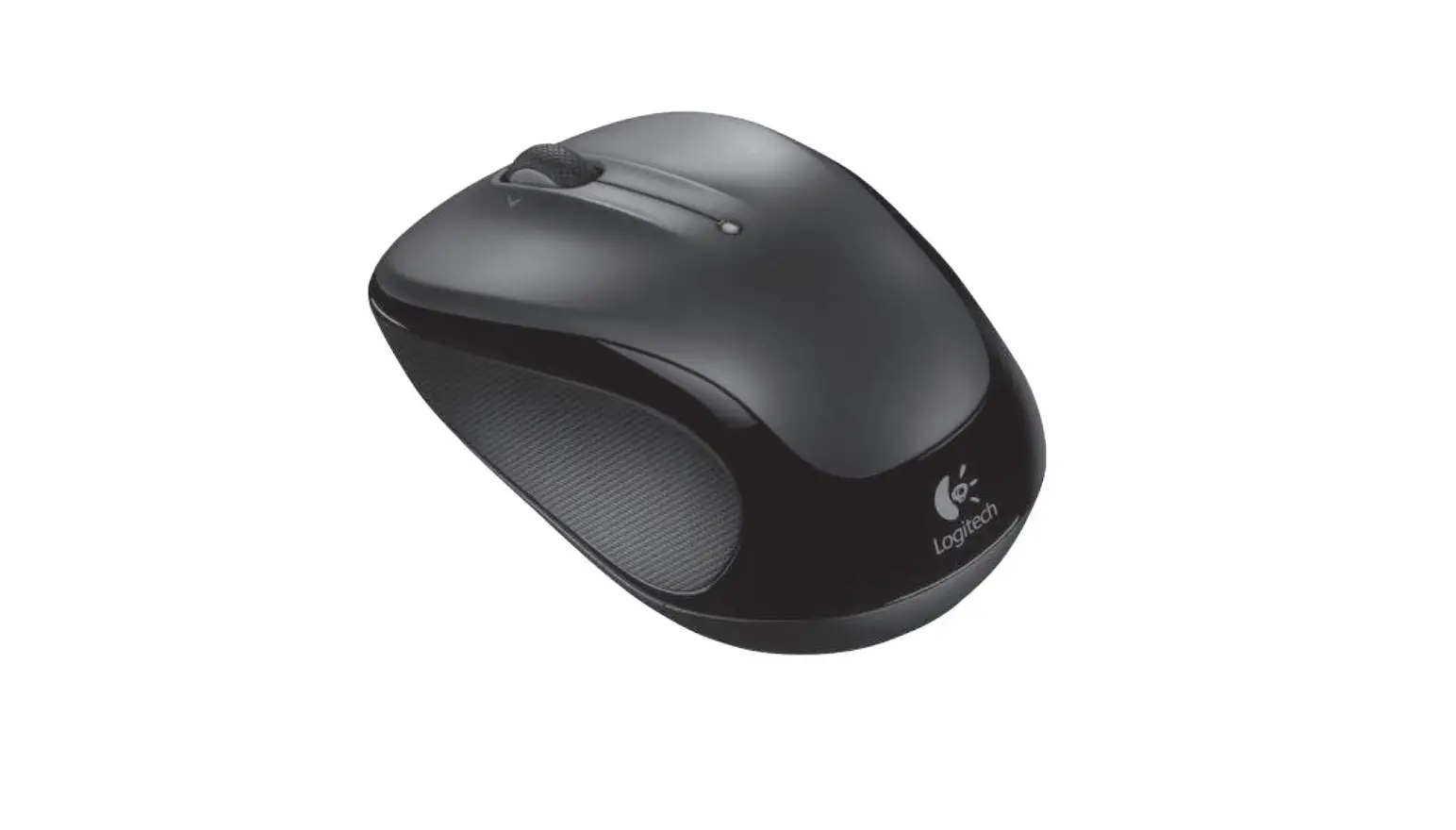
- logitech M705 Marathon Wireless Mouse User Guide
Battery & Receiver storage

GET STARTED
 www.logitech.com/m720
 www.logitech.com/downloads
Logitech®Options
Requirements:
USB port
Unifying Software
Windows 7, 8, 10 or later
Mac OS X 10 10 or later
Chrome OS
How to connect with Unifying:
- Download Unifying Software: http://supportlogitech.com/software/unifying
- Make sure your M720 is turned on and a Unifying receiver is plugged in
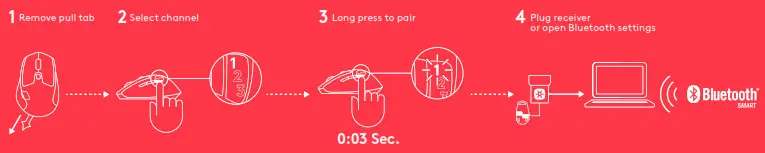
- Press and hold the toggle button below the display for 3 seconds (the LED on the selected channel will start to blink fast)
- Open the Unifying software and follow the on-screen instructions
Re-pair in Unifying!
Note! You need Unifying Software to pair with a second receiver or to pair the mouse to another channel on the same receiver All three Easy-Switch channels can be paired in either Bluetooth Smart or Unifying One Unifying receiver included in the box
CONNECT WITH

Requirements:
Your device has to support Bluetooth Smart
– Windows 8 or later
– Mac OS X 10 10 or later
– Android 5 0 or later
How to pair a Bluetooth device:
- Make sure your M720 is turned on
- Press and hold the toggle button below the display for 3 seconds (the LED on selected channel will start to blink fast)
- Open Bluetooth settings or Bluetooth device manager on your device and pair with “M720 Triathlon Mouse”

LOGITECH OPTIONS
Unlock the full potential of your M720 by installing Logitech Options software In addition to optimizing the mouse for your operating system, the software lets you customize buttons and actions to fit your needs Logitech Options software also enable gestures for managing media, panning, zoom, and rotation, plus custom tasks
Mac | Windows
www.logitech.com/downloads
 logitech M720 Mouse User Guide
Click to Read More logitech Manuals
FAQs
Why does this mouse have a dongle if it is Bluetooth?
You can connect it either way. It’s your choice! Personally I prefer Bluetooth, leaving my USB ports open for other things. Others, however, may prefer to keep their Bluetooth radio turned off and use the dongle.
How do I do Horizontal scrolling on this mouse?
You can also scroll horizontally with the tilt-wheel, perfect for large spreadsheets, big images, and web pages.
How to Change batteries?
To change batteries in M720 slide the battery compartment cover down and then lift it off. Insert the battery, making sure that it faces the correct direction and then replace the battery cover.
Does this mouse work in glass surface?
No, this isn’t a laser mouse, so it wouldn’t work well without a mousepad on glass.
Does this have DPI button to switch settings?
Just switch to flip between paired devices.
Is the M720 comfortable for users with large hands?
Yes, it has a grip that fits a variety of hand sizes.
Is the clicking quiet?
Definitely not, has very mechanical clicks, but it’s a great mouse
Does this product use one or two aa batteries?
Logitech M720 Wireless Triathlon Mouse uses 1 AA Batteries.
Logitech M720 Wireless mouse will work with windows 11?
Yes runs fine on windows 11
How fast is the left/right school speed?
The Logitech M720 Wireless Triathlon has a High Precision Optical Tracking, DPI (Min/Max): 1000± and Hyper-Fast Scrolling Wheel
Video
 Home - Identity Digital
 Logitech M720 Triathlon Multi-Computer Wireless Mouse