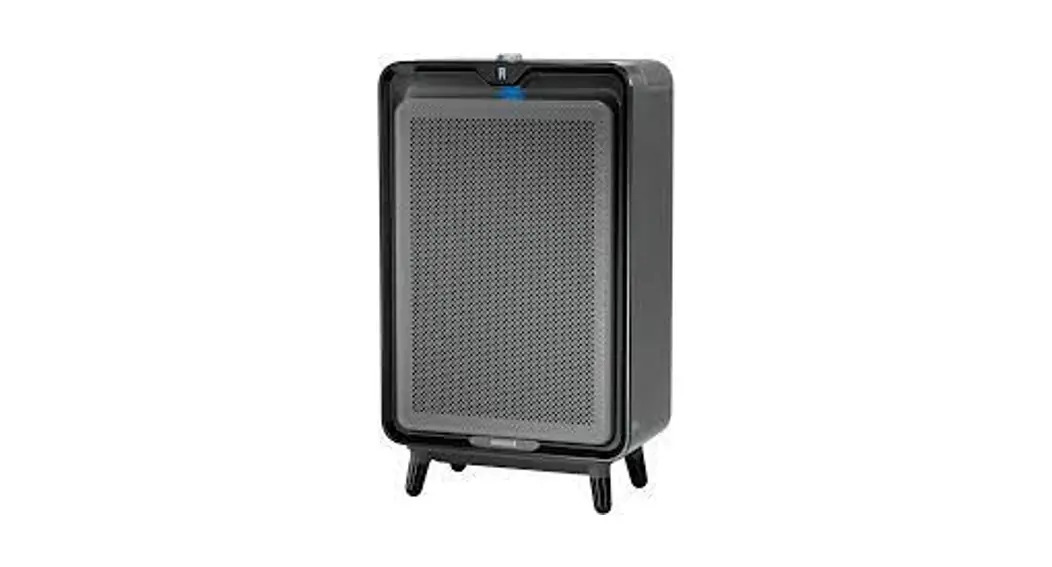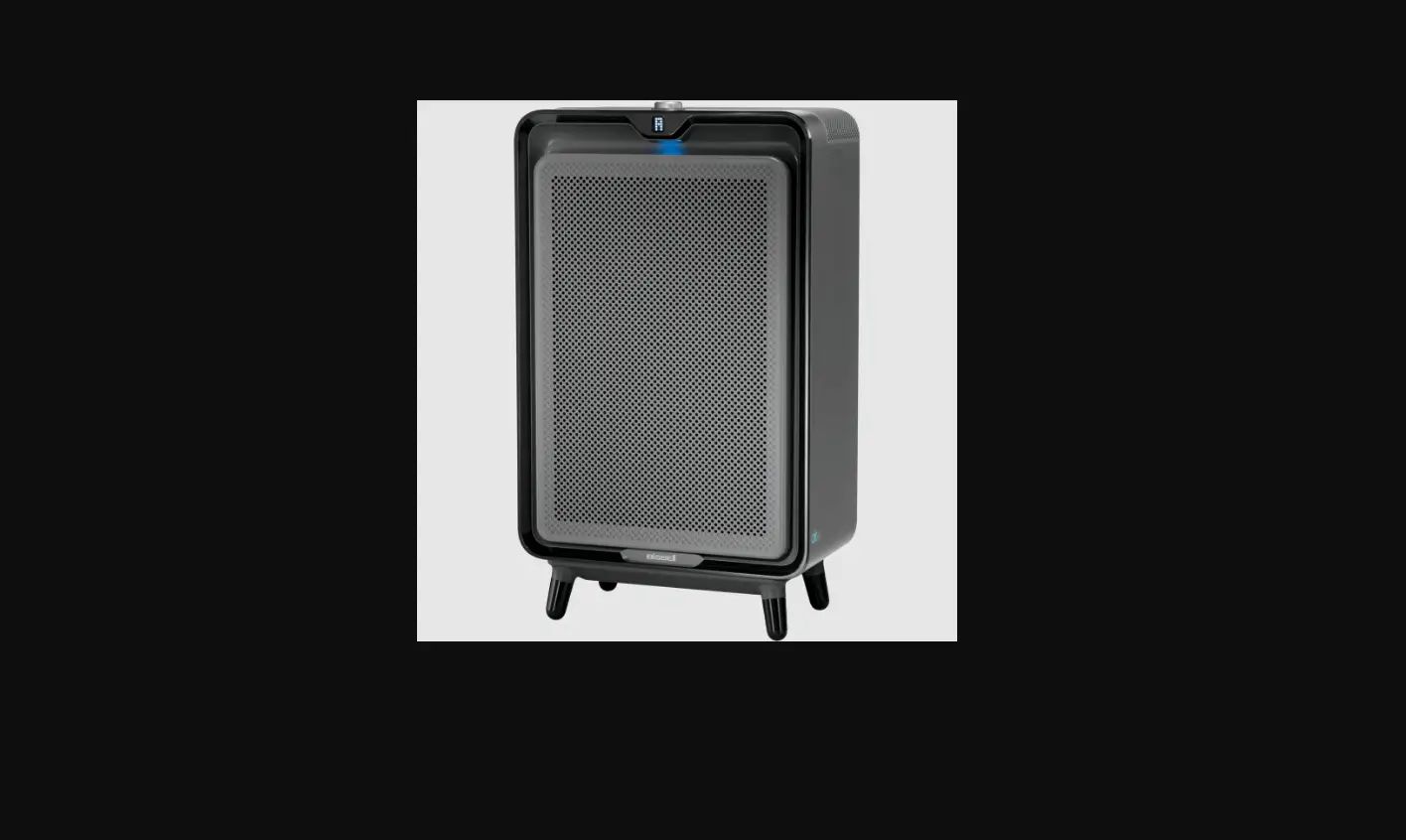
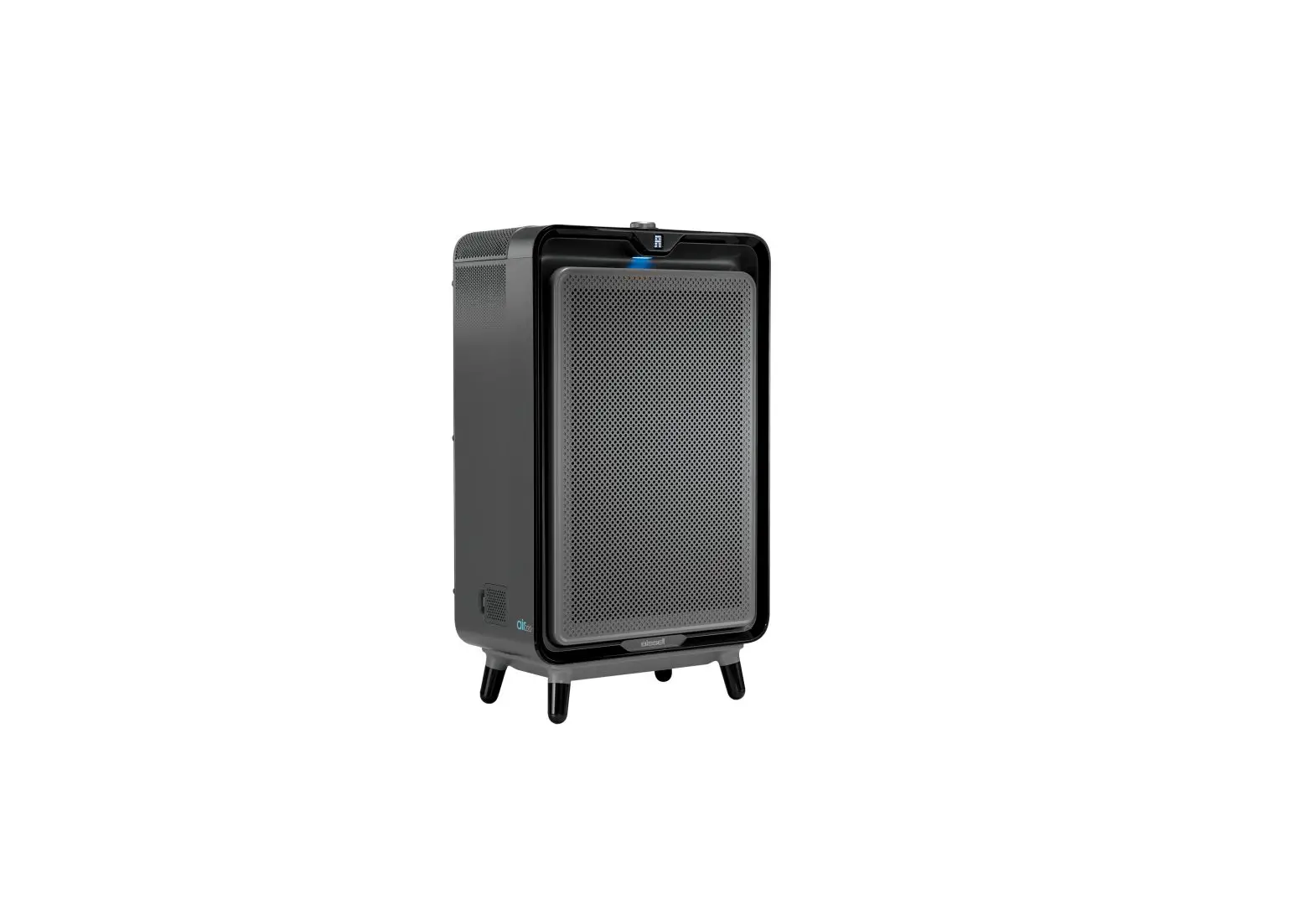
For initial use allow the air220 to calibrate for 30 minutes once turned on for accurate indoor air quality readings
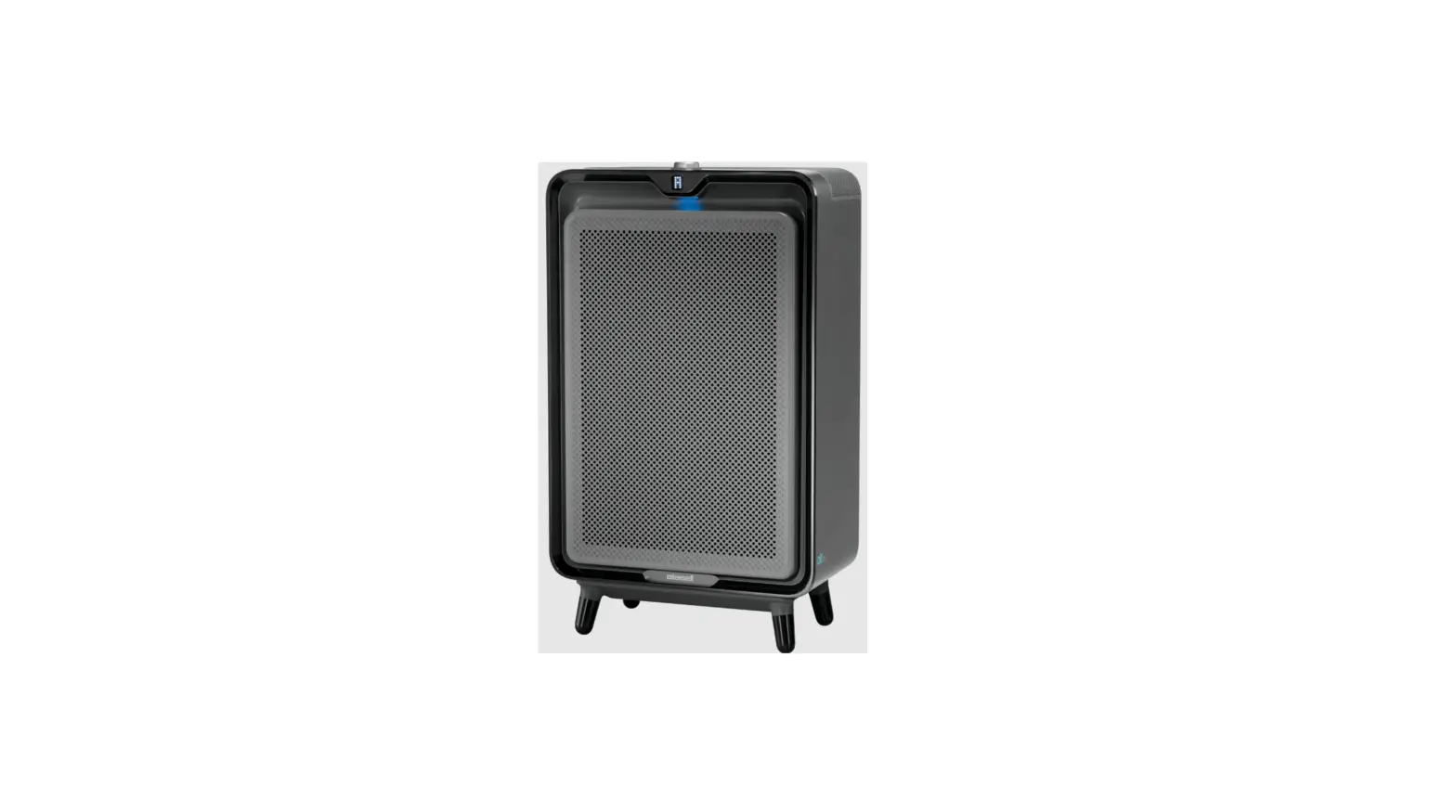
The colored lights under the digital display indicate the air quality:
Good Air Quality Moderate Air Quality Poor Air Quality
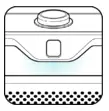
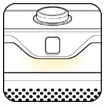
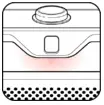
The yellow light may at times appear to be green
If the light is yellow or red it is important to set to AutoMode and allow the machine to run until it returns to blue
The digital display alerts you when the filters need to be replaced:
- F1 means the High Efficiency & Pre-Filter need to be replaced
- F2 means the Carbon Filter needs to be replaced
- F1 & F2 both are flashing, both filters need to be replaced
- After replacing filters, press and hold down the power button for 3 seconds to reset the filters
- Once reset, the machine will beep – F1 & F2 will no longer display

![Bissell Myair Air Purifier [2780a] User Manual](https://static-data1.manualsee.com/1/img/302/17749/2020/12/Bissell-MyAir-Air-Purifier-2780A.jpg "Bissell Myair Air Purifier [2780a] User Manual")