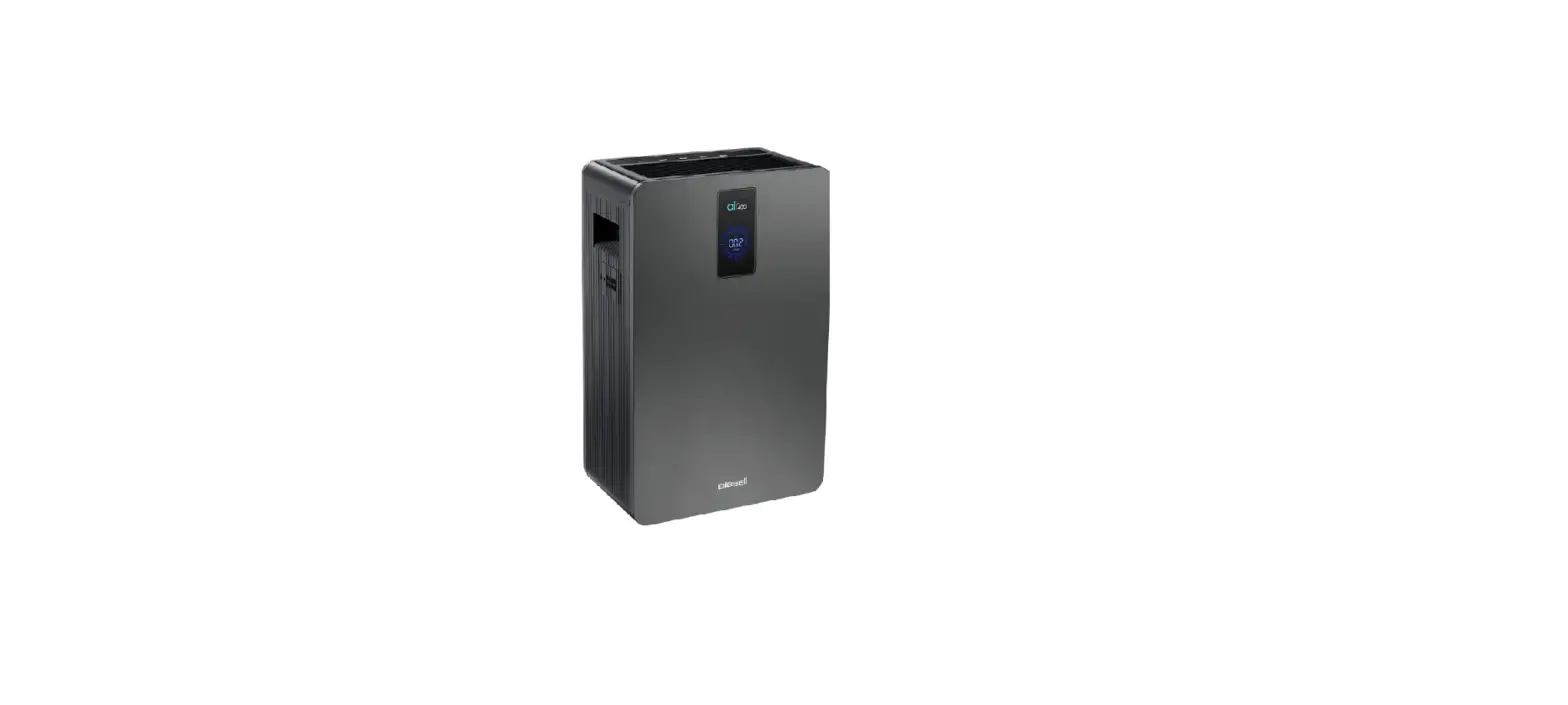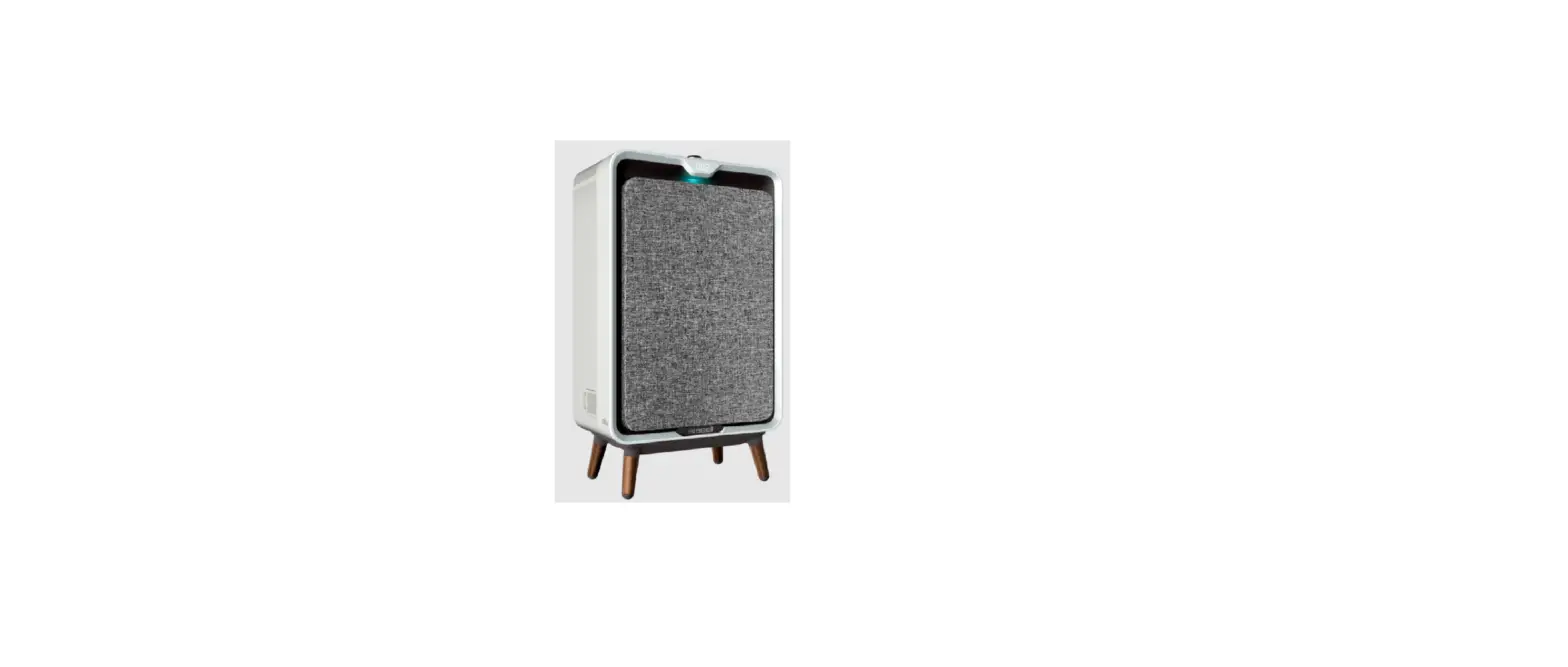
Have you checked the filters & front cover of your machine for Reduced/Loud Air Flow?
- No > Go to Reduced/Loud Air Flow
- Yes > Unplug machine
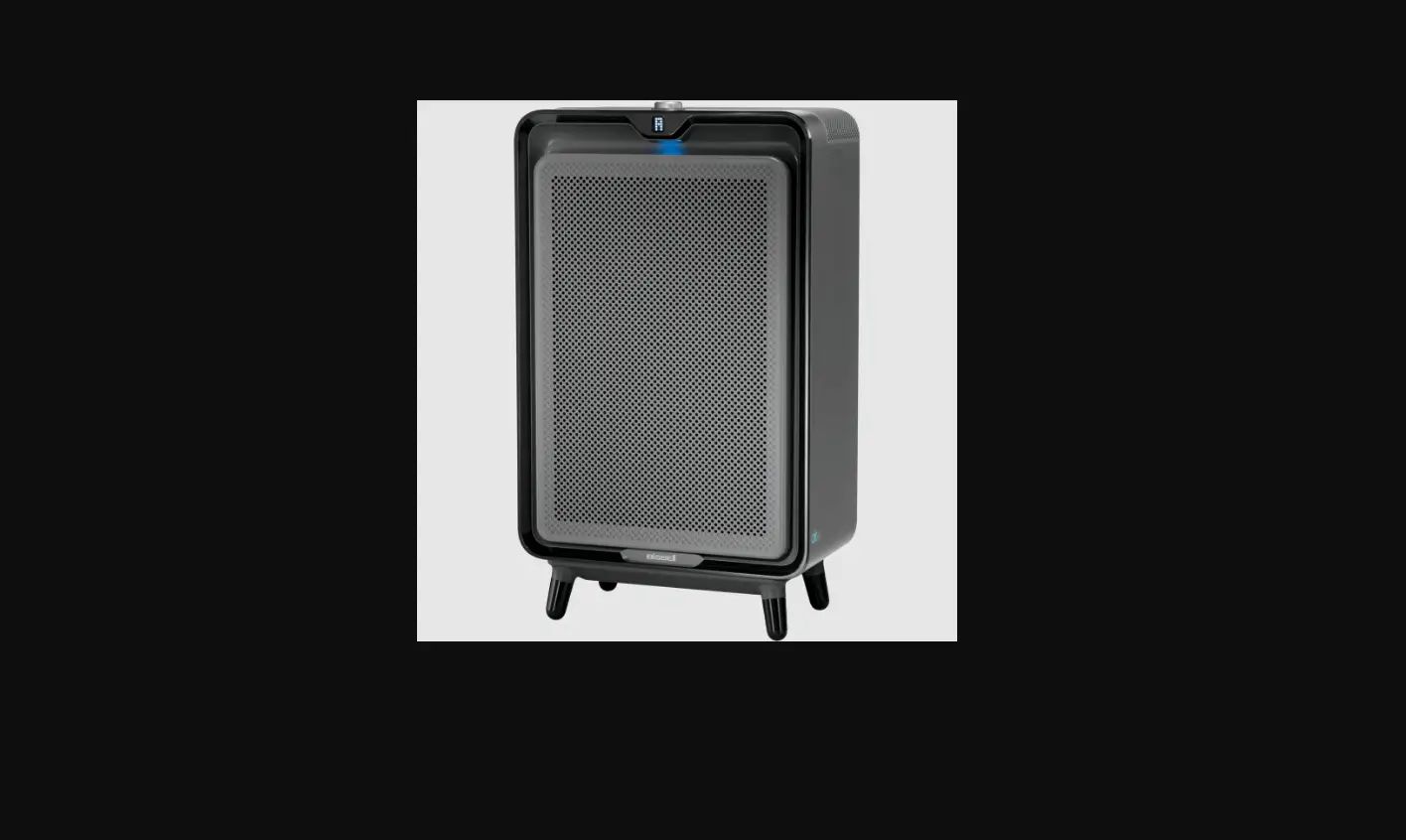
- Remove the Fabric Front Cover
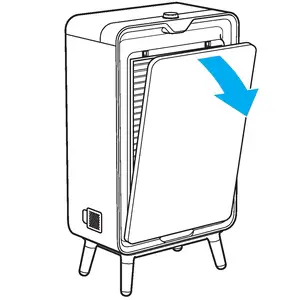
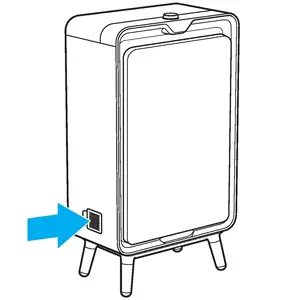
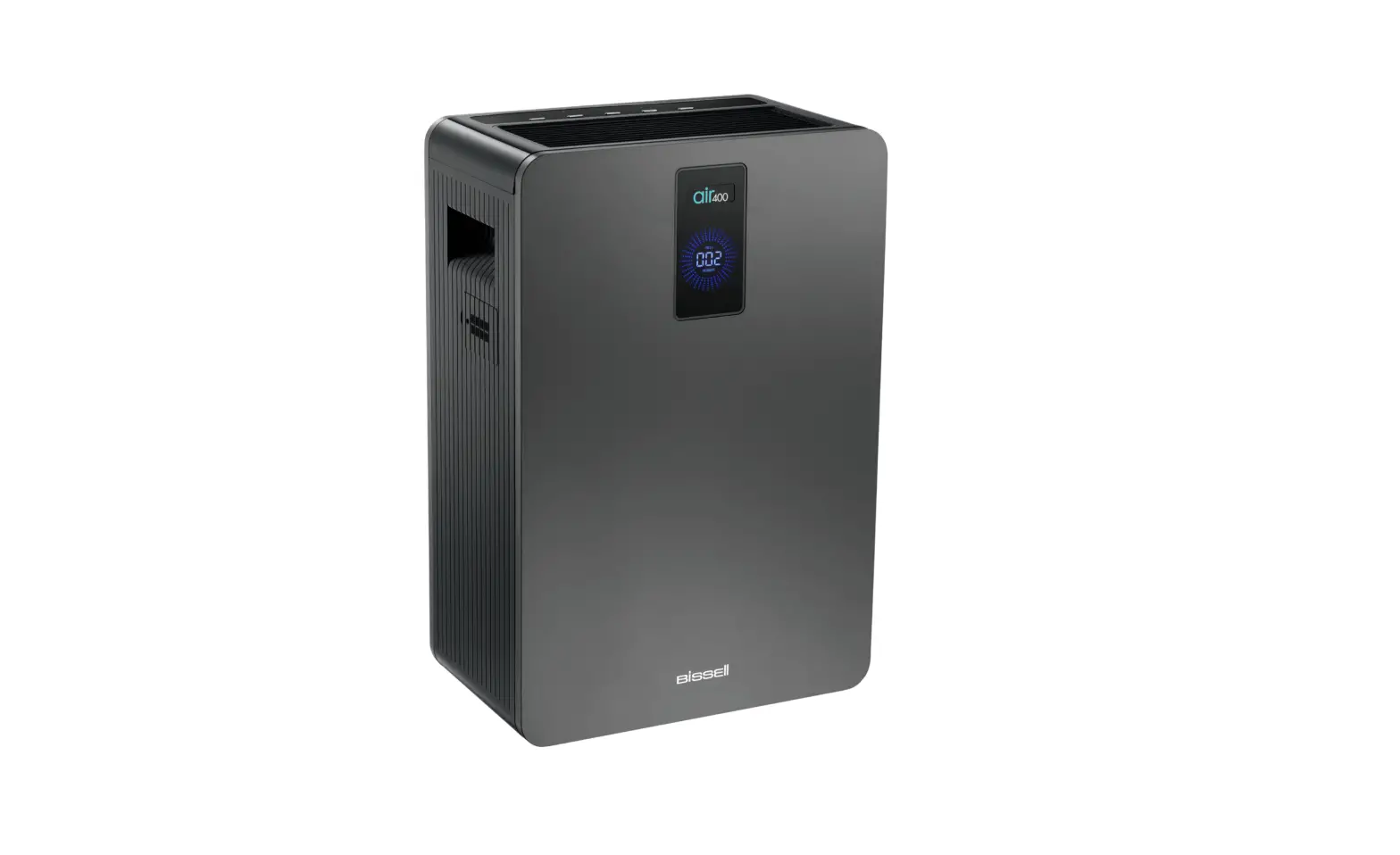
- Open the Particle Sensor door located on the left side of machine
- Remove the Sensor Screen and gently clean using a cotton swab
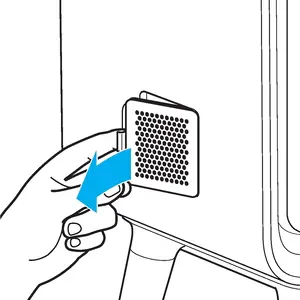
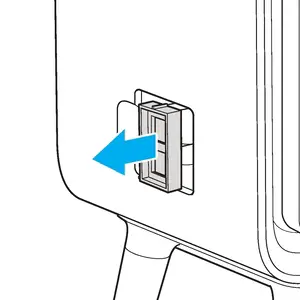
- Gently pull the connected Particle Sensor from the machine – enough to access the back
- Clean the Particle Sensor (front and back) with a vacuum hose
- Vacuum inside the cavity to remove debris prior to reinstalling Sensor
- Reinsert the Particle Sensor > Put the Sensor Screen in place
- Reattach Sensor Door
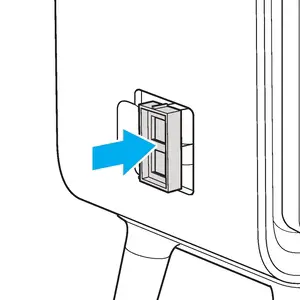
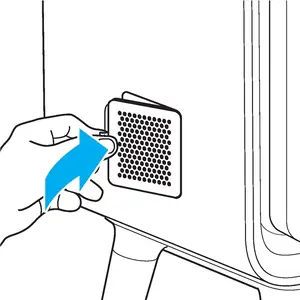
- Allow machine to run for 10 minutes to reset the Sensor for an accurate reading
- Has this resolved the issue?
- Yes > Great! Glad we could get you back to cleaning!
- No > please Contact Us

![Bissell Myair Air Purifier [2780a] User Manual](https://static-data1.manualsee.com/1/img/302/17749/2020/12/Bissell-MyAir-Air-Purifier-2780A.jpg "Bissell Myair Air Purifier [2780a] User Manual")