
Installation Guide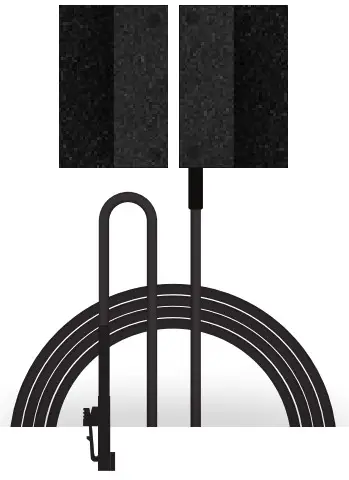
Quick Install Guide
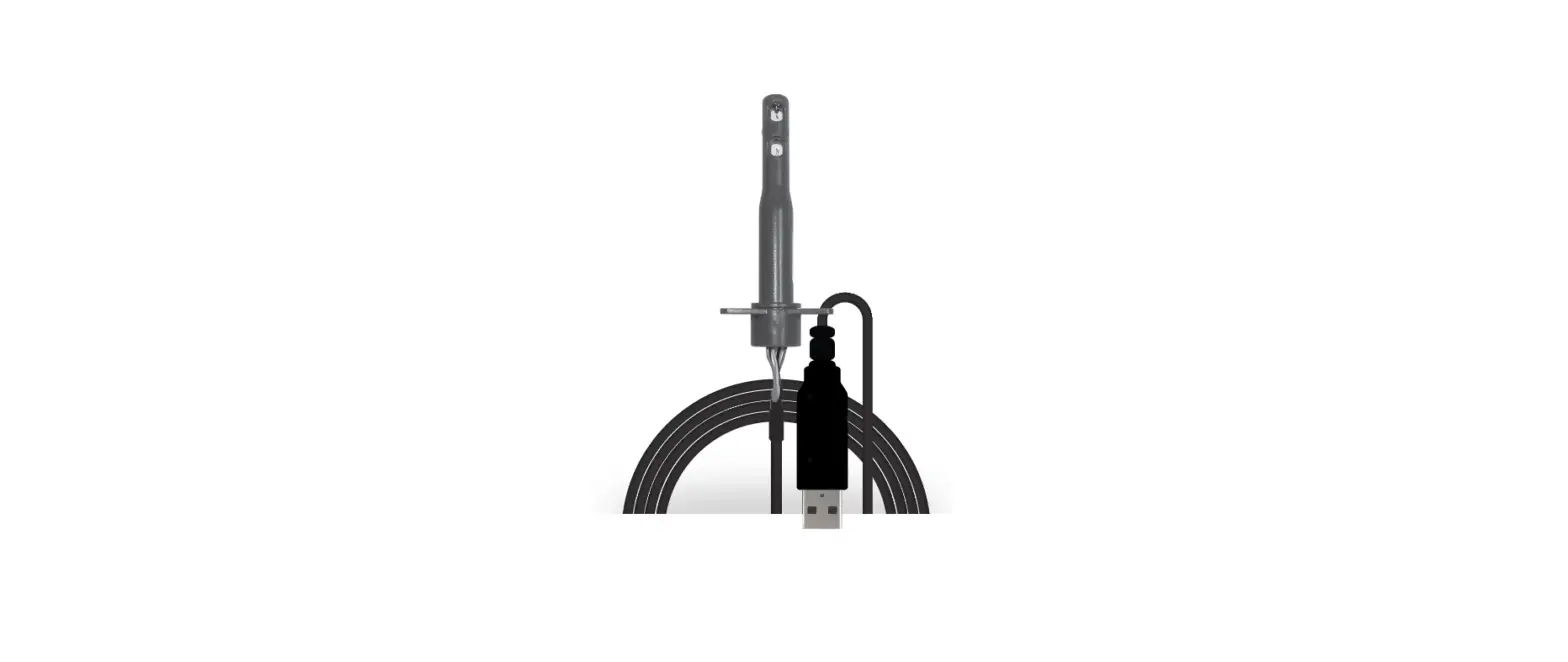
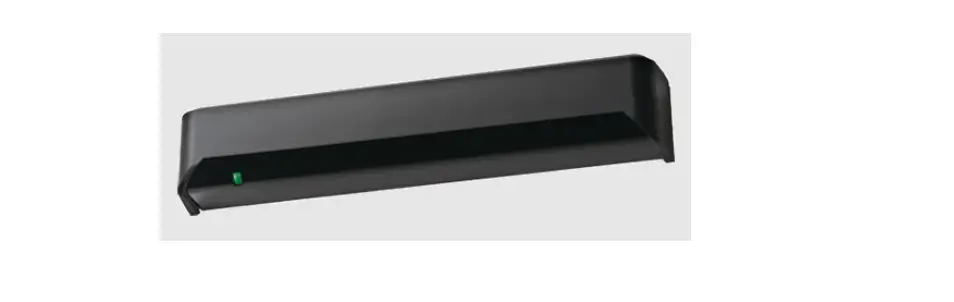
Flange Mount Proximity Sensor & Actuator (USB)
ZPE-DOOR-U01
COMPATIBLE WITH
ALL NODEGRID DEVICES
ZPESYSTEMS.COM
Product Specifications ZPE-DOOR-U01
HARDWARE
| Requirements | ZPE-IO8-U01 SOLD SEPARATELY Must be installed to the Nodegrid environment prior to setting up sensor(s) & actuator(s) |
| Supply Voltage | 12V via USB Switching up to 265Vac/300Vdc at 10VA |
| Operating Temperature | -40º to 150° C (104º to 302º F) |
| Cable | Attached. 4 meters (13 feet) |
DESCRIPTION
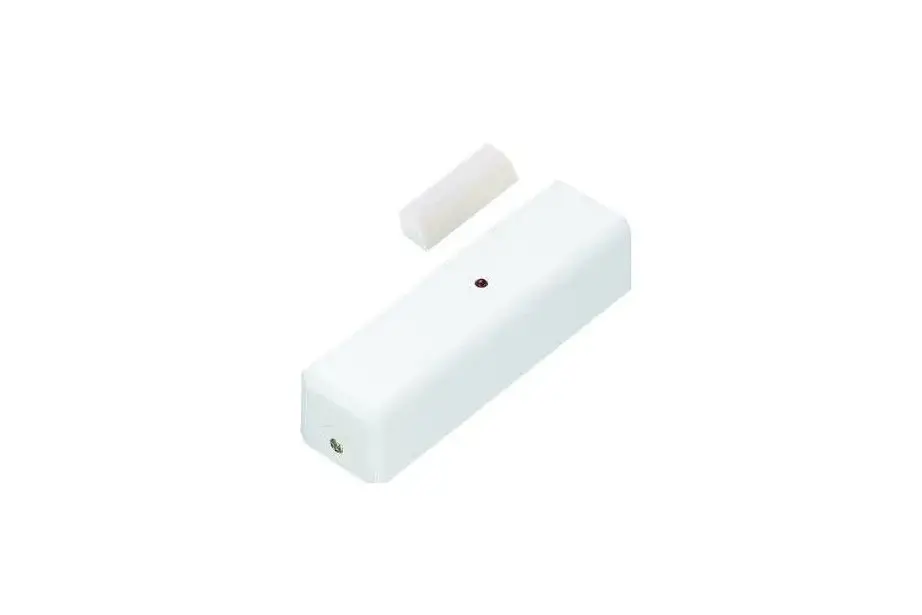
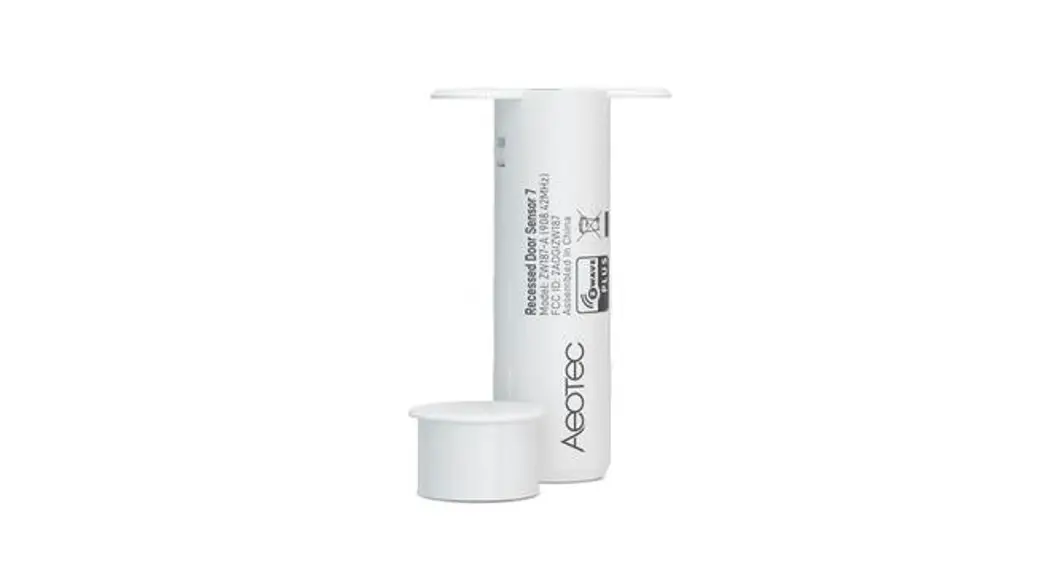
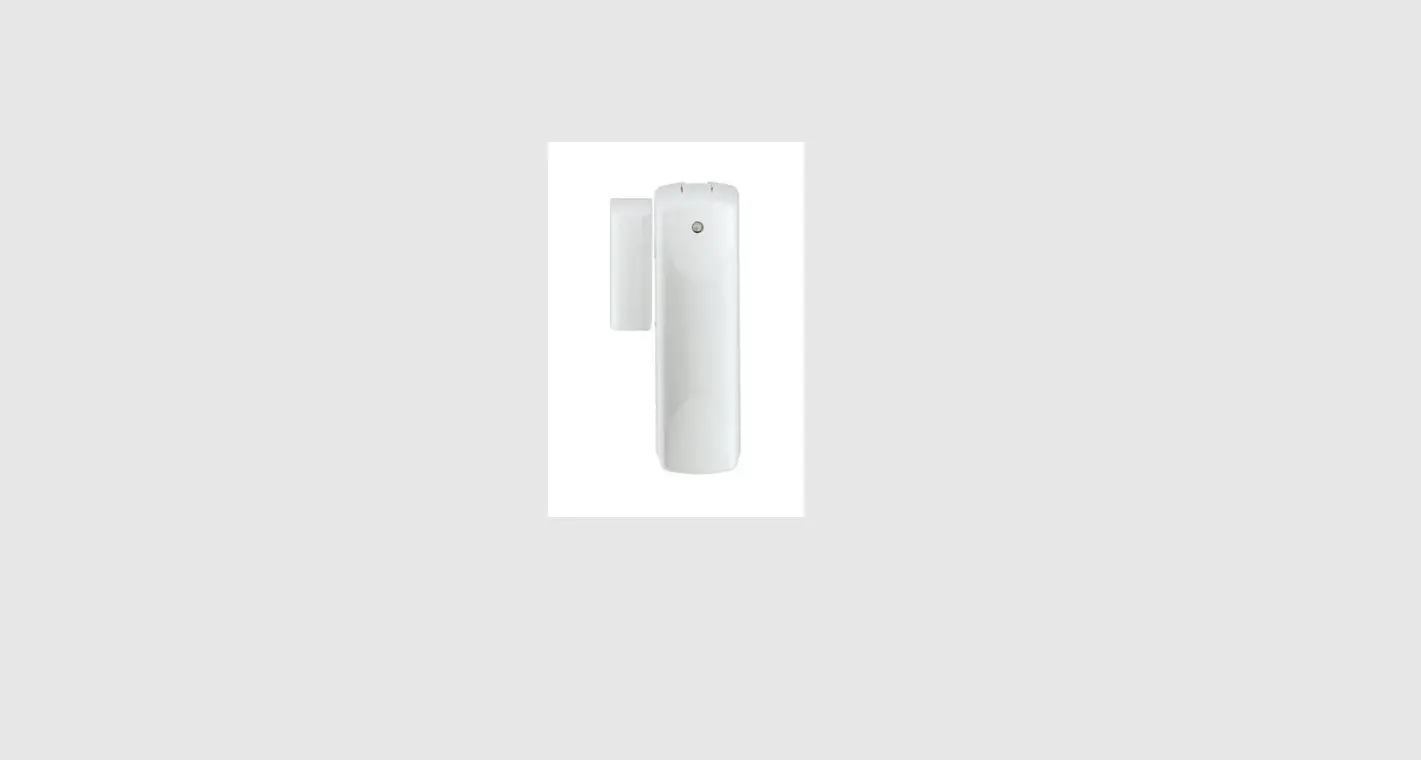
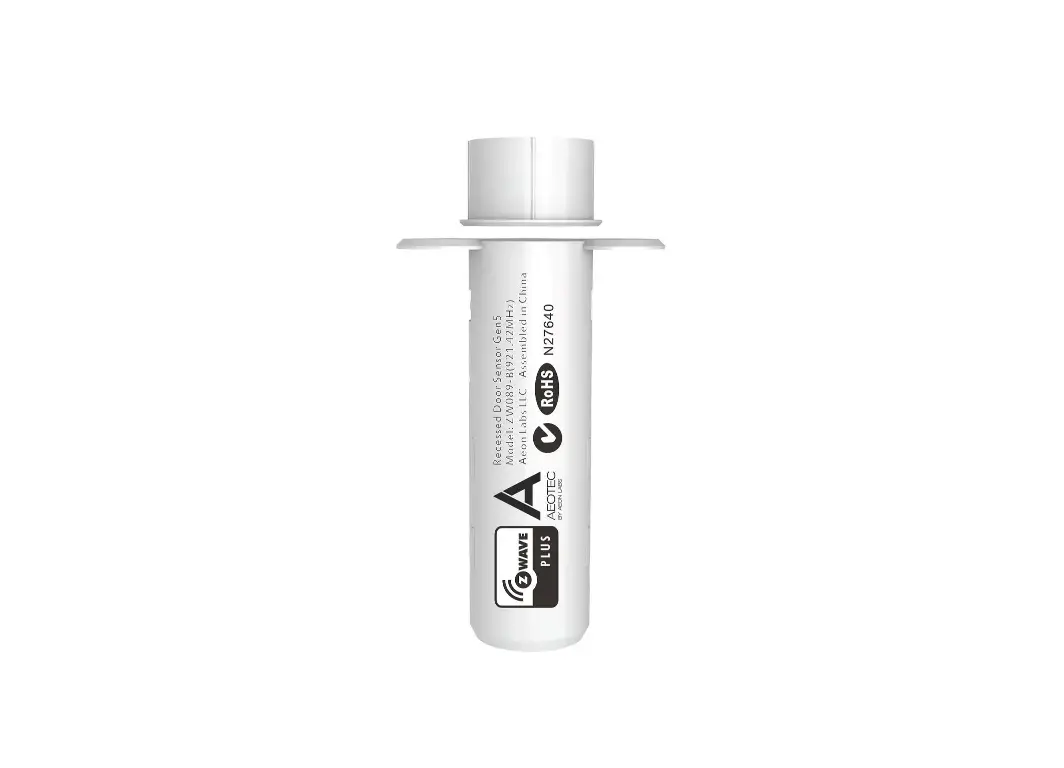
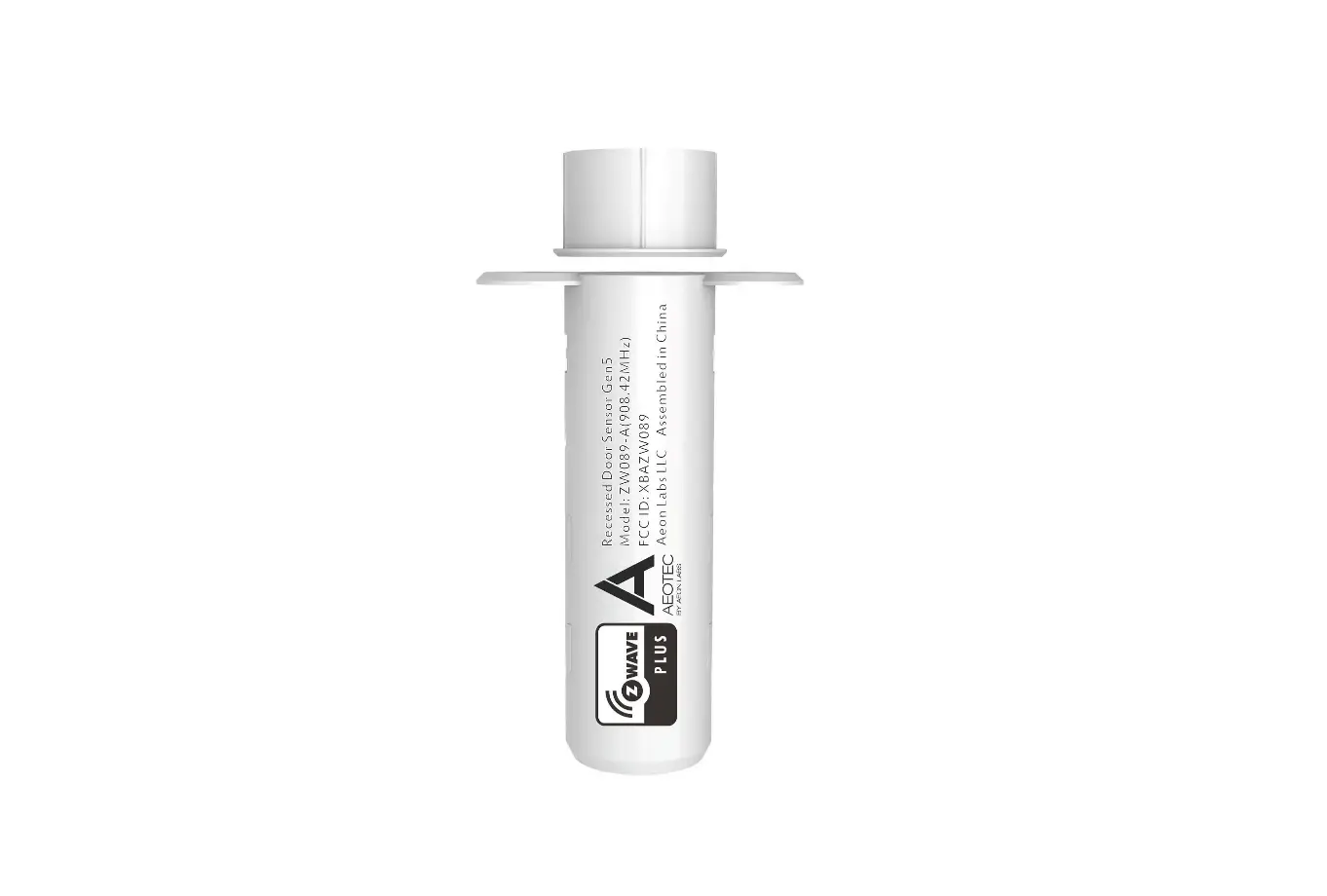
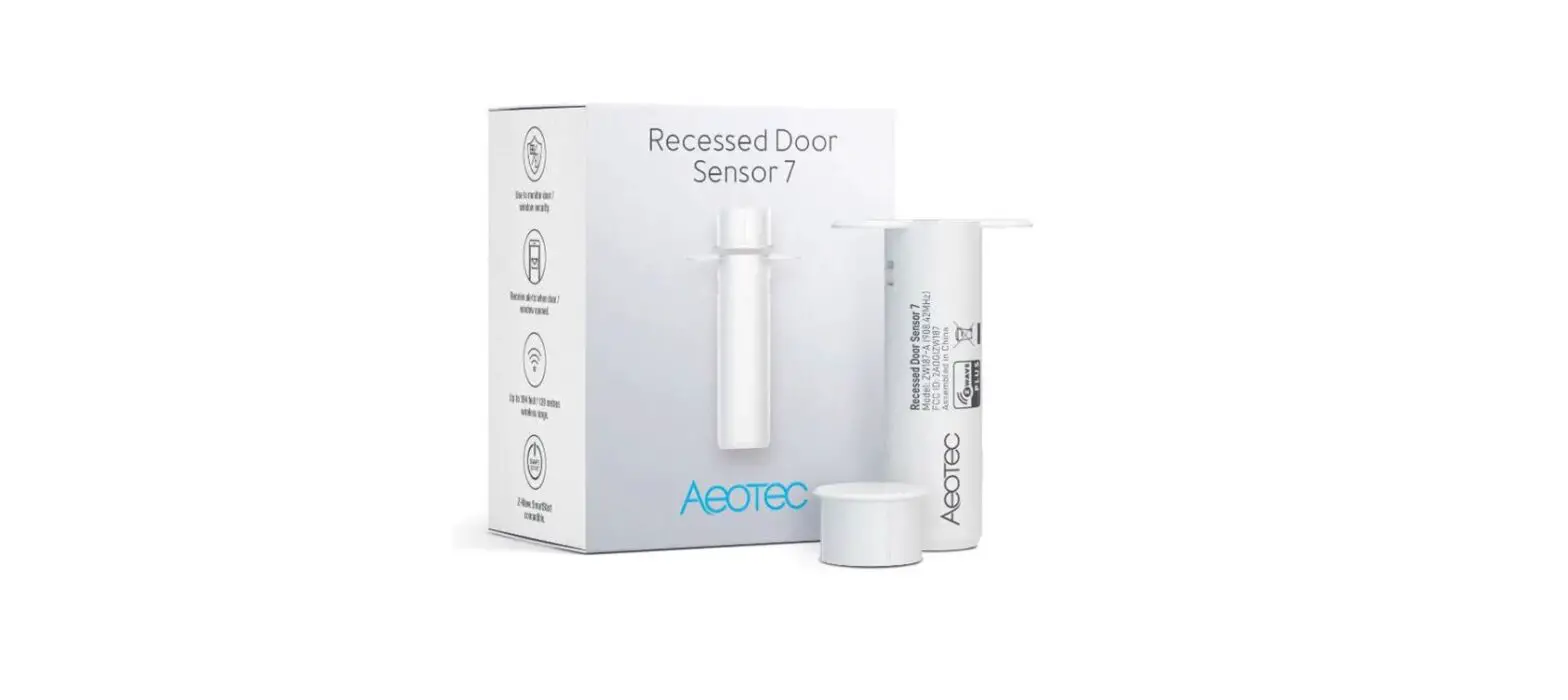
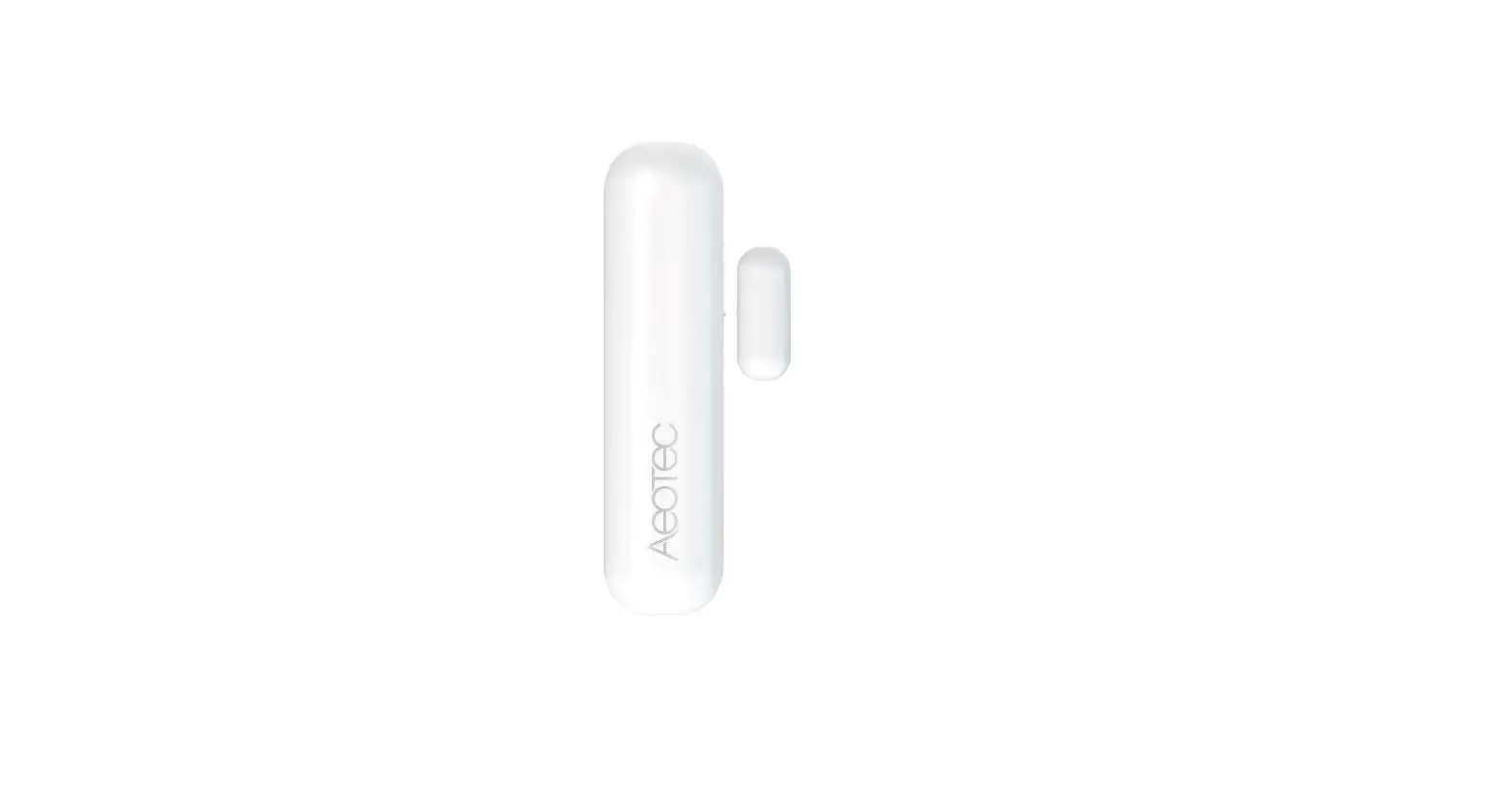
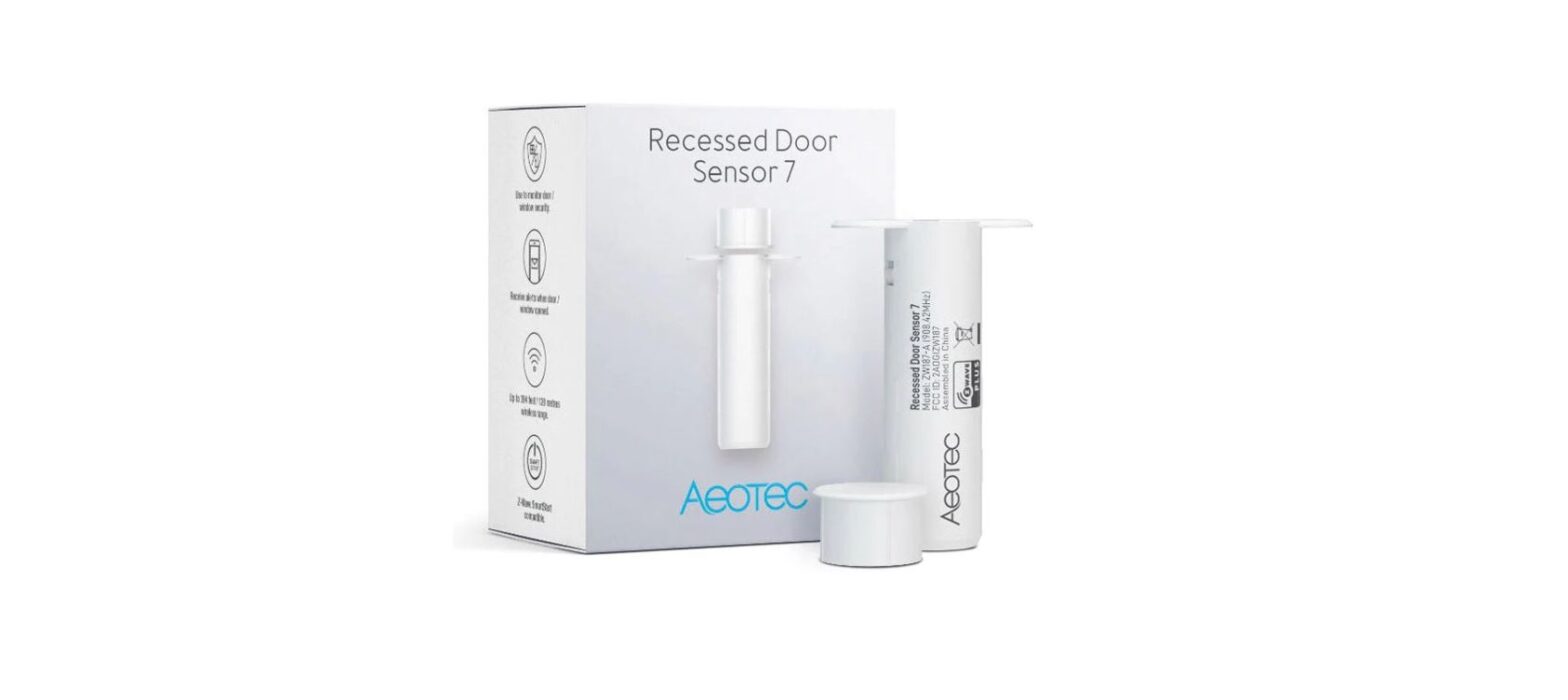
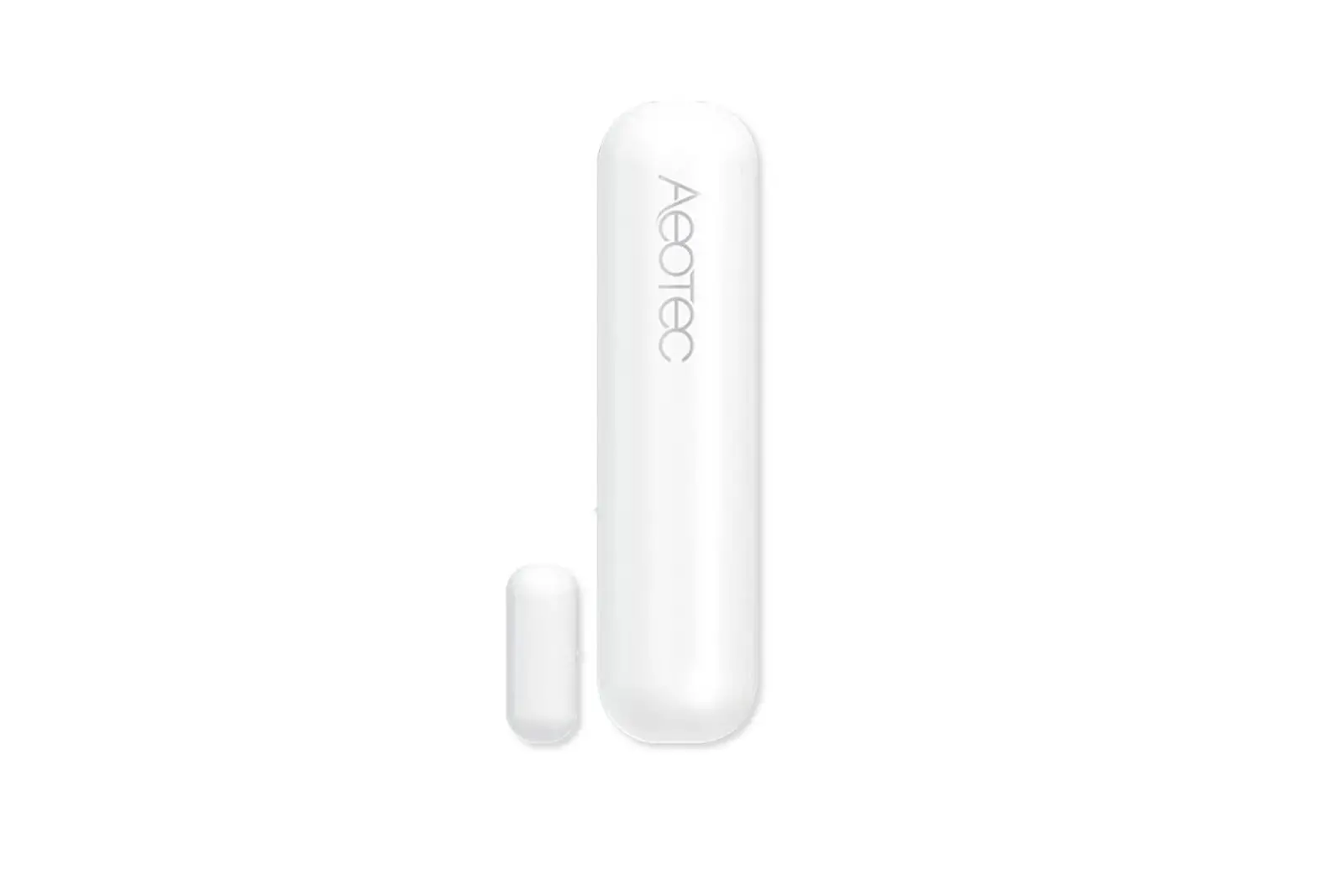
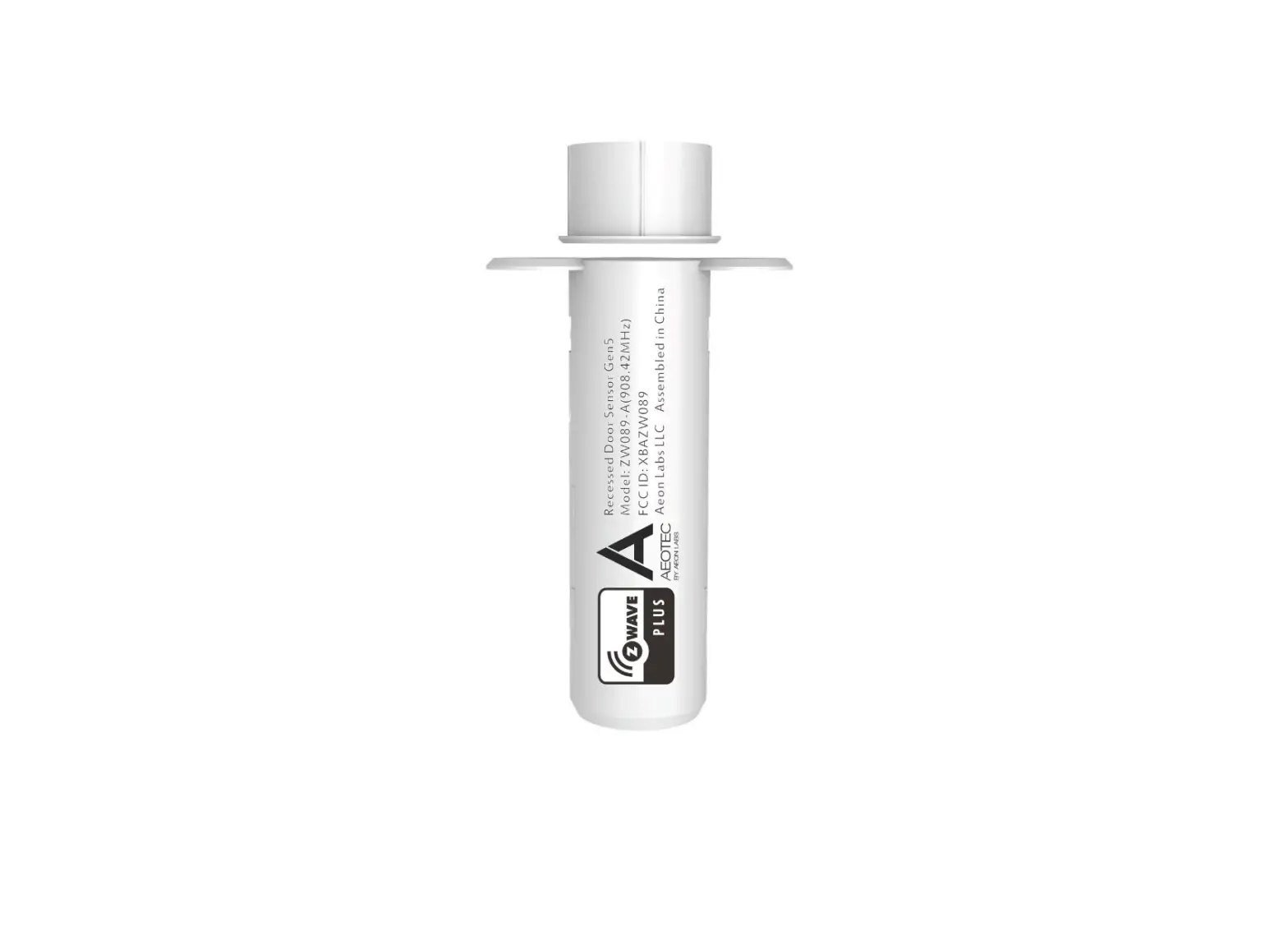
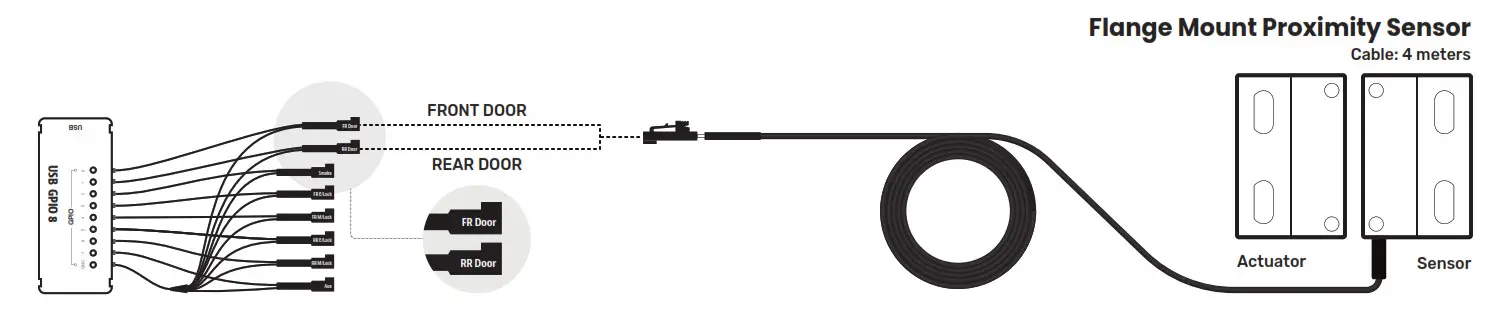
Ensure rack doors are in the proper position using this proximity sensor. You don’t need standby power, and can simply install using adhesives or hardware. This hermetically sealed, magnetically operated sensor works through wood, plastic, and other non-ferrous materials, with contacts that function even after optical and other technologies fail due to contamination. Read door status using CLI, Web, SNMP or Restful APIs.

Let’s set up Flange Mount Proximity Sensor & Actuator
- Make sure that the GPIO is on hand and set up properly to a Nodegrid device before connecting the pieces as shown.
Refer to the GPIO Module Quick Install Guide for details.
8-Channel GPIO Module ZPE-I08-U01
Not included Must be already installed to a Nodegrid hardware
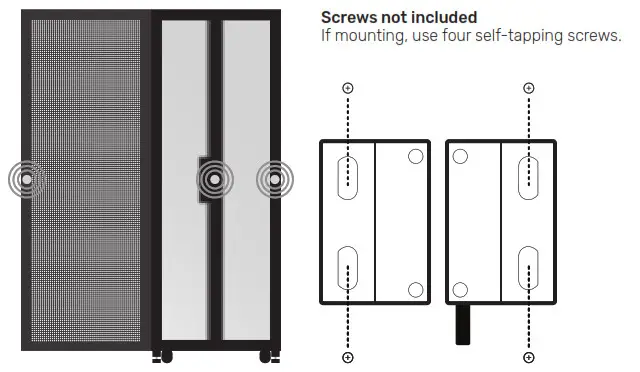
- Mount sensor(s) & actuator(s) on a surface where wires can run through and won’t block the door when opened. You may screw it on or use mounting tape.

We suggest placing the product here *Rack cage may be a different model or size - Ensure minimum Nodegrid OS version meets sensor requirements. Upgrade Nodegrid OS to minimum version 5.4.1

- For more information, visit the “Sensor Quick Install Guide” section at: zpesystems.com/user-manuals/

- OPTIONAL: To configure data collection in ZPE Data Lake, refer to Appendix C in the latest ZPE Cloud Manual at: zpesystems.com/user-manuals/


All rights reserved. September 8, 2022
 User Manuals - ZPE Systems - Rethink the Way Networks are Built and Managed