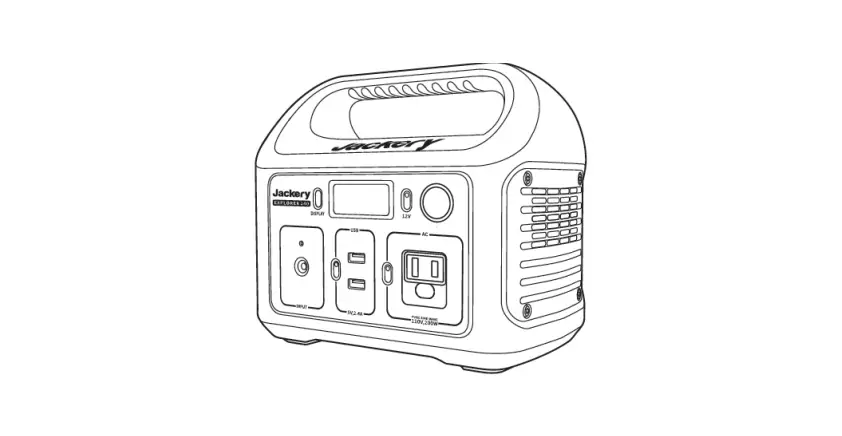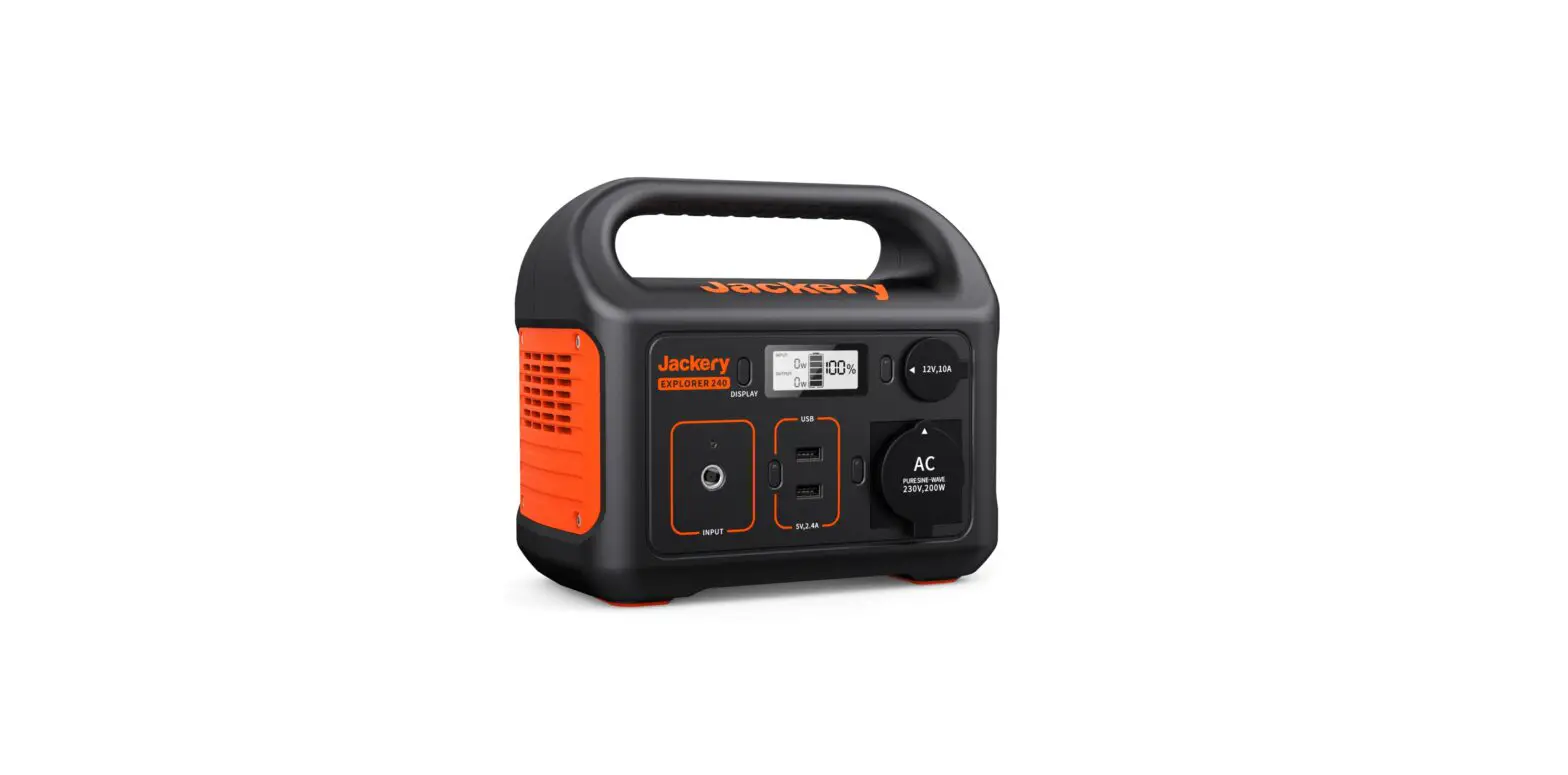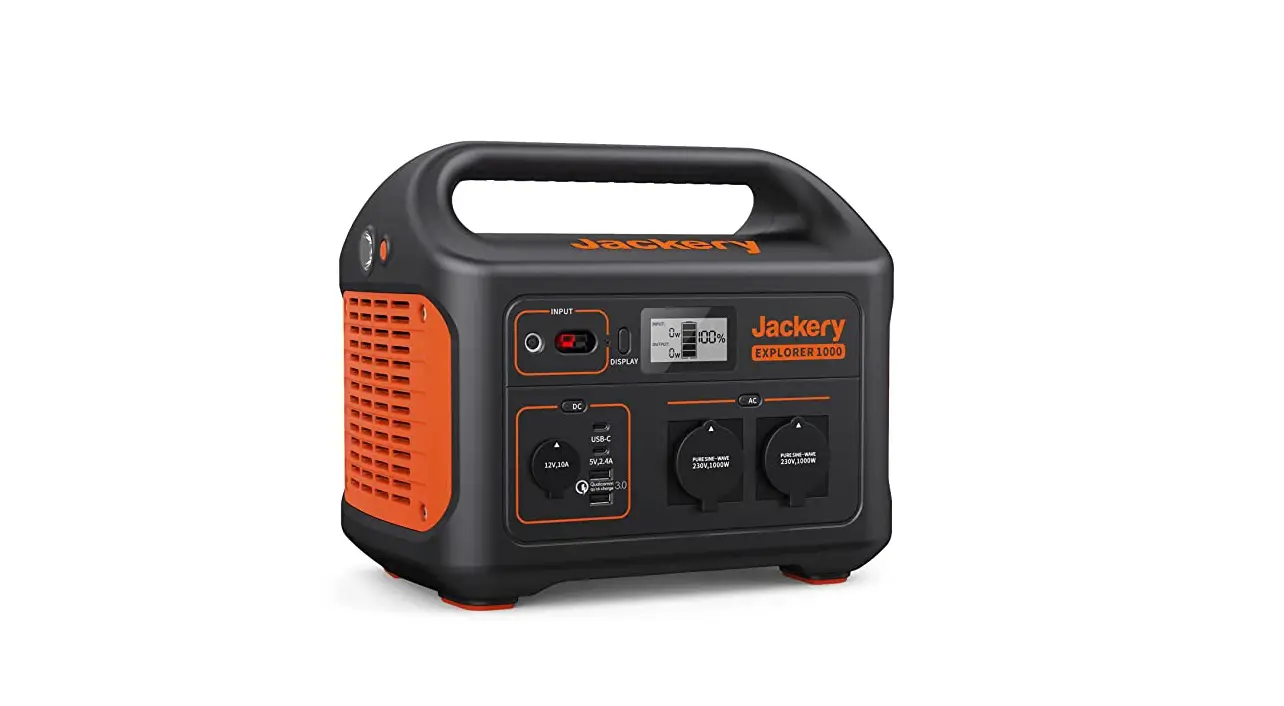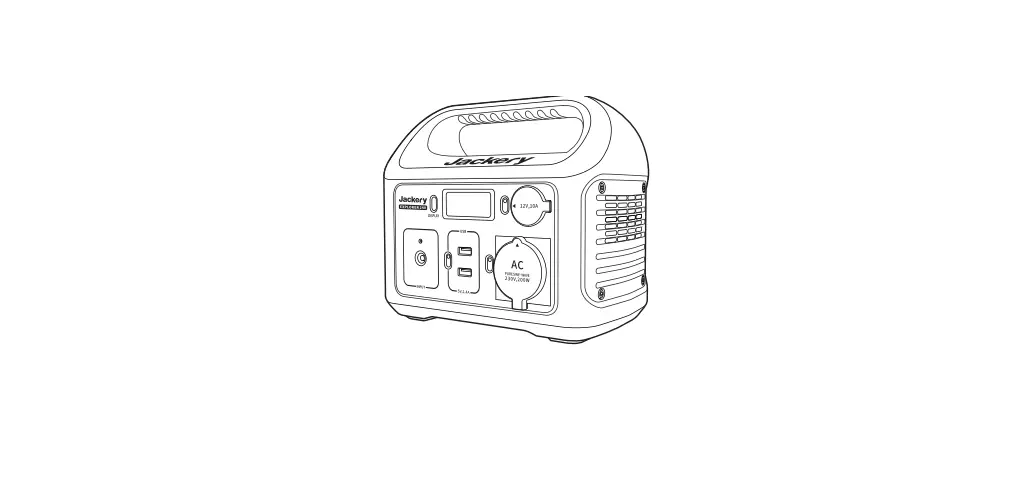

Jackery Explorer 240EU Portable Power Station
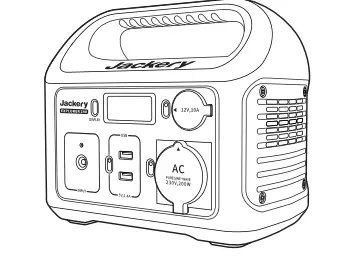
Specification


In Box

power
Power Level Percentage
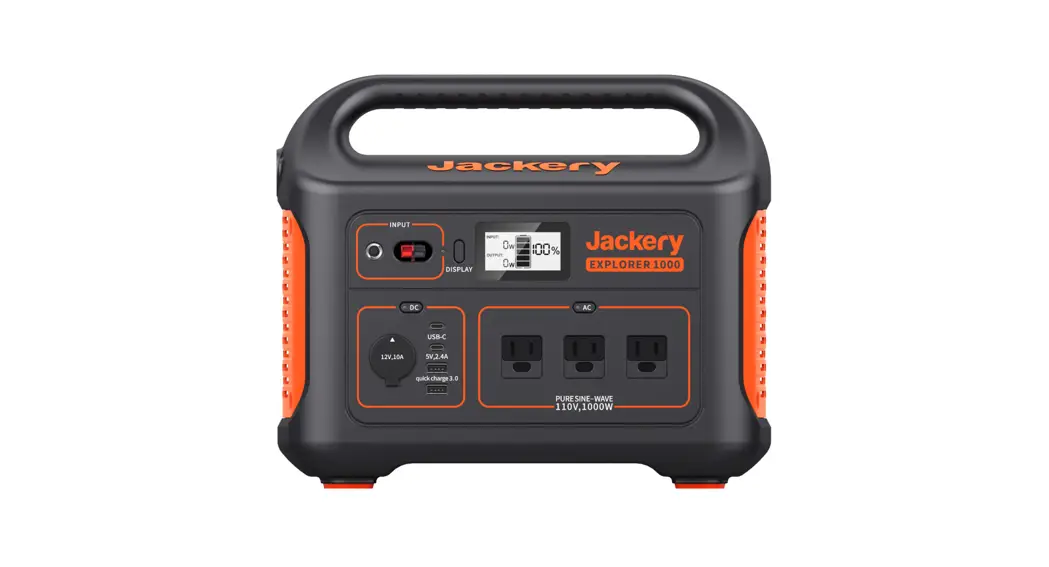
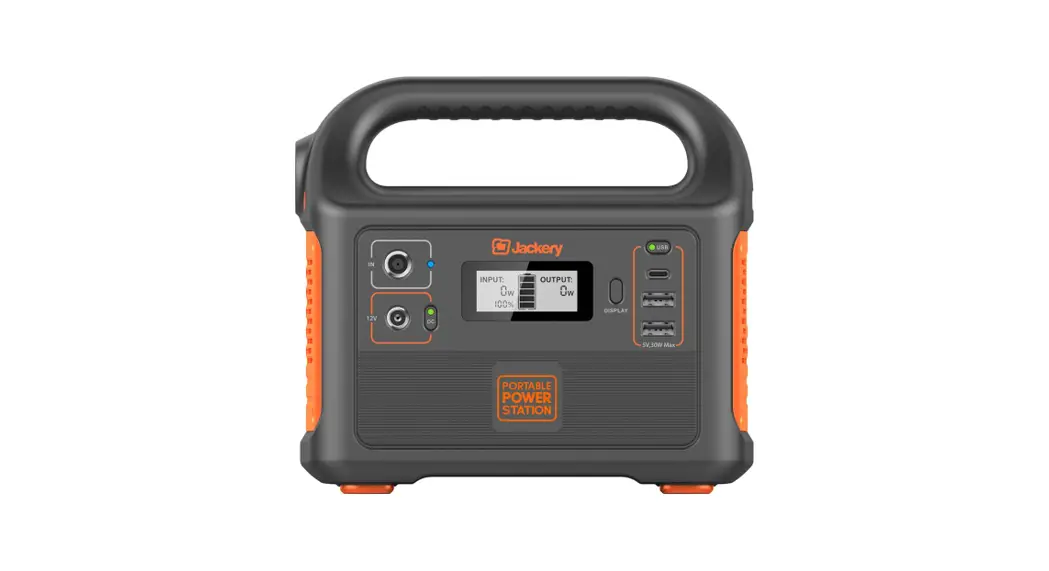
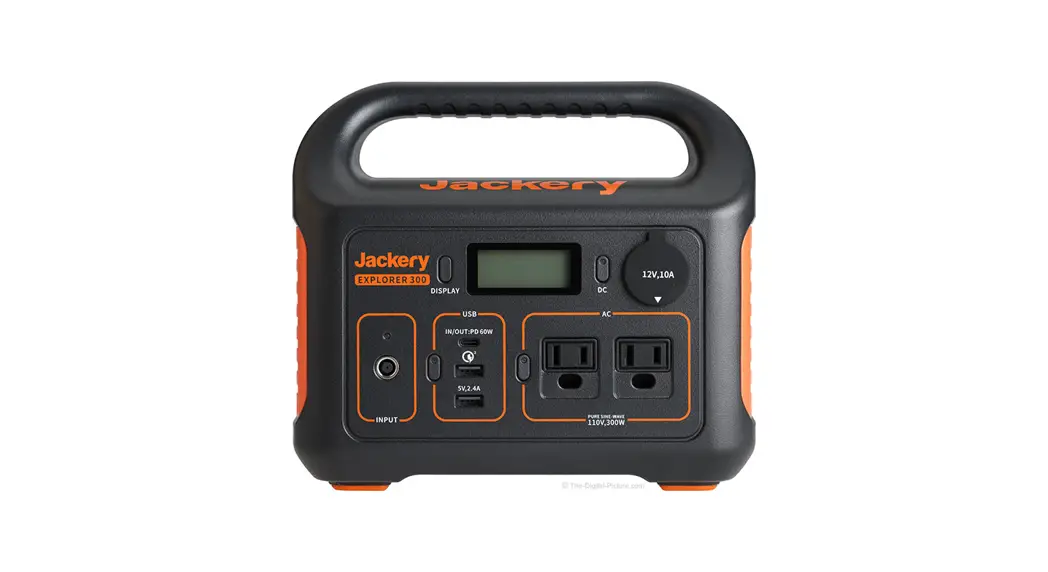
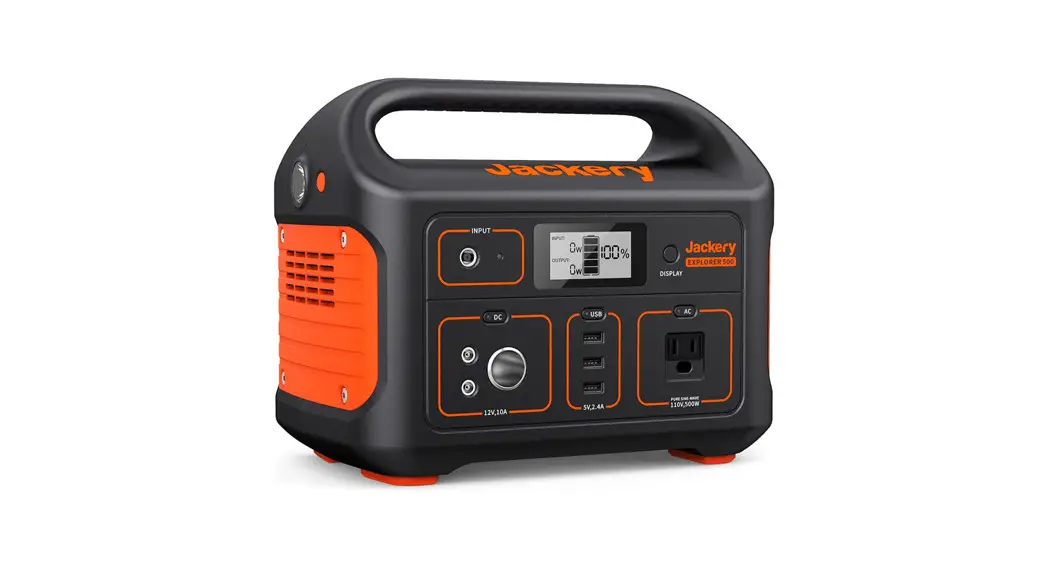
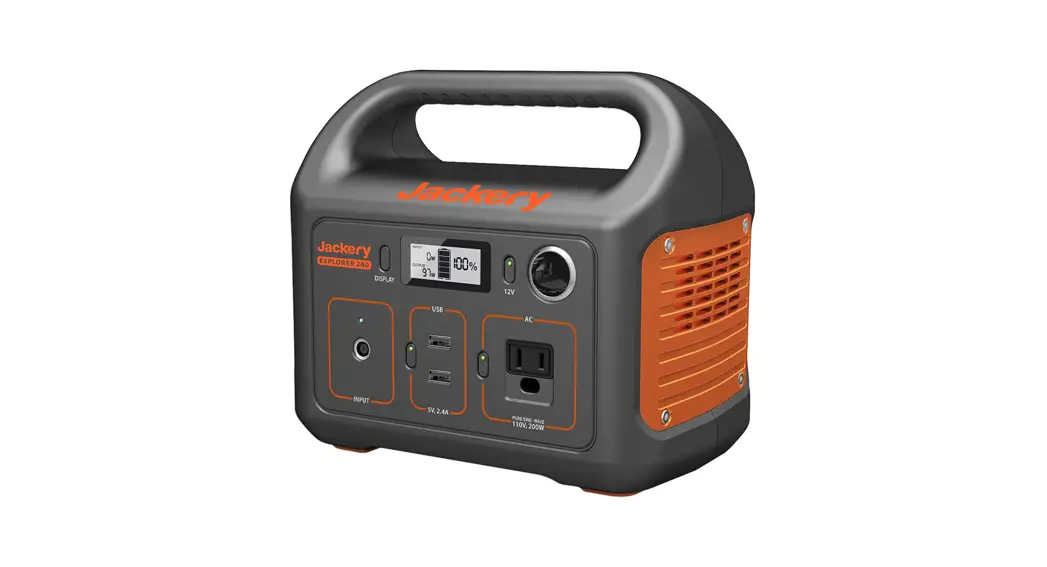
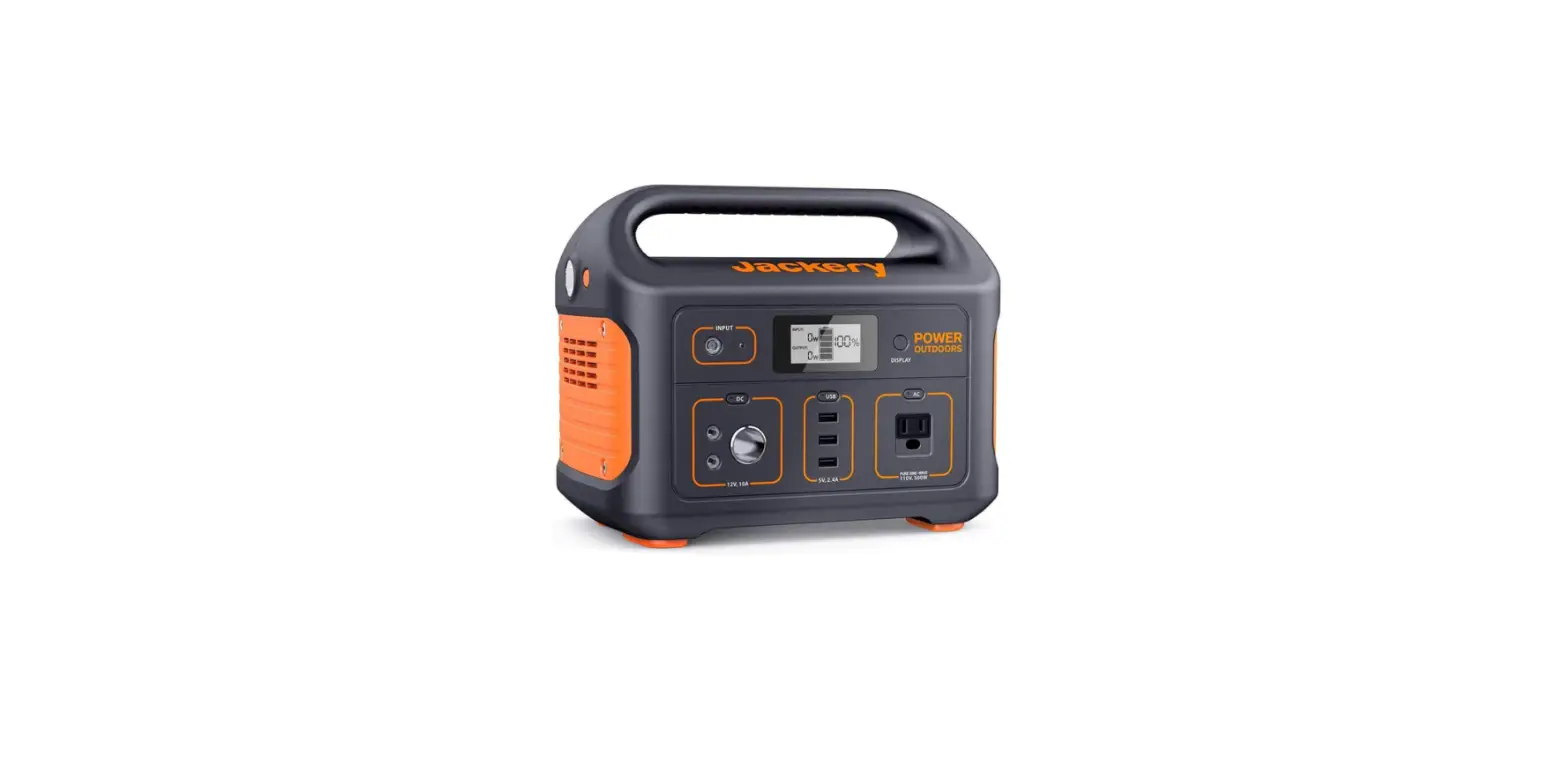
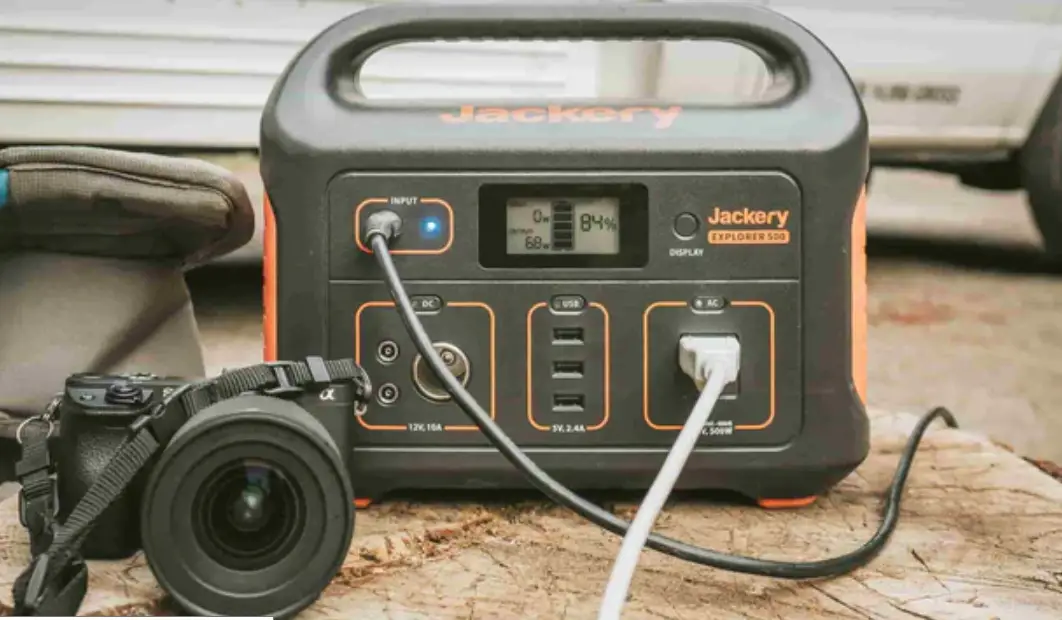
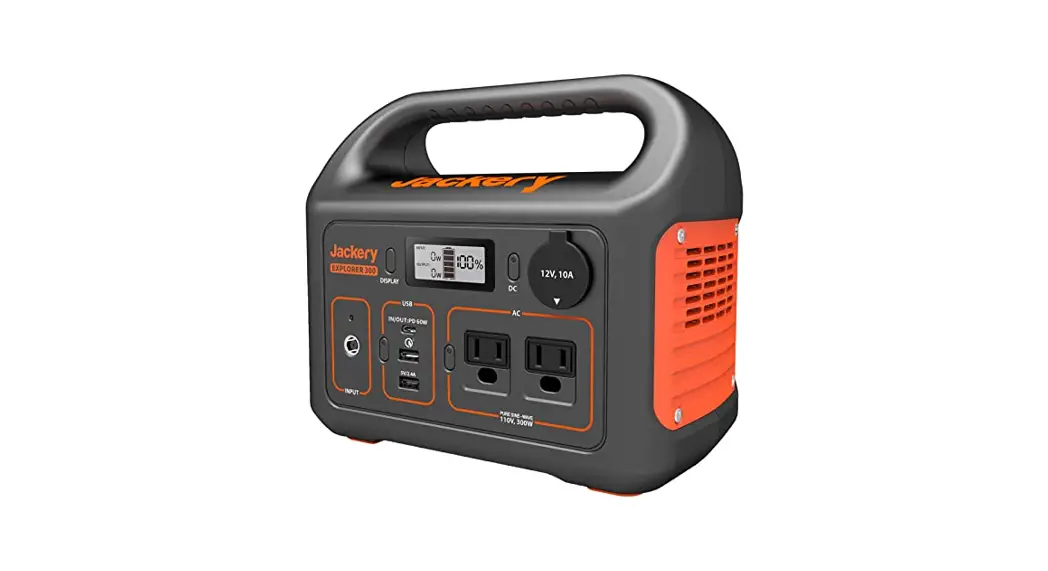
Check the battery level by pressing the display button before use. If battery is at a low level, charge first.LCD screen flickers 10 times when battery capacity drains to 20% and 10%. Power of Input & Output (W) If the Jackery Explorers total output exceeds 200W, it will automaticaly shut off.Please ensure the power consumption is less than 200W, then press the power button. Low&High Temperature AlarmThe Explorer 240EU can power your devices at temperatures ranging from -10-40°C (14-104°F). If your working temperature is outside this range, the Explorer 240EU may stop working.
CHARGING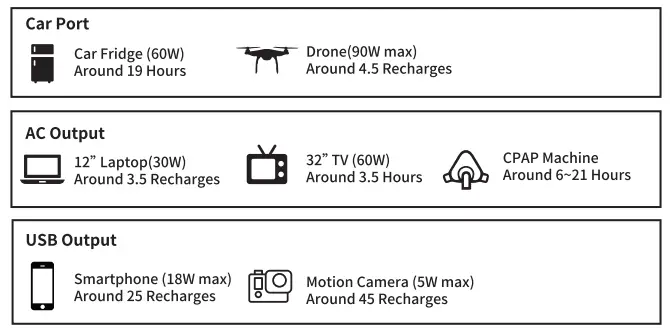
DC INPUT
- Wall Charger
- Solar Panels(optional)
- Car Charger
- Electric Generator
POWER
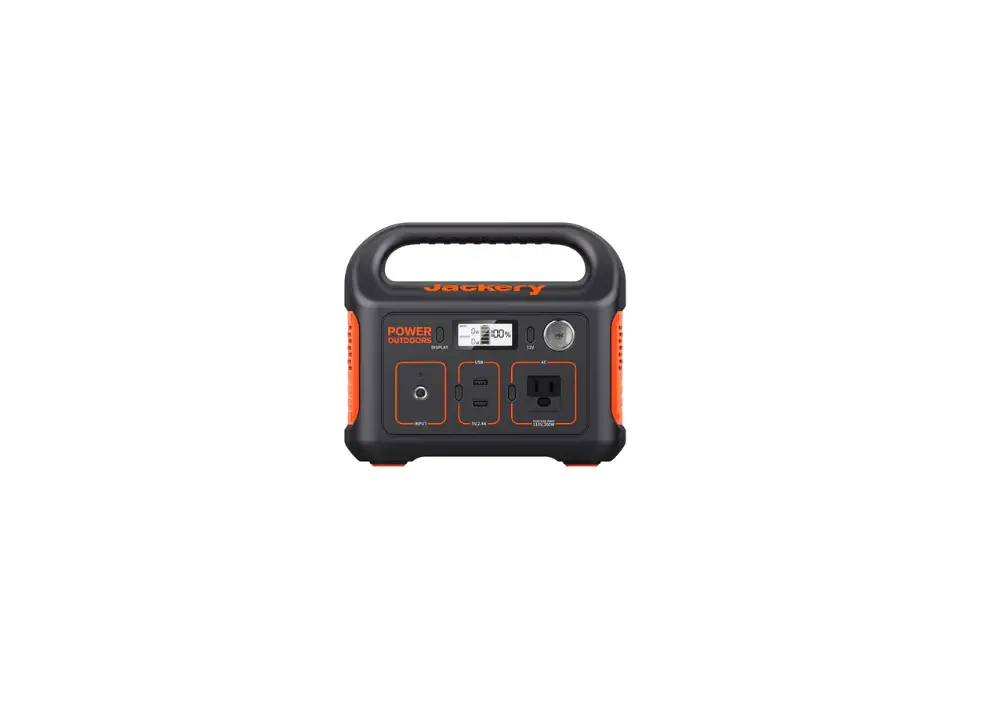
LCD Screen Button Press the power button to check the remaining battery. AC Button / DC 12V Button /USB Button Turn off each output by pressing its power button as it does not turn off automatically or it will drain the battery out.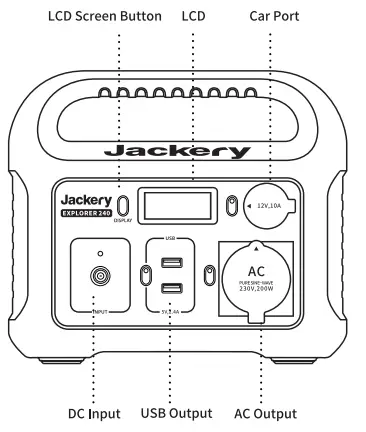
RECHARGING
Before use or storage, plug your Explorer 240EU into the wall until it is fully charged. If the LCD shows less than 20% capacity, plug it into a power source, like an AC outlet or a solar panel, as soon as possible. There are four ways to recharge your Jackery Explorer.
SAFETY INSTRUCTIONS
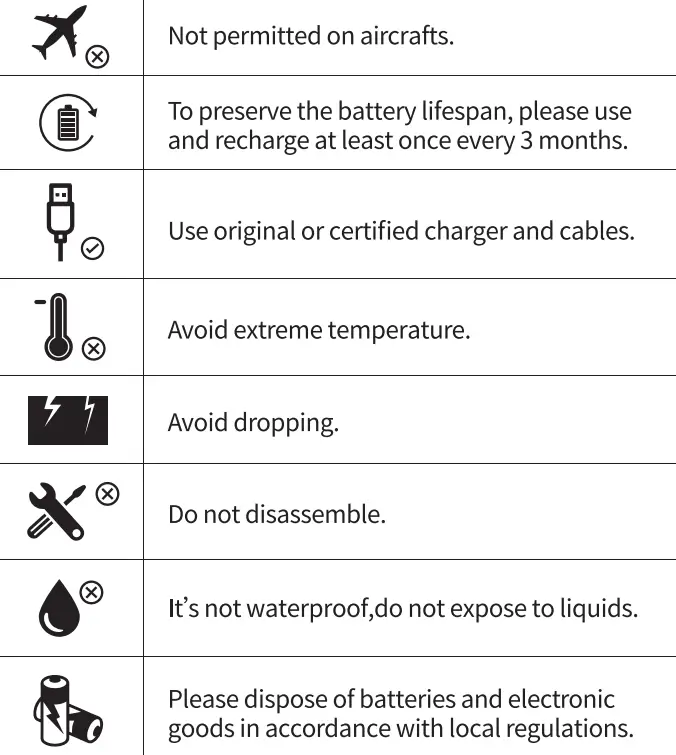
- DO NOT disassemble, repair or modity the unit or the battery.
- DO NOT place the unit close to or in a fire or expose it to heat. Keep out of direct sunlight.
- DO NOT charge, use or store the unit in a bathroom or in an area exposed to rain or moisture.
- Only use the output socket to power external devices. Never connect the output to mains power under any circumstances.
- DO NOT touch the unit or the plug-in points if your hands are wet
- DO NOT connect any metallic objects to the AC input or output
- DO NOT rub your eyes if fluid from inside the unit should get in your eyes.
- DO NOT dispose the unit together with household waste.
- DO NOT use any inappropriate power cords.
- DO NOT operate the unit above the specified input voltage
- DO NOT use the unitif it is not functioning correctly.
- DO NOT move the unit if it is rechargingor in use.
- DO NOT put fingers or hands into the product.
- DO NOT use a battery pack or appliance that is damaged or modified. Damaged or modified batteries may exhibit unpredictable behavior resulting in fire, explosion or risk of injury.
- DO NOT disassemble the power pack, take it to aqualified service person when service or repair is required. Incorrect reassembly may result inna risk of fire or electric shock.
ATTENTION