

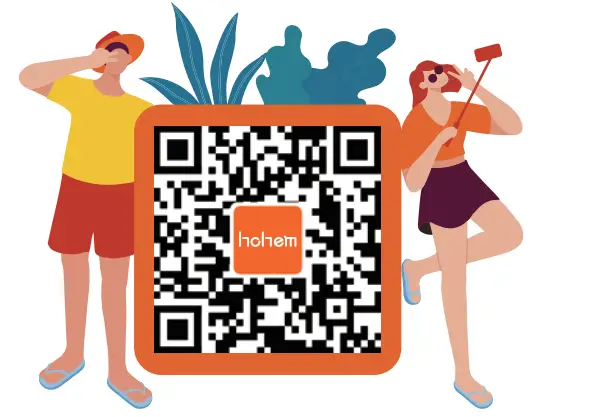
 For a quick start tutorial, please scan the QR code below
User Manual
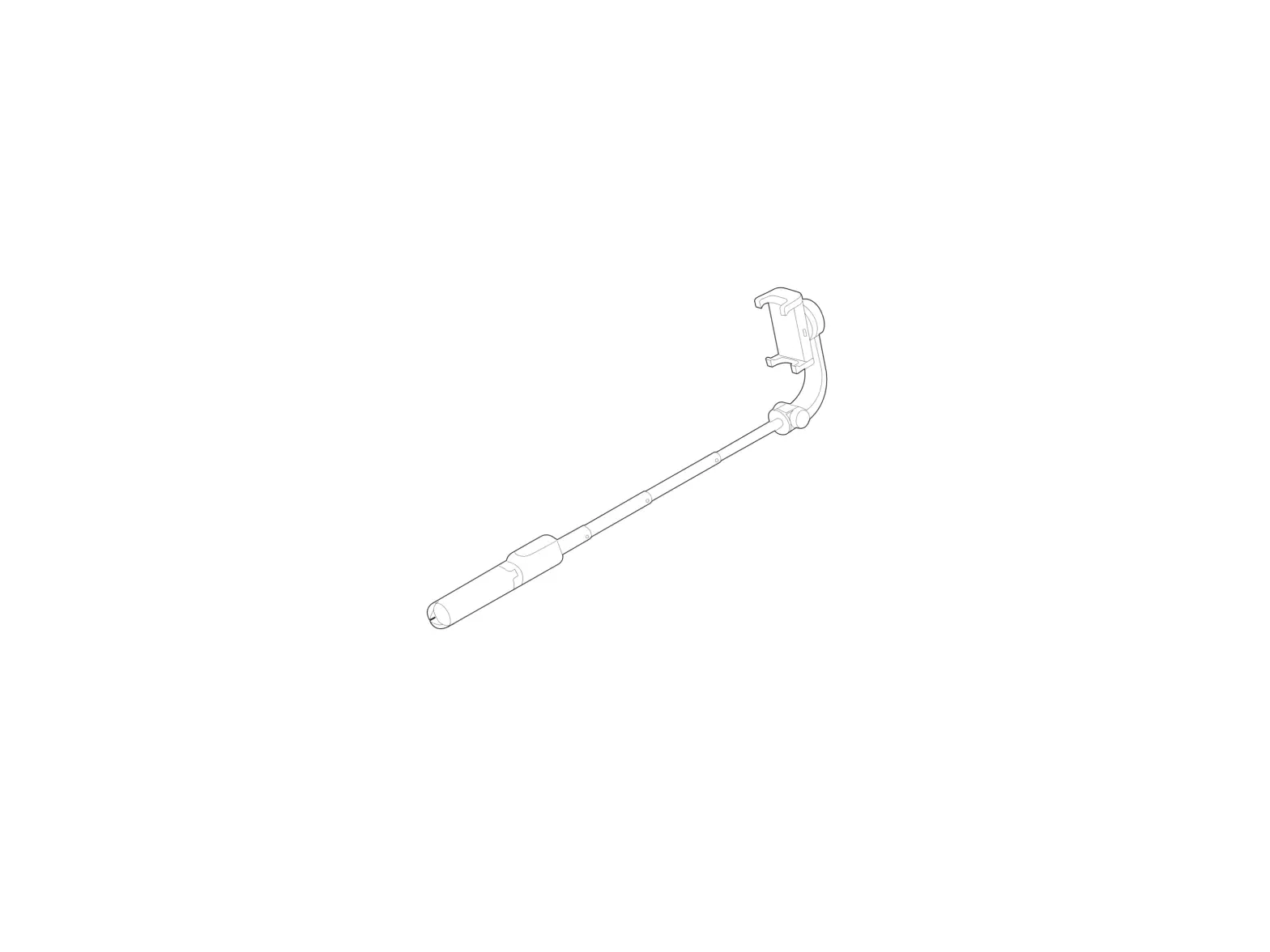
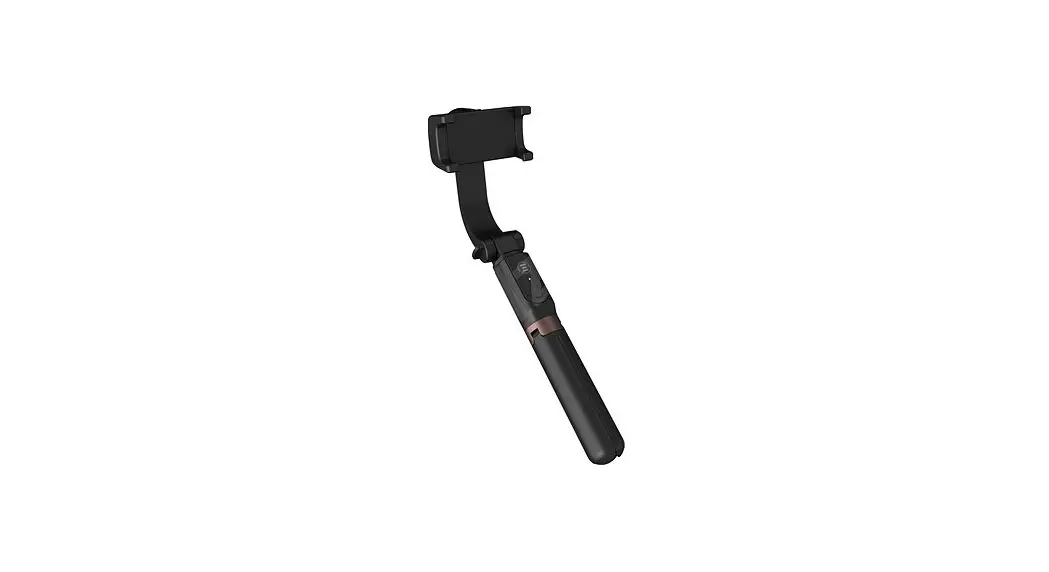
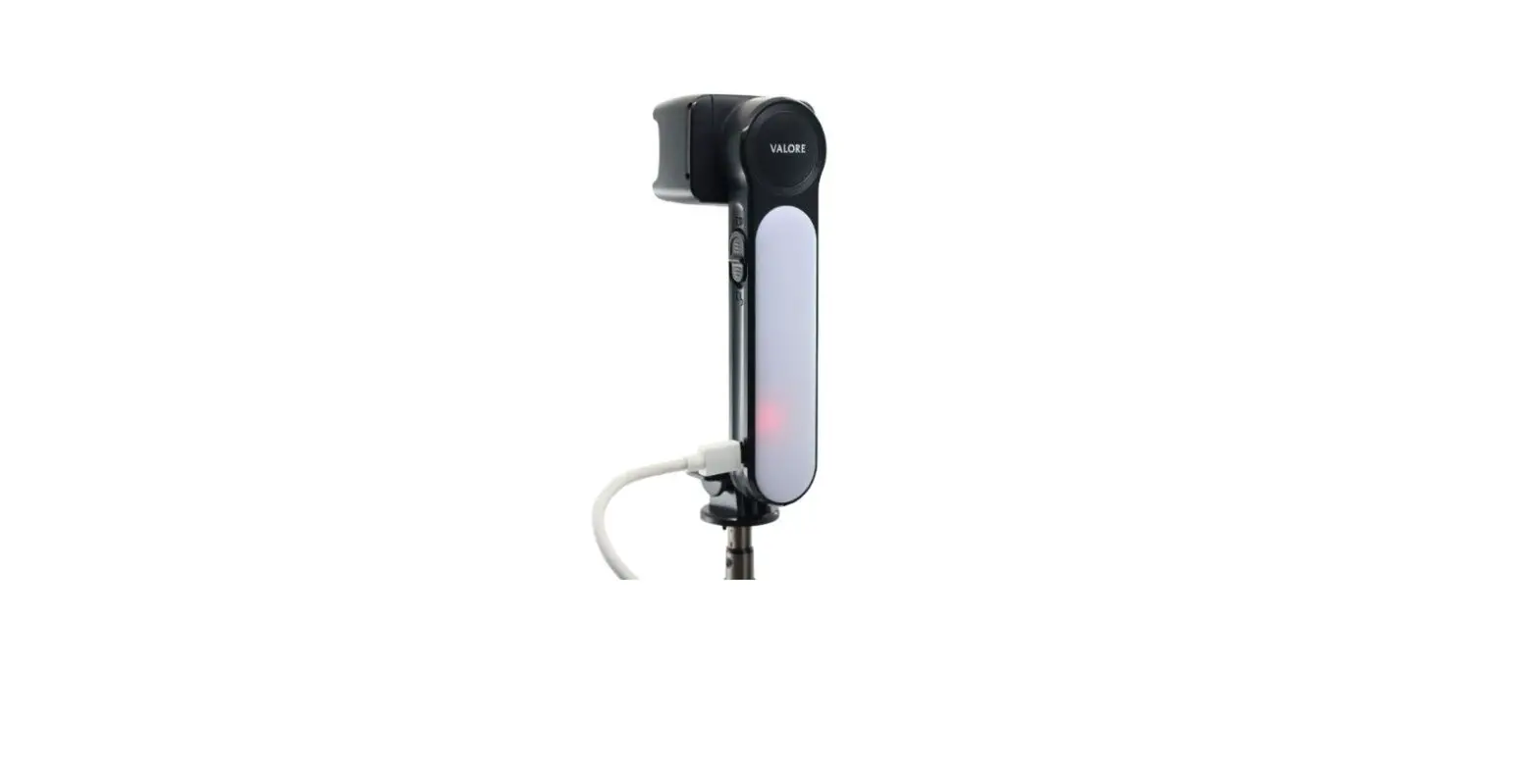
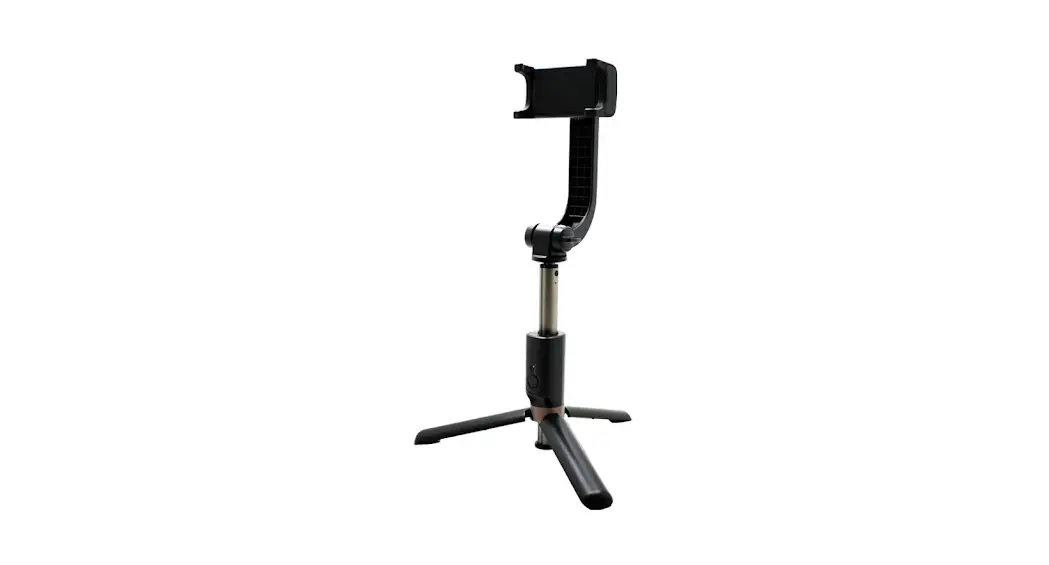
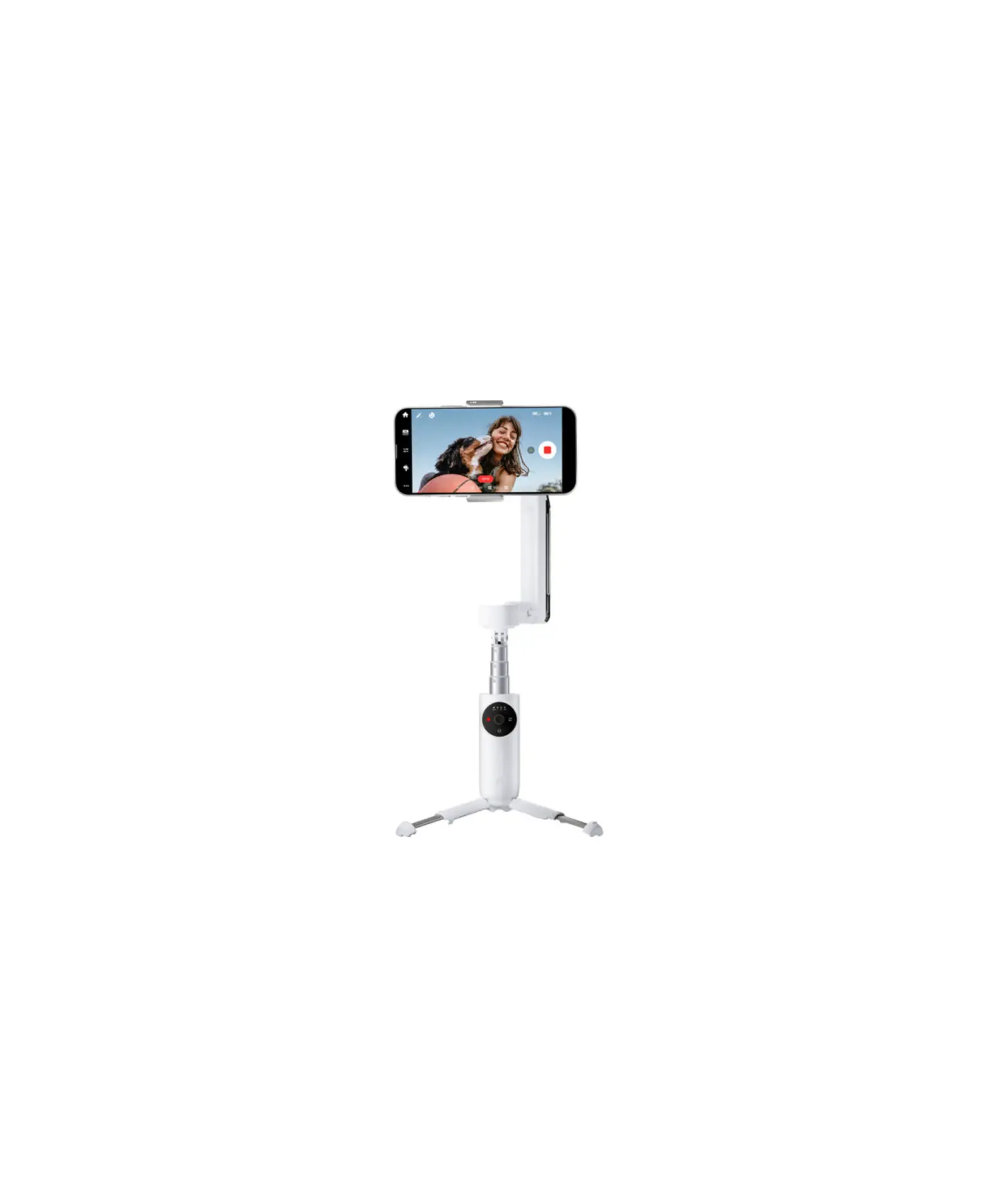
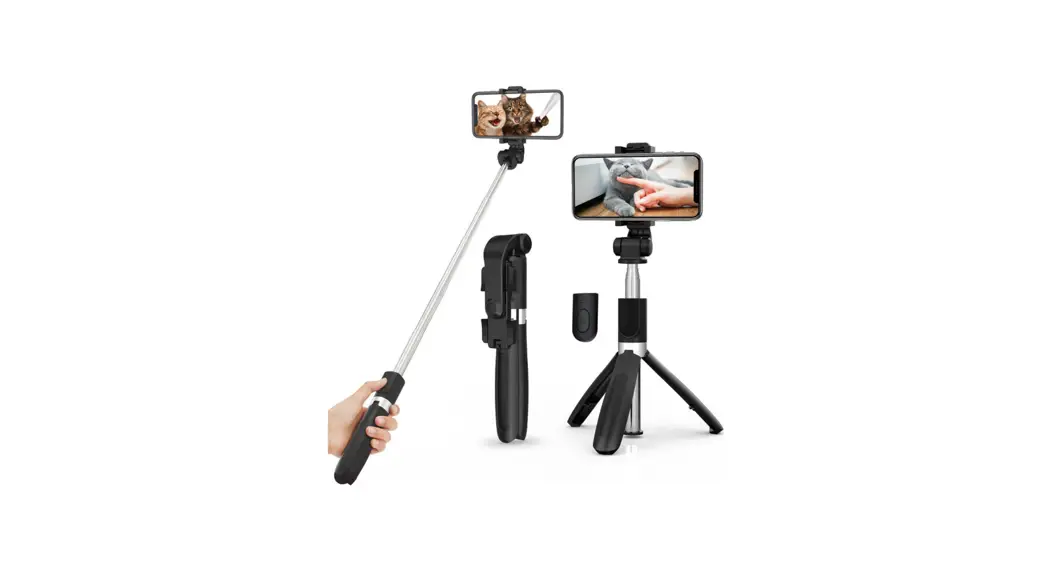
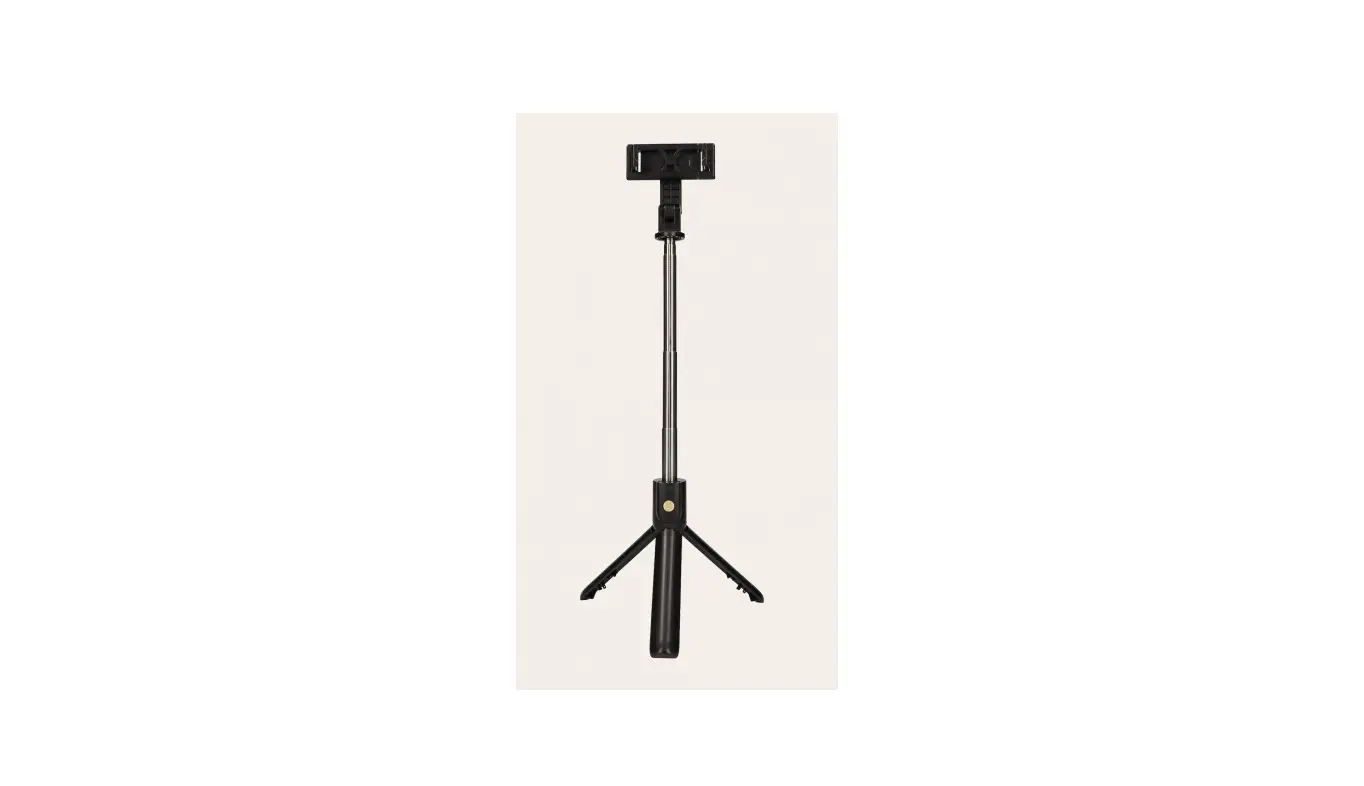
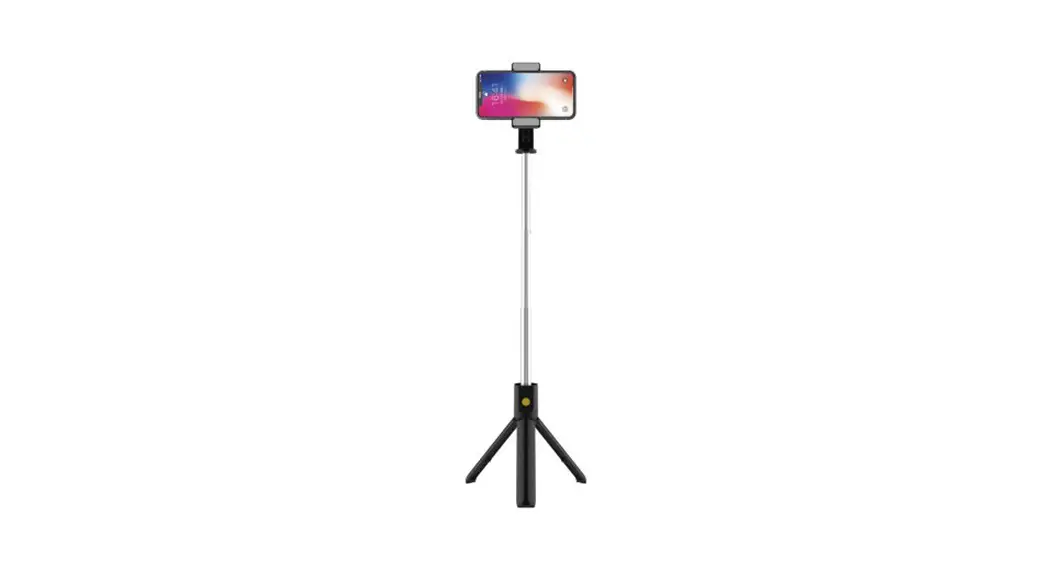
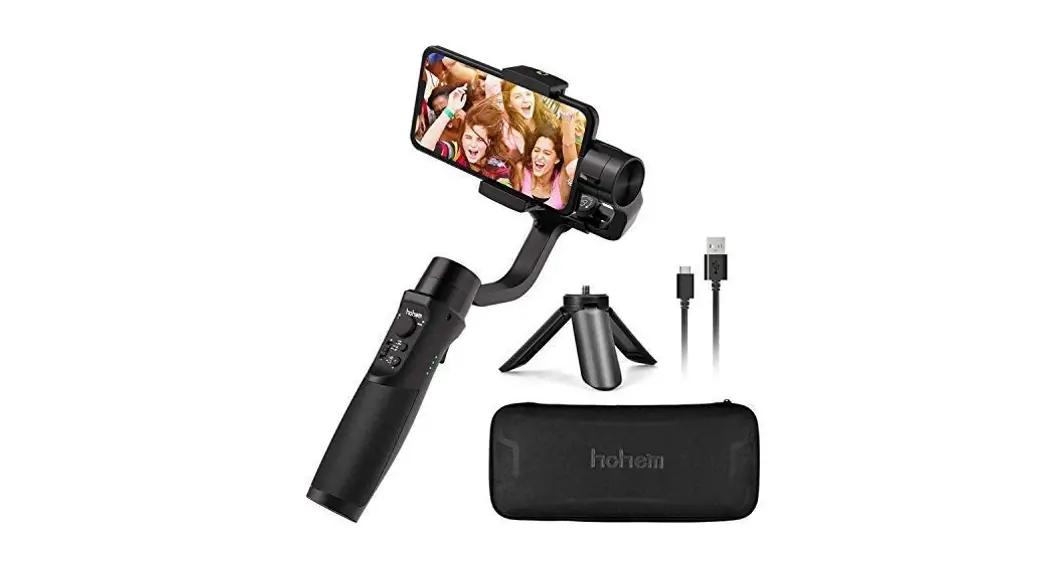
iSteady Q Overview
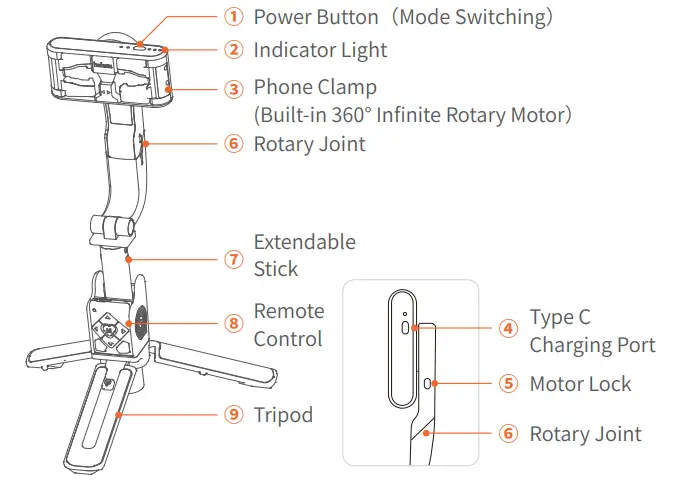
Handheld Use
When to lock the phone clamp?
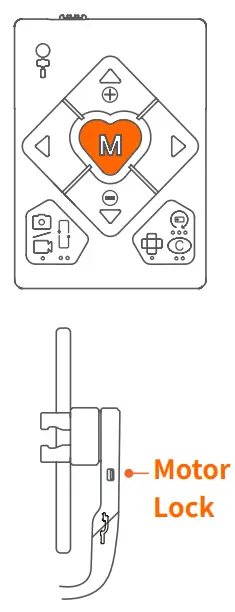
iSteady Q’s phone clamp can make 360° infinite rotation. It is able to lock the phone clamp to use as a selfie stick when it is in low power mode.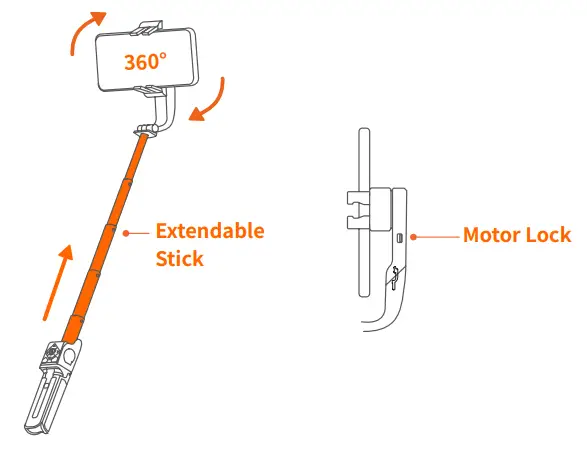 *Confirm the position of the notch on the back of the phone clamp. Lock the motor, and the bolt will be inserted into the notch. The motor will be fixed and won’t rotate.
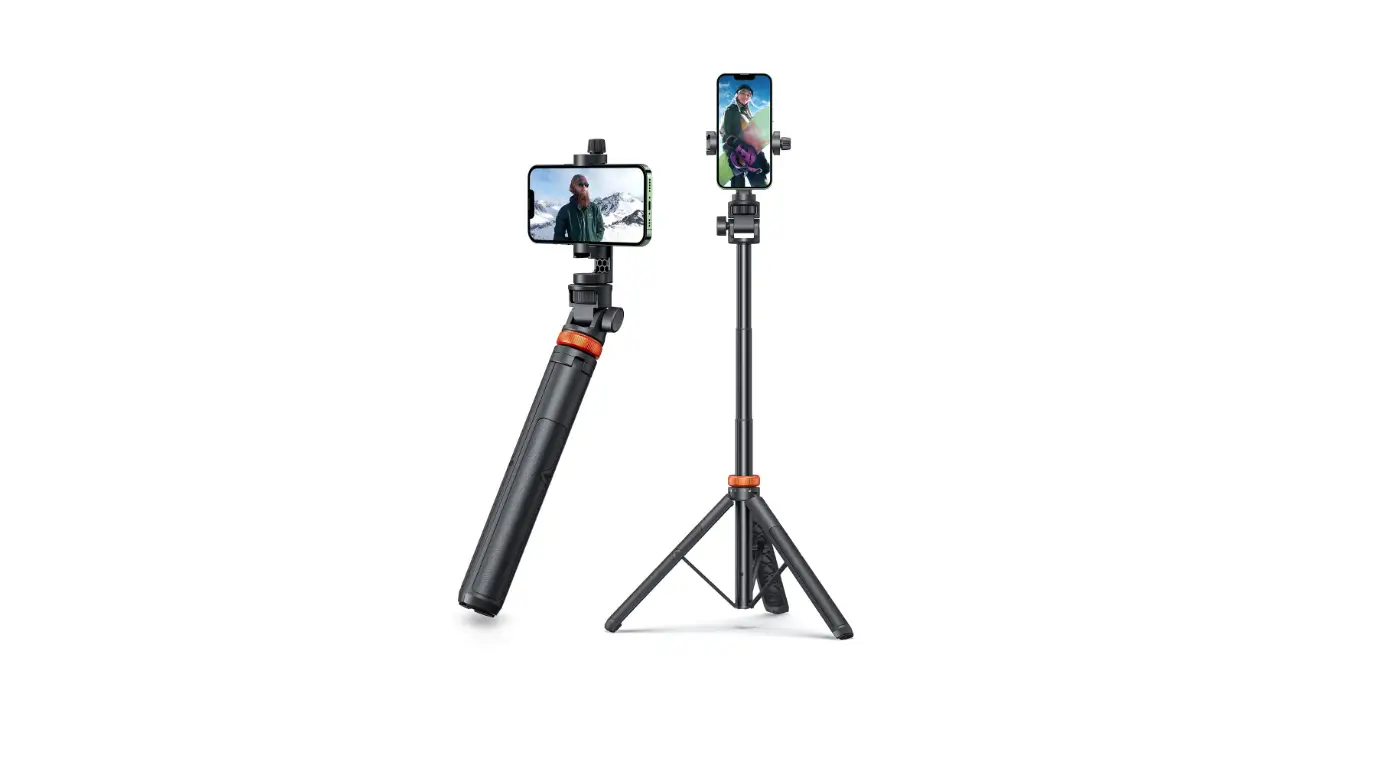
Desktop Use
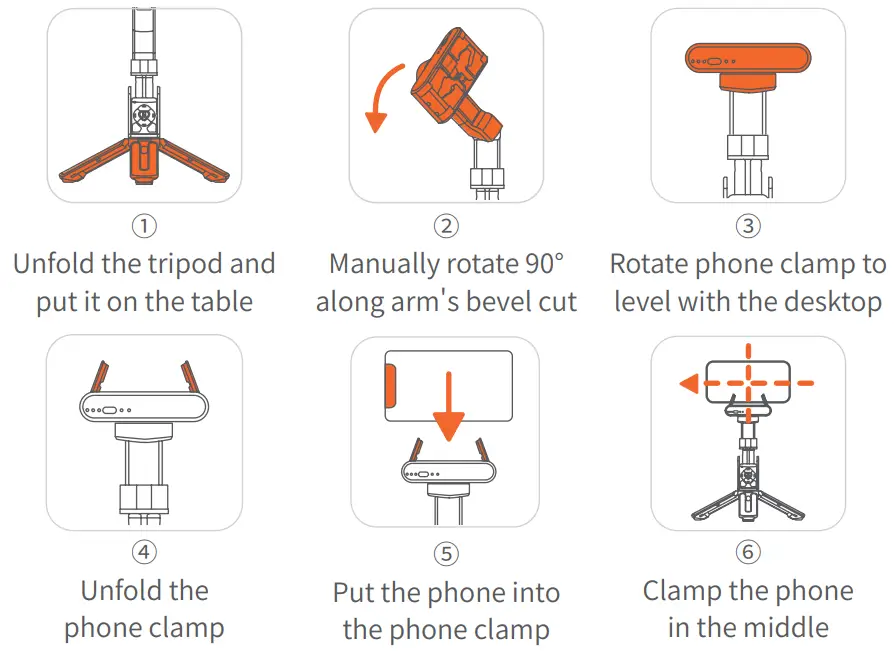
 *To use 360° tracking, please make steady Q in desktop use, launch the Hohem Joy app, turn on iSteady Q’s power button, and ensure the Bluetooth is connected. Hohem Joy app supports face tracking, gesture control, motion timelapse, and moment mode.
Phone Mounting
- Unfold the Stick

- Phone Mounting

- Phone Balancing

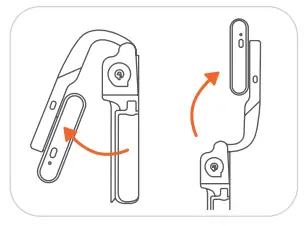
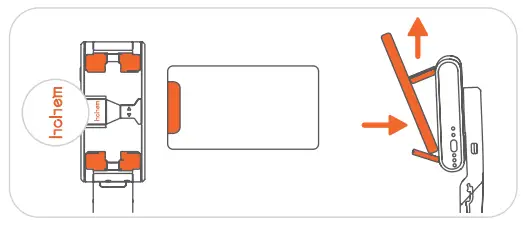
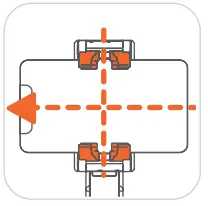
- Unfold the phone clamp and turn the ‘them’ logo towards the left.
- Meanwhile, turn the phone camera towards the left, put the phone stuck in the bottom of the phone clamp, and pull the head of the phone clamp to mount your phone.
*The stabilizing stick would work improperly if there is no mobile phone mounted.
*Make sure your phone clings to the rubber mat and clamps in the middle, otherwise the stabilizing stick would vibrate or turn off automatically.
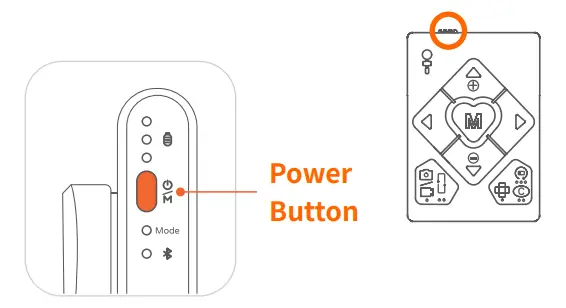
Turn On Remote Control Turn the power button on.
*The remote control will connect to the stabilizing stick automatically after turning on.
If the remote control is not working properly, please follow the steps to pair the device again:
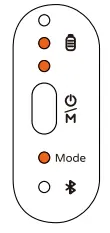
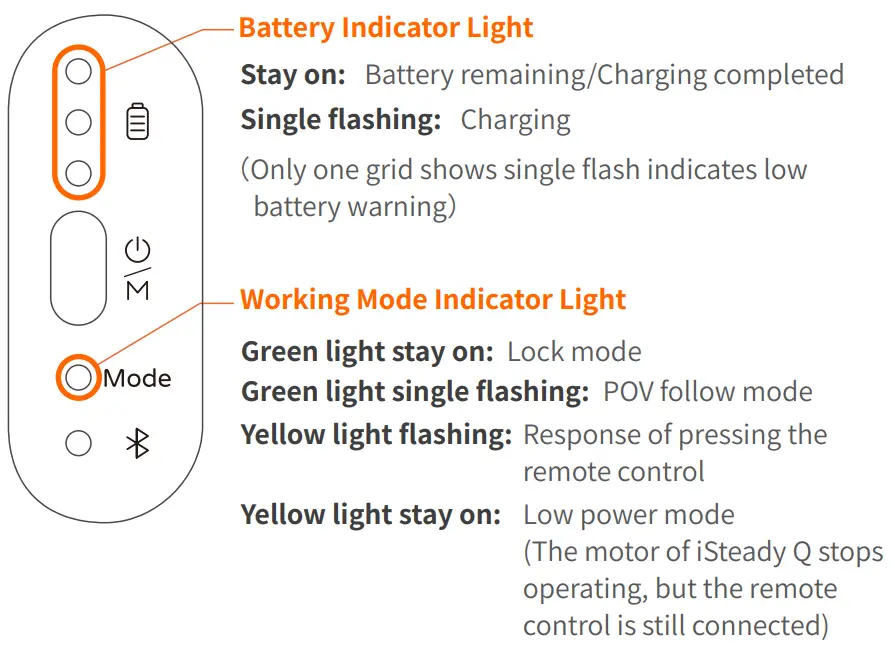
- Turn on the stabilizing stick first. Press the power button 7 times to enter the pairing mode, and the working mode indicator light flashes alternately in yellow and green.
- Then turn on the remote control. Pairing is complete in about 1 second, and the working mode indicator light stays on green.
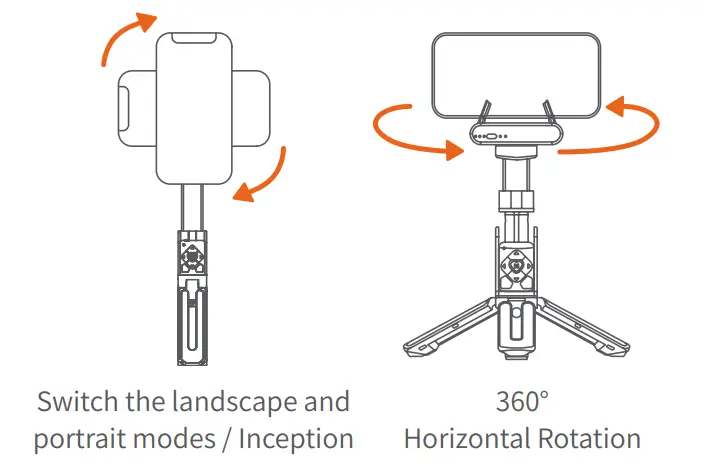
Single Press: Switch the landscape and portrait modes
Double Press: Recenter the stabilizing stick
Press Five Times: Auto calibration (Please do calibration on a flat surface when the stabilizing stick is not level or drift. There will be a beep sound after enabling the calibration, and do not move the stabilizing stick until the calibration is done and hear another beep sound.)
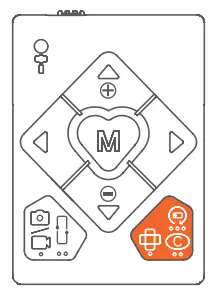
Long Press 5s: Power off the stabilizing stick
Triple Press: Autorotation (300° Auto Inception/360° Horizontal Rotation)
Single Press: Lock Mode (Default Mode)
* When the handle rotates along the motor shaft, the phone does not follow the motor to rotate, and the working mode indicator light stays on green.
Double Press: POV Follow Mode
* When the handle rotates along the motor shaft, the phone does follow the motor to rotate slowly, and the working mode indicator light single flashes green.
Long Press 5s: Low Power Mode (Longer battery life)
* The motor will stop working, and it can be used as a regular selfie stick by locking the motor.
Download the Hohem Joy App, Register, and log in
(App supports face tracking, gesture control, motion timelapse, and moment mode)
Scan the QR code to enter the download page

http://www.gimbalengine.com:8080/index.php/hohem-joy-us/
Search ” Hohem Joy “ in the App Store or Google Play.
*Hohem Joy app requires iOS 10.0 or above, Android 6.0 or above.
*More product tutorial videos can be found on the app homepage.
Connect iSteady Q with Phone Bluetooth in the App
- Turn on iSteady Q

- Enable Phone Bluetooth

- Follow the Prompts at the top of Hohem Joy App Homepage and Click ‘Connect’

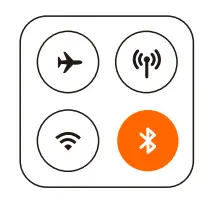

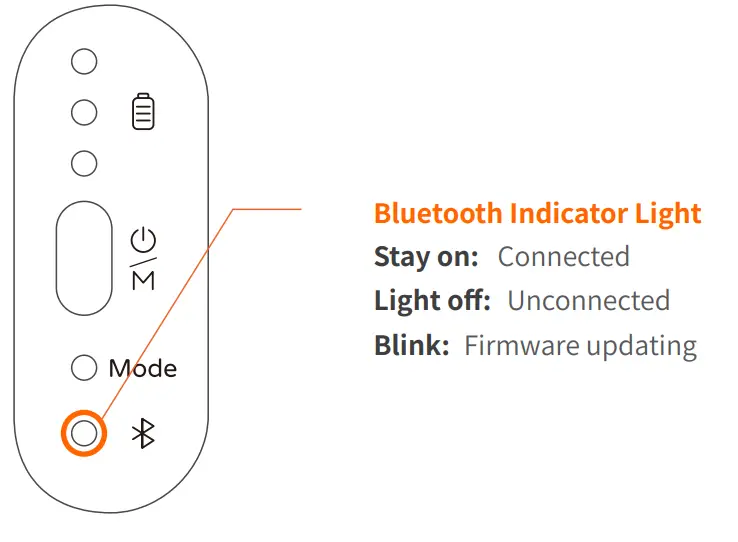
*Press stabilizing stick power button 9 times to cancel the Bluetooth pairing.
Please ensure Bluetooth is successfully connected to use the feature.
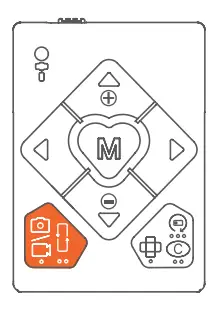
Double Press:
Switch the photo and video modes
Triple Press:
Switch the front and rear cameras (Only available in the app)
 | 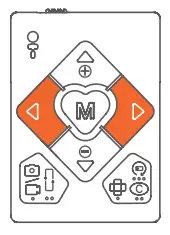 |
Long Press Left/Right Button:
Control the rotation of stabilizing stick
Double Press Left/Right Button:
90° counterclockwise / clockwise fast rotation
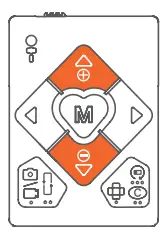
Long Press Up/Down Button: Zoom in/out (Only available in Hohem Joy app and some smartphone native cameras)
Please ensure Bluetooth is successfully connected to use the feature.
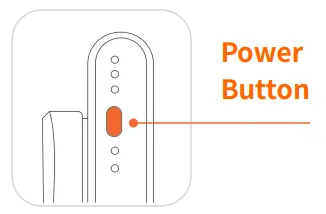
Single Press:
Switch between lock/POV follow mode (Lock mode is the default mode)
Double Press: Recenter the stabilizing stick
Triple Press: Autorotation (300° Auto Inception/360° Horizontal Rotation)
Press Five Times: Auto calibration (Please do calibration on a flat surface when the stabilizing stick is not level or drift. There will be a beep sound after enabling the
calibration, and do not move the stabilizing stick until the calibration is done and hear another beep sound.)
Press Seven Times: Remote control pairing
Press Nine Times: Cancel the phone Bluetooth pairing
About Indicator Lights
 |  |
Specifications
| Model | iSteady Q |
| Weight | 195g |
| Folded Dimensions | 140 x 54 x 36mm |
| Material | PA&PC + ABS |
| Battery | 460mAh |
| Operating Time | 3 hours |
| Mechanical Range | * Pan: 360° / Roll: 360° |
| Controllable Range | * Pan: 360° / Roll: 360° |
| Compatible Phones | Weight: ≤ 280g Thickness: ≤ 11mm Width: 55.5mm~100mm |
Warranty Card
User Name:————————————————————————
Contact No.:———————————————————————-
Address:—————————————————————————
Purchase Date:——————————————————————-
Prod. Serial No.:—————————————————————–
Failure Cause:——————————————————————–
Service Record:—————————————————————–
- Within 15 days upon the purchase date. Any functional disorder or quality problem enjoys free replacement service. But ensure the commodity and package with no damage, and we will offer a brand new replacement after confirming the product problem.
- Warranty valid only under normal use.
- Used in the normal circumstances, 1-year warranty, maintenance of life (not include the All accidents or artificial damage, improper disassembly or misuse damage is NOT covered by the warranty).
- Please keep and offer the warranty card for claiming the warranty service.