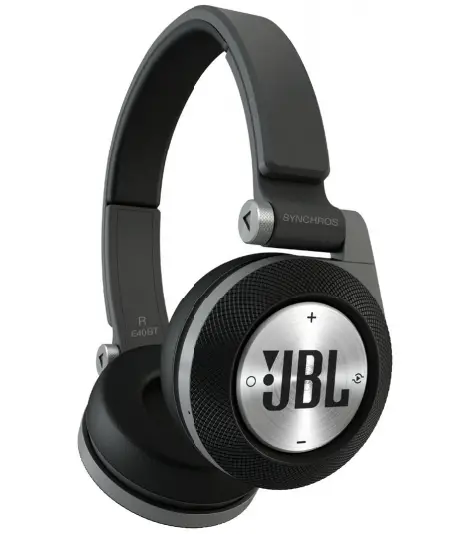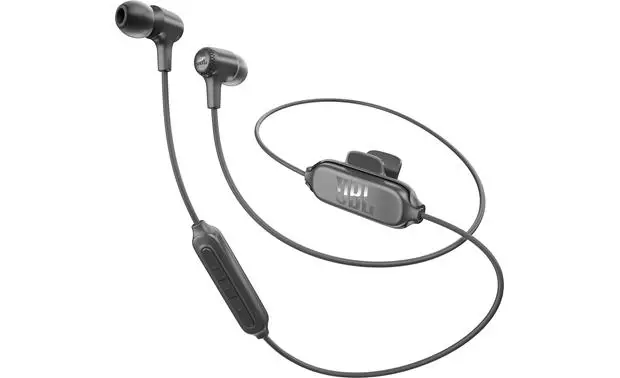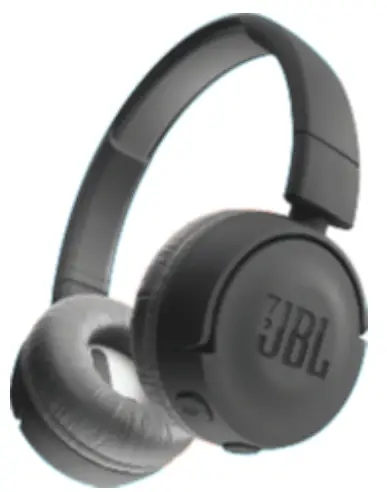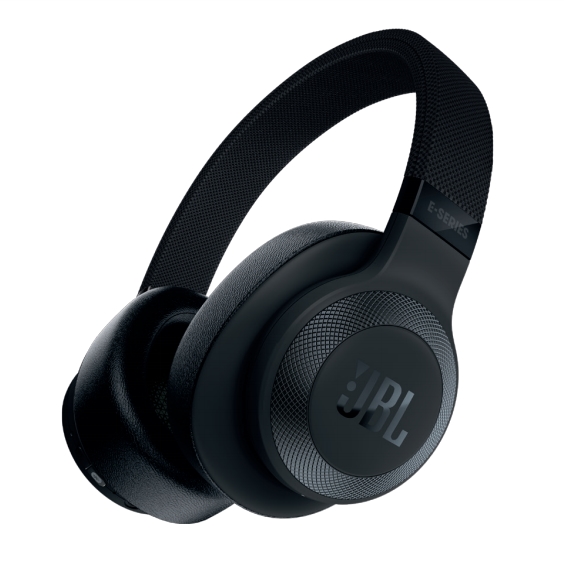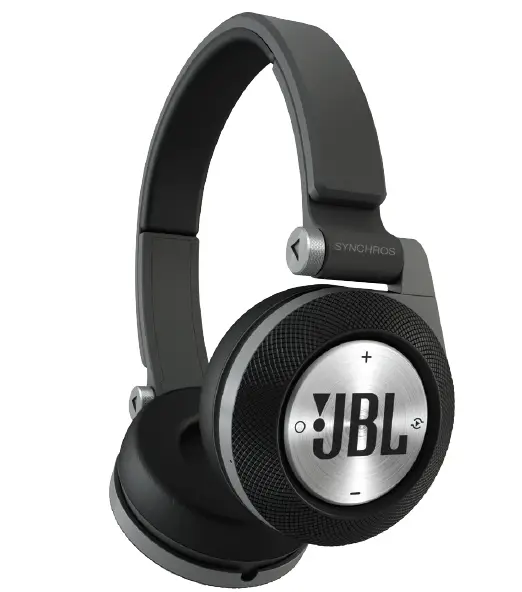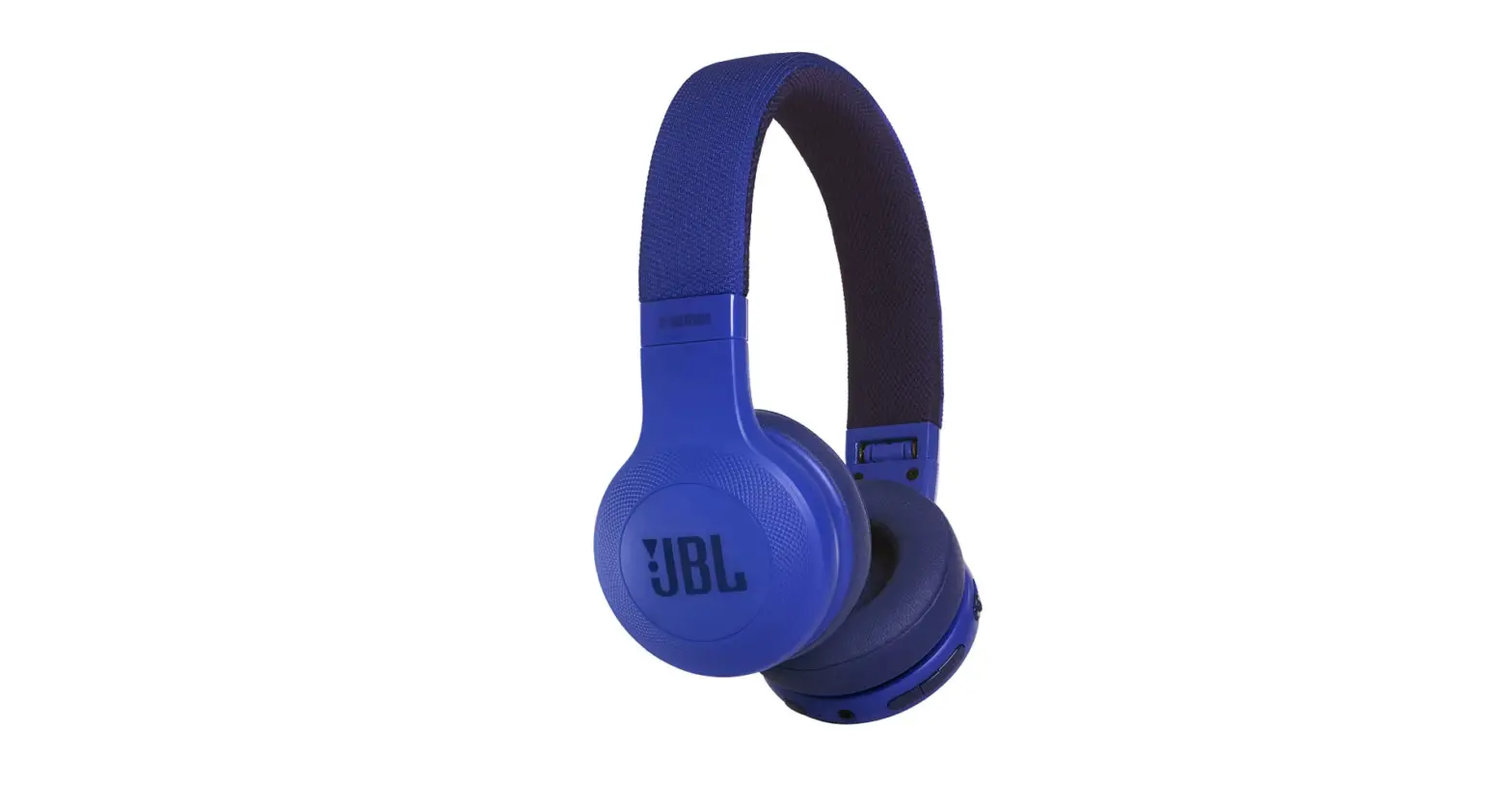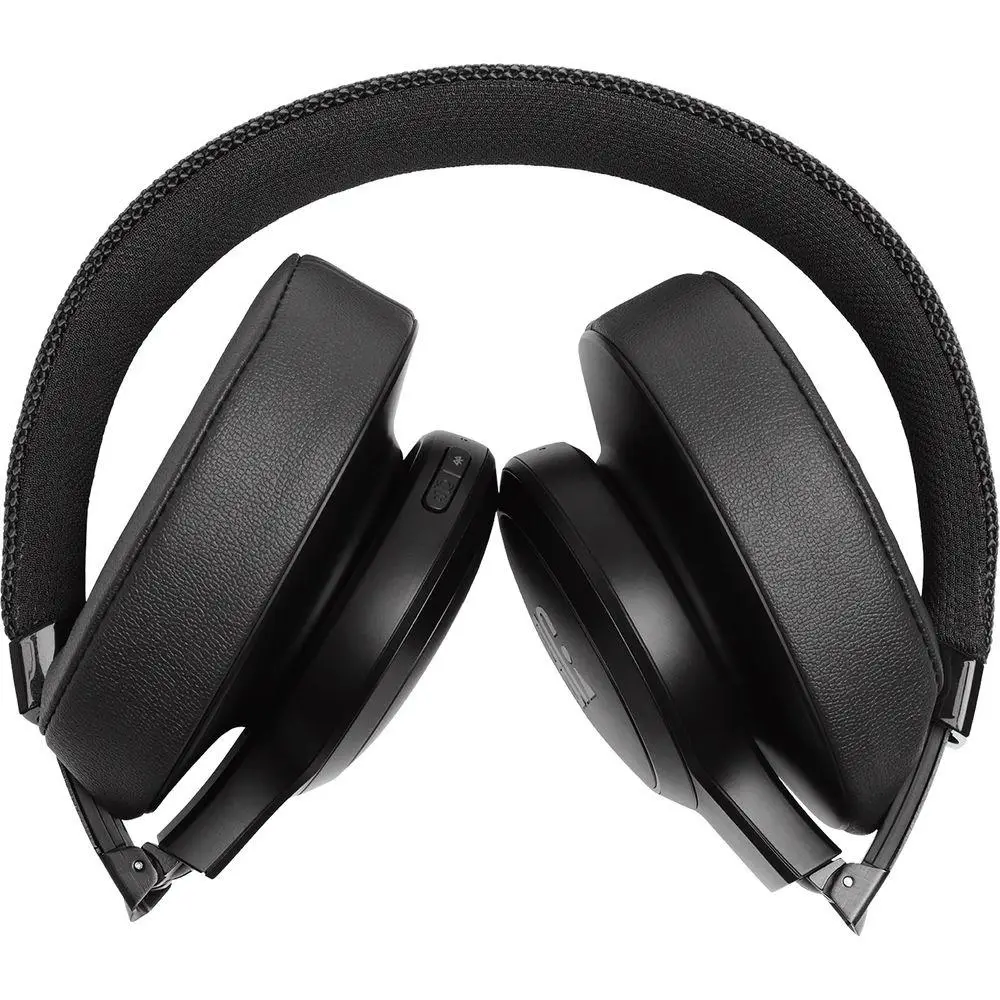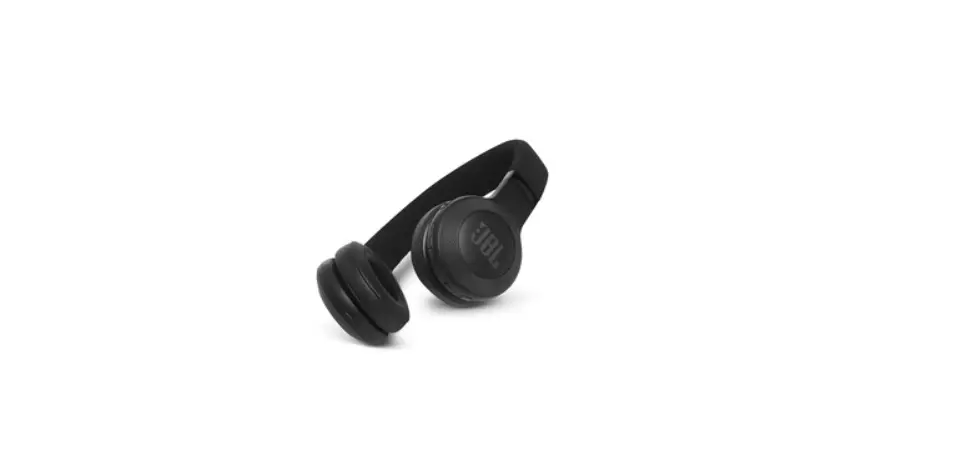
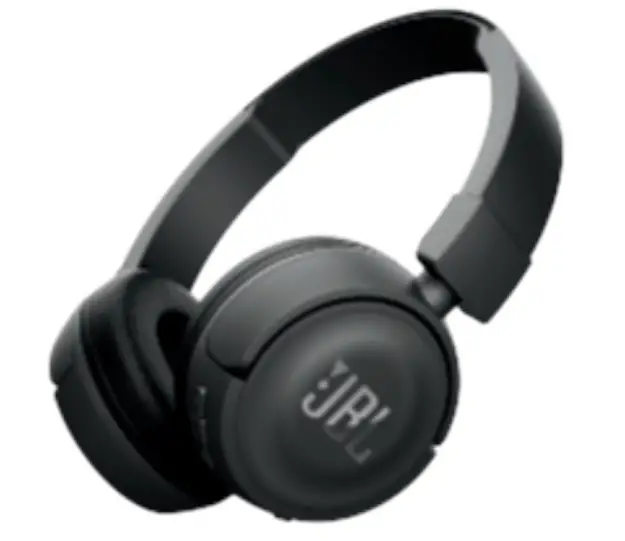
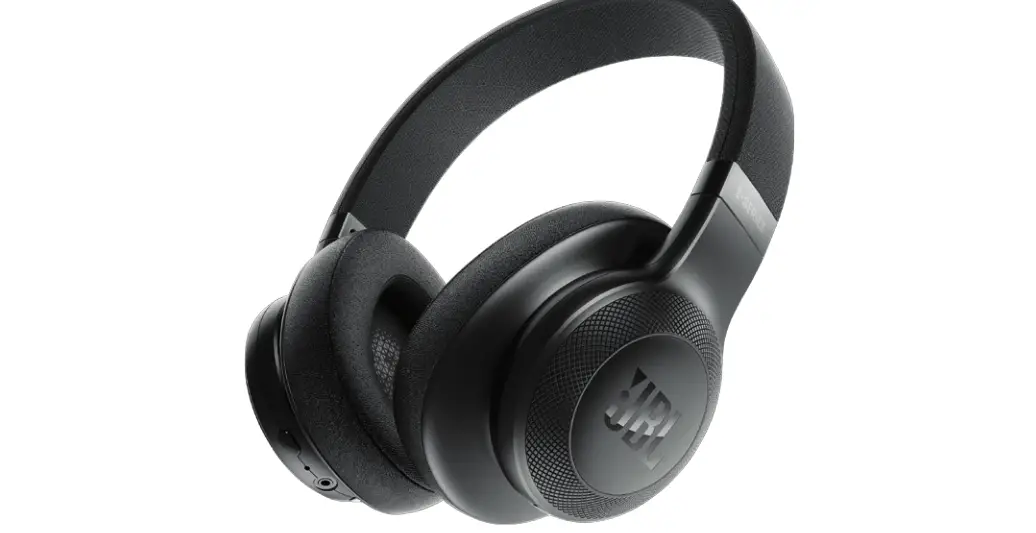
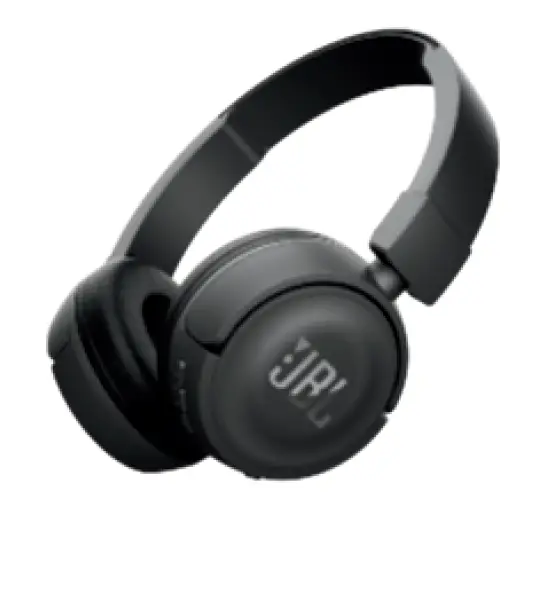
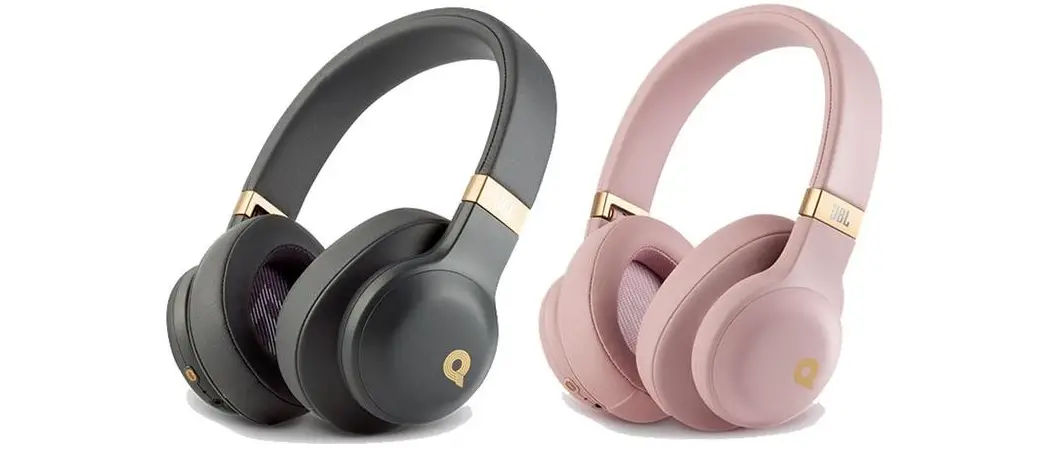
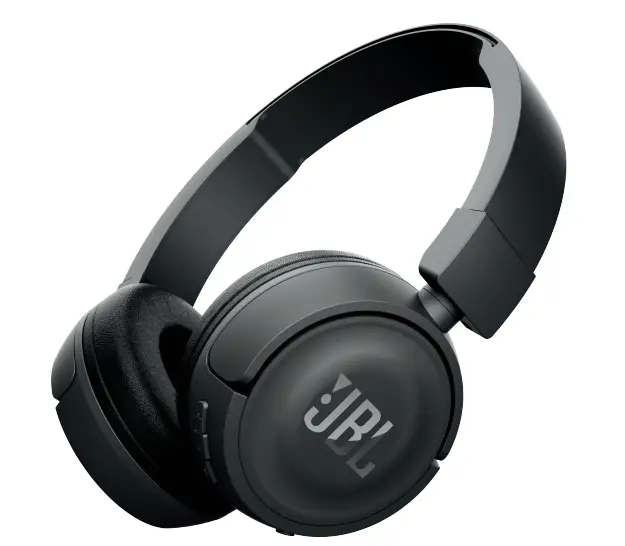
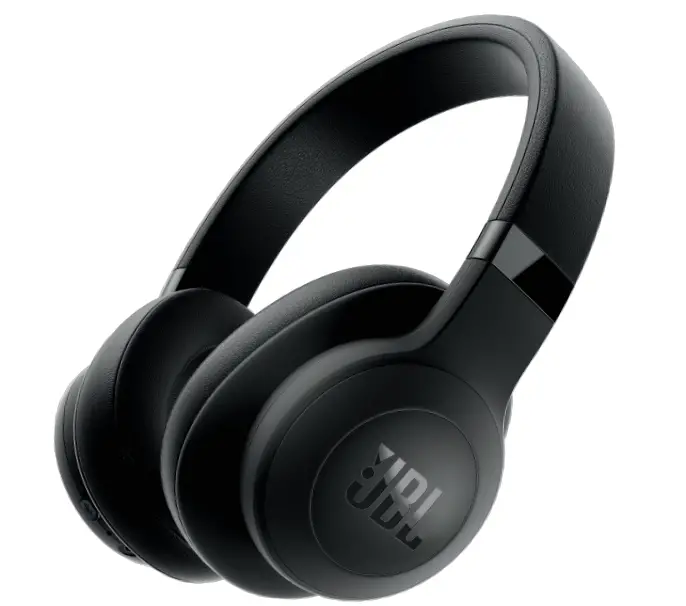
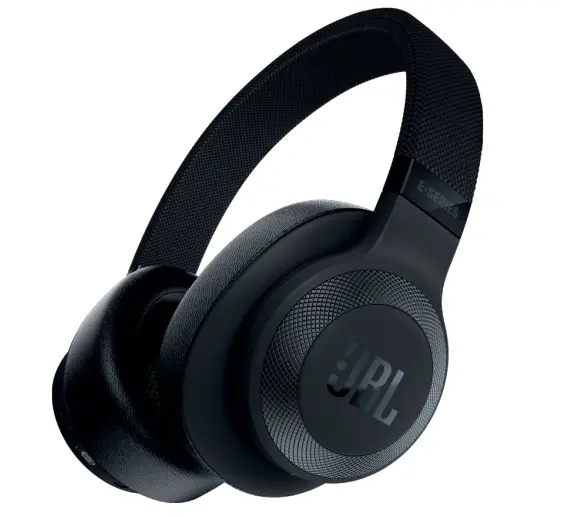
How can I reset my JBL E45BT, E55BT, T450BT and E55BT Quincy headphones?
With the headphones switched ON, press and hold the Volume + and Volume – buttons for more than 5 seconds. The LED blinks two colors, and now you have reset to factory settings.
![Jbl E25bt Bluetooth Headphone User Manual [pairing, Reset, Instructions]](https://static-data1.manualsee.com/1/img/51/596/2018/05/JBL-E25BT-Bluetooth-Headphone-User-Manual-Pairing-Reset-featured.jpg "Jbl E25bt Bluetooth Headphone User Manual [pairing, Reset, Instructions]")