OR300
Quick Start Guide
1. What’s in the box
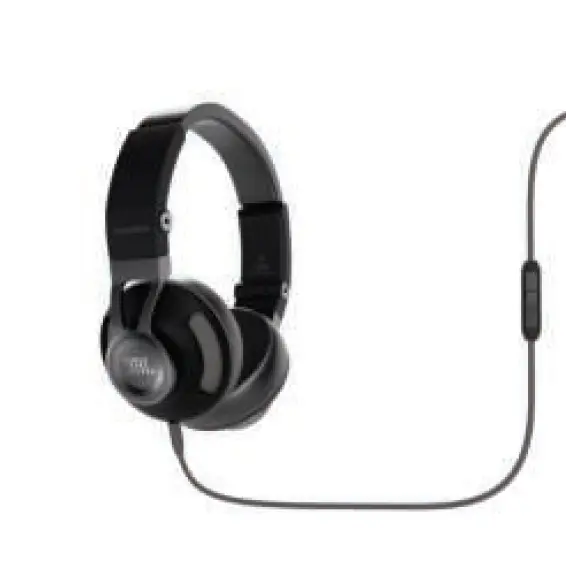
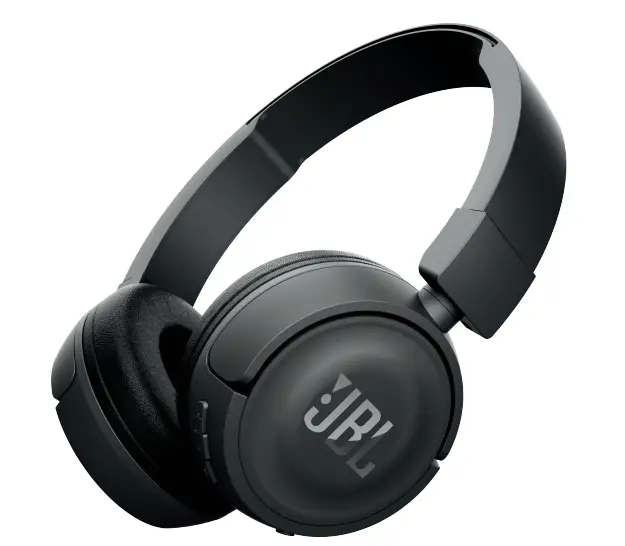
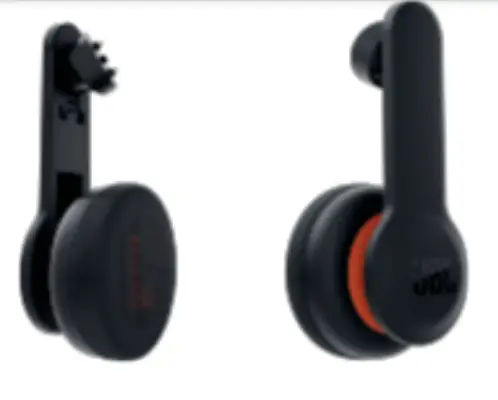
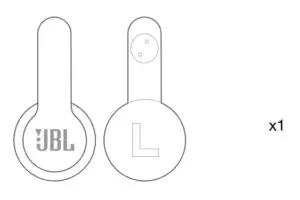
OR300 Headphones
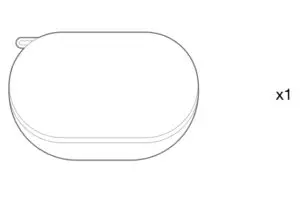
Carrying case
Warranty card, Warning card, QSG
2. Installation
A. To attach the audio arm
- Locate the screw on the inside of the strap that is used to attach the OR300 headphone.

- Place the head of the audio arm into the screw and hold it in place.
- Insert the audio tool* into the slot of the screw.

- Turn the audio tool clockwise (to the right) to tighten the screw until it is secure.
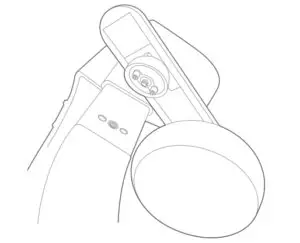
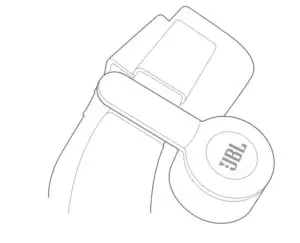
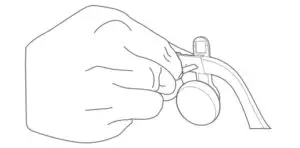
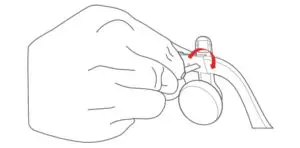
*Note: The Audio Tool is a small black tool included in the Oculus Rift accessories box. A flathead screwdriver can also be used instead.
B. How to adjust
- Adjust by sliding up and down.

- Adjust by moving the headphone on its axes.
- Adjust by moving it right and left.

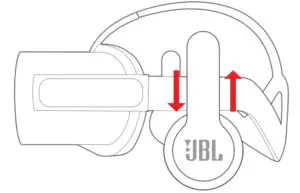
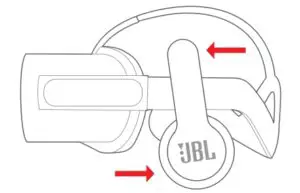
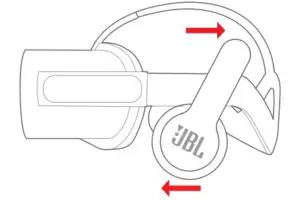
C. To remove the audio arm
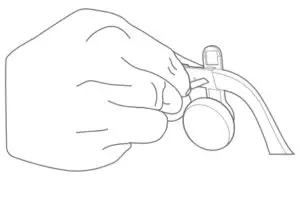
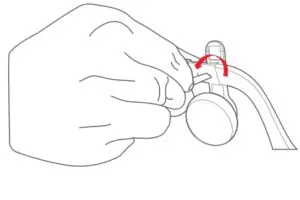
- Insert the audio tool* into the slot of the screw.
- Turn the audio tool counter clockwise (to the left) to loosen the screw.
- • Driver:40mm dynamic driver
- Impedance:32Ω
- Sensitivity:99dbSPL @1k Hz 1mW
- Frequency response:10-20kHz
JBL OR300 Manual – Optimized PDF
JBL OR300 Manual – Original PDF