GE 46003 Flat Panel Indoor HD TV Antenna User Manual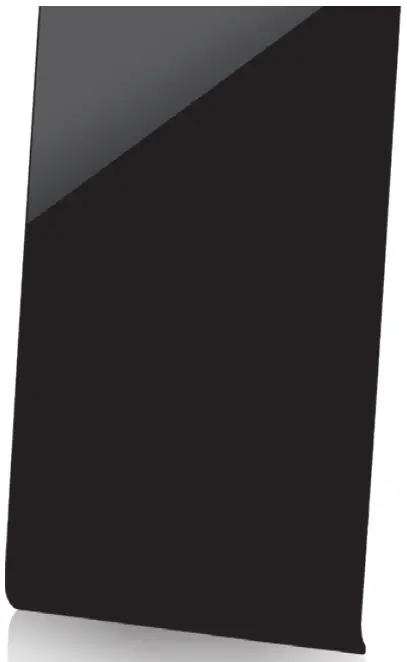
Connect
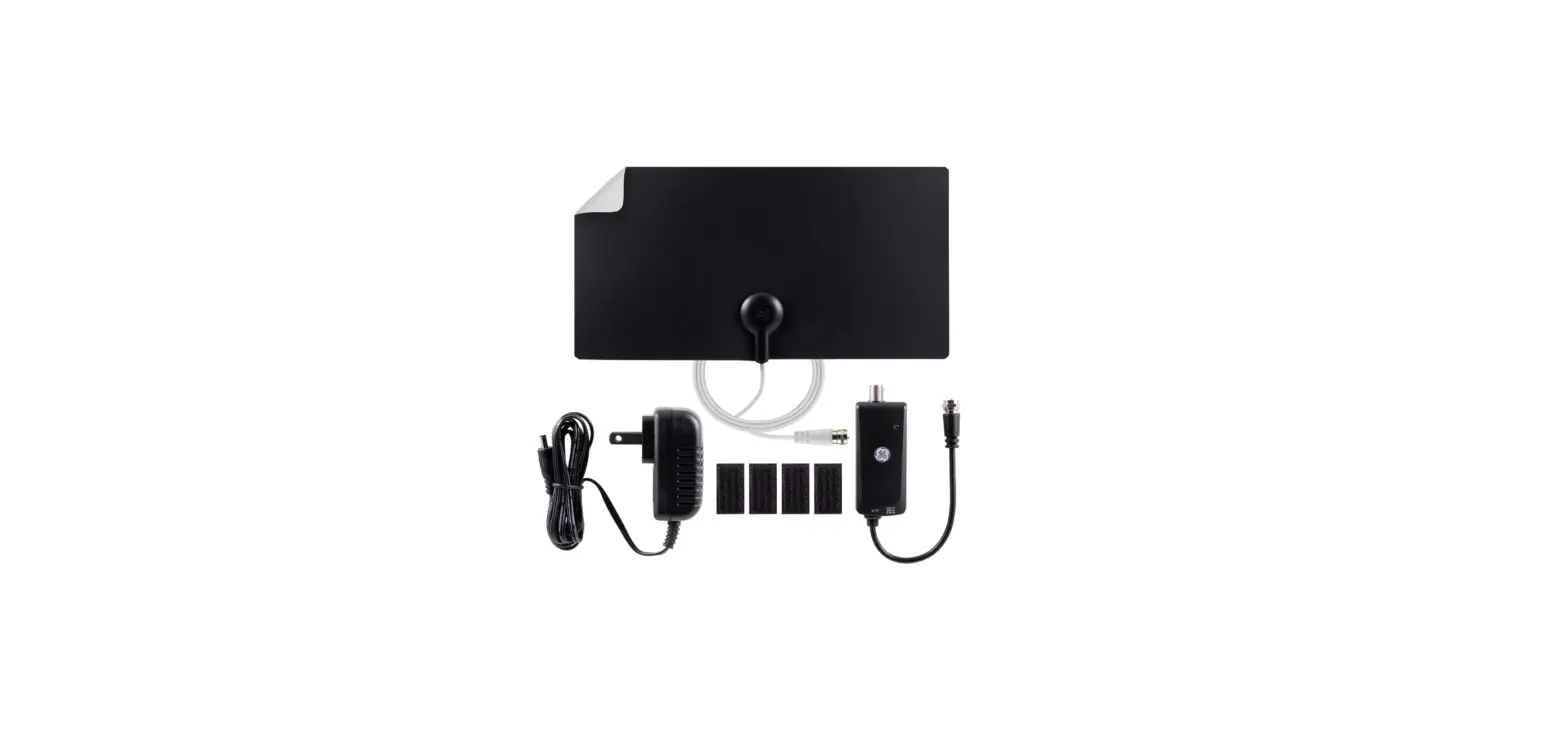
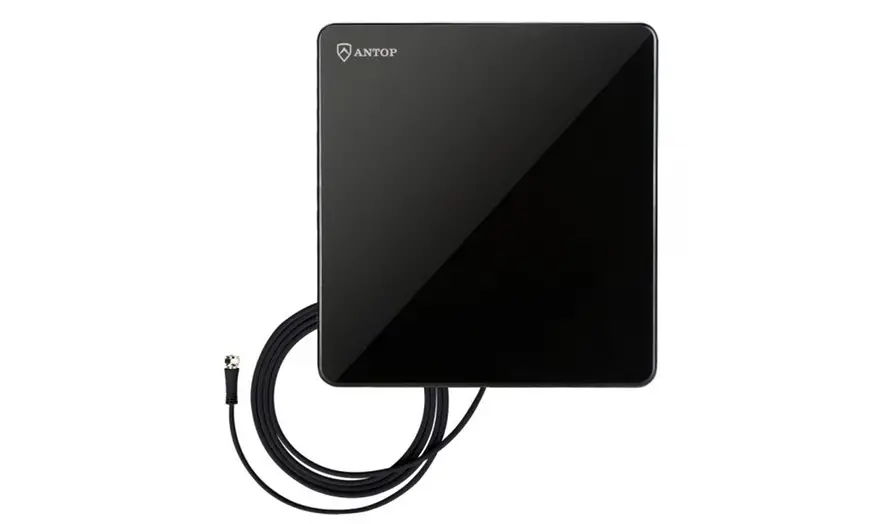
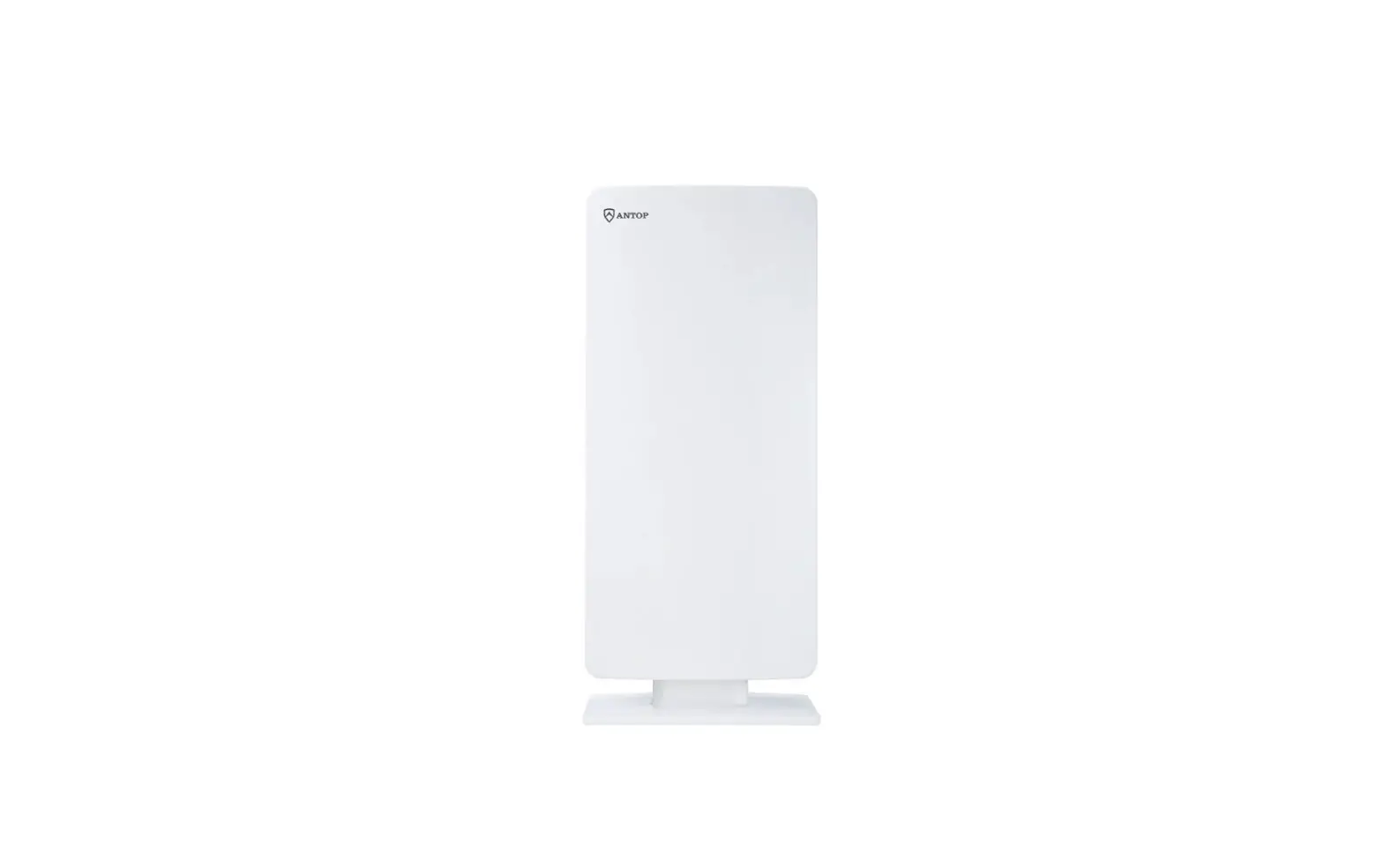
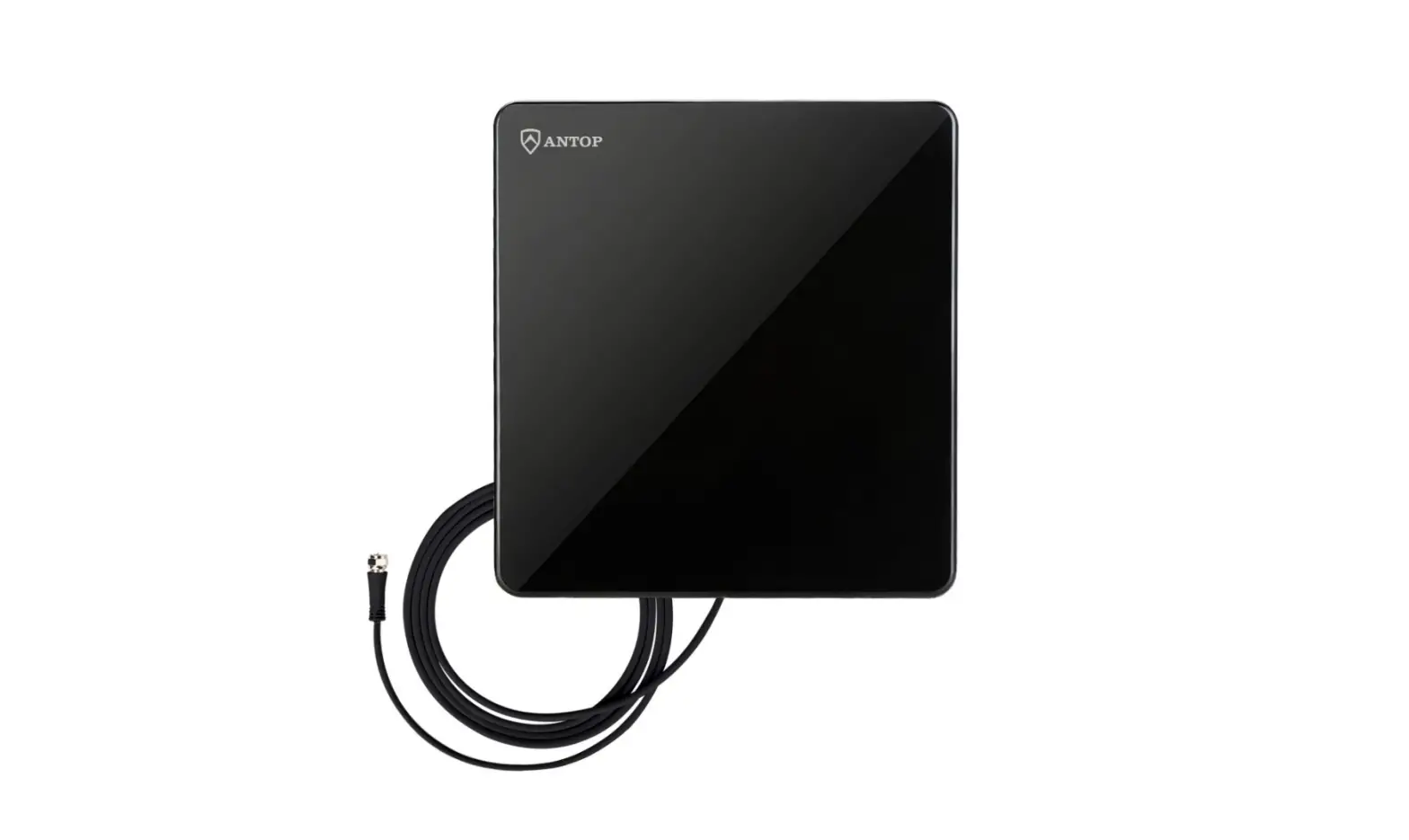
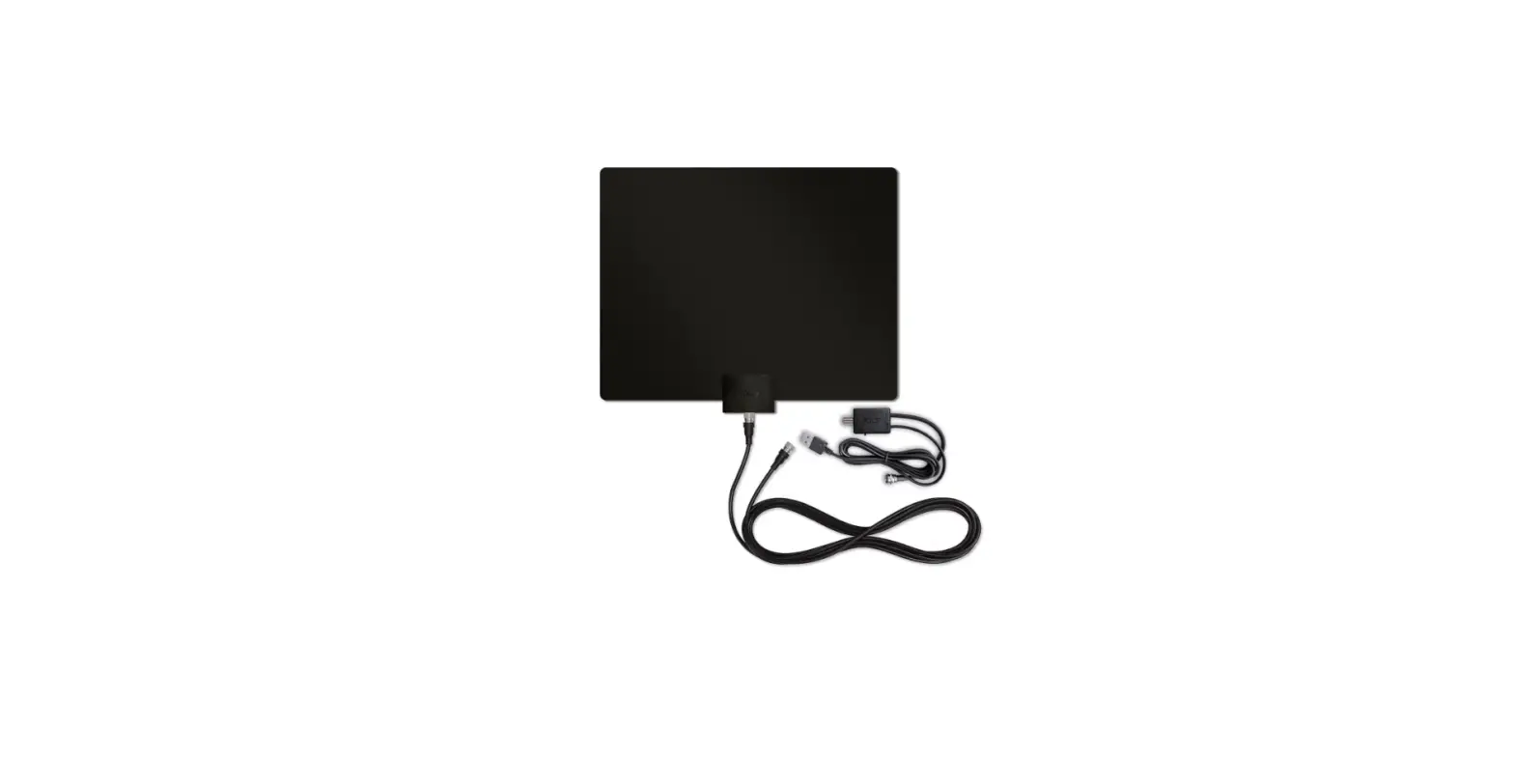
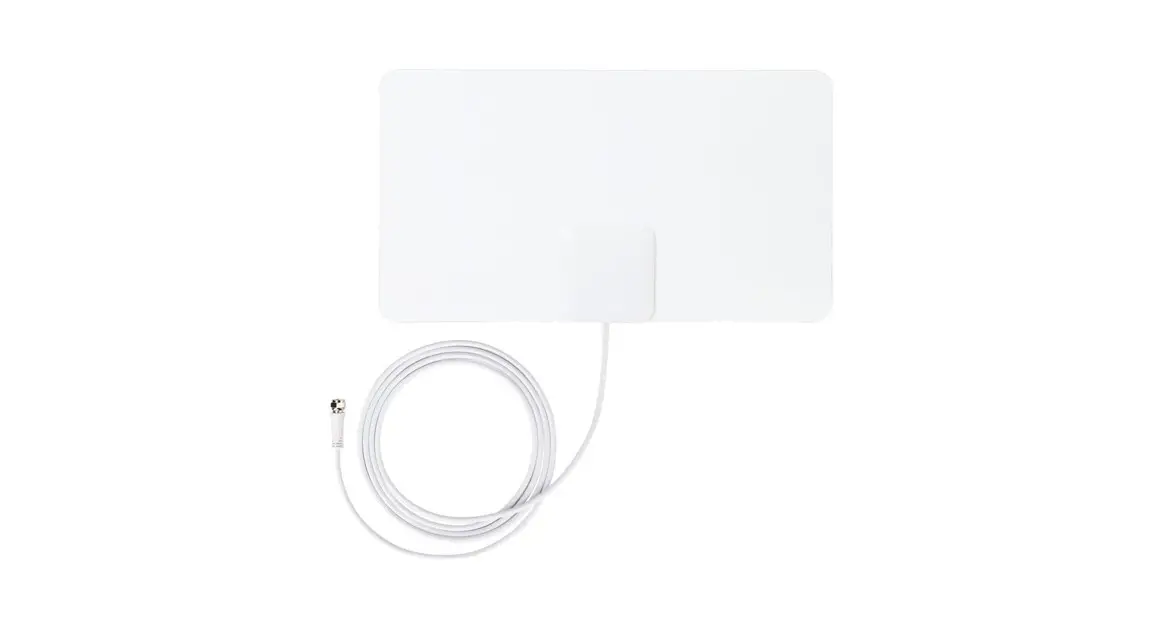
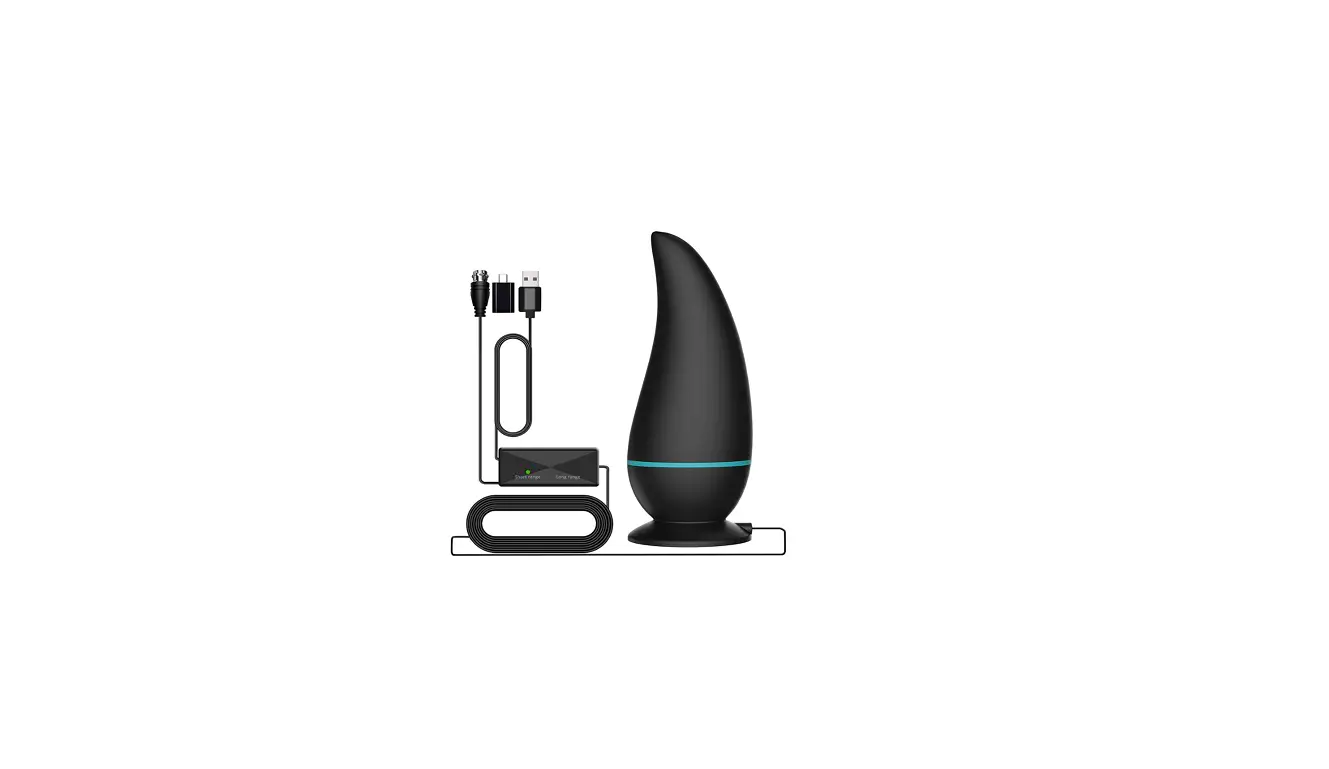
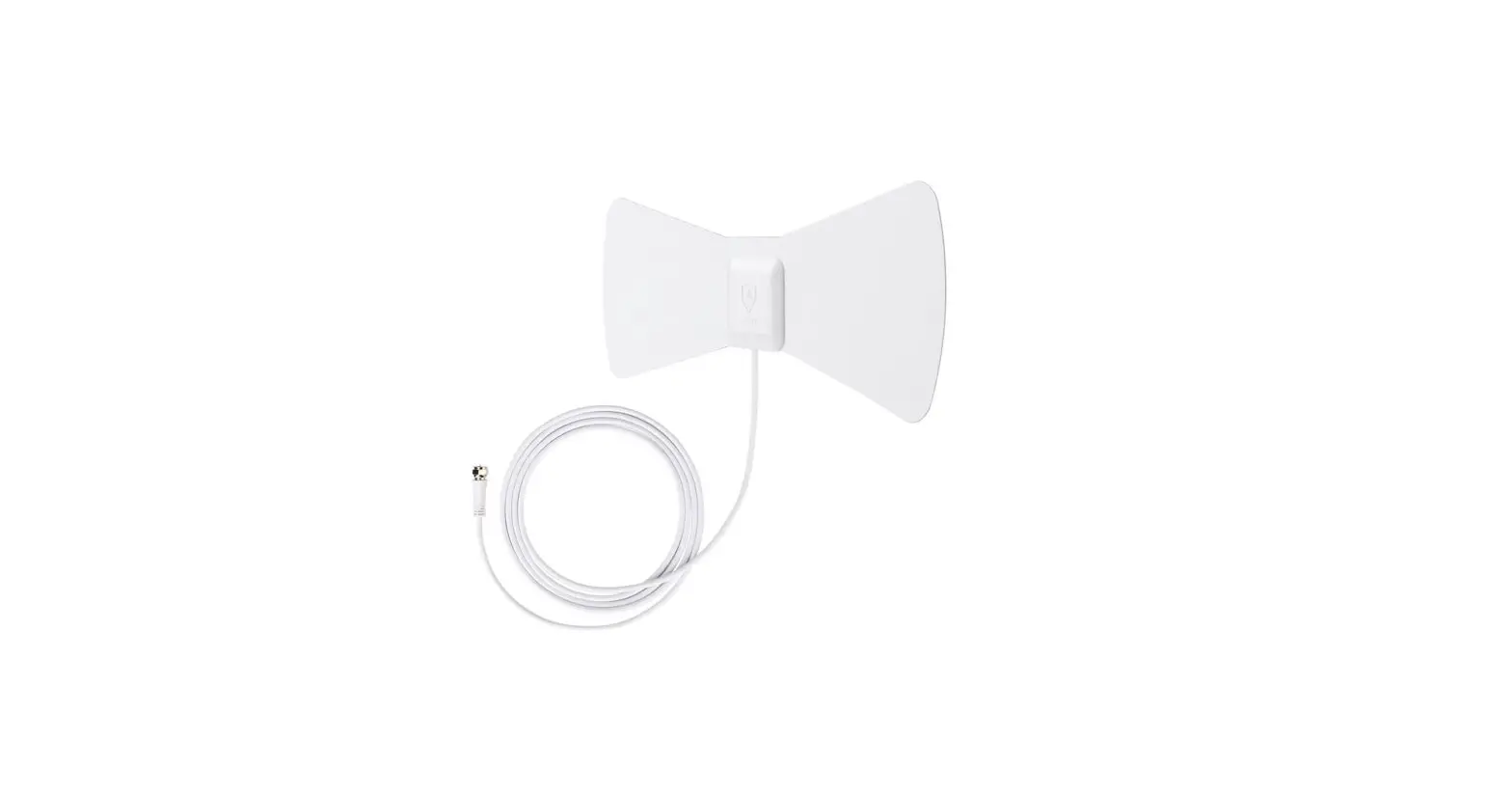
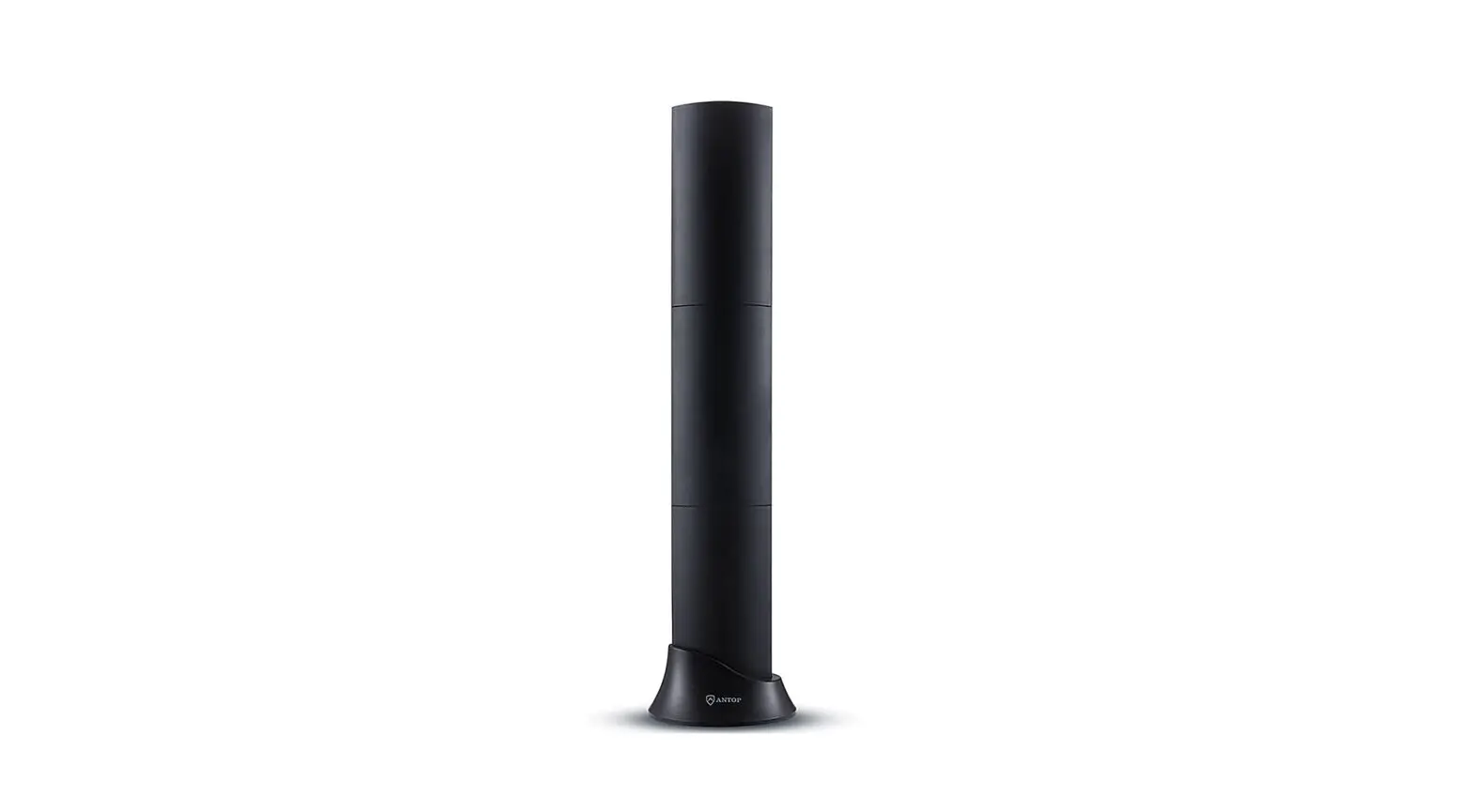
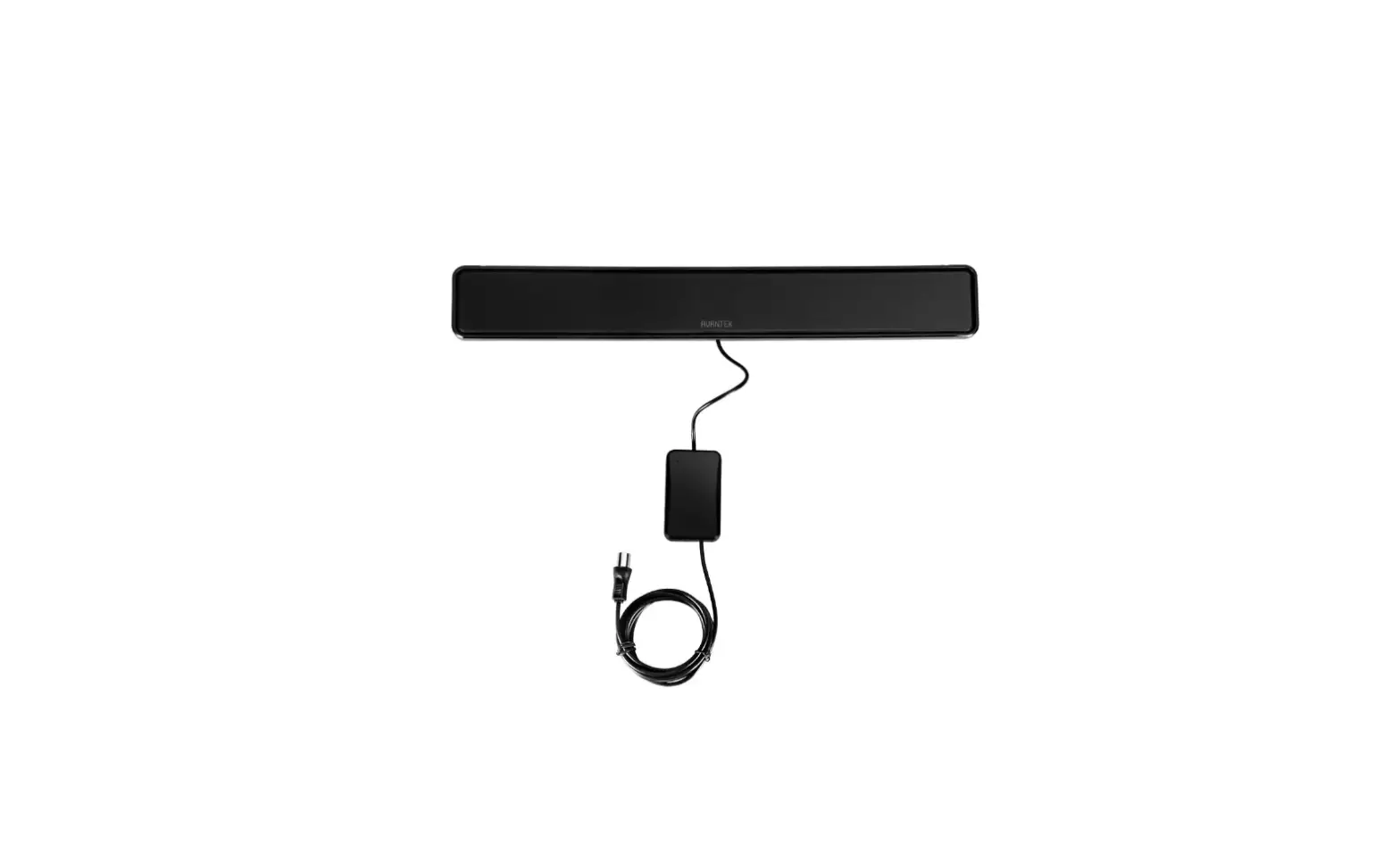
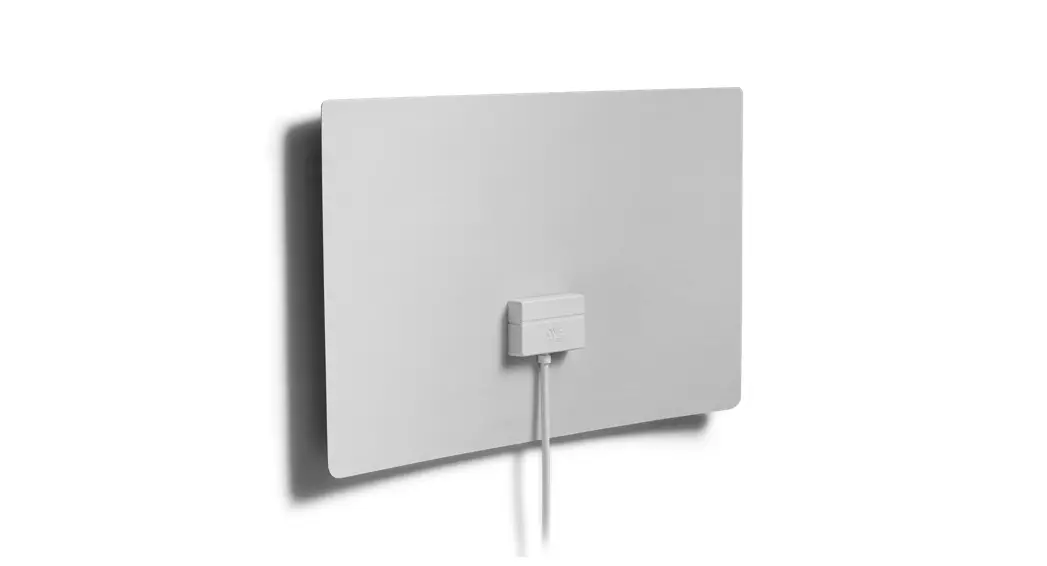
Attach the antenna stand, then connect the antenna’s coax cable to the TV.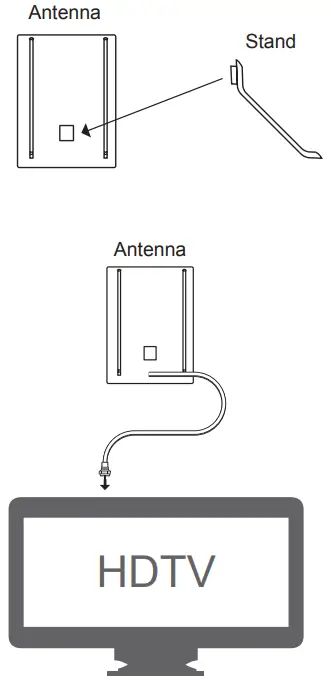
Place
Place the antenna on a flat surface in your desired location and extend the dipoles, as needed, for best reception.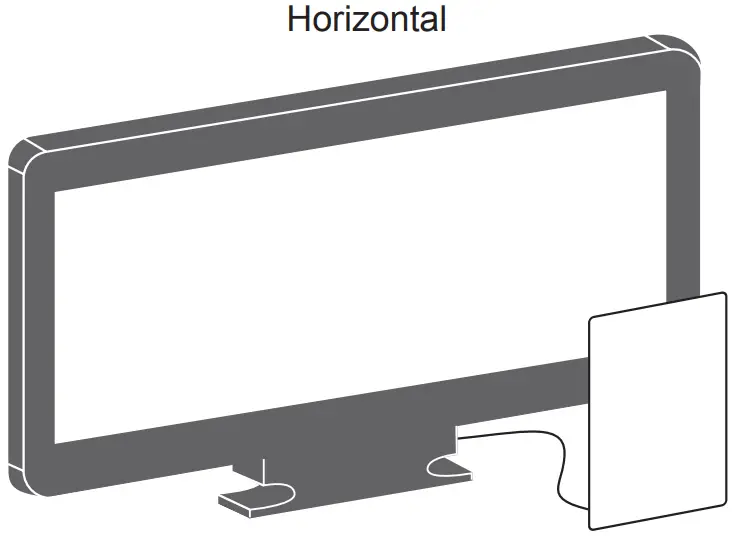
OR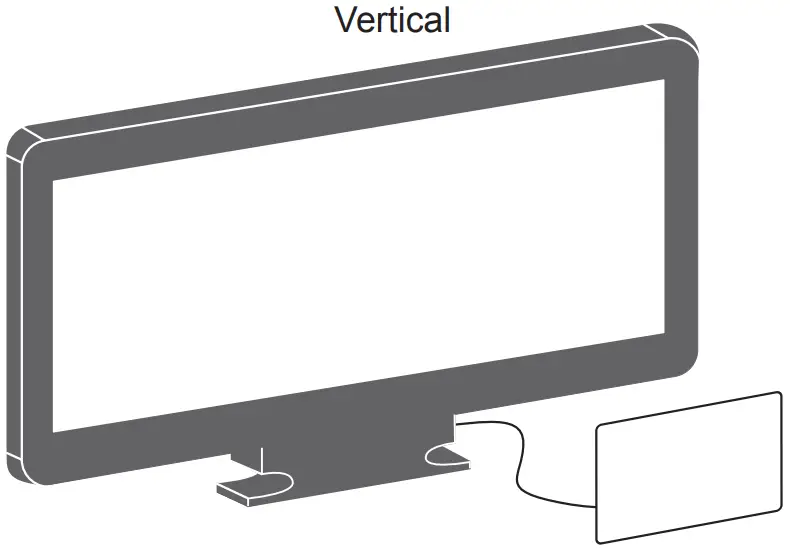
Scan
Perform a TV channel scan.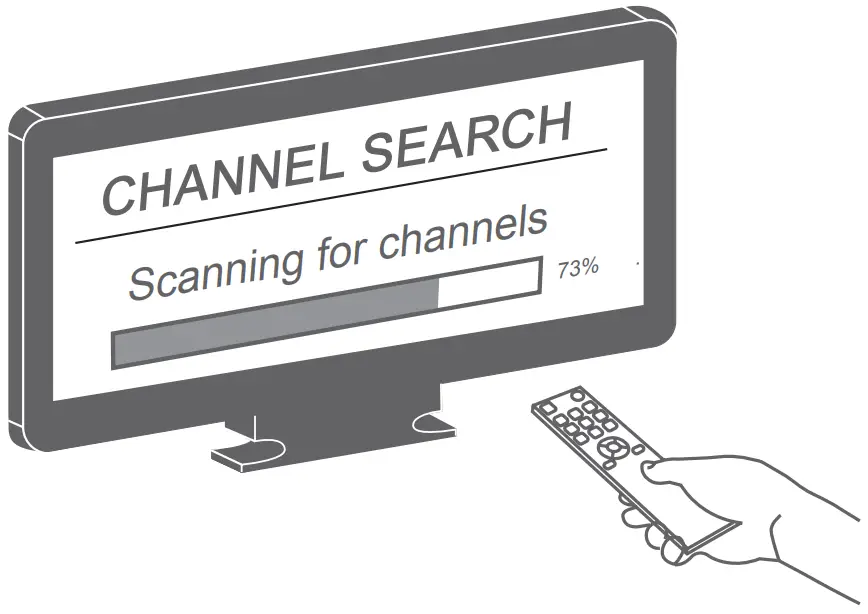
- Open the TV’s setup or settings menu.
- Select scan, autotune, channel search or channel scan, making sure it’s set to scan for over-the-air channels rather than cable.
- Wait for the TV to complete the channel scan
Tip 1: Consult the TV manual or contact the TV’s manufacturer for detailed instructions.
Tip 2: Rescan for over-the-air channels anytime you move the antenna.
Helpful Antenna Tips
Maximize the number of channels by testing the antenna in several locations. Be sure to run a TV channel scan in each position.
Refer to your TV’s instruction manual if necessary.
Position the antenna as high as possible or near a window for best performance.
Visit www.antennaweb.org to determine the available television stations and broadcast tower locations in your area.
Support
QUESTIONS? ISSUES?
CALL OUR U.S.-BASED EXPERTS AT
1-800-654-8483
33681 46254 48283 V3 4/22
MADE IN VIETNAM
GE is a trademark of General Electric Company and is under license by Jasco Products Company LLC,
10 E. Memorial Rd., Oklahoma City, OK 73114.
This Jasco product comes with a limited-lifetime warranty. Visit www.byjasco.com for warranty details.
Questions? Contact our U.S.-based Consumer Care at 1-800-654-8483 between 7AM-8PM, M-F, Central Time.
100% recyclable
Paper made from 50% post consumer waste
Thank you for your purchase!
Instructions made easy
Read instructions or watch easy-tofollow video.
Scan code or visit byjasco.com/33681i
Register your product
Receive exclusive deals and register your product.
Scan code or visit byjasco.com/deals
For additional CE products, visit our website.
www.byjasco.com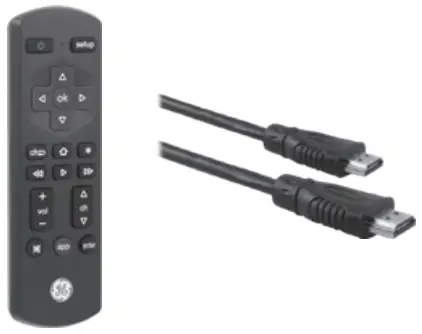
Like our product?
Leave a review on your favorite retailer website or amazon.com.
Having Problems?
Let us know how we can help.
Call 1-800-654-8483 between
7AM-8PM, M-F, Central Time.
YOU MUST PERFORM A CHANNEL SCAN AFTER INSTALLATION
 Please call before returning to store
Questions? Contact our U.S.-based Consumer
Care at 1-800-654-8483 between 7AM–
8PM, M–F, Central Time
 YouTube
 AntennaWeb - Antenna Signal Prediction
 Jasco
Jasco