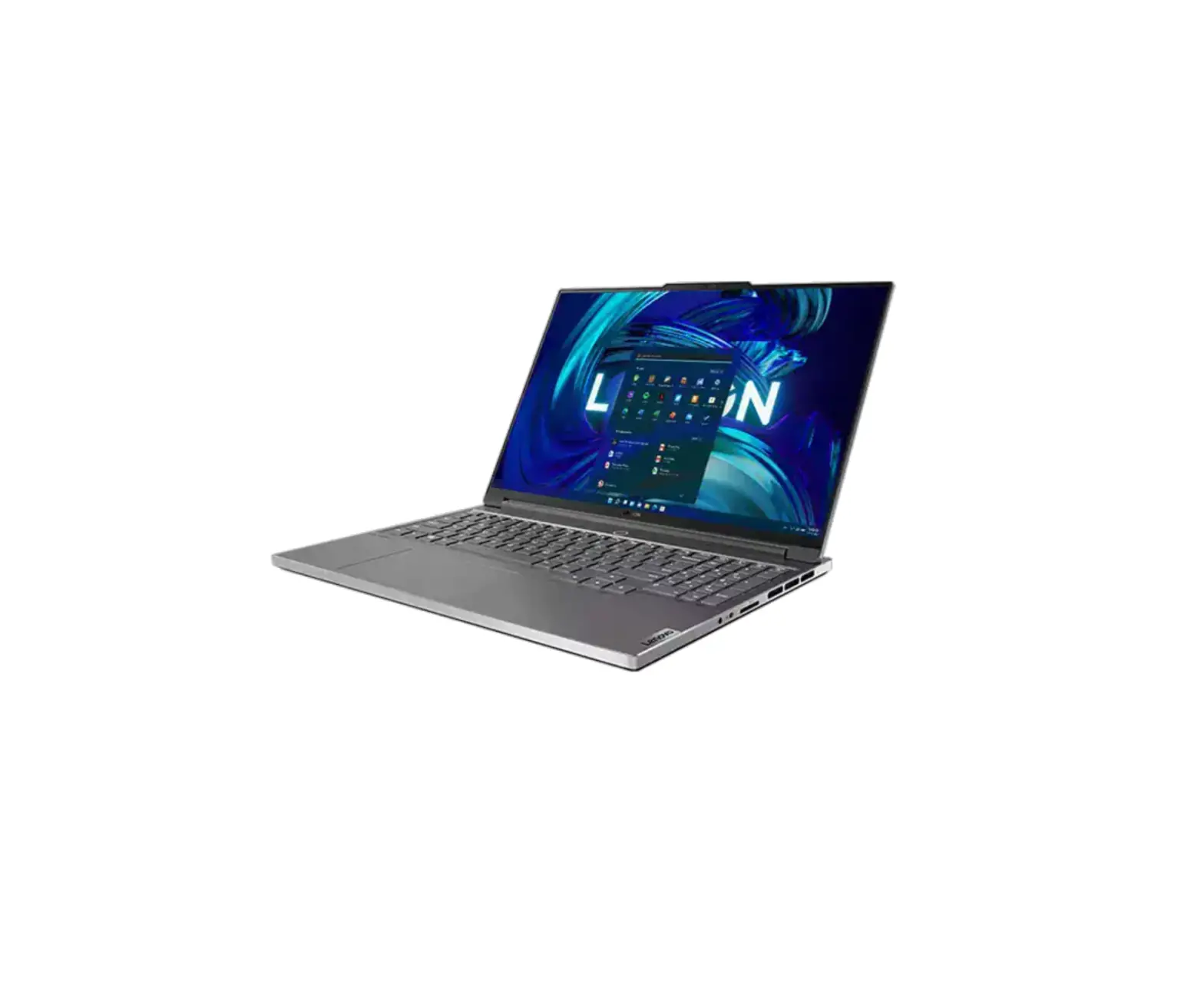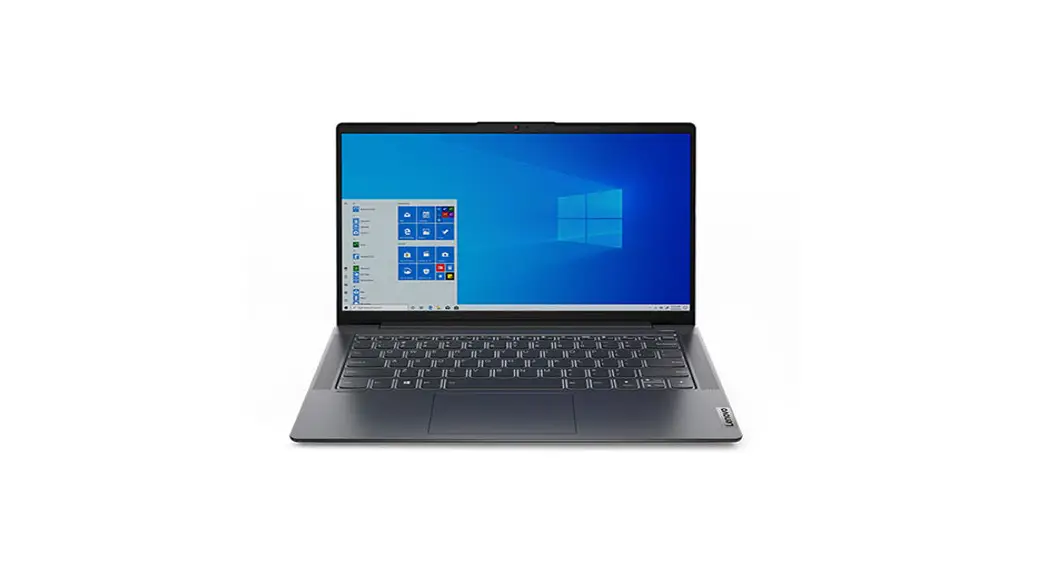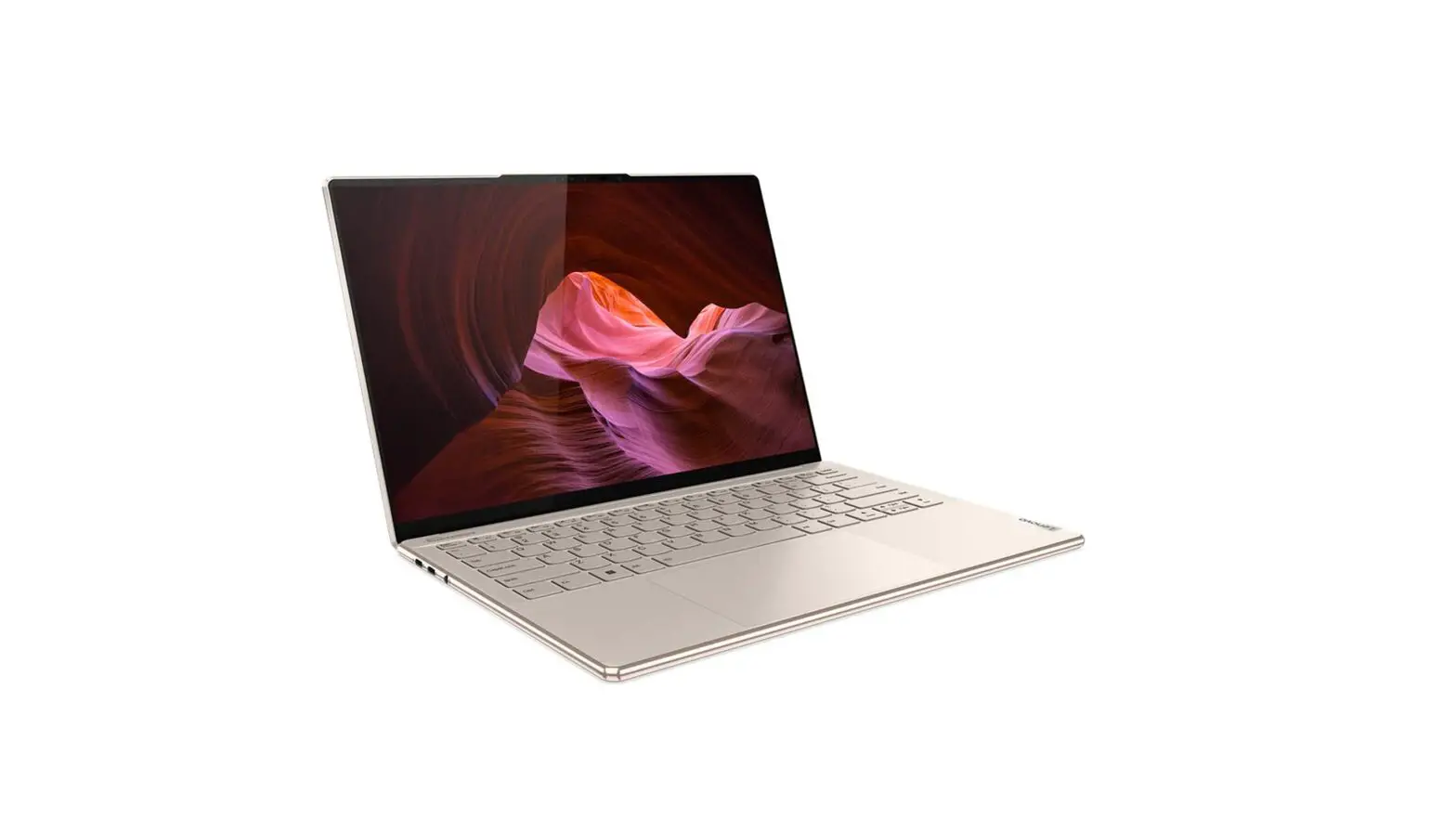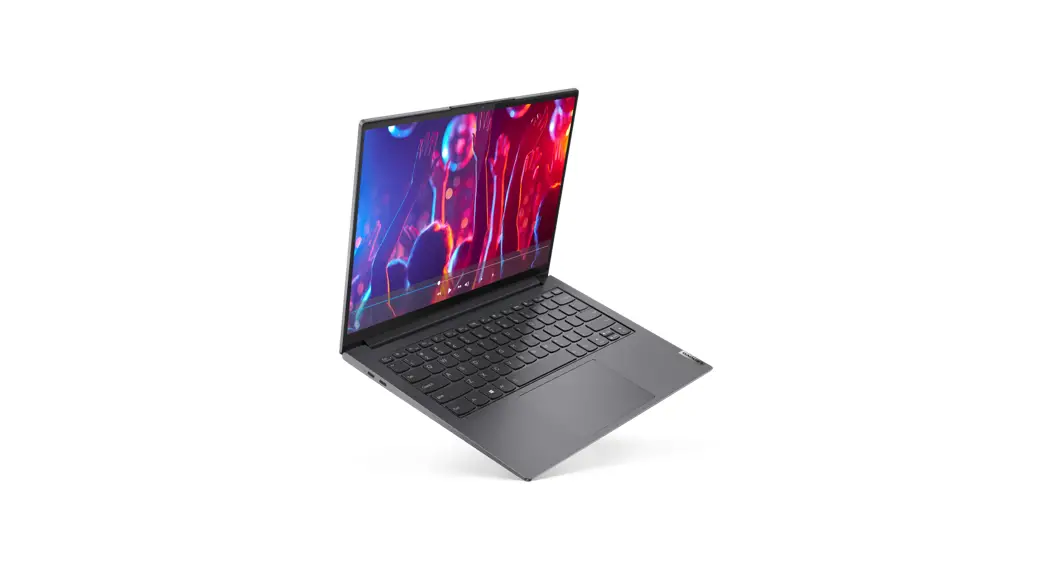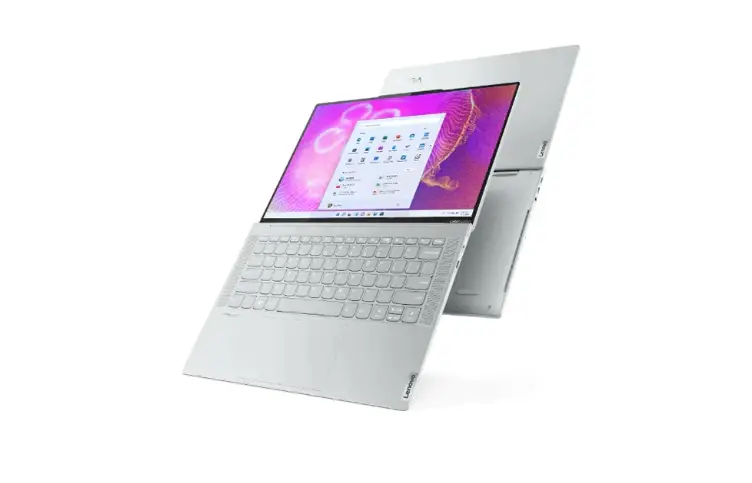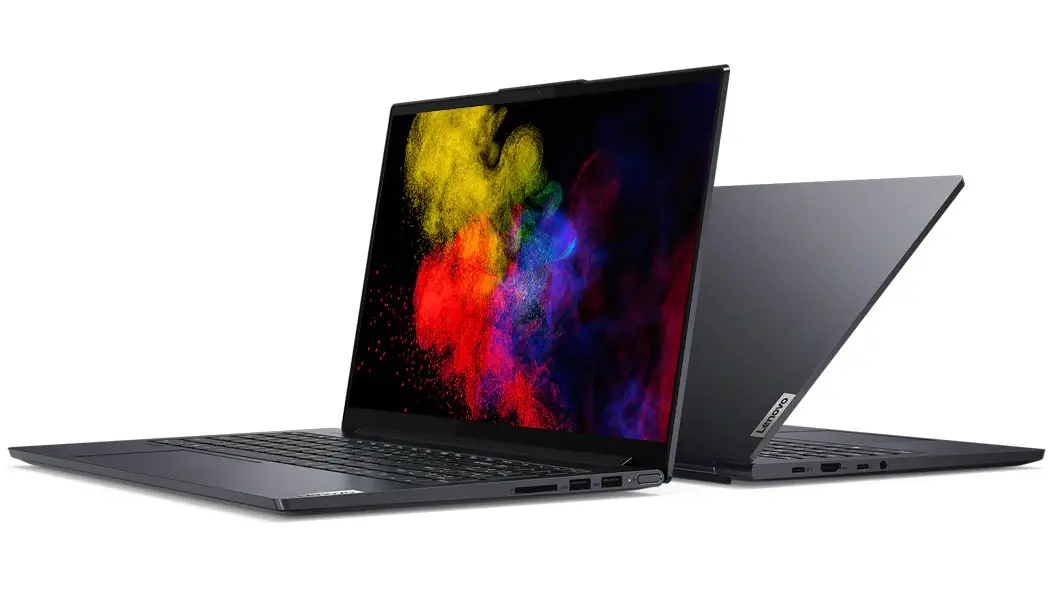

Lenovo Slim Pro 9i 16 Inch 8 Gen Laptop
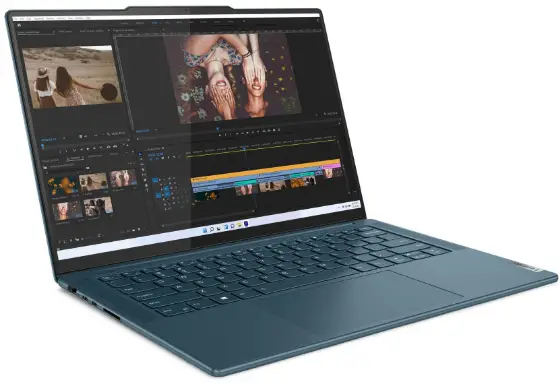
Slim Pro 9i 16 Inch 8 Gen Laptop
Product Features
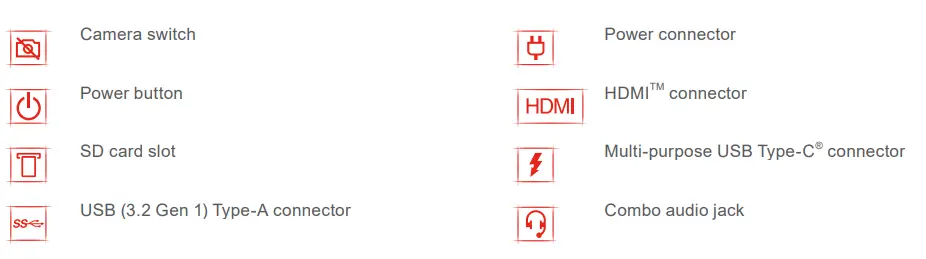
- Camera switch
- Power button
- SD card slot
- USB (3.2 Gen 1) Type-A connector
- Power connector
- HDMITM connector
- Combo audio jack
- Fn shortcuts for performance modes, keyboard backlight control, touchpad enable/disable, device information, display refresh rate change, and presence detection
- Gesture controls for easy navigation and interaction
- Reduce Reuse Recycle feature for sustainable use of, resources
Product Usage Instructions
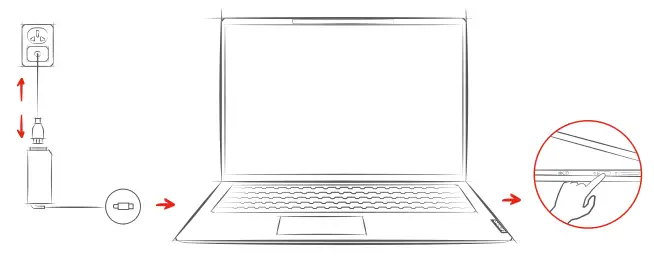
- Get it started:
- Connect the power adapter to the power connector and plug it into a power outlet.
- Press the power button to turn on the laptop.
- Camera usage:
- Slide the camera switch to turn on/off the camera.
- SD card usage:
- Insert the SD card into the SD card slot to transfer files and data.
- USB usage:
- Connect USB devices to the USB (3.2 Gen 1) Type-A connector for
data transfer and charging.
- Connect USB devices to the USB (3.2 Gen 1) Type-A connector for
- HDMI usage:
- Connect external displays or projectors to the HDMITM connector for video and audio output.
- Audio usage:
- Connect headphones or speakers to the combo audio jack for audio output.
- Fn shortcuts usage:
- Press the Fn key along with the corresponding key to switch among different performance modes, control the keyboard backlight, enable/disable the touchpad, show device information, change the display refresh rate, and use presence detection.
- Gesture controls usage:
- Use gesture controls for easy navigation and interaction with the laptop.
- Reduce Reuse Recycle feature usage:
- Use the Reduce Reuse Recycle feature to optimize resource usage and reduce environmental impact.
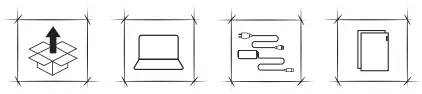
WHAT IN THE BOX
Get it started
Overview
Fn shortcuts
En + Esc
Switch the primary function for keys F1–F12, Insert, and PrtSc
Fn + Q 
Switch among different performance modes
Fn +
Control the keyboard backlight
Fn + M
Enable/disable the touchpad
En + N
Show device information
Fn + R 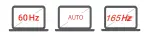
Change the display refresh rate
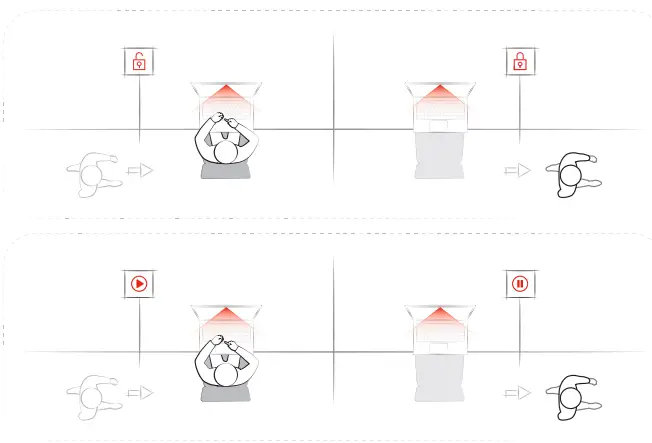
Presence Detection
 Scan the Practical Feature Guide QR code to read more about the intelligent features and statement on USB transfer rates. I Scannez le code QR du Guide pratique des fonctionnalités pour en savoir plus sur les fonctions intelligentes et sur la déclaration sur les taux de transfert USB. I Escanee el código QR de la Guía de características prácticas para leer más sobre las características inteligentes y las velocidades de transferencia de USB

Gesture controls
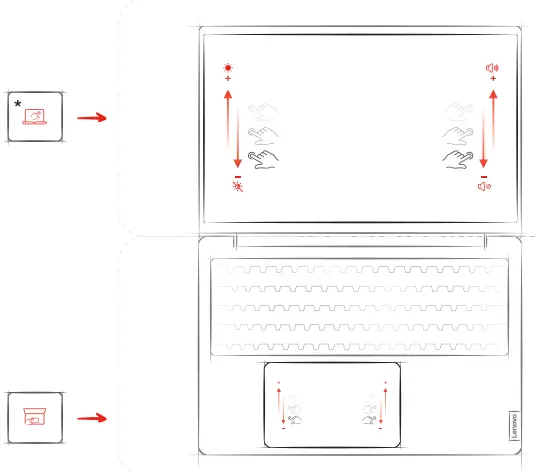
For selected models
Lenovo and the Lenovo logo are trademarks of Lenovo. The terms HDMI and HDMI High-Definition Multimedia Interface, and the HDMI logo are trademarks or registered trademarks of HDMI Licensing Administrator, Inc. in the United States and other countries. USB Type-C is a registered trademark of USB Implementers Forum. All other trademarks are the property of their respective owners.
LIMITED AND RESTRICTED RIGHTS NOTICE: If data or software is delivered pursuant to a General Services Administration “GSA” contract, use, reproduction, or disclosure is subject to restrictions set forth in Contract No. GS-35F-05925.
First Edition (March 2023) © Copyright Lenovo 2023.