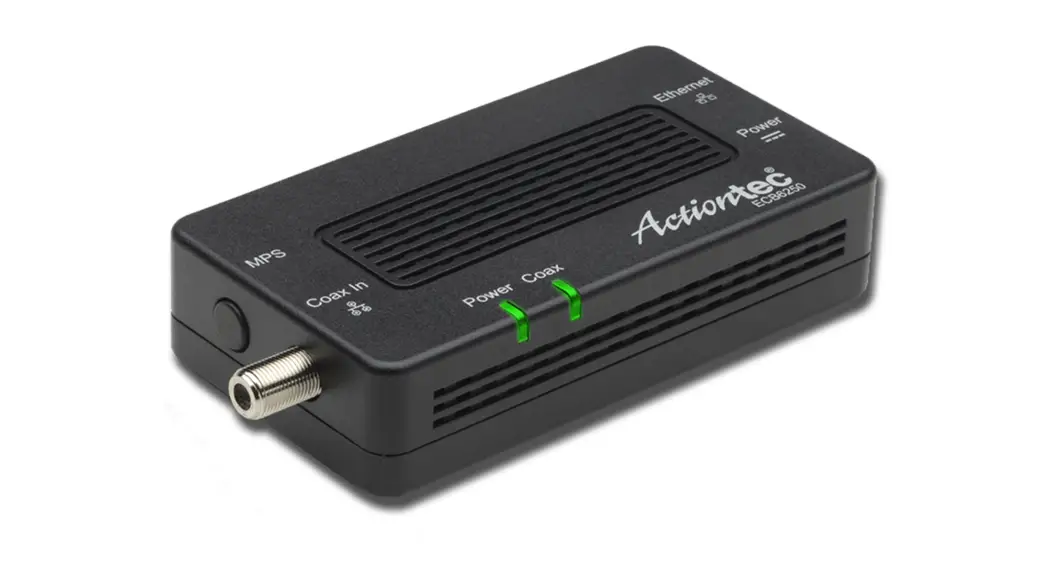
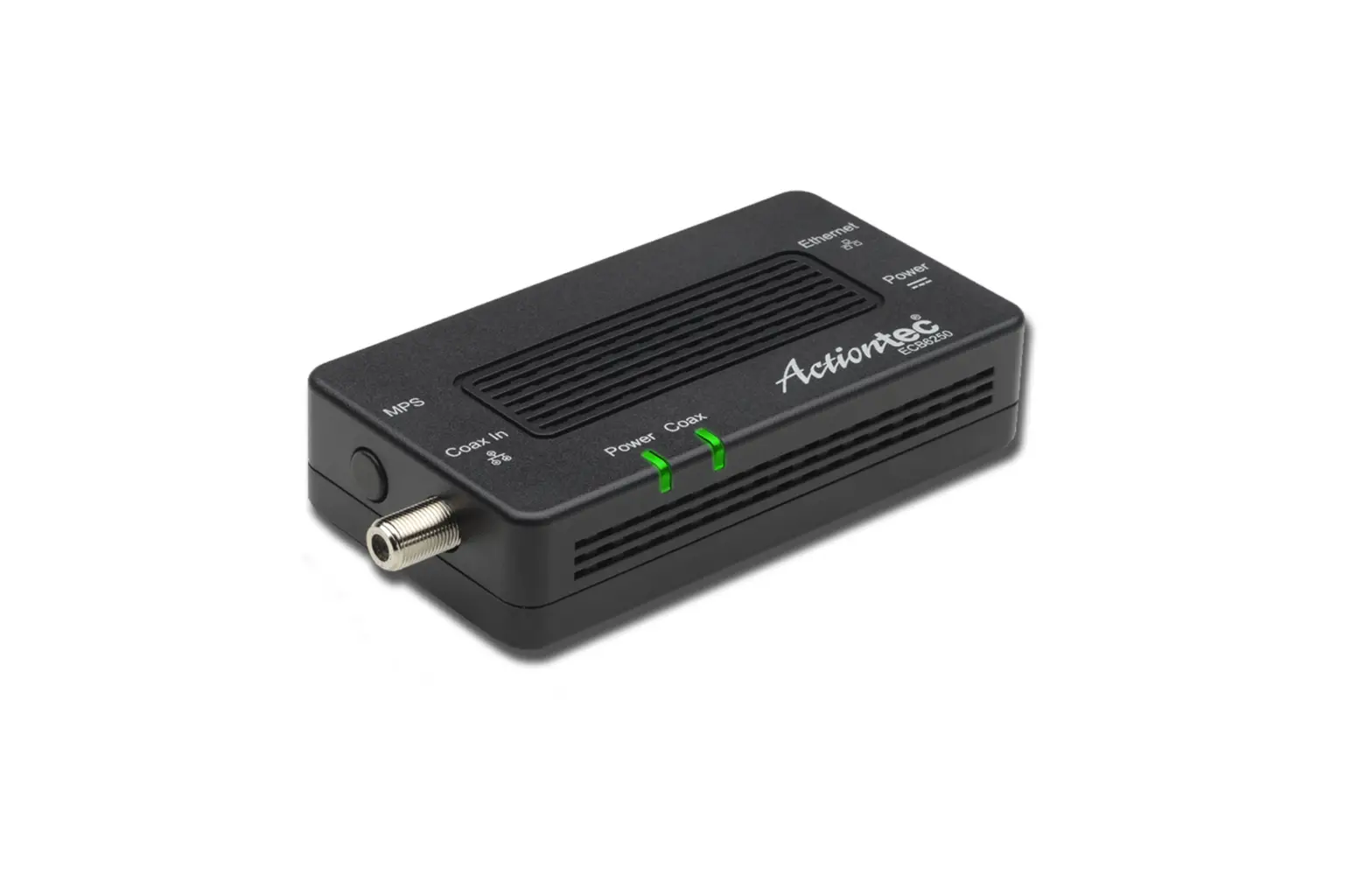
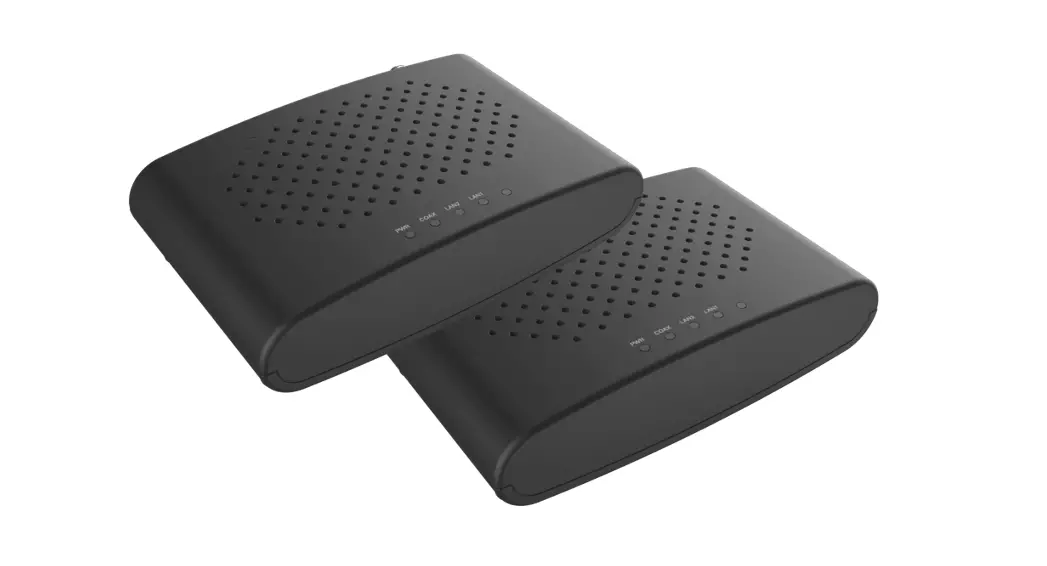
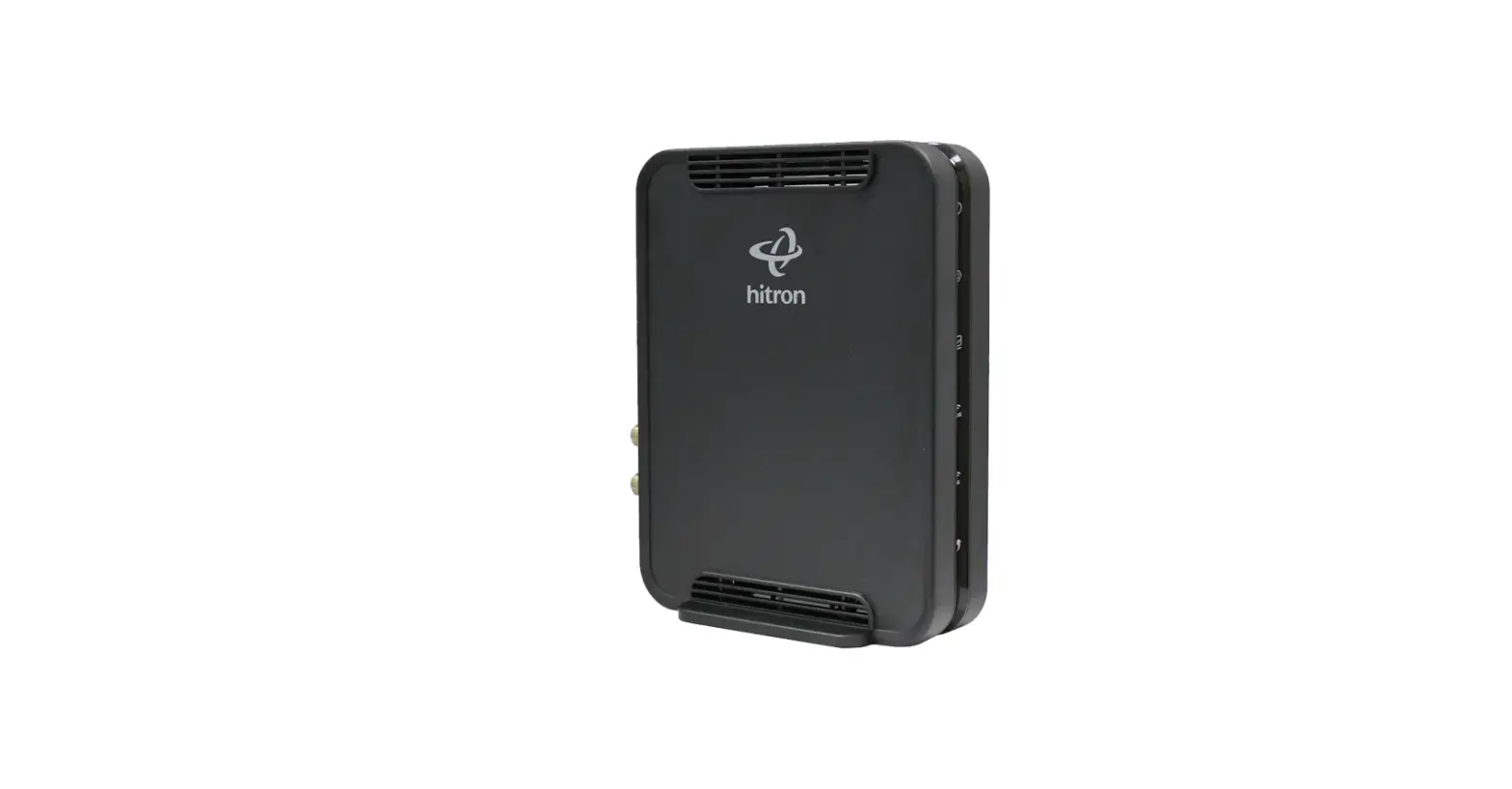
HTEM5 MoCA 2.5 Network Adapter
Product Information: MoCA 2.5 Network Adapter
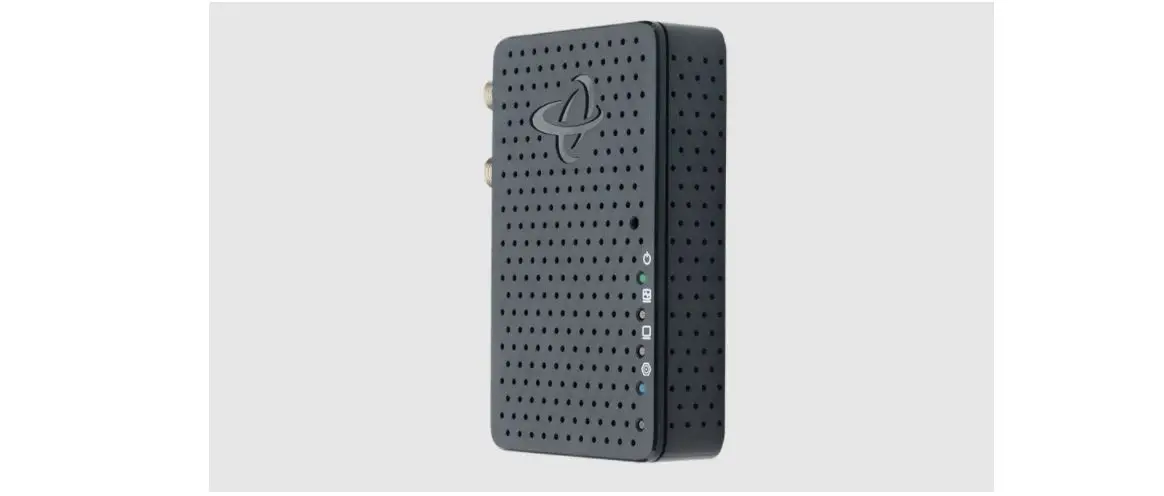
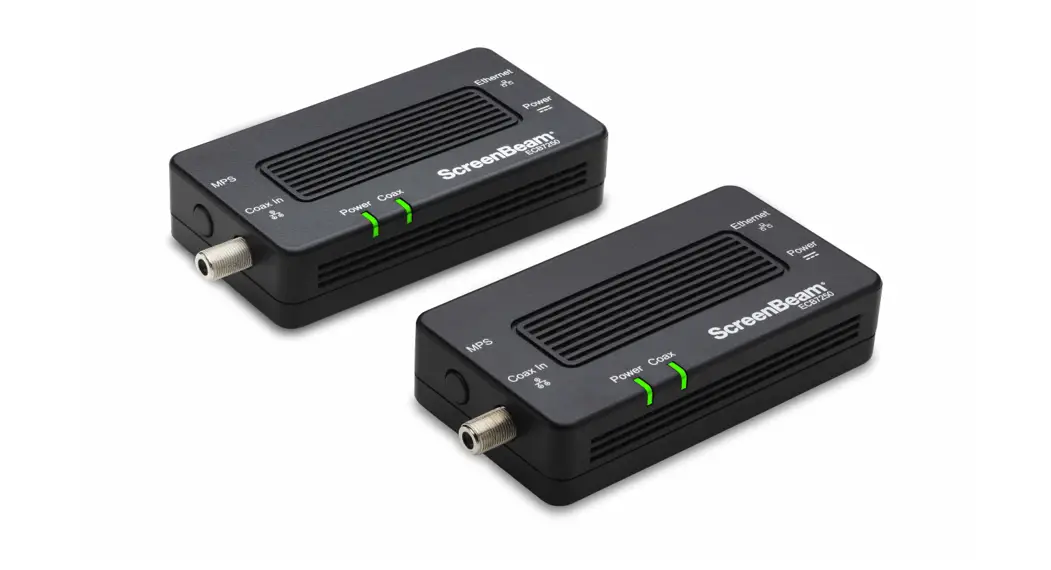
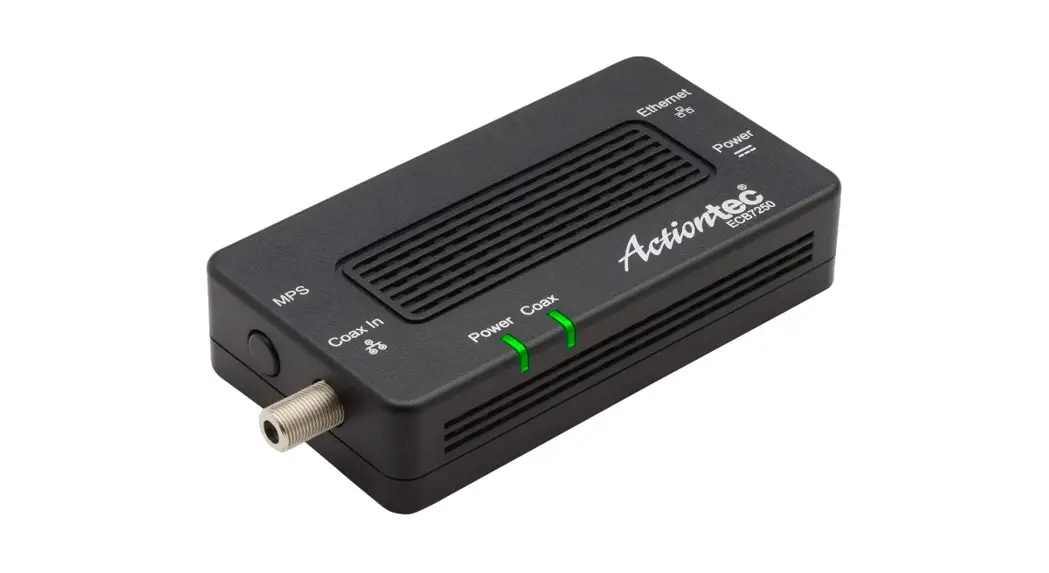
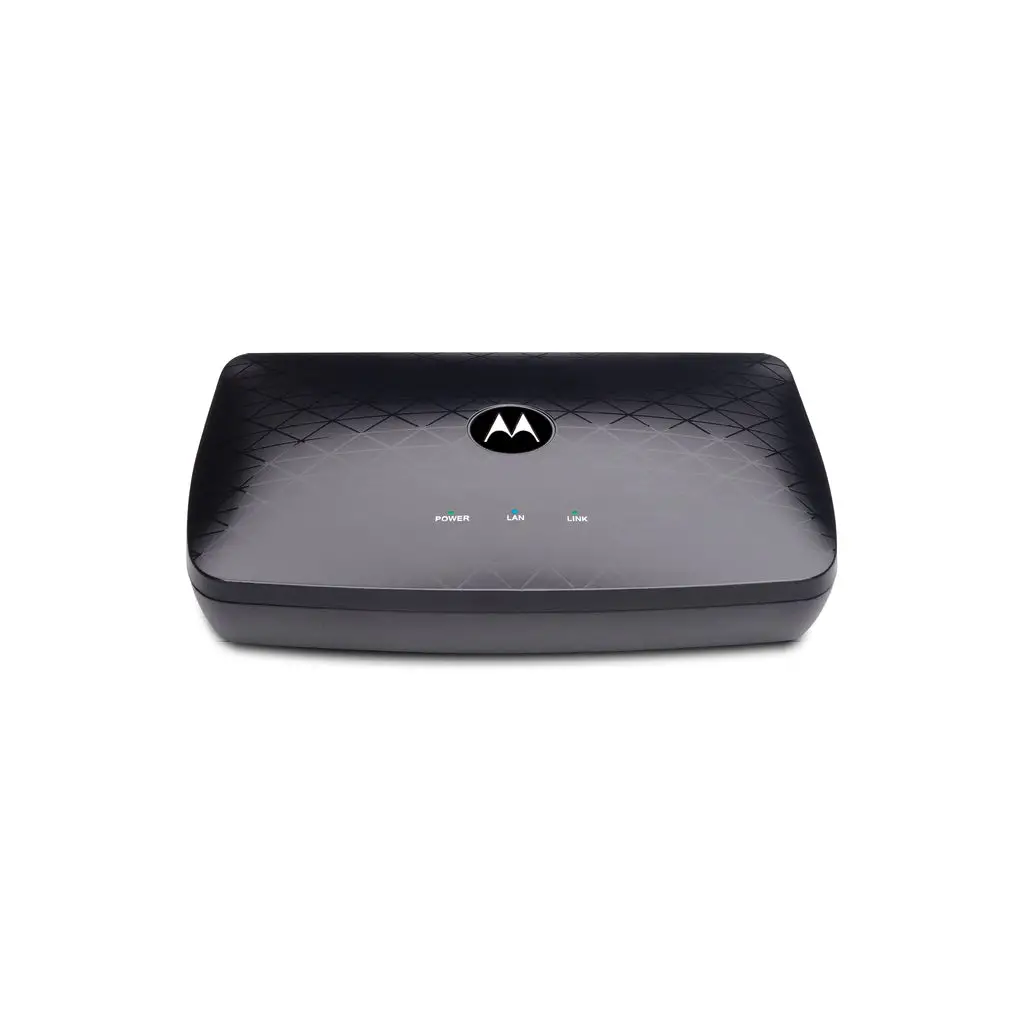
The Hitron MoCA 2.5 Network Adapter, model number HTEM5, is a
device that allows you to create a high-speed network connection
through your home’s existing coaxial cable wiring. It supports
speeds up to 2500 Mbps and is compatible with most cable TV and
internet service providers.
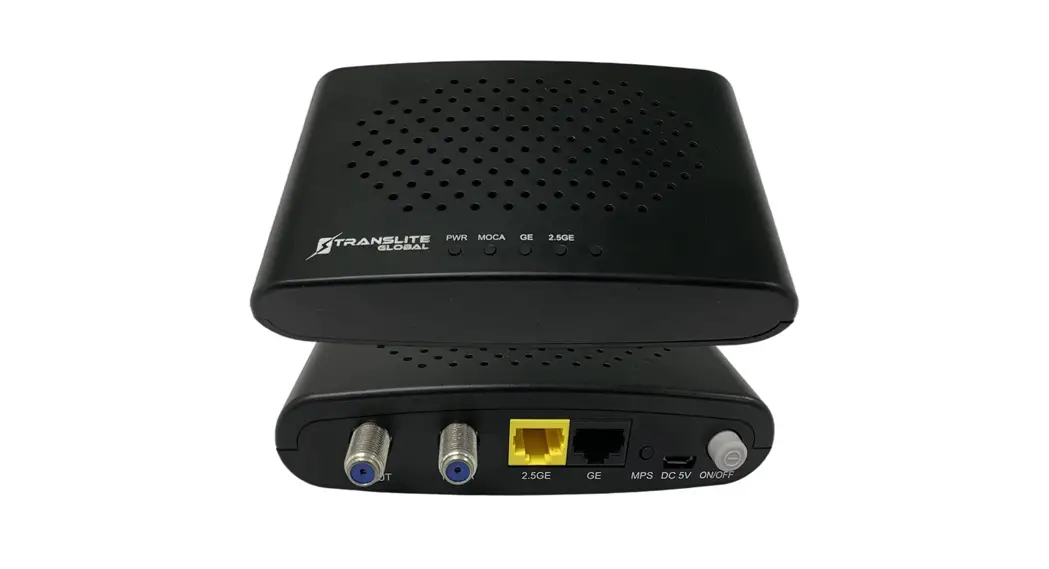
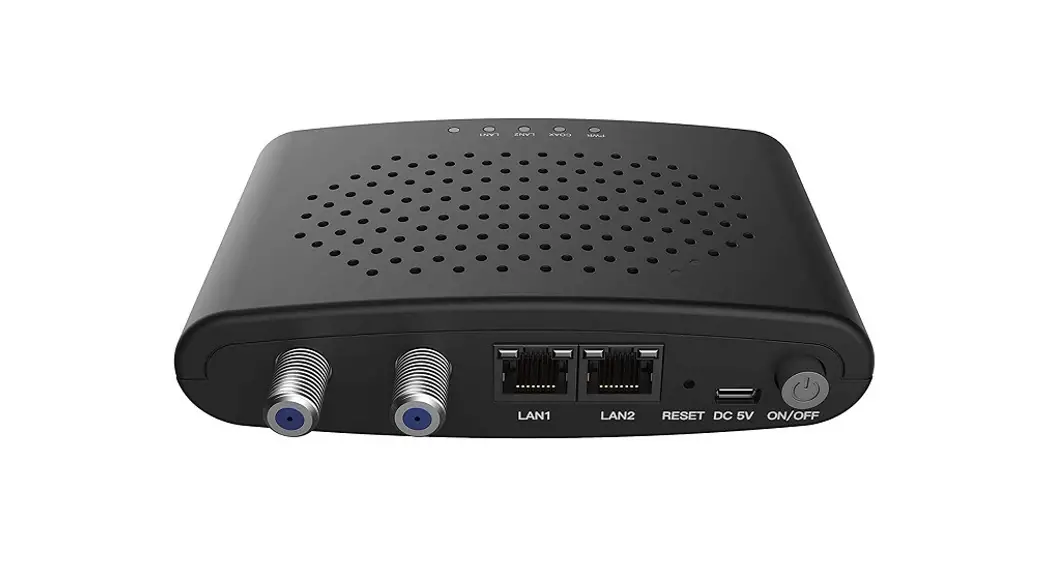
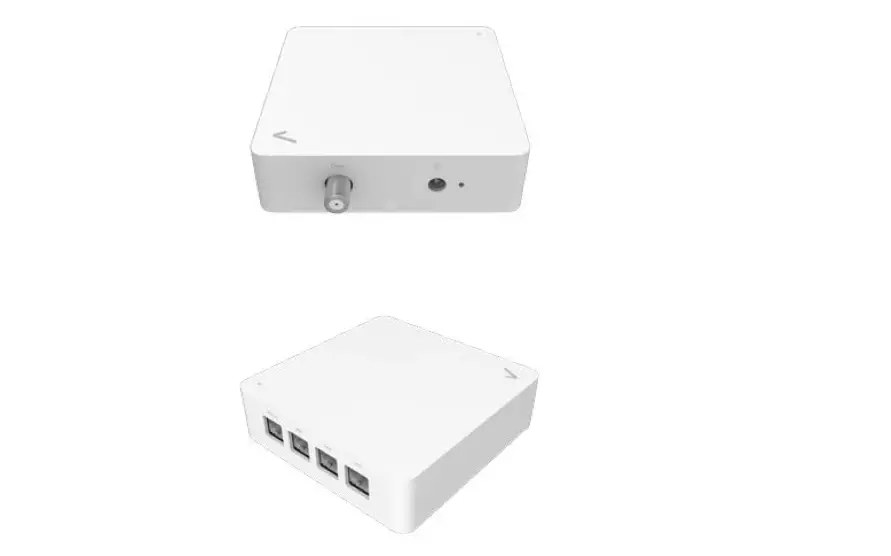
The MoCA 2.5 Network Adapter comes with an Ethernet port for
connecting to your modem/router and another Ethernet port for
connecting to your device (such as a gaming console or laptop). It
also has a coaxial port for connecting to your home’s coaxial cable
wiring and a power port for connecting to a power outlet.
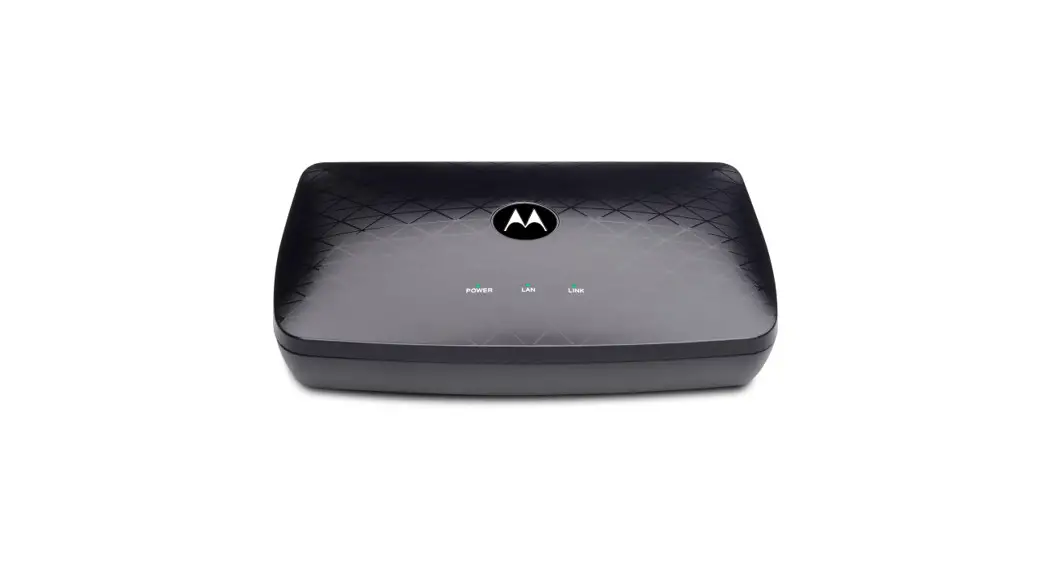
The MoCA 2.5 Network Adapter has LED lights on the front to
indicate power, activity, link, and MoCA connectivity. It also
comes with a power adapter (12V DC, 1A, made by AOEM, Model
#ADSO12T-W120100).
Product Usage Instructions
To use the MoCA 2.5 Network Adapter, follow these steps:
Step 1: Connect to your Modem/Router
- Get a MoCA 2.5 Network Adapter and Ethernet Cable.
- Connect the Ethernet Cable from the Modem/Router to the MoCA
2.5 Network Adapter. - Get the Coax Cable and connect the Coax Cable from the Coax
Outlet on the wall to the Coax Port on the MoCA 2.5 Network
Adapter. - Get the Power Adapter (External, 12V DC, 1A, made by AOEM,
Model #ADSO12T-W120100) and connect it from the MoCA 2.5 Network
Adapter to a Power Outlet. - Wait until the Power Light on the front of the adapter is
GREEN.
Note: If your router does not support MoCA or you are unsure if
your router has MoCA, complete Step 1.
Step 2: Connect to your Device
- Get a MoCA 2.5 Network Adapter and Ethernet Cable.
- Connect the Ethernet Cable from the Access Point or Device
(gaming console, streaming TV player, laptop etc.) to the MoCA 2.5
Network Adapter. - Get the Coax Cable and connect the Coax Cable from the Coax
Outlet on the wall to the Coax Port on the MoCA 2.5 Network
Adapter. - Get the Power Adapter and connect it from the MoCA 2.5 Network
Adapter to a Power Outlet. - Wait until the Power Light on the front of the adapter is GREEN
and the MoCA light turns GREEN or BLUE.
Note: The MoCA light will turn Green when the MoCA network is in
low speed.
If you are having issues with your MoCA 2.5 Network Adapter,
please contact Hitron Technologies for support. Visit their website
at us.hitrontech.com/htem5 for
help, FAQs, and user manuals.
Model # HTEM5
Quick Install Guide
MoCA 2.5 Network Adapter
Step 1: Connect to your Modem/Router
Note: Not all routers have MoCA built into the router. If your router does not support MoCA, or you are unsure if your router has MoCA, please complete Step 1.
A Get a MoCA 2.5 Network Adapter and Ethernet Cable.
B Connect the Ethernet Cable from the Modem/Router to the MoCA 2.5 Network Adapter.
C Get the Coax Cable and connect the Coax Cable from the Coax Outlet on the wall to the Coax Port on the MoCA 2.5 Network Adapter.
Note: If you have a TV or cable set top box near your modem/ router, you will need to use a coax splitter.
D Get the Power Adapter (External, 12V DC, 1A, made by AOEM, Model #ADSO12T-W120100) and connect it from the MoCA 2.5 Network Adapter to a Power Outlet.
E Wait until the Power Light on the front of the adapter is GREEN.
Coax Outlet
A C
Modem Router Power outlet
2
E B D
Hitron Technologies Americas
Step 2: Connect to your Device
A Get a MoCA 2.5 Network Adapter and Ethernet Cable.
B Connect the Ethernet Cable from the Access Point or Device (gaming console, streaming TV player, laptop etc.) to the MoCA 2.5 Network Adapter.
C Get the Coax Cable and connect the Coax Cable from the Coax Outlet on the wall to the Coax Port on the MoCA 2.5 Network Adapter.
D Get the Power Adapter and connect it from the MoCA 2.5 Network Adapter to a Power Outlet.
E Wait until the Power Light on the front of the adapter is GREEN and the MoCA light turns GREEN or BLUE.
Note: The MoCA light will turn Green when the MoCA network is in low speed.
Coax Outlet C
Gaming Console, Streaming TV player etc…
B Power outlet
D
User Manual – HTEM5 – MoCA 2.5 Network Adapter
A
E E
3
LEDs
Power Green when powered on.
Activity Blink when sending or receiving data over the MoCA network.
Link
Blue for 2500 Mbps
Ethernet connection.
Green for 1000 Mbps
Ethernet connection.
MoCA
Blue high-speed mode. Green low-speed mode. Off if not connected to another MoCA device.
Tech Support
Thank you for purchasing this Hitron MoCA 2.5 Network Adapter. If you are having problems with your MoCA 2.5 Network Adapter set up, please contact us.
You can visit us.hitrontech.com/htem5 to get help, Frequently Asked Questions (FAQs) & user manuals.
Tech Support
WARNING Risk of electrical shock. Do not expose the device to water or moisture. The device is a high-performance communications device designed for home and office environments. Do not use the device outdoors. Keep the device in an environment between 0°C – 45°C (32°F – 113°F). To avoid overheating, do NOT place any object on top of the device. Do not restrict the flow of air around the device. The manufacturer assumes no liabilities for damage caused by any improper use of the device. This device complies with Part 15 of the FCC Rules. Operation is subject to the following two conditions: (1) This device may not cause harmful interference, and (2) this device must accept any interference received, including interference that may cause undesired operation.
DISCLAIMER The manufacturer assumes no liabilities with respect to the contents of this document. The manufacturer also reserves the right to revise this document or update the content thereof without any obligation to notify any person of such revisions or amendments. Hitron and the Hitron logo are registered trademarks of Hitron Technologies in the US or other countries. Product photo may differ from the actual product. Specifications subject to change without notice.
© Hitron Technologies Americas. The Hitron name and the Hitron logo are registered trademarks of Hitron Technologies in the US and other countries. Any non-Hitron trademarks are used for reference purposes only.
Quick Install Guide – HTEM5 – MoCA 2.5 Network Adapter
 HTEM5 Archives - Hitron Americas