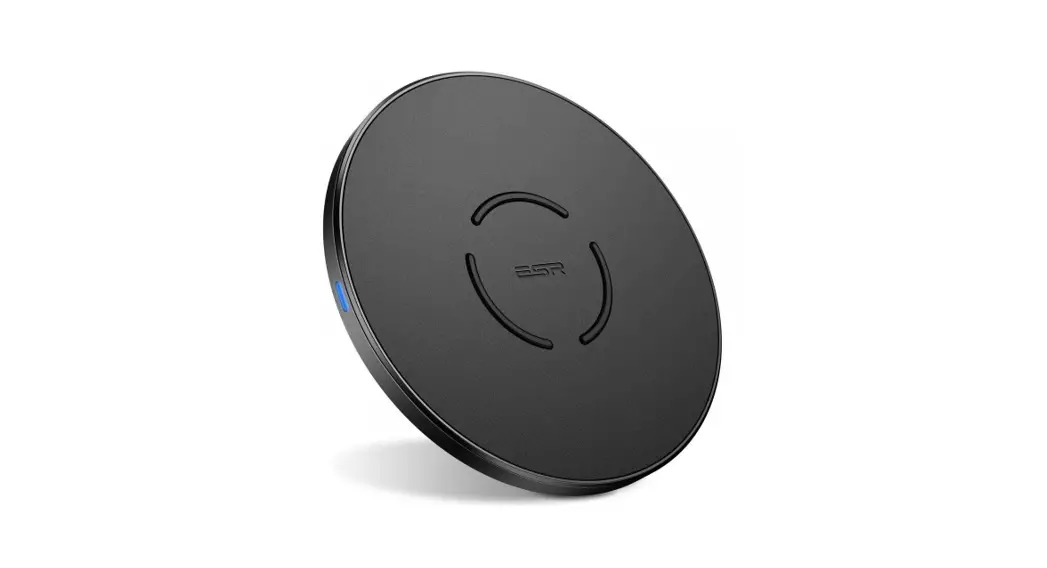

EFC002O 15W Wireless Charger
User Manual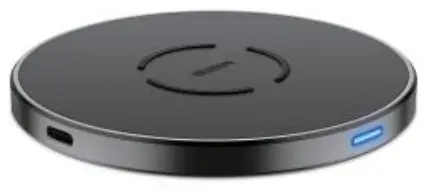
EFC002O 15W Wireless Charger
Thank you for choosing ESR! To ensure you understand how to correctly use this device, please carefully read this entire manual. Keep this manual for future reference.
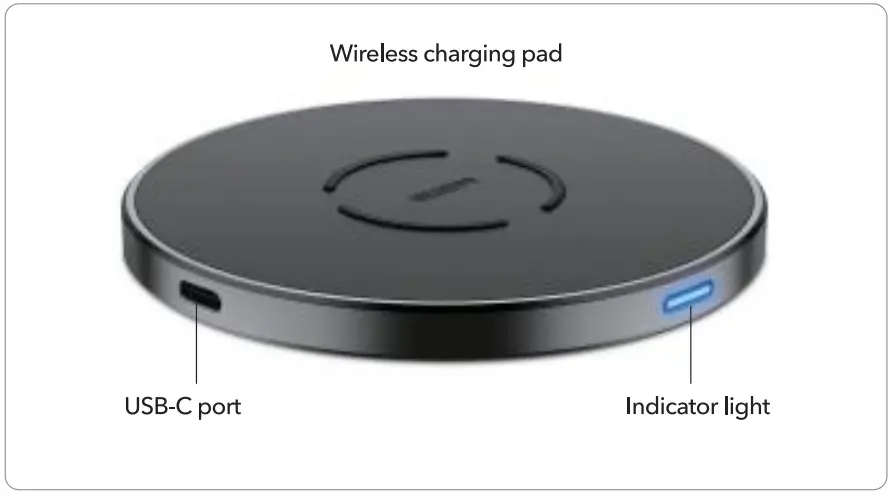
Product Overview
 Instructions
 Instructions
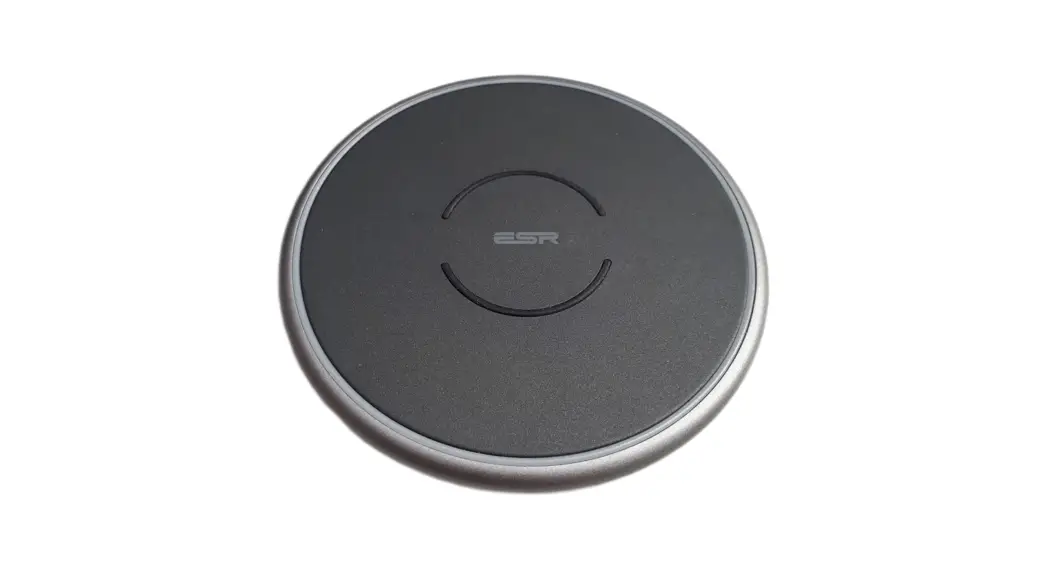
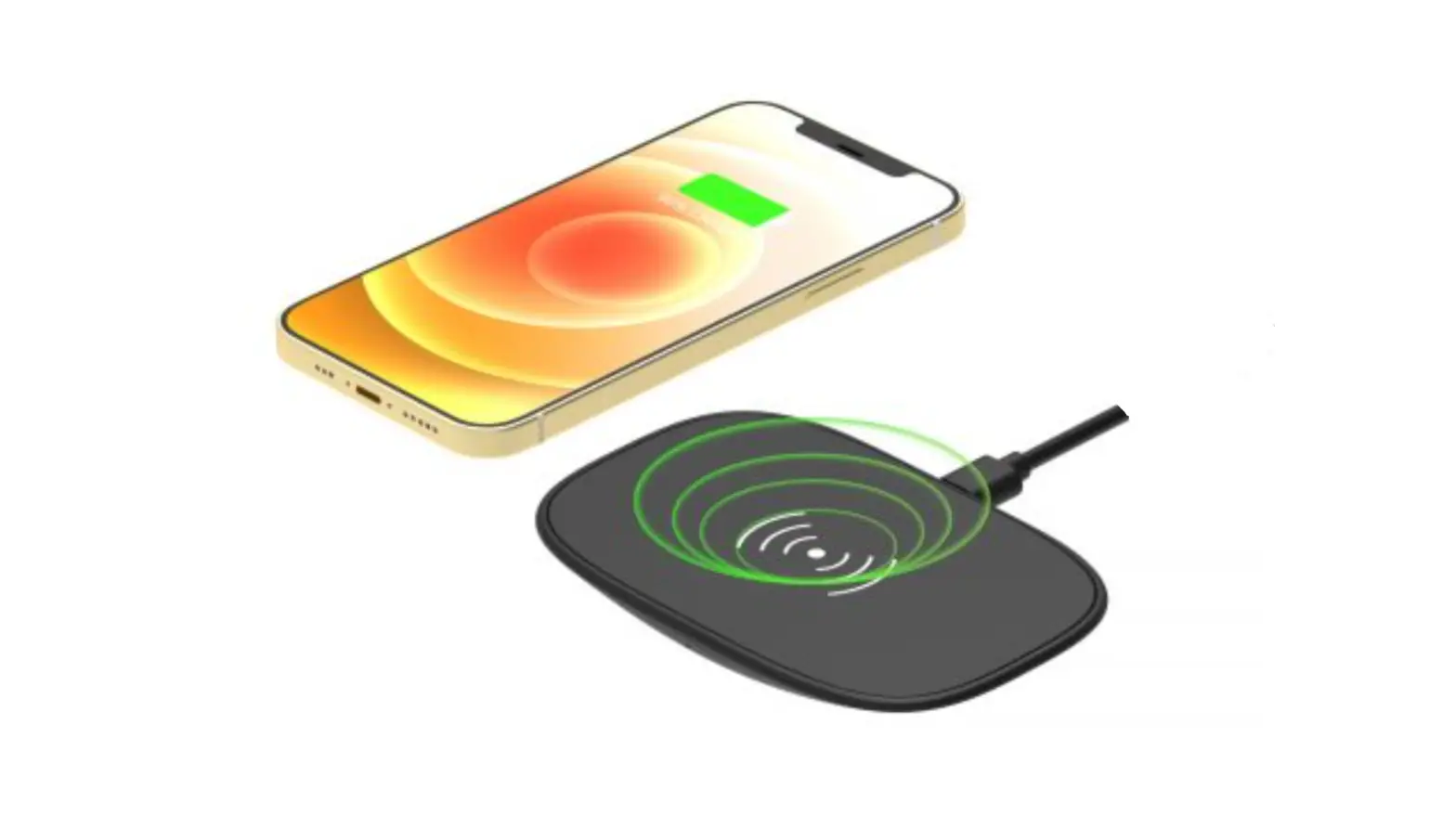
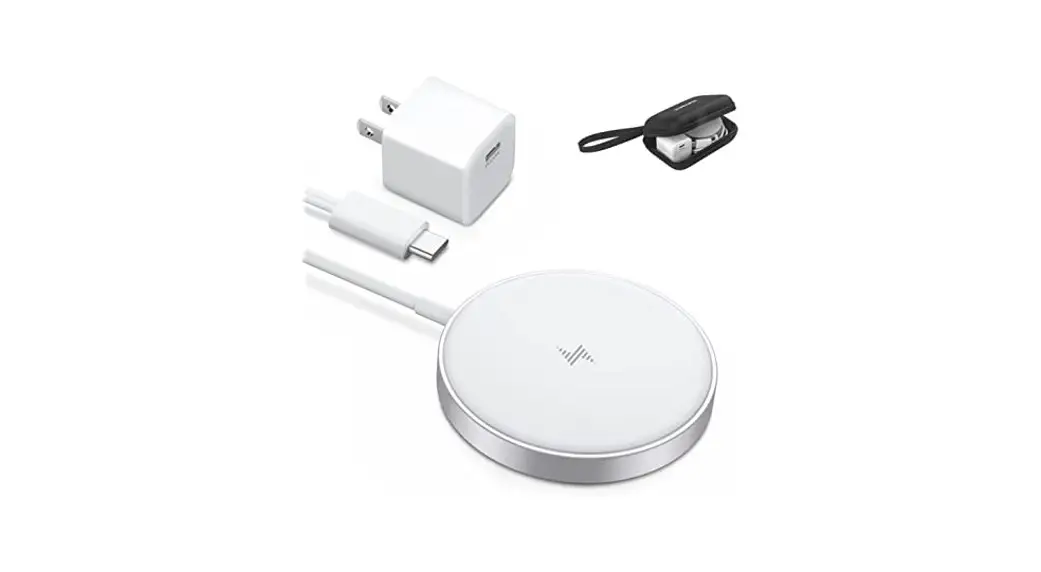
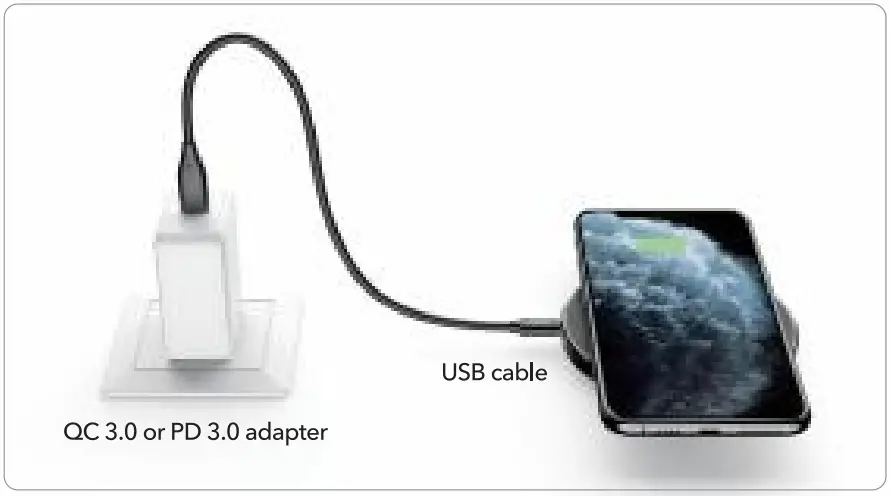
- Connect the wireless charging pad to a QC 3.0 or PD 3.0 adapter (not included).
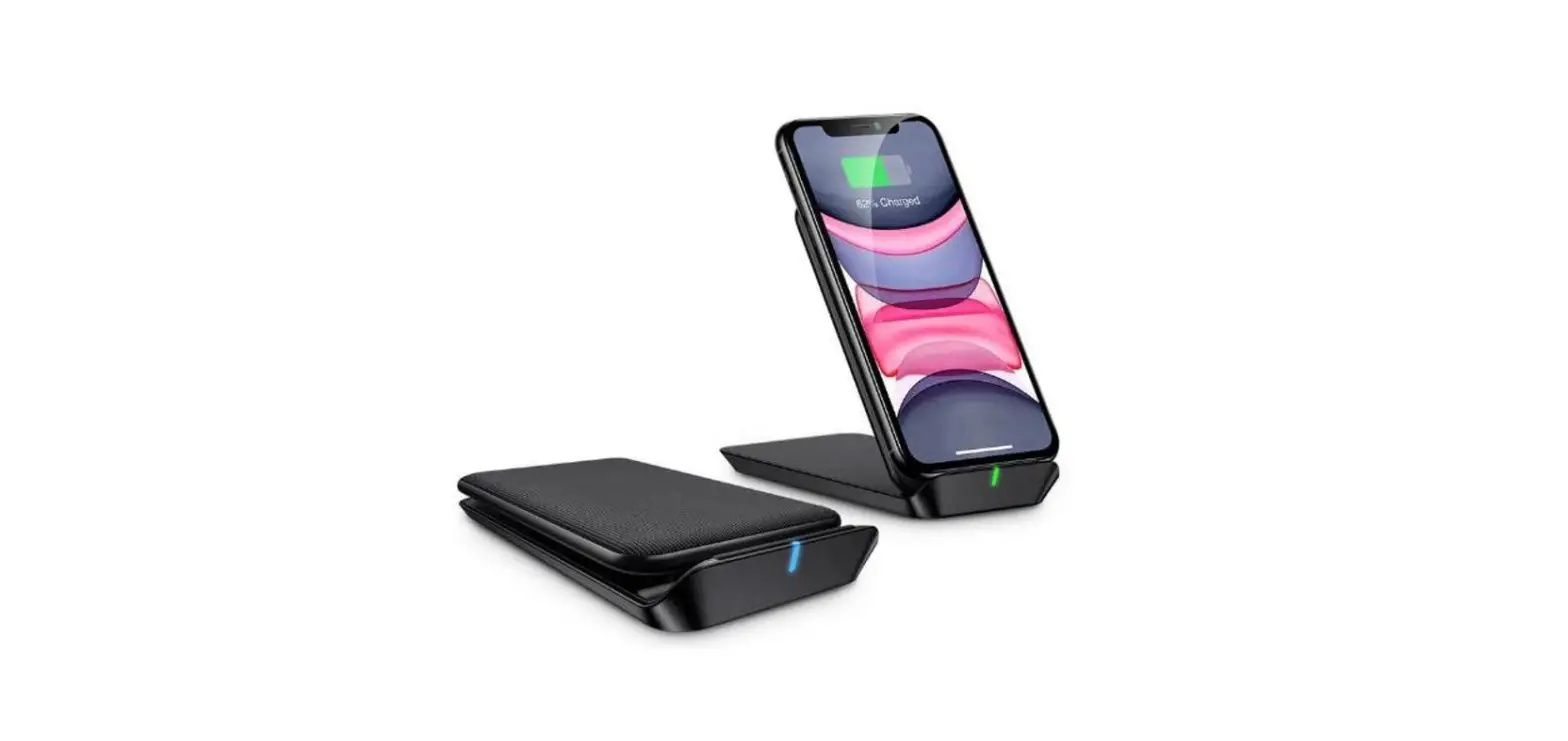
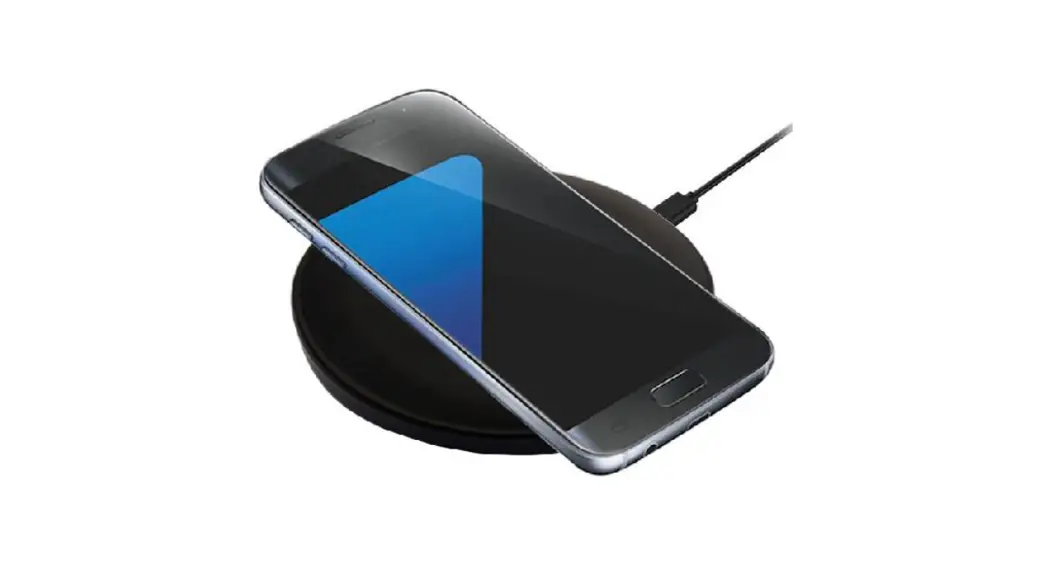
- Place your device on the charging pad to begin charging.

Indicator Light Guide
| Status | Plugged in | Standby | Charging/Fully Charged | Error |
| Light | On for 5 sec | Off | On | Flashing |
 If an error is detected, please check the following:
- Your charging adapter and cable are compatible with Quick Charge 3.0 (QC 3.0) or Power Delivery (PD). A power output of less than 18W may result in slow or unstable charging.
- Your phone supports wireless charging, your phone case is not thicker than 5 mm, and your phone does not have any metal attachments near the charging pad.
- After checking the above, unplug and re-insert the charging cable to resume normal charging.
Important Reminders
- Please ensure your phone supports Qi wireless charging before attempting to charge.
- Fast charging requires a QC 3.0 or PD-compatible 18W charging adapter and cable.
- Using a 5W adapter may cause slow or unstable charging. For best results always use an 18W or greater adapter.
- Place your phone on the center of the charging pad when charging, off-center placement can cause slow or unstable charging.
FCC ID: 2APEW- EFC0020
This device complies with part 15 of the FCC Rules. Operation is subject to the following two conditions: (1) This device may not cause harmful interference, and (2) this device must accept any interference received, including interference that may cause undesired operation.
Warning: Changes or modifications to this unit not expressly approved by the party responsible for compliance could void the user’s authority to operate the equipment.
NOTE: This equipment has been tested and found to comply with the limits for a Class B digital device, pursuant to Part 15 of the FCC Rules. These limits are designed to provide reasonable protection against harmful interference in a residential installation. This equipment generates, uses, and can radiate radio frequency energy and, if not installed and used in accordance with the instructions, may cause harmful interference to radio communications. However, there is no guarantee that interference will not occur in a particular installation. If this equipment does cause harmful interference to radio or television reception, which can be determined by turning the equipment off and on, the user is encouraged to try to correct the interference by one or more of the following measures:
- Reorient or relocate the receiving antenna.
- Increase the separation between the equipment and receiver.
- Connect the equipment into an outlet on a circuit different from that to which the receiver is connected.
- Consult the dealer or an experienced radio/TV technician for help.
This equipment complies with FCC RF radiation exposure limits set forth for an uncontrolled environment. This equipment should be installed and operated with a minimum distance of 20cm between the radiator &your body.
IC: 24790-EFC0020
This device complies with Industry Canada licence-exempt RSS standard(s). Operation is subject to the following two conditions:
- this device may not cause interference, and
- this device must accept any interference, including interference that may cause undesired operation of the device.”