CD007 Wireless Charger
Product Information
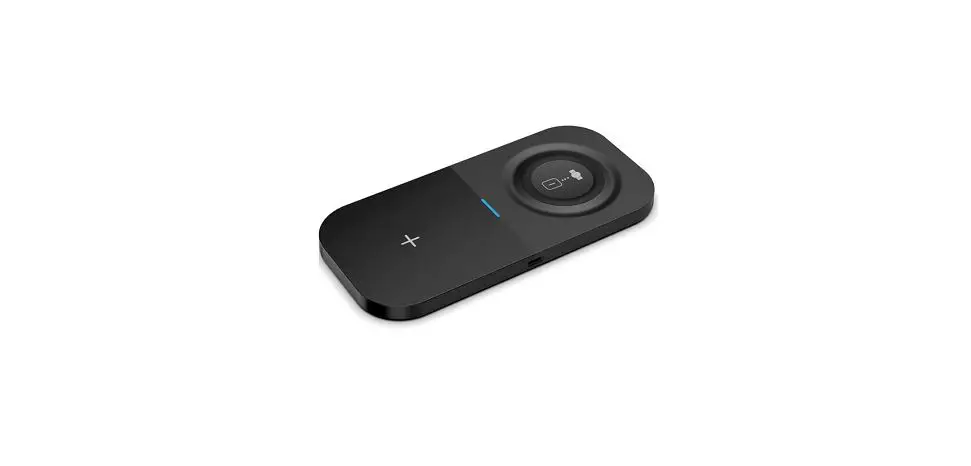
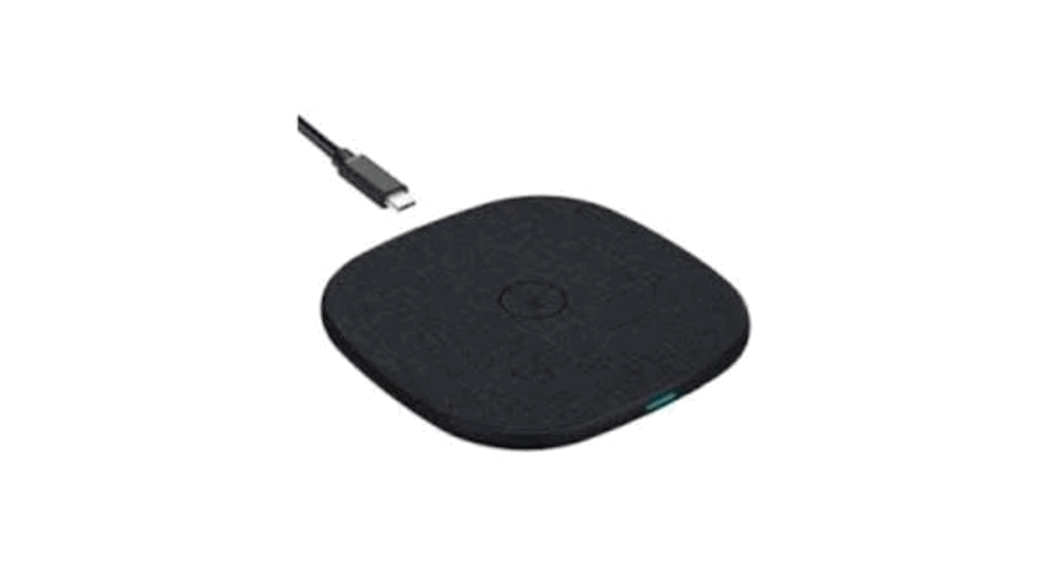
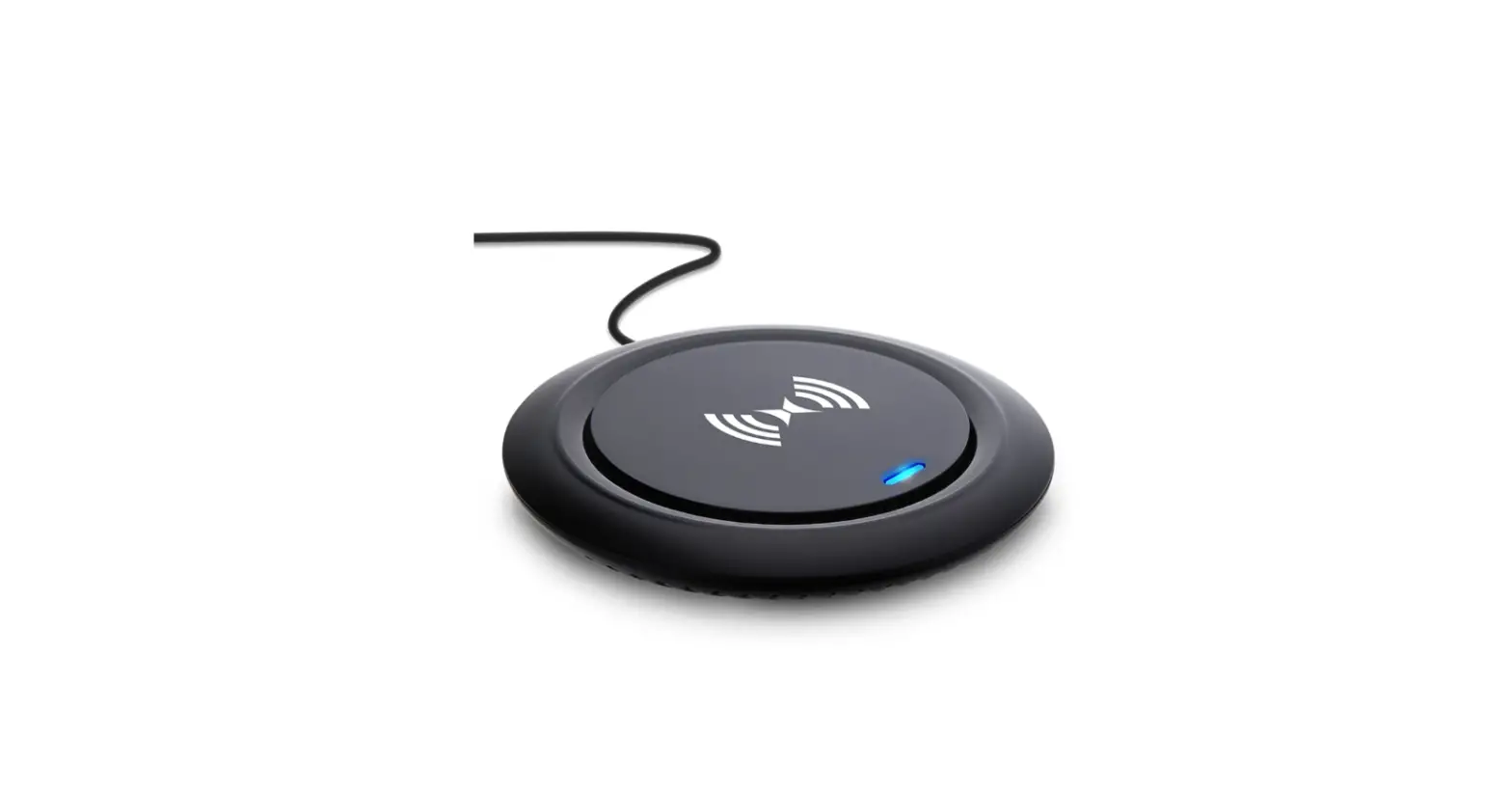
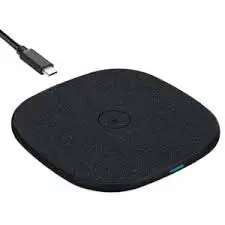
The product is a charging stick designed for wireless charging
of a capacitive pen. It comes with a USB-C charging cable and an
adapter. The stick has a blue light indicator to show that it is
working properly.
Product Usage Instructions
- Take out the charging stick from its packaging.
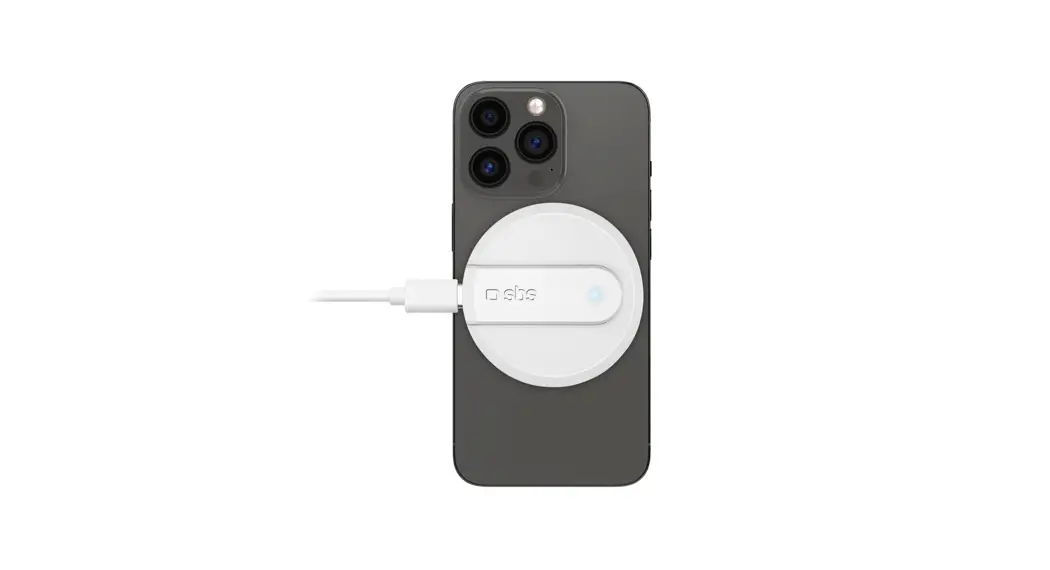
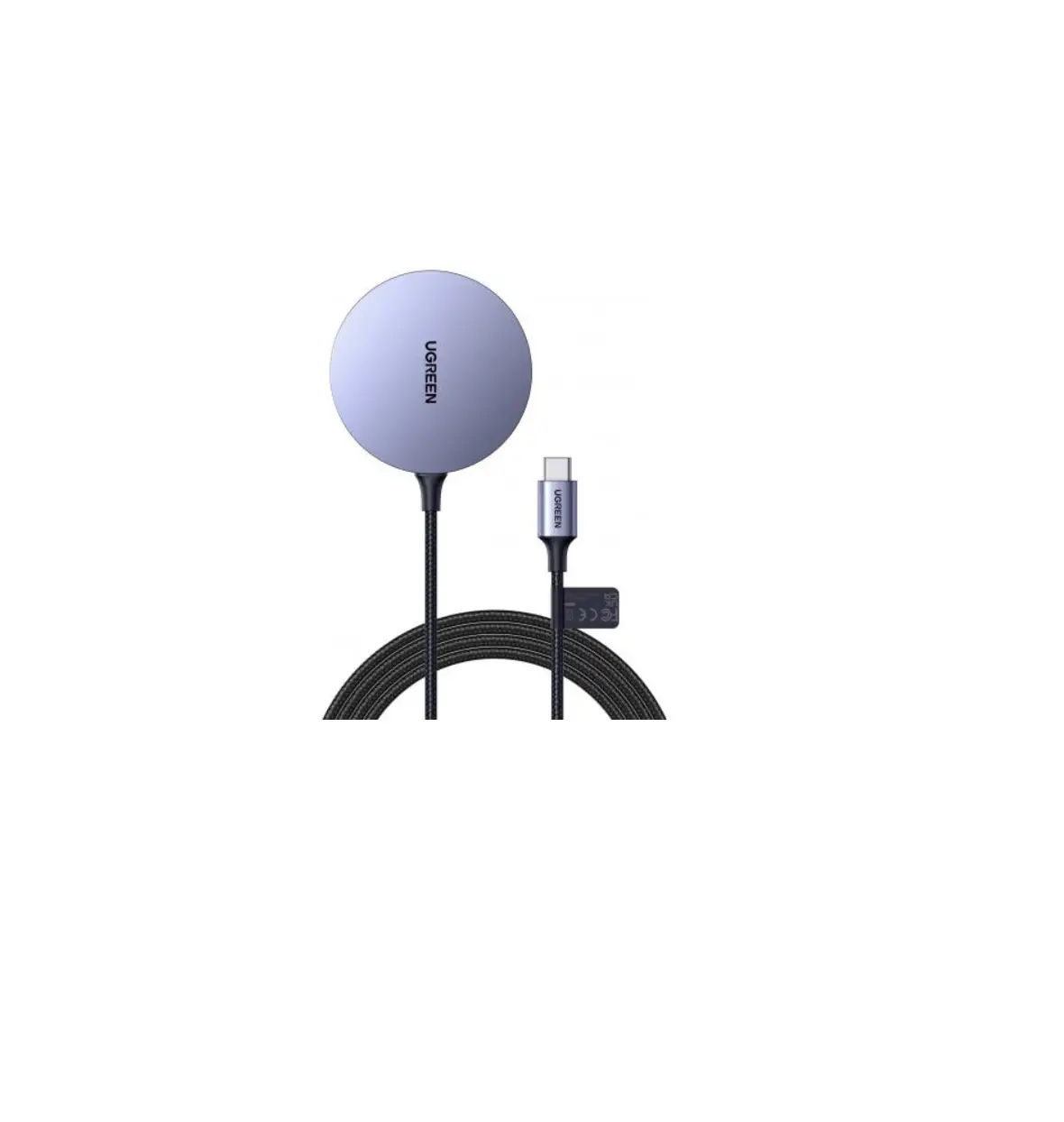
- Locate the USB-C charging cable and insert it into the bottom
of the charging stick. - Connect the other end of the USB-C charging cable to the
provided adapter. - Once the USB-C charging cable is connected to the adapter, the
blue light on the charging stick will turn on, indicating that it
is ready to use. - Place the capacitive pen at the center of the charging stick.
The pen will be magnetically attracted for wireless charging. - Ensure that the pen is securely attached to the charging stick
for proper charging. - Wait for the pen to charge fully before disconnecting it from
the charging stick.
Note: Please refer to the product’s user manual for additional
instructions and safety precautions.
Instructions for use
1. Take out the charging stick, insert the USB-C charging cable at the bottom and connect to the adapter, at this time the blue light is on, and it can work normally; 2. At the center, magnetically attract the capacitive pen for magnetic wireless charging to the charging stick;