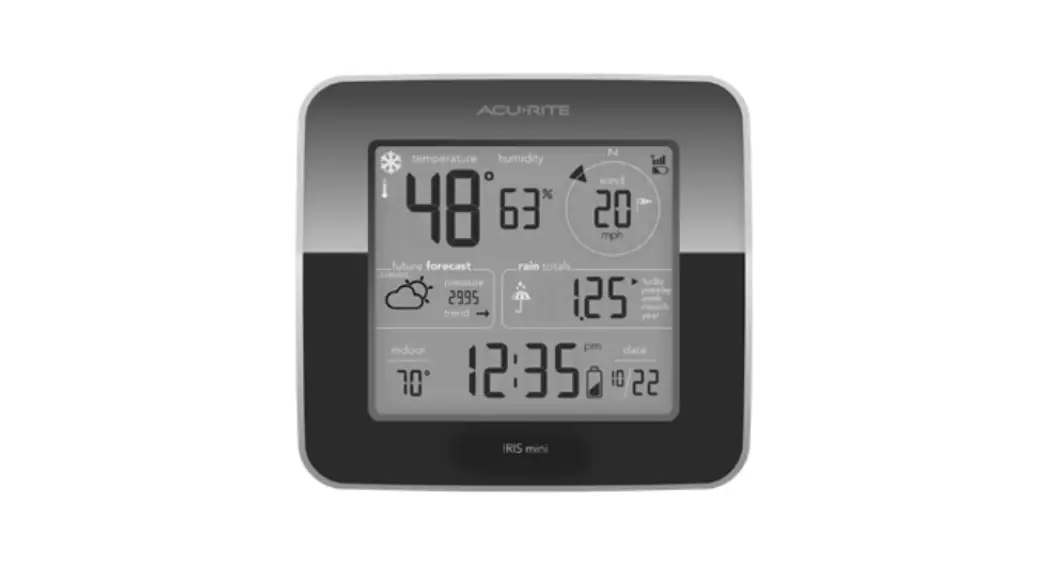
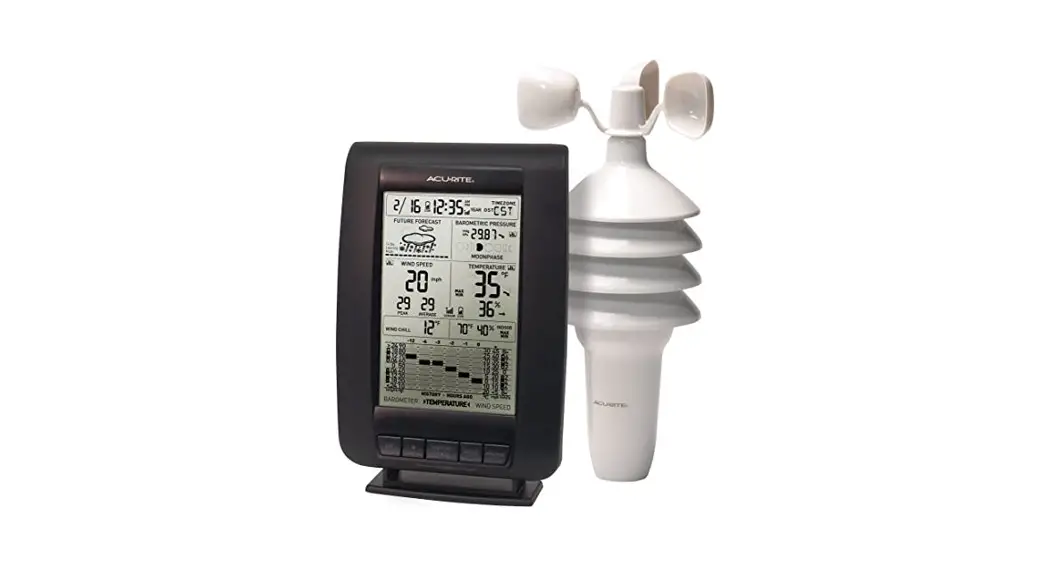
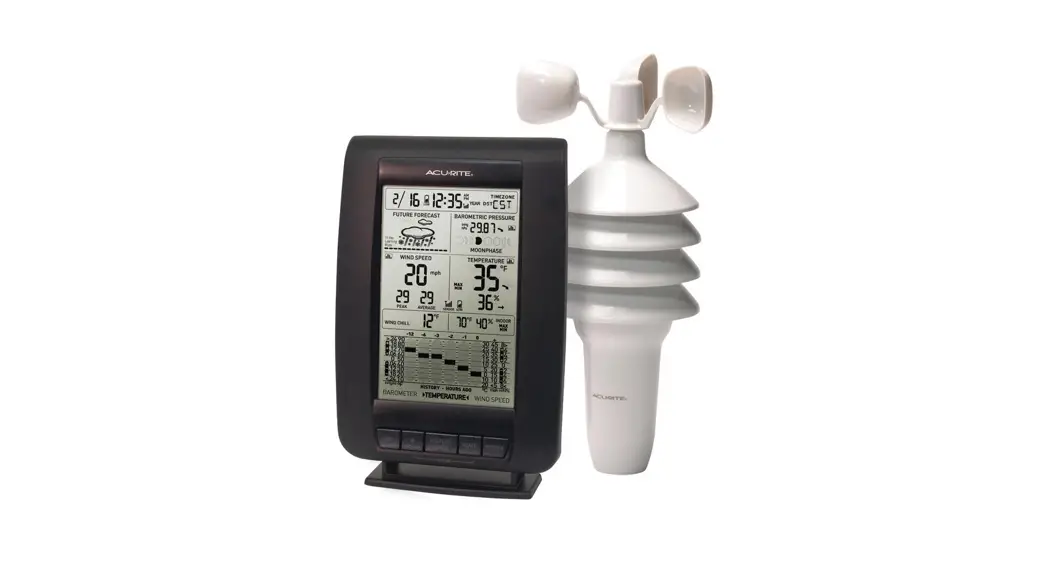
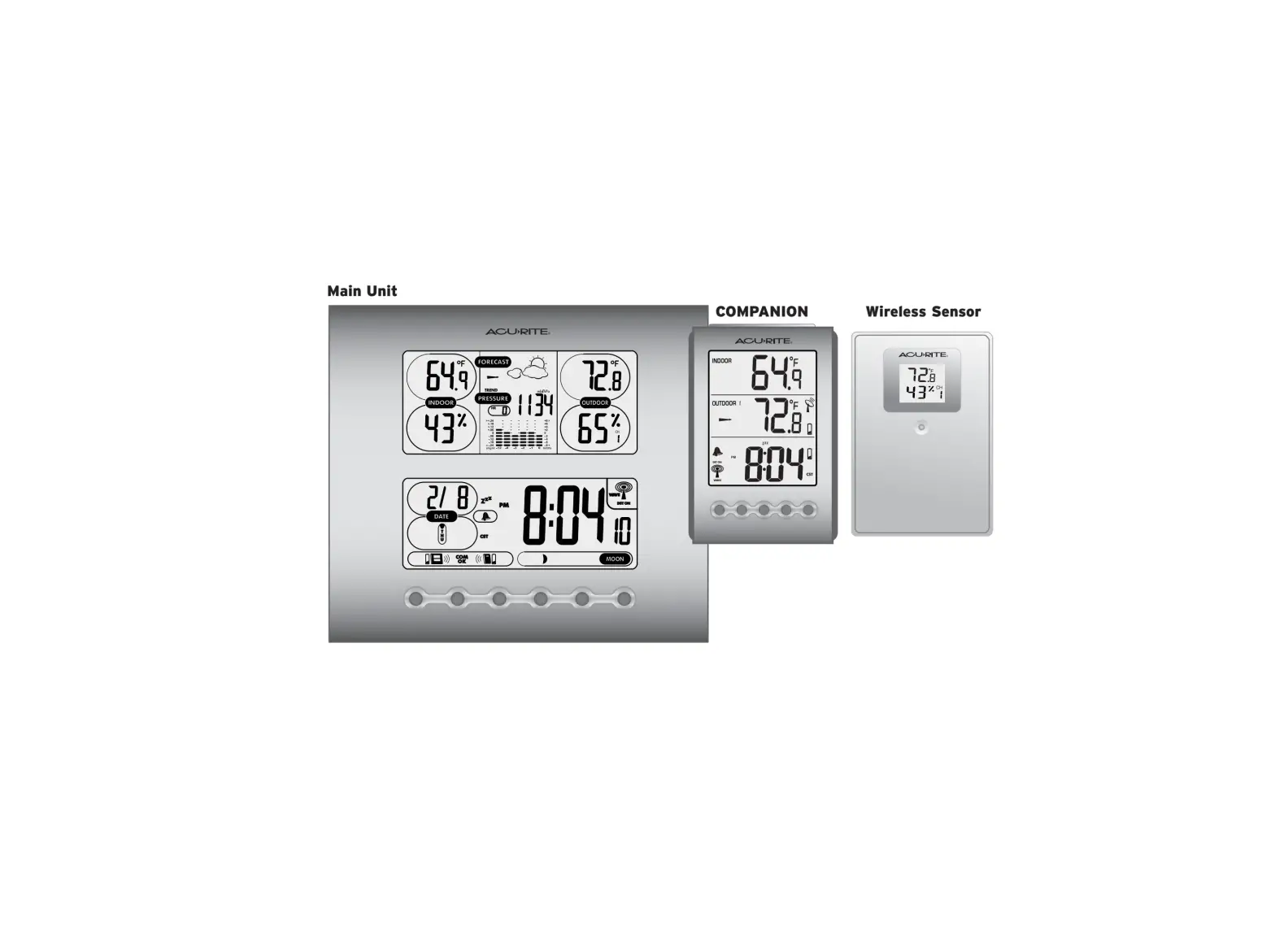
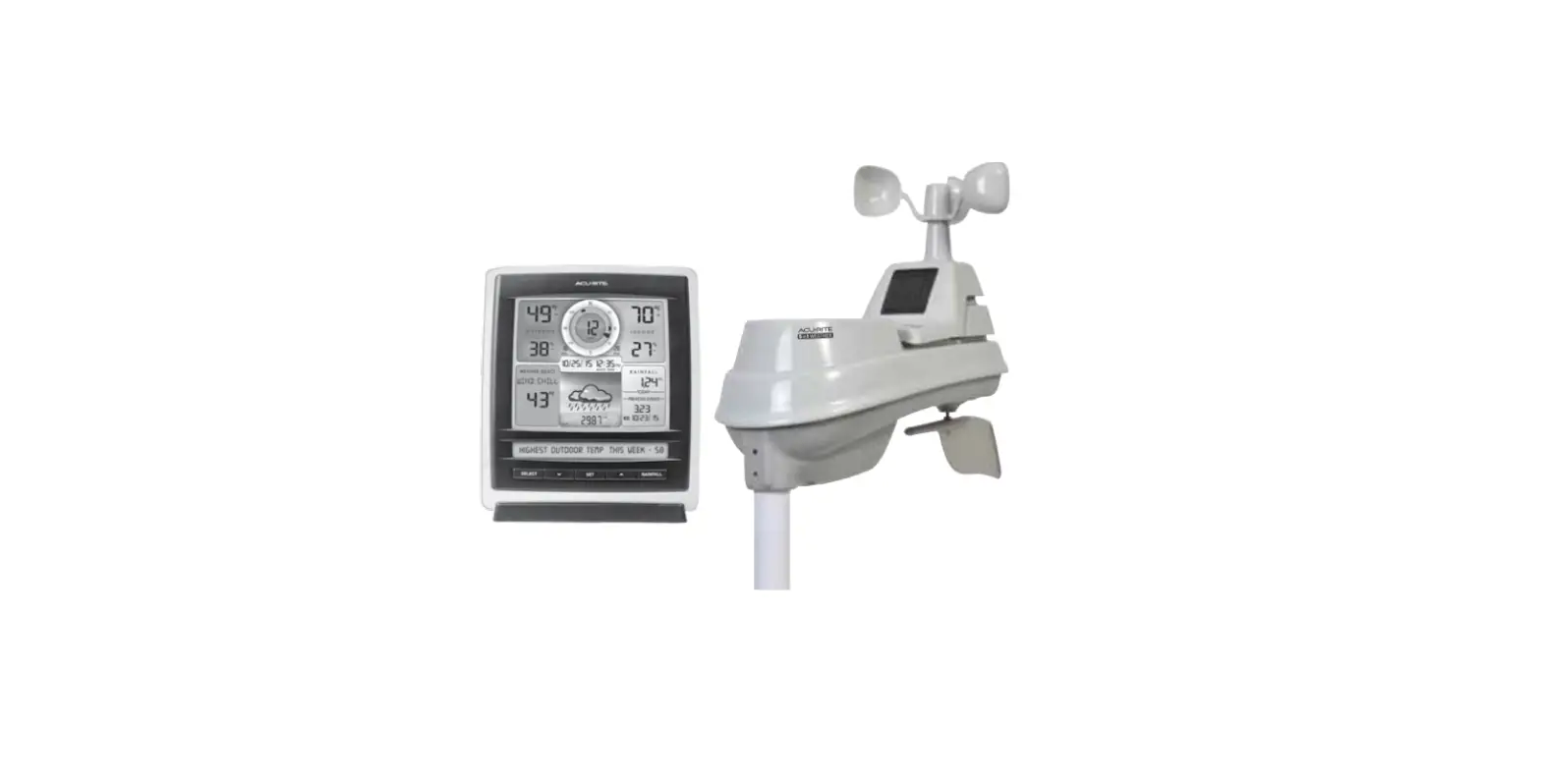
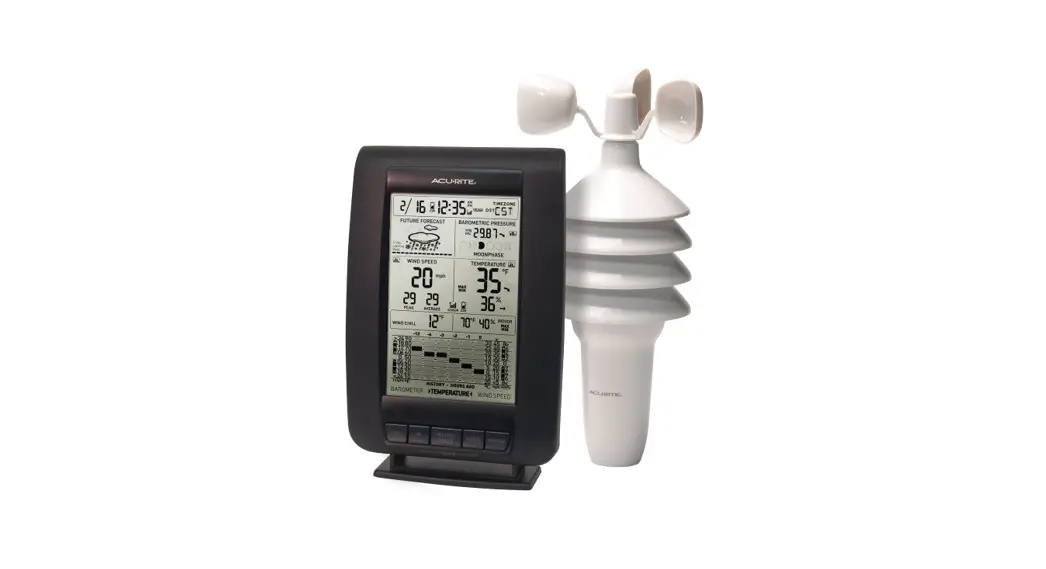
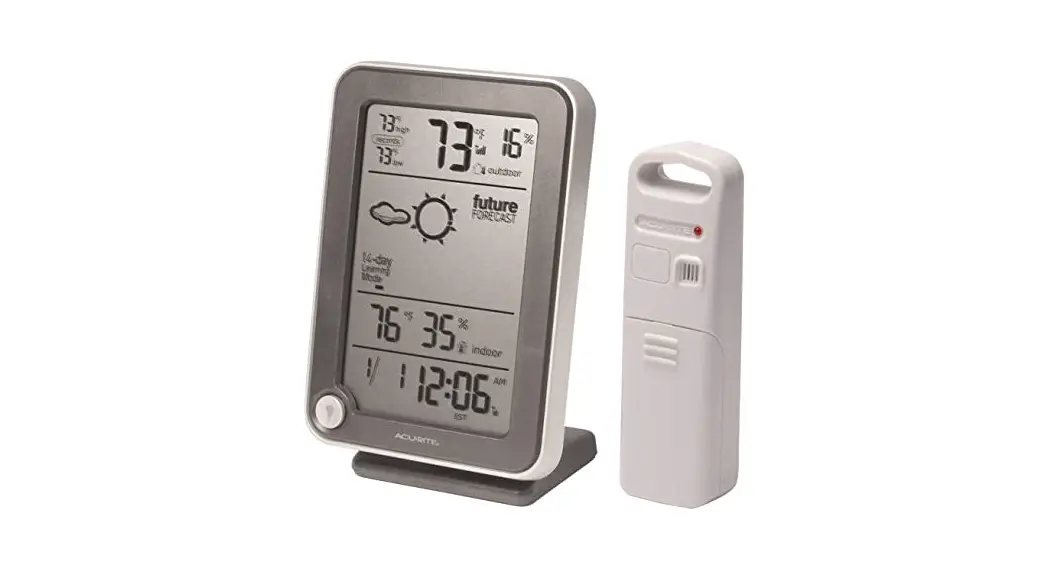
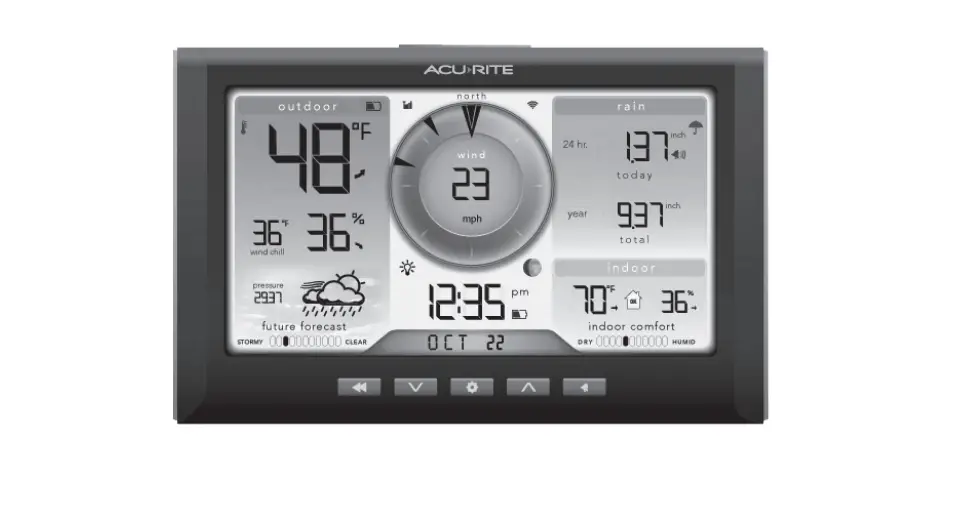
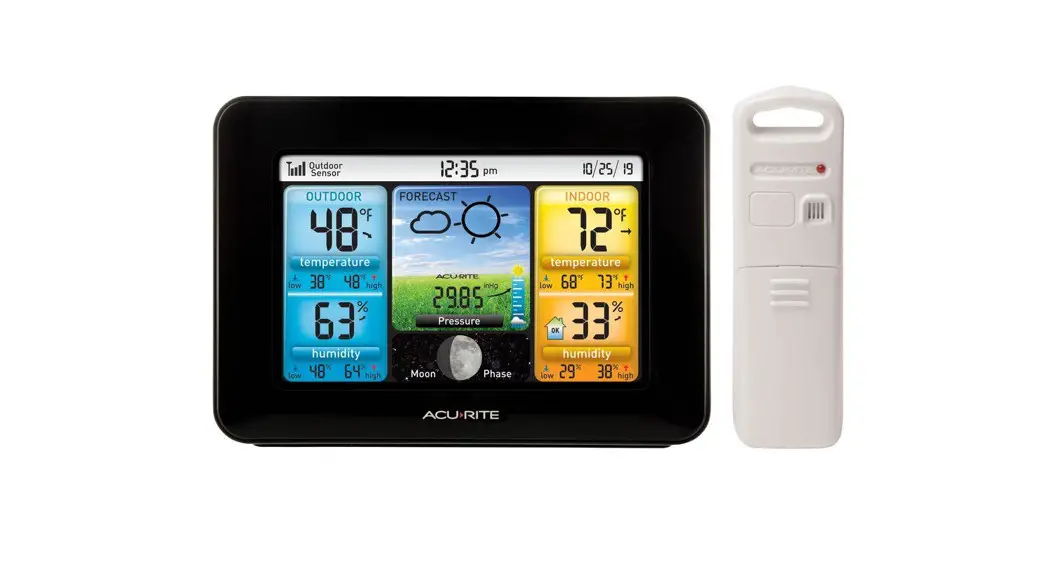
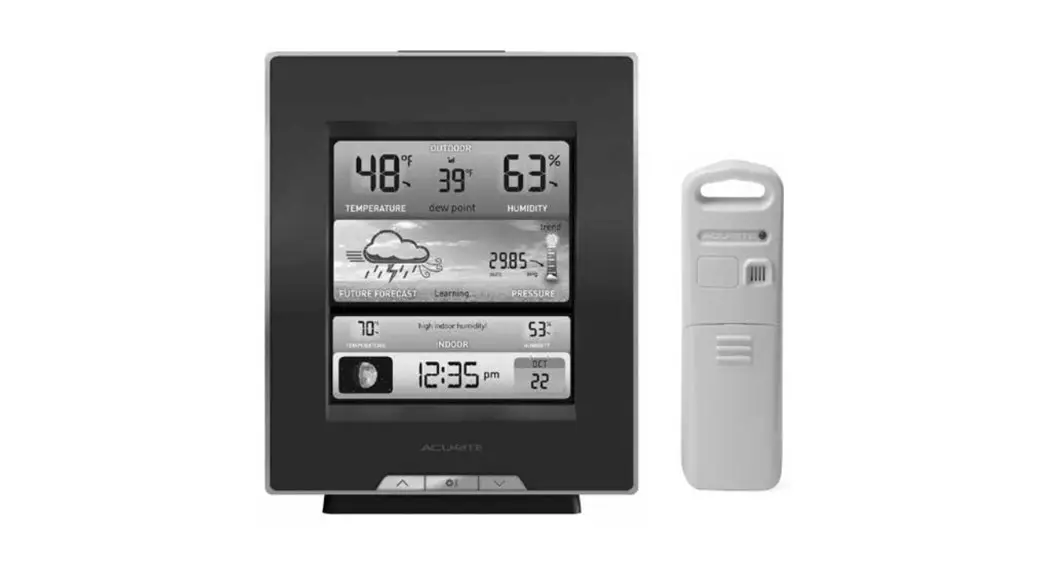
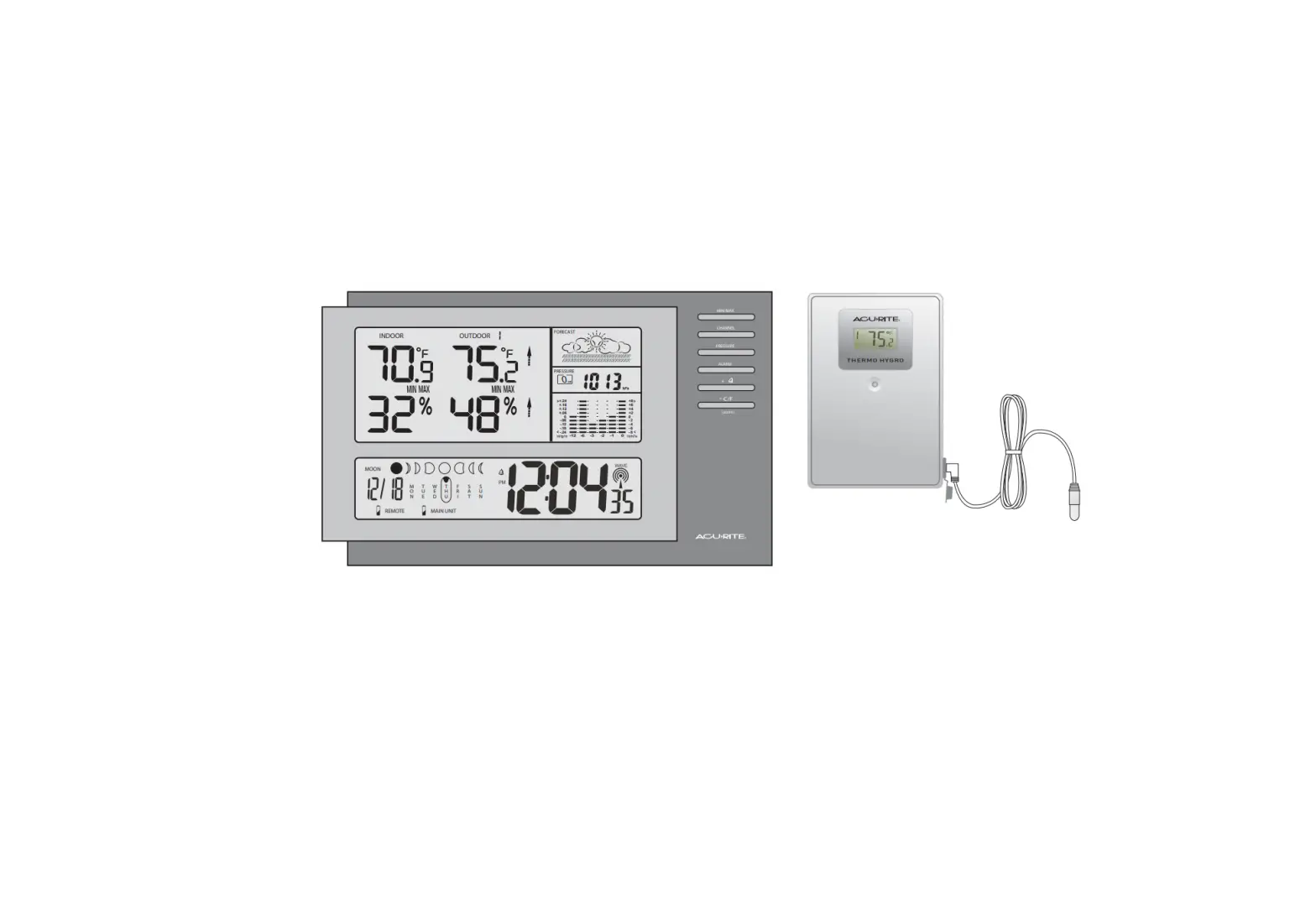
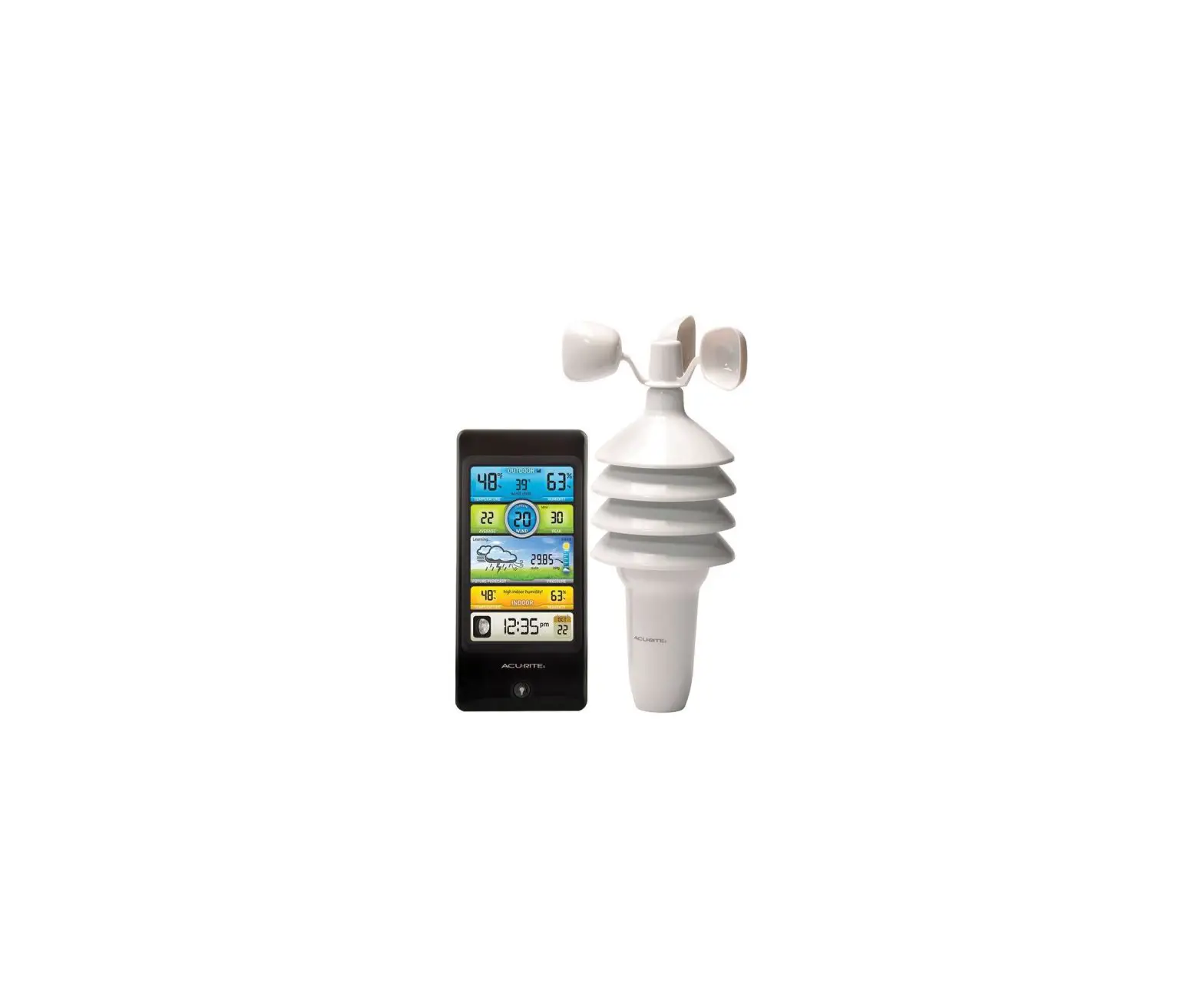
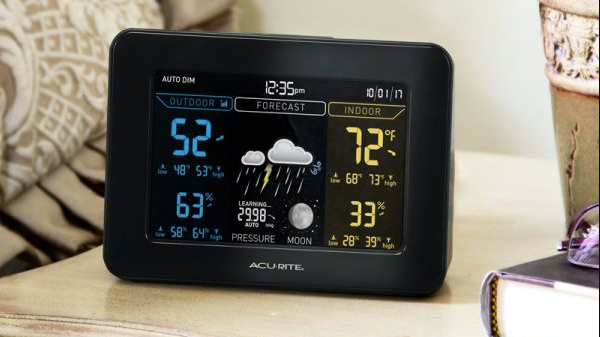
06014 Iris Weather Station with Mini Wireless Display
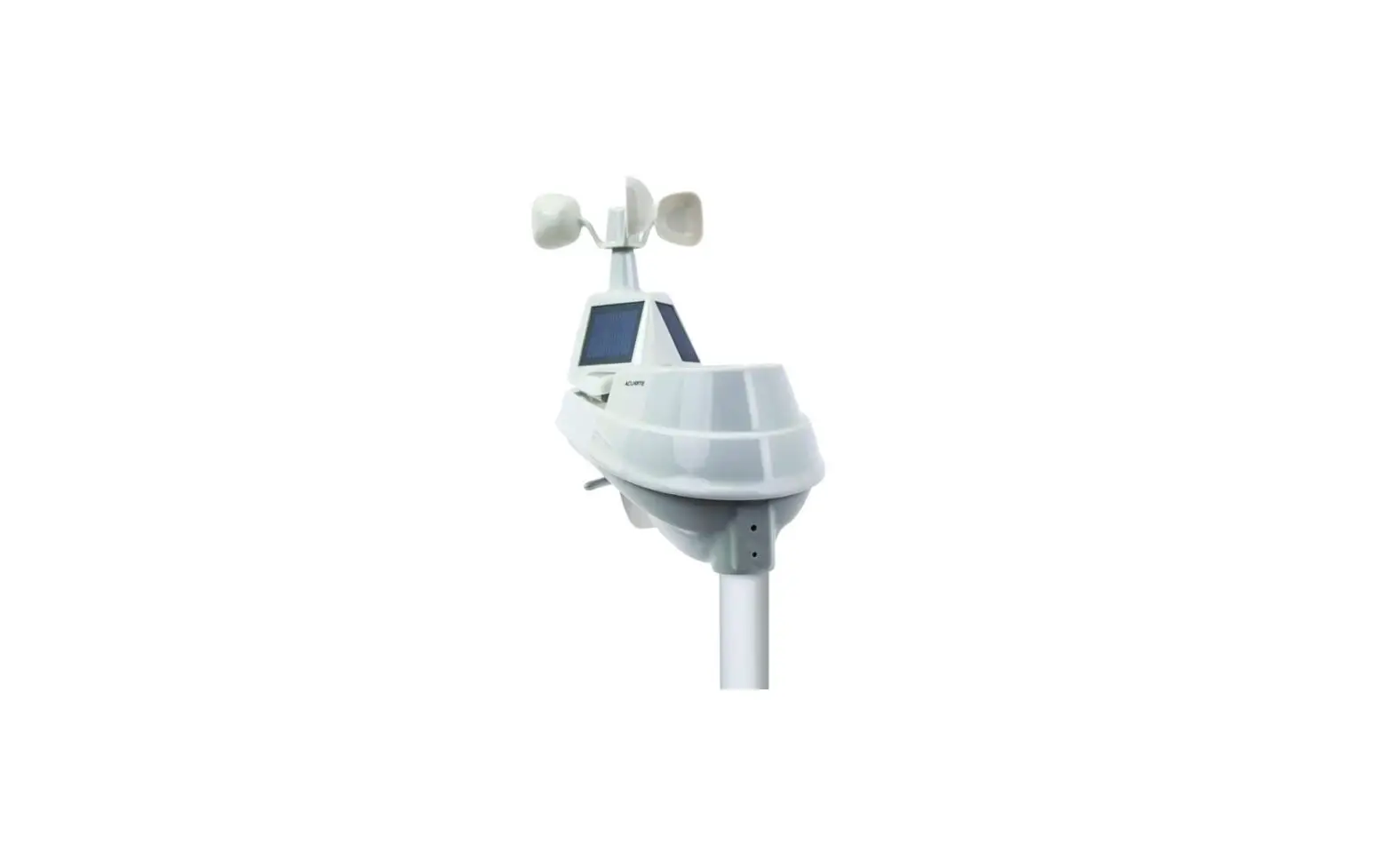
AcuRite IrisTM (5-in-1) Weather Sensor
Model 06014
Package Contents
- 1 AcuRite Iris Weather Sensor
- 2 Mounting Hardware
- 3 Sensor Mounting Bracket
- 4 Instruction Manual
Important Information
Product must be registered to receive warranty service. Register
online to receive 1-year warranty protection at www.acurite.com/product-registration.
For any questions, visit www.acurite.com/support.
Features & Benefits
The AcuRite Iris Sensor has the following features:
- Rainfall Collector Funnel
- Solar Cell Panel – Converts sunlight into power to run internal
aspirating fan. - Internal Aspirating Fan (not shown) – Draws ambient air into
sensor to reduce solar radiation heating, resulting in more
accurate temperature measurement. - A-B-C Switch – ID code that must match display’s A-B-C switch
to ensure units synchronize. - Battery Compartment
- Temperature & Humidity Sensors (internal)
- Mounting Point
- Wind Speed Anemometer
- Wind Direction Vane
- Mounting Bracket
- Mounting Hardware – Includes 5 anchors & the following
screws: Qty Diameter Length 5 #4 3/4 1 #4 1/2 1 #6 1/2 - Debris Filter – Pre-installed to prevent debris from entering
the rain gauge.
Product Usage Instructions
Setup
AcuRite Iris Sensor Setup
- Set the A-B-C Switch – Locate the A-B-C switch inside the
battery compartment. Set the A-B-C switch to A, B or C. You must
select the same letter choice for both the sensor and the companion
unit (not included) in order for the units to synchronize. - Install or Replace Batteries – Batteries MUST be installed for
this product to operate. Locate and remove the rain gauge
stabilizer (plastic tab) taped into the bottom of the sensor. The
rain gauge will not function until this is removed. AcuRite
recommends high-quality alkaline or lithium batteries for the best
product performance. Heavy-duty or rechargeable batteries are not
recommended.
Placement for Maximum Accuracy
AcuRite sensors are sensitive to surrounding environmental
conditions. Proper placement of both the display and the sensor are
critical to the accuracy and performance of this product.
AcuRite Iris Sensor Placement
The AcuRite Iris sensor is designed to remain outdoors all year
long. Choose an open location with no obstructions above or around
the sensor for the most accurate measurements.
Important Placement Guidelines
- Installation Height – Mount the sensor at a minimum height of 5
feet (1.5 meters) off the ground, in an open area. Higher is better
for wind measurements – the National Weather Service recommends 33
feet (10 meters) high! - Mounting Options – The included mounting bracket is designed to
screw directly onto wooden posts or surfaces that are 2x 4 or
larger. The sensor can also be mounted directly to 3/4 steel pipe
(available at hardware stores and home centers). - Solar Cell Installation – Install the sensor with the solar
cell facing SOUTH. This ensures the cell receives as much sun as
possible and orients wind direction.
Instruction Manual
AcuRite IrisTM (5-in-1) Weather Sensor
(Dual Solar Panel)
model 06014
Package Contents
1. AcuRite Iris Weather Sensor 2. Mounting Hardware 3. Sensor Mounting Bracket 4. Instruction Manual
IMPORTANT
PRODUCT MUST BE REGISTERED TO RECEIVE WARRANTY SERVICE
PRODUCT REGISTRATION Register online to receive 1-year warranty protection
www.acurite.com/product-registration
Questions? Visit www.acurite.com/support
Features & Benefits
7
1 2 9
11 6
34 58
10
AcuRite Iris SENSOR
1. Rainfall Collector Funnel
2. Solar Cell Panel Converts sunlight into power to run internal aspirating fan.
Internal Aspirating Fan (not shown) Draws ambient air into sensor to reduce solar radiation heating, resulting in more accurate temperature measurement.
3. A-B-C Switch ID code that must match display’s A-B-C switch to ensure units synchronize.
4. Battery Compartment
5. Temperature & Humidity Sensors (internal)
6. Mounting Point 7. Wind Speed Anemometer 8. Wind Direction Vane 9. Mounting Bracket 10. Mounting Hardware
Includes 5 anchors & the following screws: Qty Diameter Length 5 #4 3/4″ 1 #4 1/2″ 1 #6 1/2″ 11. Debris Filter Pre-installed to prevent debris from entering the rain gauge.
2
SETUP
AcuRite Iris Sensor Setup
1 Set the A-B-C Switch
Locate the A-B-C switch inside the battery compartment. Set the A-B-C switch to A, B or C. You must select the same letter choice for both the sensor and the companion unit (not included) in
The AcuRite Iris sensor requires lithium batteries in low temperature conditions. Cold temperatures can cause alkaline batteries to function improperly. Use lithium batteries in the AcuRite Iris sensor for temperatures below -4ºF / -20ºC.
order for the units to synchronize.
2 Install or Replace Batteries
3 Remove Rain Gauge Stabilizer
Locate and remove the rain gauge
Batteries MUST be installed for this
stabilizer (plastic tab) taped into the
product to operate. AcuRite recommends bottom of the sensor. The rain gauge will
high quality alkaline or lithium batteries not function until this is removed.
for the best product performance. Heavy
duty or rechargeable batteries are not
recommended.
A B C
1 A-B-C Switch
2 Install Batteries
4 AA Batteries
3 Rain Gauge Stabilizer
Remove and discard
PLEASE DISPOSE OF OLD OR DEFECTIVE BATTERIES IN AN ENVIRONMENTALLY SAFE WAY AND IN ACCORDANCE WITH YOUR LOCAL LAWS AND REGULATIONS.
BATTERY SAFETY: Clean the battery contacts and also those of the device prior to battery installation. Remove batteries from equipment which is not to be used for an extended period of time. Follow the polarity (+/-) diagram in the battery compartment. Promptly remove dead batteries from the device. Dispose of used batteries properly. Only batteries of the same or equivalent type as recommended are to be used. DO NOT incinerate used batteries. DO NOT dispose of batteries in fire, as batteries may explode or leak. DO NOT mix old and new batteries or types of batteries (alkaline/standard). DO NOT use rechargeable batteries. DO NOT recharge non-rechargeable batteries. DO NOT short-circuit the supply terminals.
3
Placement for Maximum Accuracy
AcuRite sensors are sensitive to surrounding environmental conditions. Proper placement of both the display and the sensor are critical to the accuracy and performance of this product.
AcuRite Iris Sensor Placement The AcuRite Iris sensor is designed to remain outdoors all year long. Choose an open location with no obstructions above or around the sensor for the most accurate measurements.
Important Placement Guidelines
Display and sensor must be within 330 feet (100 meters) of each other. MAXIMIZE WIRELESS RANGE Place units away from large metallic items, thick walls, metal surfaces, or other objects that may limit wireless communication. PREVENT WIRELESS INTERFERENCE Place units at least 3 feet (.9 m) away from electronic devices (TV, computer, microwave, radio, etc.). LOCATE AWAY FROM HEAT SOURCES Position sensor away from heaters, air conditioners, chimneys, exhaust vents, asphalt and concrete (surfaces that radiate heat). LOCATE AWAY FROM HUMIDITY SOURCES Avoid installing the sensor near pools, spas, or other bodies of water. Water sources may impact humidity accuracy. LOCATE AWAY FROM SPRINKLER HEADS DO NOT install the sensor where it will be sprayed by a sprinkler system. This may force water inside the sensor. LOCATE AWAY FROM WIND & RAIN OBSTRUCTIONS DO NOT mount the sensor with obstructions around it. Consider a location that is a wide open area, with few structures around to ensure accurate wind measurement.
4
AcuRite Iris Sensor Installation Guidelines
INSTALLATION HEIGHT Mount the sensor at a minimum height of 5 feet (1.5 meters) off the ground, in an open area. Higher is better for wind measurements – the National Weather Service recommends 33 feet (10 meters) high!
MOUNTING OPTIONS The included mounting bracket is designed to screw directly onto wooden posts or surfaces that are 2″x 4″ or larger. The sensor can also be mounted directly to 3/4″ steel pipe (available at hardware stores and home centers).
SOLAR CELL INSTALLATION Install the sensor with the solar cell facing SOUTH. This ensures the cell receives as much sun as possible and orients wind direction.
AcuRite Iris Sensor Installation
NO OBSTRUCTIONS ABOVE OR AROUND
SOUTH
1. Fasten mounting base (included) to a post or pole (not included) using the 4 longer screws included in the hardware bag.
2. Insert the mounting base into the hole on the bottom of the sensor.
3. Make sure the arrows on the top of the sensor are pointed in the proper direction and the bubble level is centered. The solar cell should be facing south to properly orient the wind direction.
(1.5 meters)
4. Fasten the sensor into the mounting base using the 2 shorter screws included in the hardware bag.
The AcuRite Iris sensor is now ready to use.
Basic Setup is Complete
The AcuRite Iris sensor will now synchronize with the display. It may take a few minutes for synchronization to complete. If both or one of the units appear to be functioning improperly, please refer to the troubleshooting section.
5
Calibrate the Rain Gauge
The rain gauge on the AcuRite Iris sensor can be calibrated to improve accuracy. Items Needed: AcuRite Iris sensor, companion unit, plastic cup, pin, screw driver
1. First, ensure AcuRite Iris sensor is perfectly level using built-in bubble level. 2. Use compatible companion unit or AcuRite software to monitor during calibration. 3. Make a pin hole in the bottom of a plastic cup. Hold the cup over the rain gauge and fill it with exactly
1 cup (8oz) of water, allowing the water to drip into the rain gauge. You should hear the internal buckets tip and see water drain through the rain gauge.
4. A few seconds after each bucket tip, the companion unit displays rainfall in approximately 0.01″ or more increments.
5. The cup of water should take more than 20 minutes to empty; a quicker period will result in inaccurate calibration. Try to simulate a normal steady rainfall. When cup is empty of water, companion unit should register 1.06″
Tips
·There should be nearly an equal number of water drops (about 25 water drops) between bucket tips. If not, adjust the calibration screws on the bottom of the AcuRite Iris sensor until an equal number of water drops are tipping the buckets.
Adjustment
If the rain gauge doesn’t register close to 1.06″, make an EQUAL adjustment to the two calibration screws on the bottom of the AcuRite Iris sensor. Turning screws clockwise increases rainfall; counter clockwise decreases rainfall.
·To adjust the rainfall reading by 2% turn both screws 1/8 of a turn.
·To adjust the rainfall reading by 4% turn both screws 1/4 of a turn.
·To adjust the rainfall reading by 8% turn both screws 1/2 of a turn.
Specifications
TEMPERATURE RANGE HUMIDITY RANGE
WIND SPEED WIND DIRECTION INDICATORS RAINFALL WIRELESS RANGE OPERATING FREQUENCY POWER DATA REPORTING
Outdoor: -40ºF to 158ºF; -40ºC to 70ºC
Outdoor: 1% to 99%
0 to 99 mph; 0 to 159 kph; 0 to 86 knots 16 points 0.01 inches (0.25 mm) and up
330 ft / 100 m depending on home construction materials 433 MHz 4 x AA alkaline or lithium batteries Wind Speed: 18 second updates; Direction: 30 second updates Outdoor temperature & humidity: 36 second updates
FCC Information
This device complies with part 15 of FCC rules. Operation is subject to the following two conditions: 1- This device may NOT cause harmful interference, and 2- This device must accept any interference received, including interference that may cause undesired operation. WARNING: Changes or modifications to this unit not expressly approved by the party responsible for compliance could void the user’s authority to operate the equipment. NOTE: This equipment has been tested and found to comply with the limits for a Class B digital device, pursuant to Part 15 of the FCC rules. These limits are designed to provide reasonable protection against harmful interference in a residential installation. This equipment generates, uses and can radiate radio frequency energy and, if not installed and used in accordance with the instructions, may cause harmful interference to radio communications. However, there is no guarantee that interference will not occur in a particular installation. If this equipment does cause harmful interference to radio or television reception, which can be determined by
turning the equipment off and on, the user is encouraged to try to correct the interference by one or more of the following measures: · Reorient or relocate the receiving antenna. · Increase the separation between the equipment and the receiver. · Connect the equipment into an outlet on a circuit different from that to which the receiver is connected. · Consult the dealer or an experienced radio/TV technician for help. NOTE: The manufacturer is not responsible for any radio or TV interference caused by unauthorized modifications to this equipment. Such modifications could void the user authority to operate the equipment. This device complies with Industry Canada licence-exempt RSS standard(s). Operation is subject to the following two conditions: (1) This device may not cause interference, and (2) This device must accept any interference received, including interference that may cause undesired operation of the device.
6
Customer Support AcuRite customer support is committed to providing you with best-in-class service. For assistance, please have the model number of this product available and contact us in any of the following ways:
Chat with our support team at www.acurite.com/support
Email us at [email protected]
Installation Videos Instruction Manuals Replacement Parts
IMPORTANT
PRODUCT MUST BE REGISTERED TO RECEIVE WARRANTY SERVICE
PRODUCT REGISTRATION Register online to receive 1-year warranty protection
www.acurite.com/product-registration
Limited 1-Year Warranty
AcuRite is a wholly owned subsidiary of Chaney Instrument
We expressly disclaim all liability for special, consequential, or
Company. For purchases of AcuRite products, AcuRite provides the incidental damages, whether arising in tort or by contract from any
benefits and services set forth herein.
breach of this warranty. Some states do not allow the exclusion or
For purchases of Chaney products, Chaney provides the benefits and services set forth herein. We warrant that all products we
limitation of incidental or consequential damages, so the above limitation or exclusion may not apply to you.
manufacture under this warranty are of good material and
We further disclaim liability from personal injury relating to
workmanship and, when properly installed and operated, will be its products to the extent permitted by law. By acceptance of
free of defects for a period of one year from the date of purchase. any of our products, the purchaser assumes all liability for the
Any product which, under normal use and service, is proven to breach the warranty contained herein within ONE YEAR from date of sale will, upon examination by us, and at our sole option, be repaired or replaced by us. Transportation costs and charges for returned goods shall be paid for by the purchaser. We hereby disclaim all responsibility for such transportation costs and charges.
consequences arising from their use or misuse. No person, firm or corporation is authorized to bind us to any other obligation or liability in connection with the sale of our products. Furthermore, no person, firm or corporation is authorized to modify or waive the terms of this warranty unless done in writing and signed by a duly authorized agent of ours.
This warranty will not be breached, and we will give no credit for In no case shall our liability for any claim relating to our products,
products which have received normal wear and tear not affecting your purchase or your use thereof, exceed the original purchase
the functionality of the product, been damaged (including by acts price paid for the product.
of nature), tampered, abused, improperly installed, or repaired or
altered by others than our authorized representatives.
Applicability of Policy
Remedy for breach of this warranty is limited to repair or replacement of the defective item(s). If we determine that repair or replacement is not feasible, we may, at our option, refund the amount of the original purchase price.
This Return, Refund, and Warranty Policy applies only to purchases made in the United States and Canada. For purchases made in a country other than the United States or Canada, please consult the policies applicable to the country in which you made your purchase. Additionally, this Policy applies only to the original
THE ABOVE-DESCRIBED WARRANTY IS THE SOLE WARRANTY FOR THE PRODUCTS AND IS EXPRESSLY IN LIEU OF ALL OTHER WARRANTIES, EXPRESS OR IMPLIED. ALL OTHER WARRANTIES
purchaser of our products. We do cannot and do not offer any return, refund, or warranty services if you buy products used or from resale sites such as eBay or Craigslist.
OTHER THAN THE EXPRESS WARRANTY SET FORTH HEREIN ARE HEREBY EXPRESSLY DISCLAIMED, INCLUDING WITHOUT
Governing Law
LIMITATION THE IMPLIED WARRANTY OF MERCHANTABILITY This Return, Refund, and Warranty Policy is governed by the laws of
AND THE IMPLIED WARRANTY OF FITNESS FOR A PARTICULAR the United States and the State of Wisconsin. Any dispute relating to
PURPOSE.
this Policy shall be brought exclusively in the federal or State courts
having jurisdiction in Walworth County, Wisconsin; and purchaser
consents to jurisdiction within the State of Wisconsin.
7
www.AcuRite.com
Printed in China 06014 INST 050521
© Chaney Instrument Co. All rights reserved. AcuRite is a registered trademark of the Chaney Instrument Co., Lake Geneva, WI 53147. All other trademarks and copyrights are the property of their respective owners. AcuRite uses patented technology. Visit www.acurite.com/patents for details.
Instruction Manual
AcuRite Iris® Mini Display
model 06106
CONTENTS
Package Contents ………………………..2 Product Registration……………………..2 Features & Benefits………………………..3 Setup ………………………………………….5 Set the Time, Date & Units …………….6 Placement Guidelines …………………..6 Operation …………………………………..7 Alarm Setup ………………………………..8
Care & Maintenance ……………………8 Calibration ………………………………….8 Troubleshooting …………………………..9 Specifications ……………………………. 10 Customer Support……………………… 11 Warranty………………………………….. 11 FCC Information ……………………….. 11
Questions? We’re here to help!
Visit us online at www.acurite.com/support
SAVE THIS MANUAL FOR FUTURE REFERENCE.
Congratulations on your new AcuRite product! To ensure the best possible product performance, please read this manual in its entirety and retain it for future reference.
Unpacking Instructions
Remove the protective film that is applied to the LCD screen prior to using this product. Locate the tab and peel off to remove.
Package Contents
1. Display with Tabletop Stand 2. Instruction Manual
This product requires an AcuRite Iris® Weather Sensor to be operational (sold separately).
IMPORTANT
PRODUCT MUST BE REGISTERED TO RECEIVE WARRANTY SERVICE
PRODUCT REGISTRATION Register online to receive 1-year warranty protection
www.acurite.com/product-registration
2
Features & Benefits
1
Front of Display 23 4
56
16
7
15
8
14
13
9
12
11
10
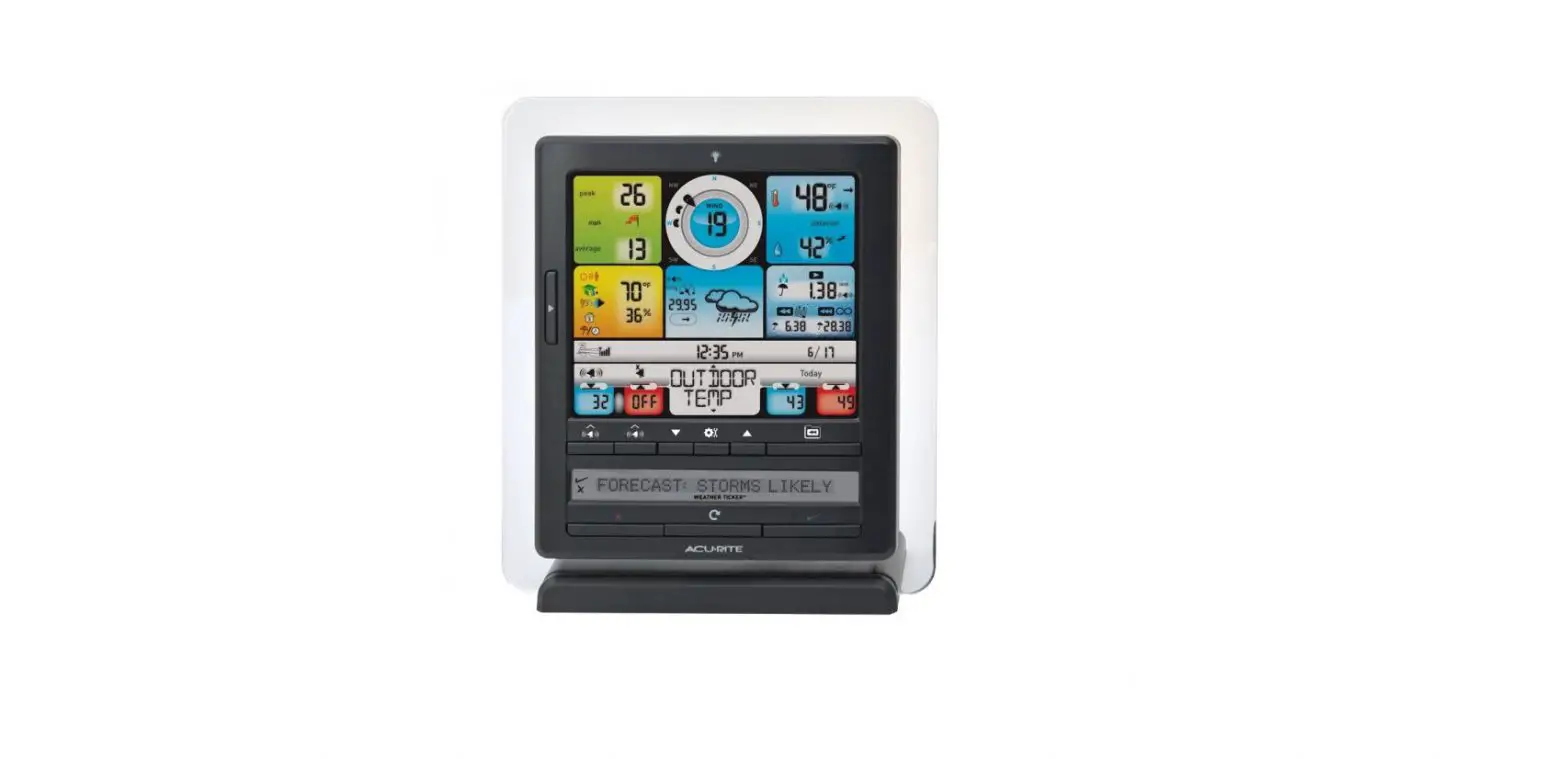
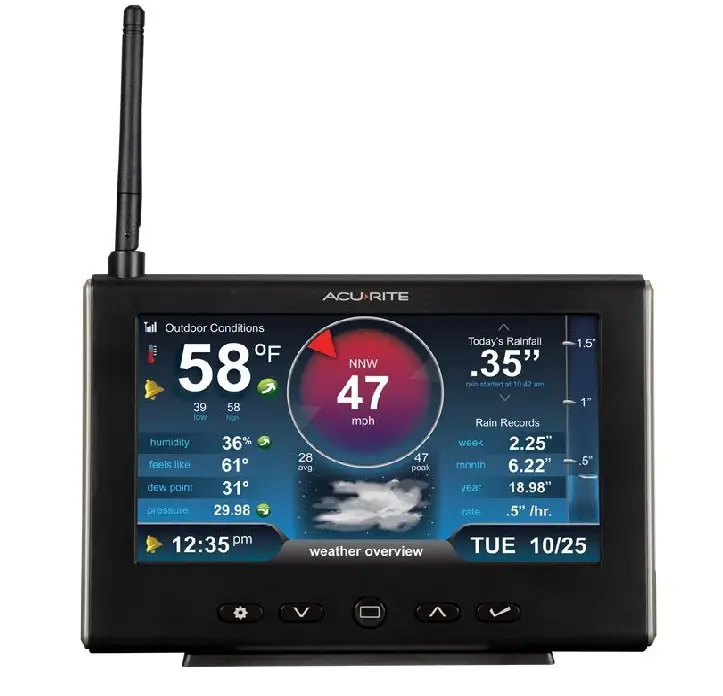
1. Current Outdoor Temperature 2. Records Button
Press to cycle through available daily and all-time records.
3. Current Outdoor Humidity 4. Current Wind Direction 5. Current Wind Speed 6. Outdoor Sensor Signal Strength 7. Outdoor Sensor Low Battery
Indicator 8. Current Rainfall Total 9. Date 10. Display Low Battery Indicator 11. Time
12. Current Indoor Temperature
13. Current Barometric Pressure Arrow indicates the direction the pressure is trending.
14. Weather Forecast for Next 12-24 Hours Self-calibrating technology pulls data from the outdoor sensor to generate a hyperlocal, personalized forecast.
15. Learning Mode Icon Disappears after weather forecast selfcalibration is complete (approximately 14 days).
16. Freeze Alert Indicator Indicates temperature is at or below freezing (32°F; 0°C).
3
Back of Display
9
12
10 8
7
6
5
A-B-C
3
4
1. Integrated Hanger For easy wall mounting.
2. A-B-C Switch ID code that must match sensor’s A-B-C switch to ensure units synchronize.
3. Display Stand
4. Battery Compartment
5. RESET Button Press and release to clear historical record. Press and hold for 10 seconds for full reset to factory defaults.
6.
Alarm Button
To enter alarm setup mode.
7. Button For setup preferences.
8. Button For setup preferences.
9. SET Button For setup preferences.
10. Battery Compartment Cover
4
SETUP
Display Setup
1 Set the A-B-C Switch
Locate the A-B-C switch inside the battery compartment. Set the A-B-C switch to A, B or C. You must select the same letter choices for both the display and the sensor in order for the units to synchronize.
2 Install or Replace Batteries
1. Remove the battery compartment cover. 2. Insert 3 x AA batteries (not included) into the battery compartment, as shown. Follow the
polarity (+/) diagram in the battery compartment. 3. Replace the battery cover.
A BC
A-B-C
1 A-B-C Switch
Set to match sensor
2 Install Batteries
3 AA Batteries
PLEASE DISPOSE OF OLD OR DEFECTIVE BATTERIES IN AN ENVIRONMENTALLY SAFE WAY AND IN ACCORDANCE WITH YOUR LOCAL LAWS AND REGULATIONS.
BATTERY SAFETY: Clean the battery contacts and also those of the device prior to battery installation. Remove batteries from equipment which is not to be used for an extended period of time. Follow the polarity (+/-) diagram in the battery compartment. Promptly remove dead batteries from the device. Dispose of used batteries properly. Only batteries of the same or equivalent type as recommended are to be used. DO NOT incinerate used batteries. DO NOT dispose of batteries in fire, as batteries may explode or leak. DO NOT mix old and new batteries or types of batteries (alkaline/standard). DO NOT use rechargeable batteries. DO NOT recharge non-rechargeable batteries. DO NOT short-circuit the supply terminals.
5
Set the Time, Date & Units
Press and release the “SET” button, located on the back of the display, to enter SET MODE. Once in set mode, the preference you are currently setting will blink on the display.
To adjust the currently selected (flashing) item, press and release the ” ” or ” ” buttons (press and HOLD to fast adjust).
To save your adjustments, press and release the “SET” button again to adjust the next preference. The preference set order is as follows:
CLOCK HOUR CLOCK MINUTE CALENDAR MONTH CALENDAR DATE CALENDAR YEAR UNITS SCALE (U.S. standard or metric) · U.S. Standard: Temperature (F), Wind speed (mph), Rainfall (inches), Pressure (inHg)
· Metric: Temperature (C), Wind speed (km/h), Rainfall (mm), Pressure (hPa)
You will automatically exit SET MODE if no buttons are pressed for 10 seconds. Enter SET MODE at any time by pressing the “SET” button.
Placement for Maximum Accuracy
AcuRite sensors are sensitive to surrounding environmental conditions. Proper placement of both the display and the outdoor sensor are critical to the accuracy and performance of this product.
Display Placement
Place the display in a dry area free of dirt and dust. Display stands upright for tabletop use or is wall-mountable.
Outdoor Device Placement
For optimal performance and the most accurate readings, follow the instructions included with the AcuRite Iris® (5-in-1).
Important Placement Guidelines
· To ensure accurate temperature
measurement, place units out of direct
sunlight and away from any heat sources or vents.
· Display and outdoor sensor must be within 330 ft (100 m) of each other.
AT
LEAST
TV
3 feet
(.9m)
APART
· To maximize wireless range, place units away from large metallic items, thick
(330 feet maximum) (100 meters)
walls, metal surfaces, or other objects that may limit wireless communication.
· To prevent wireless interference, place both units at least 3 ft (90 cm) away from electronic devices (TV, computer, microwave, radio, etc.).
Setup is Complete
The sensor will now synchronize with the display. It may take a few minutes for synchronization to complete. Please refer to the troubleshooting section of this manual if anything appears to be functioning improperly.
6
OPERATION
Using the AcuRite Iris® Mini Display
Learning Mode
Self-calibrating forecasting uses a unique algorithm to analyze changes in pressure over a time period (called Learning Mode) to determine your altitude. After 14 days, the Learning Mode icon disappears from the display screen. At this point, the self-calibrated pressure is tuned in to your location and the unit is ready for superior weather prediction.
Weather Forecast
AcuRite’s patented self-calibrating forecasting provides your personal forecast of weather conditions for the next 12 to 24 hours by collecting data from the sensor in your backyard. It generates a forecast with pinpoint accuracy – personalized for your exact location.
Barometric Pressure
Subtle variations in barometric pressure greatly affect the weather. This weather station displays the current pressure with an arrow icon to indicate the direction the pressure is trending (FALLING, STEADY, or RISING).
Rainfall Tracking
This weather station features enhanced tracking of historical rainfall data. Rain accumulation data is recorded for today, yesterday, past week, past month, and past year. While in normal operation mode, press and release the ” ” or ” ” buttons to cycle through historical rainfall records.
High & Low Records
Today’s high and low records are displayed for indoor temperature and outdoor temperature and humidity.. Today’s records automatically clear at 12:00 am midnight every day. Press the “RECORDS” button to cycle through high and low recorded values for outdoor temperature, humidity, and wind speed maximum for today and all-time.
7
Programmable Alarms
This display features programmable alarms that sound an alert to notify you when a value (for outdoor temperature, humidity, wind speed or rainfall) has been reached or exceeded. When an alarm is triggered, the display emits an audible beep and flashes data in the affected category. You can customize the alarms by turning ON or OFF the alarms you’d like activated or deactivated, and by inputting your own values to trigger the alarm.
Setup an Alarm
1. Press and release the ” ” button until the reading for which you wish to set an alarm is shown on the display. ” ” will be shown.
2. Press and release the ” ” or ” ” buttons until ” ” appears. 3. Press and release the ” SET ” button. The current alarm value will flash on the display. 4. Press and release the ” ” or ” ” buttons to adjust the alarm’s value. 5. Press and release the ” ” button to save the alarm value. 6. Press and release the ” ” button to cycle to the next reading.
Disable an Alarm
1. Press and release the ” ” button until the reading for which you wish to disable an alarm is shown on the display. ” ” will be shown.
2. Press and release the ” ” or ” ” buttons until ” ” appears. 3. Press and release the ” ” button to cycle to the next reading. 4. Repeat steps 1-3, as needed. NOTE: To disable ALL alarms at once, press and HOLD the ” ” button for 10 seconds. You will automatically exit alarm SET MODE if no buttons are pressed for 10 seconds. Enter alarm SET MODE at any time by pressing the ” ” button.
Care & Maintenance
Display Care
Clean with a soft, damp cloth. Do not use caustic cleaners or abrasives. Keep away from dust, dirt and moisture. Clean ventilation ports regularly with a gentle puff of air.
Calibration
The outdoor temperature and humidity, indoor temperature, and barometric pressure can be calibrated on the display to improve accuracy. Calibration can improve accuracy when sensor placement or environmental factors impact the data accuracy.
1. To access calibration mode, press ” “, “SET” and ” ” buttons simultaneously for at least 5 seconds.
2. To adjust the currently selected (flashing) item, press and release the ” ” or ” ” buttons to calibrate the data value higher or lower from the actual reading.
3. To save your adjustments, press and release the “SET” button to adjust the next preference. The ” ” icon will remain illuminated next to calibrated values.
The preference set order is as follows:
OUTDOOR TEMPERATURE OUTDOOR HUMIDITY INDOOR TEMPERATURE
BAROMETRIC PRESSURE (must be set to MANUAL mode to calibrate)*
*To change from AUTO to MANUAL pressure mode and vice versa, press AND HOLD the “SET” button for at least 10 seconds. The display indicates the current pressure mode selected,”AUTO” or “MANUAL”.
After 20 seconds of inactivity, the display will save the adjustments and exit calibration mode. NOTE: Calibrations will be erased if the display is reset or if batteries are removed.
8
Troubleshooting
Problem
No outdoor sensor reception no bars
Outdoor temperature is flashing or showing dashes
Inaccurate forecast
Inaccurate temperature or humidity
No rainfall
Possible Solution
If the wireless signal indicator shows no bars: · Relocate the display and/or the outdoor sensor.
The units must be within 330 ft (100 m) of each other. · Make sure both units are placed at least 3 feet (.9 m) away from
electronics that may interfere with the wireless communication (such as TVs, microwaves, computers, etc.). · Use standard alkaline batteries (or lithium batteries in sensor when temperature is below -4°F/-20°C). Do not use heavyduty or rechargeable batteries. NOTE: It may take a few minutes for display and sensor to synchronize after batteries are replaced.
Flashing of the outdoor temperature is generally an indication of wireless interference.
1. Bring both the sensor and display indoors and remove batteries from each. 2. Make sure the A-B-C switches on both units match. 3. Reinstall batteries in the outdoor sensor. 4. Reinstall batteries in the display. 5. Let the units sit within a couple feet of each other for a few
minutes to gain a strong connection.
· Weather Forecast icon predicts conditions for the next 12 to 24 hours, not current conditions.
· Has Learning Mode icon disappeared from the display? Learning Mode must complete before forecast and pressure will be accurate.
· Allow unit to run continuously for 33 days. Battery removal or resetting the display will restart Learning Mode. After 14 days, forecast should be fairly accurate, however Learning Mode calibrates for a total of 33 days.
· Make sure both the display and sensor are placed out of direct sunlight and away from any heat sources or vents (see page 6).
· Make sure both units are positioned away from moisture sources (see page 6).
· Check to ensure the rain gauge stabilizer (plastic tab) has been removed from the bottom of the sensor.
· Clear debris, such as leaves, out of the rain collector funnel and debris screen.
· Calibrate the rain gauge (see separate AcuRite Iris® sensor manual).
· Verify the sensor’s internal tipping lever is moving freely by dripping a little water through the rain collector. You should hear the lever tipping. If you do not hear it, you may need to clean inside the sensor.
9
Troubleshooting Cont’d
Problem
Possible Solution
Inaccurate wind readings
· What is wind reading being compared to? Pro weather stations are typically mounted at 30 ft high or more. Make sure to compare data using a sensor positioned at the same mounting height.
· Check location of the sensor. Ensure it’s mounted a minimum of 5 ft in the air with no obstructions around it (within several feet).
· Ensure wind cups are spinning freely. If they hesitate or stop try lubricating with graphite powder or spray lubricant.
Display screen not working
· Check that the batteries are installed correctly. Batteries may need to be replaced.
· Reset the display by pressing and holding the RESET button, located in the battery compartment of the display. Date and time will need to be entered after a reset.
If your AcuRite product does not operate properly after trying the troubleshooting steps, visit www.acurite.com/support
Specifications
TEMPERATURE RANGE
OUTDOOR HUMIDITY RANGE WIND SPEED WIND DIRECTION INDICATIONS RAINFALL WIRELESS RANGE OPERATING FREQUENCY POWER
DATA REPORTING
Outdoor: -40°F to 158°F; -40°C to 70°C Indoor: 32°F to 122°F; 0°C to 50°C 1% to 99%
0 to 99 mph; 0 to 159 kph
16 points
0.01 inches (0.25 mm) and up 330 ft/100 m depending on home construction materials 433 MHz 3 x AA alkaline batteries (required) Wind Speed: 18 second updates Direction: 36 seconds Outdoor temperature & humidity: 36 second updates Indoor temperature & humidity: 60 second updates
10
Customer Support AcuRite customer support is committed to providing you with best-in-class service. For assistance, please have the model number of this product available and visit acurite.com/support.
Installation Videos Instruction Manuals Submit Feedback & Ideas
Register your Product Replacement Parts
IMPORTANT
PRODUCT MUST BE REGISTERED TO RECEIVE WARRANTY SERVICE
PRODUCT REGISTRATION Register online to receive 1-year warranty protection
www.acurite.com/product-registration
Limited 1-Year Warranty
AcuRite is a wholly owned subsidiary of Chaney Instrument
We expressly disclaim all liability for special, consequential, or
Company. For purchases of AcuRite products, AcuRite provides the incidental damages, whether arising in tort or by contract from any
benefits and services set forth herein.
breach of this warranty. Some states do not allow the exclusion or
For purchases of Chaney products, Chaney provides the benefits and services set forth herein. We warrant that all products we
limitation of incidental or consequential damages, so the above limitation or exclusion may not apply to you.
manufacture under this warranty are of good material and
We further disclaim liability from personal injury relating to
workmanship and, when properly installed and operated, will be its products to the extent permitted by law. By acceptance of
free of defects for a period of one year from the date of purchase. any of our products, the purchaser assumes all liability for the
Any product which, under normal use and service, is proven to breach the warranty contained herein within ONE YEAR from date of sale will, upon examination by us, and at our sole option, be repaired or replaced by us. Transportation costs and charges for returned goods shall be paid for by the purchaser. We hereby disclaim all responsibility for such transportation costs and charges.
consequences arising from their use or misuse. No person, firm or corporation is authorized to bind us to any other obligation or liability in connection with the sale of our products. Furthermore, no person, firm or corporation is authorized to modify or waive the terms of this warranty unless done in writing and signed by a duly authorized agent of ours.
This warranty will not be breached, and we will give no credit for In no case shall our liability for any claim relating to our products,
products which have received normal wear and tear not affecting your purchase or your use thereof, exceed the original purchase
the functionality of the product, been damaged (including by acts price paid for the product.
of nature), tampered, abused, improperly installed, or repaired or
altered by others than our authorized representatives.
Applicability of Policy
Remedy for breach of this warranty is limited to repair or replacement of the defective item(s). If we determine that repair or replacement is not feasible, we may, at our option, refund the amount of the original purchase price.
This Return, Refund, and Warranty Policy applies only to purchases made in the United States and Canada. For purchases made in a country other than the United States or Canada, please consult the policies applicable to the country in which you made your purchase. Additionally, this Policy applies only to the original
THE ABOVE-DESCRIBED WARRANTY IS THE SOLE WARRANTY FOR THE PRODUCTS AND IS EXPRESSLY IN LIEU OF ALL OTHER WARRANTIES, EXPRESS OR IMPLIED. ALL
purchaser of our products. We do cannot and do not offer any return, refund, or warranty services if you buy products used or from resale sites such as eBay or Craigslist.
OTHER WARRANTIES OTHER THAN THE EXPRESS WARRANTY SET FORTH HEREIN ARE HEREBY EXPRESSLY DISCLAIMED,
Governing Law
INCLUDING WITHOUT LIMITATION THE IMPLIED WARRANTY This Return, Refund, and Warranty Policy is governed by the laws of
OF MERCHANTABILITY AND THE IMPLIED WARRANTY OF the United States and the State of Wisconsin. Any dispute relating to
FITNESS FOR A PARTICULAR PURPOSE.
this Policy shall be brought exclusively in the federal or State courts
having jurisdiction in Walworth County, Wisconsin; and purchaser
consents to jurisdiction within the State of Wisconsin.
FCC Information
This device complies with part 15 of FCC rules. Operation is subject to the following two conditions:
television reception, which can be determined by turning the equipment off and on, the user is encouraged to try to correct the interference by one or
1- This device may NOT cause harmful interference, and 2- This device must accept any interference received, including interference
more of the following measures: · Reorient or relocate the receiving antenna.
that may cause undesired operation. WARNING: Changes or modifications to this unit not expressly approved by the party responsible for compliance could void the user’s authority to operate the equipment. NOTE: This equipment has been tested and found to comply with the limits
· Increase the separation between the equipment and the receiver. · Connect the equipment into an outlet on a circuit different from that to which the receiver is connected. · Consult the dealer or an experienced radio/TV technician for help. NOTE: The manufacturer is not responsible for any radio or TV interference
for a Class B digital device, pursuant to Part 15 of the FCC rules. These limits are designed to provide reasonable protection against harmful interference
caused by unauthorized modifications to this equipment. Such modifications could void the user authority to operate the equipment.
in a residential installation. This equipment generates, uses and can radiate radio frequency energy and, if not installed and used in accordance with the instructions, may cause harmful interference to radio communications.
This device complies with Industry Canada licence-exempt RSS standard(s). Operation is subject to the following two conditions: (1) This device may not cause interference, and
However, there is no guarantee that interference will not occur in a particular installation. If this equipment does cause harmful interference to radio or
(2) This device must accept any interference received, including interference that may cause undesired operation of the device.
11
www.AcuRite.com
Printed in China 06106 INST 052422
© Chaney Instrument Co. All rights reserved. AcuRite is a registered trademark of the Chaney Instrument Co., Lake Geneva, WI 53147. All other trademarks and copyrights are the property of their respective owners. AcuRite uses patented technology. Visit www.acurite.com/patents for details.
 Customer Support & FAQs | AcuRite Weather Monitoring
 Home -
 AcuRite Weather Monitoring | #1 Weather Station Brand in North America