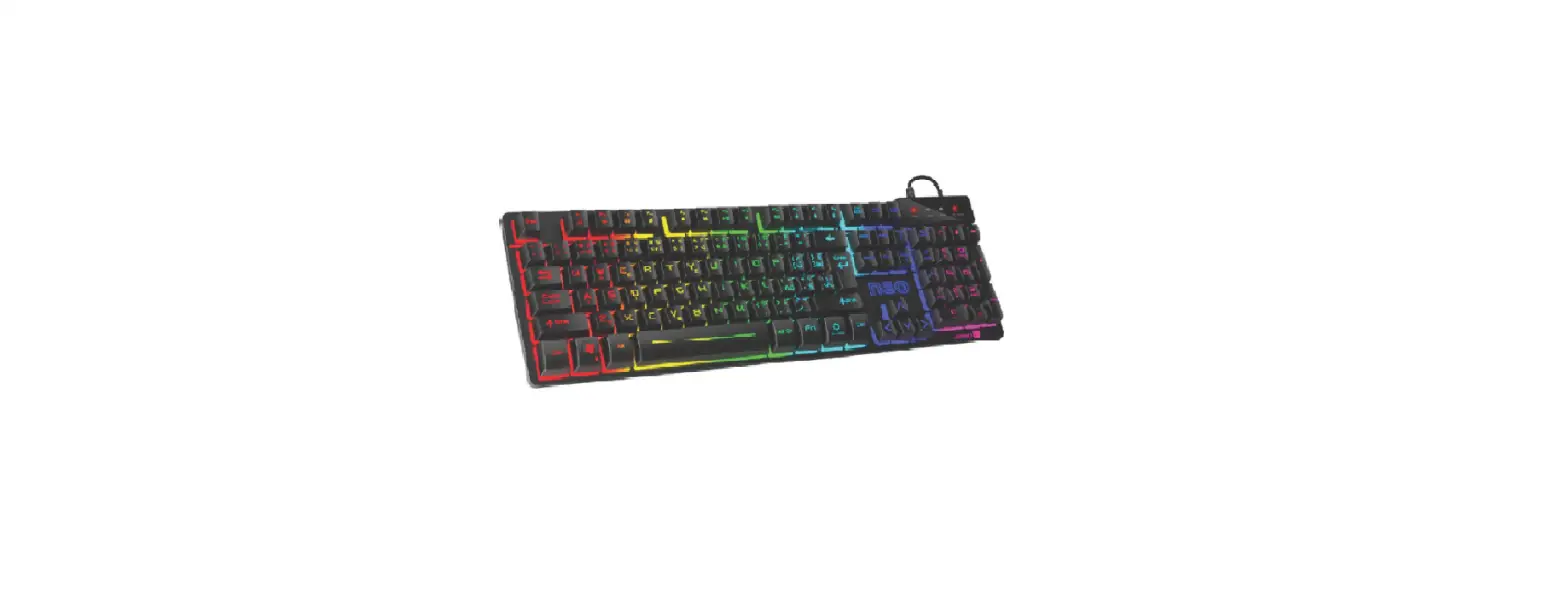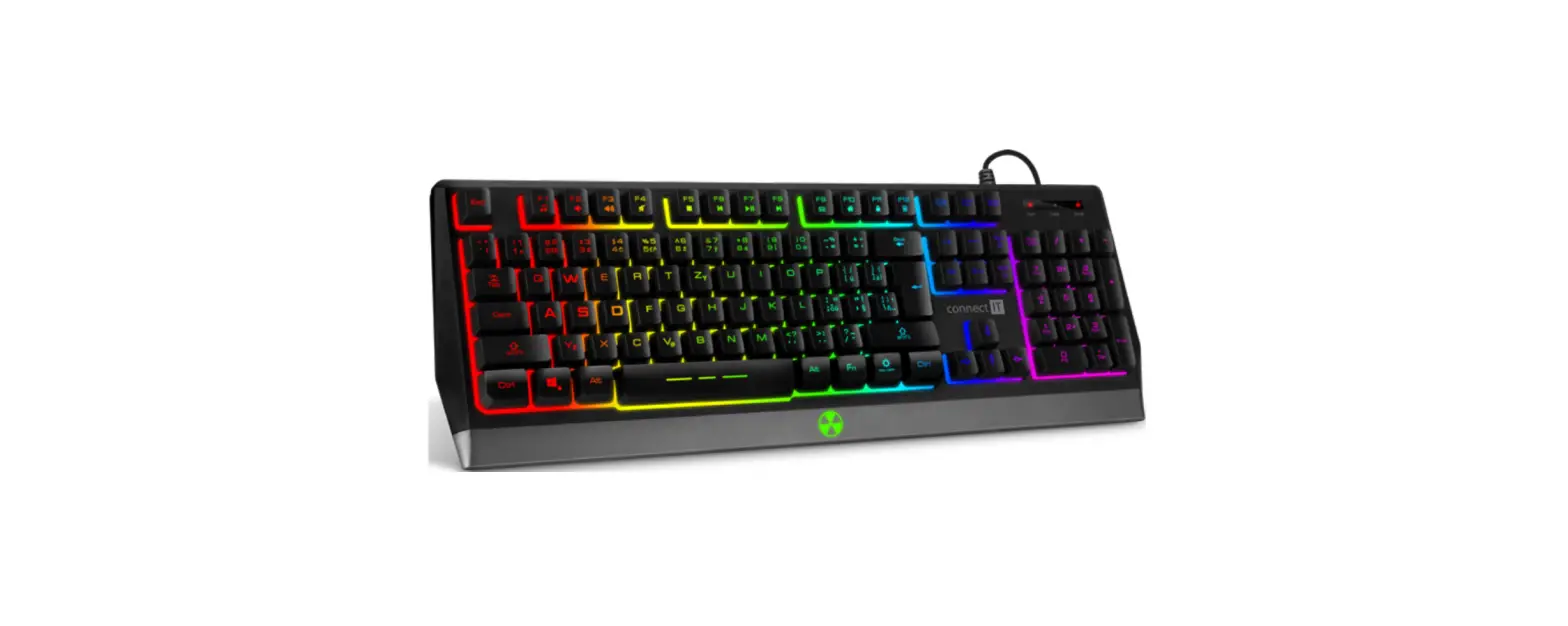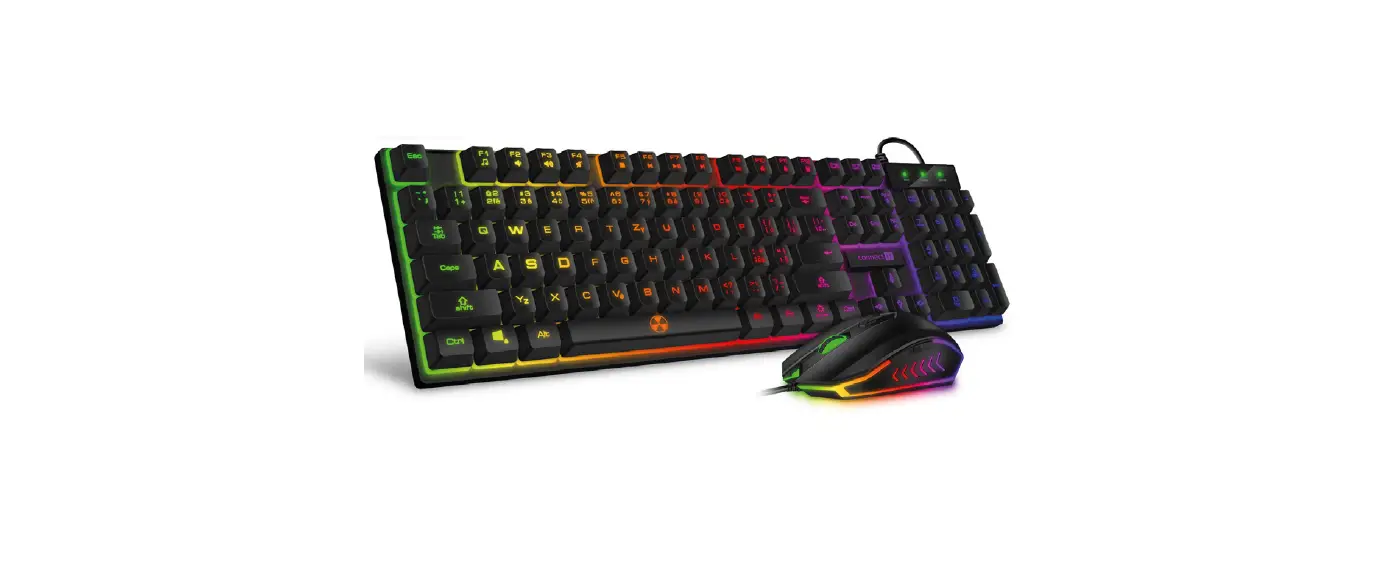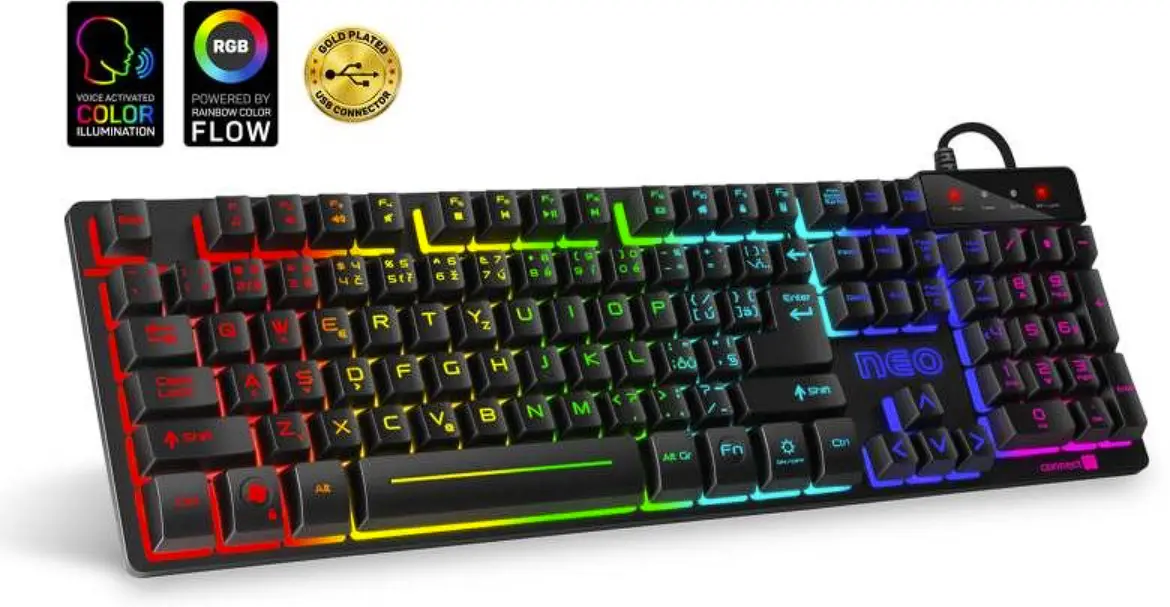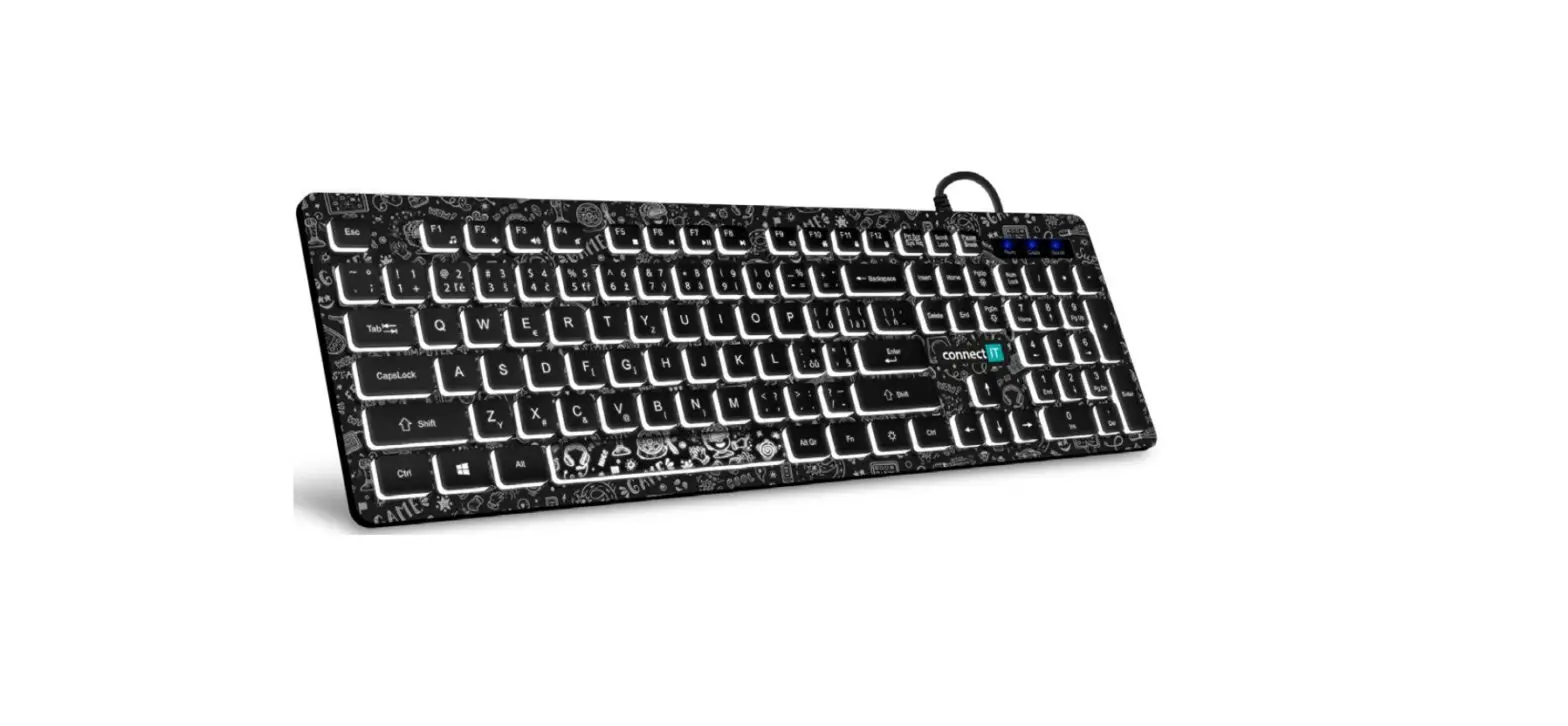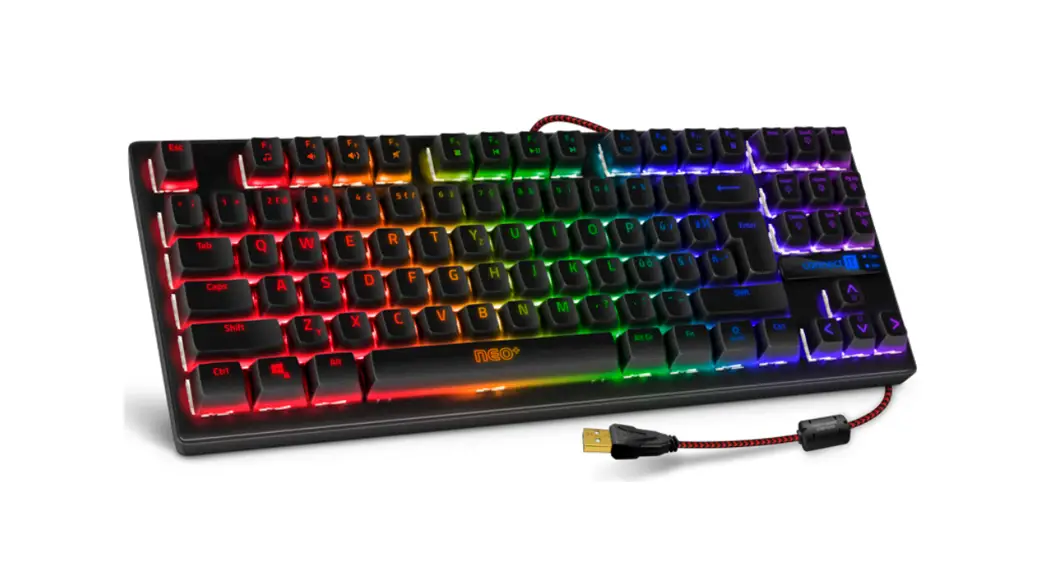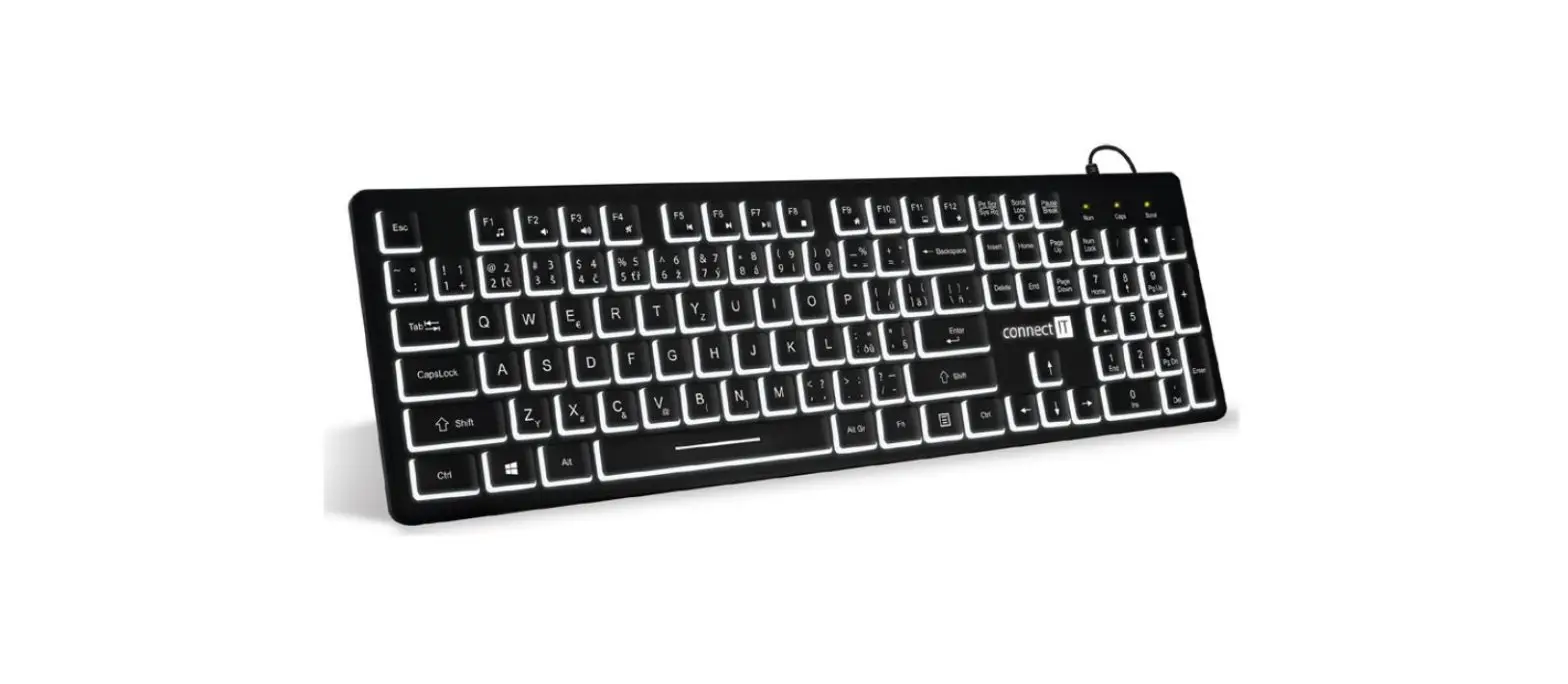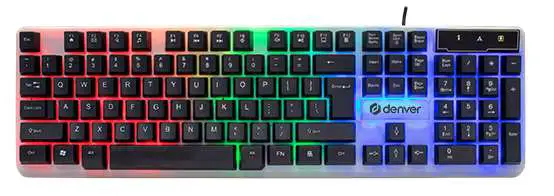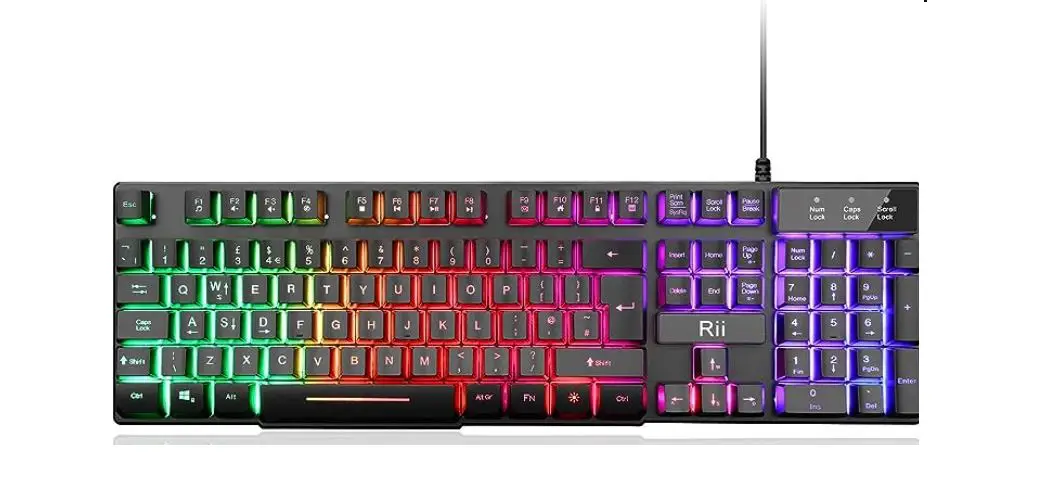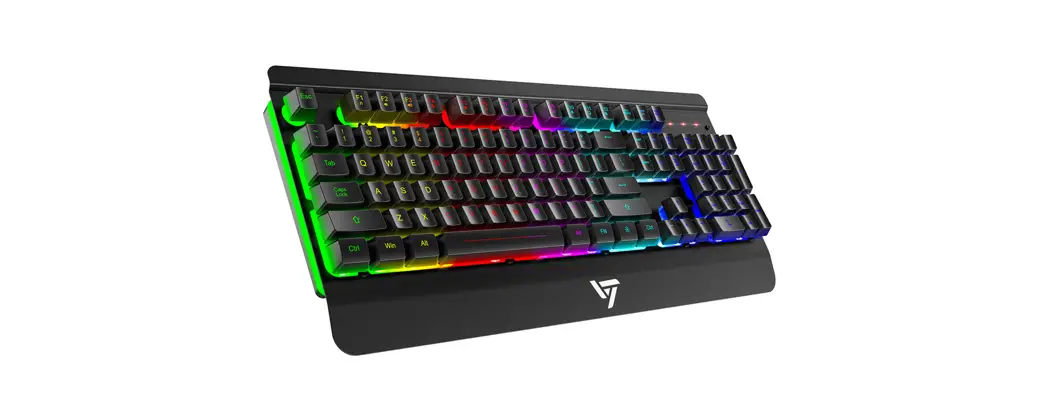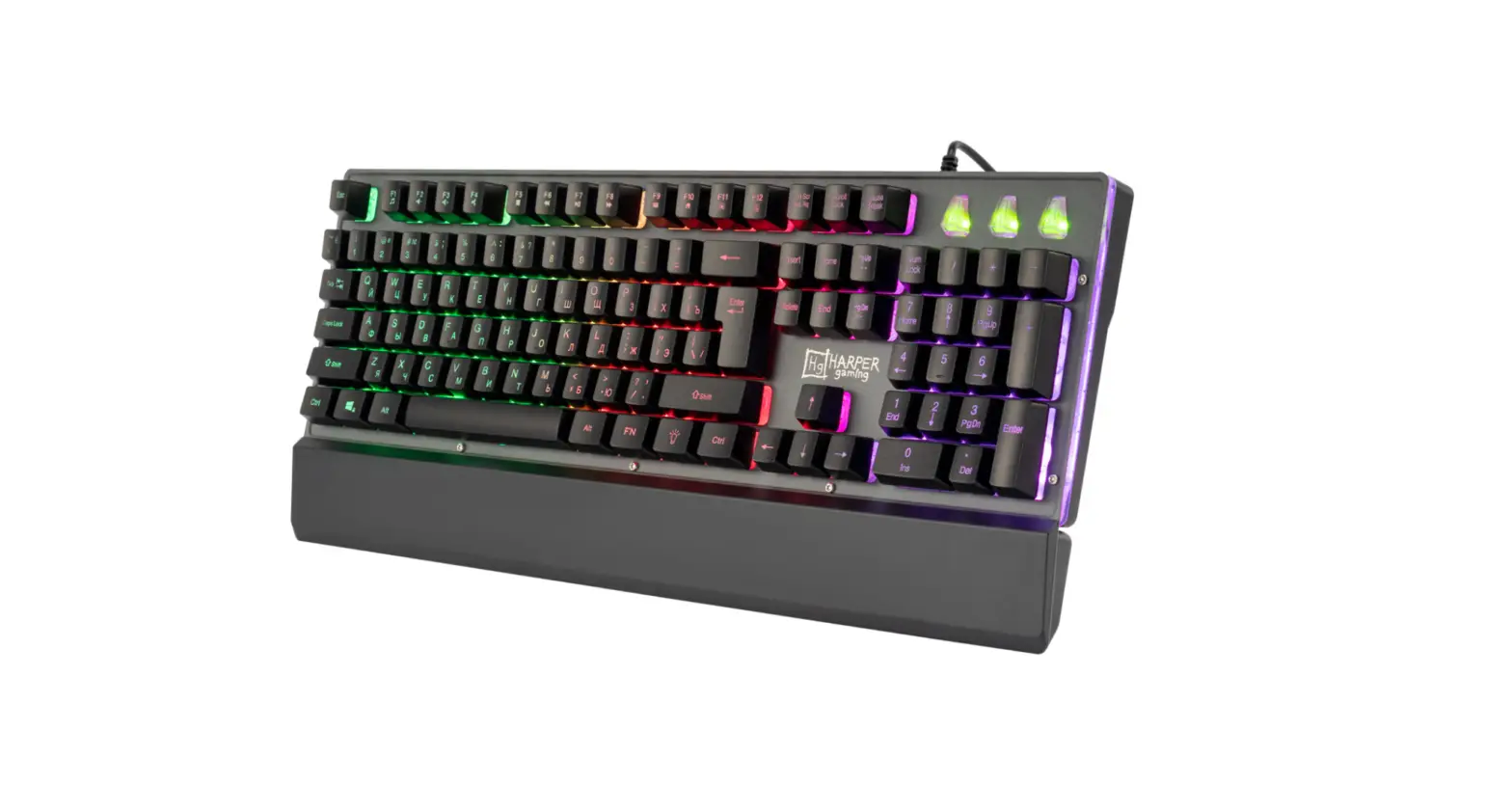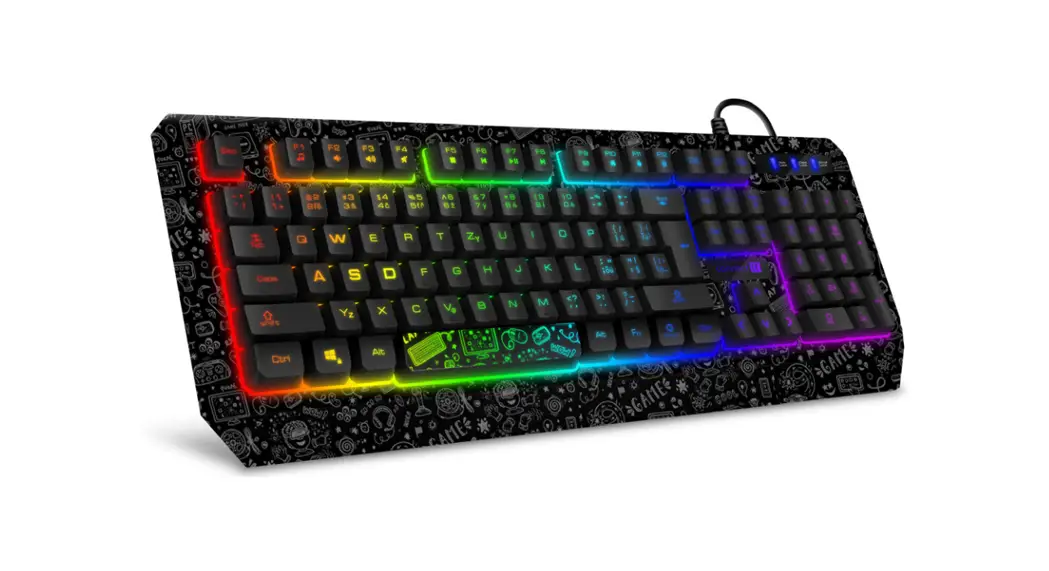
 CKB-3530-DD Gaming Keyboard
User Manual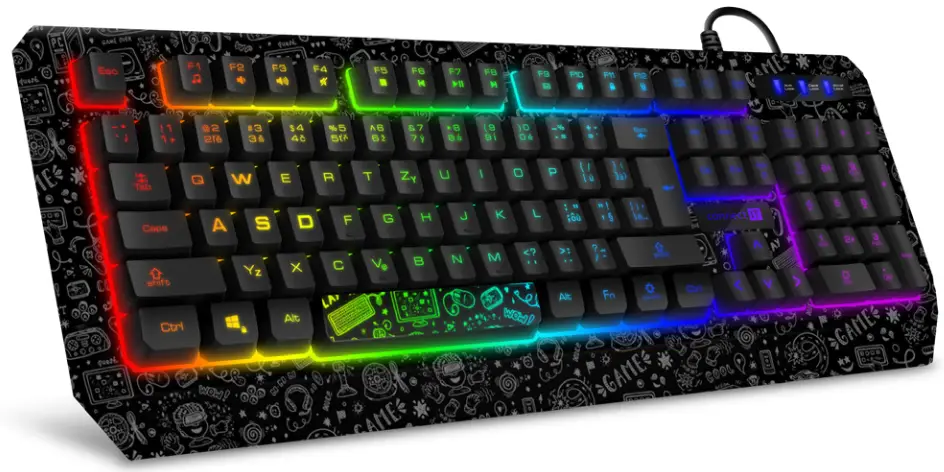
CKB-3530-DD Gaming Keyboard
THANK YOU
FOR BUYING A CONNECT IT PRODUCT.
Do you want to be the first to know about other news of CONNECT IT? Follow us on social media.

- Before putting this product into operation please read through the User’s Manual carefully, even if you are already familiar with the use of similar products. Use the product only as described in this User’s Manual.
- Keep this User’s Manual for future reference. It is an integral part of the product and may contain important instructions for commissioning this product, its operation and cleaning.
- Make sure that all other people handling this product are familiar with this Manual. If you hand the product over to other people, make sure that they read this User’s Manual, which shall be given to them together with the product.
We recommend keeping the original packaging of the product, proof of purchase and the warranty card, if supplied, at least for the warranty period. In case of transport, we recommend packing the product in the original packaging, in which it has been delivered in, as it protects it best against damage during transport.
Scan this QR code to get the latest version of the User’s Manual. In your smartphone, open the QR code reader application and point the smartphone at this code – the page for downloading the latest version of the User’s Manual will open:
 https://connectit-europe.com/CKB-3530-DD
You can also find the latest version of the User‘s Manual on our website www.connectit-europe.com 
The text and technical specifications are subject to change.
Technical Specifications
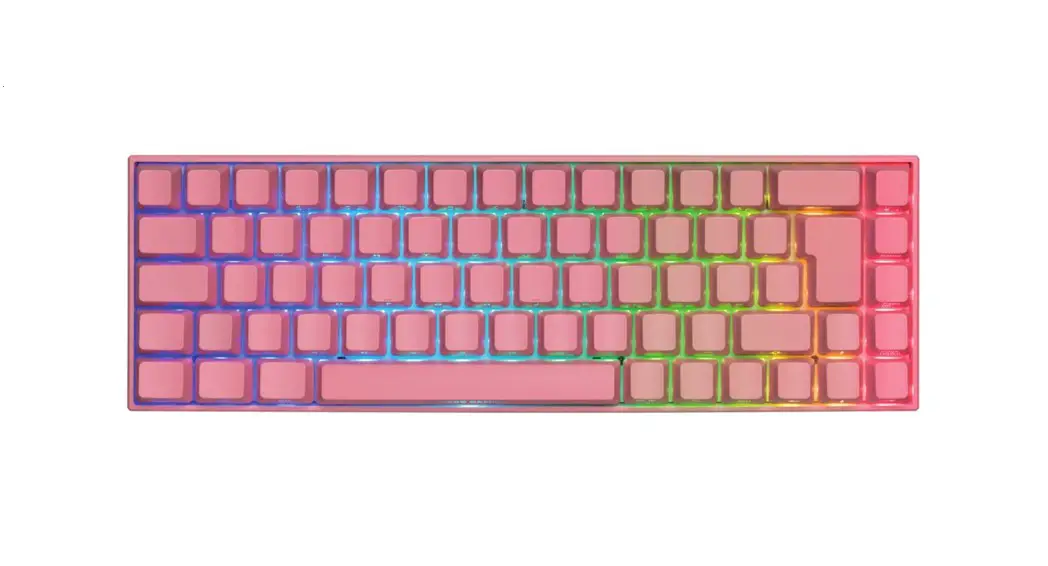
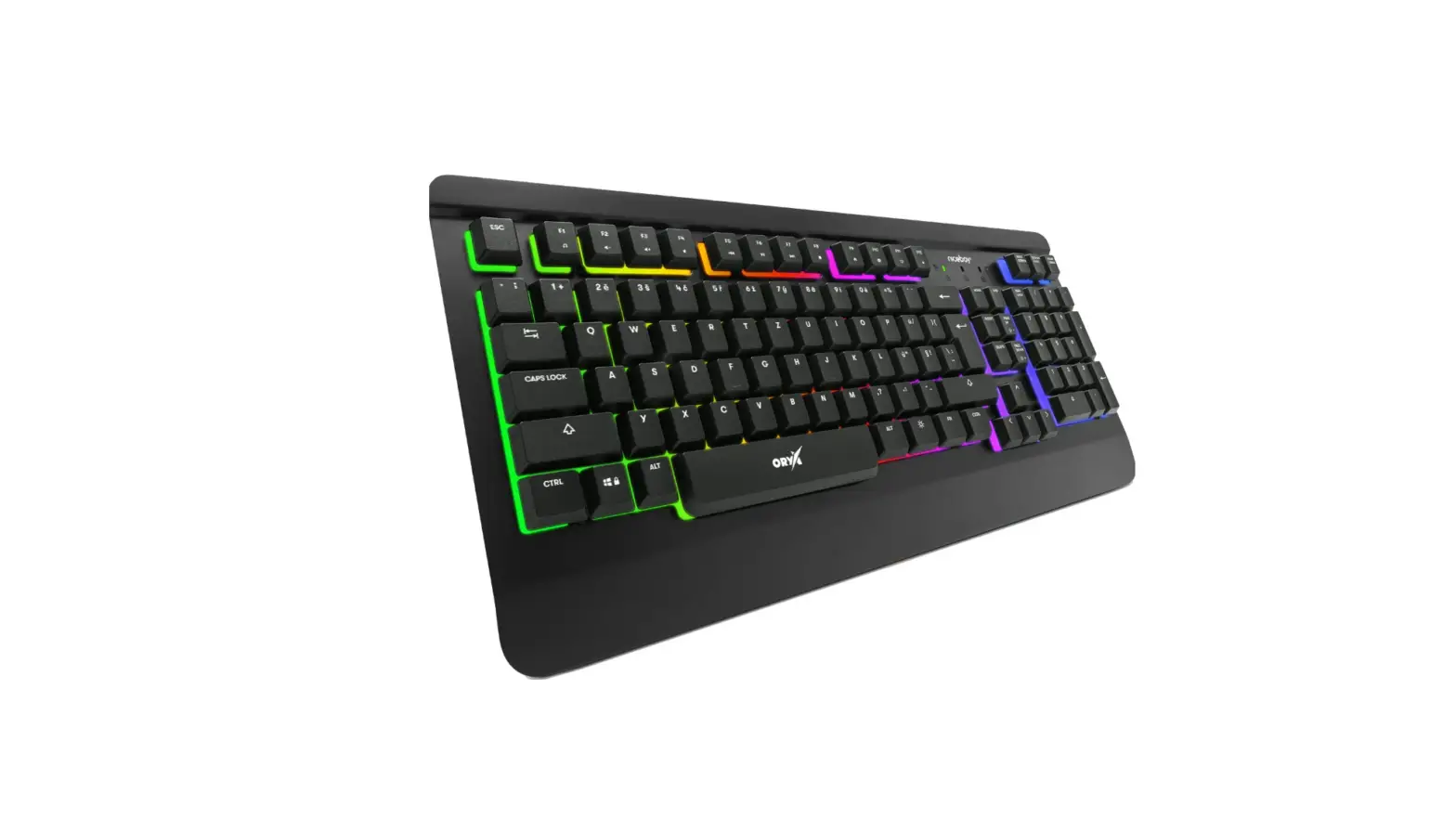
- RGB LED backlight
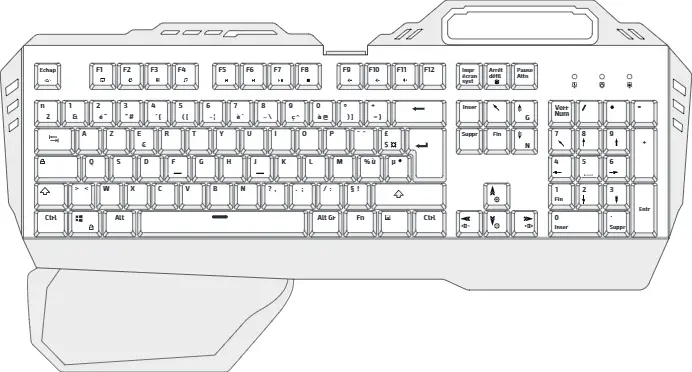
- 12 multimedia keys (Fn+)
- 19 anti-ghost keys
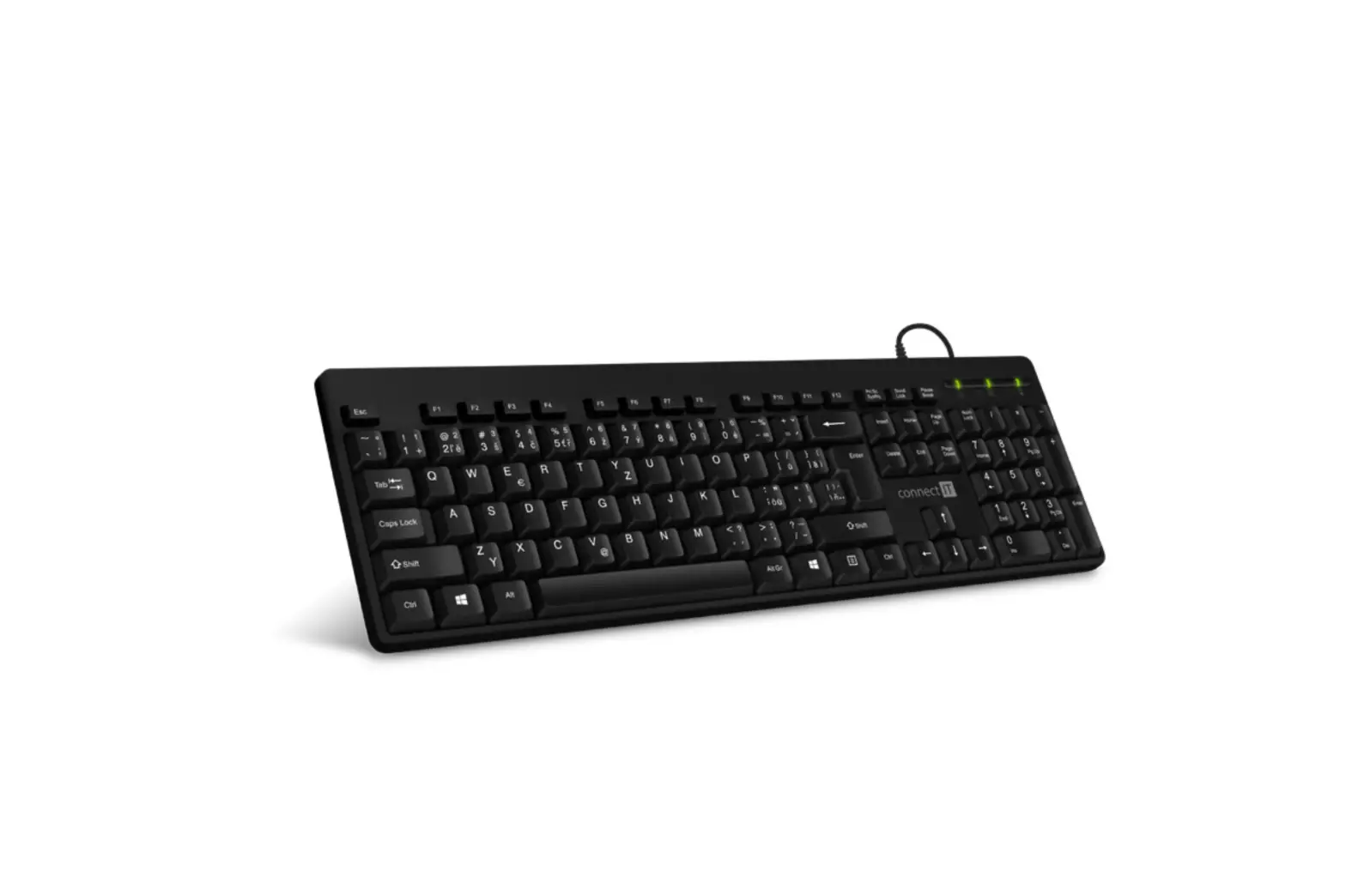
- Standard keyboard layout
- 180 cm premium braided cable
- Gold-plated USB-A connector
- Interface: USB 1.1 and higher
- Dimensions (l x d x h): 465 x 171 x 35 mm
- Weight, including cable: 756 g
- Dual Compatibility (Windows & MacOS). The product is compatible with Mac OS, but some product features not supported by Mac OS may not work properly.
Installation
- Easy Plug & Play Installation: Insert the USB cable into an available USB port on your computer and wait for the drivers to finish installing.
Basic Functions
Locking the Windows key
- The Windows key can be locked and unlocked using the shortcut

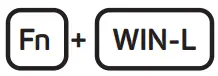
This function is very important for enthusiastic players because it prevents the menu from being accidentally recalled by pressing the Windows key on the keyboard during gameplay.
19 Anti-ghost keys

Multimedia Functions

- Music player
- Volume (-)
- Volume (+)
- Mute sound
- Stop
- Previous track
- Play/Pause
- Next track
- E-mail client
- Internet browser homepage
- Locking the entire keyboard
- Calculator
Changing the Backlight Color
The keyboard has a total of nine backlight modes available, whose intensity can be customized:
To increase the intensity of the backlight in three levels, press 
To reduce the intensity of the backlight in three levels, press 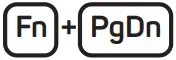 (pressing a fourth time will switch off the backlight entirely.)
RGB Flow
To activate this mode, press 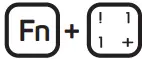
To increase the speed of this effect, press 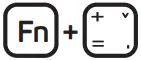
To decrease the speed of this effect, press 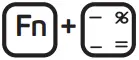
RGB Running
To activate this mode, press 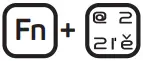
To increase the speed of this effect, press
To decrease the speed of this effect, press
Breathing
To activate this mode, press 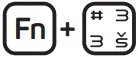
To increase the speed of this effect, press
To decrease the speed of this effect, press
Falling Star
To activate this mode, press 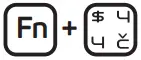
To increase the speed of this effect, press
To decrease the speed of this effect, press
7 Single Color & Rainbow Static Mode
To activate this mode, press 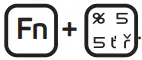 . The default full-keyboard red backlight will illuminate. To change the colour, press (choose from a total of 7 colour modes – red, green, blue, yellow, turquoise, purple, white, and rainbow).
Tetris
To activate this mode, press 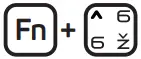
To increase the speed of this effect, press
To decrease the speed of this effect, press
Custom Color Mix
In this mode, you have the option of customizing individual backlights in four separate sections.
To activate this mode, press 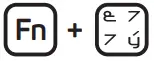 twice in a row (the keyboard will flash twice and the first section on the left will illuminate in red).
To change the colour in the first section, press  or
or  (choose from a total of 7 colors – red, green, blue, yellow, turquoise, purple, and white + the option of switching off the backlight).
To change sections, press  or
or 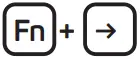
 Note:
Note:
There is no indicator for when you switch sections, and the change in the backlight will only show when you press or .
Repeat the previous steps in this manner to set all of the sections.Note:
This is the only mode that does not remain in the memory and once the keyboard is switched off, it will return to the default setting where only the first section on the left is backlit red.
Trigger
To activate this mode, press 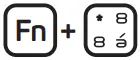
To increase the speed of the effect, press
To decrease the speed of the effect, press
Sound Sensitive
To activate this mode, press 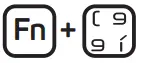
Notices
INSTRUCTIONS AND INFORMATION REGARDING THE DISPOSAL OF USED PACKAGING MATERIALS
Packaging materials and old appliances shall preferably be recycled. The packaging materials of this product can be disposed of as sorted waste. The same applies to the plastic bags made of polyethylene (PE) and other materials – please hand them over for recycling. DISPOSAL OF WASTE ELECTRICAL & ELECTRONIC EQUIPMENT
In accordance with the European Directive 2012/19/EU on waste electrical and electronic equipment (WEEE), this appliance is labeled with this symbol on the product or its packaging to indicate that this product shall not be treated as household waste. It must be disposed of at a collection site for recycling of waste electrical and electronic equipment. The proper disposal of this product helps to prevent adverse impacts on the environment and human health, which could otherwise result from improper waste disposal. The disposal shall be carried out in accordance with waste management regulations. For more detailed information about the recycling of this product, contact the local authorities, household waste disposal services or the shop where you have bought the product. For proper disposal, renewal and recycling, hand the products over to the designated collection sites. Alternatively, in some EU or other European countries, you can return the products to your local dealer when buying an equivalent new product. The proper disposal of this product helps to preserve valuable natural resources and prevent potential adverse impacts on the environment and human health, which could result from improper waste disposal. For details, contact your local authorities or the nearest collection facility. In case of improper disposal of this type of waste, fines may be imposed in accordance with national legislation.
For business entities in the EU countries
If you want to dispose of electrical and/or electronic equipment, please contact your dealer or supplier for the necessary information.
Disposal in other countries outside the European Union
This symbol is valid in the European Union. If you want to dispose of this product, contact your local authorities or your dealer for the necessary information about the proper way of disposal.
In accordance with the law, we provide the take-back, processing and free environmentally friendly disposal of electrical and electronic equipment through the collective system of REMA Systém, a.s. The main purpose is to protect the environment by ensuring the efficient recycling of waste electrical and electronic equipment.
For the current list of collection sites, see the web www.rema.cloud  This product meets all the basic requirements of the applicable EU directives. It is CE marked. This mark indicates the conformity of the product‘s technical characteristics with the applicable technical regulations.
The EU Declaration of Conformity is available at www.connectit-europe.com
MANUFACTURER
IT TRADE, a.s.
Brtnická 1486/2
101 00 Praha 10
Czech Republic
Tel.: +420 734 777 444
[email protected]
www.connectit-europe.com
CONNECT IT®️ is a registered trade mark
R202301-IM-CKB3530
 CONNECT IT