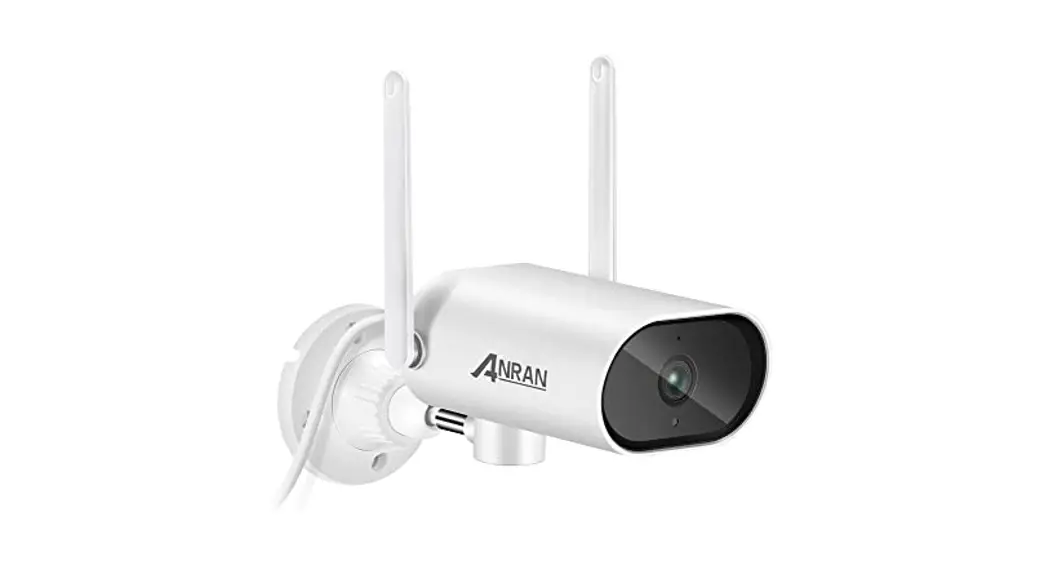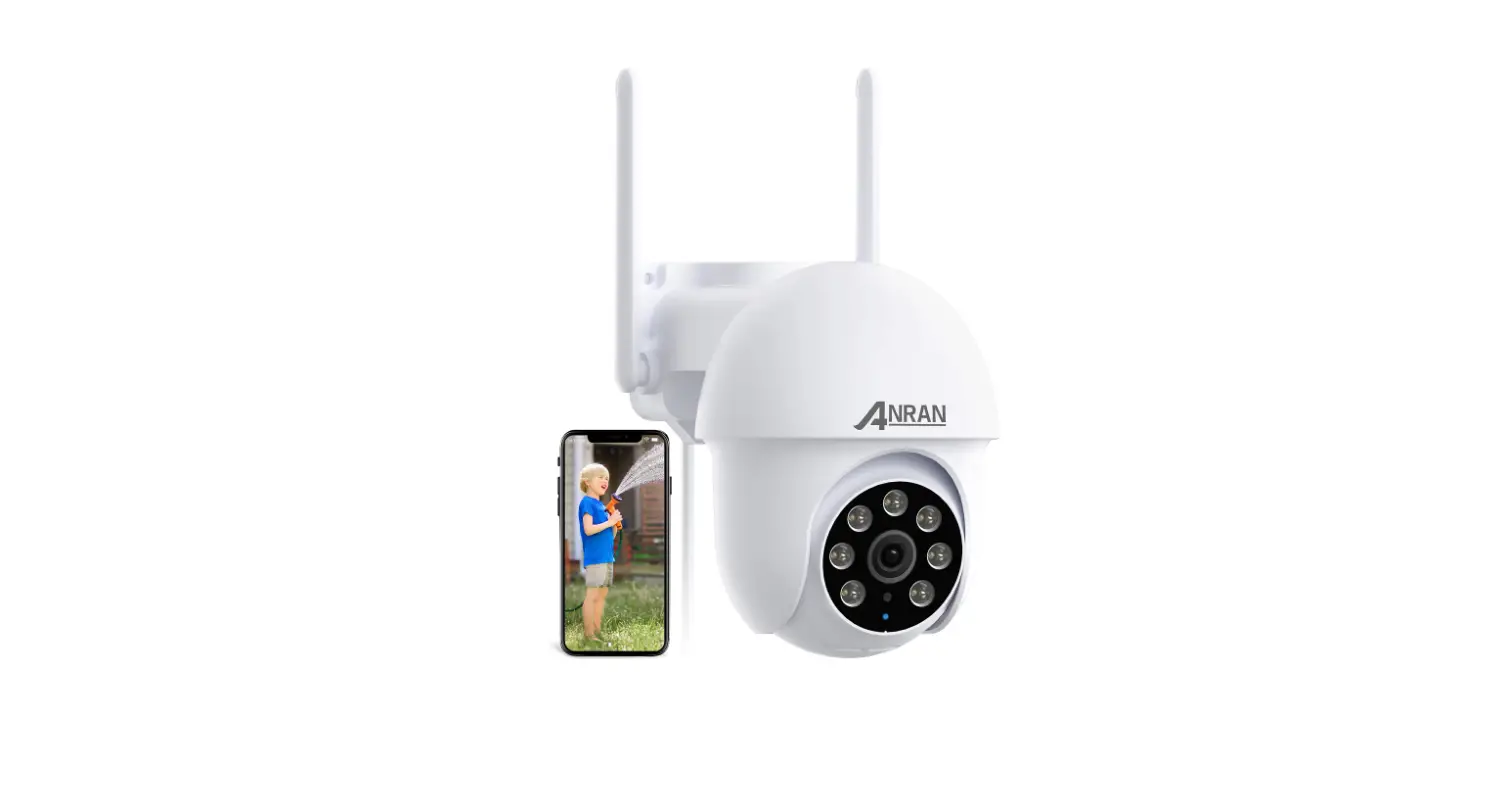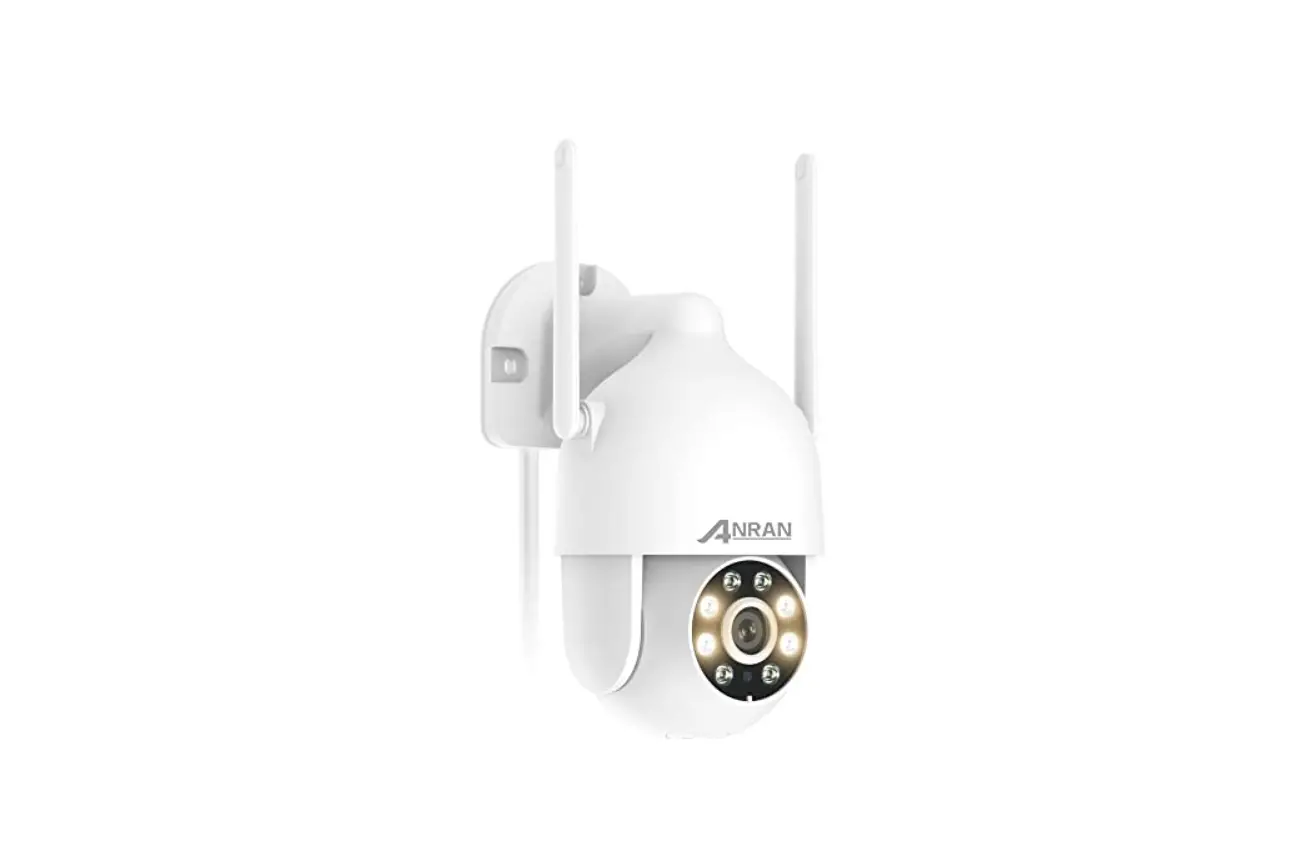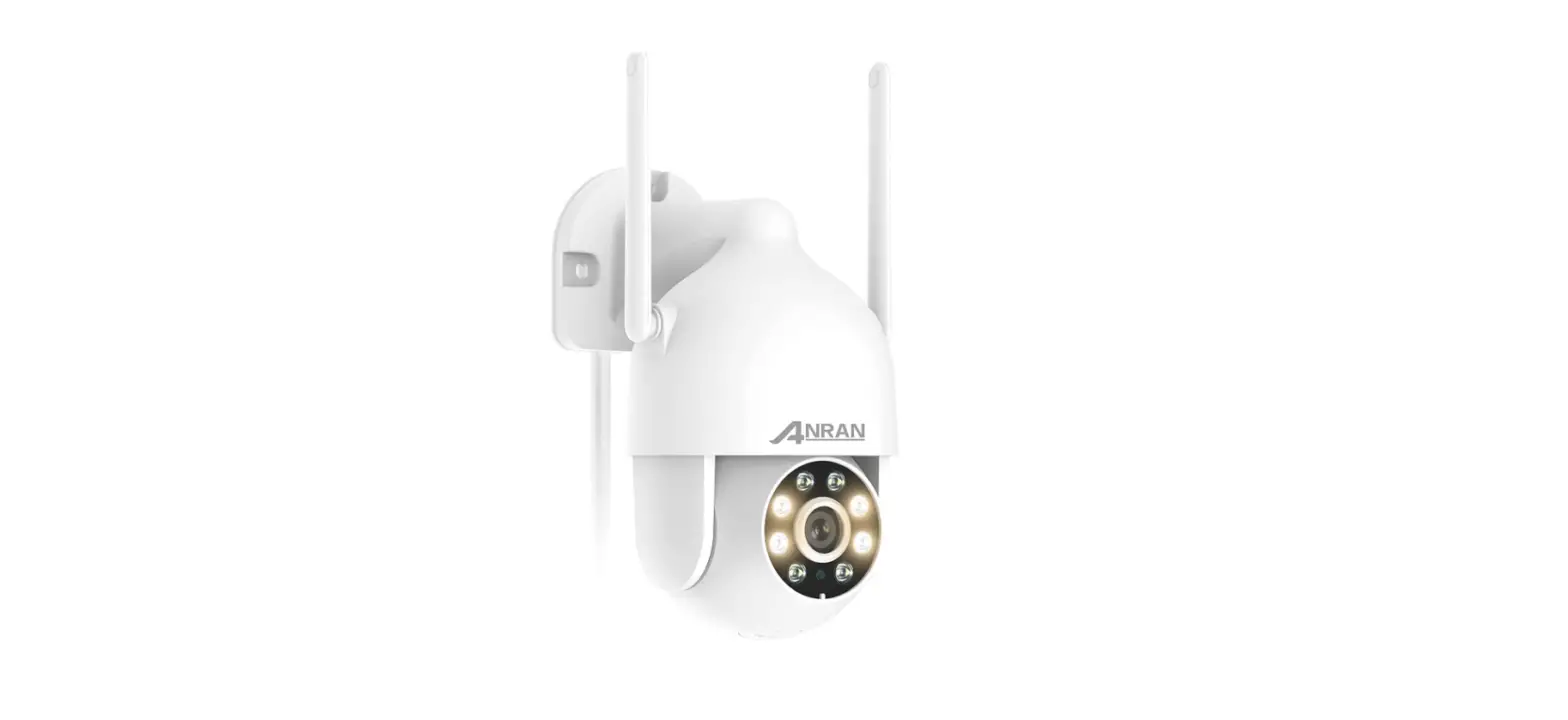
 ANRAN Security Camera Outdoor with Spotlight
 ANRAN Security Camera Outdoor with Spotlight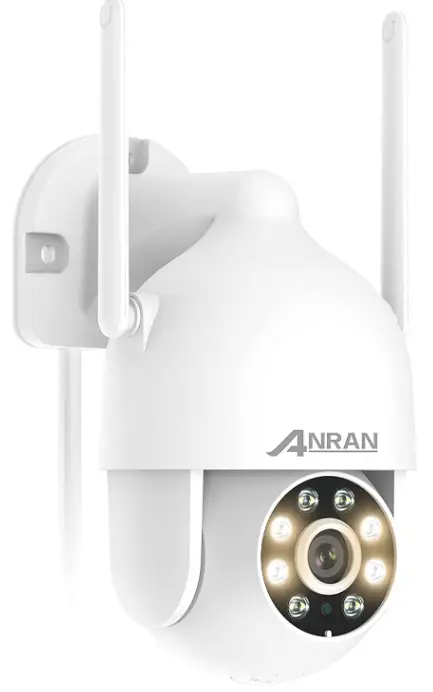
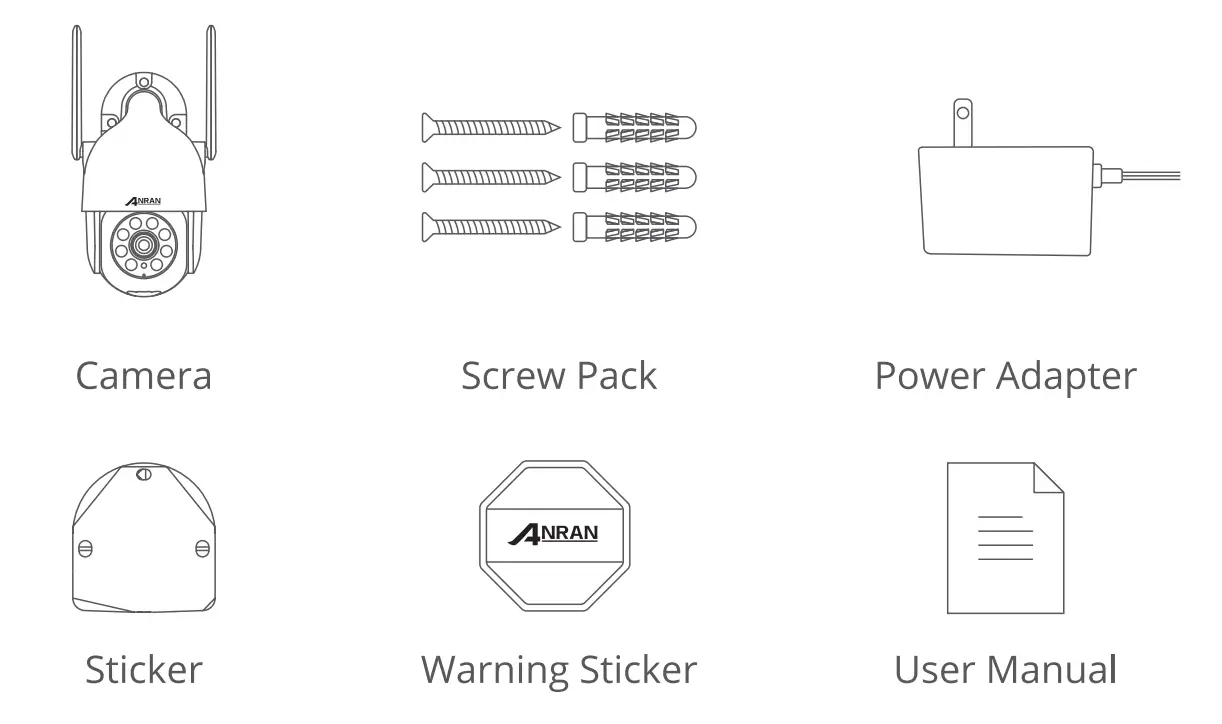
What’s Included
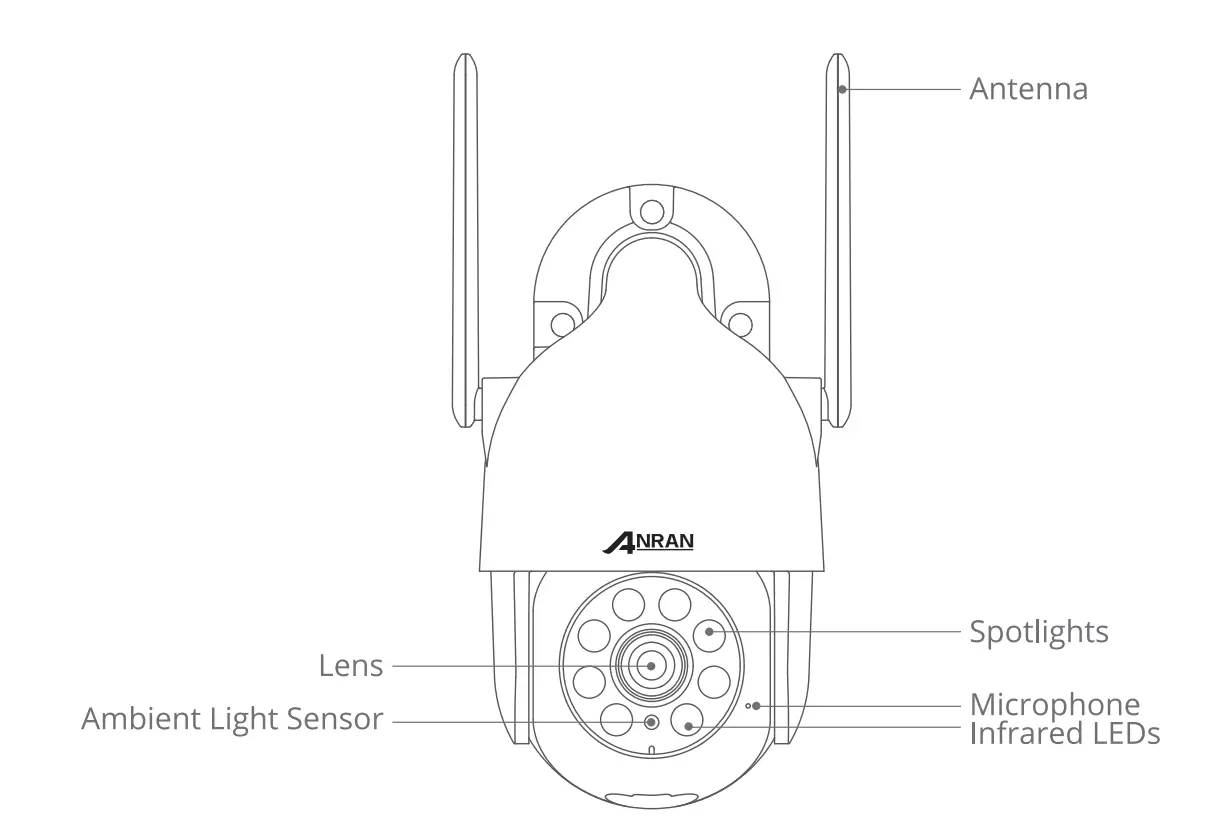
Product Overview 

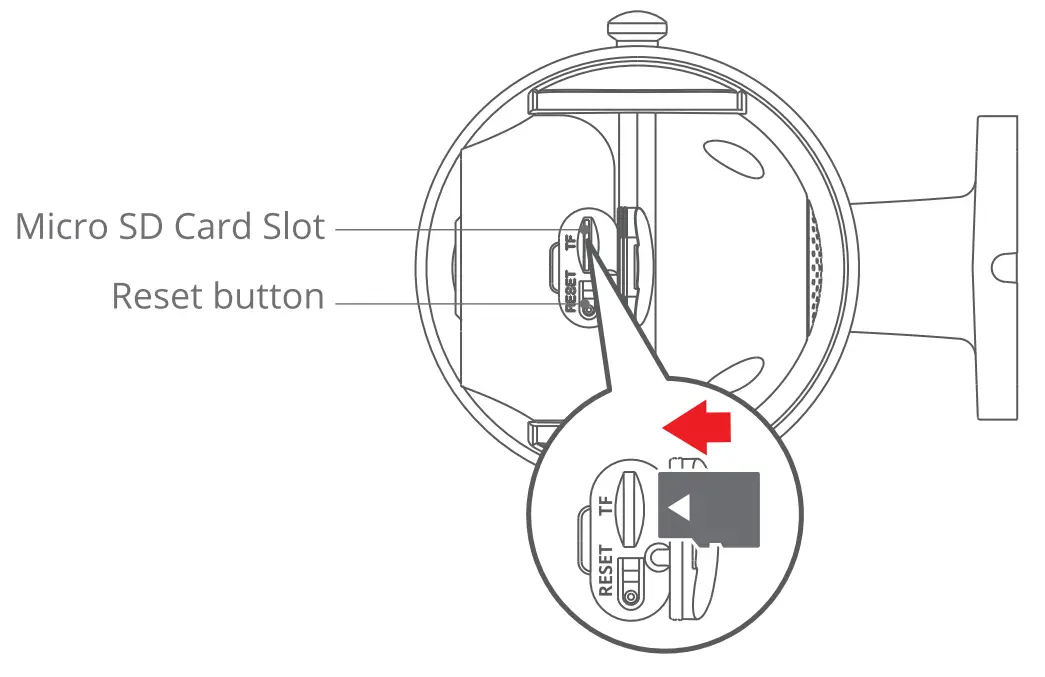
CAUTION: Please insert the Micro SD Card according to the direction shown in the diagram. Micro SD Card might JAM if inserted incorrectly and the device could be damaged.
- SD Card Port: Support micro SD card for local storage (Max 128GB).
- Reset button: Used to restore the camera to factory settings (Press and hold on 5-8s). card capacity requirements: 8-12BGB.
- Read and write speed requirements: class1 O level.
- FIie format: FAT32.
CloudEdge App Installation and Setup
Search ” Cloud Edge” on apple store or google play to download the app.
- from Google Play
- from Apple Store
- or Scan the following QR code




Download App(IOS & android)
Mounting the camera
Select Height and locatlon
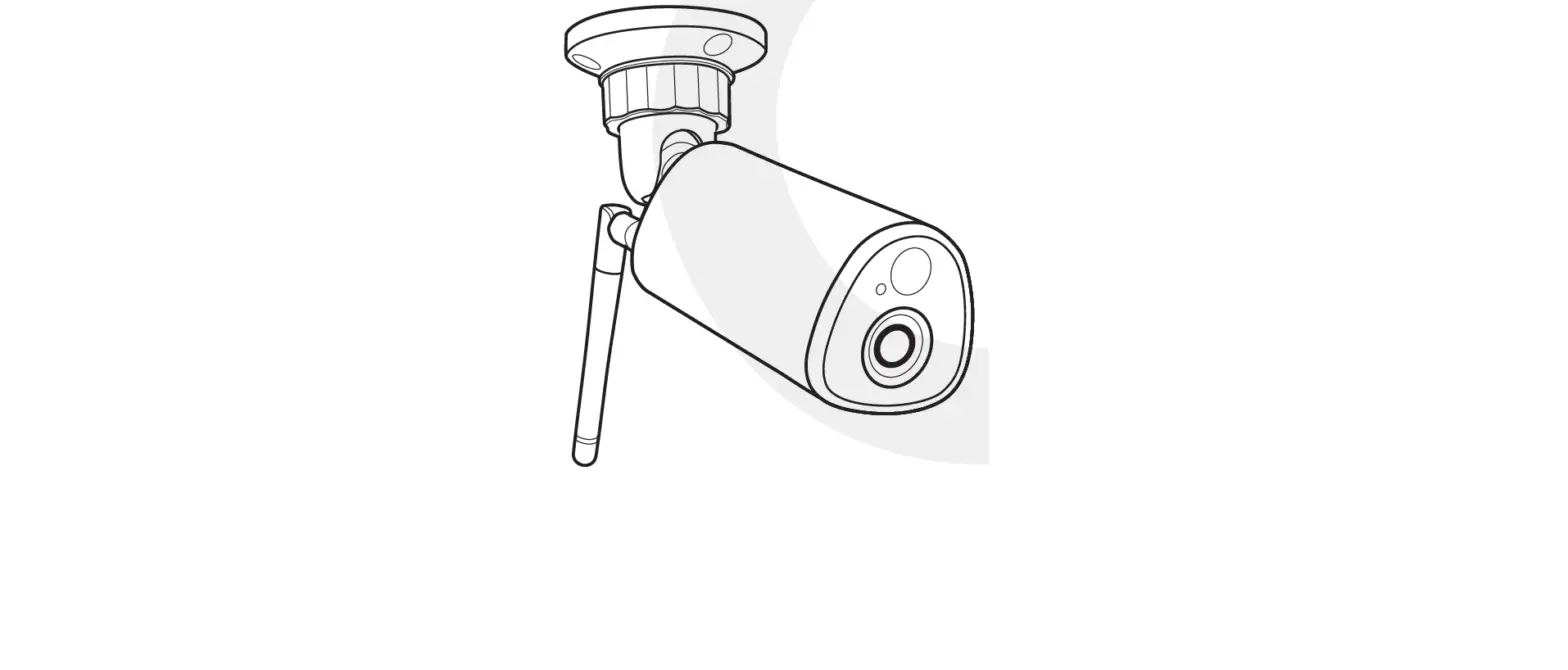
Hang the camera 7-1 Oft (2-3 m) above the ground. This height maximizes the detection range of the motion sensor of the camera. Avoid placing the camera under direct sunlight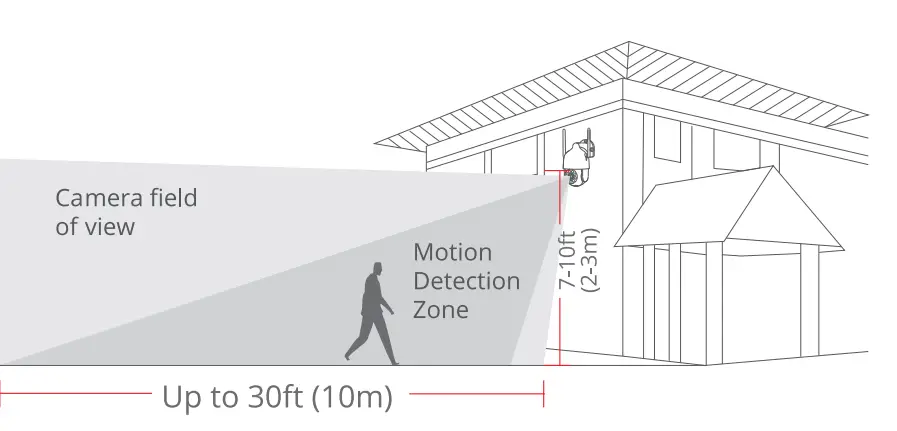
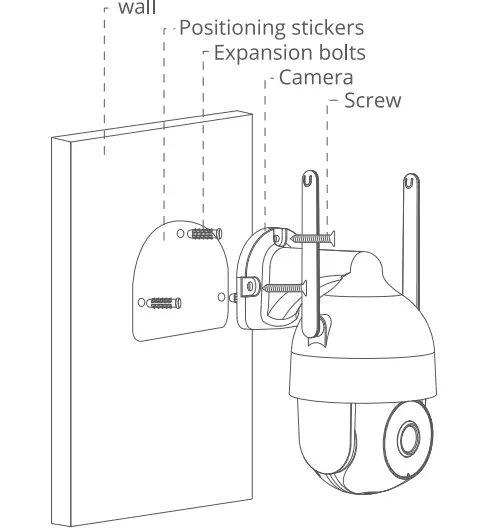
Installation
- Drllllng according to position sticker, drlll bit: 15/64″(6 mmJ.
- Insert the plugs.
- Tighten the screw.
What Is required

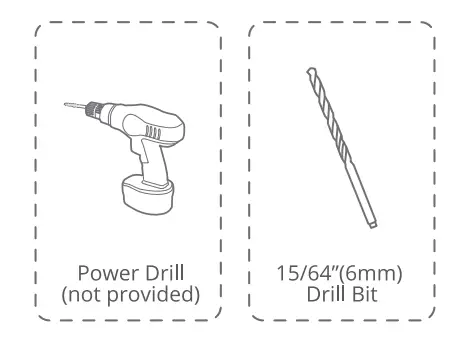
Test the Wtfl slgnal at Installation position
Use cell phone to test Wifi signal quality at the installation position before installing camera, make sure the Wifi router can provide good Wifi signal.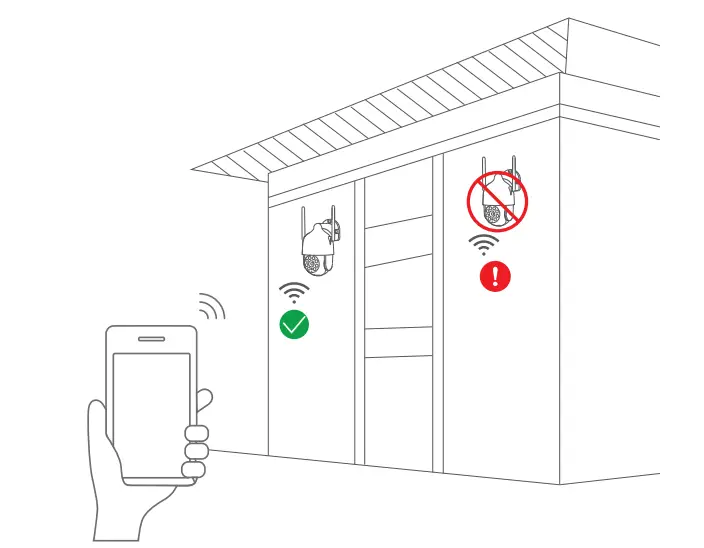
Register an account
The CloudEdge app that is necessary to operate the camera.
Signing up for storage in the cloud is totally optional and is really not necessary when using an onboard Micro SD carcl.
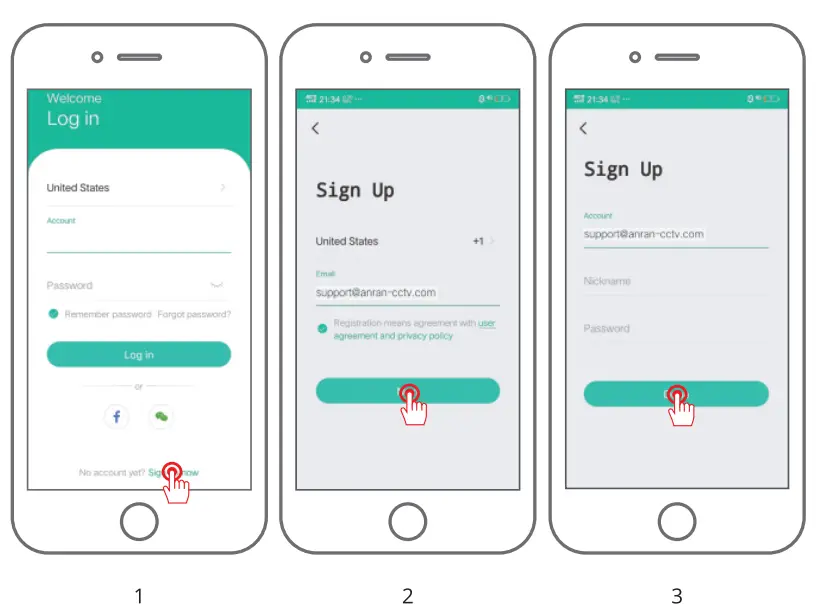
- Open the APP to sign up an account. Go to the login interface. and click “Sign Up”.
- Sign up with your emall address, and cllck MNext”.
- Set up an “Nicknameff and “Passwordff for your APP, click “Done” to complete.

Set up WiFi for the camera
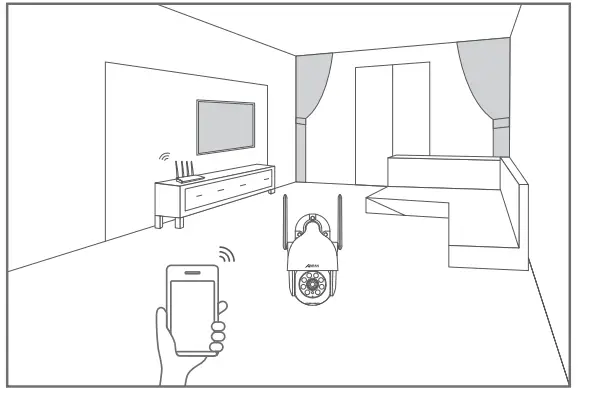
- Bring both your mobile phone and your camera close to your router (max distance of 5 meters/16 feet).
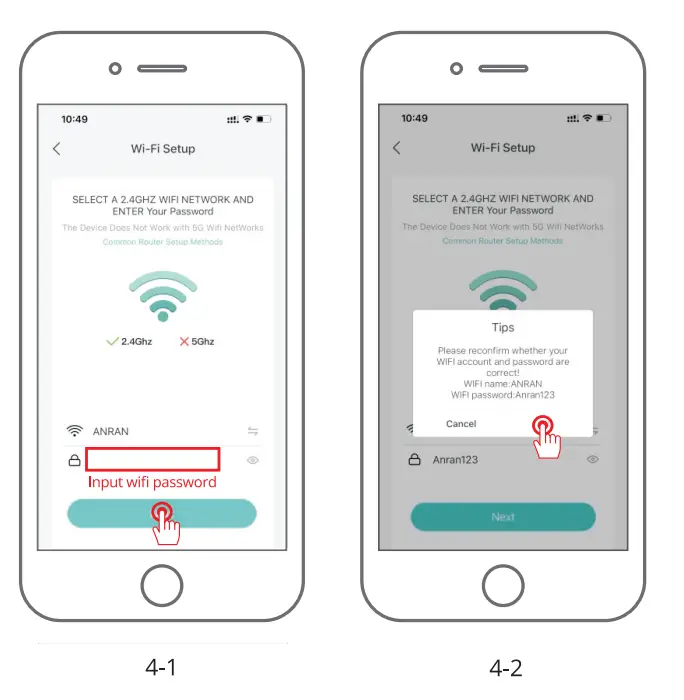
Note: The camera can only connect to a 2.4 GHzWiFi signal. It does not support using a 5 GHz signal. Therefore, please ensure you connect to a 2.4 GHz signal on your network as shown In below Illustration.
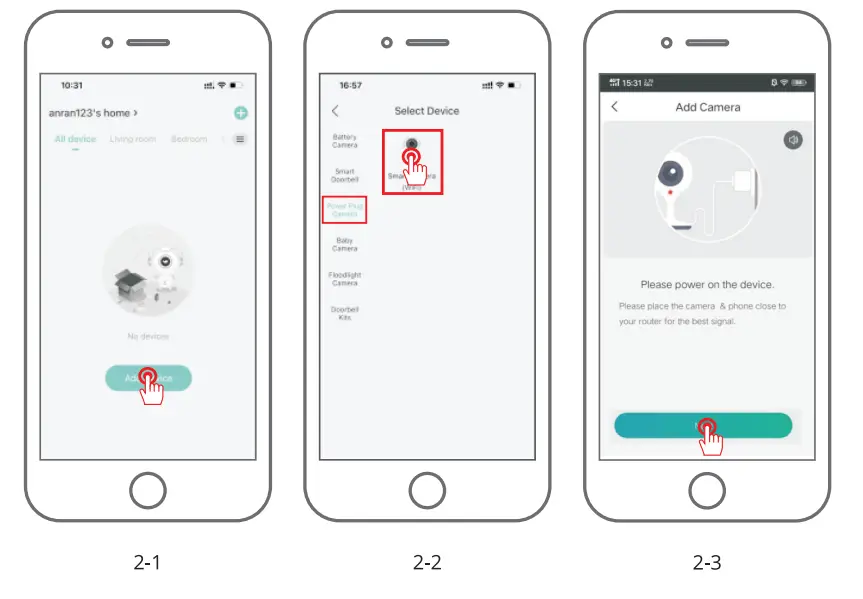
- Log in to “CloudEdgeff, then tap the M+ff icon in the center, Tap M Camera” to add device.

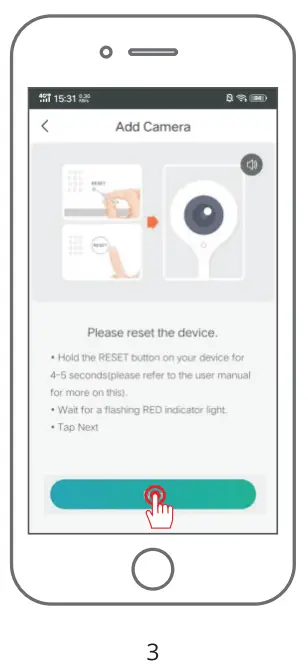
- Reset the device and wait for a flashing RED indicator light, then tap “Next”.

- Selecting the Wi-Fi the device needs to connected with (your home Wi-Fi), input the password and cllck “Next”.

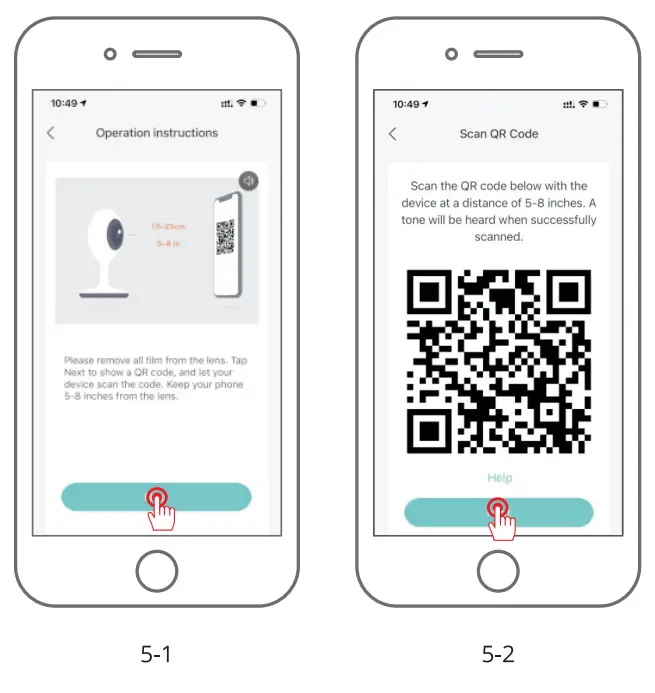
- Use the camera to scan the QR code on your mobile phone as noted below. When tt,e scan is complete you will hear a prompt tone then push Next.

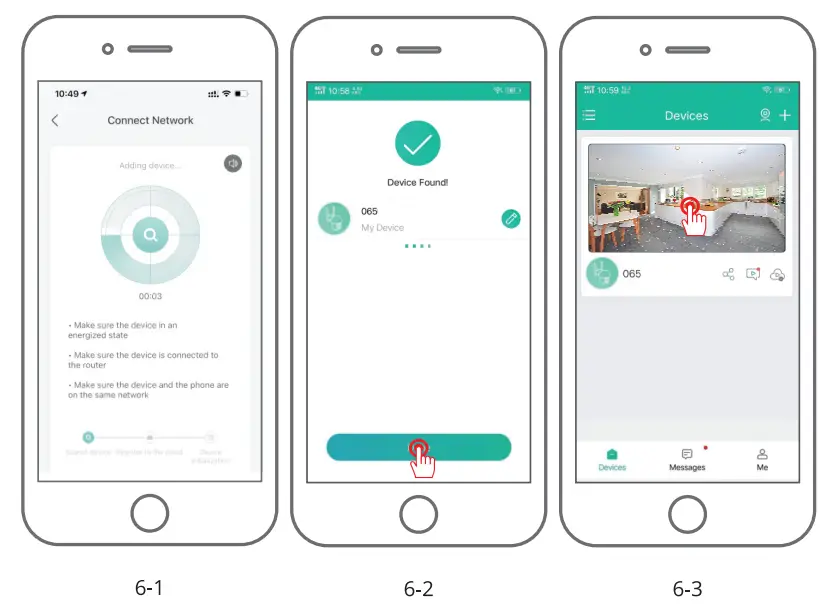
- When connecting, as stated earlier, you should make sure that the router, mobile phone and the camera and are as close together as possible (max 5 meters/16 feet). When a successful connection occurs a “click” will be heard and a checkmark will be noted as shown below. The camera will show with a numerical name that can be changed to your llklngs such as Driveway Camera, Street View Camera or whatever.

FCC Statement
This device complies with Part 1 S of the FCC Rules. Operation is subject to the following two conditions: (1) this device may not cause harmful interference, and (2} this device must accept any Interference received, Including Interference that may cause undesired operation.
Warning: Changes or modifications not expressly approved by the party responsible for compliance could void the user’s authority to operate the equipment.
Nate: This equipment has been tested and found to comply with the limits for a Class B digital device, pursuant to Part 15 of the FCC Rules. These limits are designed to provide reasonable protection against harmful Interference In a residential lnstallatlon.
This equipment generates uses and can radiate radio frequency energy and, if not installed and used in accordance with the instructions, may cause harmful interference to radio communications. However, there is no guarantee that interference will not occur in a particular Installation. tf this equipment does cause harmful interference to radio or television reception, which can be determined by turning the equipment off and on, the user is encouraged to try to correct the interference by one or mare of
the following measures:
- Rear1ent or relocate the receiving antenna.
- Increase the separation between the equipment and the receiver.
- Connect the equipment to an outlet on a circuit different from that to which the receiver is connected.
- Consult the dealer or an experienced radio/ TV technician for help.
FCC Radio Frequency Exposure Statement
The device has been evaluated ta meet general RF exposure requirements. The device can be used In flxedtmoblle exposure conditions. The min separation distance Is 20cm.
Notice: Shielded cables
All connections to other computing devices must be made using shielded cables ta maintain compliance with FCC regulations.
Warranty Tips
Please fill in the following information or scan QR code to activate the free 12-month warranty from the order date on.
After finishing filling out the r scanning, please take a picture and send it to the email([email protected]).
Then your free warranty II takes effect!
During the warranty period, if any parts of a product are damaged, please contact us immediately and we will provide a satisfactory resolution.
Order Date: _______________ _ Order Number/ID: ____________ _ Buyer E-mail: ______________ _ Buyer Tel:. _______________ _
Contact us
ID www.anran-cctv.com
B [email protected] (l:;) 1-866-958-6988
FAQS
The device cannot be previewed properly?
Check whether ttie network is normal, you can place the camera close ta the router, and if not. it is recommended to reset the device and add it again.
Why is it still in the list of devices after reseting?
The reset device only resets the network configuration of the camera, but cannot change the configuration on the App, remove the camera, and must be deleted by the App.
How to “connect” the camera to another router?
First remove and reset the device on the App and then configure the device again by the App.
Why doesn’t the device Identify the SD card?
It is recommended ttiat the SD card be inserted when the power to the camera is off and that it is fully inserted correctly. Make sure the SD card has been formatted with FAT 32. If not, this can be done via the CloudEdge app.
Why can’t I receive notifications via the mobile phone’s app?
Please confirm that the App has been running on the phone, and the relevant reminder function has been opened; Message notification and authority confirmation in the mobile phone system have been opened.
How long is the plug in cord
Requires a wall plug with wire, not battery-powered
Can you use a galaxy A72 5g phone with the camera
If it’s similar to an iPhone probably so. Mine is a iPhone so it was no problem. If not, you could probably return it.
Does this track the subject when it triggers motion?
No it does not automatically track the subject….but it covers a great amount of view…and you can rotate the camera from your own phone from where ever you are…It also records the motion of Human or animal movement and some weird things that pops up out of no where…
How much power or current does the camera draw? I want to connect my cameras to a battery backup, and I need to know the power requirements.
About 12W your battery backup would be unaffected much if connecting just 1-2 cameras on it
Can the saved image and videos saved in sd card viewed in the app?
If you can get it to sync with your existing equipment I’m sure it will work just fine
Can this camera work inside the house?
When we first received the camera, we tested it’s clarity indoors.
Can it record all the time?
Yes, as long as you turn on the 24-hour recording function, the electric corded camera can record continuously without interruption, but this requires a lot of storage space(You need to insert SD card or activate and purchase cloud storage)
Does this camera require a subscription plan ?
Yes
What is the voltage and amperage (power) requirements for the design? I’d like to use with a 18650 battery pack.
It works off of a regular phone charger, I’m Pretty sure it will work off of a small solar panel or battery pack, But from my experience they have a problem with keeping connected to the Wi-Fi
Can motion detection be turned off on this camera? I’m mostly interested in 24 hour recording
Yes, as long as you turn on the 24-hour recording function, the electric corded camera can record continuously without interruption, but this requires a lot of storage space(You need to insert SD card or activate and purchase cloud storage)
Will it work with alexa?
Yes