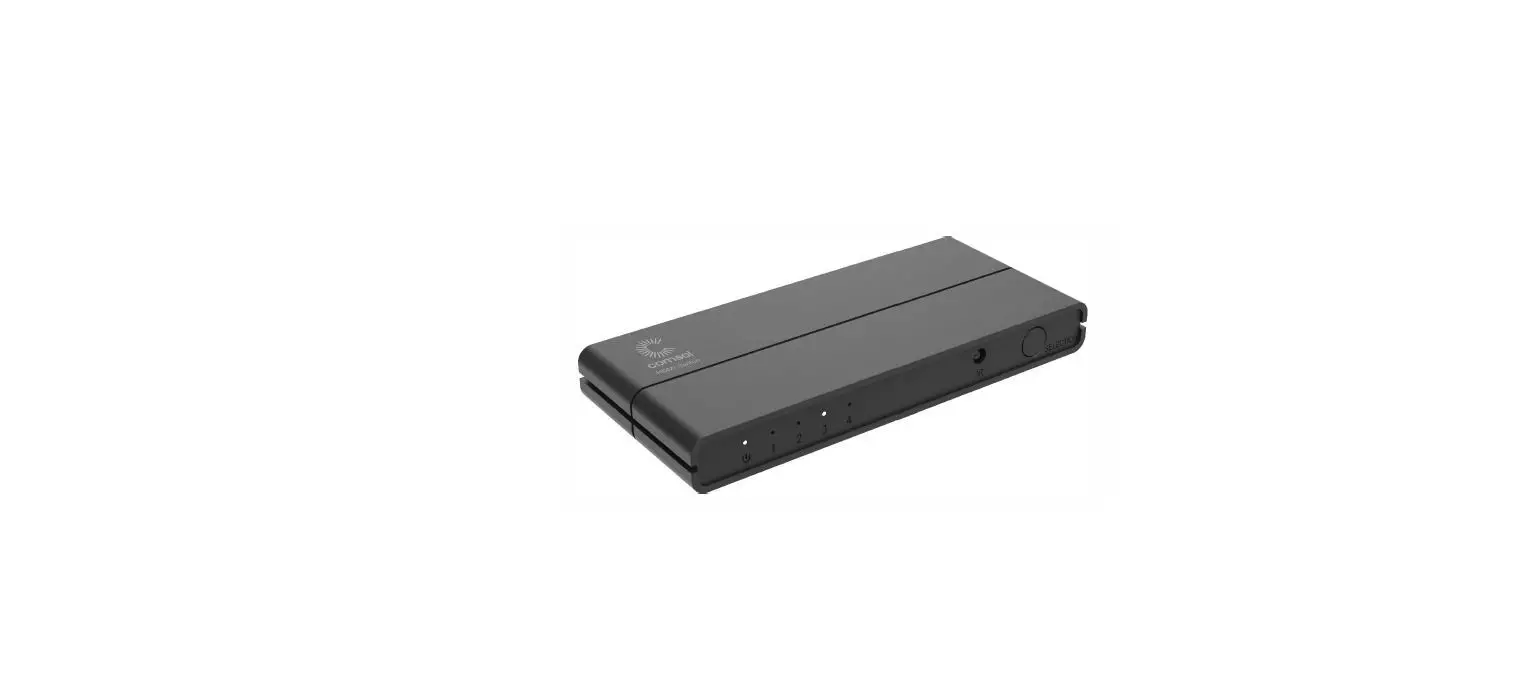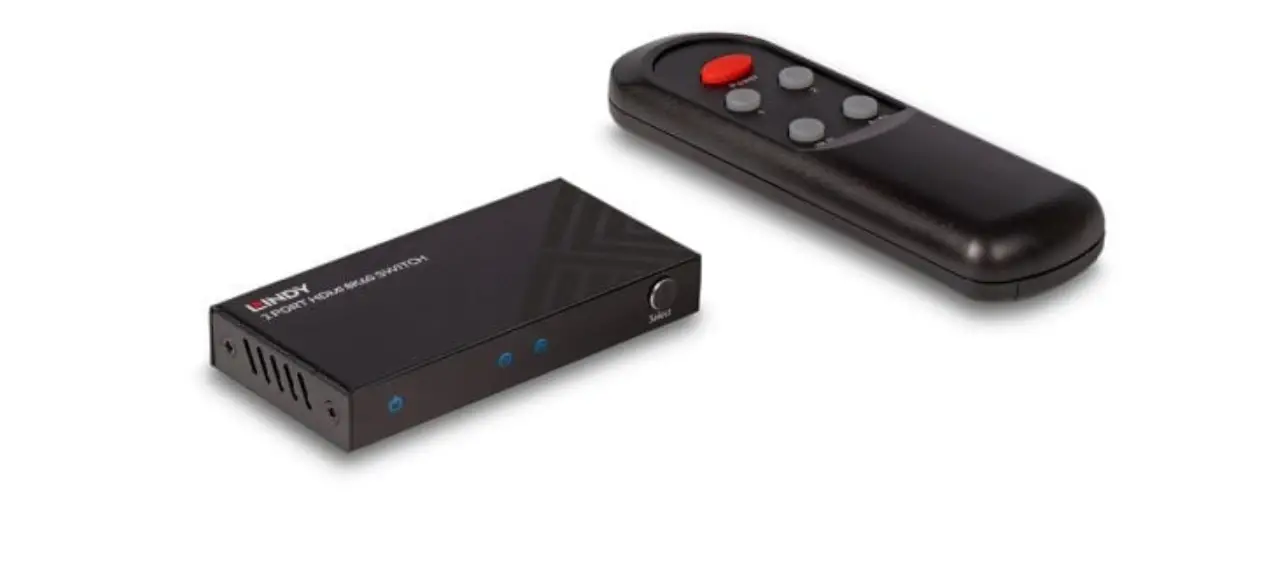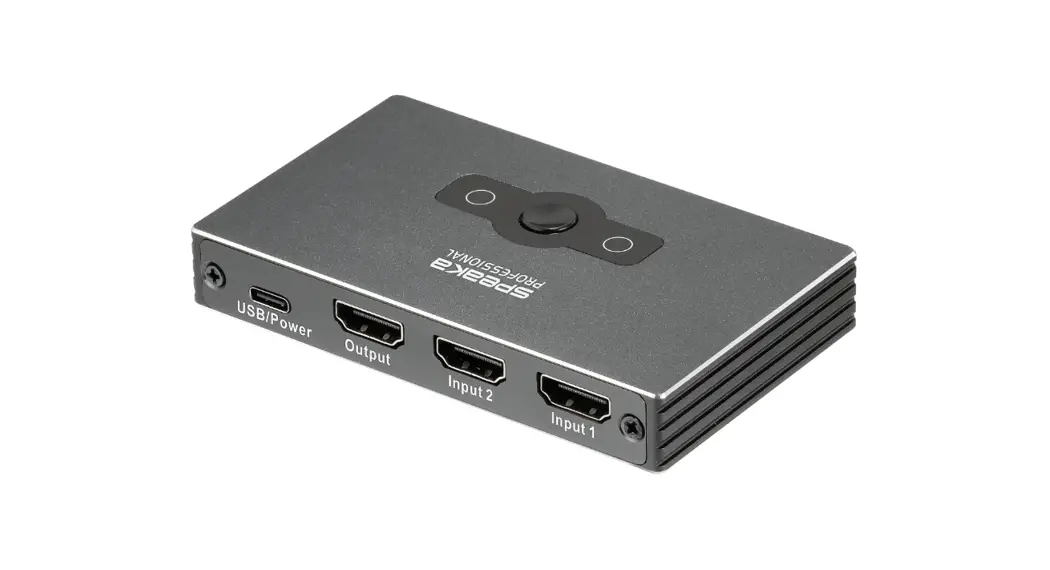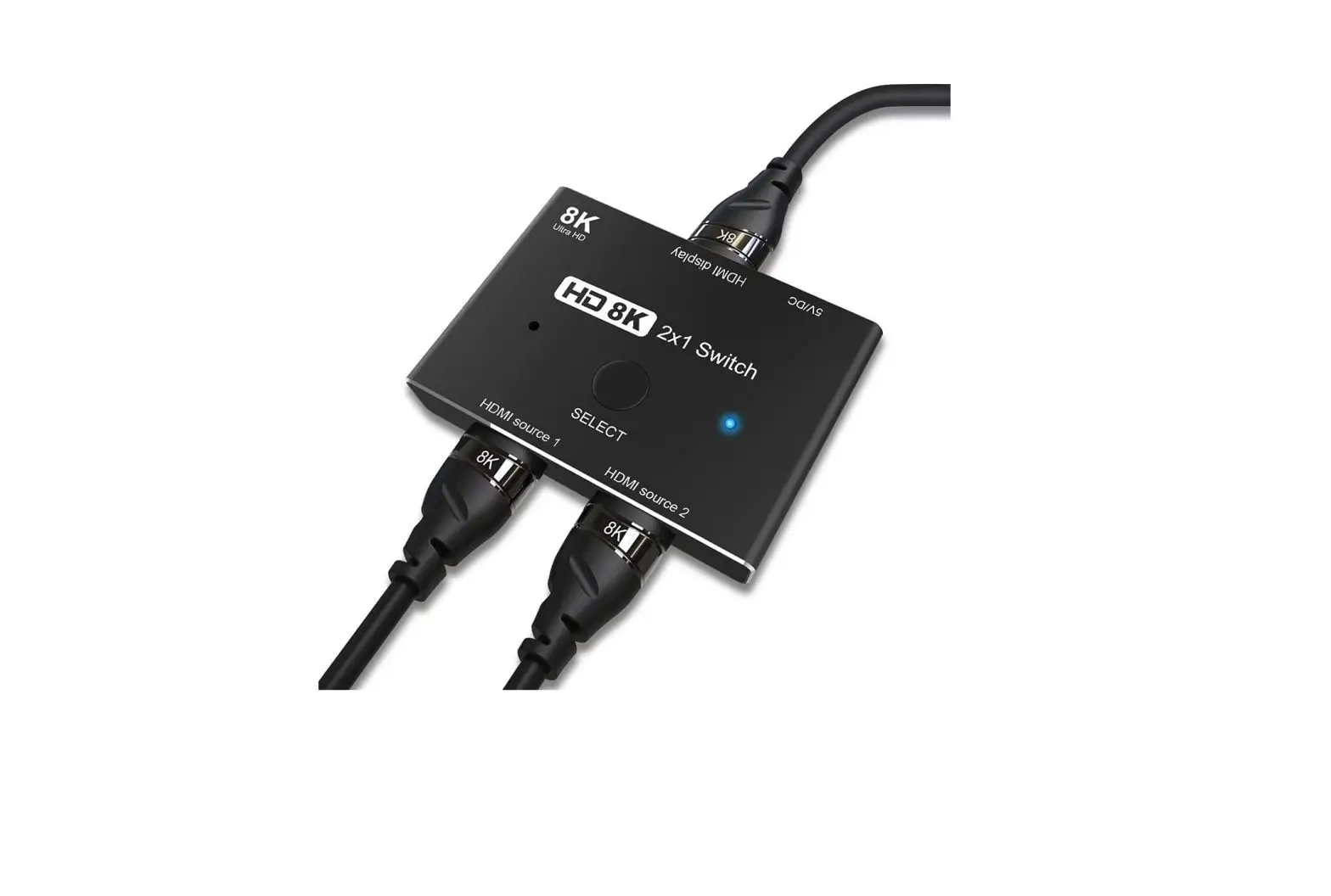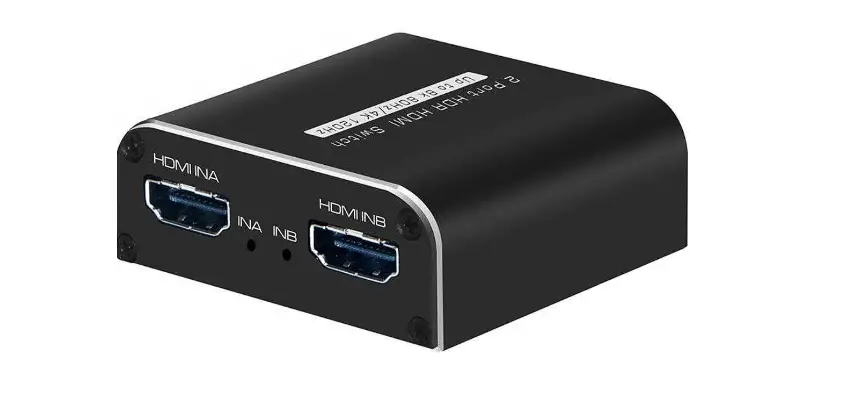

HDTV SUPPLY HDTVHDSP0022M1 2 Port 8K HDR HDMI
Product Information
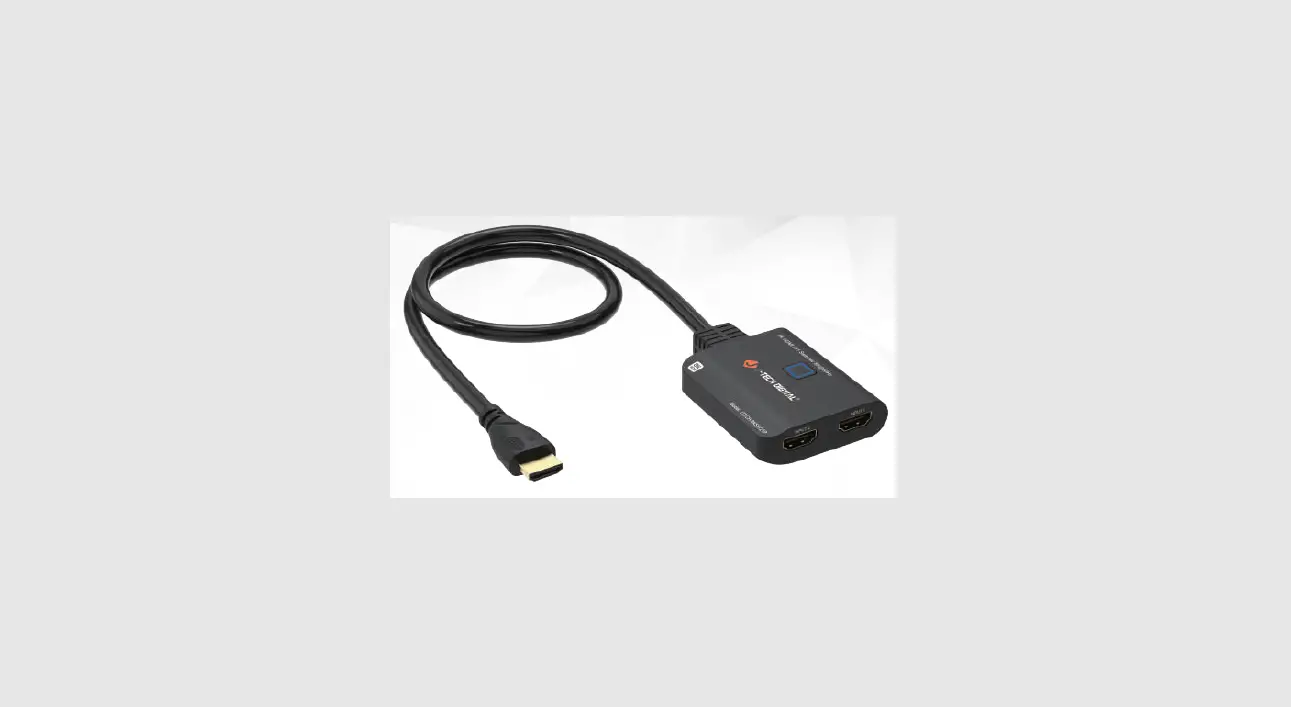
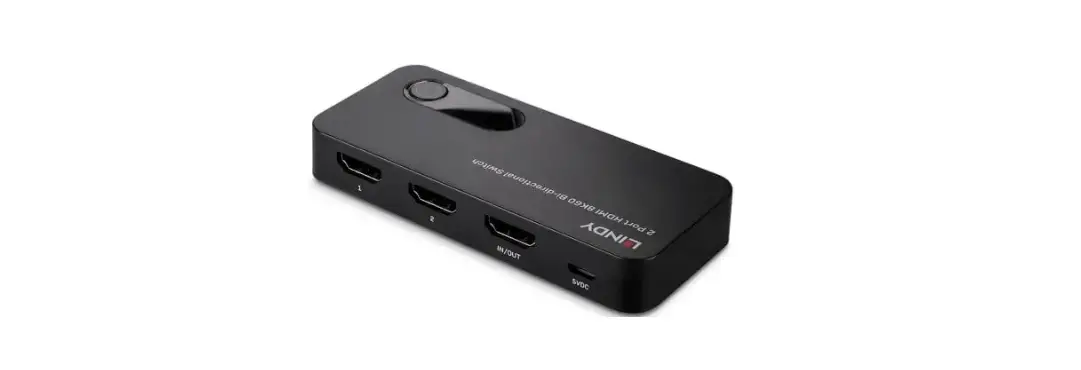
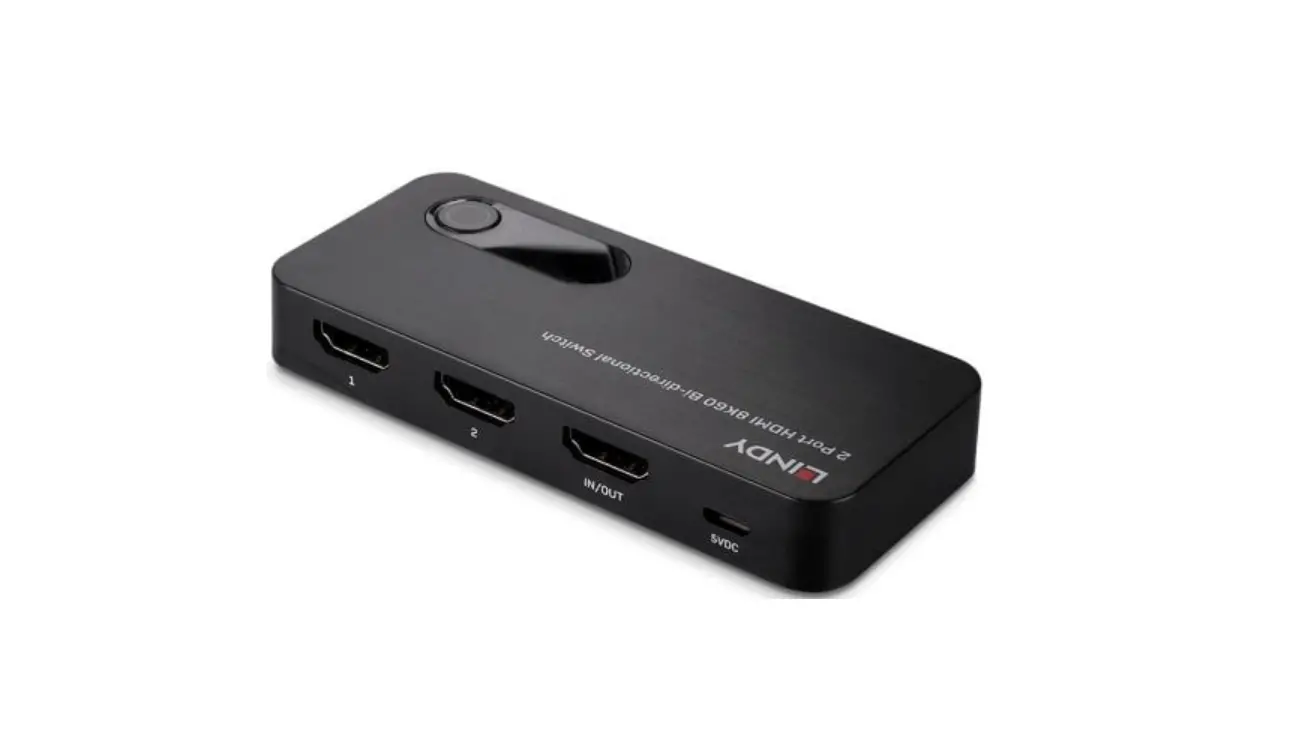
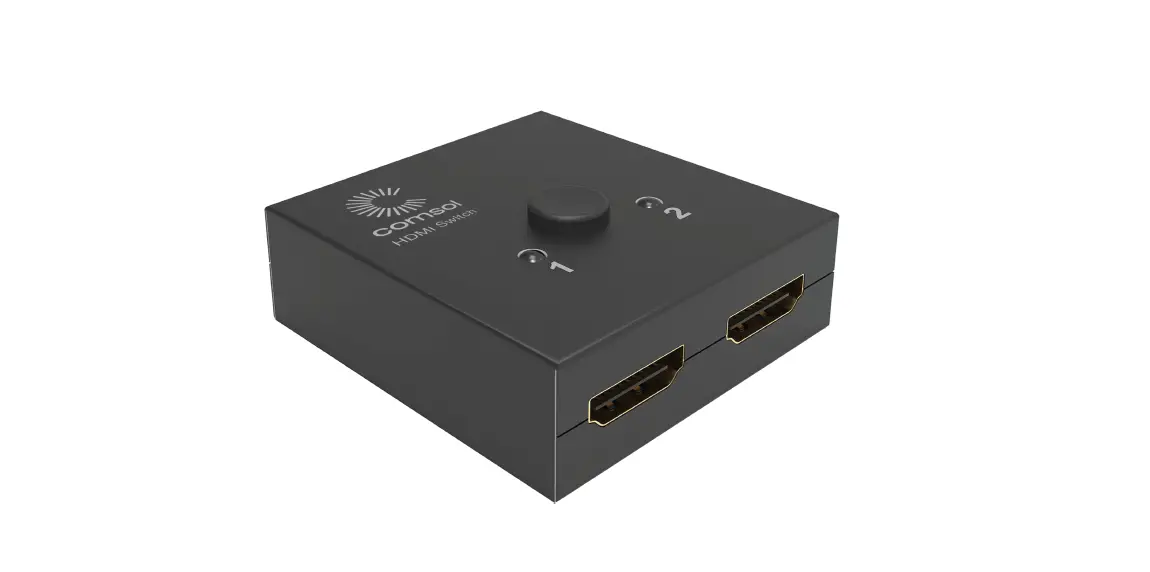
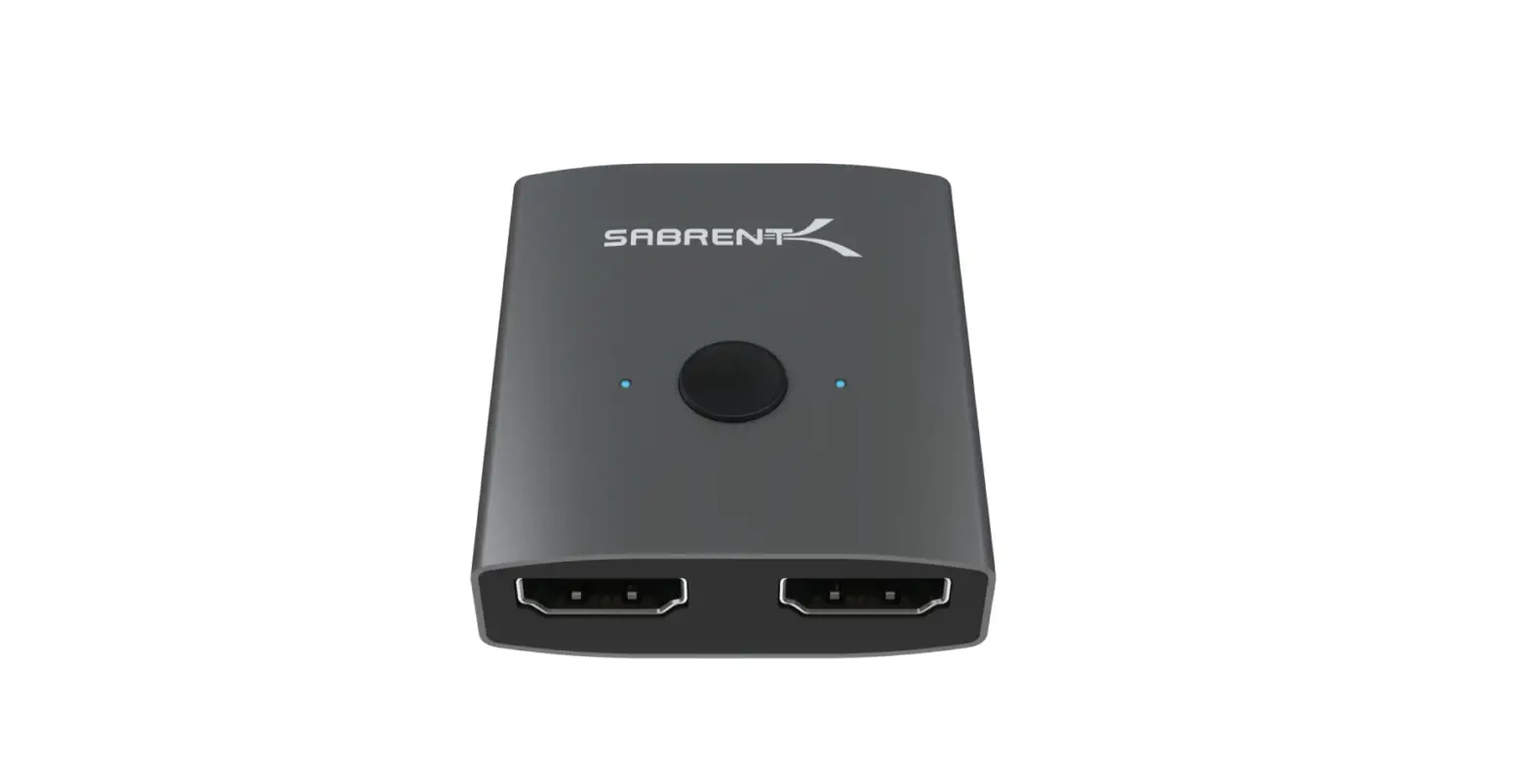
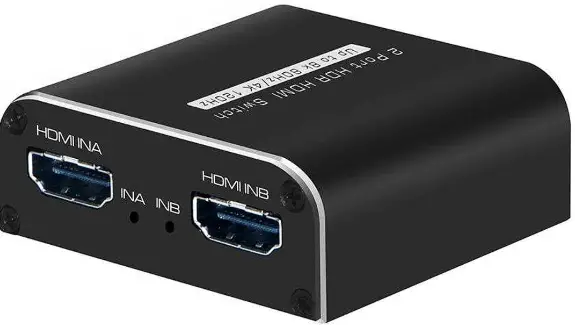
The 2 Port 8K HDR HDMI Switch with Model No. HDTVHDSP0022M1 is a device that allows you to switch between two HDMI input sources and output to a single HDMI display. This device supports various video formats including 480P, 720P, 1080P, 2160P at different frame rates and HLG/HDR/HDR10/HDR10+ and Dolby Vision. It also supports deep color of 8/10/12/16Bit at 2160P and 8/10bit at 4320P. The device supports different audio formats such as Dolby HD, DTS HD, Dolby Atoms, Dolby AC3, DTS, LPCM and more. It has a transmission bandwidth of 1.2GHz and a maximum transmission rate of 48Gbps.
Features of the Interface
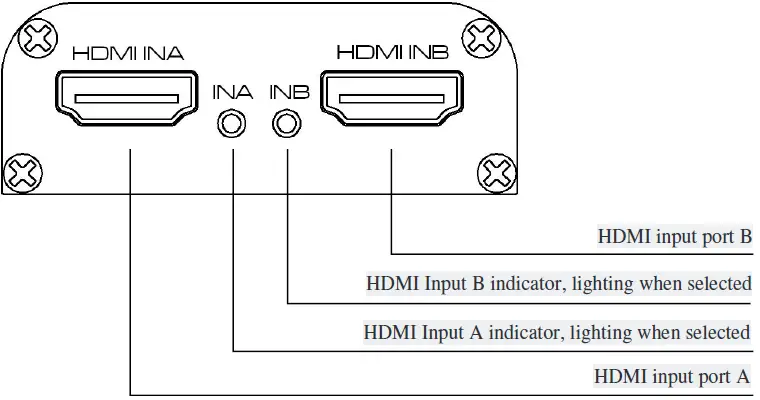
Input Panel View
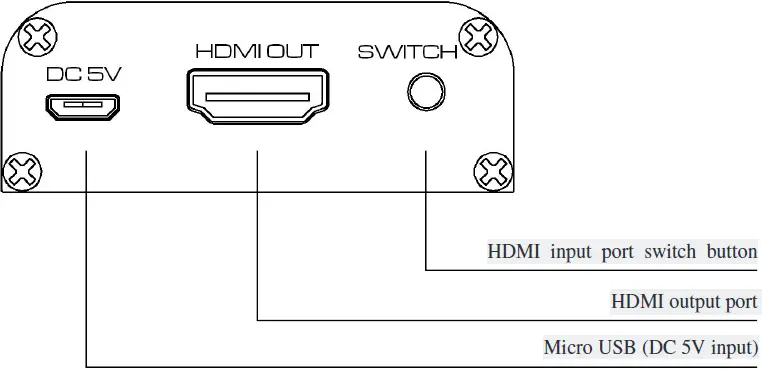
Output Panel View
Specifications
- Model No.: HDSW0034M1
- Model name: 2 Port 8K HDR HDMI Switch
- Input ports: HDMIX2
- Output ports: HDMIX1
- Transmission bandwidth: 1.2GHz Max.
- Transmission rate: 48Gbps Max.
- Input cable length: 4320P3m,2160P5m,1080P10m(AWG 26 Standard cable)
- Output cable length: 4320P3m,2160P5m,1080P10m(AWG 26 Standard cable)
- Power adapter specification: Micro USB(DC 5V/500mA)
- Max working current: 400mA
- Working temperature range: -5 ~ +40
- Working humidity range: 5 to 85%RHNo Condensation
- Storage temperature: -15 to 55
- Storage humidity: 5 ~95%RH(No Condensation)
- Size: 56*53*20.8(mm)
- Weight: 54g
- Accessories: Manual, USB Type A-Micro USB cable
| Model No. | HDSW0034M1 |
| Model name | 2 Port 8K HDR HDMI Switch |
| Input ports | HDMIX2 |
| Output ports | HDMIX1 |
| Video format | 480P/720P/1080P/2160P@120/60/50/30/25/24 4320@60/50/30/25/24 Supports HLG/HDR/HDR10/HDR10+ and Dolby Vision |
| Deep color | 8/10/12/16Bit@2160P ,8/10bit@4320P |
| Audio format | Dolby HD/DTS HD/Dolby Atoms/Dolby AC3/DTS/LPCM etc. |
| Transmission bandwidth | 1.2GHz Max. |
| Transmission rate | 48Gbps Max. |
| Input cable length | 4320P≤3m,2160P≤5m,1080P ≤10m(AWG 26 Standard cable) |
| Output cable length | 4320P≤3m,2160P≤5m,1080P ≤10m(AWG 26 Standard cable) |
| Power adapter specification | Micro USB(DC 5V/500mA) |
| Max working current | 400mA |
| Working temperature range | 5 ~ +40℃ |
| Working humidity range | 5 to 85%RH(No Condensation) |
| Storage temperature | -15 to 55℃ |
| Storage humidity | 5 ~95%RH(No Condensation) |
| Size | 56*53*20.8(mm) |
| Weight | 54g |
| Accessories | Manual, USB Type A-Micro USB cable |
Product Usage Instructions
- Connect the HDMI OUT port of the switch to the HDMI input port of your TV/Monitor using an HDMI cable.
- Connect the HDMI output port of your video source (BD player, PC, etc.) to the HDMI INA/B port of the switch using an HDMI cable.
- If your HDMI source cannot provide sufficient power, you can use the supplied USB Type A-Micro USB cable and connect it to your existing device (TV, Adapter, etc.) to power the unit.
- Press the SWITCH button to switch between HDMI INA and INB input ports.
- If only one source device is connected or your HDMI source cannot provide sufficient power, you will need to connect the supplied USB Type A-Micro USB cable to feed additional power for the switch to work.
- If the signal resolution is 8K@60 or 4K@120, please use HDMI2.1 standard cables, and the cable should be as short as possible.
Note: Make sure to read the user manual carefully before using the device.
Connection and operation
Connection Diagram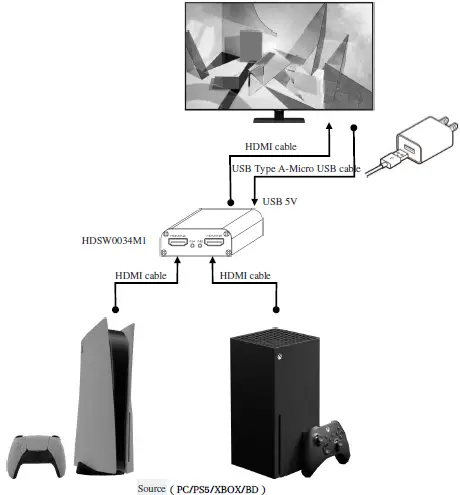
Installation
- Connect HDMI OUT port of switch to HDMI input port of TV/Monitor by HDMI cable.
- Connect HDMI output port of video source (BD player, PC…) to HDMI INA/B port of switch by HDMI cable.
- In case your HDMI source could not provide sufficient power, you can use the supplied USB Type A-Micro USB cable and connect to your existing device (TV, Adapter…) to power the unit.
- Press the SWITCH button to switch between HDMI INA and INB input ports.
Matters needing attention:
- This switch does not need external power supply to work when both HDMI inputs are connected and feeding power to the unit at the same time. If only one source device is connected or HDMI source could not provide sufficient power, you will need to connect the supplied USB Type A-Micro USB cable to feed additional power for the switch to work. 3.2 If the signal resolution is 8K@60 or 4K@120, please use HDMI2.1 standard cables, and the cable should be as short as possible.