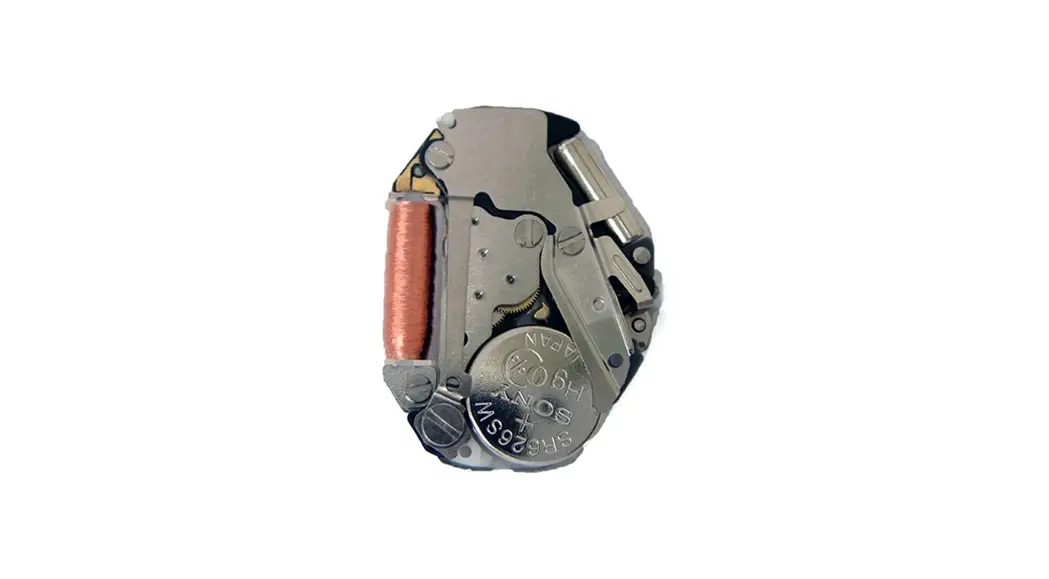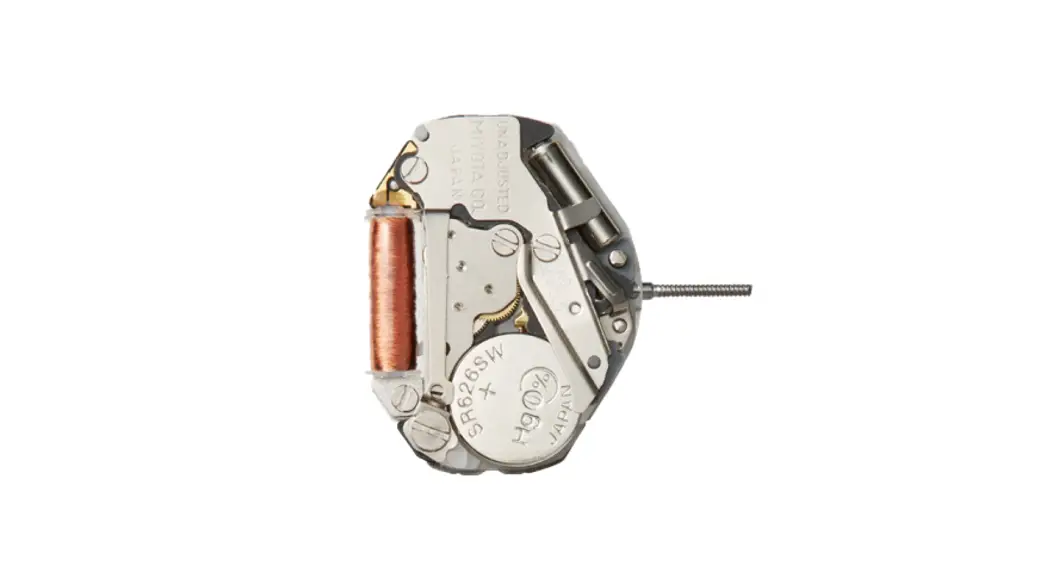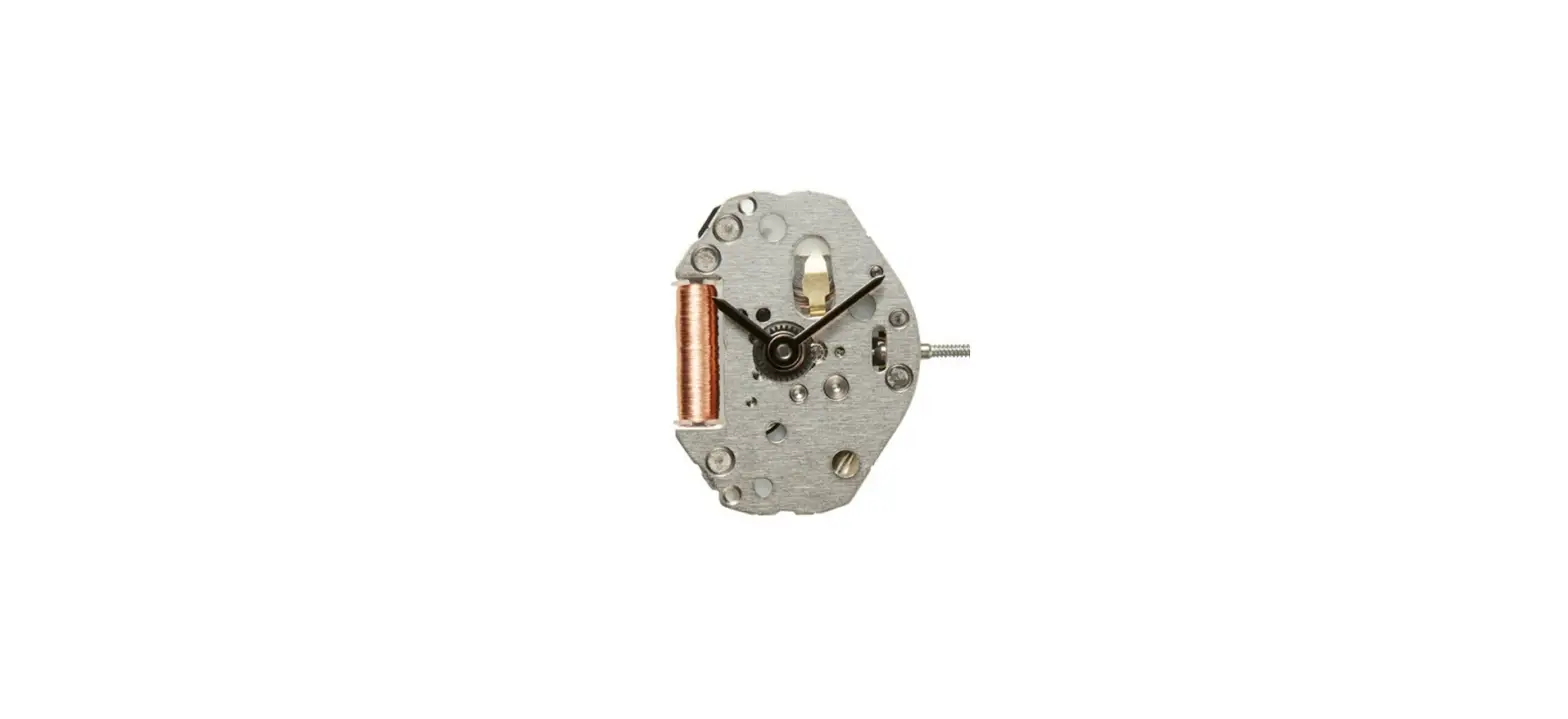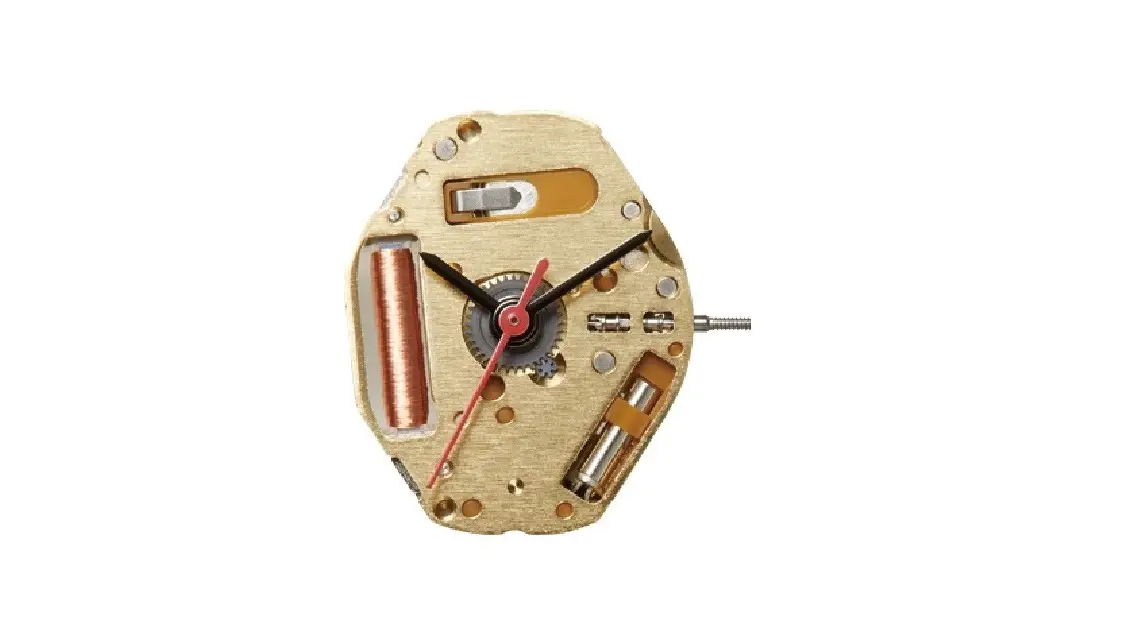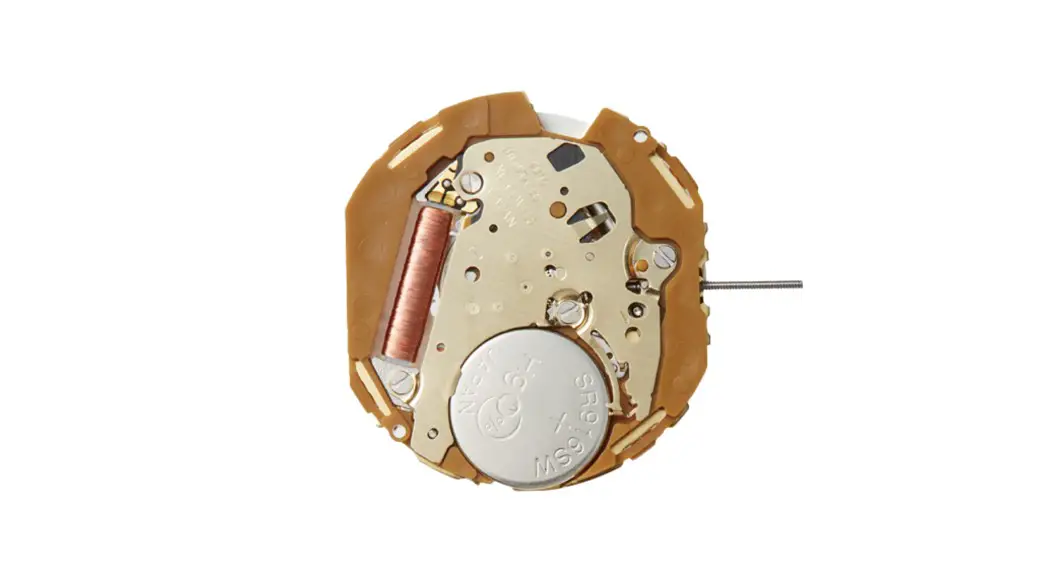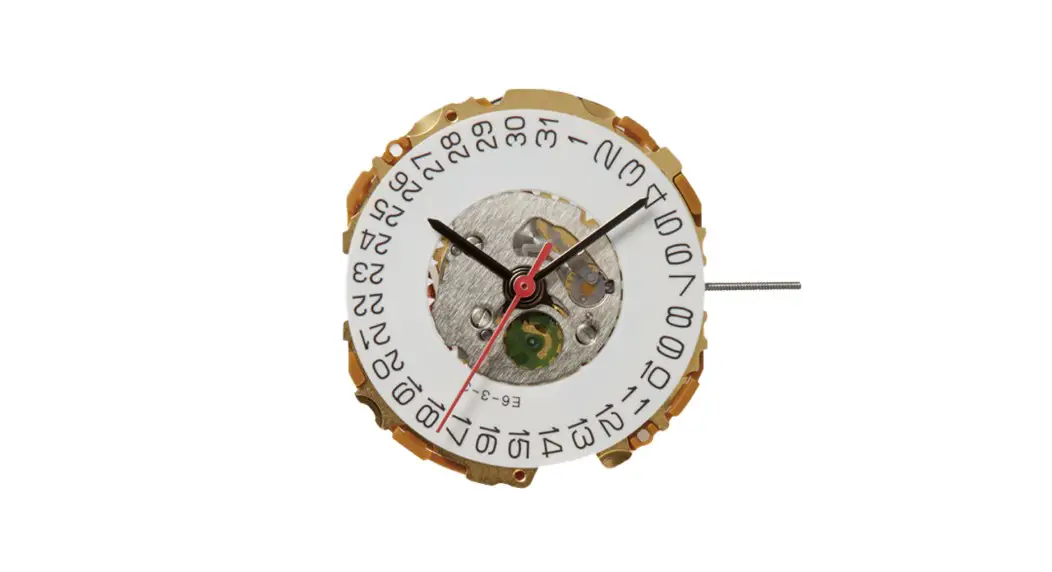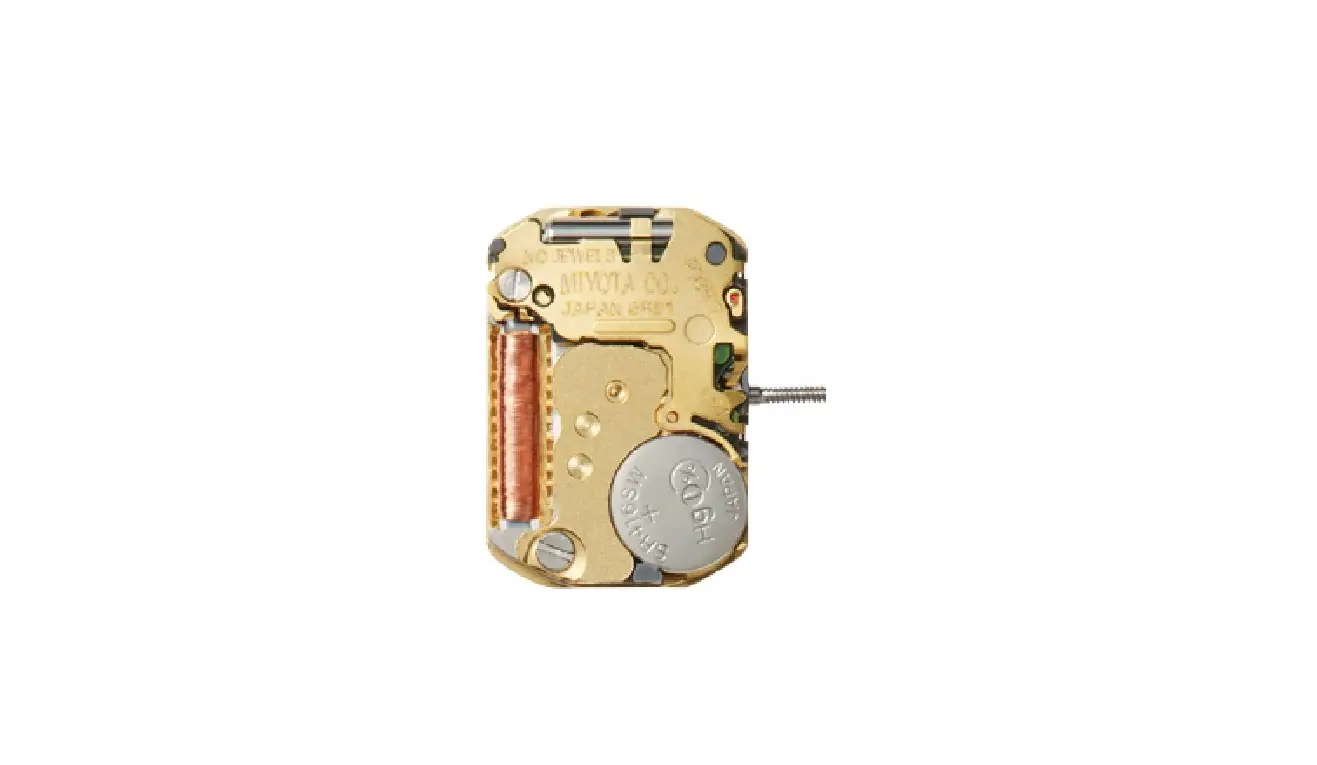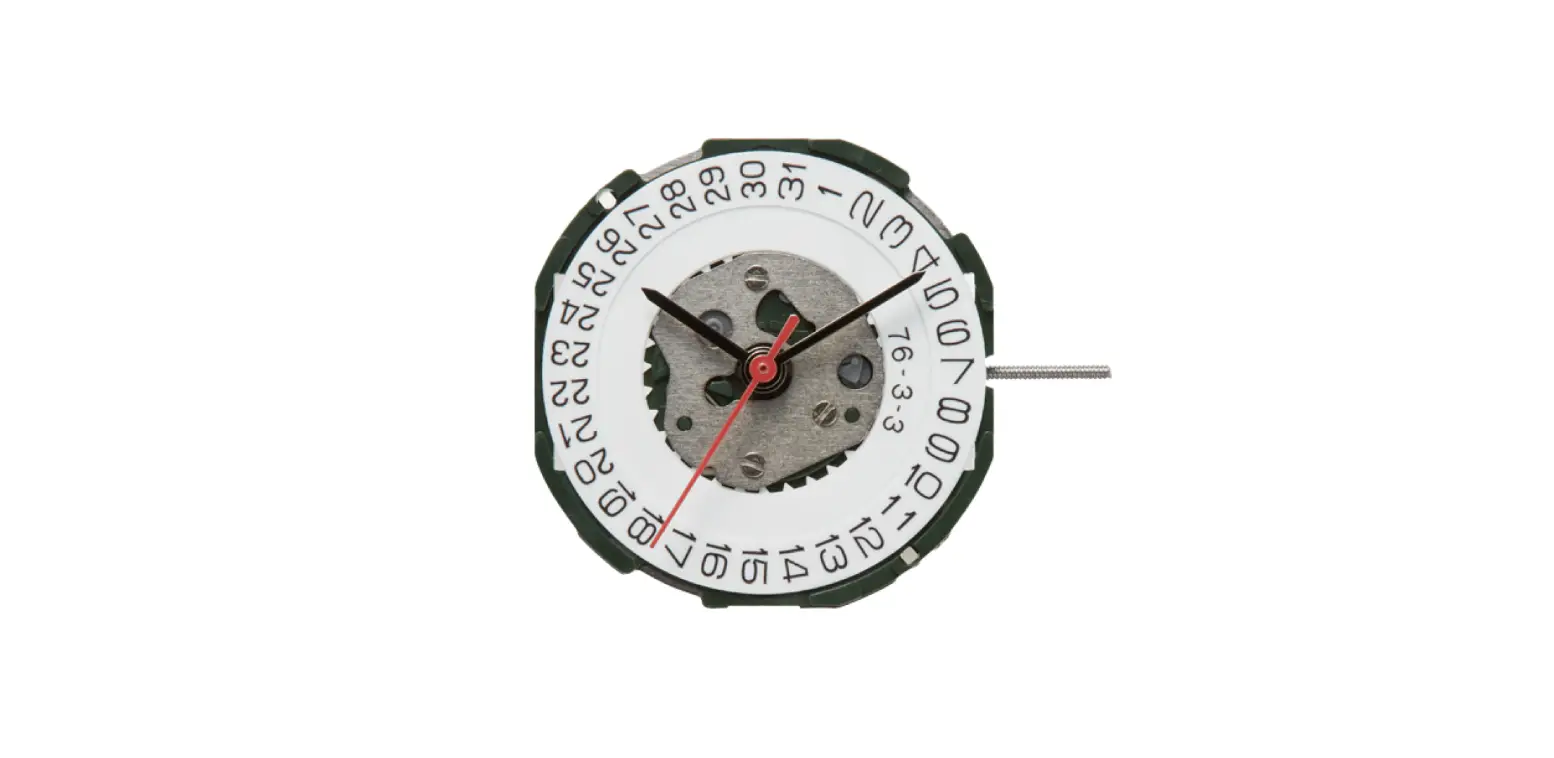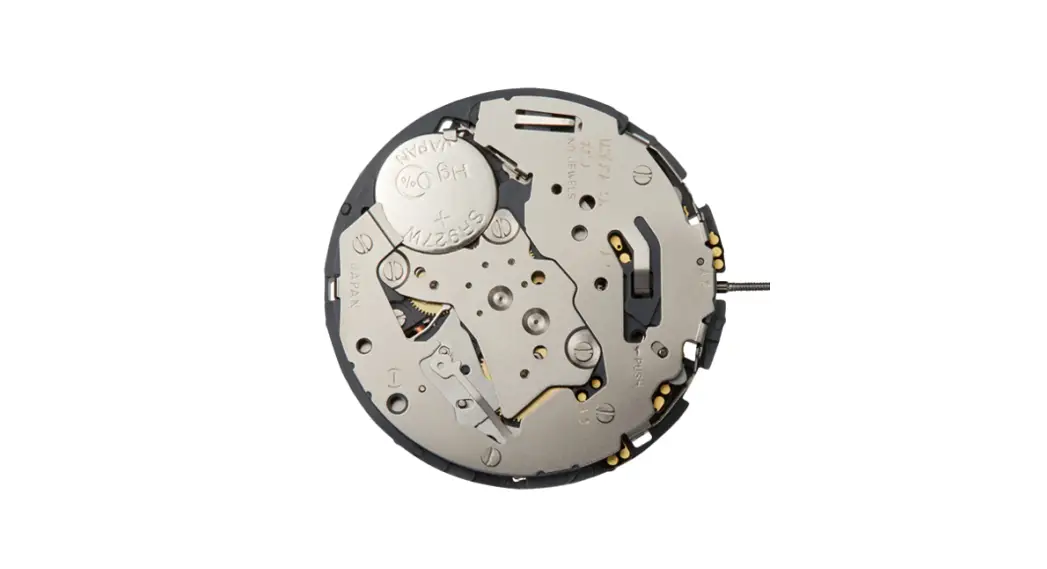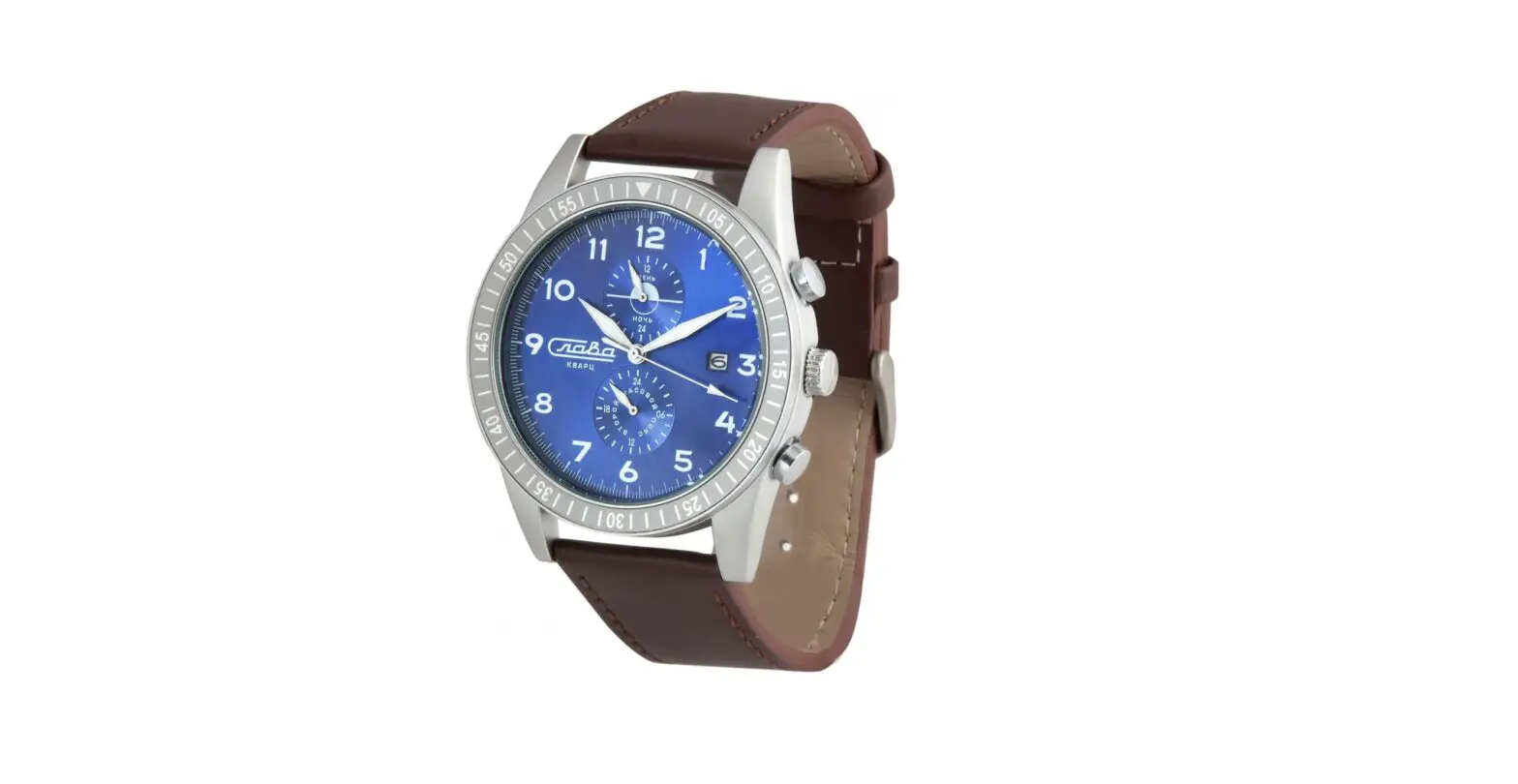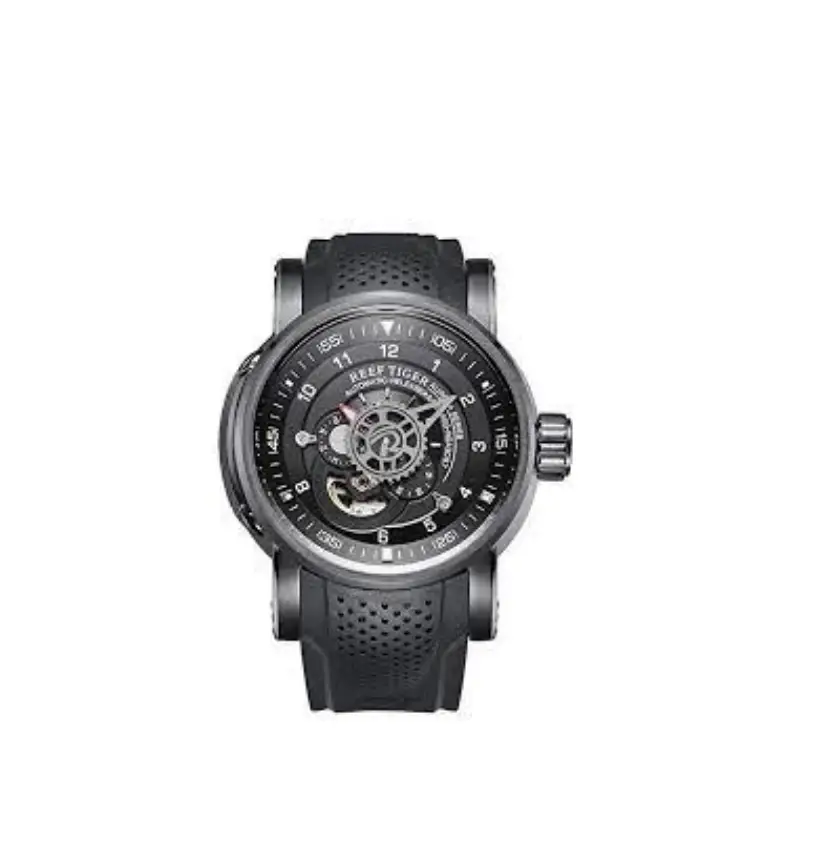
MIYOTA Cal. GL17 Movements Watch Instruction Manual
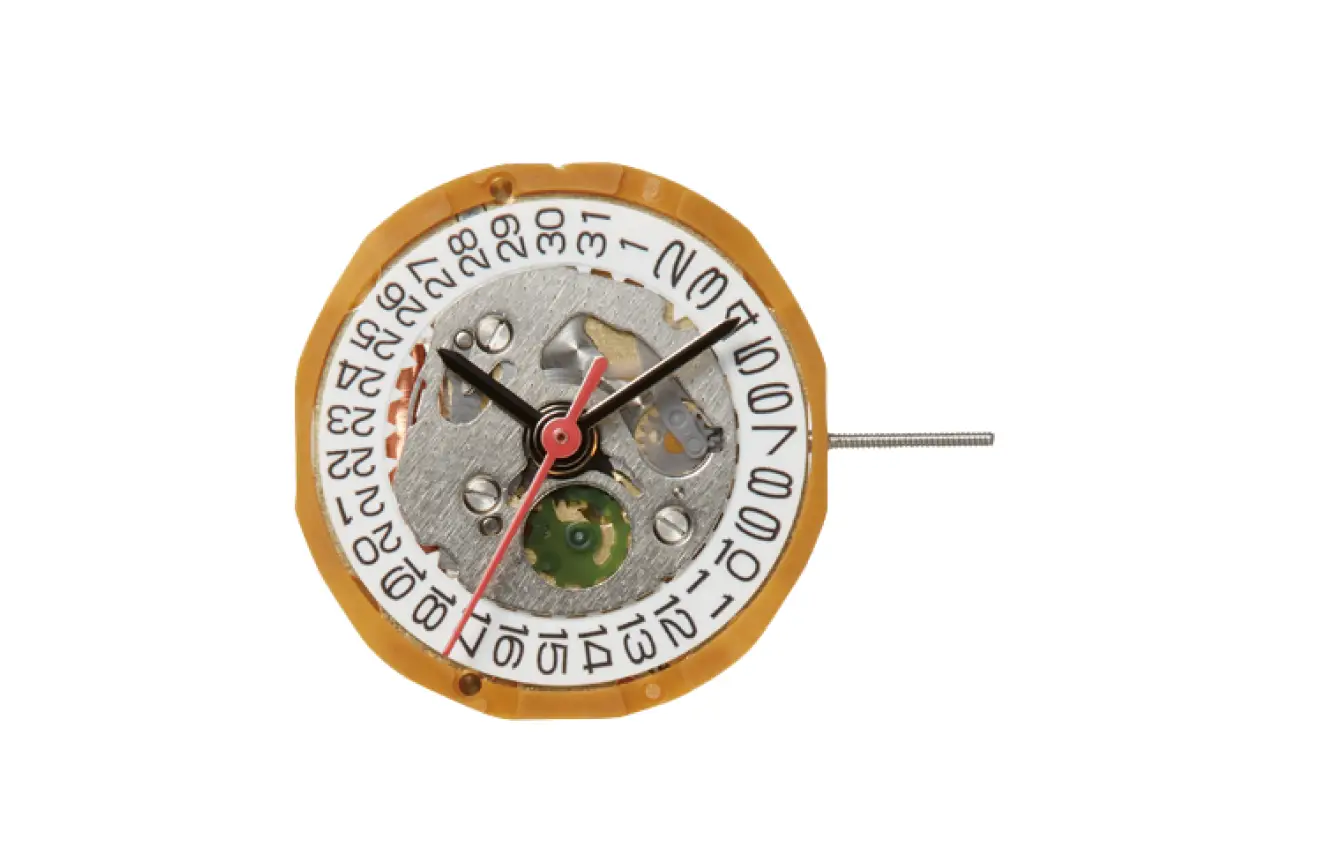
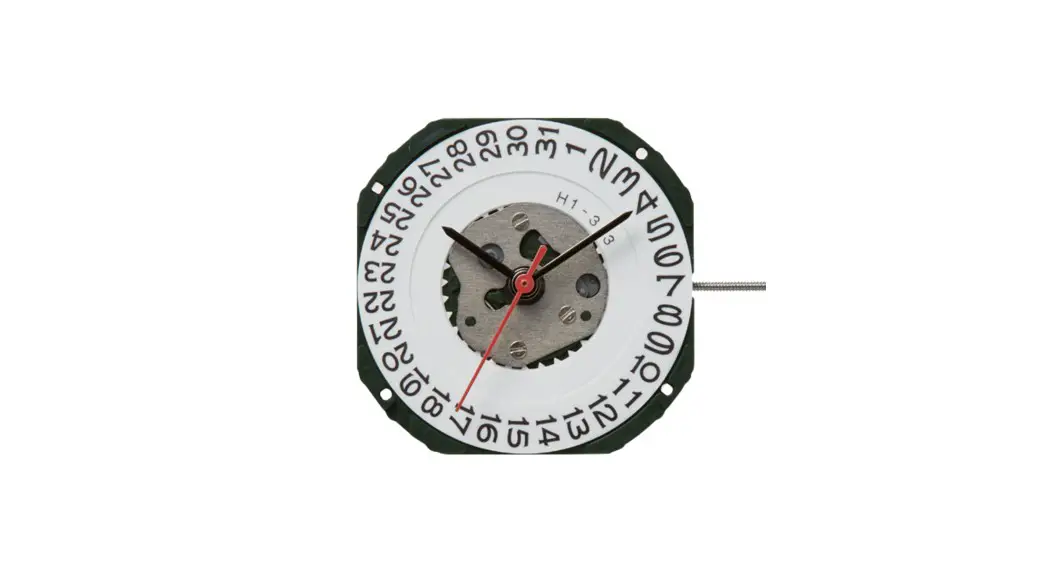
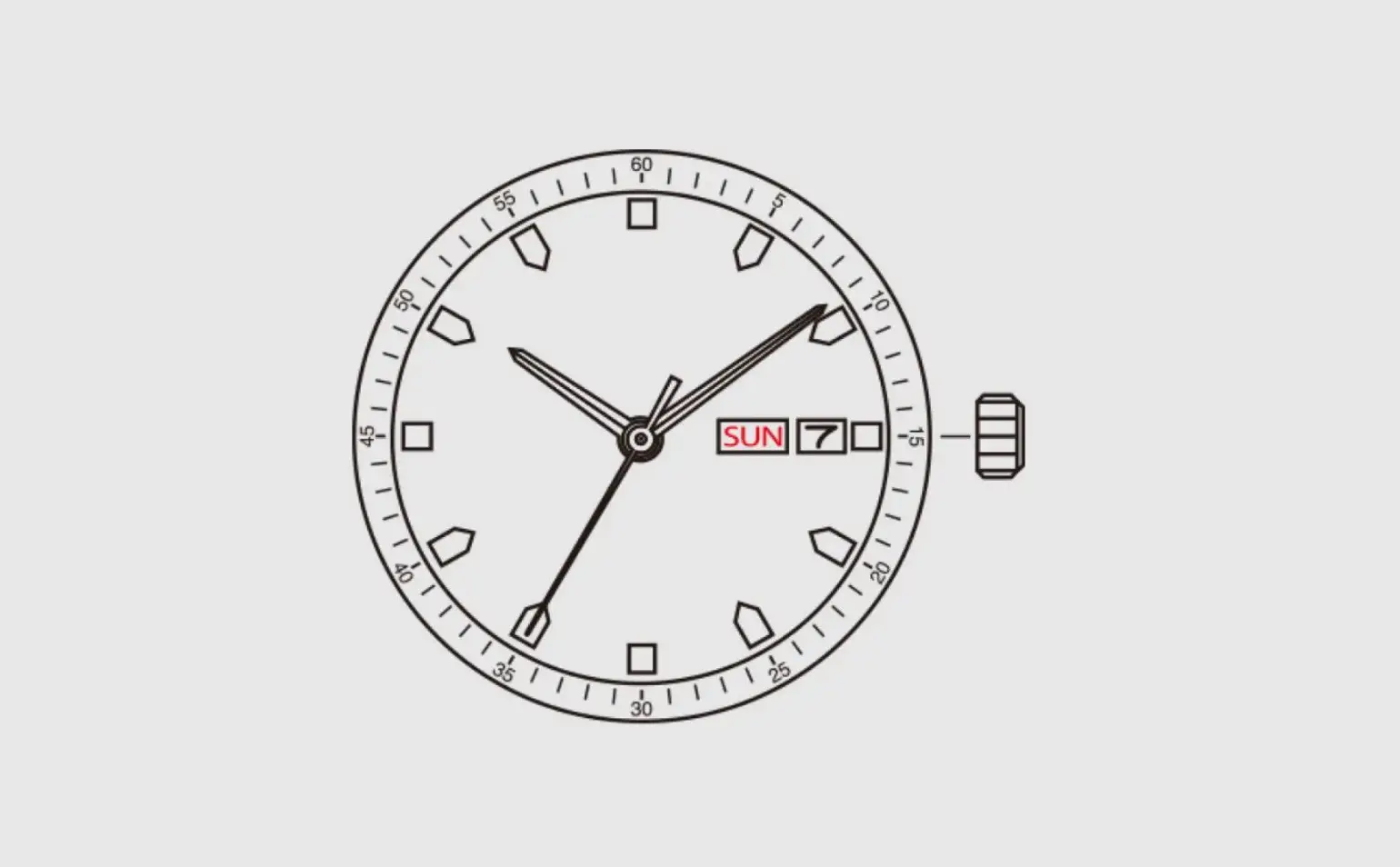
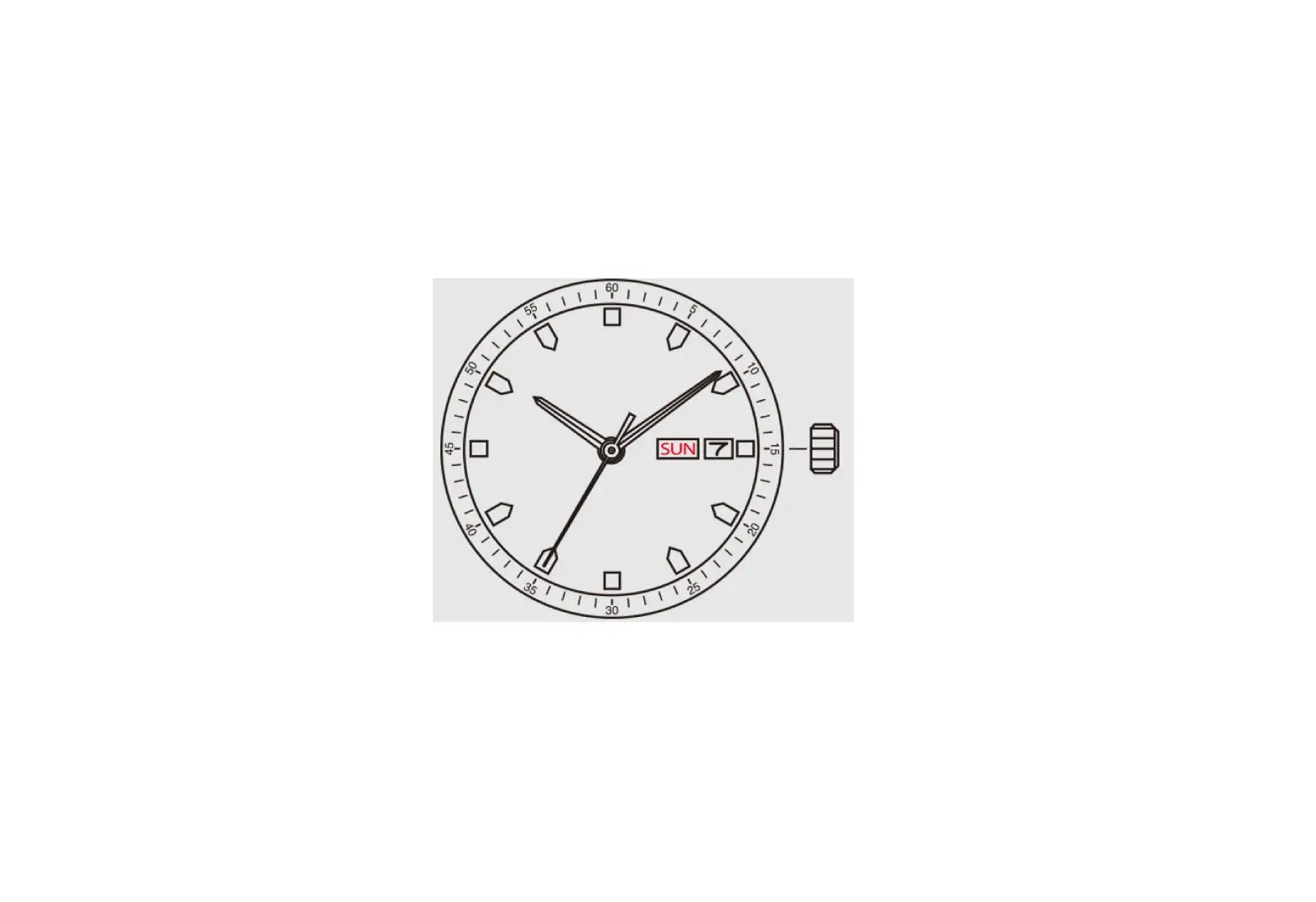
DISPLAY
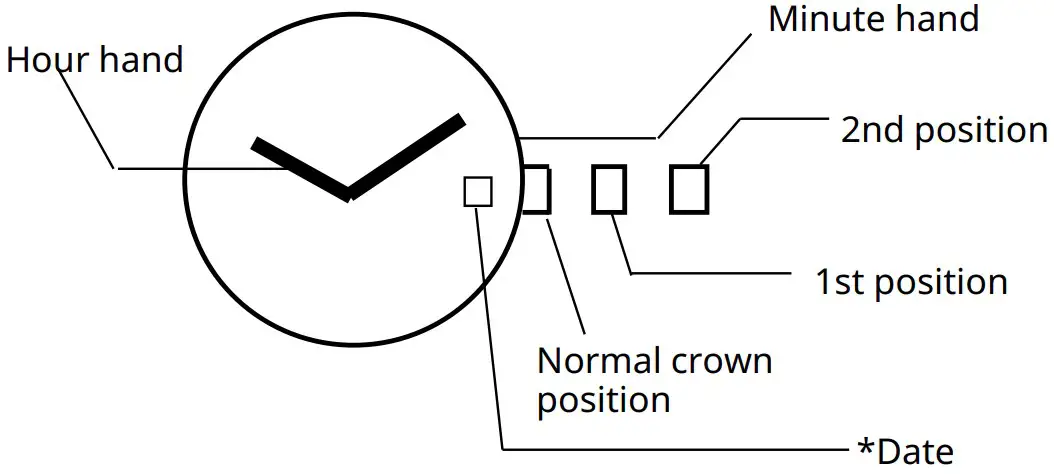
*Date position may be located at different position depends on models.
SETTING THE TIME
- Pull the crown out to the 2nd position.
- Turn the crown to set hour and minute hands.
- Push the crown back to the normal position.
SETTING THE DATE
- Pull the crown out to the 1st position.
- Turn the crown counter-clockwise to set the date.
- If the date is set between the hours of around 9:00 PM and 1:00 AM, the date may not change the following day.
- After the date has been set, push the crown back to the normal position.
These specifications might be changed without prior notice.