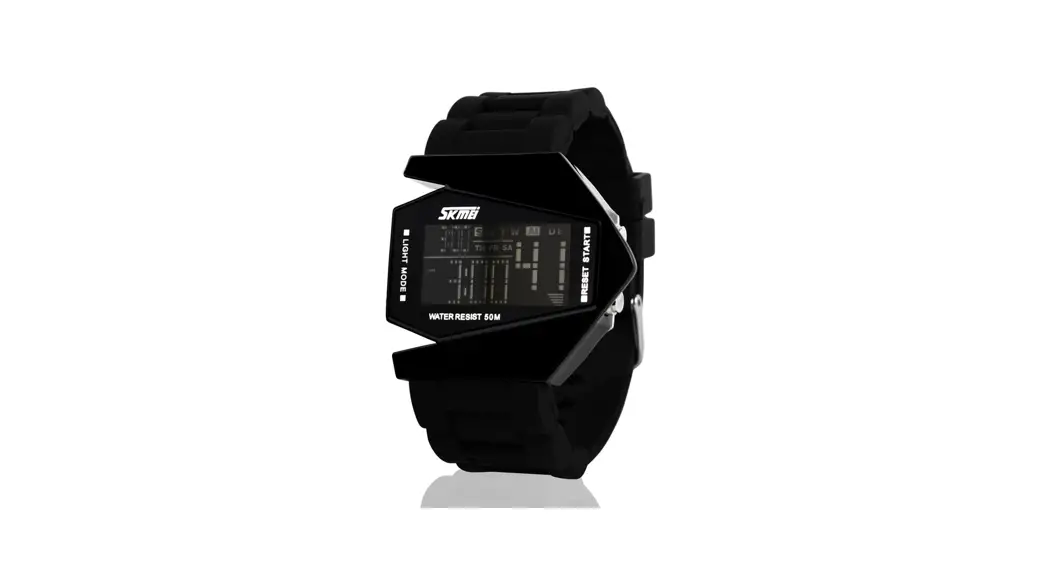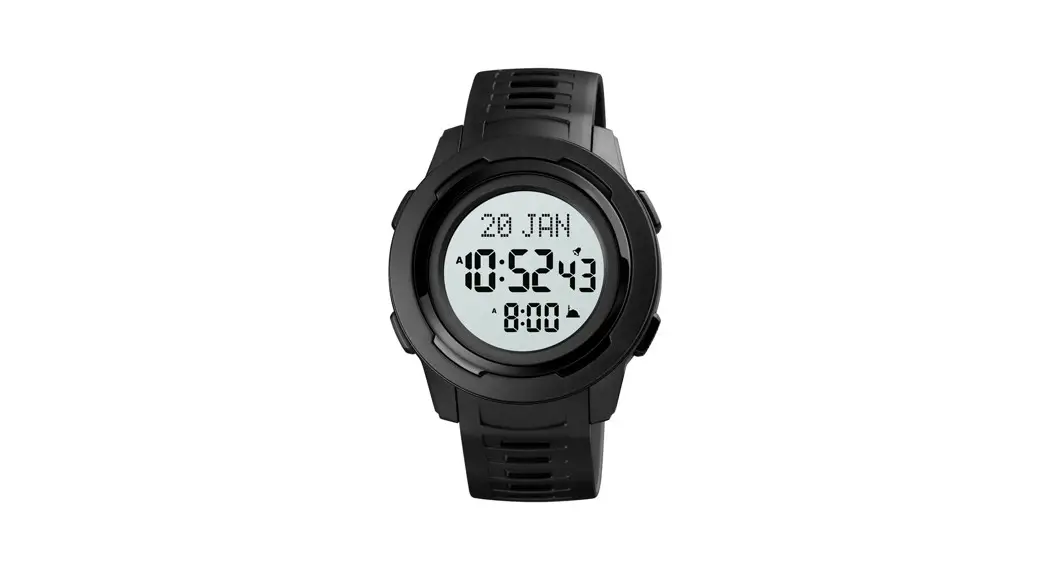

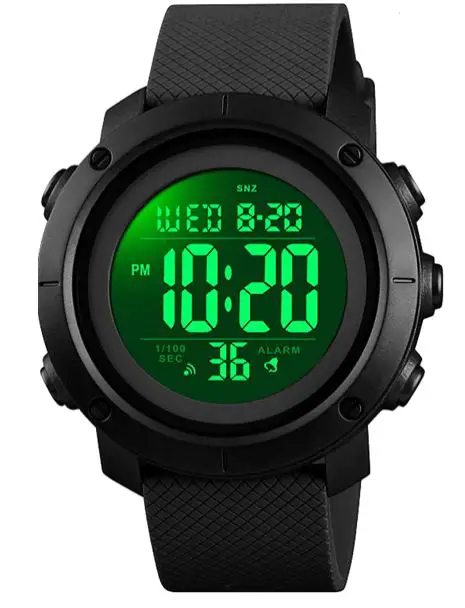
BENTIME YP17749-04 Mens Digital Watch
BUTTONS
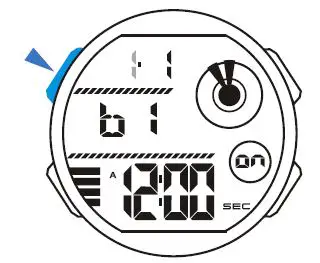
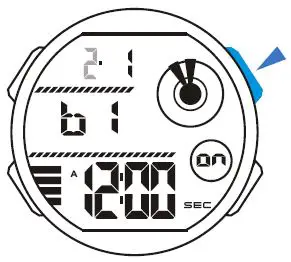
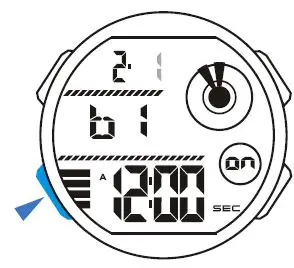
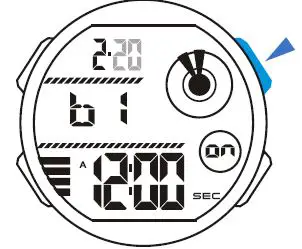
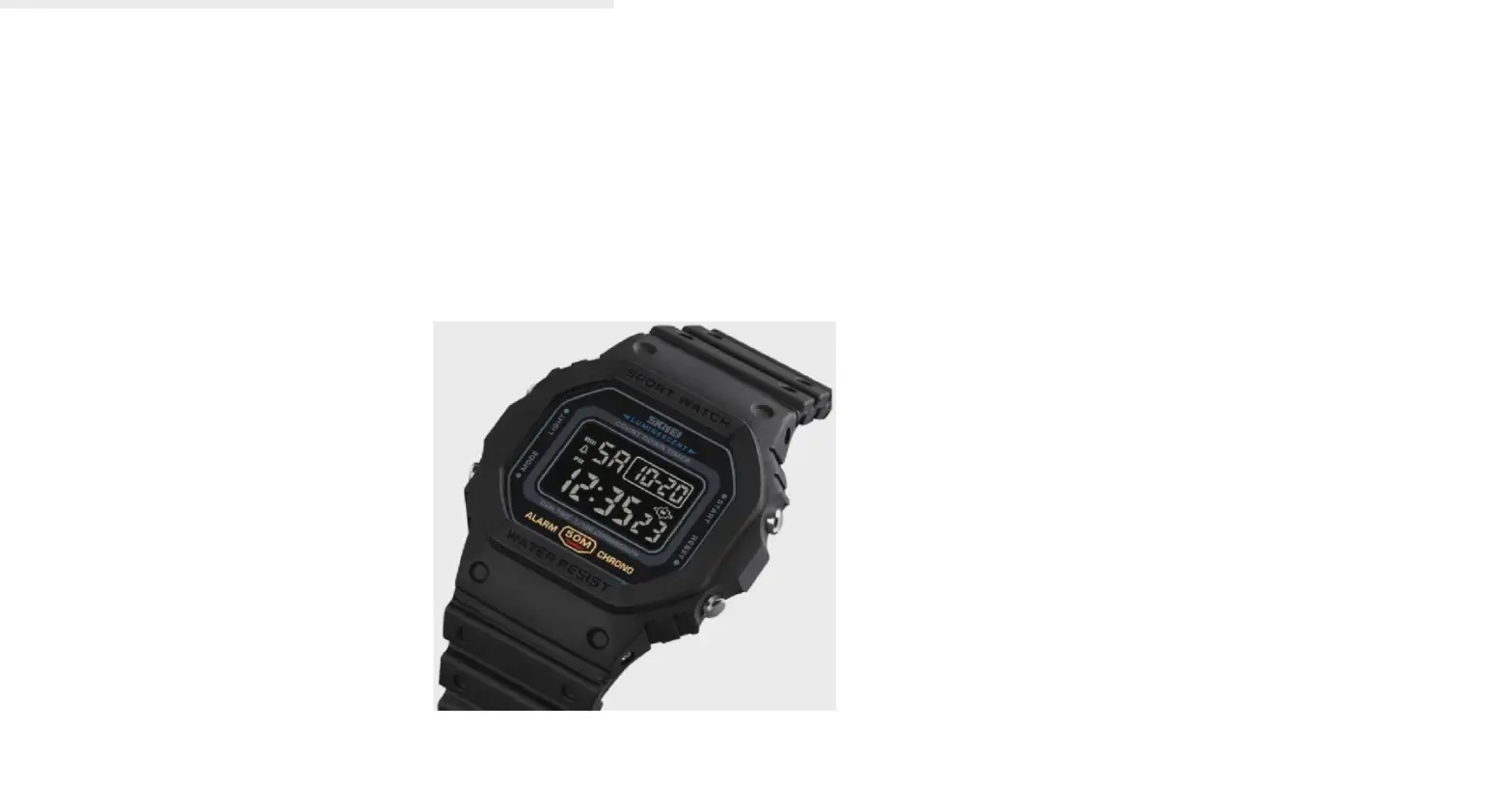
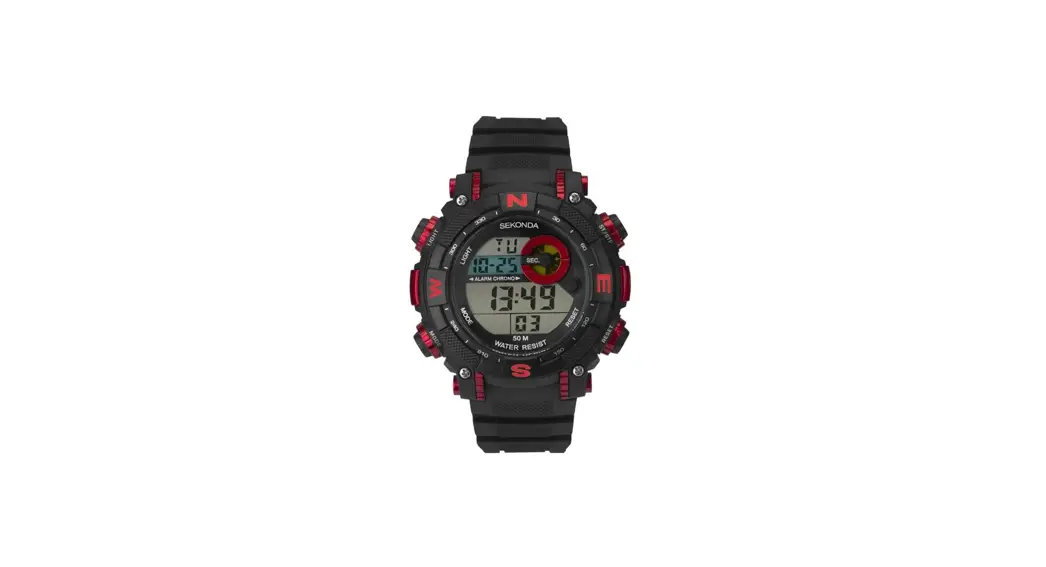
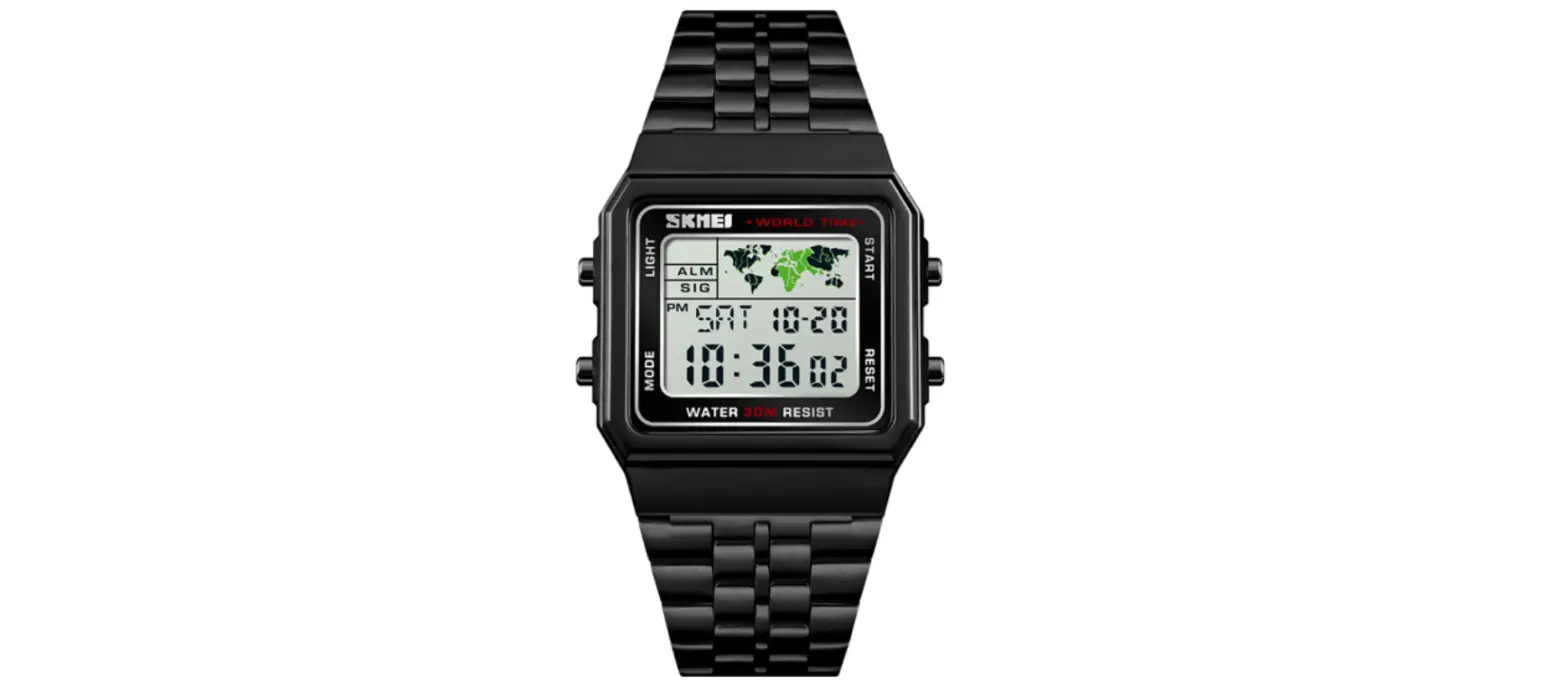
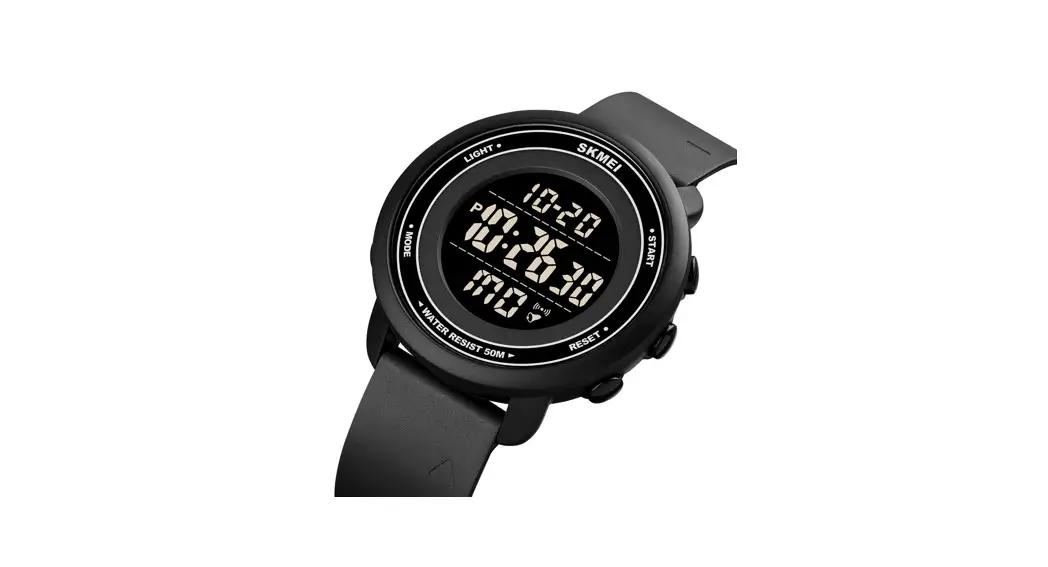
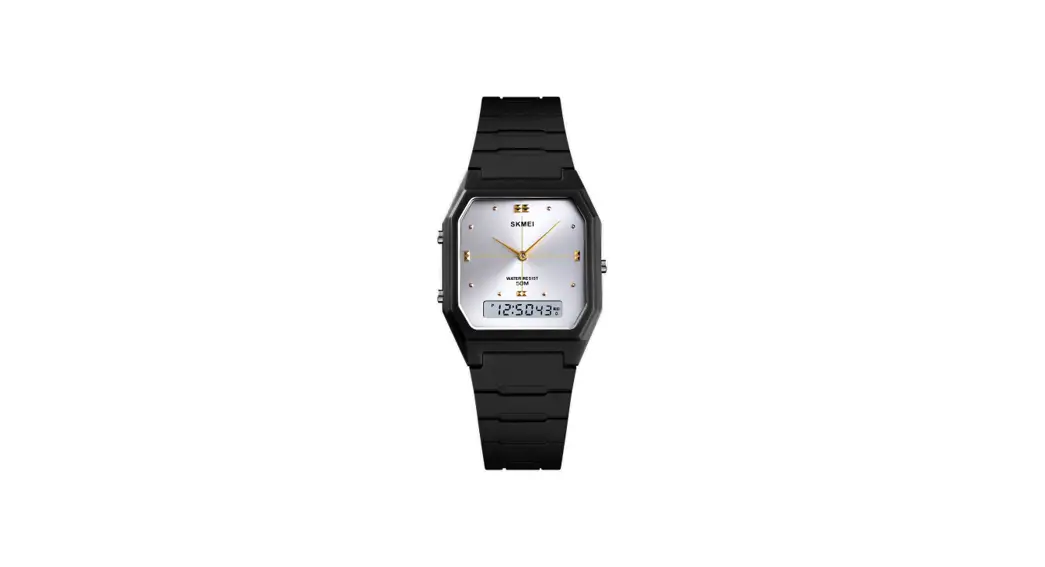
Button operation are indicated using the letters shown in the illustration.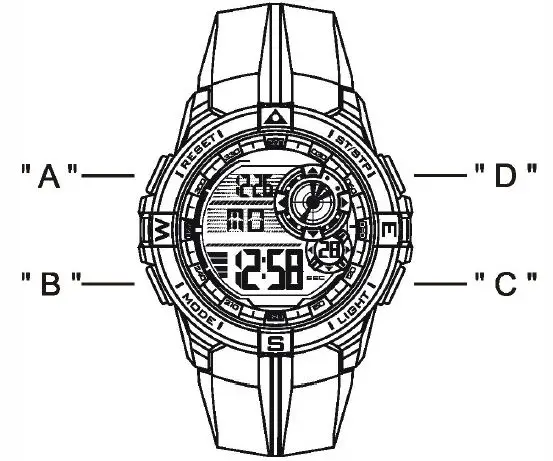
A-– Reset
B — Mode
C — EL backlight
D — Start / Stop
DISPLAY
• The screen shown in below: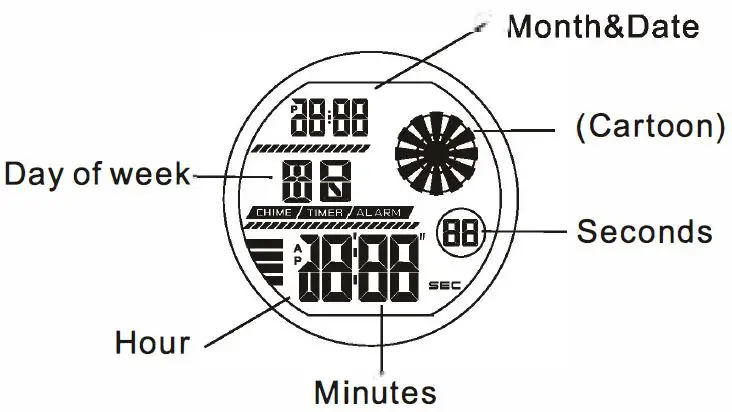
ATTENTION
- Never try to open the case or remove its back cover.
- Do not operate buttons underwater.
- Should moisture appear inside the watch, have it checked immediately by your dealer. Otherwise it can cause erosion of the metal parts of the watch.
- Though the watch is designed to withstand normal use, you should avoid rough use or dropping the watch.
- Avoid exposing the watch to temperature extremes.
- Wipe the watch with dry, soft cloth only. Avoid allowing it to come into direct contact with chemical materials, which can cause deterioration of the plastic parts of the watch.
- Avoid to wear the watch in electromagnetic, static conditions.
MODE SELECTION
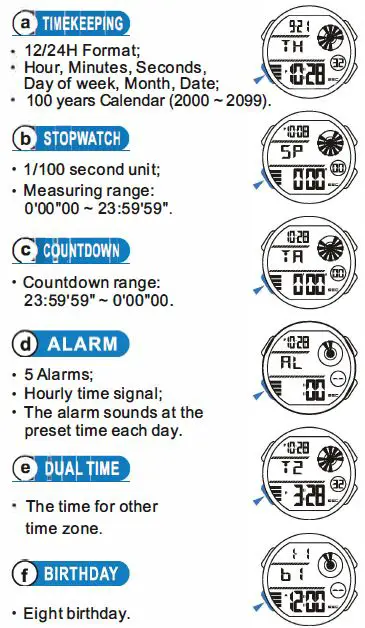
- Press “B” to change mode to mode in the following sequence:
- Timekeeping Mode – Stopwatch Mode
- Countdown Mode – Alarm Mode
- Dual Time Mode Birthday Mode.
TimeKeeping
12/24H Format
- In the timekeeping mode, press “D” to switch between 12/24H formats.

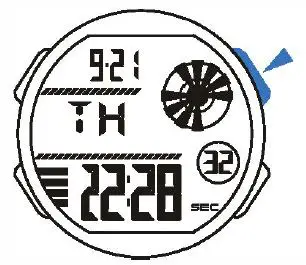
Time Setting
- In the timekeeping mode, press and hold “A” the seconds to flash(flashing indicated in set mode);

- Press “D” to reset the seconds;

- Press “B” change to the next selection;

- Press “D” to increase the number, press and hold to change at high speed;

- Repeat step 3 and 4, the selection in the following sequence: Seconds -Hour-Minutes -Year -MonthDate;
- Press “A” to exit the set state, after you set (The day of week is auto displayed in accordance with year, month and date setting).
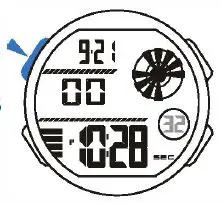
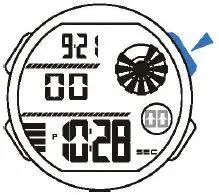
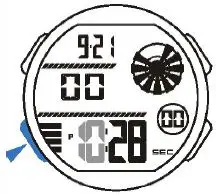
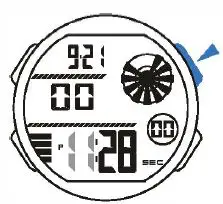
StopWatch
A Lap Time
- In the stopwatch mode, press “D” to start the stopwatch;

- To stop the stopwatch by pressing “D” again;
- Press “A” to reset the stopwatch.

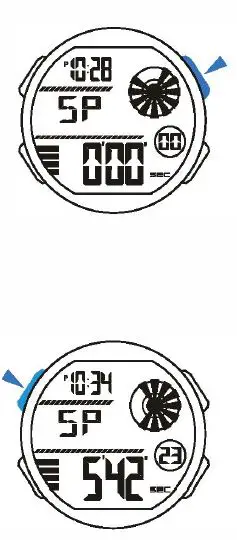
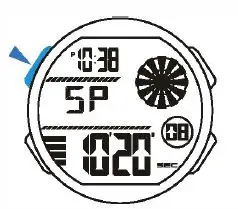
Split Time
- In the stopwatch mode, press “D” to start the stopwatch;

- Press “A” to display the split time, stopwatch timing continues internally;
- Press “A” to clear the split time and to continue time measurement;
- Repeat step 2 and 3, you can measure the multisplit time;
- Press “D” to stop the stopwatch.
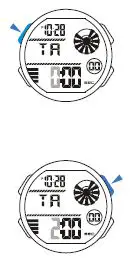
Countdown
When the countdown reaches zero, the alarm sounds for about 60 seconds and press any button to break it.
Countdown Timer Setting
- In the countdown mode, press “A” the hour to flash{flashing indicated in set mode);
- Press “D” to increase the hour, press and hold to increase at high speed;
- Press “B” change to the next selection;

- Press “D” to increase the number, press and hold to change at high speed;
- Repeat step 3 and 4, the selection in the following sequence: Hour – Minutes – Seconds;
- Press “A” to exit the set state, after you set.
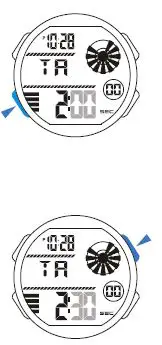
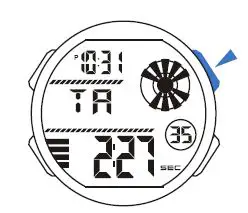
Use Countdown Timer
- Press “D” to start the countdown;

- To pause the countdown by pressing “D” again.
Alarm
The alarm sounds at the preset time each day for about 60 seconds, press any button to break it.
Alarm and Chime
- In the alarm mode, press “C” to select chime, Alarm1 -Alarms.

- In the chime state , press “D” to on/off the chime .
- In the Alarm1 -Alarm5 state, press “D” to on/off the alarm.

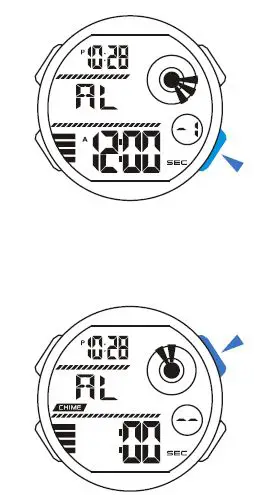
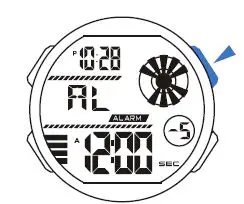
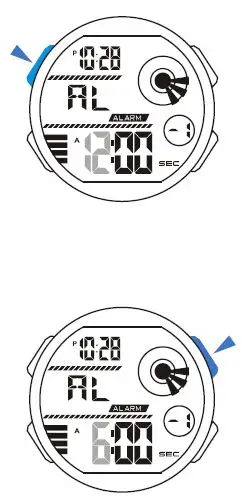
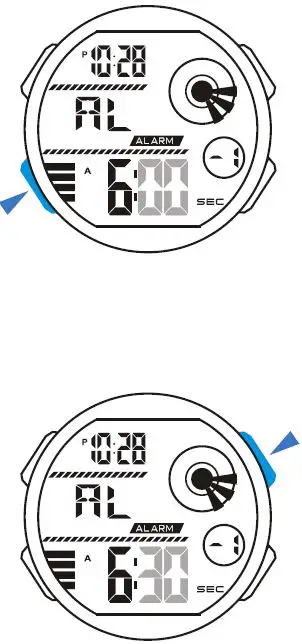
Alarm1 Setting
- In the alarm mode, press ” A” the hour to flash{flashing indicated in set mode);

- Press “D” to increase the hour, press and hold to increase at high speed;
- Press “B” to select the minutes;

- Press “D” to increase the minutes, press and hold to increase at high speed;
- Press “A” to exit the set state, after you set.
Setting and operation of the Alarm 1-Alarm5 are the same.
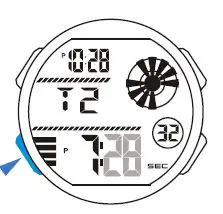
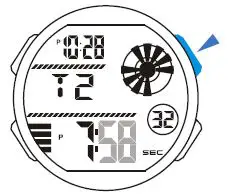
Dual Time Setting
- In the dual time mode, press “A” the hour to flash{flashing indicated in set mode);

- Press “D” to increase the hour, press and hold to increase at high speed;

- Press “B” to select the minutes;
- Press “D” to change the minutes(press once change 30 minutes);
- Press “A” to exit the set state, after you set.
BACKLIGHT: The backlight that uses an EL (electroluminescent)cause the display to glow for easy reading in the dark.
Use EL Backlight
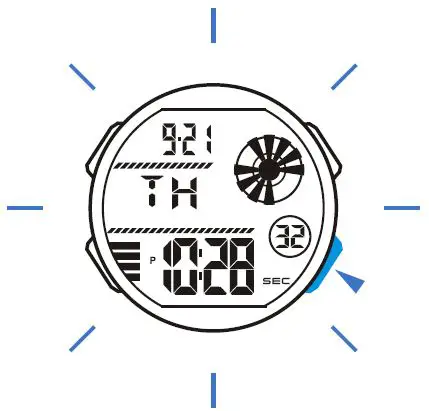
- In timekeeping mode, press “C” to illuminate the display about 3 seconds.

The alarm sound about 60 seconds at the birthday coming, press any button to break it.
Birthday
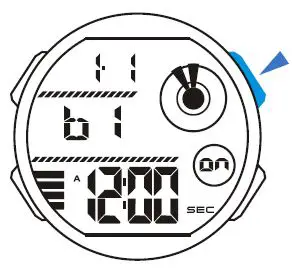
- In the birthday mode, press “D” to ON (“on”) /OFF(“- -“) the birthday.

Birthday Setting
- ln the birthday mode, press “A” the month to flash{flashing indicated in set mode);

- Press “D” to increase the month,press and hold to change at high speed;

- Press “B” change to the next selection;

- Press “D” to increase the number, press and hold to change at high speed;

- Repeat step 3 and 4, the selection in the following sequence:
Month- Date- Hour-Minutes; - Press “A” to exit the set state, after you set. Press “C” change to the next birthday, the setting same as the above.