 User Manual
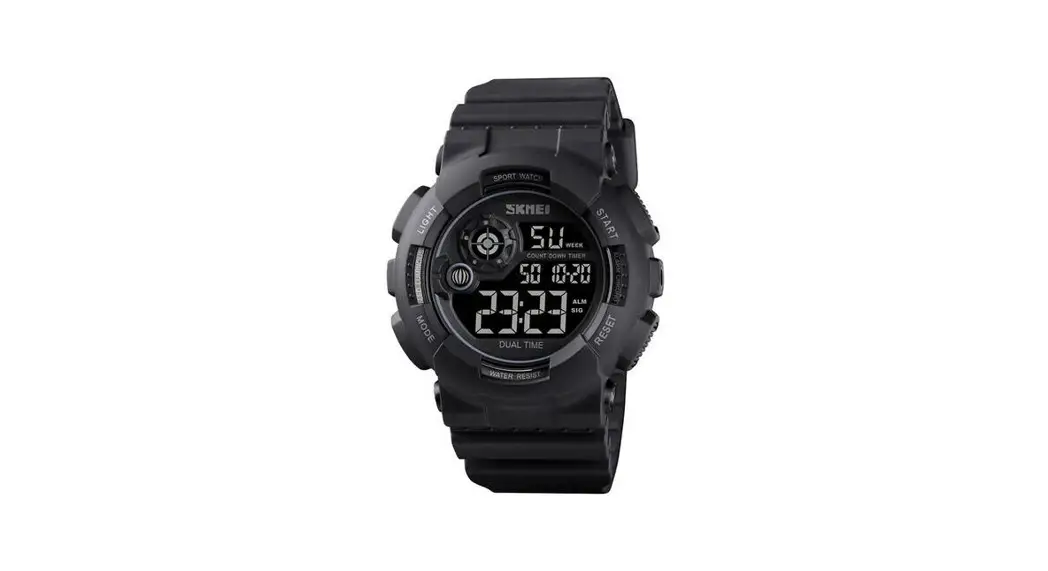
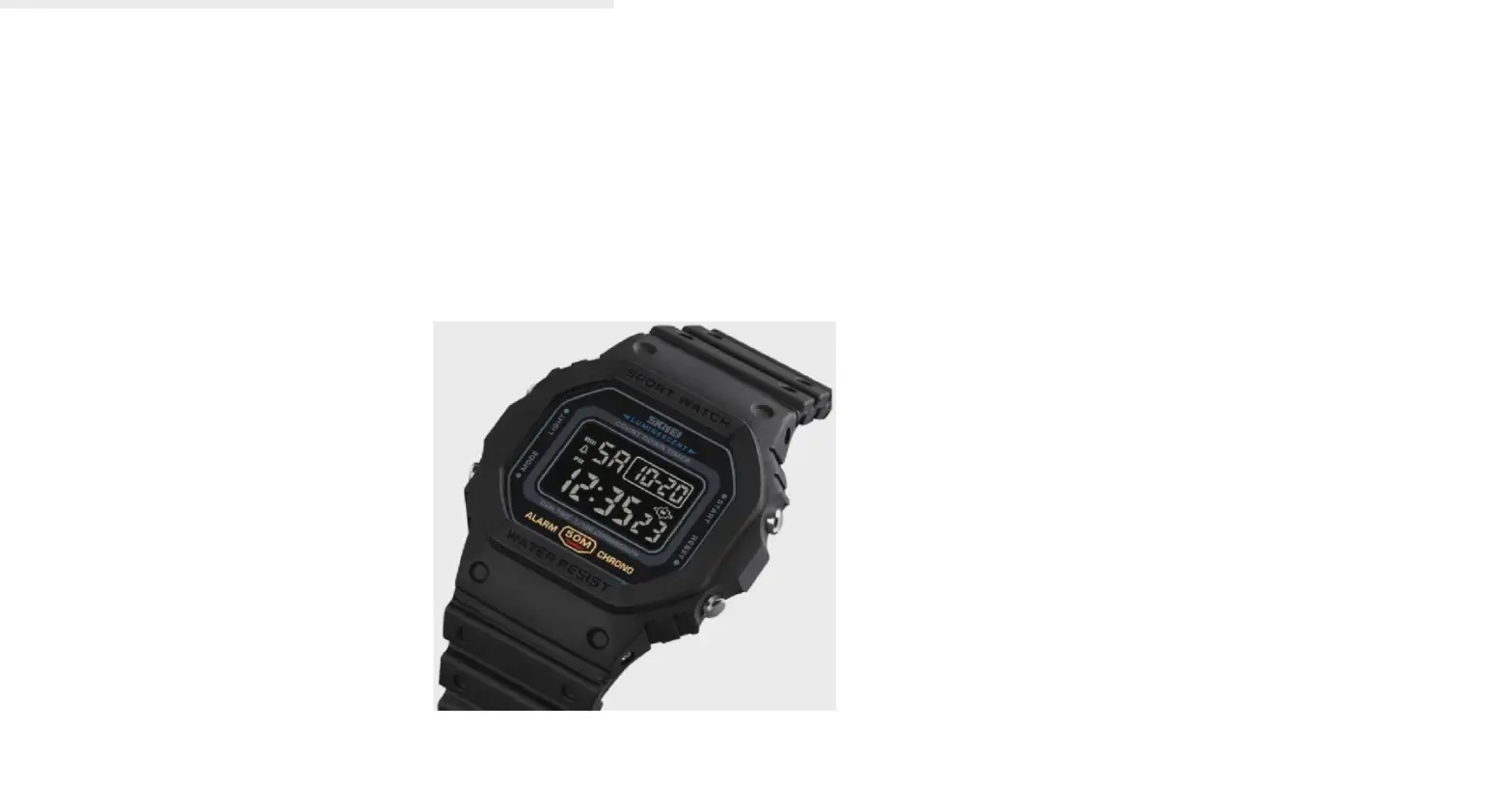
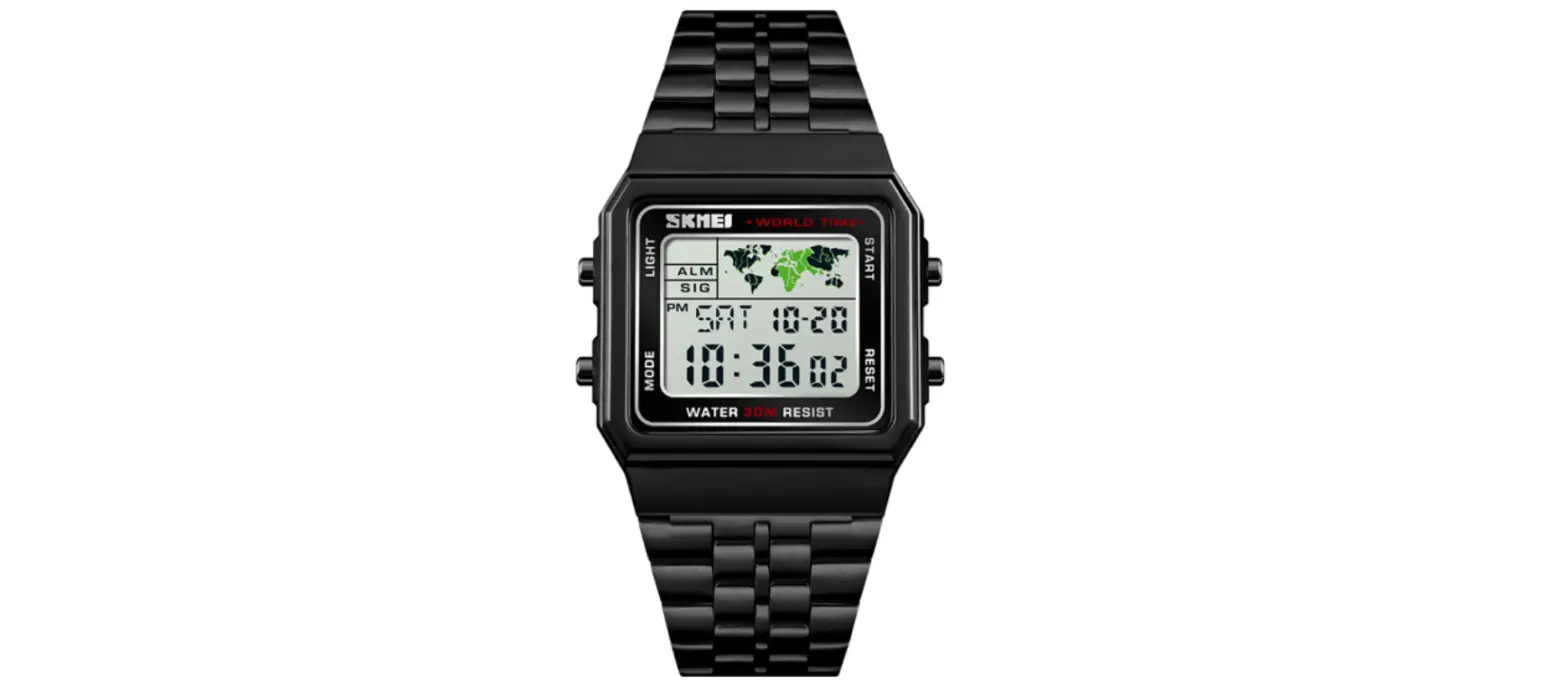
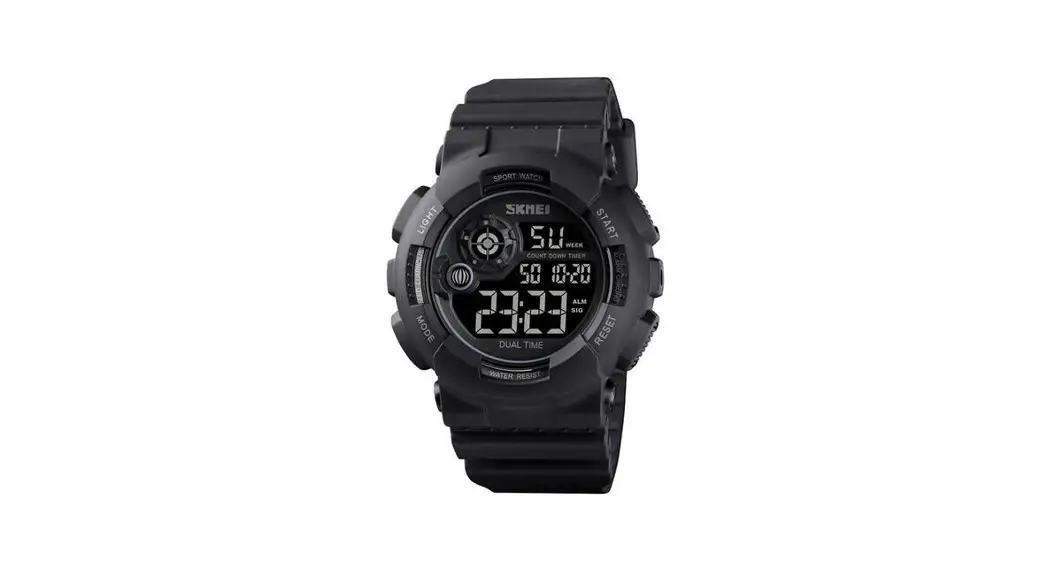
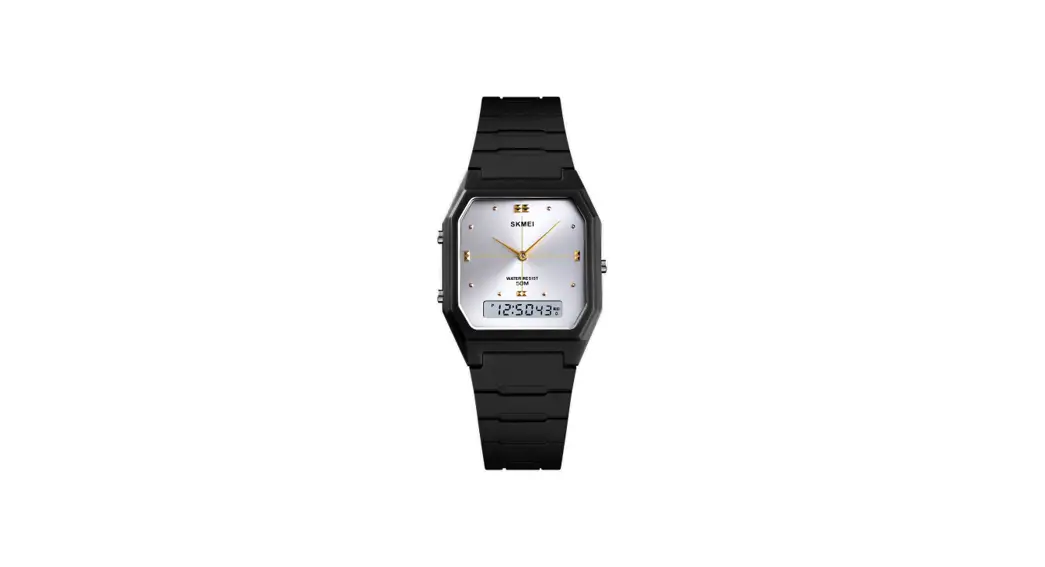
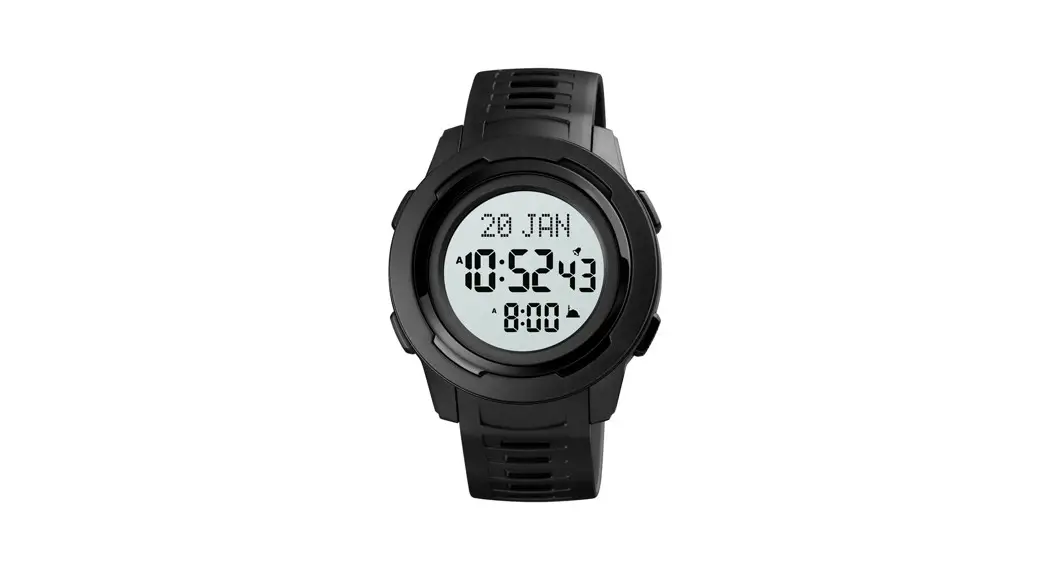
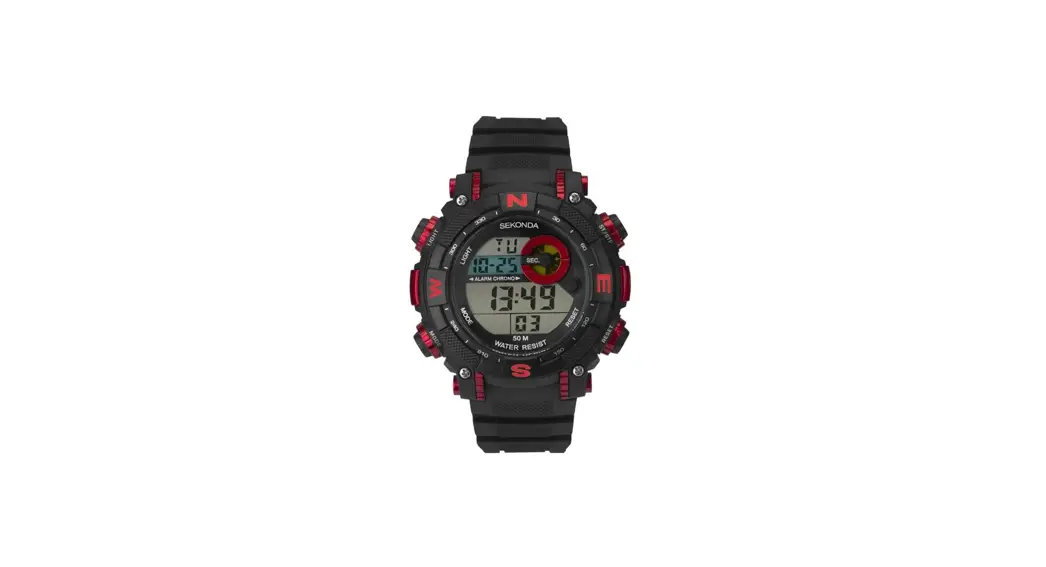
IS47C Mens Digital Watch
| 1. EL Backlight |  |
| 2. Alarm |  |
| 3. Chime |  |
| 4. Stopwatch |  |
| 5. CR2025 battery |  |
| 6. 50m water resistant |  |
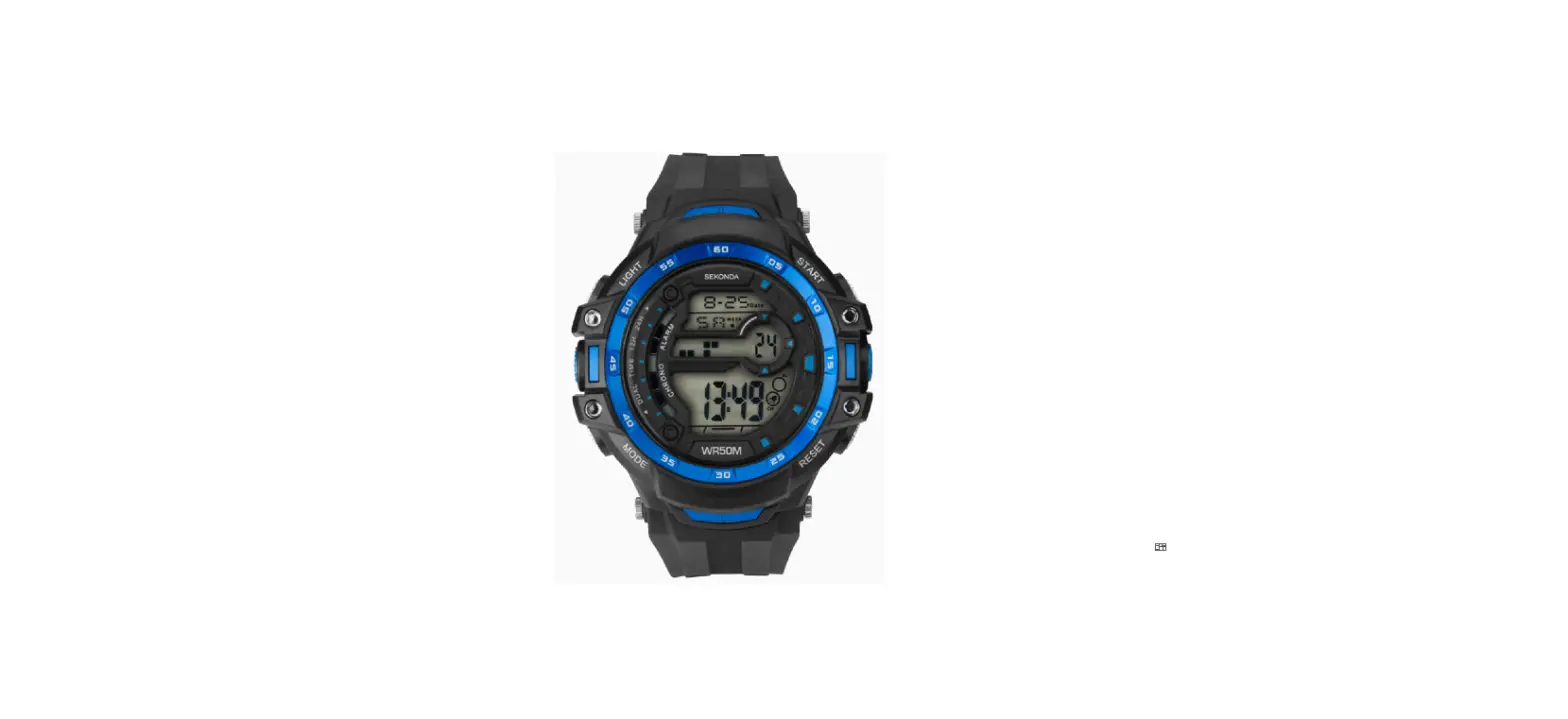
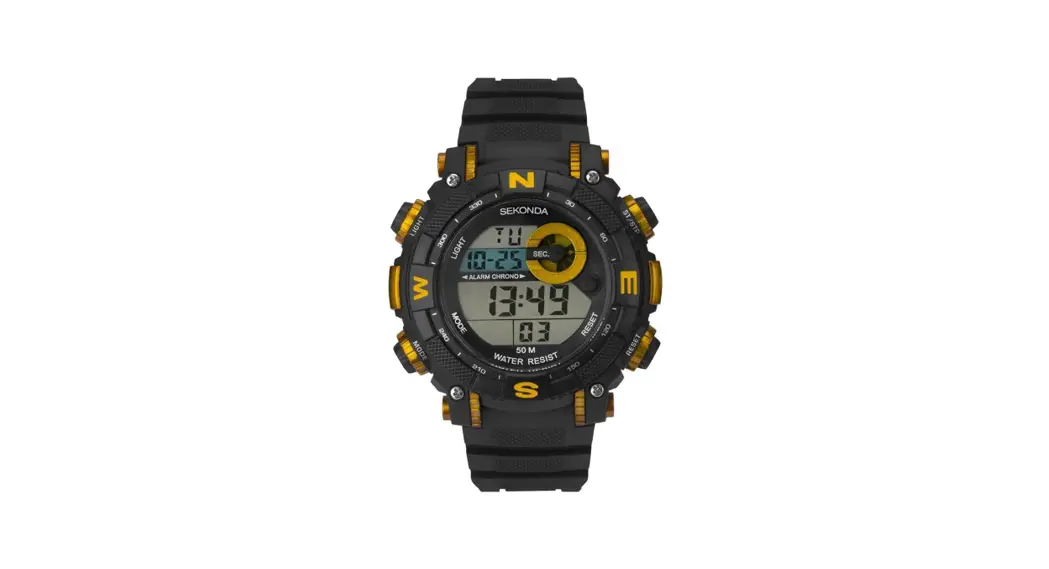
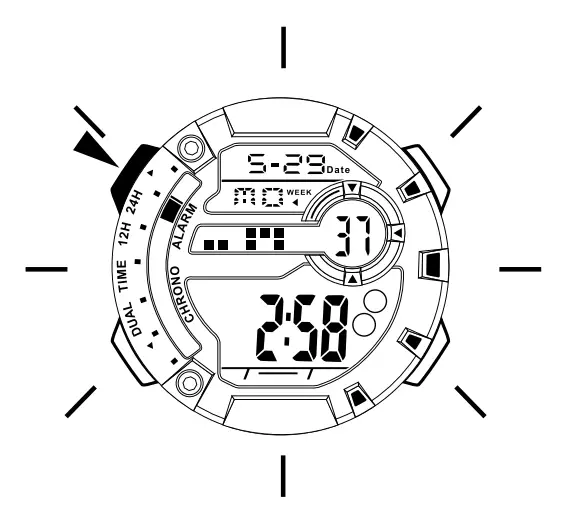
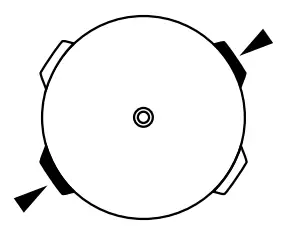
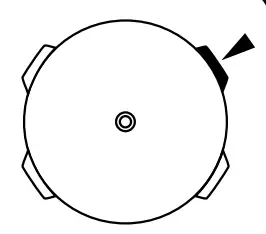
- Button operations are indicated using the letters shown on the below illustration.
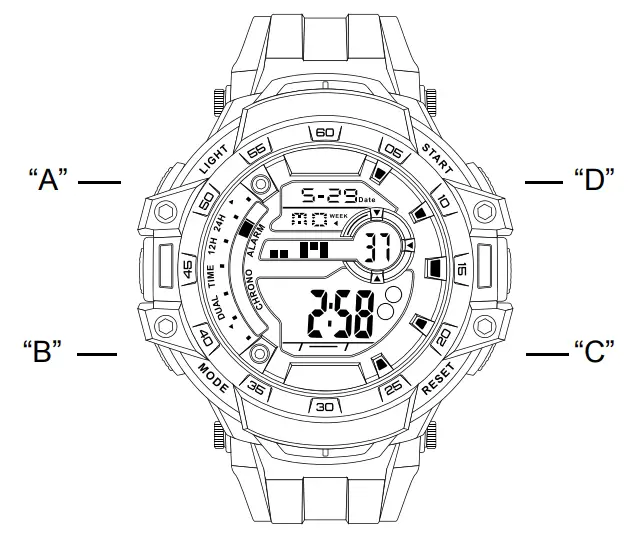
A – Light
B Mode
C – Reset
D – Start / Stop
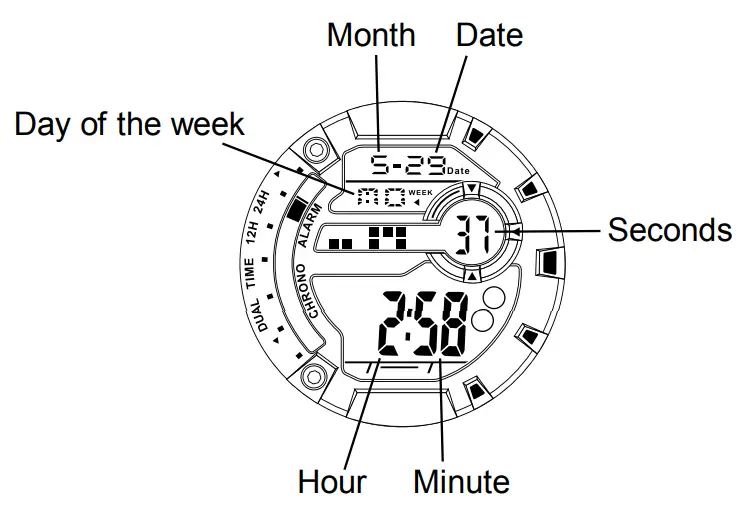
DISPLAY
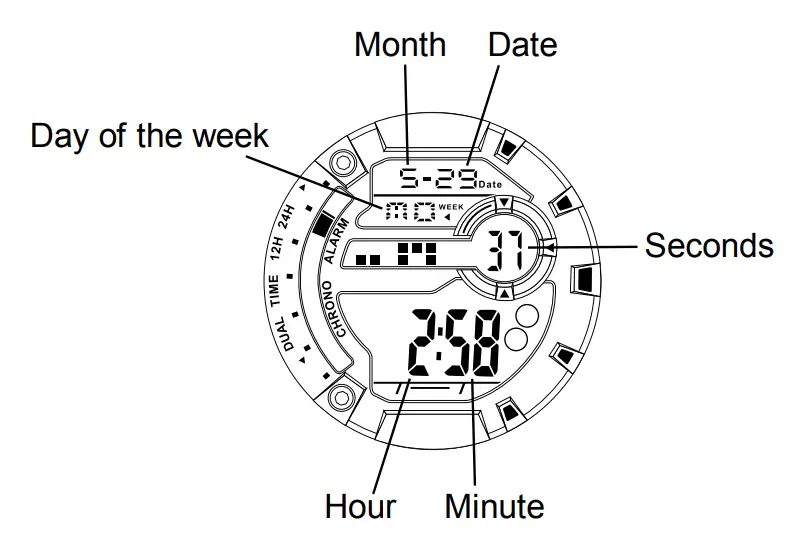
- The screen is shown below:
ATTENTION
- Never try to open the case or remove its back cover.
- Do not operate the buttons under water.
- Should moisture appear inside the watch, have it checked immediately by your dealer. Otherwise it can cause erosion on the metal parts of the watch.
- Although the watch is designed to withstand normal use, you should avoid rough use or dropping the watch.
- Avoid exposing the watch to extreme temperatures.
- Wipe the watch with dry and soft cloth only. Avoid allowing the watch to come into direct contact with chemical materials that can cause deterioration of the plastic parts on the watch.
- Avoid wearing the watch in electromagnetic and static conditions.
MODE SELECTION
- Press “B” to change the mode in the following sequence: Time keeping mode Stopwatch mode Alarm mode Time setting mode.
TIME KEEPING MODE
- Hour, minute, seconds, month, date and day display.
- Alarm and chime display.

STOPWATCH MODE (ST)
- 1/100 second measurement.
- Split time.
- Measuring range 0’00”00 – 19:59’59”.
ALARM MODE (AL)
- Alarm on/off.
- Chime (hourly time signal) on/off.
- Setting the alarm.
- Snooze.
TIME SETTING MODE
- 12/24H format.
- Setting the hour, minute, secondsmonth, date and day.
BACKLIGHT
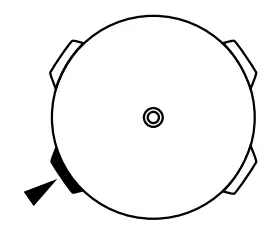
- The backlight uses an electro-luminescent which causes the display to glow for easy reading in the dark.
USING THE BACKLIGHT
- In any mode press “A” to illuminate the display for about 3 seconds;
TIME KEEPING
- Always use the timekeeping mode when the stop -watch, alarm and time setting modes are not in use.
- In the time keeping mode the hour, minute, seconds, month, date and day are displayed.
- You can also view whether your alarm and chime are on.
Alarm on
Chime on
TIME KEEPING DISPLAY


STOPWATCH
- In the stopwatch mode press
“D” to start the stopwatch;
- Press “D” to stop the stopwatch or press “B” to change the mode while the stopwatch is running. The stop -watch will continue timing in the background.
(The stopwatch range is 0’00”00 – 19:59’59”).
- Once you have finished timing, press “B” repeatedly until you return to the stopwatch mode;
- Press “D” to stop the stopwatch;
- Press “C” to reset the stopwatch.

SPLIT TIME
- In the stopwatch mode press
“D” to start the stopwatch; - Press “C” to display the split time.The stopwatch will continue timing internally.
- Press “C” to clear the split time and continue time measurement;
- Repeat steps 2 and 3 to measure multiple split times;
- Press “D” to stop the stopwatch;
- Press “C” to reset the stopwatch.
- Press “B” to change to the next mode, after you have finished using the stopwatch.
ALARM
 | 1. In the alarm mode press “D” to turn on the alarm; |
| 2. Press “D” again to turn on the chime; |
| 3. Press “D” again to turn on the alarm and chime; |
| 4. Press “D” to turn off the alarm and chime. |
SETTING THE ALARM
 | 1. In the alarm mode press “D” to turn on the alarm; |
| 2. Press “D” again to turn on the chime;(The letter P represents PM time setting). |
| 3. Press “D” again to turn on the alarm and chime; |
| 4. Press “D” to turn off the alarm and chime. |
| 5. Press “B” to change to the next mode, after you have set your alarm. (Always ensure your alarm is on by following step 1 under the ‘ALARM’ section above). |
SNOOZE
The alarm will sound at the pre-set time each day, press “D” to stop the alarm or press “B” to snooze the alarm. The alarm will sound again after five minutes to signal that the snooze period is over. Press “D” to stopthe snooze alarm.
TIME SETTING
| 1. In the time setting mode the seconds will flash, press “D” to reset the seconds; |
| 2. Press “C” to select the hour. The hour will begin to flash. |
| 3. Press “D” to adjust the hour, press and hold “D” to adjust the hour quickly; (While setting the hour the letter A will rep -resent AM and the letter P will represent PM in 12 hour time setting. The letter H will represent 24 hour time setting). |
| 4. Press “C” to select the minutes. The minutes will begin to flash. |
| 5. Press “D” to adjust the minutes, press and hold “D” to adjust the minutes quickly; |
| 6. Press “C” to select the month. The month will begin to flash. |
| 7. Press “D” to adjust the month, press and hold “D” to adjust the month quickly; |
| 8. Press “C” to select the date. Thedate will begin to flash. |
| 9. Press “D” to adjust the date, press and hold “D” to adjust the date quickly; |
| 10. Press “C” to select the day. The day will begin to flash. |
| 11. Press “D” to adjust the day, press and hold “D” to adjust the day quickly. |
| 12. Press “B” to change to the next mode. |