

User manual
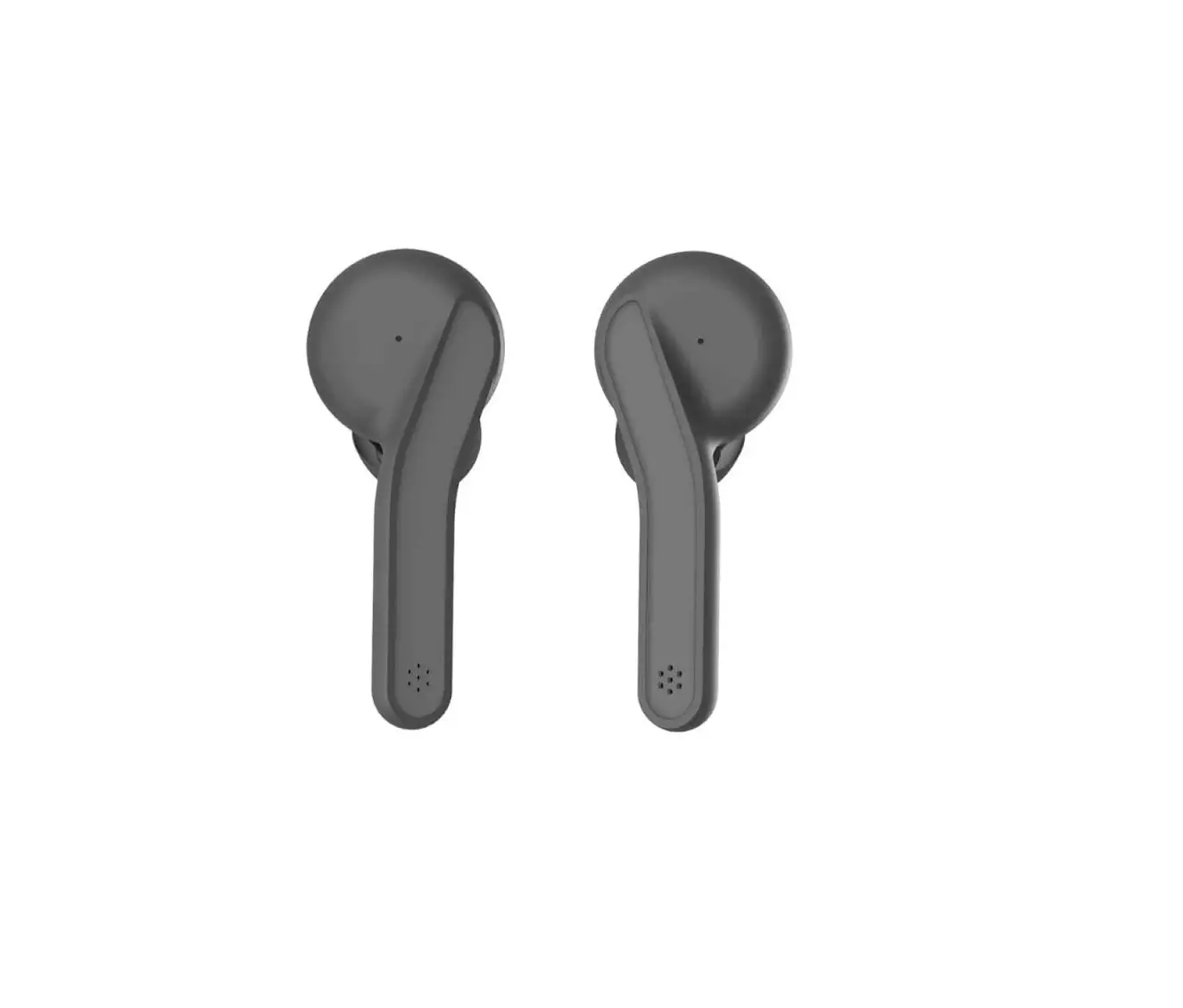
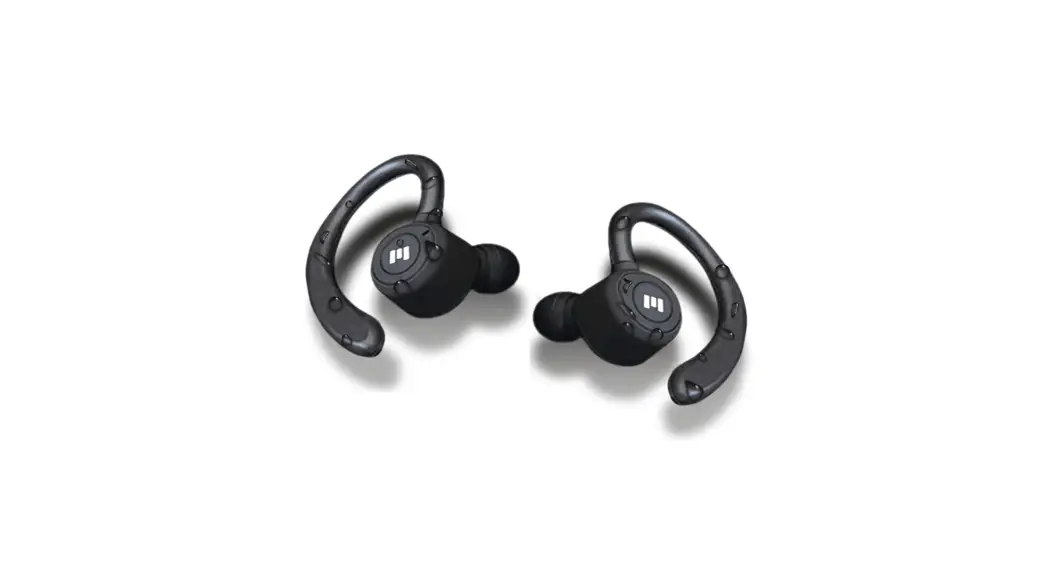
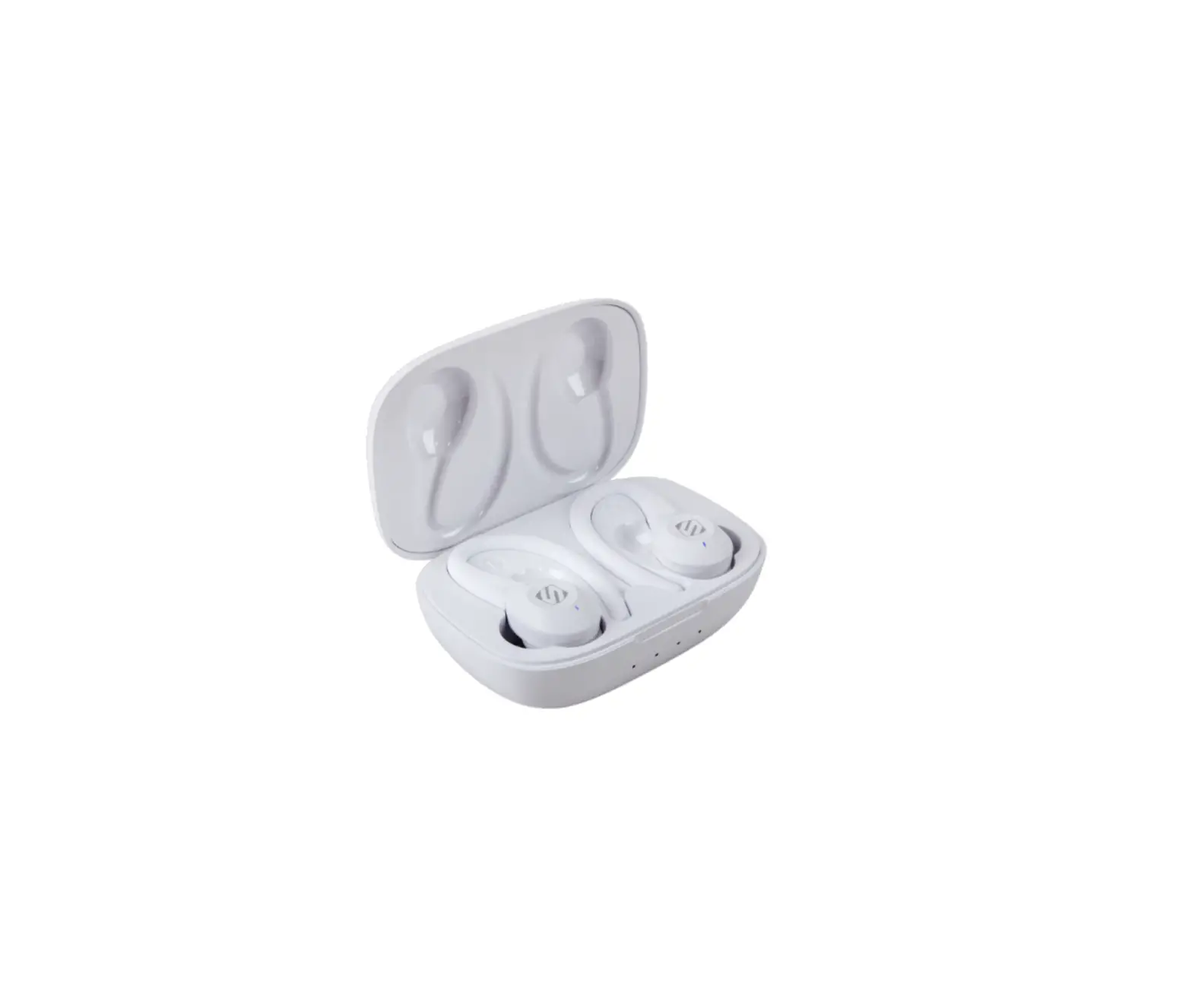
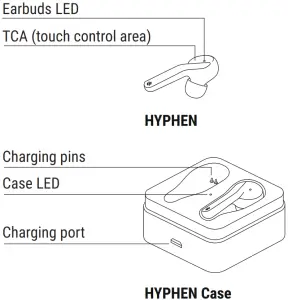
Components
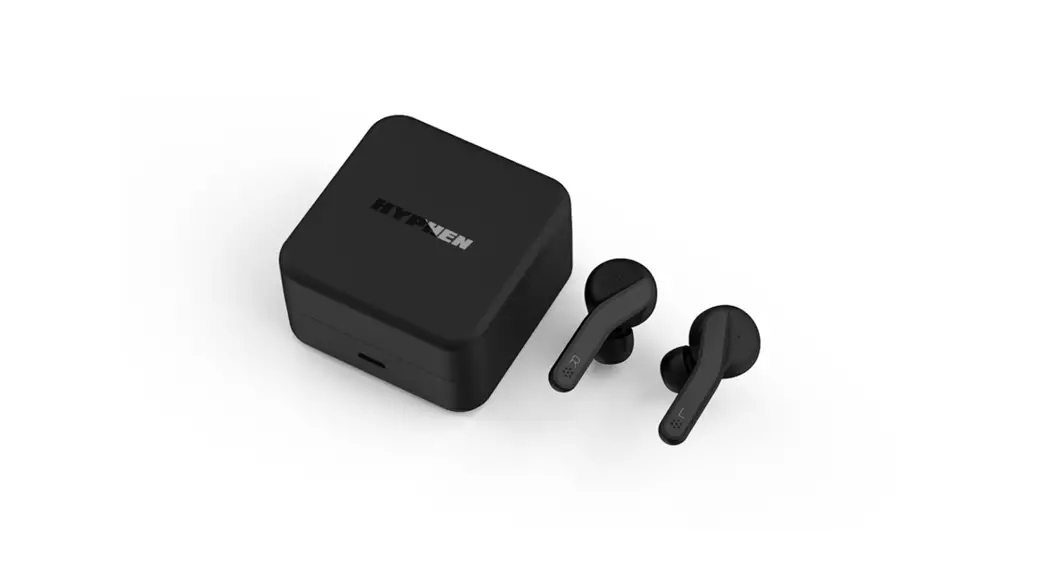
Make sure to fully charge the HYPHEN Case before the first use.
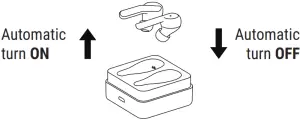
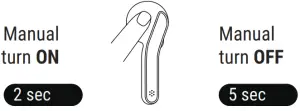
Turn ON and OFF
Pair
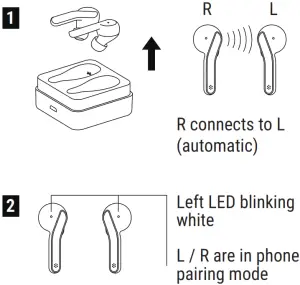
3. Select HYPHEN on your device’s Bluetooth menu to pair both.
If HYPHEN doesn’t automatically pair with each other nor with the device put them back in the case and start over.
Reset
- Make sure the case is charged, then turn OFF the Bluetooth on your device while both earbuds are in the case.
- Pick up the Left earbud to automatically turn it ON, then wait 1 minute.
- Tap the Left earbud’s TCA 5 times, the LED will breathe orange.
- Pick up the Right earbud to automatically turn it ON. Tap the Right earbud’s TCA 5 times, the LED will breathe orange. (You don’t have to wait 1 minute for this step).
- Turn ON the earbuds at the same time, the earbuds will connect to each other.
- Turn ON Bluetooth on your device and pair the earbuds.
Pair, single earbud mode
| To be connected | Action | on Bluetooth menu |
| R | 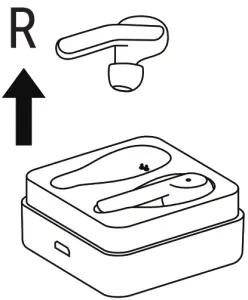 | select HYPHEN – Right only |
| L | 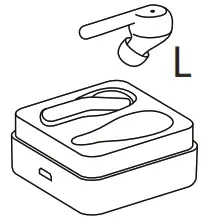 | select HYPHEN |
Pair, after one earbud, is already paired
| Already connected | To be connected | Action | |
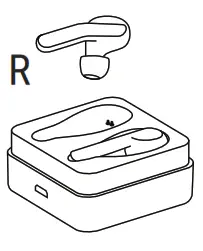 | L | 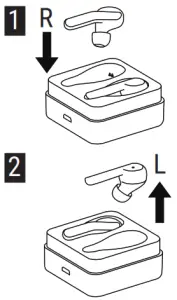 | HYPHEN – Right only |
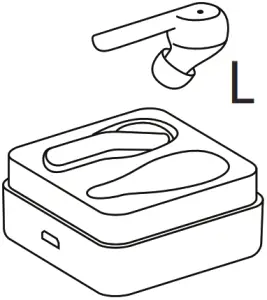 | R | 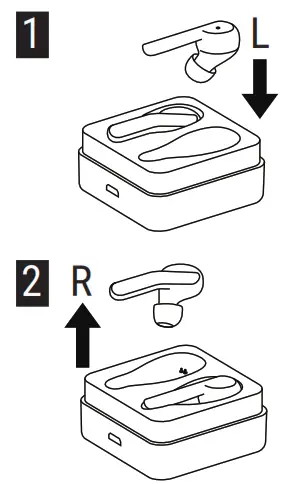 | HYPHEN – Right only |
| Already connected | To be connected | Action | |
| L + R | 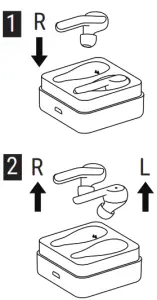 | HYPHEN |
| L + R | 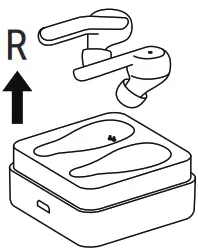 | HYPHEN |
Advanced Touch Control
| Advanced Touch Control Function | unction Tap on TCA n. times |
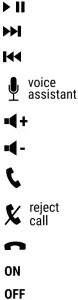 | 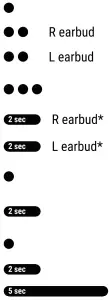 |
*Only while audio is playing.
Charging HYPHEN
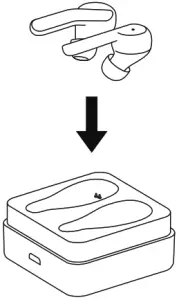
Simply put the earbuds back in the case to charge. They will snap magnetically. The LED on the earbuds will be orange while charging and OFF when the earbuds are fully charged.
Charging HYPHEN Case
- via cable
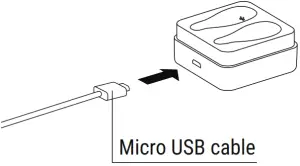
- via wireless charger
HYPHEN Case can be either open or closed.
Lay carefully on the wireless charger’s surface.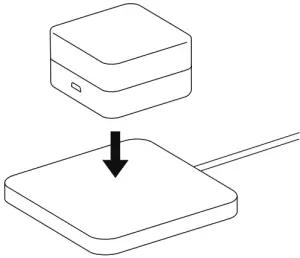
LED status
HYPHEN
Status LED
| Charging | Orange |
| Battery 100% in case, charging case connected to a power source | OFF |
| Pairing to each other | White blinking (Both earbuds) |
| Pairing to phone | White blinking (Left only) |
| Paired to phone | White for 5s, then OFF |
| During usage | OFF |
| Turn OFF | Orange LED breathes twice, then OFF |
HYPHEN Case
Status LED
| Charging | Orange |
| Battery 100%, connected to power source | White |
| Not connected to power source | OFF |
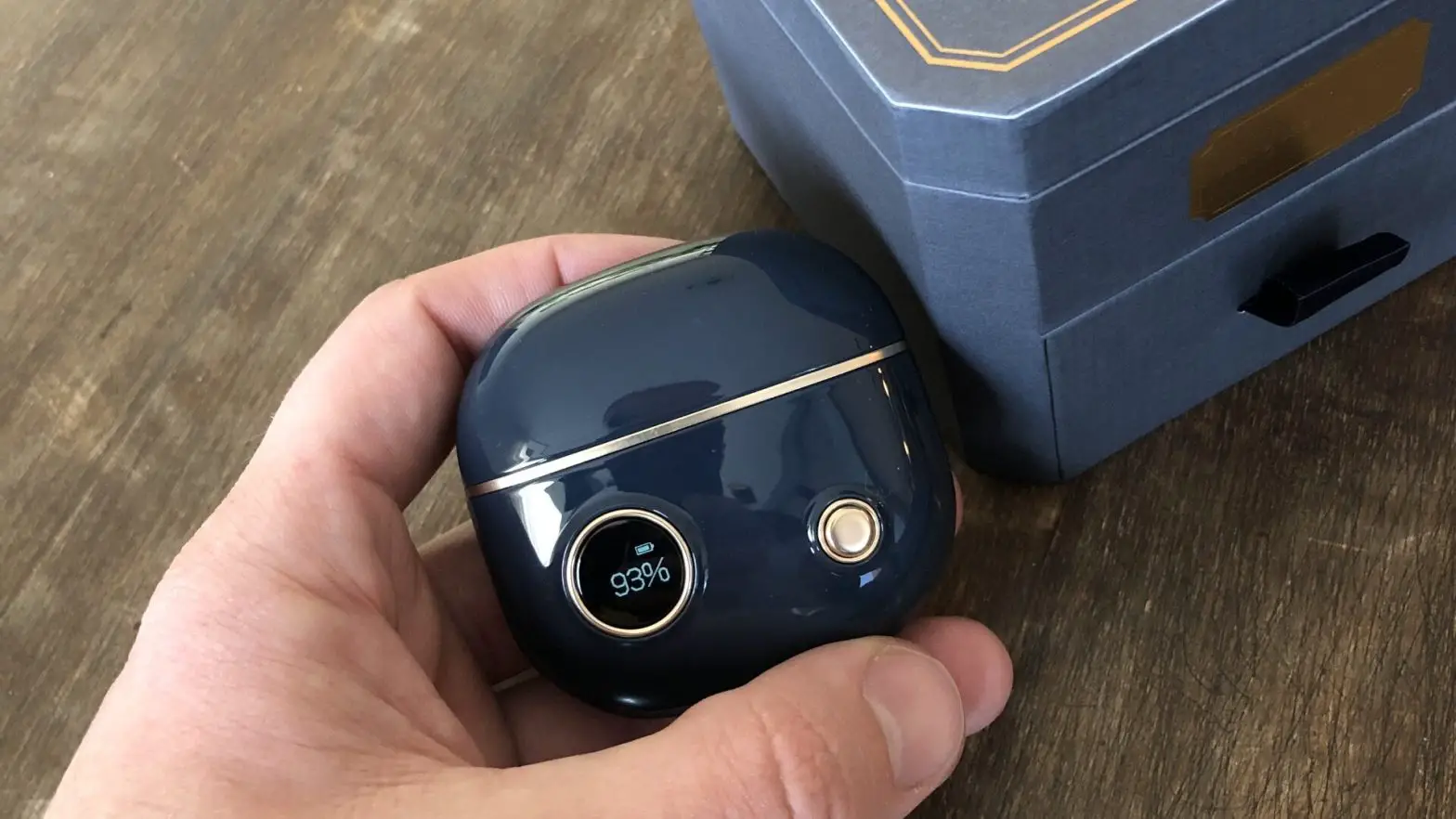
To show the case’s battery level when not connected to the power source:
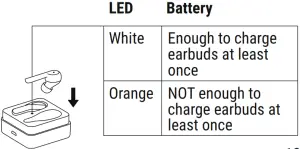
Specifications
Bluetooth: 5.0
Weight: 55 g
Power input: DC 5 V
Battery capacity:
Earbud: 3.7 V, 40 mAh
Charging case: 3.7 V, 400 mAh
Working time: Call: 300 min Music: 270 min
Charging time:
Earbuds: 30 min
Charging case: 60 min
Supports: HFP 1.7, HSP 1.2, A2DP 1.3, AVRCP 1.6, SPP 1.2 and PBAP 1.0
Sensitivity: 93±3 dB (at 1KHz 1mW)
Impedance: 16±10% Ω
Frequency response: 20-20 KHz
SPL Stes frequency response: 30-5000 Hz
Buzz and Rattles: 0.5 V (50 Hz – 5 KHz)
Distortion: <5% at 1000 Hz
Transmission distance: up to 30m / 100ft
Main material: ABS
Double channel support: YES
Water resistance: IPX5
Safety informations
- Listening at high volume for long periods of time can cause hearing damage.
- Do not use the product in an environment that requires your full attention (i.e. in traffic).
- Do not insert the earbuds too deep in your ears and never insert them without ear tips.
- Keep the product, accessories, and packaging parts out of reach of children and pets to prevent accidents or choking hazards.
Preventing damages to the product and malfunctions
Always keep the product dry and do not expose it to extreme temperatures to avoid corrosion or deformation. Clean the product only with a soft, dry cloth.
Intended use / Liability
This earbud is designed for use with portable devices and hi-fi systems. It is considered improper use when this product is used for any applications not named in the associated product guides. The company does not accept liability for damage arising from the abuse or misuse of this product.
Need help?
www. rolling square. support
Our Customer Support Team is always
available for you.
RollingSquare® and HYPHEN® are owned and operated by
Ferraris Group Sagl, a company with its main offices in
Corso San Gottardo 99, Chiasso 6830, Switzerland.