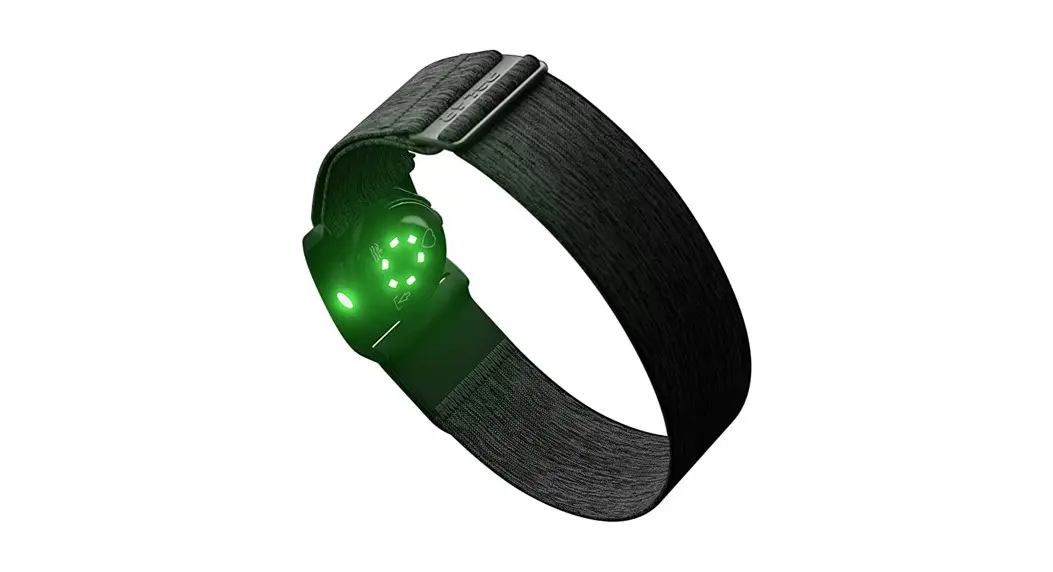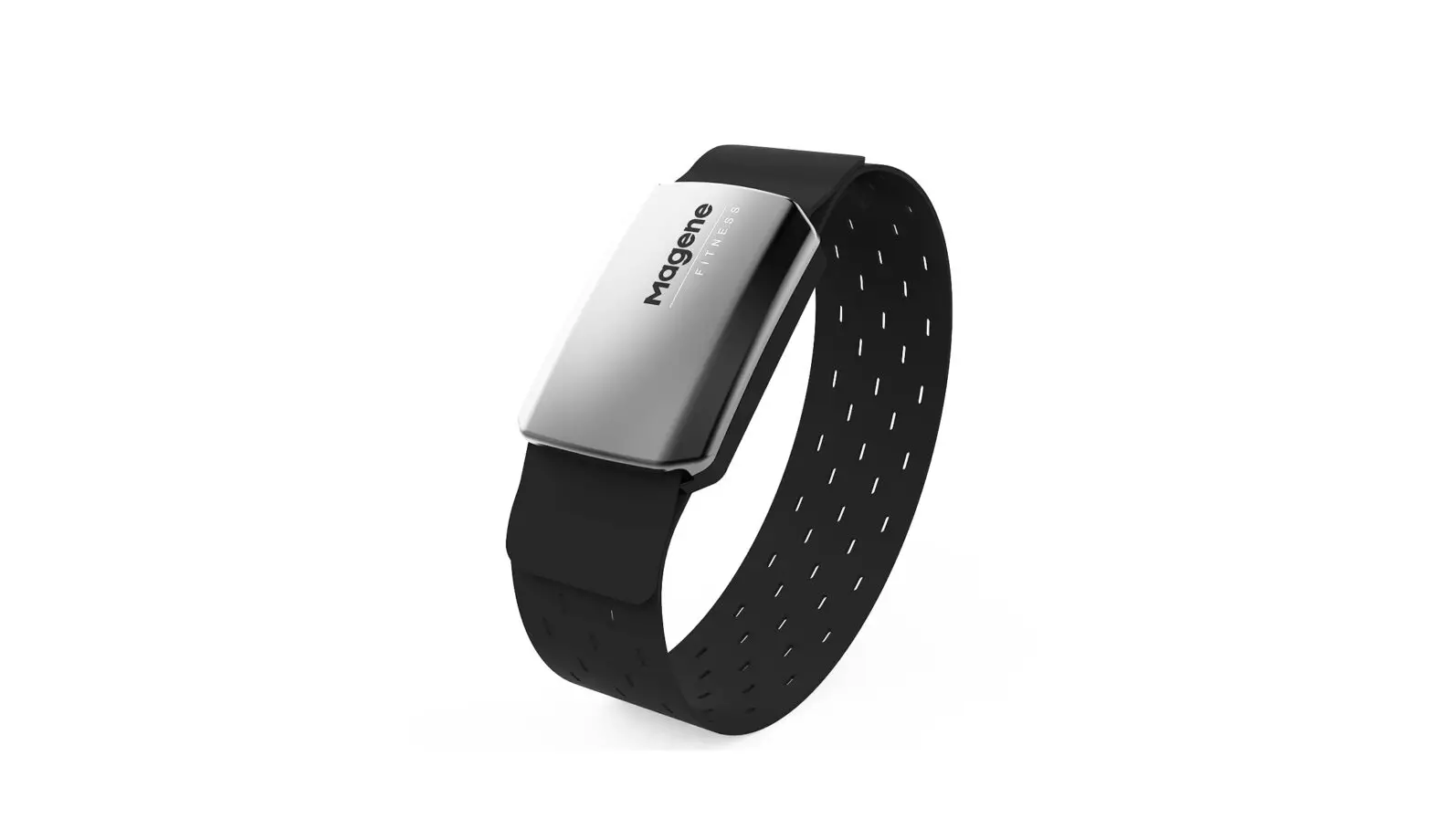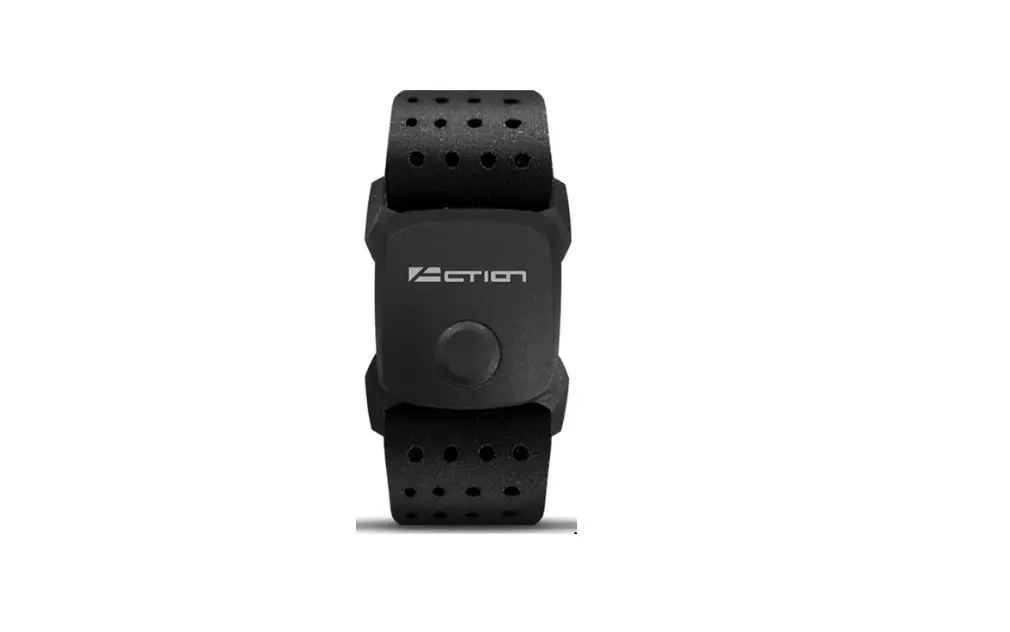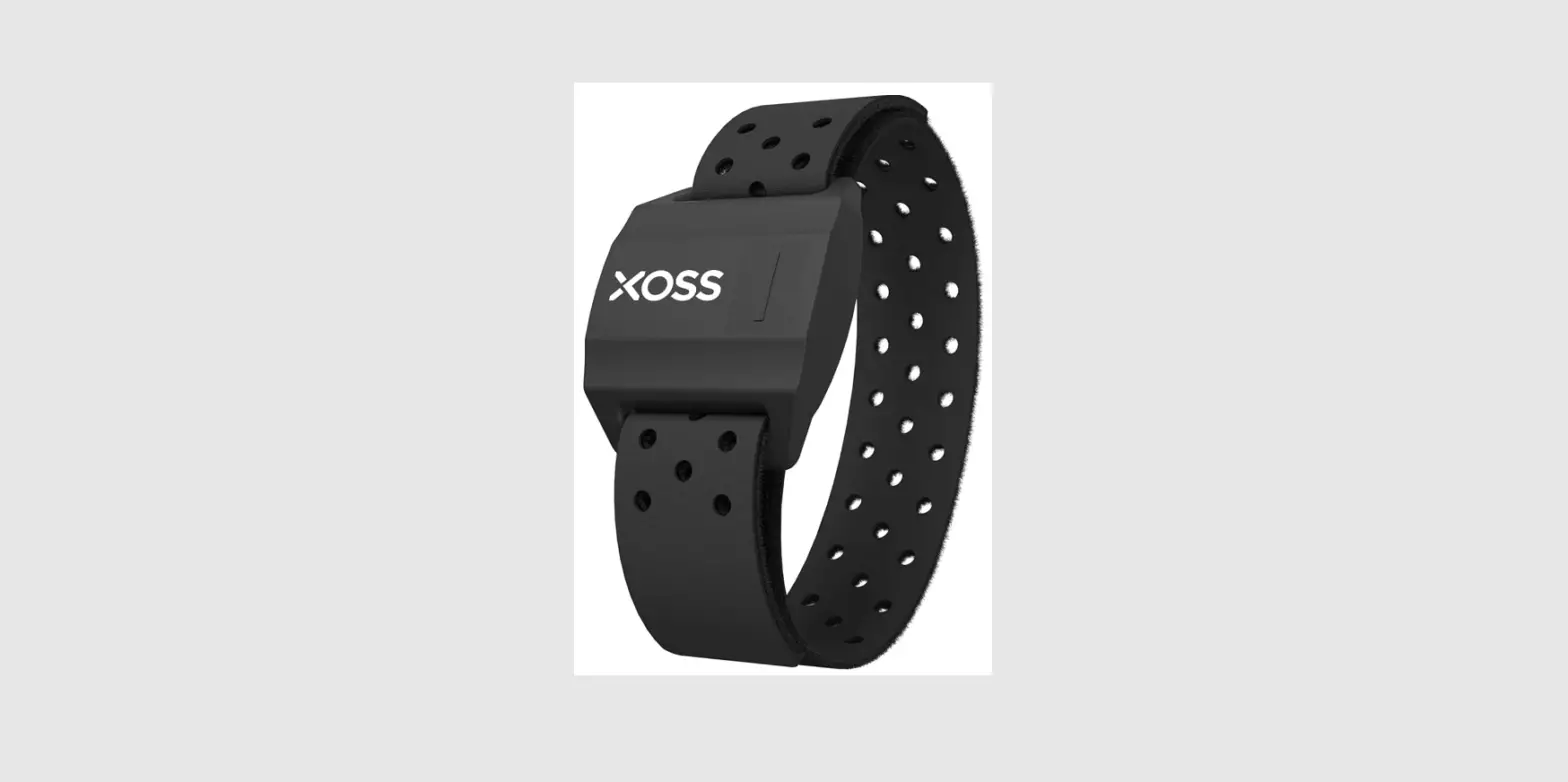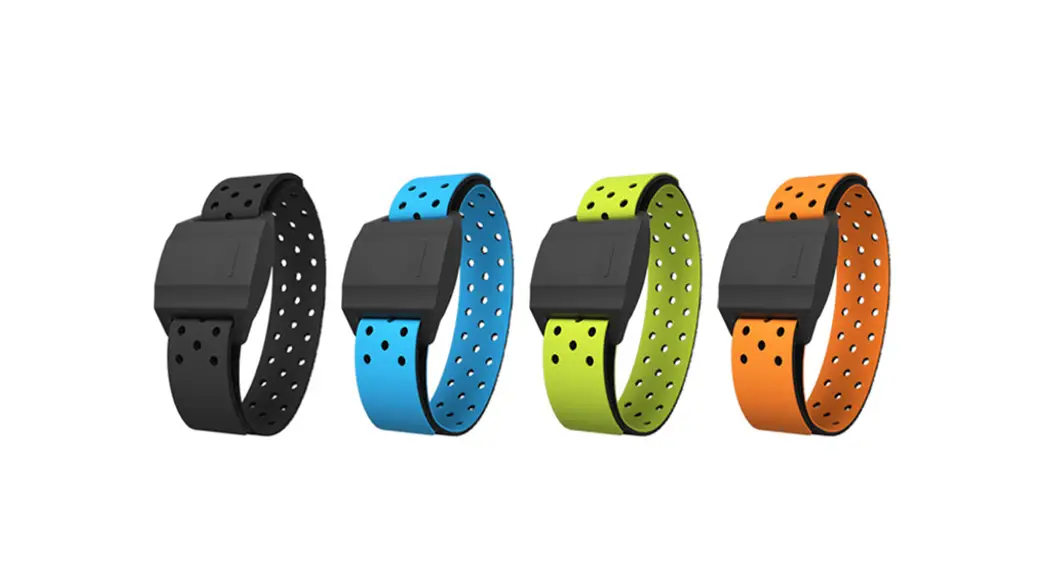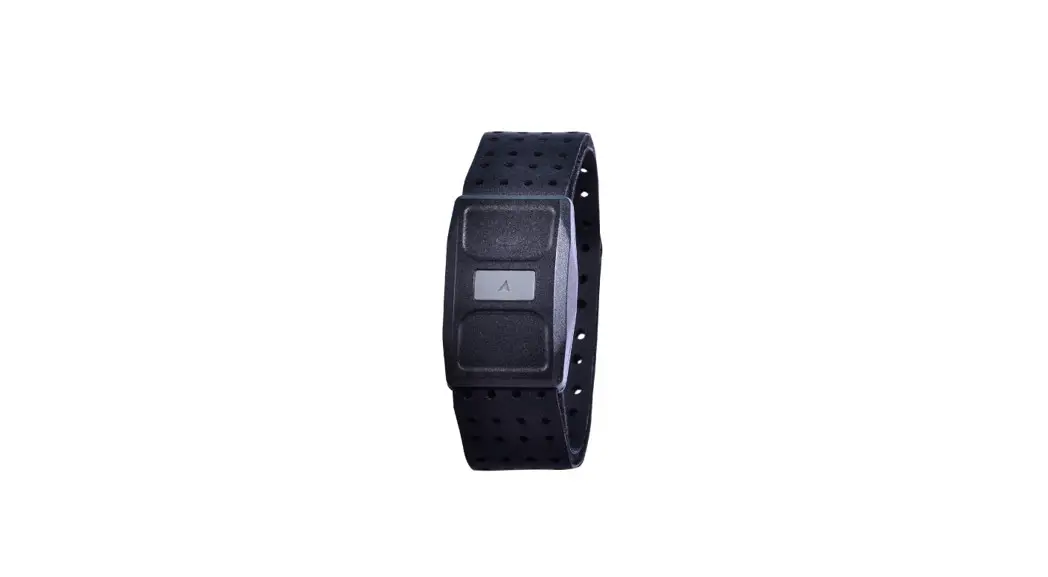
 Optical Heart Rate Armband
Obeat 1
User Guide
FEATURES
Wireless technology
- Compatible with sport watch, cycling computer, fitness equipment, and smartphone with Bluetooth® and ANT+.
- Works with most Fitness Apps via Bluetooth® wireless technology.
- Quick connection with NFC-enabled ATTACUS fitness equipment.
Storage function
This wearable device monitors your heart rates and the number of steps you take during exercise. The built-in memory can independently record and store heart rate data and SPM (steps per minutes); no need to bring your smartphone or wear your watch when exercising. After exercising, you can synchronize the data to Ala Connect through Bluetooth® wireless technology to review the training summary and analysis.
Lightweight and comfortable
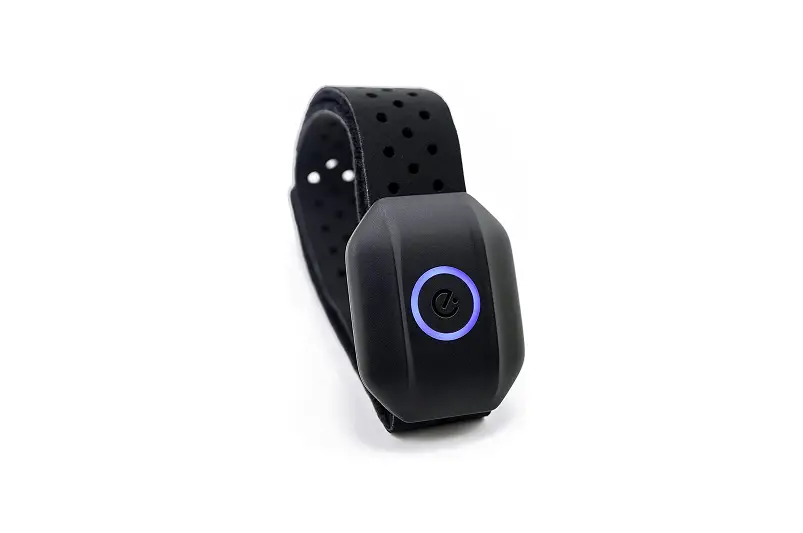
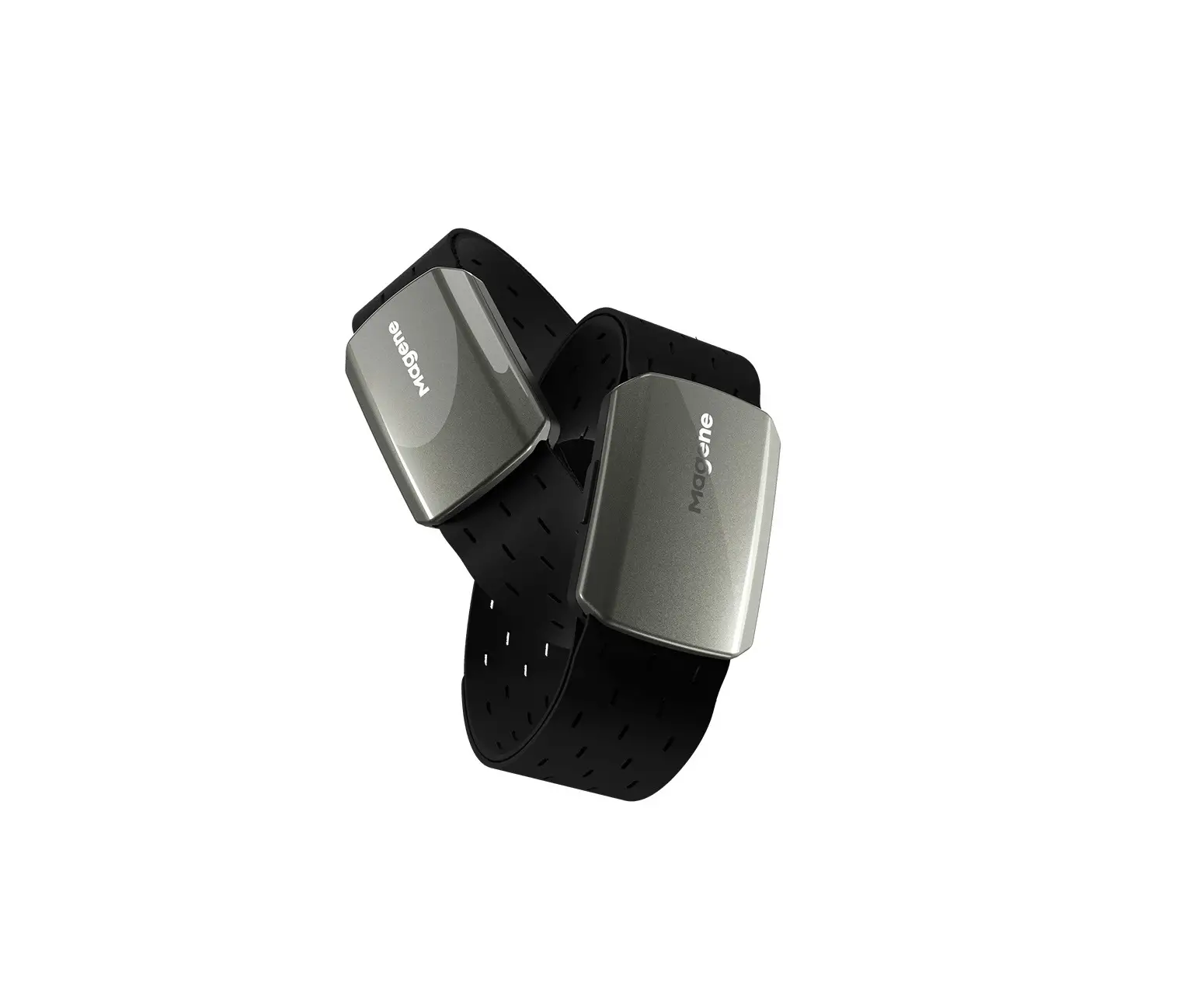
The sensor and armband are less than 20 grams; can be worn on the forearm or upper arm.
* This device is for recreational use only; it is not a medical device.
ALA CONNECT APP
Register the device to GPT Center and set up with Fit pair.
Get access to the Train Live IoT system in the gym. It will record your sports files, sports reports, trend analysis, etc. Allow the gym coach or trainer to know your physical condition and make adjustments or improvements. Also increase the interaction between club members.
- Scan QR code and open the URL.
- Register your device.
- Activate Fit Pair.
- Download manual.
※You can change privacy settings via GPT center or Fit Pair.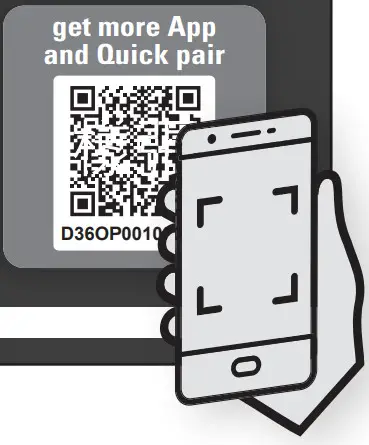 Scan the QR Code on the GPT instruction card to download Ala Connect app to enhance your sensor.
System requirements of app installation:
- Support iOS 11.0 or later
- Support Android 5.1 or later
- Built-in Bluetooth 4.0 or later
APP USE AND SENSOR PAIRING
After synchronizing with the Ala Connect, the sensor can be automatically calibrated.
To avoid errors in time correction, please synchronize immediately before the initial use and when it is fully charged after a battery drain.
Connecting to Ala Connect
- Press the button once with the white light turns on. The sensor is now on and ready to synchronize.
- Be sure to turn on Bluetooth® on your smartphone to synchronize.
- Open Ala Connect and follow the on-screen instructions to add your device. User’s profile will be written into the sensor automatically when your device is successfully added and connected.
- Once the synchronization process is completed, press the button to turn the sensor and the white light off.
Exercising
- Wear the sensor correctly on your arm.
- Press and hold the button until the red light turns on. When the indicator starts flashing blue, you can start exercising.
- To end the exercise mode, press and hold the button until the red light turns off.
Uploading your training data into Ala Connect
- Press the button once with the white light turns on.
- Turn on Bluetooth® and open Ala Connect on your smartphone.
- Once the synchronization process is completed, press the button to turn the sensor and the white light off.
- The uploaded training data will be stored to the cloud. Login to gptfit.com to check your activity summary report.
PAIRING WITH NFC
NFC* is a technology that built quick and short-distance wireless connection between Bluetooth-enabled devices.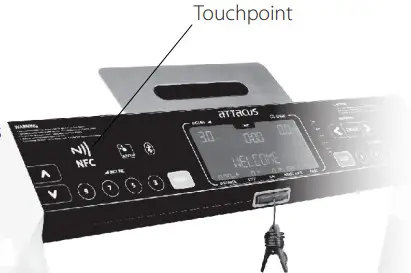
- Turn on your sensor.
Turn on the NFC-enabled ATTACUS fitness equipment**. - Bring your sensor close to the “N” touchpoint on the fitness equipment** to pair and connect your sensor with the fitness equipment via Bluetooth® wireless technology.
- Once paired, the indicator for Bluetooth® on the equipment will be on.
* NFC Tag (Passive). Available only to the NFC model.
** Refer to the ATTACUS fitness equipment operation guide to see if your model supports NFC.
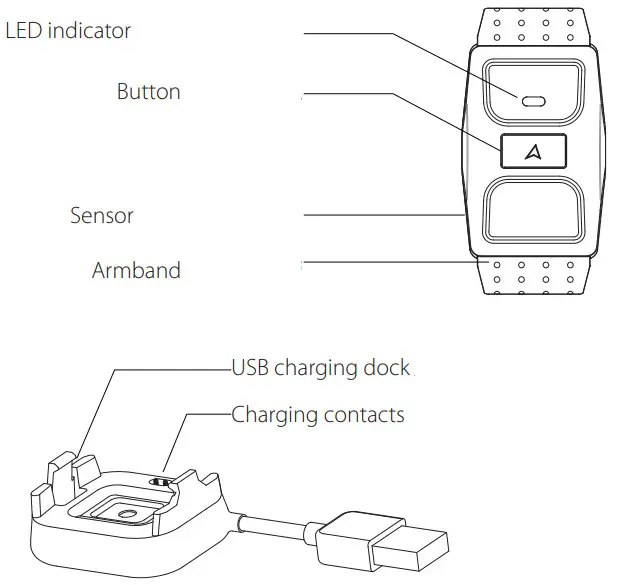
PART NAMES
HOW TO CHARGE
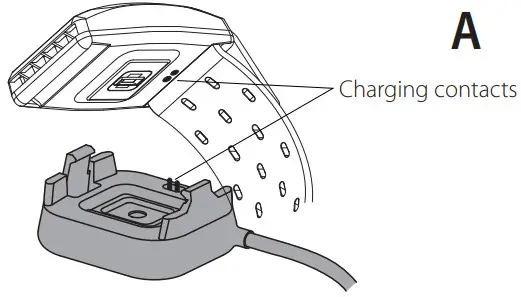
Please charge the sensor in the first use and when the battery is low (red flashing LED). Please make sure the charging contacts on the back of the sensor with that of the charging dock are clean and dry before charging to prevent any poor connection.
- To charge the sensor, align the charging contacts on the back of the sensor with that of the charging dock. See Figure A.
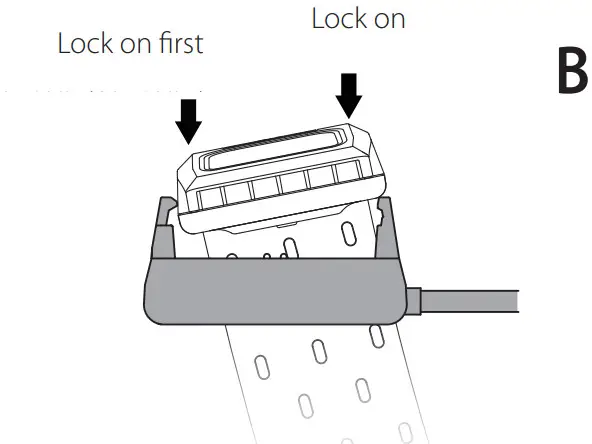
- Put the sensor into the charging dock as shown in Figure B.
- Connect the USB power port to your computer or plug directly into a USB wall charger.
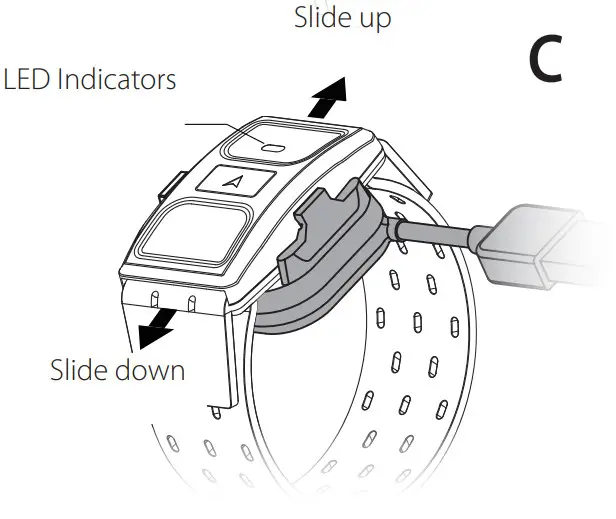
- The green indicator will flash continuously when charging. Once the battery is fully charged, the green light will stop flashing and remain statically on.
- Take out the sensor from the charging dock by sliding up or down. See Figure C.
HOW TO WEAR
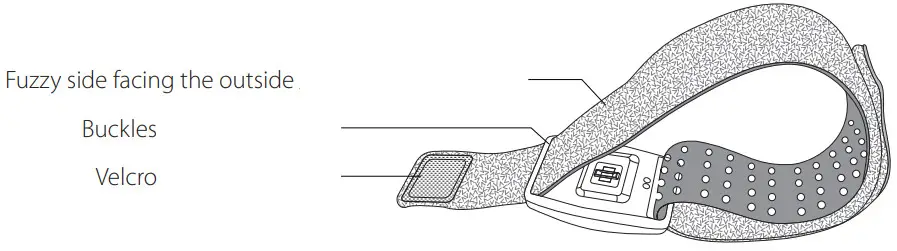
- Slide both ends of the armband through the buckles at both ends of the sensor.
- Wear the sensor on the inside of forearm or upper arm. Please do not wear it on the wrist and avoid any tattoo and hair.
- Adjust the tightness to make sure the sensor fits the arm.
* We recommended you to start wearing the sensor a couple of minutes before exercising to ensure the most accurate data.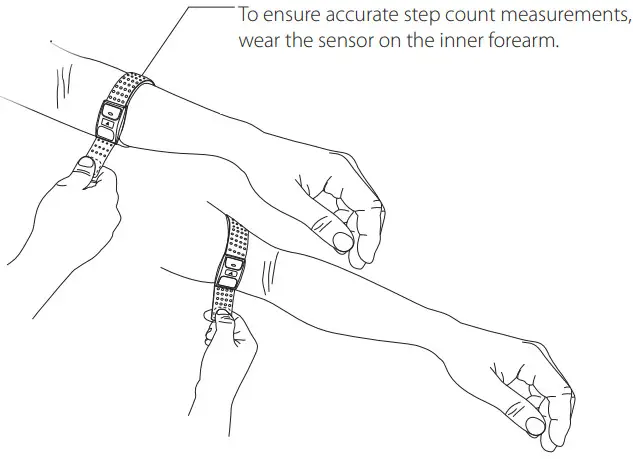
 http://www.alatech.com/Using%20&%20Function/action-faq-cid-2.htm
OPERATION
The sensor only comes with one button; the operation of different uses is described as follows:
| Charge | Button | LED indicator |
| Charging |  Flashing – Green Flashing – Green | |
| Fully charged |  On – Green On – Green | |
| Low battery Note 1 | Flashing – Red |
When used as an independent training device
| Turn on and Start Recording | Long press | On – Red |
| Stop Recording and Turn off | Long press |  Off – Red Off – Red |
| Manual lap | Press once |
Light Indicate of heart rate
| Heart rate not detected | On – Red |
| Heart rate detected Note 1 | Flashing – Blue |
Synchronizing Data Note 3
| Turn on and Synchronizing | Press once | On – White |
| Stop Syncing and Turn off | Press once | Off – White |
Notes
- The red light flashes when the power is turned on, indicating that the battery is low.
- Once the heart rate is detected, the LED lights will indicate different heart rate zones through different colors.
Heart Rate Zone* Training Intensity % LED
IndicatorTraining Functions %MHR %HRR <Z1 Daily Life ~50 ~55 Blue Z1
Warm Up50~60 55~60 Aqua Facilitate warm-up and energy recovery Z2
Fat Burn60~70 60~65 Green Improve metabolism Z3
Aerobic70~80 65~75 Yellow Enhance aerobic fitness Z4
Anaerobic80~90 75~85 Orange Increase speed and lactate threshold Z5 Maximum Effort 90~ 85~ Red Anaerobic. Sprinting pace; unsustainable for a long period of time * The sensor will define your heart rate zone according to the age and Maximum Heart Rate (%MHR) or Heart Rate Reserve (%HRR) input in Ala Connect.
- You can transfer the recorded data to Ala Connect via Bluetooth® wireless technology. Or syncing the settings you changed on Ala Connect to the sensor. Once the synchronization is completed, press the button to turn off.
- The sensor will automatically turn off for power saving after 10 minutes of no action or connection.
- Press and hold the button for more than 8 seconds at any time/mode will restarted the sensor (with white light on indicating synchronization mode). If you would like to record an exercise, please turn it off with a single press, and then press and hold until the red light is on.
HOW TO CLEAN
- The sensor is water-proofed. You can clean it with water; be sure to dry it with cloth immediately after washing it.
- It is recommended to wash the armband with water (under 40°C). DO NOT use the brightener, soap or softener. DO NOT soak, iron, dry clean, bleach and twist.
SPECIFICATIONS
| Model | OB001 | OB001 (NFC version) |
| Dimension | L48×W31.5×D12.5mm | |
| Armband | See package for size L 380×25mm or M 260×25mm | |
| Weight | 13g (armband excluded) | |
| IP rating | IPX7 | |
| Memory capacity | Up to 25 of hours training. (Single recording file up to 13 hours) | |
| Operating temperature | -10~60°C (14~140°F) | |
| Charge temperature | 10~45°C (50~113°F) | |
| Wireless transmission interface | Bluetooth®, ANT+ | Bluetooth®, ANT+, NFC |
| Wireless transmission frequency | 2.402~2.480 GHz | |
| Battery | Rechargeable Lithium battery | |
| Input voltage | 5V | |
| Run time | 40 consecutive hours (max.) | |
| In the box | Sensor, Armband, Charging dock, GPT instruction card, Operation guide | |
PRODUCT WARRANTY
We thank you for purchasing. We provide a one-year manufacturer’s warranty from the date of purchase.
Warranty period:
We provide repair service free of charge but such service will be limited to normal use only. Any damage caused by misuse of users shall not be covered by the warranty hereof.
- We offer a risk free 90 day warranty on all replacement parts that we offer for you.
- User will pay for postage of replacement products from home to our service center.
(Please pack properly)
Non-Warranty Repair Policy: (User needs to pay for the repairs.)
- If malfunction or damage is caused by improper use, disassembly and modification.
- If damage is caused by accident, abuse, misuse, flood, fire, earthquake, any other natural disasters or human negligence.
- Due to normal wear and tear of consumptive parts such as battery, armband, etc.
- If any serial number has been removed or defaced.
- If it is damaged after the warranty expires.
Model
Date of purchase
YYYY / MM / DD
Serial No.*
SN: 
Dealer’s Stamp
Customer Service
ALATECH TECHNOLOGY LIMITED
39F., No.758, Jungming S. Rd.
Taichung City 40255
TEL:+886-4-2260 8341#14
9:30-17:30, PST, M-F (Only applies to the Taiwan Area.)
Manufacturer
Zhejiang ALA Fitness Technology LTD.
No.405 Tongxin Road, Tongxiang Economic Development Zone, Zhejiang, China
* The serial number is printed directly on the back of device.
FCC
Federal Communications Commission Statement
This device complies with FCC Rules Part 15. Operation is subject to the following two conditions:
- This device may not cause harmful interference.
- This device must accept any interference received, including interference that may cause undesired operation.
This equipment has been tested and found to comply with the limits for a class B digital device, pursuant to Part 15 of the Federal Communications Commission (FCC) rules. These limits are designed to provide reasonable protection against harmful interference in a residential installation. This equipment generates, uses, and can radiate radio frequency energy and, if not installed and used in accordance with the instructions, may cause harmful interference to radio communications. However, there is no guarantee that interference will not occur in a particular installation. If this equipment causes harmful interference to radio or television reception, which can be determined by turning the equipment off and on, the user is encouraged to try to correct the interference by doing one or more of the following measures:
- Reorient or relocate the receiving antenna.
- Increase the separation between the equipment and receiver.
- Connect the equipment into an outlet on a circuit different from that to which the receiver is connected.
- Consult the dealer or an experienced radio/TV technician for help.
FCC Caution
Any changes or modifications not expressly approved by the party responsible for compliance could void the user‘s authority to operate the equipment.
The antenna(s) used for this transmitter must not be co-located or operating in conjunction with any other antenna or transmitter.
Radiation Exposure Statement
This equipment complies with FCC radiation exposure limits set forth for an uncontrolled environment. End users must follow the specific operating instructions for satisfying RF exposure compliance. To maintain compliance with FCC exposure compliance requirement, please follow operation instruction as documented in this manual.
 Please dispose of used batteries properly, following local regulations. Do not incinerate.
2PF297420080001, V3.1
 GPTfit