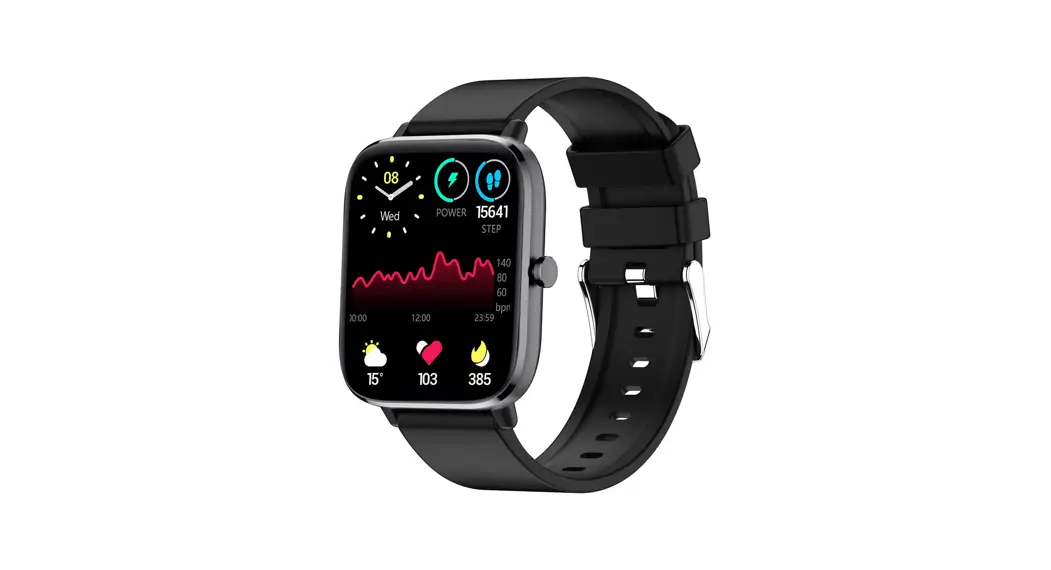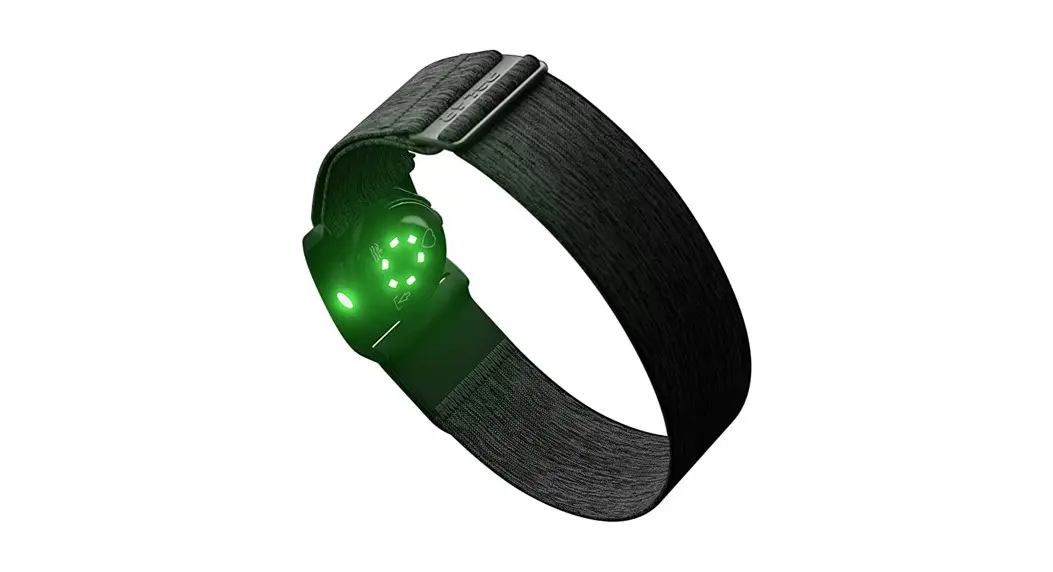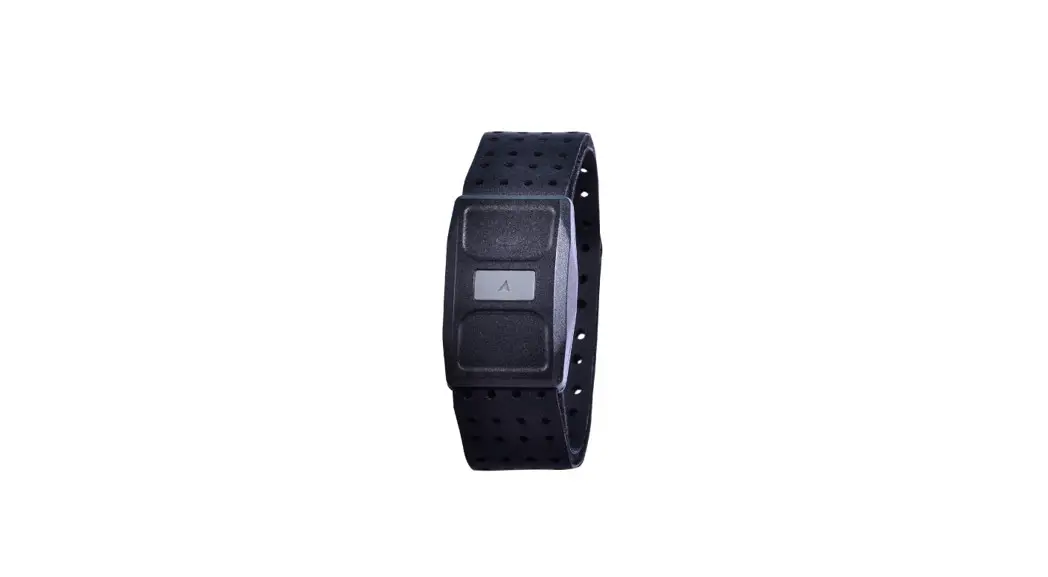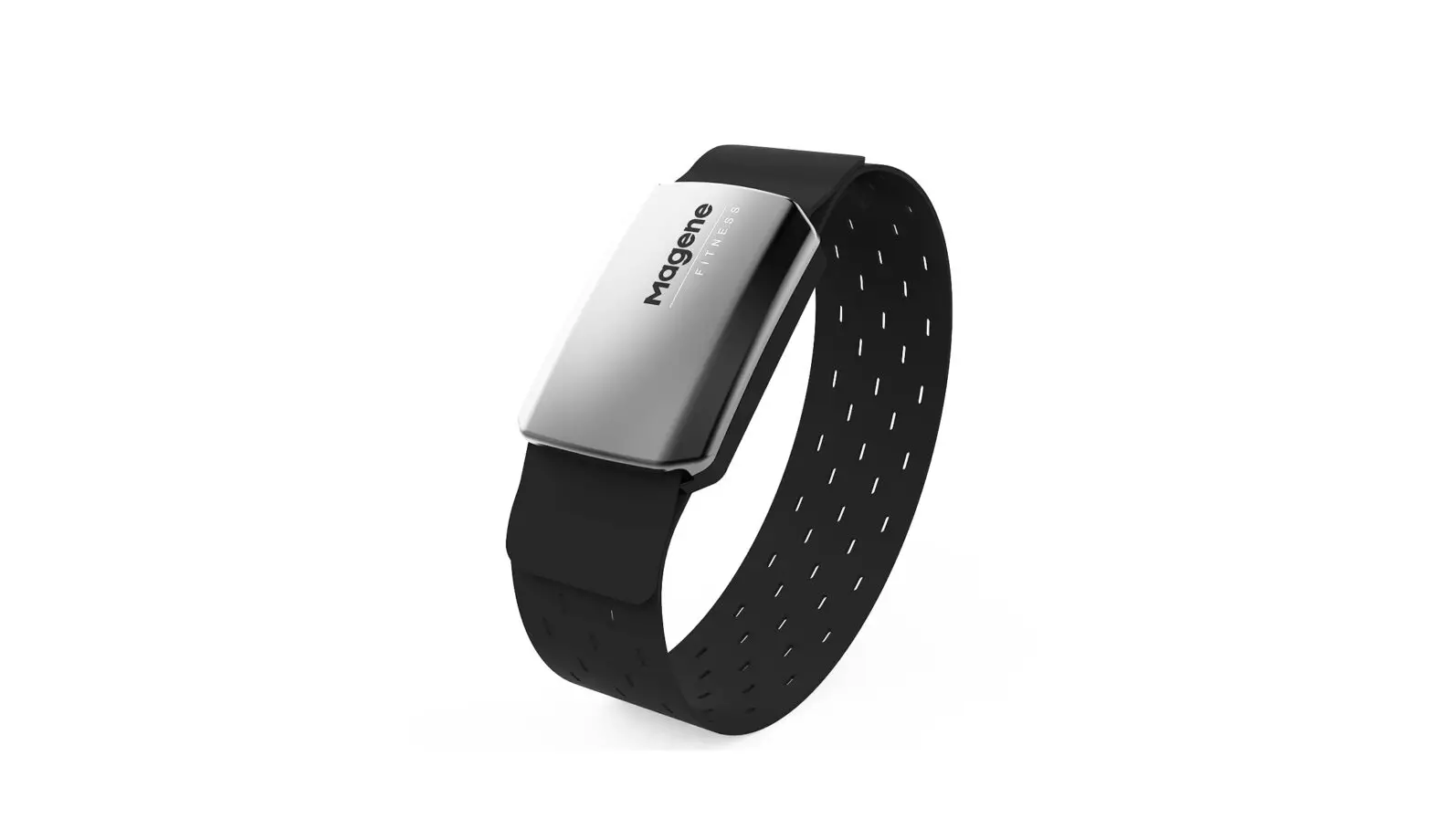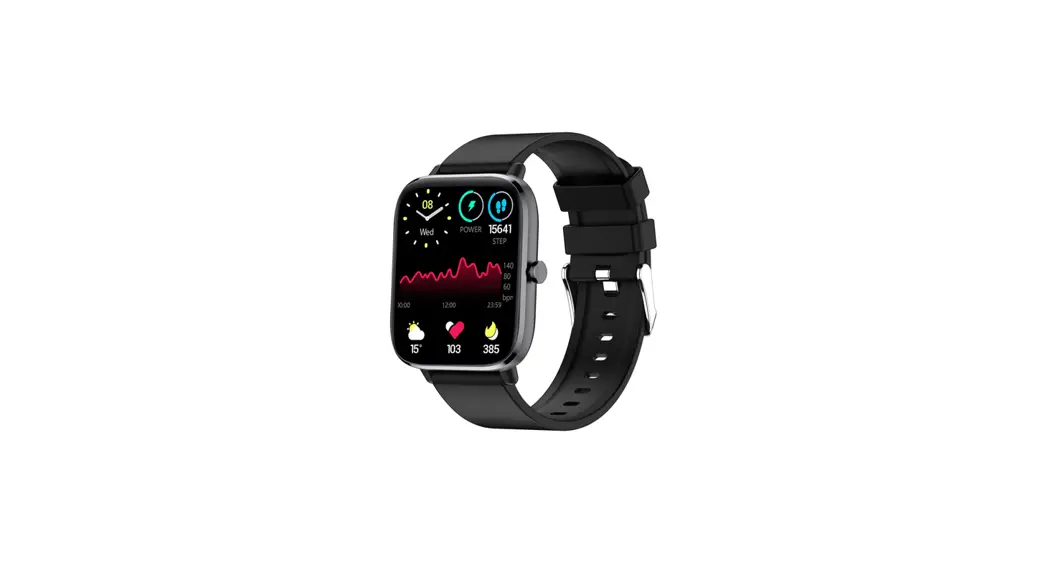
 HR-50/B/N Quick Start Guide
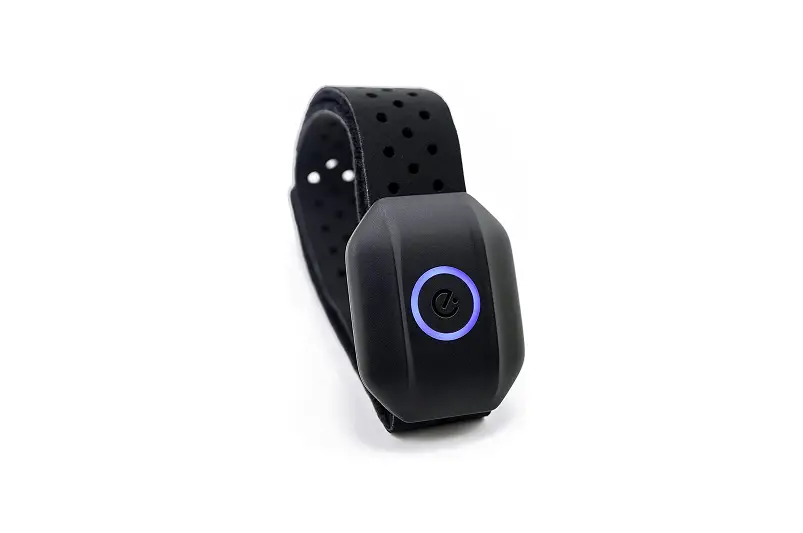
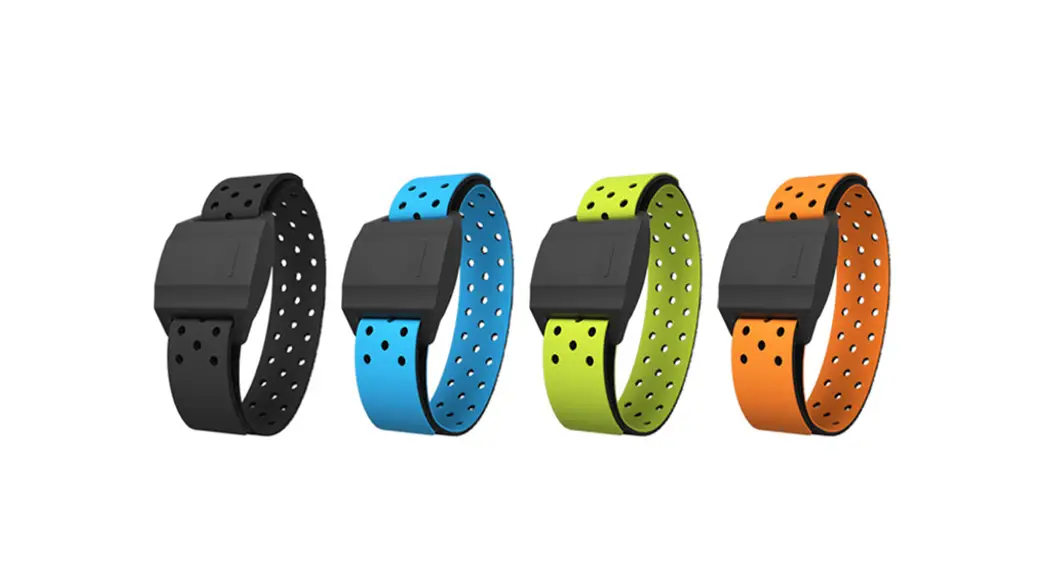
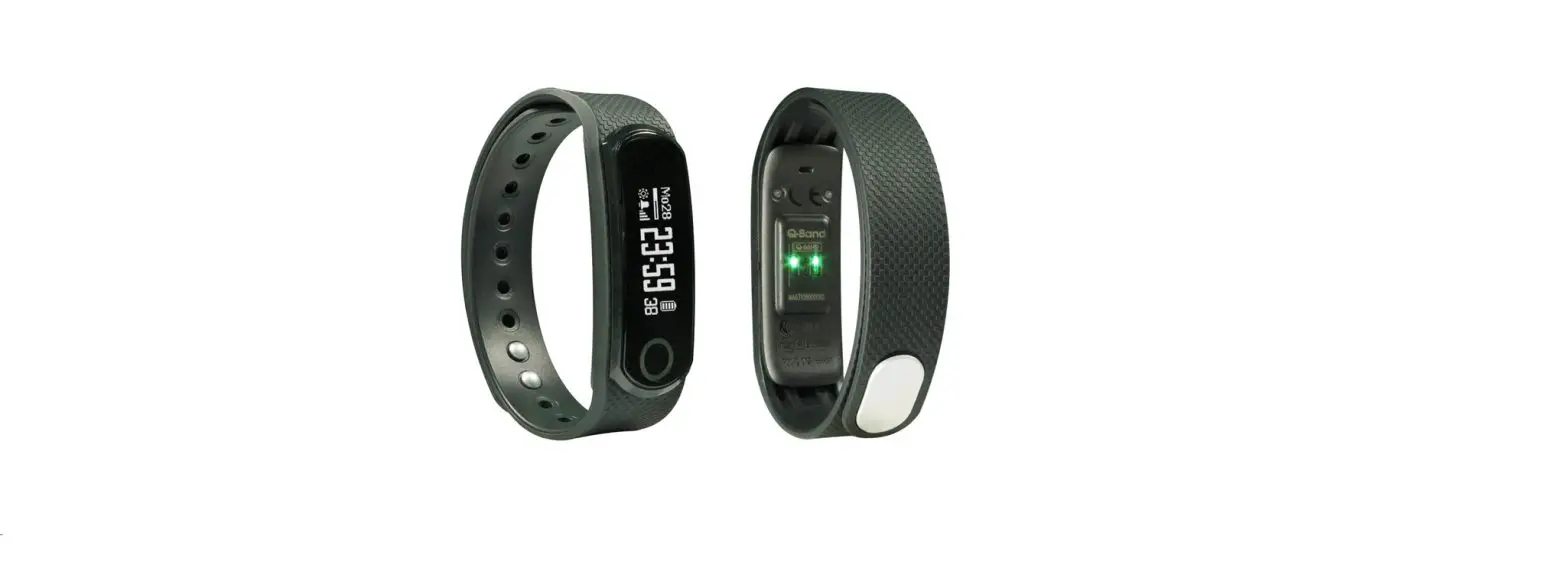
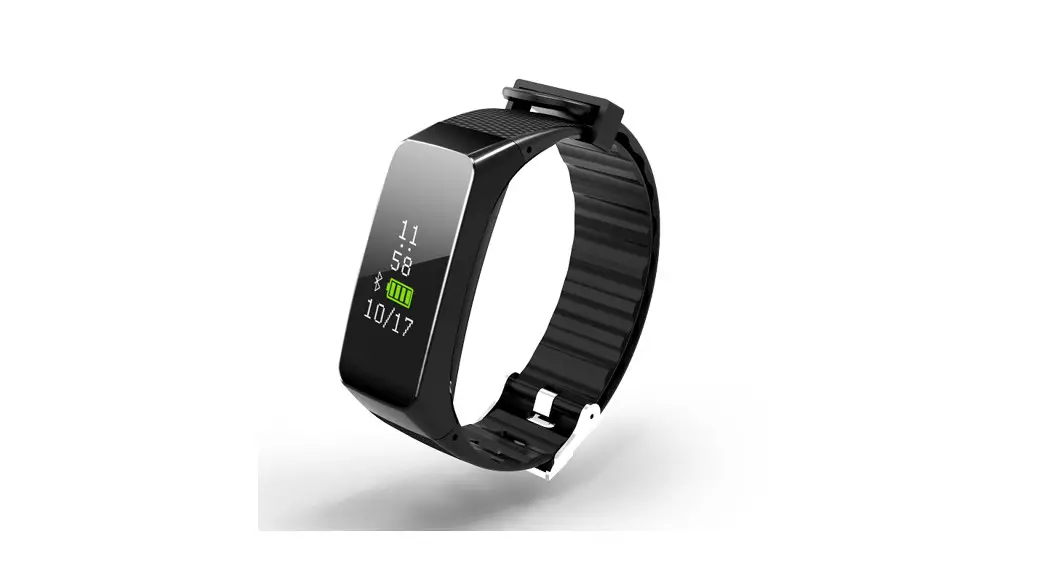
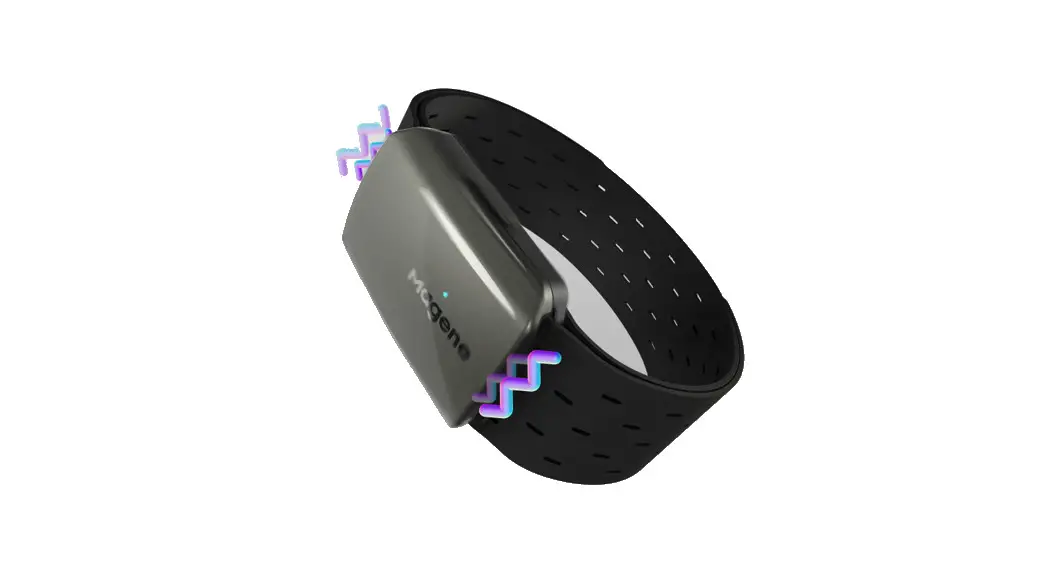
HR-50 Optical Heart Rate Fitness Band
HR-50/B/N is a heart rate monitor device with activity tracking function (B/N model).
You can know your heart rate when heart rate function is working. Besides,
HR-50B/N also records your daily steps, calories and sleep pattern. By connecting to the APP in your device, you can check your heart rate status and daily activity information (B/N model). We believe HR-50/B/N would be your best sport and activity tracking (B/N model) fitness watch.
First Time Use:
Please take out the battery insulation film to enable HR-50/B/N before first time use.
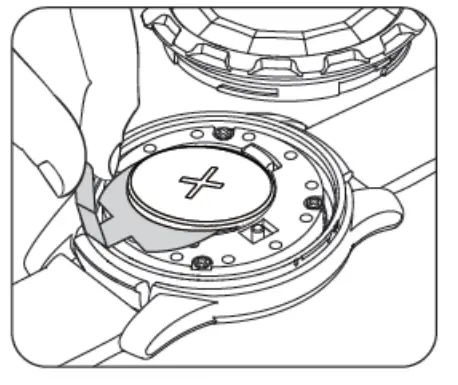
Battery Change Method:
- Put HR-50/B/N main device into device holder.

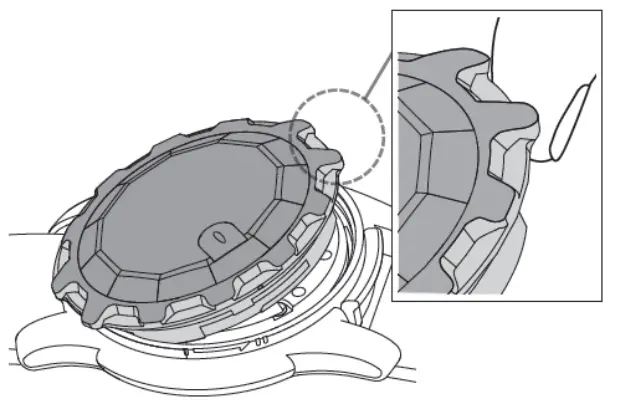
- Open top case by using the attached top case opener and rotate top case in counterclockwise direction for about 15 degree.

- Lift top case by your hand. Please note that you could lift the top case easier by lifting the 12 or 6 o’clock direction tooth.

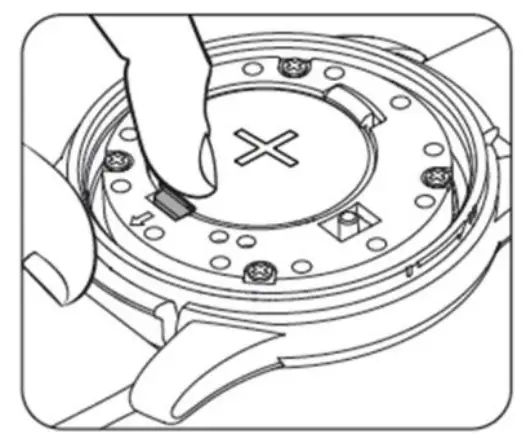
- Open the battery latch and you could change a new battery.

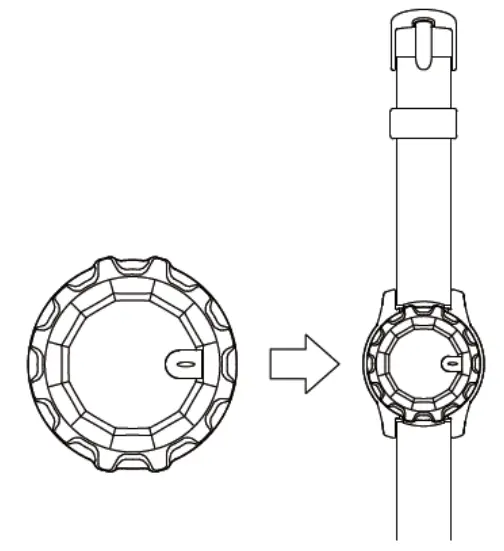
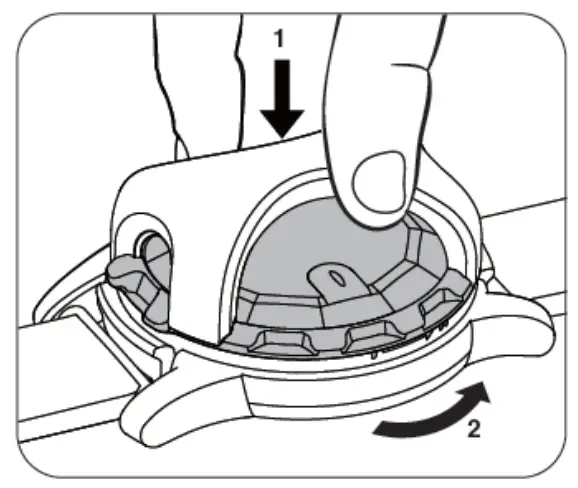
Take HR-50/B/N Out from Device Holder:
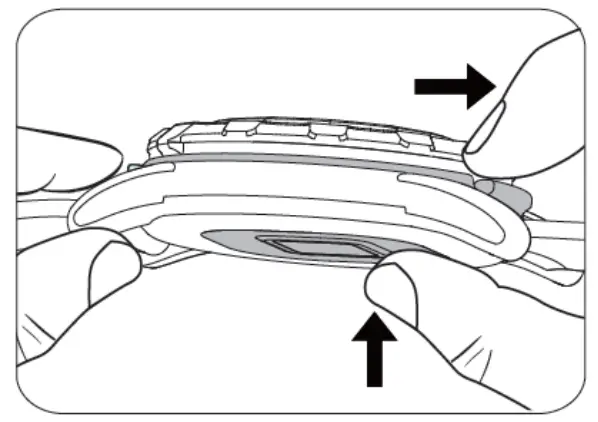
You could take HR-50/B/N out from device holder by bending the latch of device holder (in 6 or 12 o’clock direction) and push HR-50/B/N from its back at the same time.
Wear HR-50/B/N on Your Wrist:
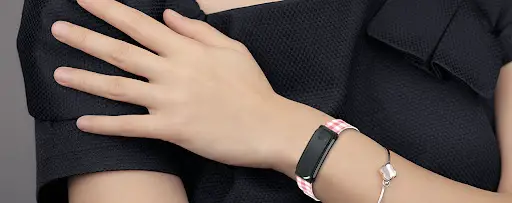
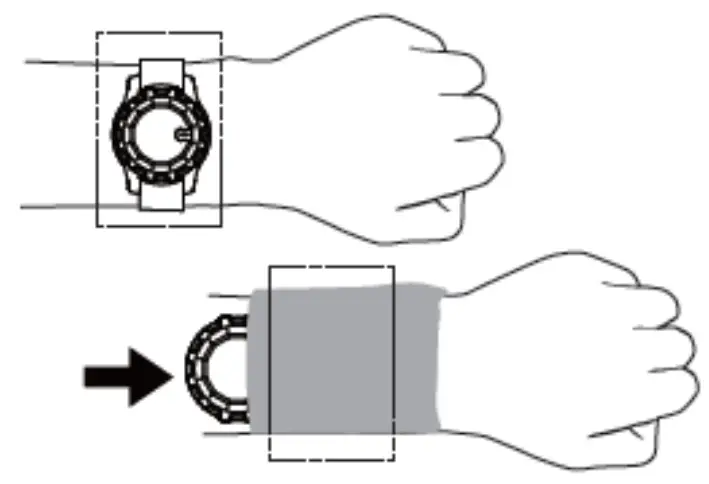
Please note that it is suggested to wear HR-50/B/N in below recommended part on your wrist and HR-50/B/N should be tied enough without slipping back and forth on your wrist. By the way, you could also take out HR-50/B/N from its holder and wear HR-50/B/N by using your own wrist sleeve.
Functions of HR-50/B/N:
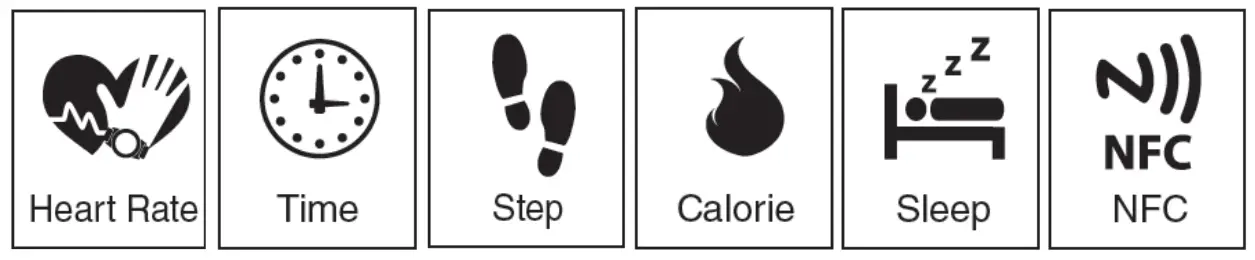
Methods to enable each HR-50/B/N function are listed below.
| Function | Enable Method | Support Model |
| Heart Rate | press button for 3 seconds (same way to disable) | HR-50/B/N |
| Time | click button | HR-50B/N |
| Step | always on | HR-50B/N |
| Calorie | always on | HR-50B/N |
| Sleep | always on | HR-50B/N |
| NFC | always on | HR-50N |

Light Indication of HR-50/B/N:
- Heart rate:
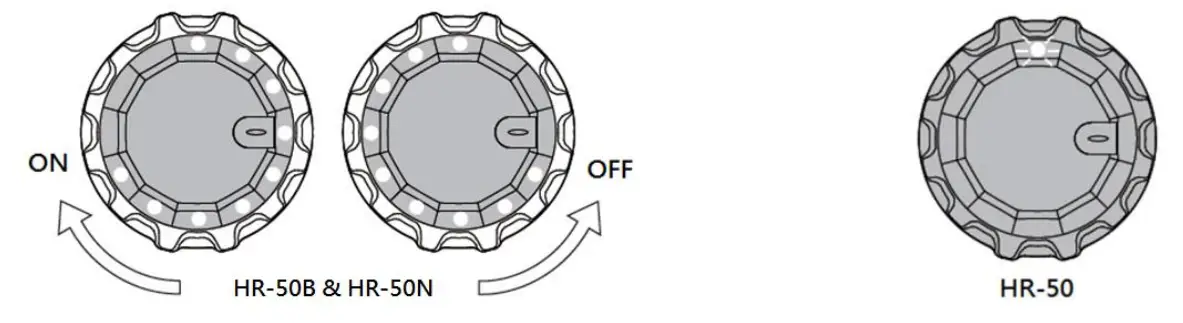
(i) For HR-50B/N, when you turn on (off) heart rate function by pressing button for 3 seconds, LED will light in clockwise (counterclockwise) direction.
(ii) For HR-50, when you turn on (off) heart rate function by pressing button for 3 seconds, 12 o’clock LED will flash.
- Time of day:
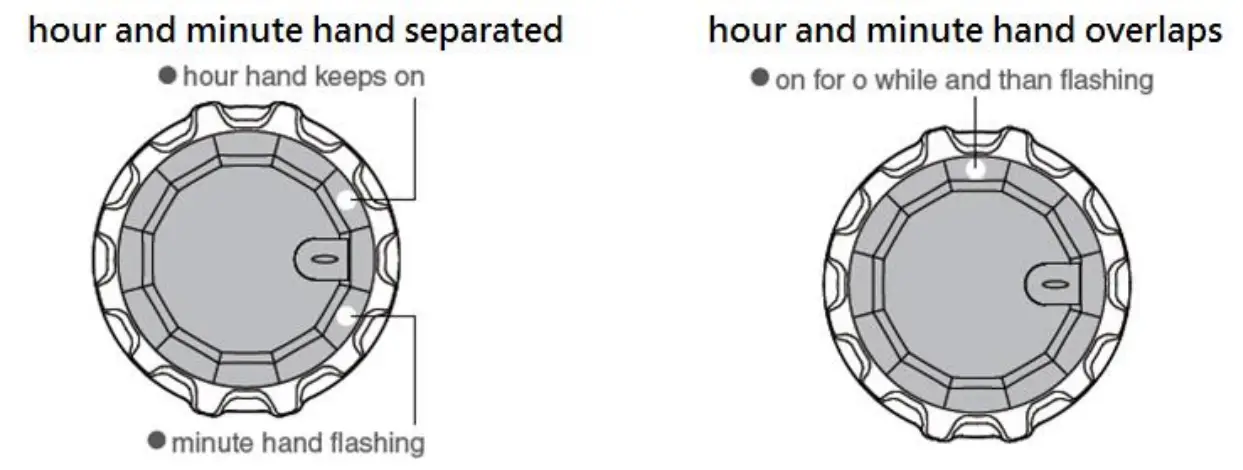
When you click the button of HR-50B/N, LED will show current time of day with hour hand keeps on and minute hand flashing. If hour and minute hand overlaps, LED will be on for a while and than flashing.
- Low power indication:
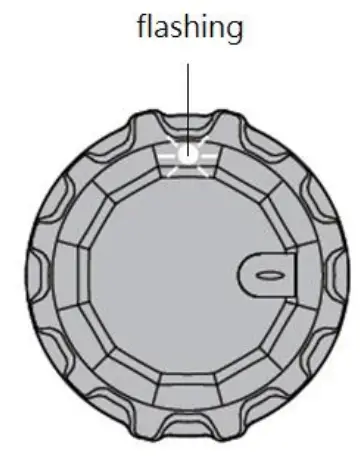
When HR-50/B/N is going to run out of battery, LED in 12 o’clock direction will be flashing. This is a reminder for user to replace a new battery. Please note that when
battery is low, heart rate / time / APP data transfer function will be off. However, step / calorie / sleep function will still be working until HR-50/B/N runs out of battery.
APP Installation of HR-50/B/N:
Please refer to below QR code for downloading HR-50/B/N iOS and Android APP.
You could use your HR-50/B/N with APP. Then, you could understand your heart rate and daily activity status.
 | |
| https://itunes.apple.com/tw/app/gsport/id662862421l=zh&mt=8 | https://play.google.com/store/apps/detailsid=tw.com.globalsat.android.HR50 |
For more detailed user guide, please visit http://www.globalsat.com.tw and search “HR-50”.
 GPS tracker, wearable devices Manufacturer – GlobalSat WorldCom Corp.