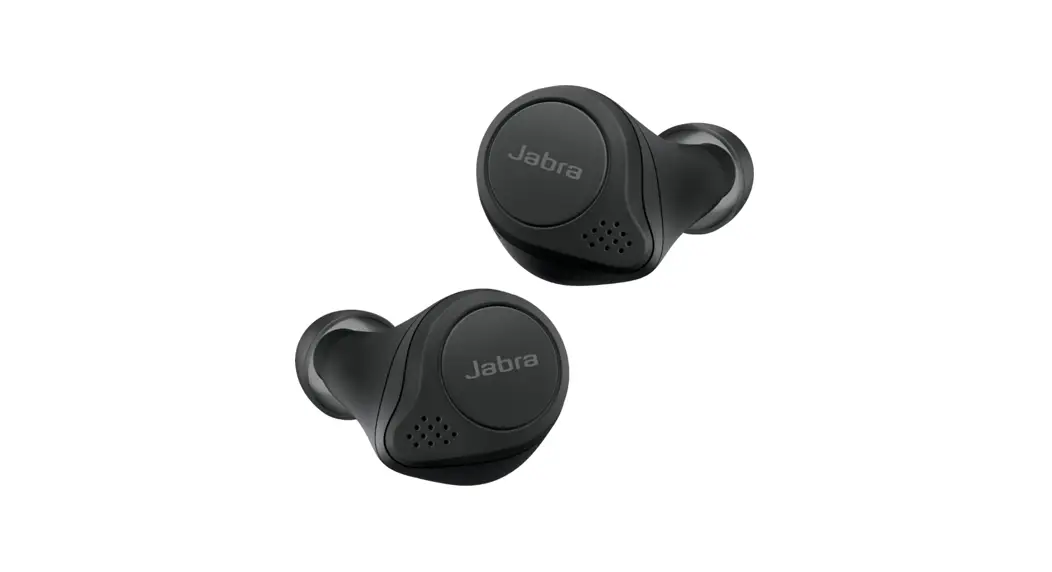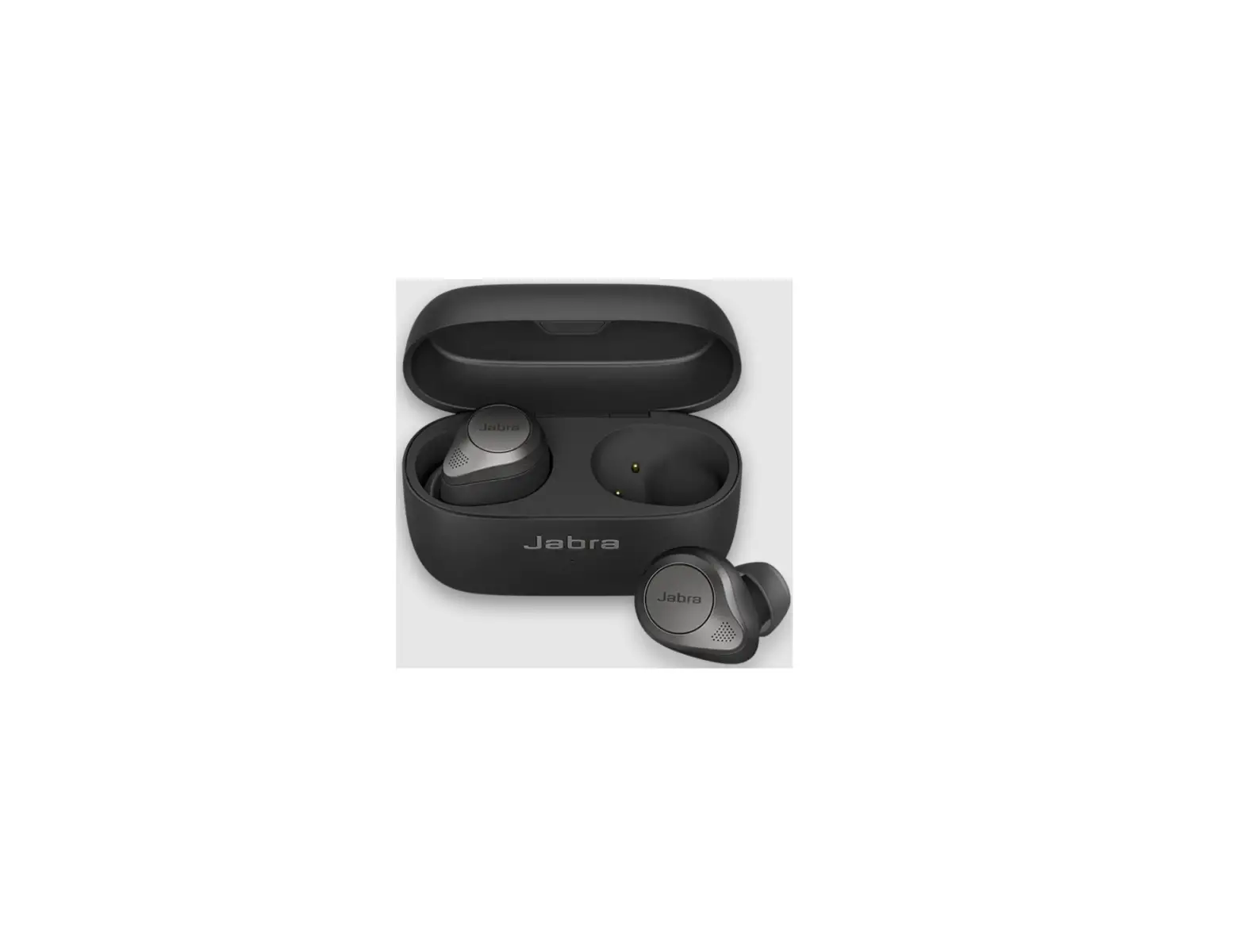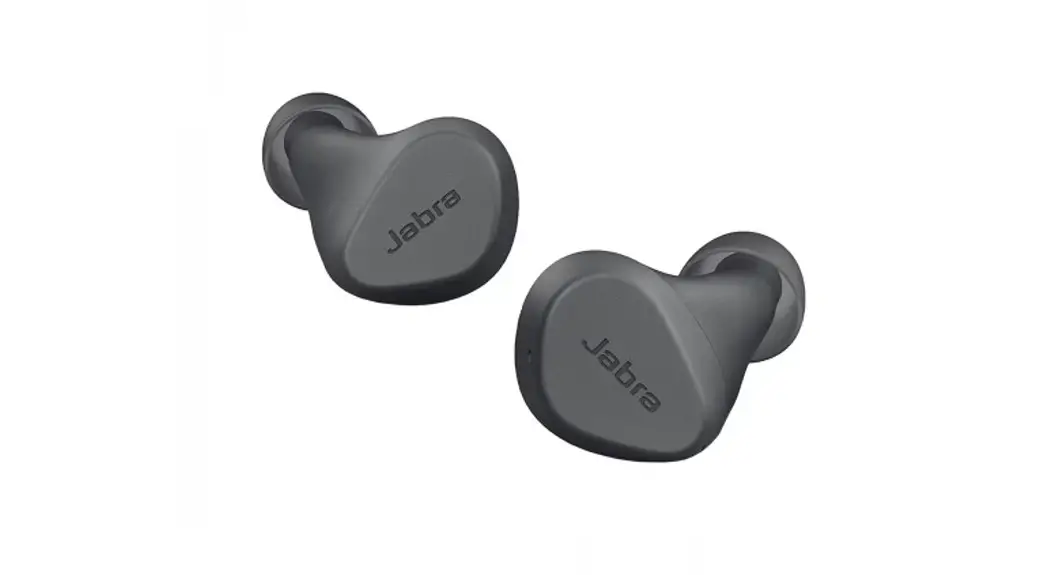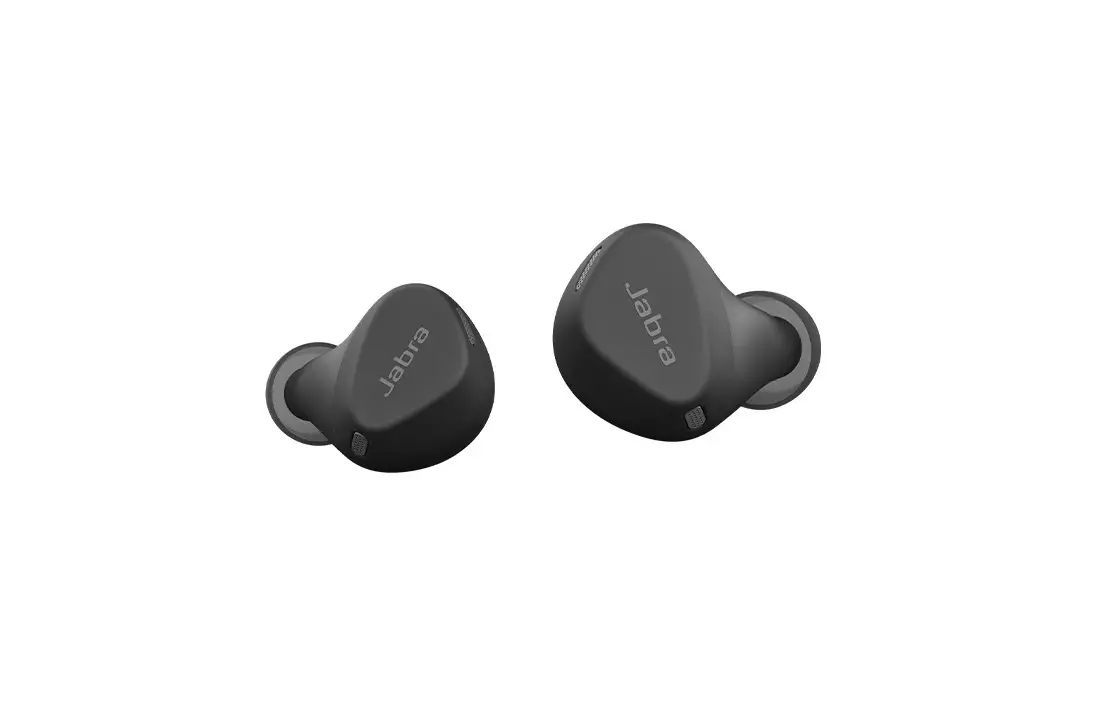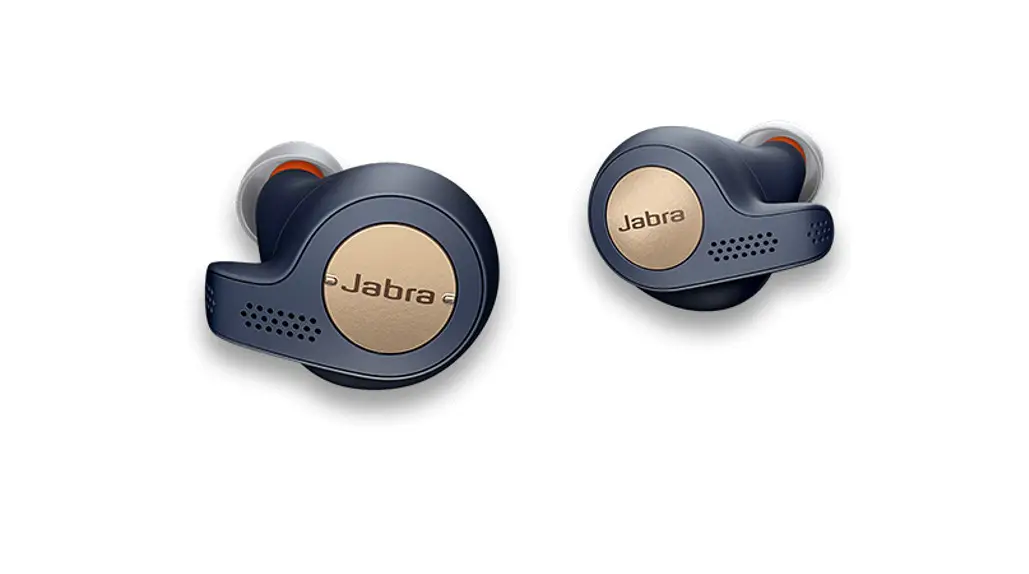
Jabra Elite 7 Active Black Earbuds Instructions
FAQ
Can I use just one of my Jabra earbuds?
Yes, you can use the right or the left earbud individually for playback of
music or calls.
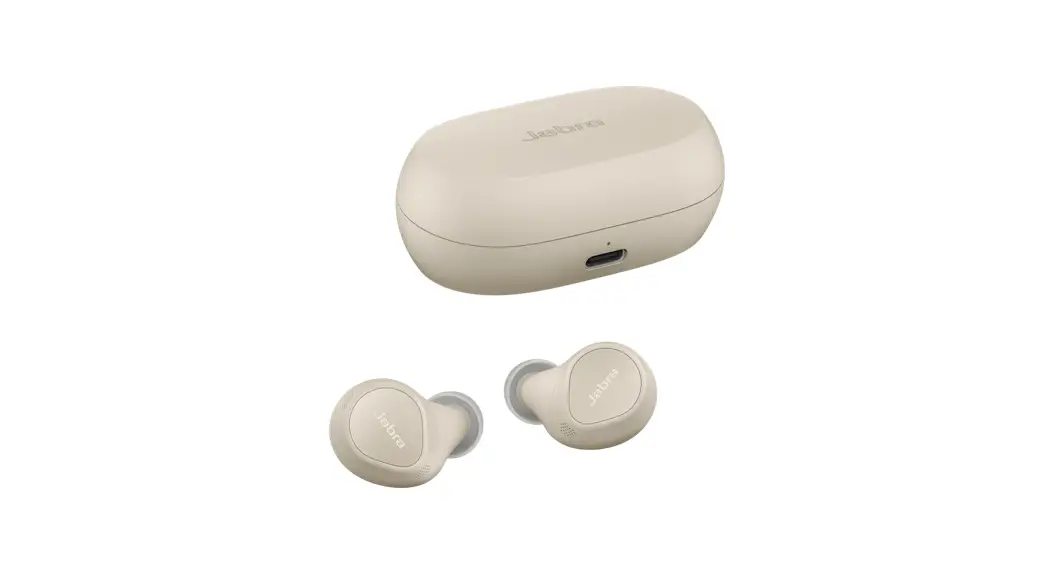
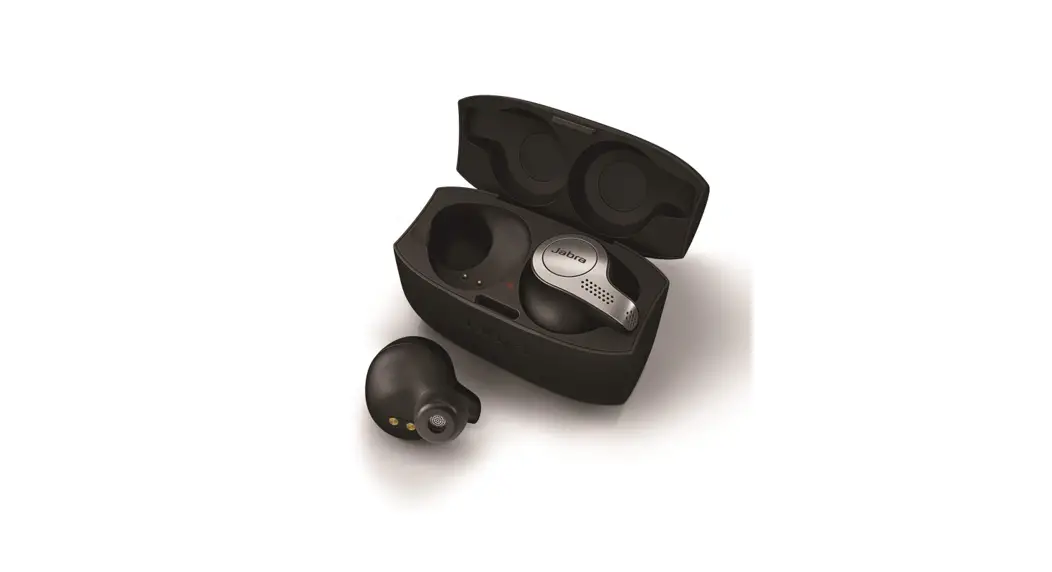
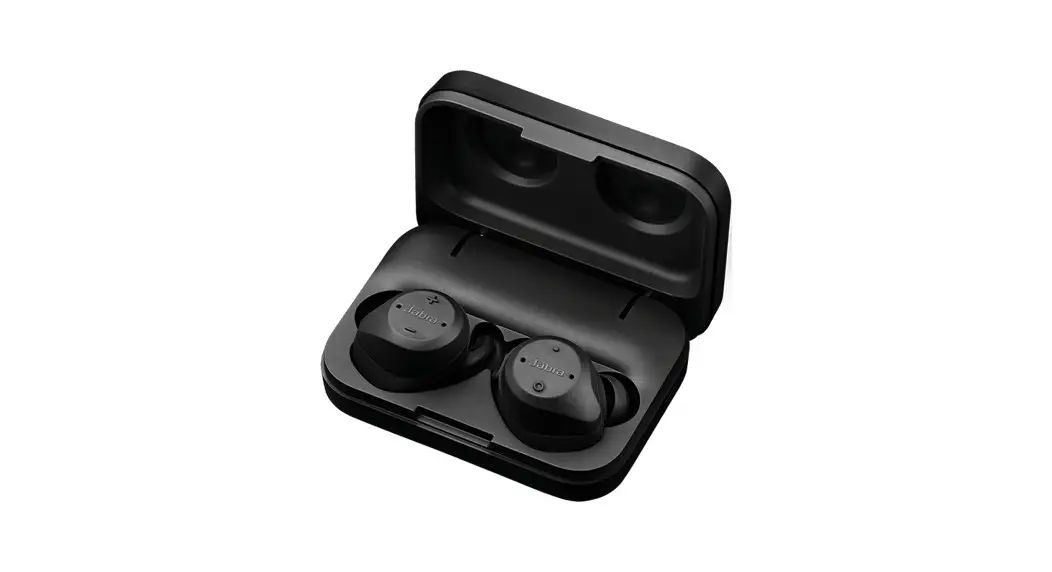
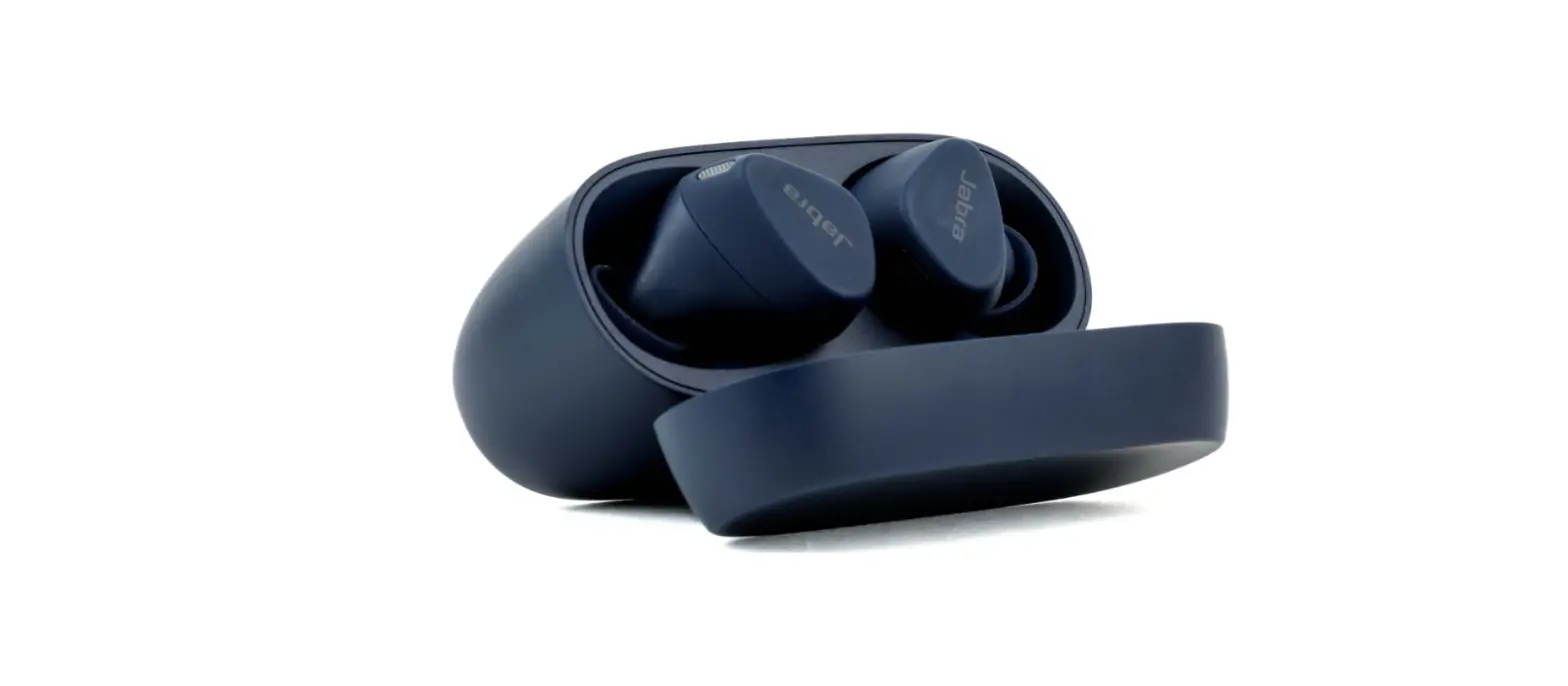
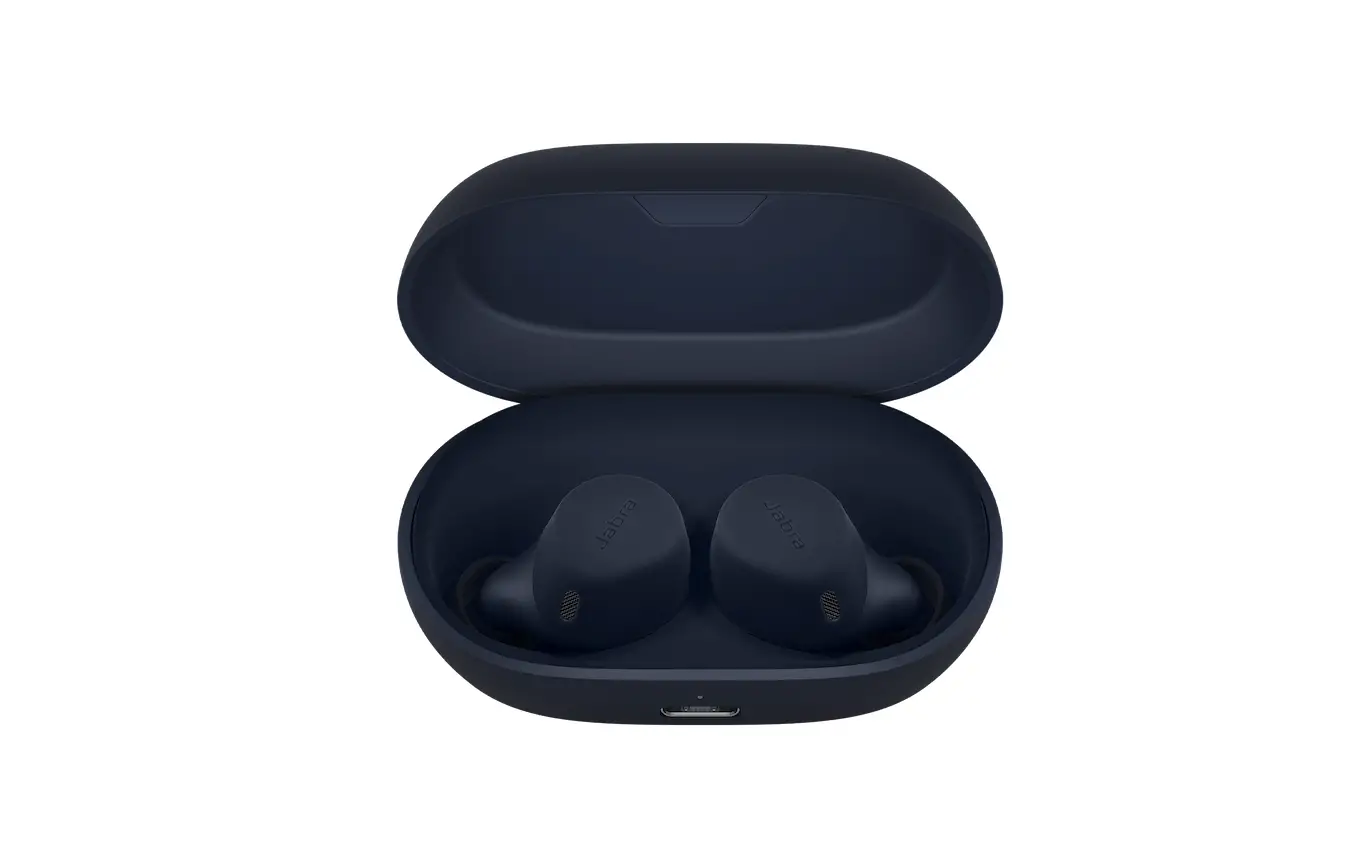
To activate mono earbud mode, place the unused earbud in the charging case. When you remove both earbuds from the charging case, the left and right earbuds will automatically relink and enter stereo mode.
Note
For Android devices, stereo mixing must be enabled by selecting the AAC or SBC audio codec in the Developer options on your smartphone. View the following table for how to manage calls and music in mono earbud mode.
The explanations are in English. For other language versions, refer to the translated user manual in the Product documents section on the support page for your product.
Instructions
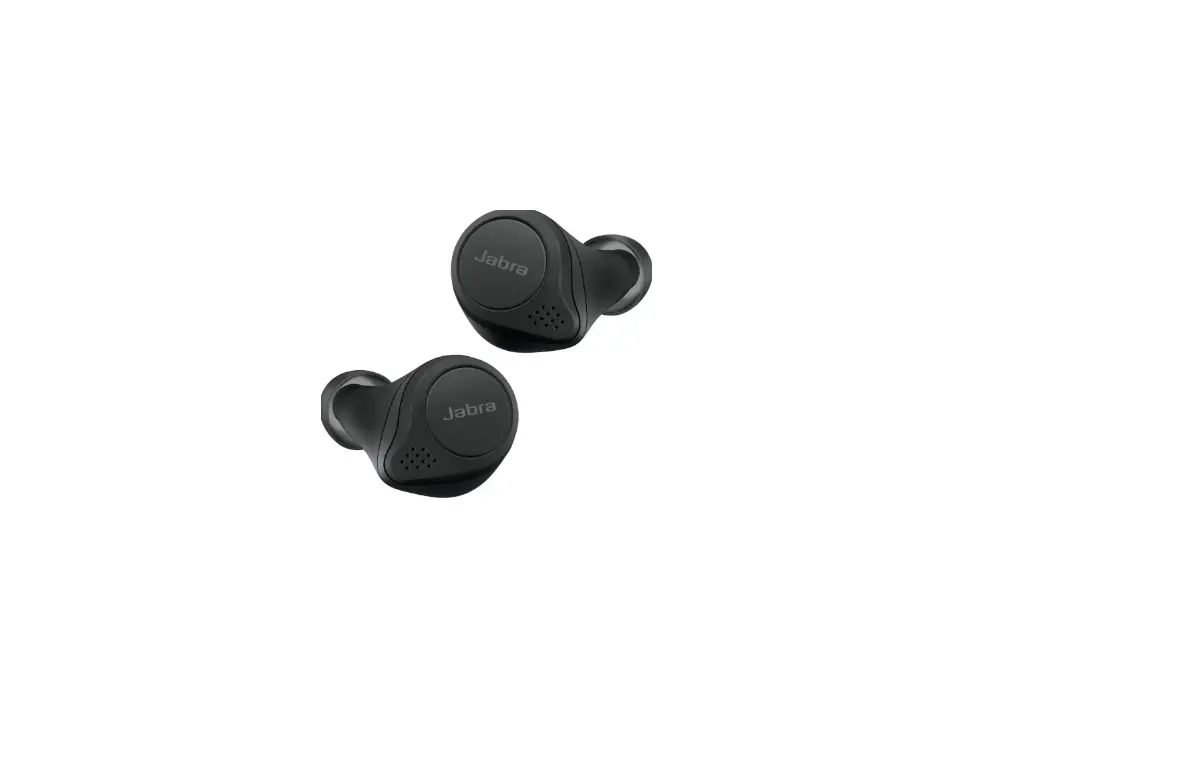
Left button | Left earbud only |
|
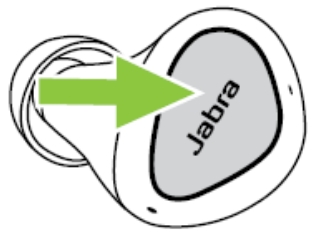 | Play/pause music | Press the Left button when listening to music |
Answer call | Press the Left button | |
End/Reject call | Double-press the Left button | |
Mute/unmute microphone | Press the Left button when on a call | |
Activate Voice assistant or one touchSpotify playback | Double-press the Left button when not on a call | |
Adjust volume | Use the volume controls on the paired mobile device |
Right button | earbud only. | |
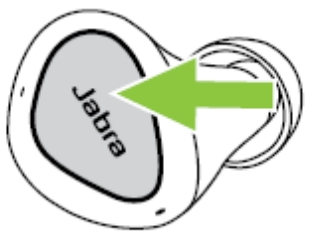 | Play/pause music | Press the Right button when listening to music |
Answer call | Press the Right button | |
End/Reject call | Double-press the Right button | |
Mute/unmute microphone | Press the Right button when on a call | |
Next track | Double-press the Right button when listening to music | |
Restart track or previous track | Triple-press the Right button when listening to music Repeat to skip to the previous track | |
Adjust volume | Use the volume controls on the paired mobile device | |
Applicable products
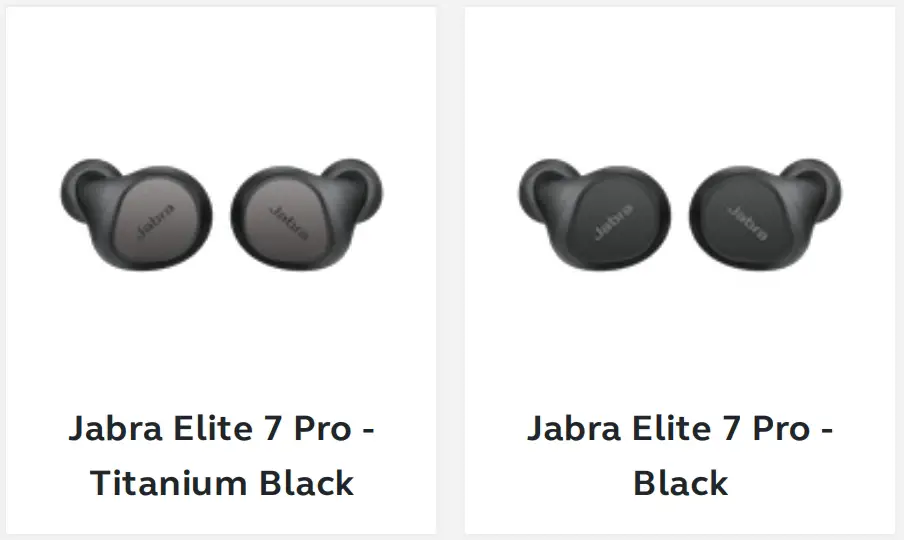
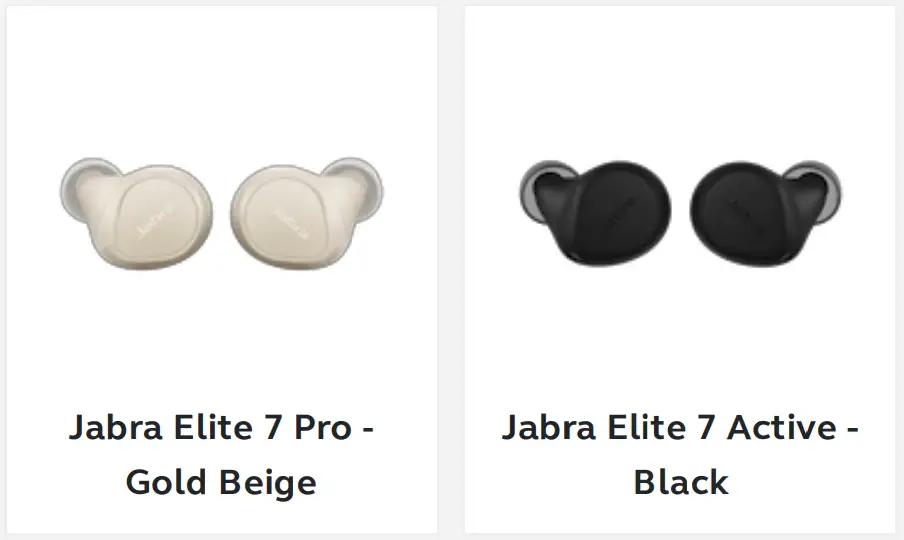
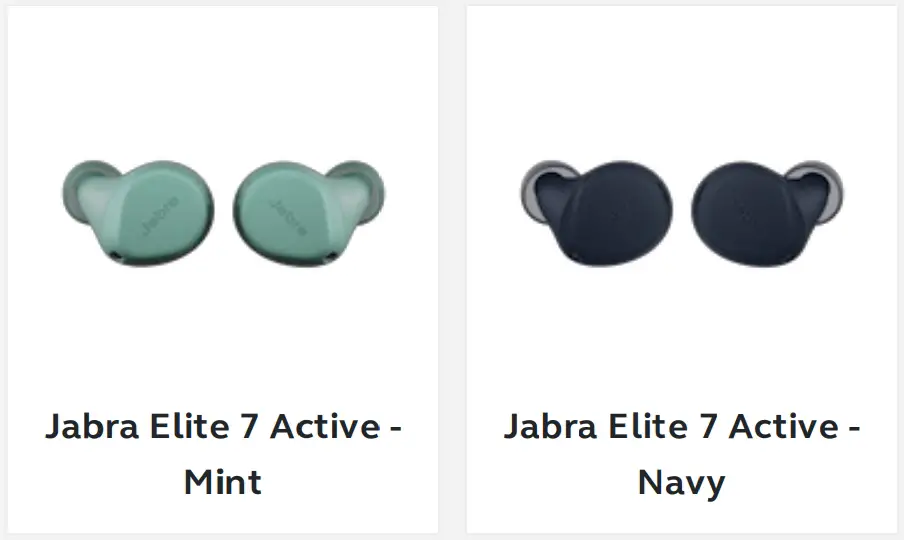

 [FAQTitle] | Jabra Elite 7 Active - Black | FAQ | Jabra Support