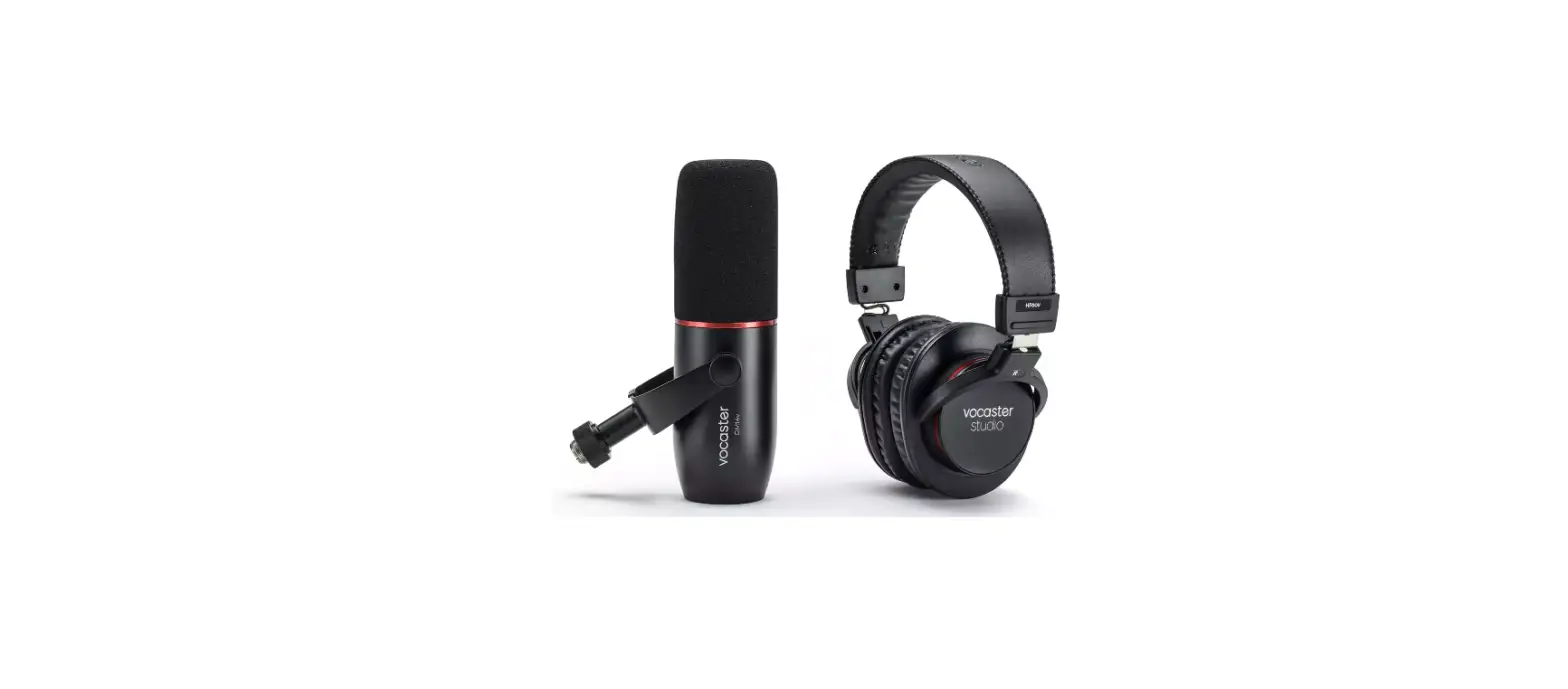

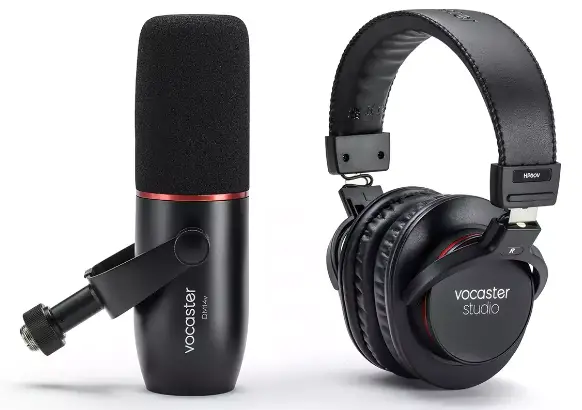
Focusrite vocaster DM14v Microphone
Introduction
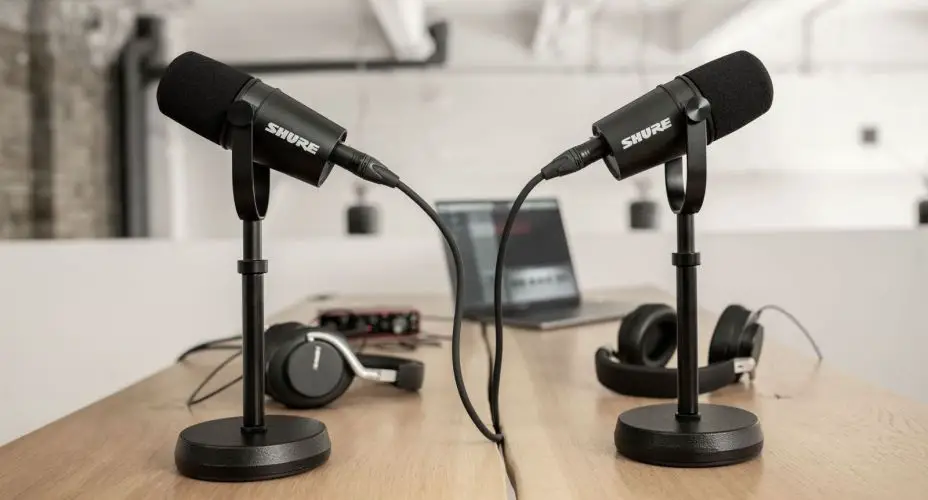
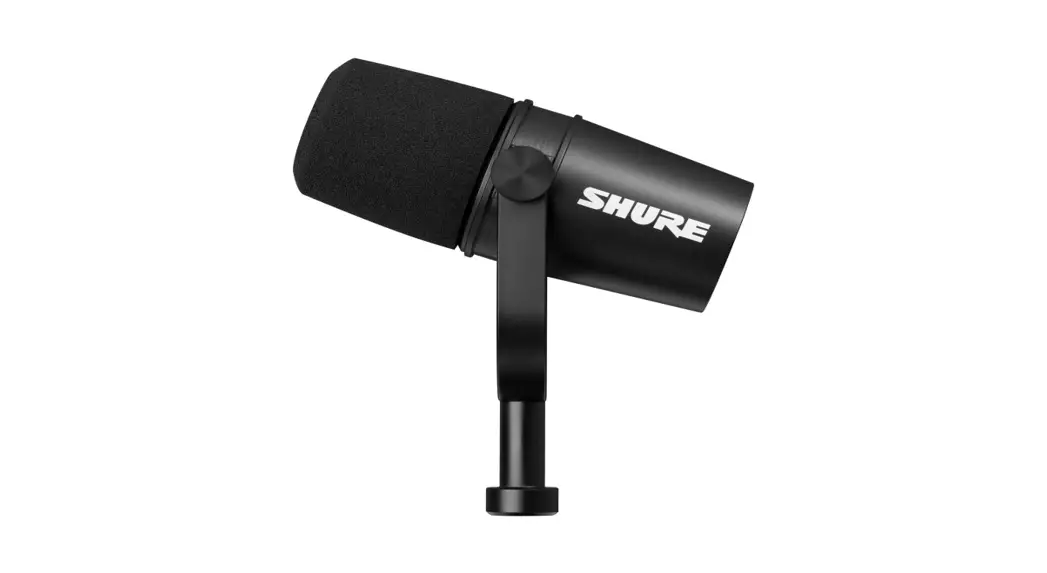
The Vocaster DM14v is a dynamic microphone tuned for recording broadcast, webcast and podcast-style studio-quality voices. It has a smooth and wide frequency response along with an integrated windshield for close-proximity recording situations.
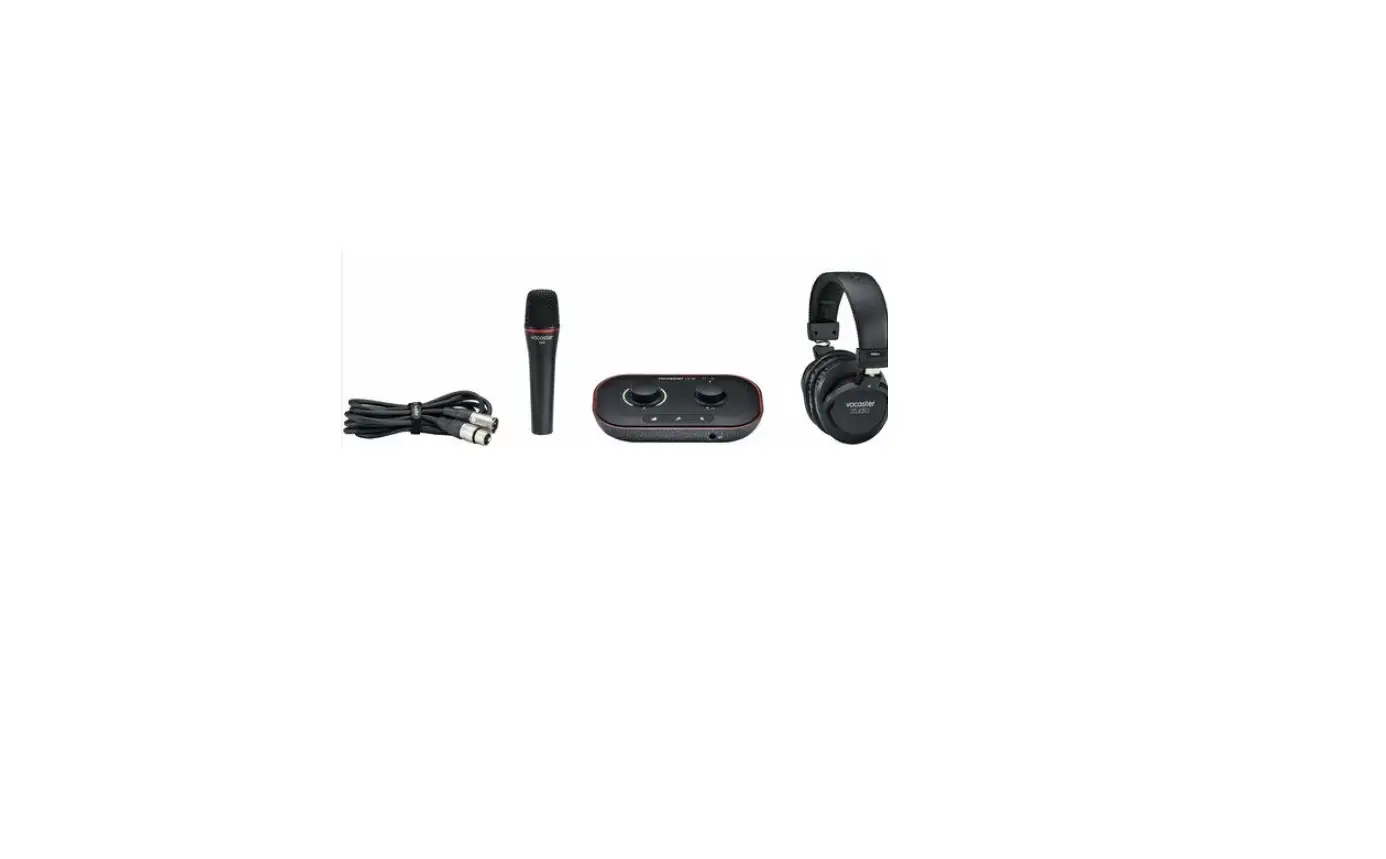
The Vocaster DM14v includes:
- A built in windshield.
- Internal suspension and shock mount
- Built-in broadcast-style stand mount.
- A cardioid polar pickup pattern.
- 3m XLR cable
The Vocaster DM14v cardioid pickup pattern (See Polar Patter on page 3), its dynamic capsule, and built-in windshield mean you can get close to your microphone to hear more of you and less of your room, anywhere.
Dimensions
Setup
Using DM14v with a microphone stand
The Vocaster DM14v has a built-in a microphone stand mount and a microphone stand thread adaptor (inside the microphone stand mount). Microphone stand mounts come in two standard screw sizes, Vocaster DM14v’s integrated mic stand mount has a removable adaptor you can insert or remove to fit your microphone stand.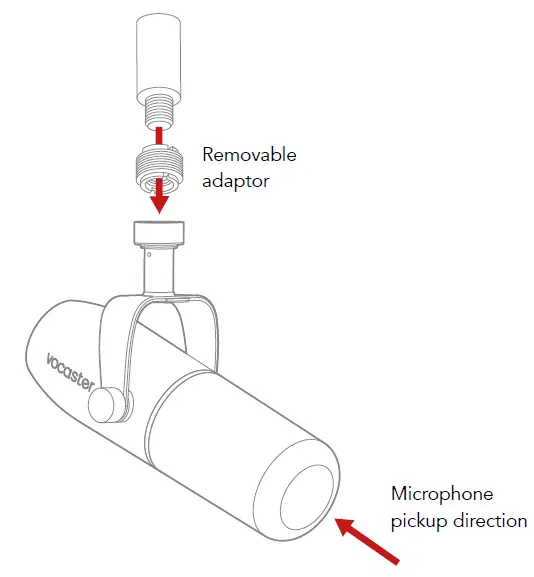
Vocaster DM14v FAQs
Does the Vocaster DM14v need 48V (Phantom Power)?
No, the Vocaster DM14v is a dynamic moving coil microphone. This type of microphone doesn’t need power to work.
Will the Vocaster DM14v be damaged by 48V (Phantom power)?
No, the Vocaster DM14v will not be damaged if you send it 48V phantom power accidentally, or if you need to enable 48V for all channels on your interface.
How far should I be from the microphone?
Speaking close to the microphone reduces the effect of the room’s acoustics, but increases the bass response. This can be good for some voices but for a more natural sound, move away from the microphone slightly, about the length of a fist (10-15 cm). If the room you’re using doesn’t sound good, the further you are from the microphone, the more you’ll hear the room sound when you listen to the recording. Natural room reverberation is neither good or bad, but often inappropriate for voice recordings.
The microphone is quiet or sounds strange?
Make sure you’re speaking into the end of the microphone (see diagram), if the microphone is still too quiet, try increasing the gain on your interface, speaking louder, or getting closer to the microphone.
Can I use an XLR to jack cable with my microphone?
The Vocaster DM14v is designed for use with an XLR cable. An XLR to jack cable might work but it’s likely to sound worse or not work.
Specifications
Technical Specifications
| Capsule | |
| Type | Dynamic (Moving Coil) |
| Polar Pattern | Cardioid |
| Performance | |
| Sensitivity (0dB = 1V/Pa at 1kHz) | -57dB |
| Frequency Response | 50Hz – 16KHz |
| Impedance (@1kHz) | 200Ω |
| Physical Characteristics | |
| Mounting | Standard 5/8”; 3/8” adaptor supplied |
| Net Weight | 655g (1lb, 7oz) |
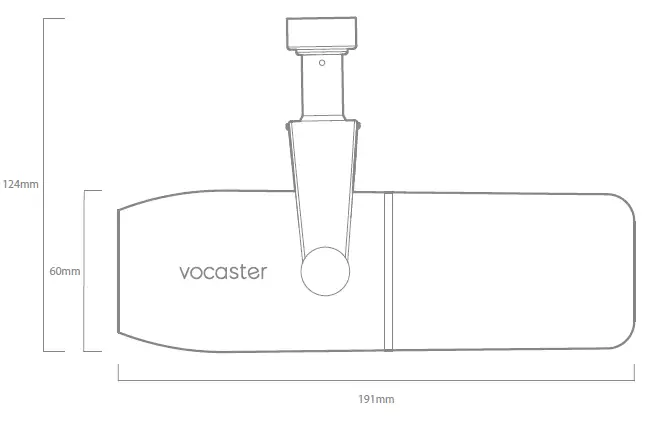
| Body Dimensions | Diameter 60mm Length 191mm |
| Finish | Matte Black/Red Trim |
| Output Connector | 3-Pin XLR, balanced output Pin 1 (Ground), Pin 2 (+), Pin 3 (-) |
Frequency Response
A microphone’s frequency response chart shows how sensitive a microphone is across the audible frequency range for human hearing. We’ve designed Vocaster DM14v’s frequency response for studio-quality voice recordings.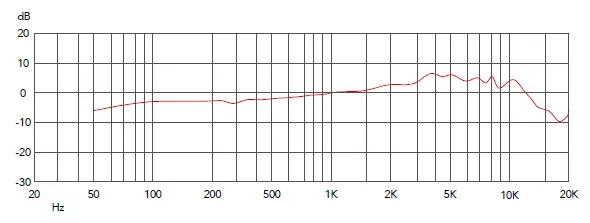
Polar Pattern
The polar pattern shows how sensitive the microphone is in the areas around the microphone. The angle 0° refers to speaking into the end of the Vocaster DM14v.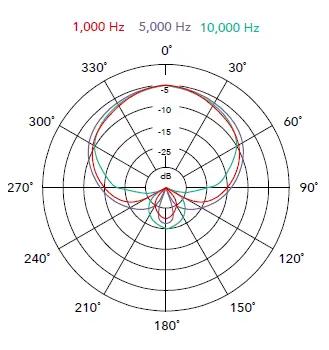
Accessories and Spare Parts
| Part | Part Number |
| Metal Wave Washer *TBAMMxTBAMM* – DM14v | FAST002094 |
| Flat Metal Washer *TBAMMxTBAMM* – DM14v | FAST002095 |
| XLR Dress Ring – DM14v | MISC002187 |
| Pop Shield – DM14v | MISC002188 |
| Capsule Cage – DM14v | MISC002189 |
| XLR Connector Assembly – DM14v | MISC002190 |
| Mic Capsule Assembly Complete – DM14v | MISC002191 |
| Mic Support Bracket – DM14v | MISC002194 |
| Thumb Screw – DM14v | MISC002195 |
| Plastic Wave Washer *TBAMMxTBAMM* – DM14v | MISC002198 |
To get spares for your Vocaster DM14v please either contact our Spares team or speak to your local distributor: Contact our Spares Team: support.focusrite.com Contact your local distributor: stockists.focusrite.com