
INSTRUCTION MANUAL
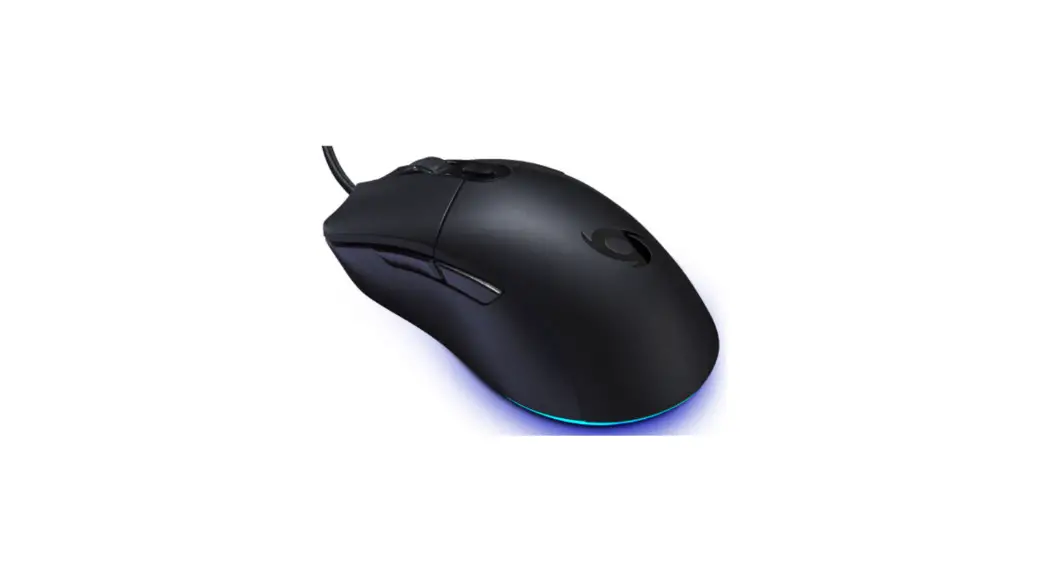
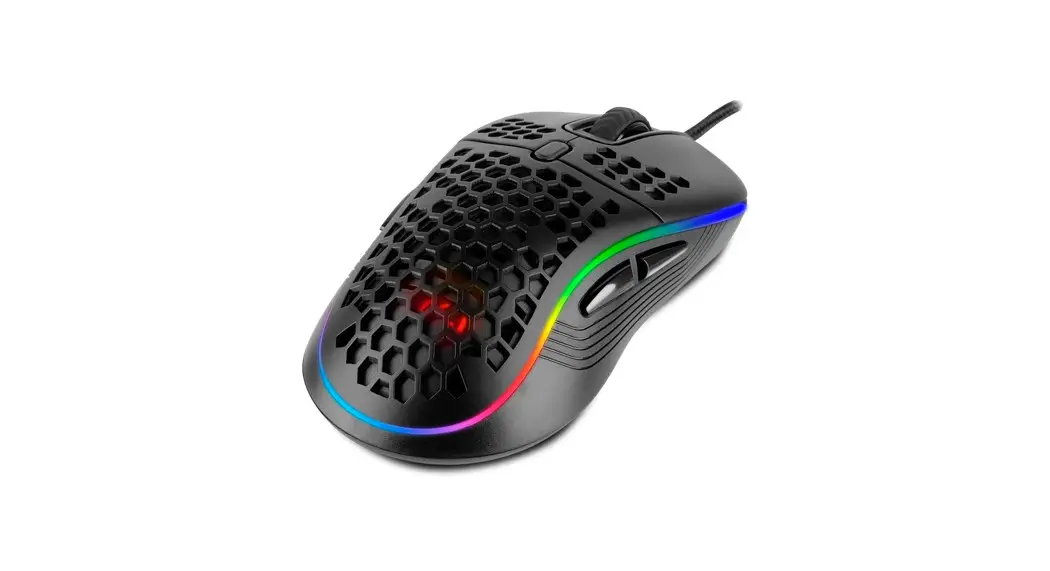
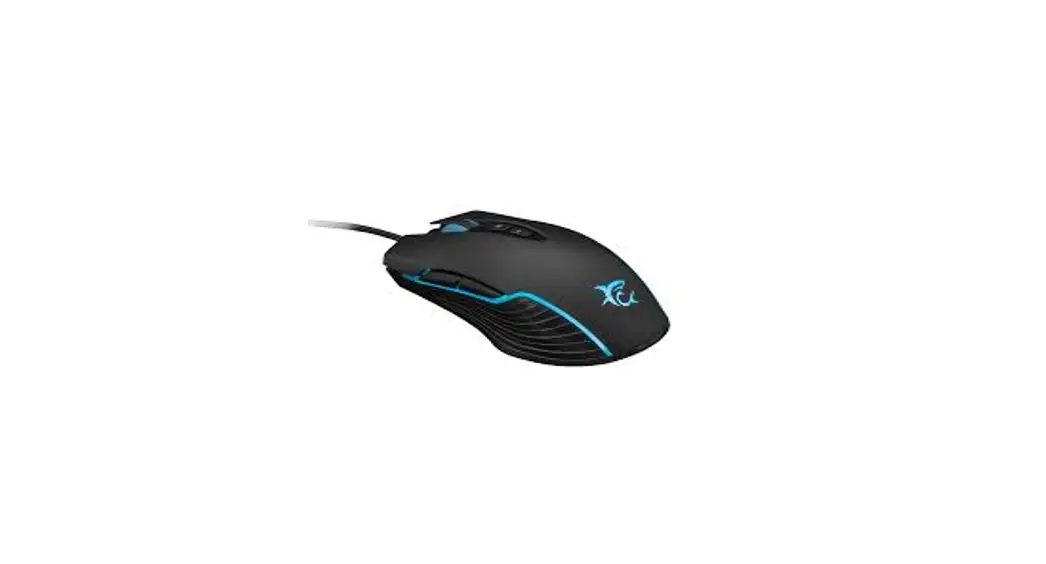
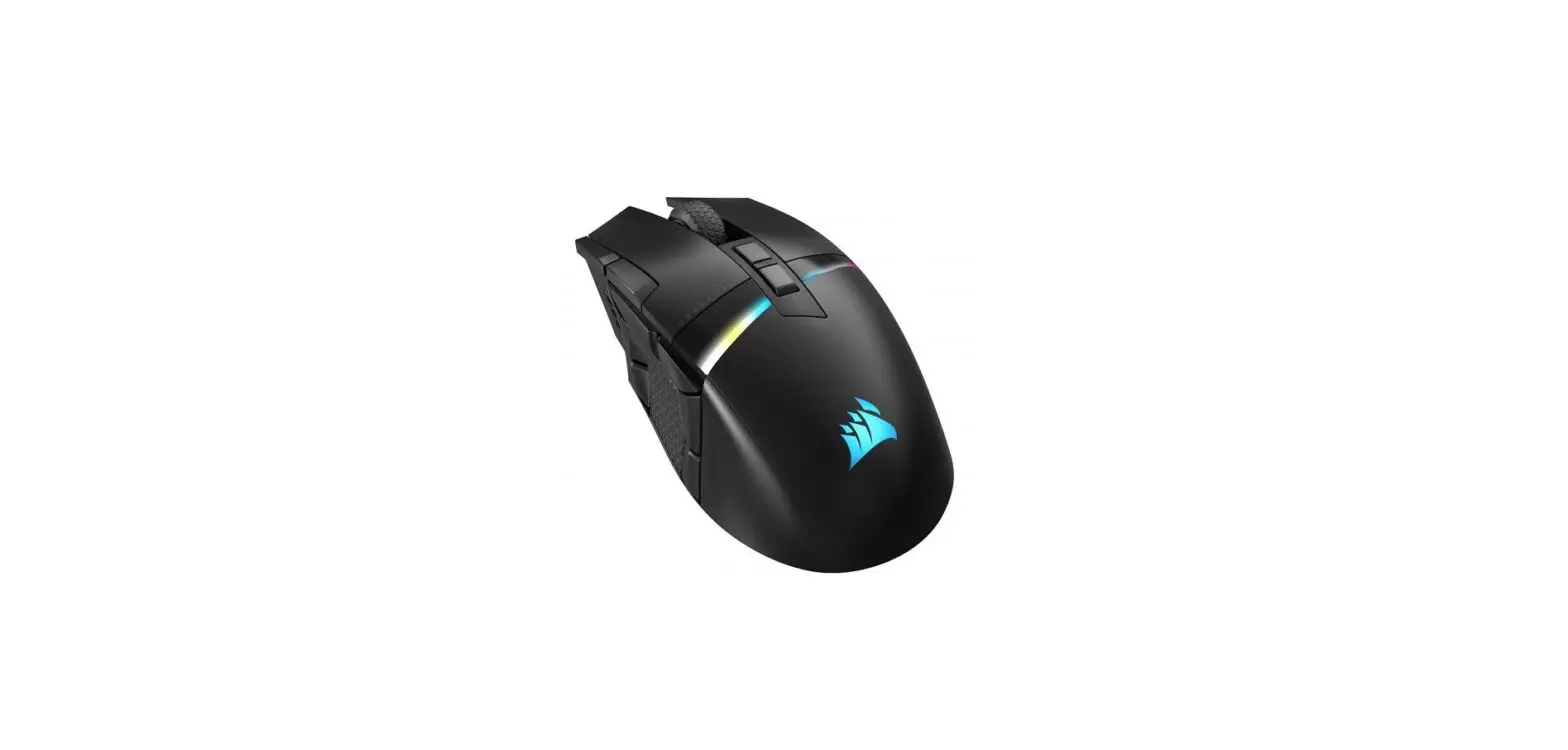
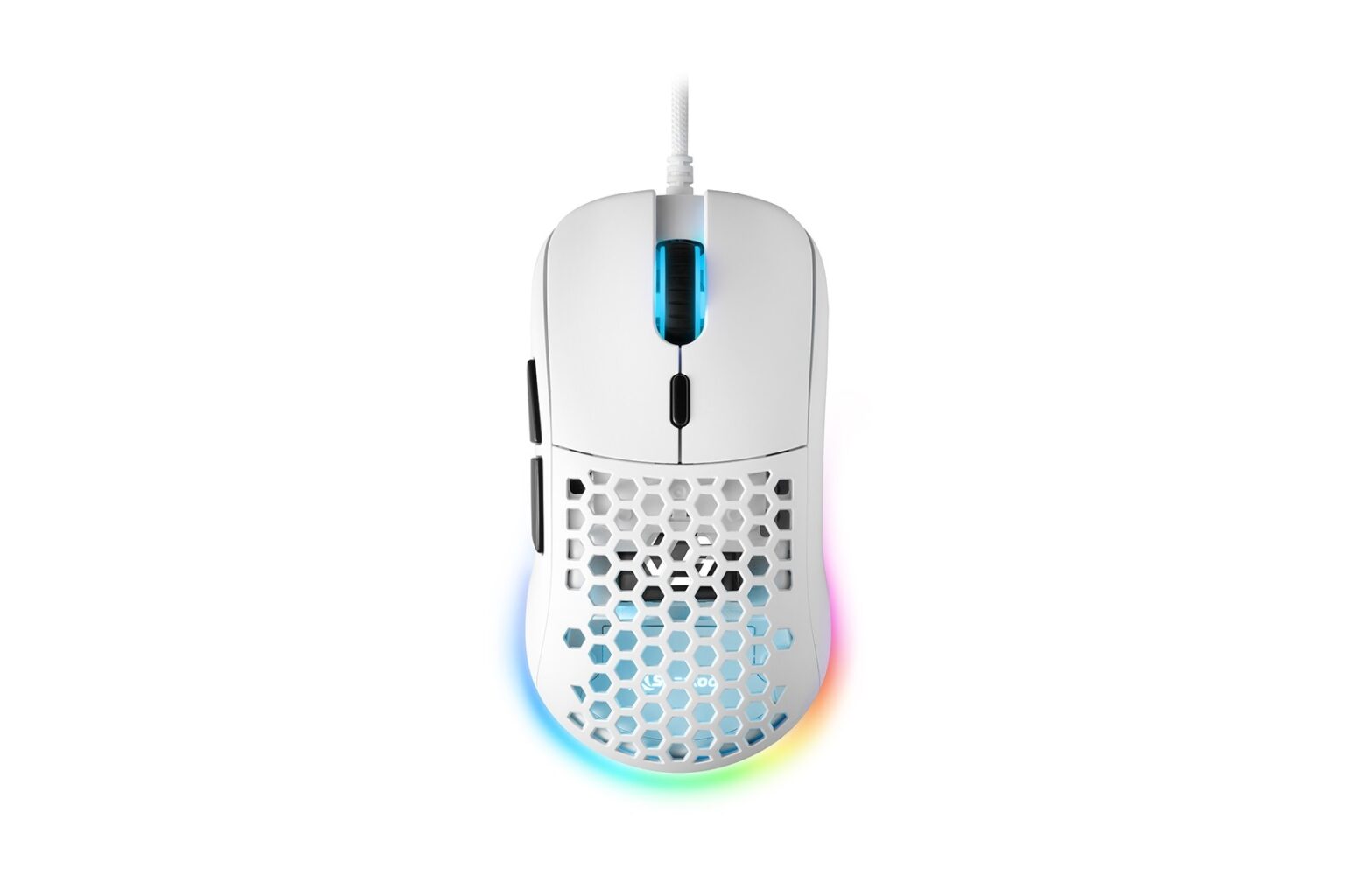
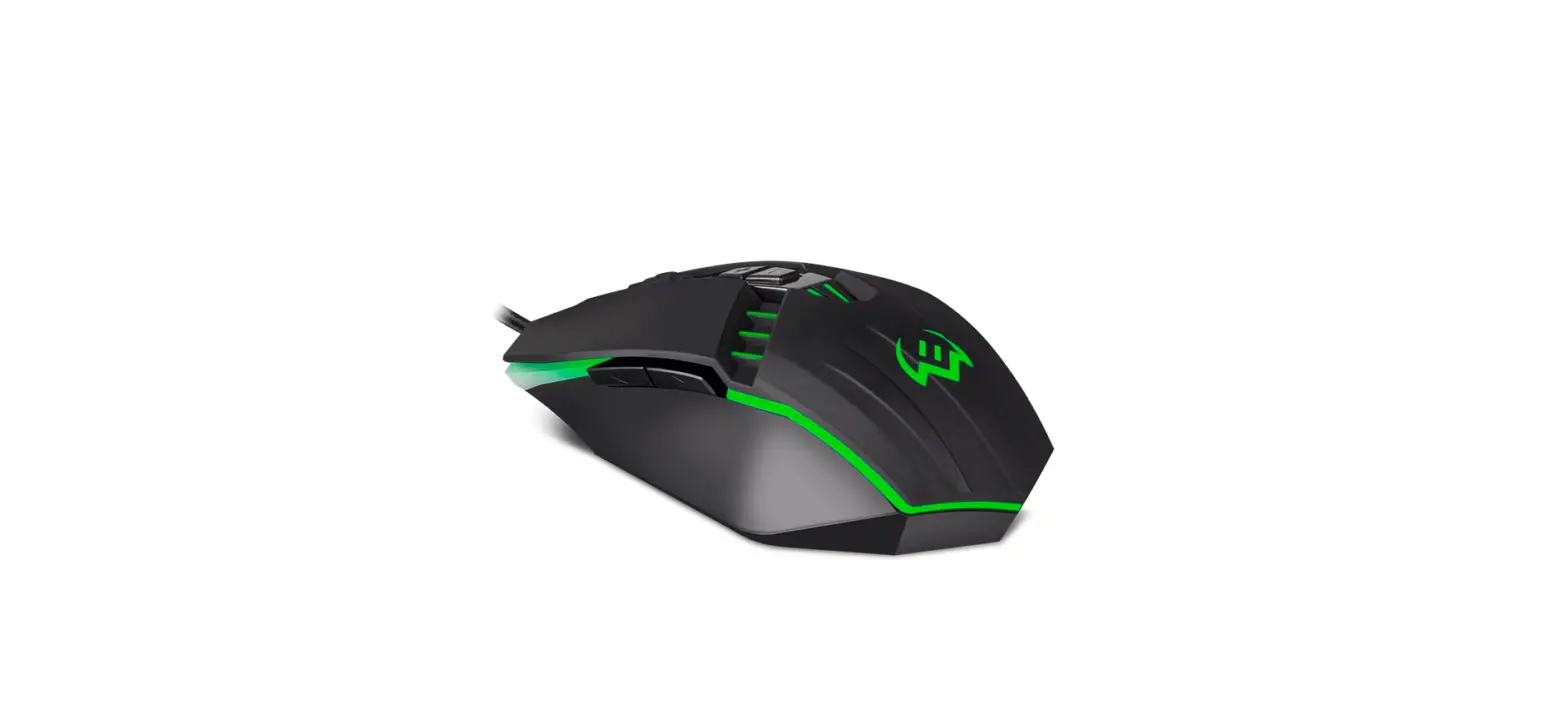
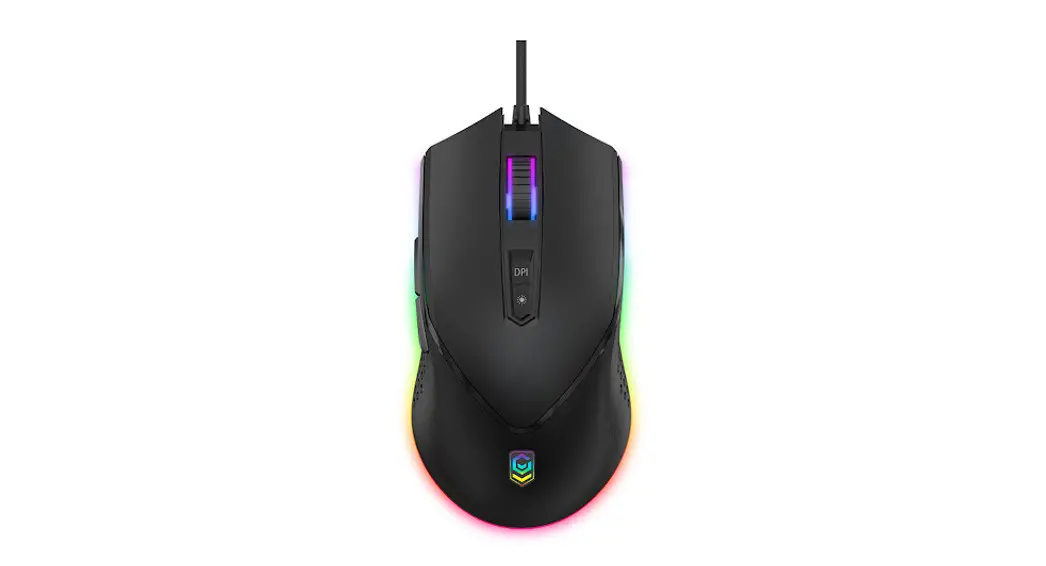
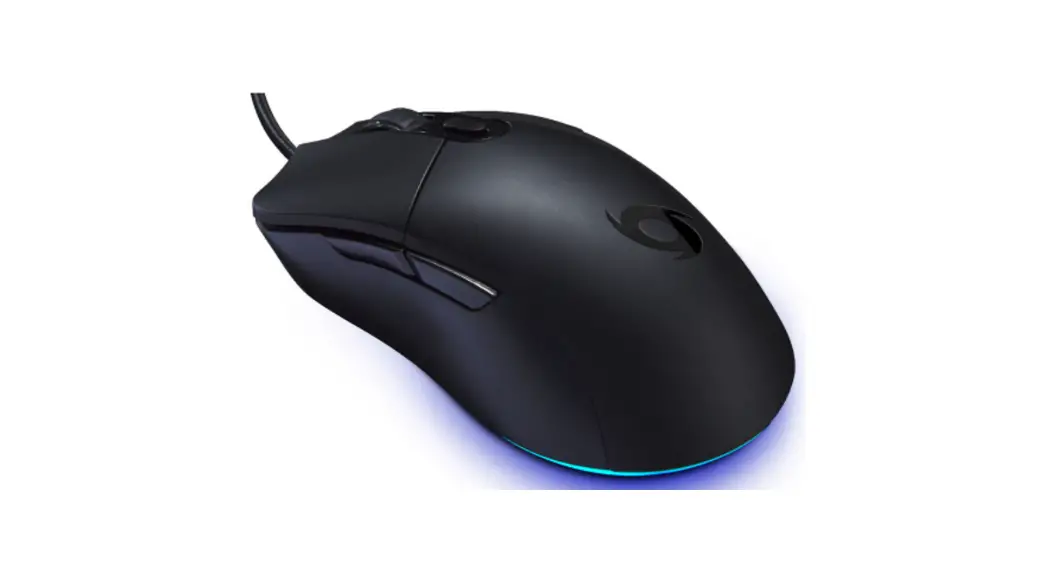
RGB GAMING MOUSE MODEL: STRIKE MSE11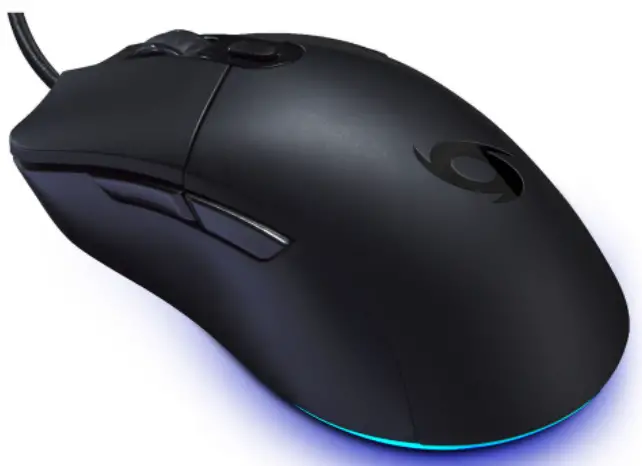
 Compatible with:
Windows RXP or later
Mac OS x 10.7 or later
Product Functions
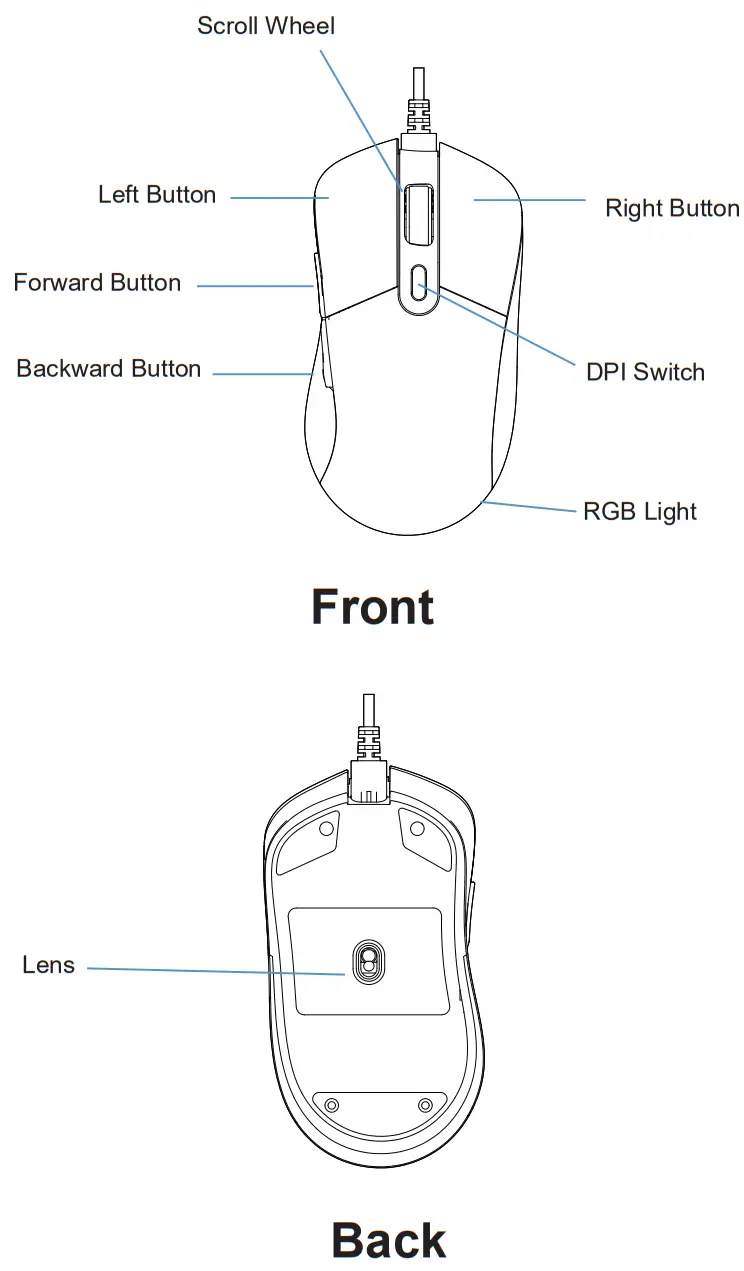
Usage Instructions
 Installation
Plug the USB cable into the computer USB port, the mouse lights will illuminate.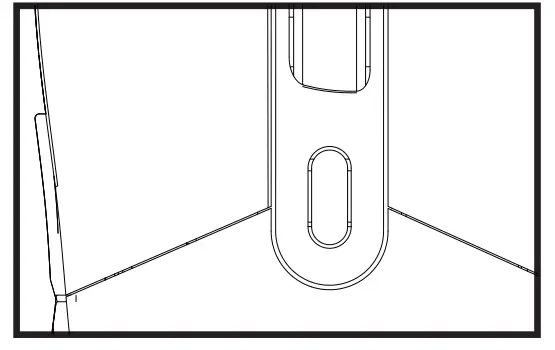 DPI
DPI
Press the key to adjust DPI.
| DPI | 1200 | 2400 | 4800 | 6200 | 8400 | 12000 |
| Scroll Ligh | Red | Green | Blue | White | Yellow | Purple |
Light
Press the DPI+left button key for 1 second together to switch light mode. There are 11 light modes.
Product Specifications
- Model: STRIKE MSE11
- Product Code: TYGM100W
- 6D RGB gaming mouse
- PMW3360 IC, up to 12000DPI
- HUMANO switches, 20 million click lifetime for both left and right key
- Ergonomic design, comfortable use
- 1.5m USB PVC cable with magnet ring
- Polling Rate: 125-250-500-1000Hz
- Maximum Acceleration: 50G
- Rating: 5V 100mA
- Max. Speed: 634cm/sec
- Plug and play
Packaging Contents
- RGB Gaming Mouse x 1
- Instruction Manual x 1
Advanced Driver Features
Drivers are compatible with Windows only.
- Visit www.officeworks.com.au/drivers to download the customizable drivers.
- Once you have followed the installation steps, the driver icon will show up in your standard location.

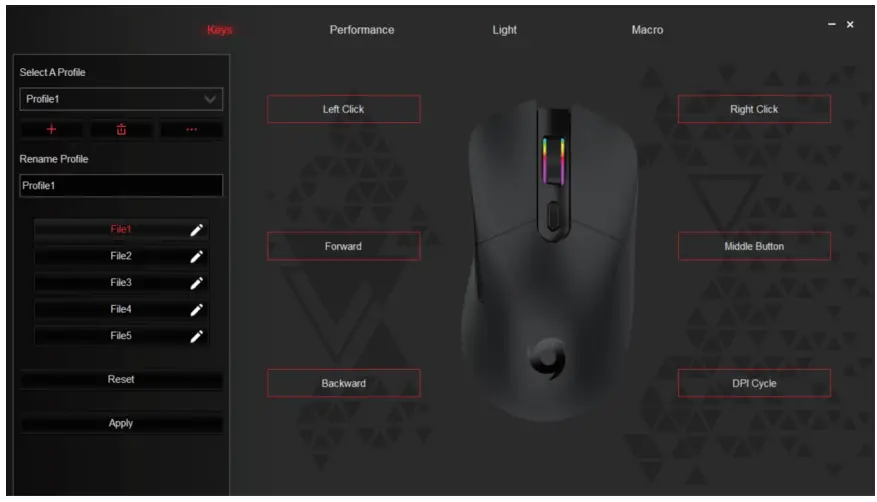
- Once you click on the driver icon, it will bring up the driver menu as shown below. Click on “Keys” to change your mouse buttons.

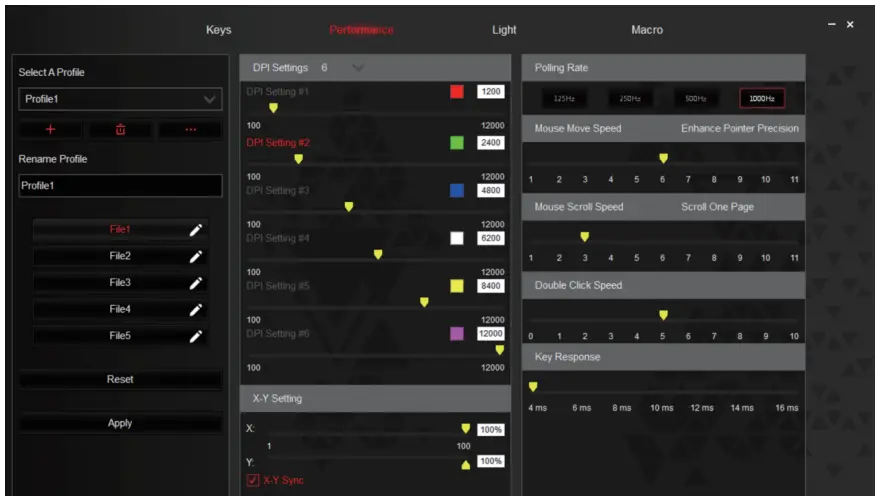
- Click on “Performance” to change the speed of your mouse cursor as well as adjust DPI settings.

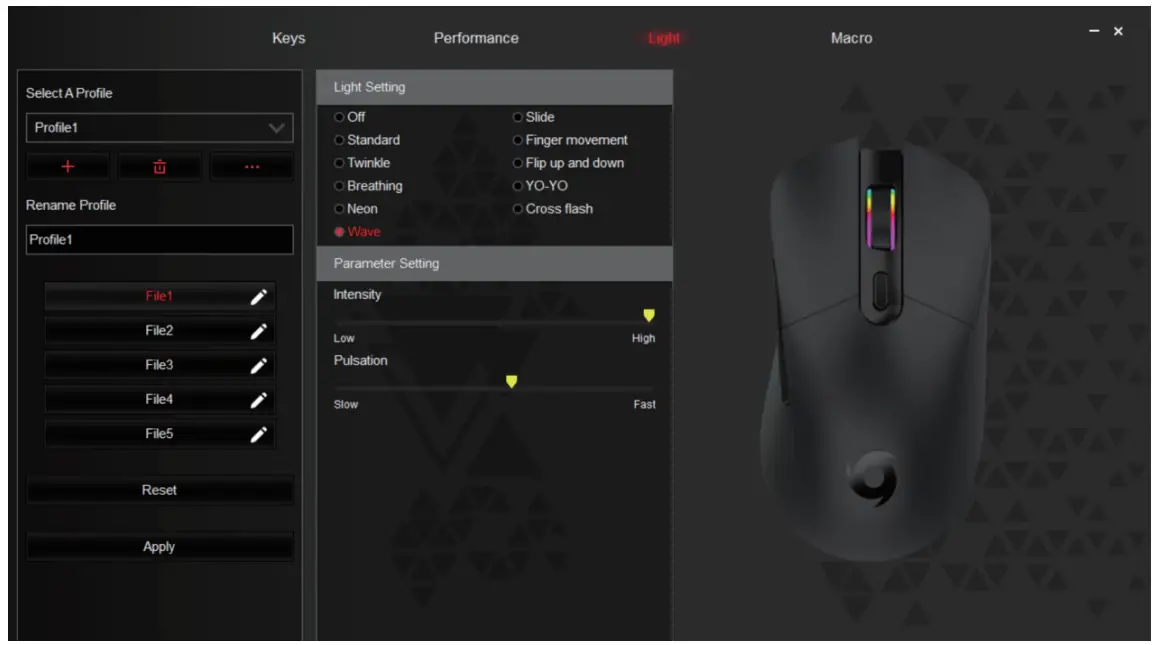
- Click on “Light” to change the light mode and apply it, or “Reset”. You can select from any of the 5 different profiles are listed on the left of the screen.

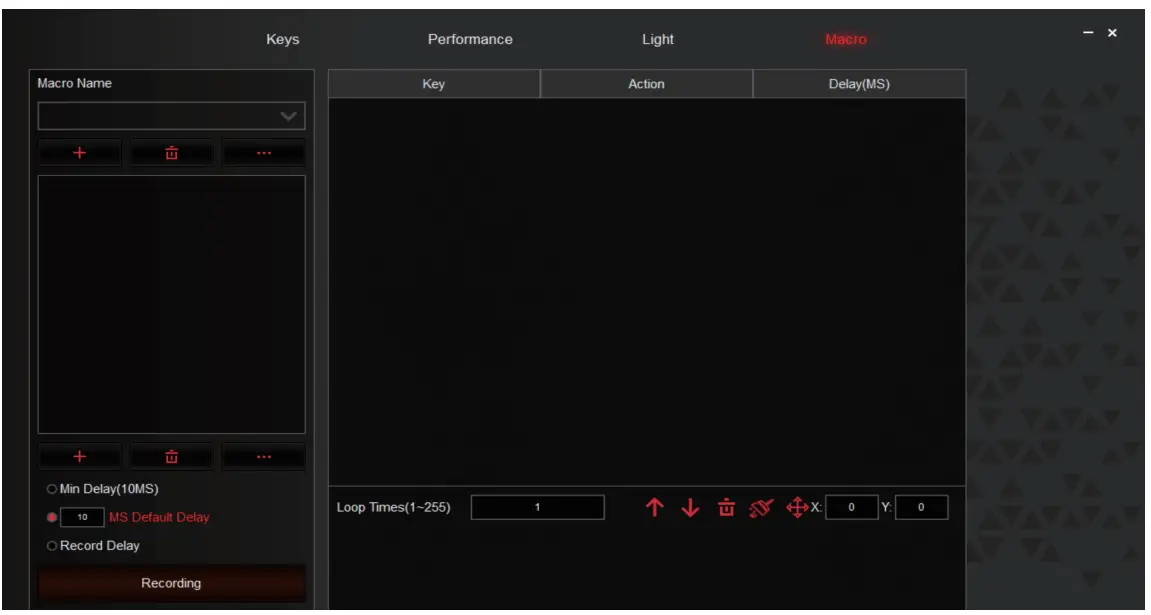
- Click on “Macro” to assign macro keys for your mouse.
 WARNING
To prevent fire or shock hazards, do not expose the unit to rain or moisture. To avoid electrical shock, do not open the cabinet, refer to a service agent or qualified engineer only.
Product Warranty Valid for Australian Customers Only
Officeworks Ltd warrants that this product will be free from defects and work as intended for 3 years from the date of purchase by the original customer.
If the product has any defects or does not work as specified during the Warranty Period, Officeworks will, at its election and at its expense, repair or replace the product.
This warranty does not apply
- to cosmetic damage;
- to damage caused by consumables used in connection with the product;
- where the product has not been used in accordance with all provided instructions;
- to damage arising from fair wear and tear; · where the product has not been subject to reasonable use;
- where the product has been intentionally or negligently damaged; and/or
- if the customer has attempted to repair the product.
To make a claim under this warranty, please return your product with your receipt or proof of purchase to your nearest Officeworks store or contact 1300 633 423. This warranty is provided in addition to any rights you may be entitled to under the Competition & Consumer Act 2010. Our goods come with guarantees that cannot be excluded under the Australian Consumer Law. You are entitled to a replacement or refund for a major failure and compensation for any other reasonably foreseeable loss or damage. You are also entitled to have the goods repaired or replaced if the goods fail to be of acceptable quality and the failure does not amount to a major failure.
OFFICEWORKS LTD
236-262 EAST BOUNDARY ROAD
EAST BENTLEIGH VIC 3165 AUSTRALIA
Windows is a trademark of the Microsoft Corporation in the United States and other countries.
Mac and Mac OS are trademarks of Apple Inc., registered in the U.S. and other countries.
MADE IN CHINA
 Qudo Typhoon Device Drivers