
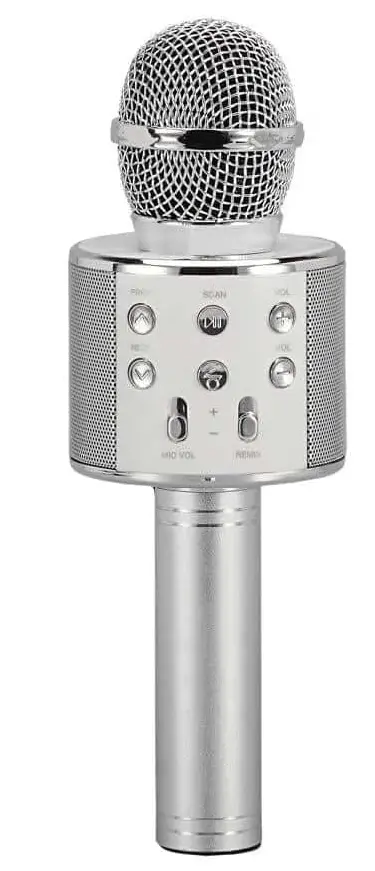
SUPERSONIC SC-904BTK- Silver Wireless Bluetooth Microphone
Specifications
- Package Dimensions
9.9 x 4.1 x 3.5 inches - Item Weight
1.02 pounds - Batteries
1 Product Specific batteries - Connectivity Technology
Wired - Brand
Supersonic
Introduction
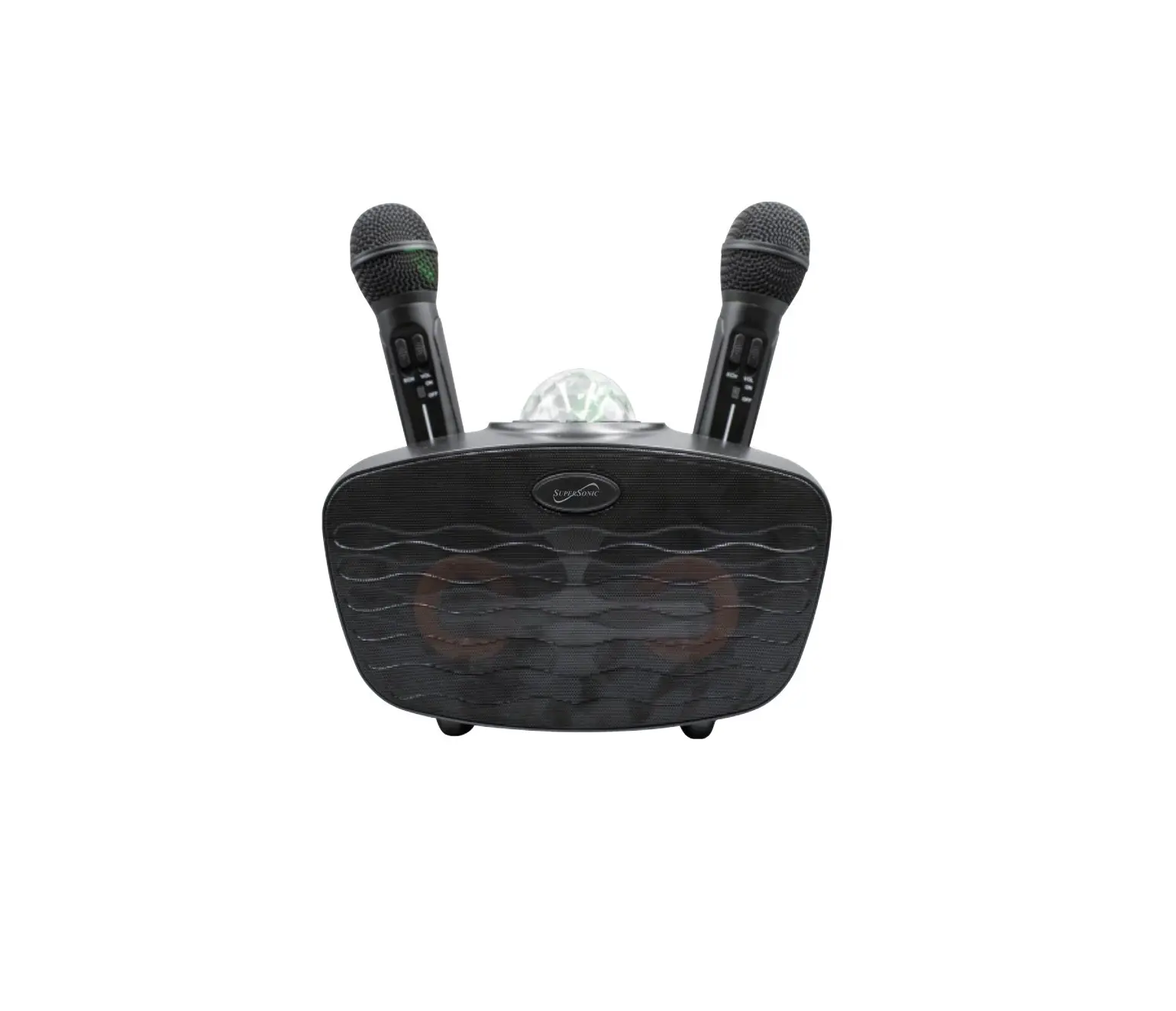
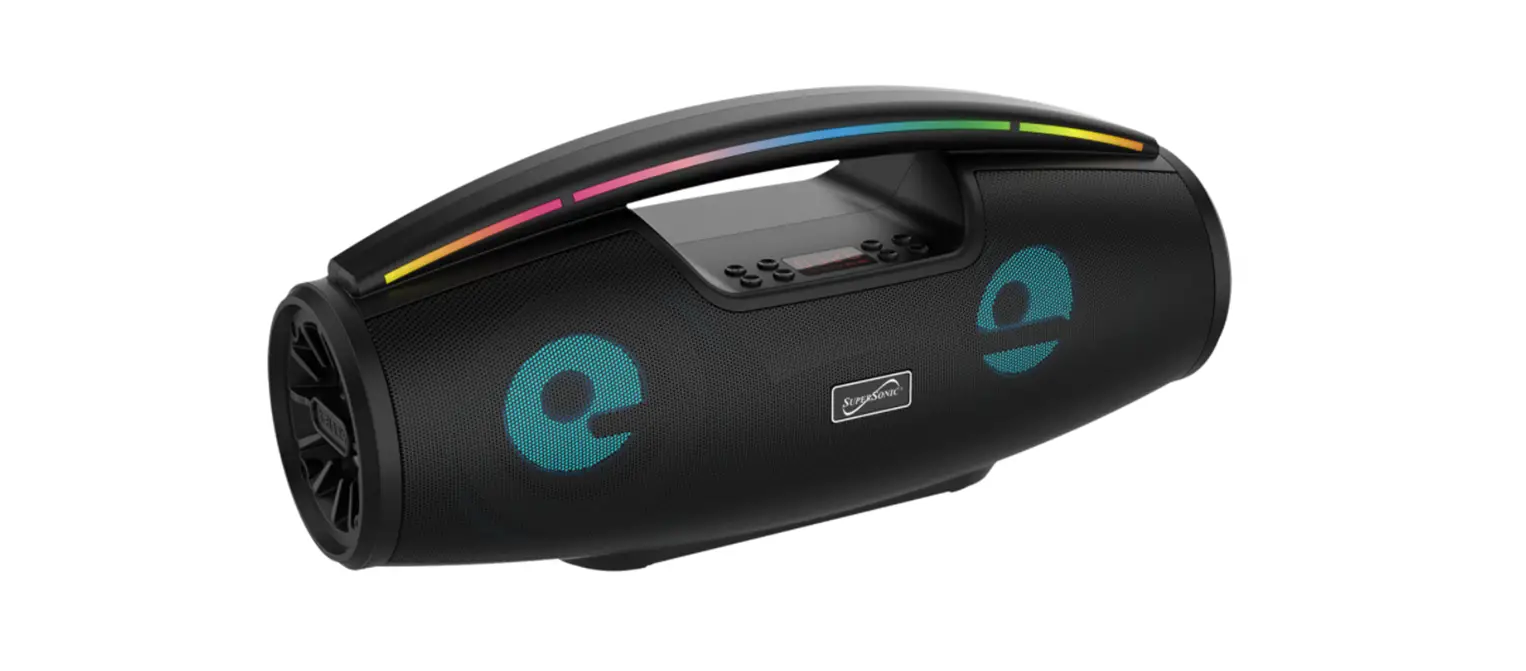
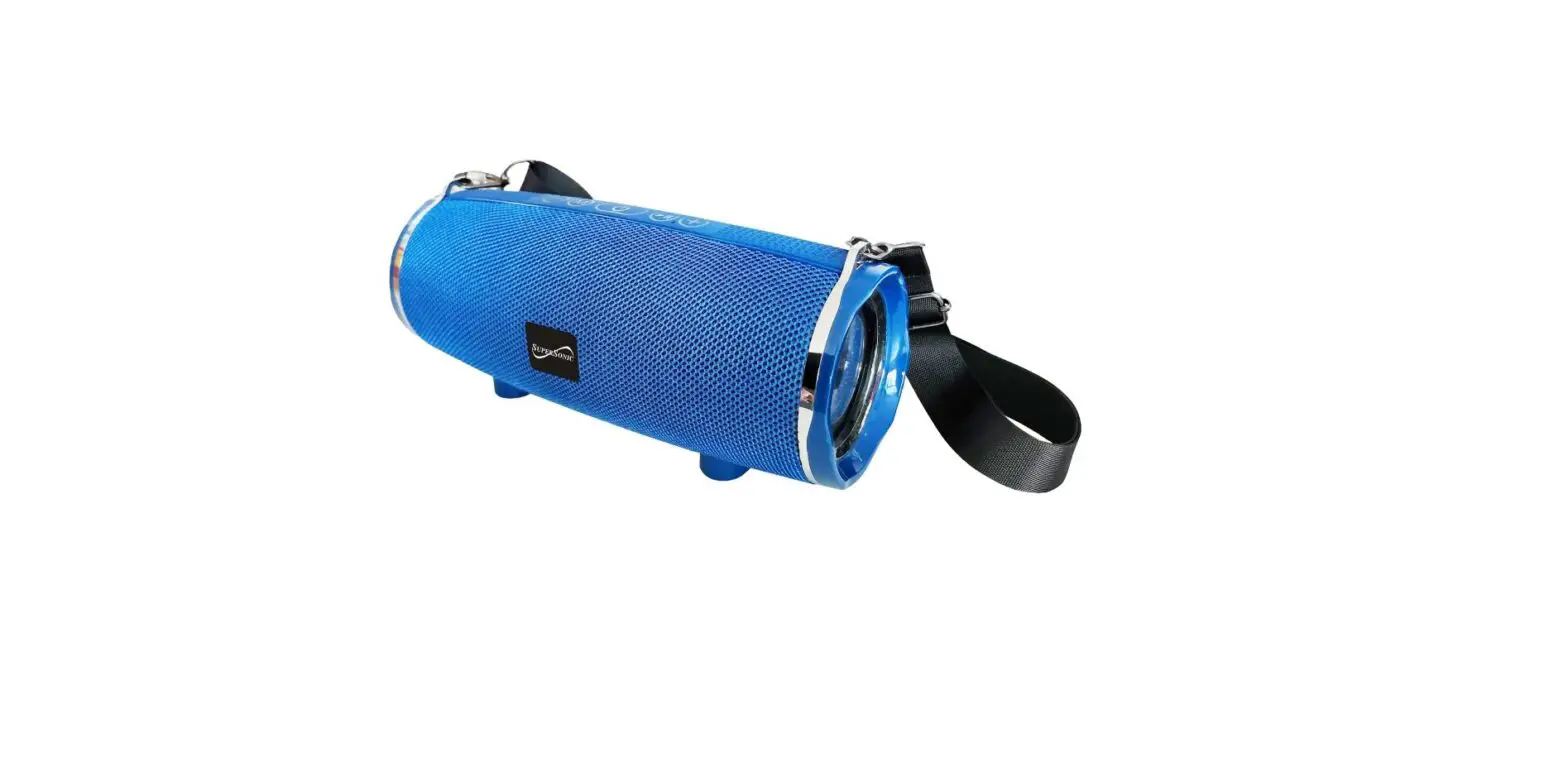
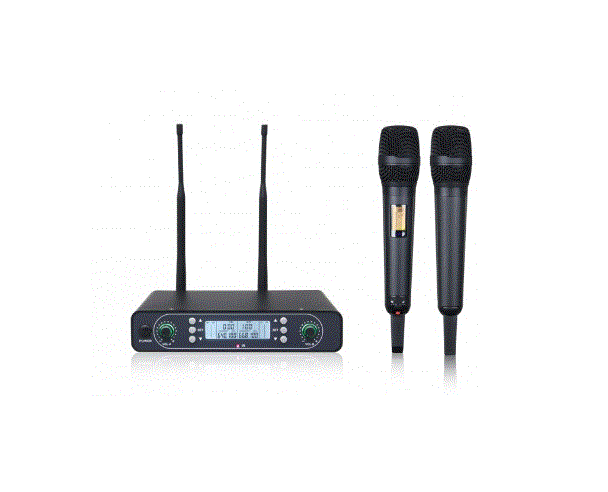
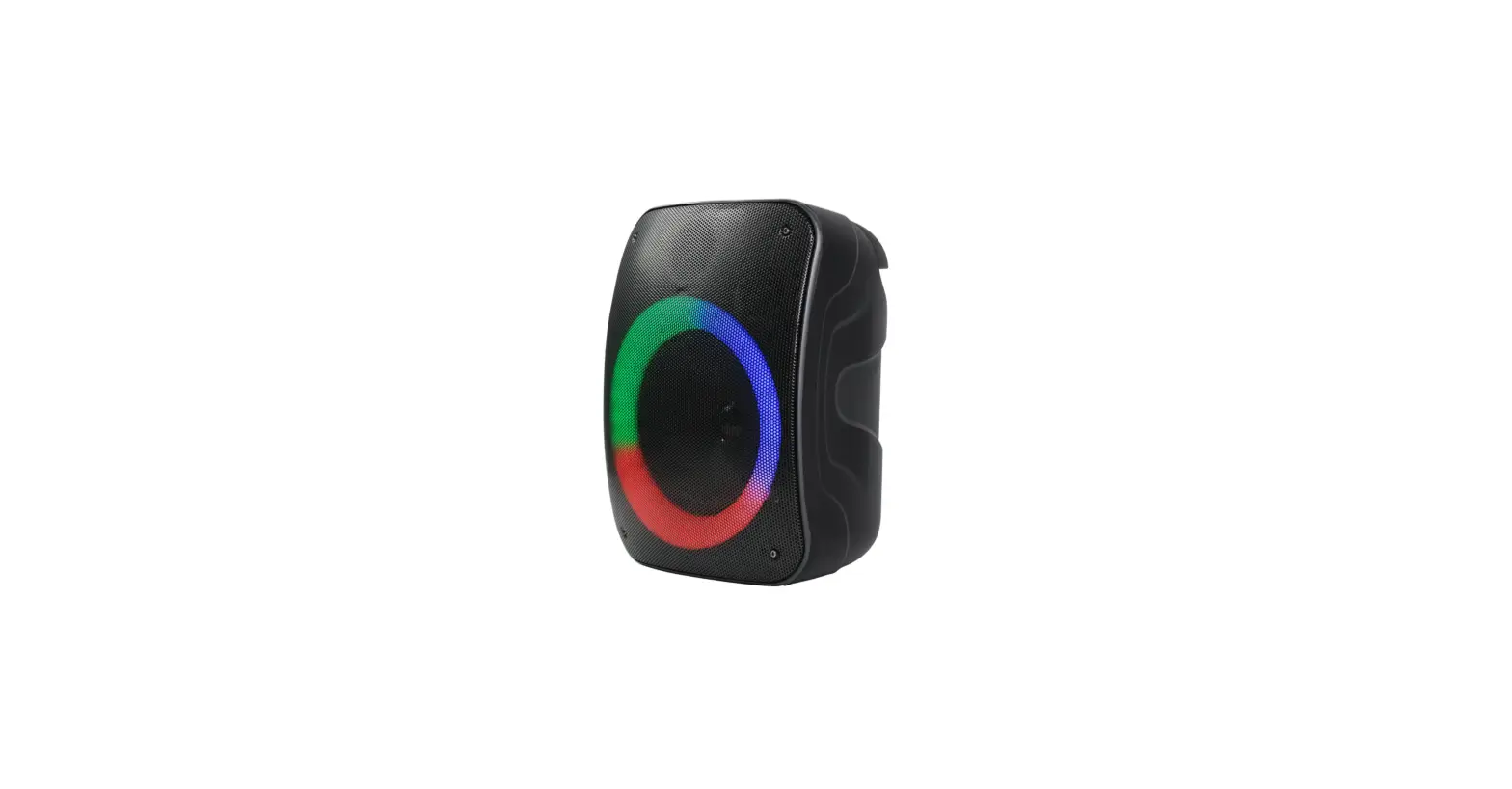
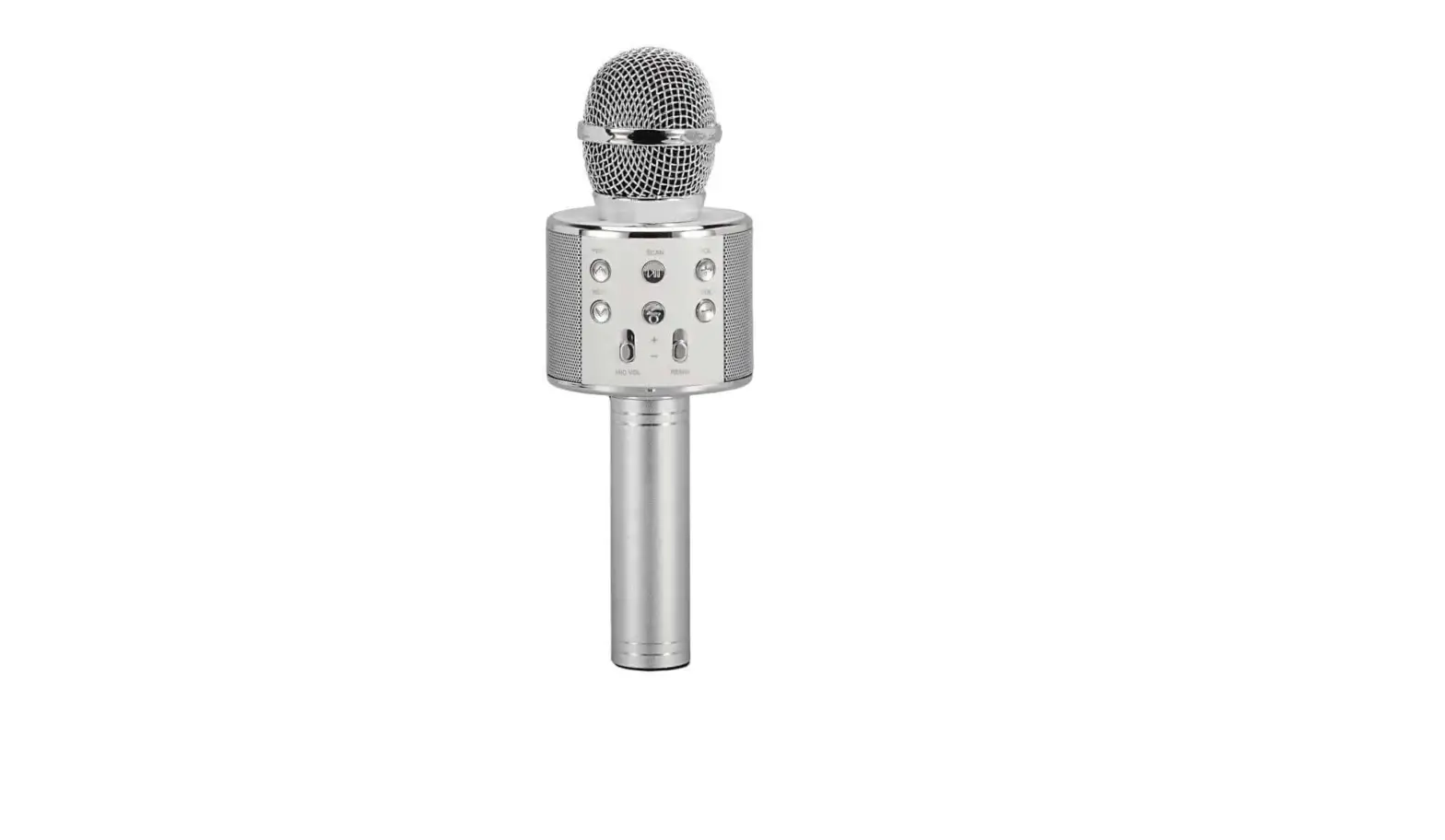
Ready to belt out some tunes? The Silver Supersonic Wireless Bluetooth Microphone with Built-in Hi-Fi Speaker is amazing! You can easily sing along to your favorite songs with this microphone because it can connect directly to a smartphone or tablet and stream music to it.
- Power On
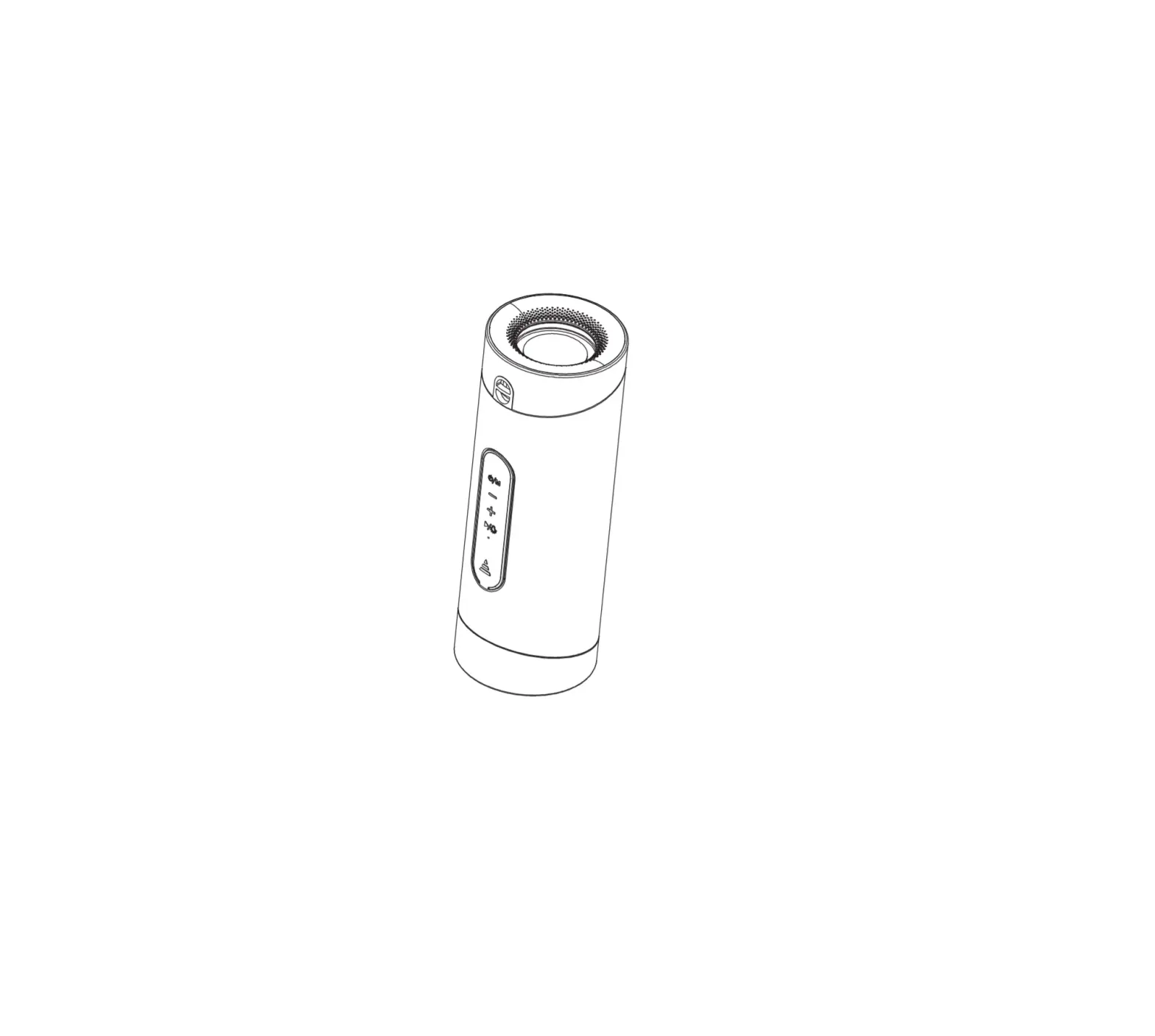
Hold: ON/OFF Press: Mode switching - PREV
Press: the previous song under Mp3 mode. Under selfie mode, press to enable the selfie function (only for iOSsystemmobile phone) - NEXT
Press: the previous song under Mp3 mode. Under selfie mode,press it to enable the selfie function (only forAndroid system mobile phone) - SCAN
Press: Play/Pause.Under FMstate, hold it to automatic search - REC MIC/Replay
Press: Mike ON/OFF
Hold: Replay function under TF card play mode - VOL+ Increase volume
- VOL- Decrease volume
Wireless Karaoke
- Supply power: Hold the button to start the product.
- Wireless connection: enable the wireless of mobile phone, click to connect, successful connection if the prompt tone is produced.
- Adjust sound: adjust the sound volume of the mike and reverberation to a suitable level.
- Start Karaoke.
Recording with mobile phone
- .Connect the recording wire: insert the MICRO plug of the recording wire into the MICRO interface of Karaoke Treasure, and the 3.5mminterface into the smartphone jack of the mobile phone.
- Open the Karaoke software on the mobile phone, such as USING, Kugou Music, or other recording APPs, select your favorable song, and record the song according to the above-mentioned singing method.
- Test and save song: operate according to the instructions of the Karaoke software
Selfie function
- Pressthe buttontoswitchfromwirelessmodetoselfiemode.
- Enable wireless in the mobile phone search shutter click connection.
- Open the photograph interface of the mobile phone, and press the or button to take photos.
Note
4.2.2 or higher version for Android system,6.0 or higher version for iOSsystem, it does t support other versions temporarily, it does t the mobile Phone which has the independent and solid photograph button.
Technical Parameters
- Output Power
5W - frequency range
100Hz-10KHz - Max Sound Pressure Level
>115dB 1KHz THD<1% - Reverberation Mode
sound effect reverberation - Power Supply
Built-in 18650 Li-battery - Battery Capacity
1200mAh - Charging Power
DC5V
FCC Statement
This device complies with part 15 of the FCC rules. Operation is subject to the following two conditions: (1) this device may not cause harmful interference, and (2) this device must accept any interference received, including interference that may cause undesired operation.
Changes or modifications not expressly approved by the party responsible for compliance could void the user’s authority to operate the equipment.
NOTE
This equipment has been tested and found to comply with the limits for a Class B digital device, pursuant to part 15 of the FCC Rules. These limits are designed to provide reasonable protection against harmful interference in a residential installation. This equipment generates uses and can radiate radio frequency energy and, if not installed and used in accordance with the instructions, may cause harmful interference to radio communications.
However, there is no guarantee that interference will not occur in a particular installation. If this equipment does cause harmful interference to radio or television reception, which can be determined by turning the equipment off and on, the user is encouraged to try to correct the interference by one or more of the following measures:
- Reorient or relocate the receiving antenna.
- Increase the separation between the equipment and receiver.
- Connect the equipment into an outlet on a circuit different from that to which the receiver is connected.
- Consult the dealer or an experienced radio/TV technician for help.
The device has been evaluated to meet general RF exposure requirements. The device can be used in portable exposure conditions without restriction.
Frequently Asked Questions
Connect after choosing the device. (Android) Swipe down from the screen’s top > Select Bluetooth while holding In the list of devices, locate the keyboard and couple.
Activate your Bluetooth headphone > Click Open Sound Settings by doing a right-click on the desktop’s sound icon. Your input device should be listed in the dropdown menu under “Input” there. From the selection, choose your Bluetooth microphone.
Through their built-in transmitters, wireless microphones broadcast their output signals wirelessly. The audio signal from the microphone will be converted by the transmitter into a carrier signal and wirelessly transmitted to the receiver. The original mic signal for the associated mic input will then be decoded by the receiver.
No, as wireless microphones may employ incompatible frequencies, exclusive noise reduction circuits, and safe 128- or 256-bit encryption, they will NOT function with any receiver. However, a wireless microphone can be used with a variety of receivers from the same manufacturer’s compatible model line.
To the Playback System With The Mic Signal. Although loudspeakers and headphones are not necessary for the operation of microphones (and vice versa), these audio gadgets frequently cooperate. This is especially true in the studio and on stage.
How to physically connect a microphone to a speaker: First, we must locate the speaker input connector. Next, we must use the appropriate cable adapters to connect the microphone’s output signal to the speaker input. Keep in mind that a mic level signal is much too faint to drive a loudspeaker without amplification.
Changing the battery or moving the microphone closer to the receiver are frequently the simplest solutions for dealing with static. Move the receivers to a location backstage or onstage to get the mic closer to the receiver. There is already cable running from many venues’ backstage or onstage sections to their tech booths.
Sound waves are captured by a microphone, which then transforms them into an electrical signal. The reverse is done by a speaker. An electrical signal is transformed into audible sound waves by it.
Bluetooth is the ideal method for syncing your smart TV and microphone. Simply activate your microphone’s bluetooth discovery. After that, activate Bluetooth on your TV and look for devices there. After your microphone appears, you may select “pair device” to pair the device.