Contents hide

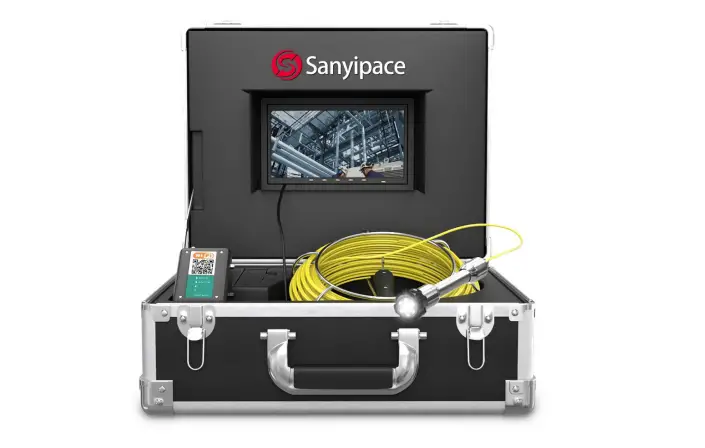
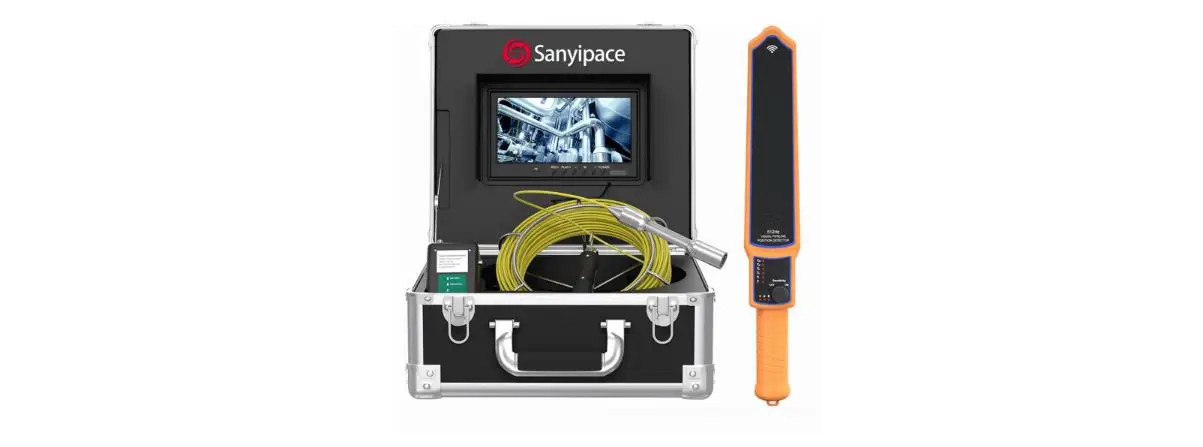
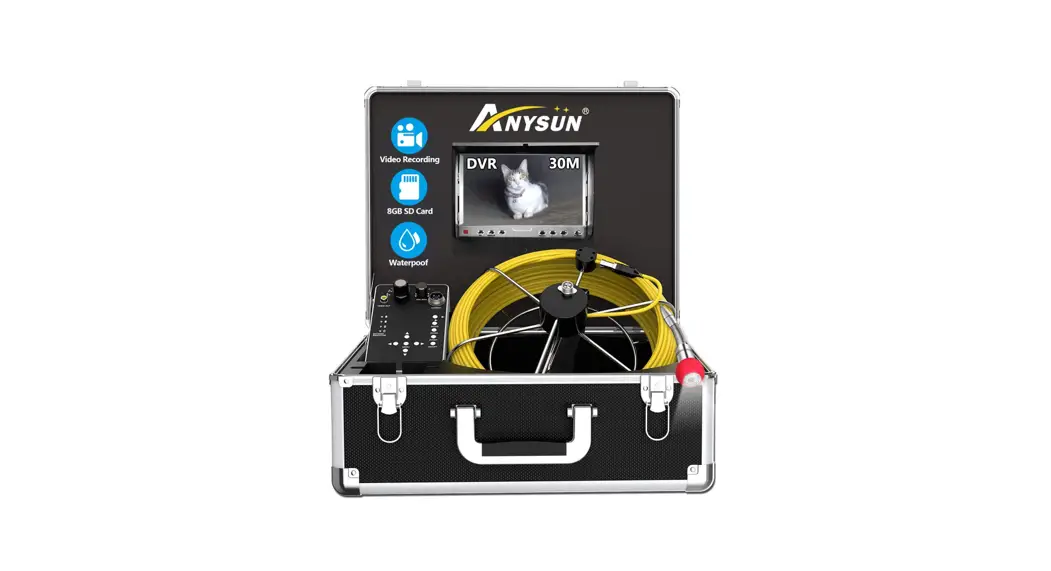
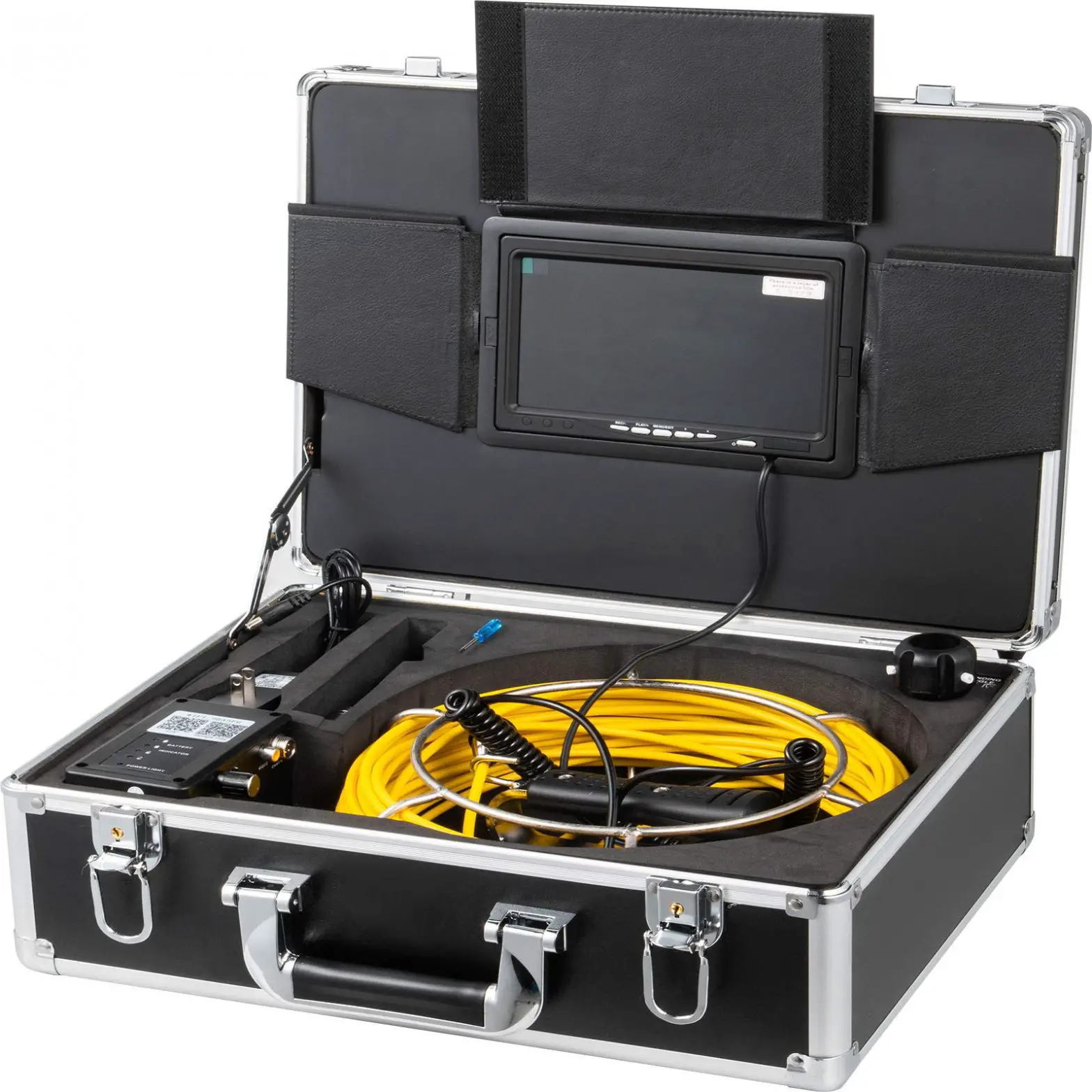
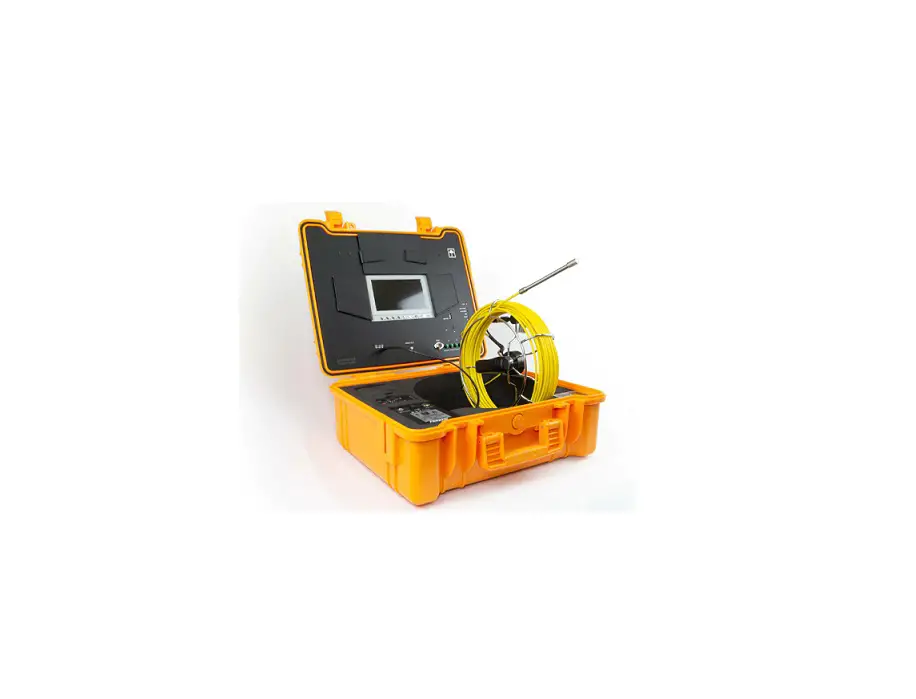
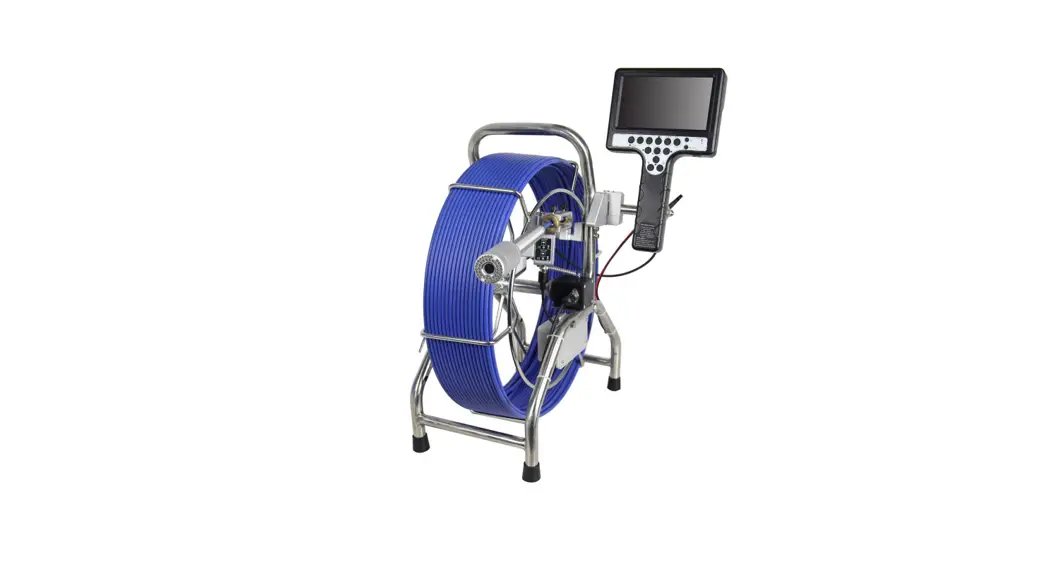
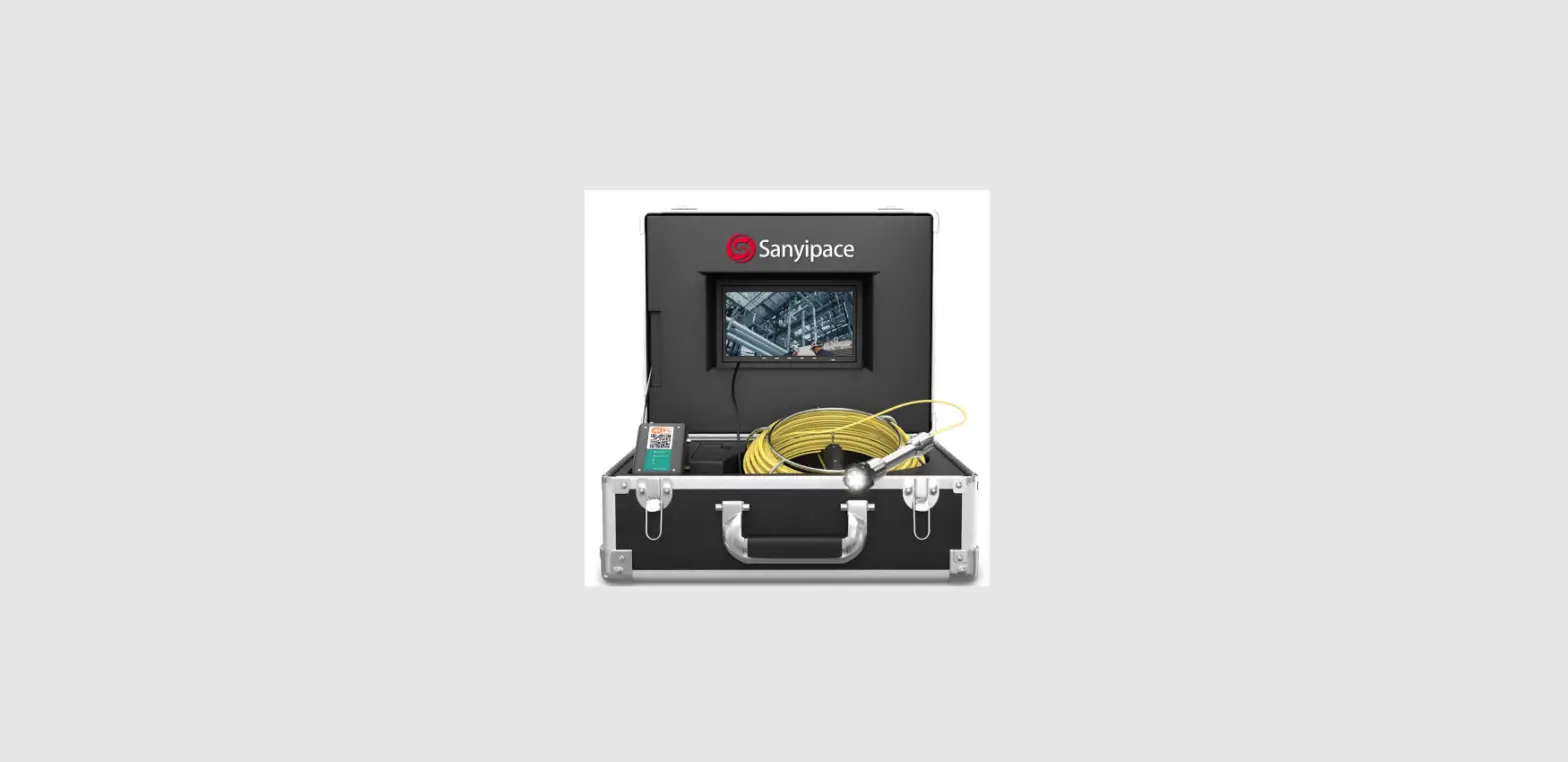
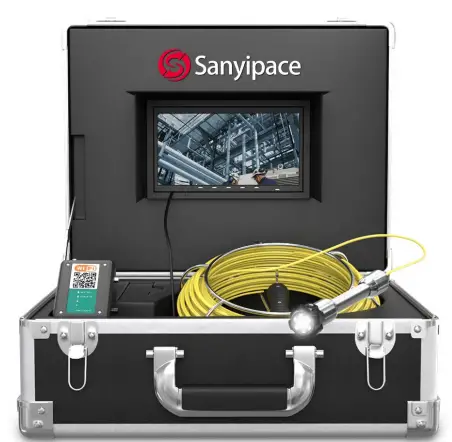
Sanyipace 9723WF Pipe Sewer Pipeline Inspection Camera
Note
- Please read this user manual carefully before using this product.
- Do not throwing or pressure with strength.
- Do not dismantle the machine without permission.
- Do not cut off the power suddenly during recording and playback using the device.
This may damage the product and video files.
Range of product use
- pipe dredge machine .
- Pipeline Inspection Camera, pipeline tools .
- Underground pipeline, air conditioning pipe, oil and gas pipeline. 4:Rescue operations in a small space.
- For underground expedition.
- Underwater river bed scientific research.
- Downhole television.
Product specification
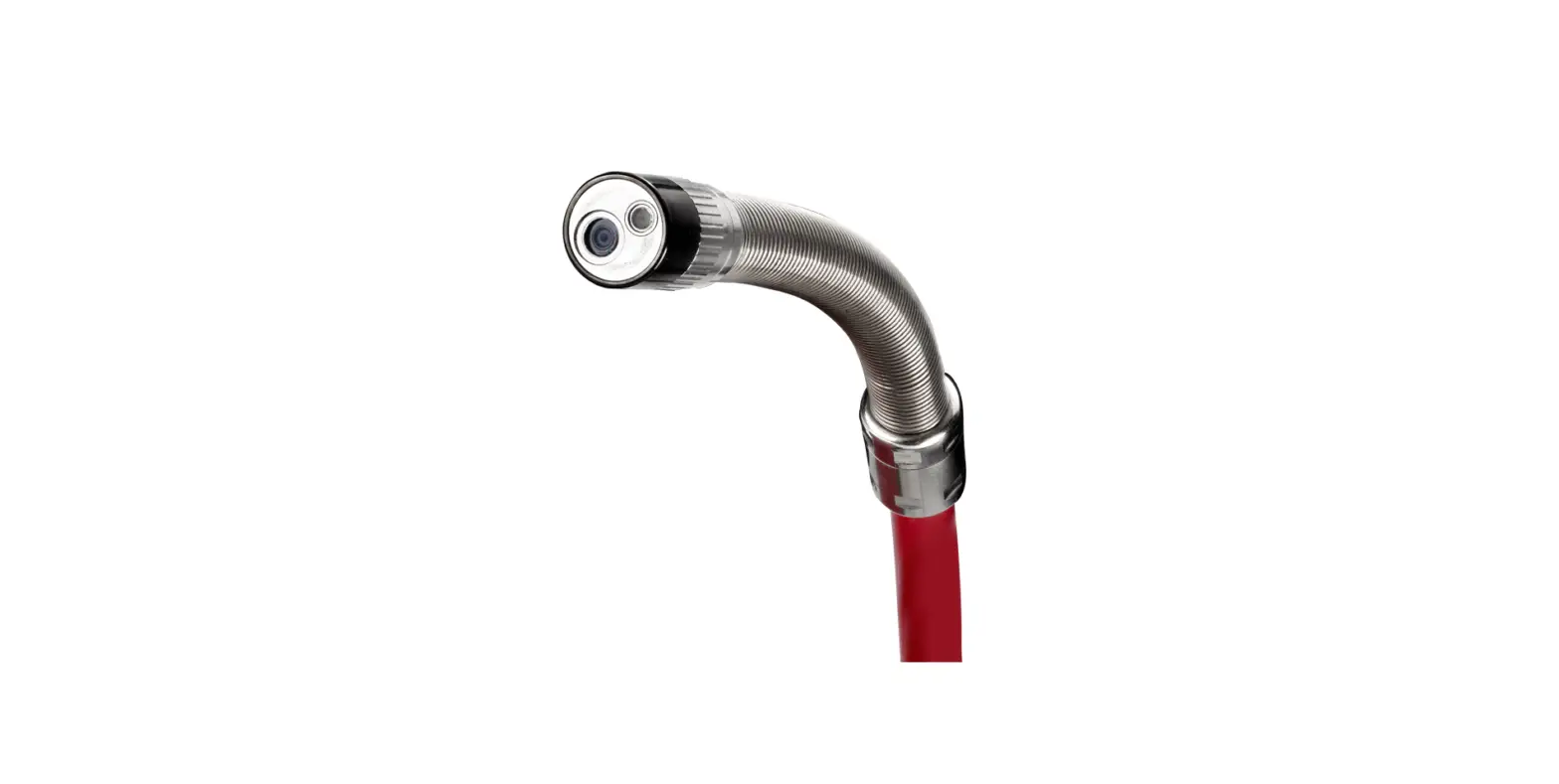
Camera and cable
- Sensor: 1/3 CMOS
- Camera Size:22(MM)* 42(MM).
- Charger: 100VAC-240VAC DC 12.6V 1000MA.
- Battery: lithium battery 4500mAH.
- Battery continuous working time: about 6-8 hours.
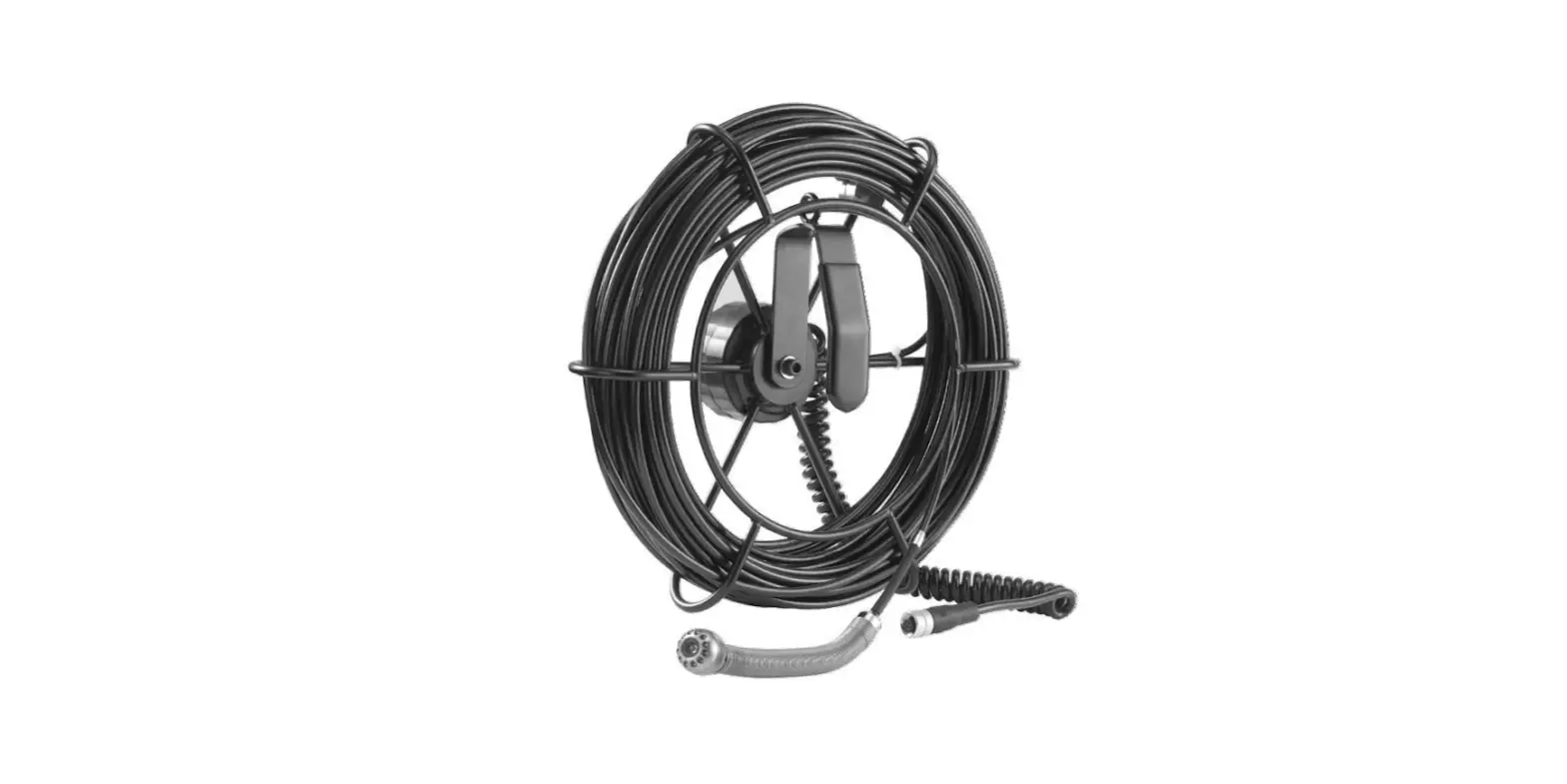
- Cable Length: 20M 30M 50M (optional)/high elastic cable(diameter 5MM).
- Camera line source: 6pcs 1W high white LED(adjustable).
- Camera angle and clarity:145 degree /HD 1000TVL.
- Camera material: stainless steel /IP68 waterproof camera.
- Camera protective cover size /material: 38mm*28mm/ plastic steel.
Display
- Size:7inch
- Function: wifi transmission.
- Camera /monitor picture: color
- Monitor input voltage: 12V DC
- Display resolution:7 inch, 16:9, 960*480.
- System LanguageChinese /English optional .
- Display video format: AVI with Year, Month,Date, Time and Seconds
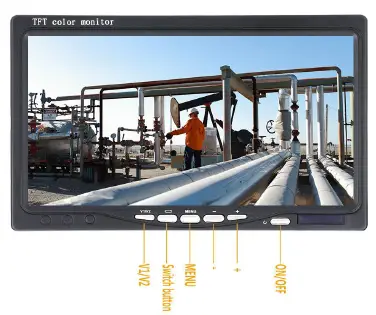
- Display operate button.
- Working temperature: -20-60 degree .
- Storage temperature: -30-80 degree .
- Aluminum box size: 49*33.5*20(CM)
7 inch Screen
- Display: 7inch ,16:9
- Resolution: 960*480
- Power input: DC12V
- Language: Chinese / English
- Video Format: AVI
- Photo format: JPG

4500mah Battery 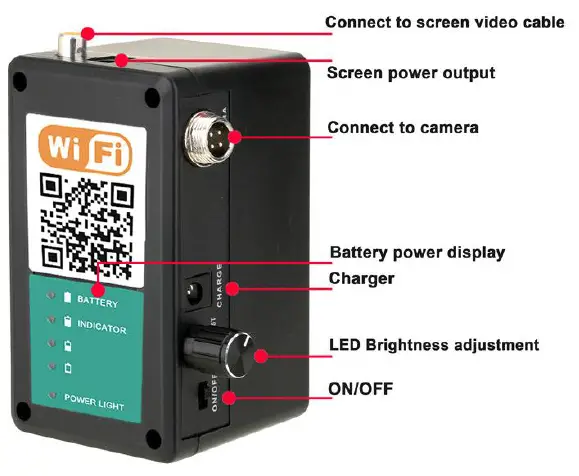
Camera 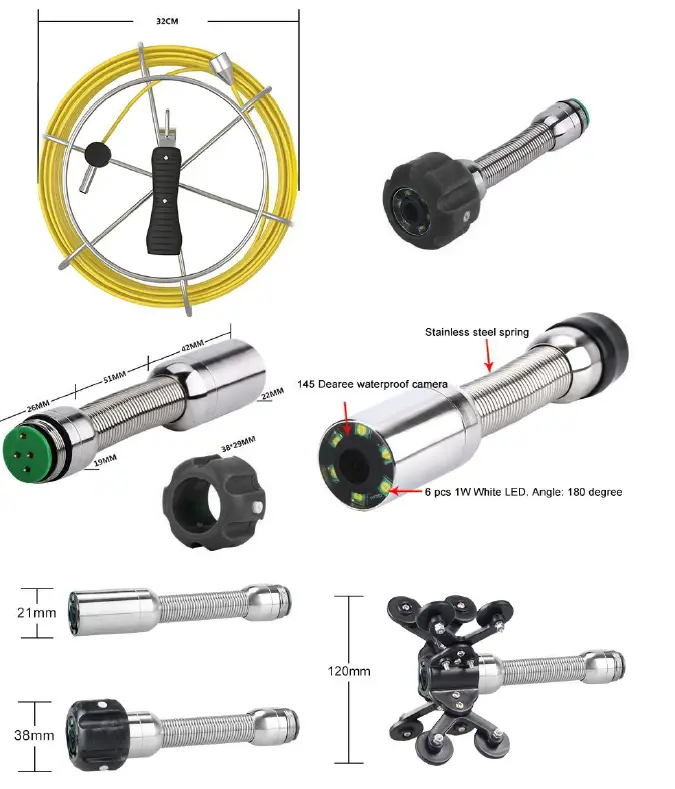
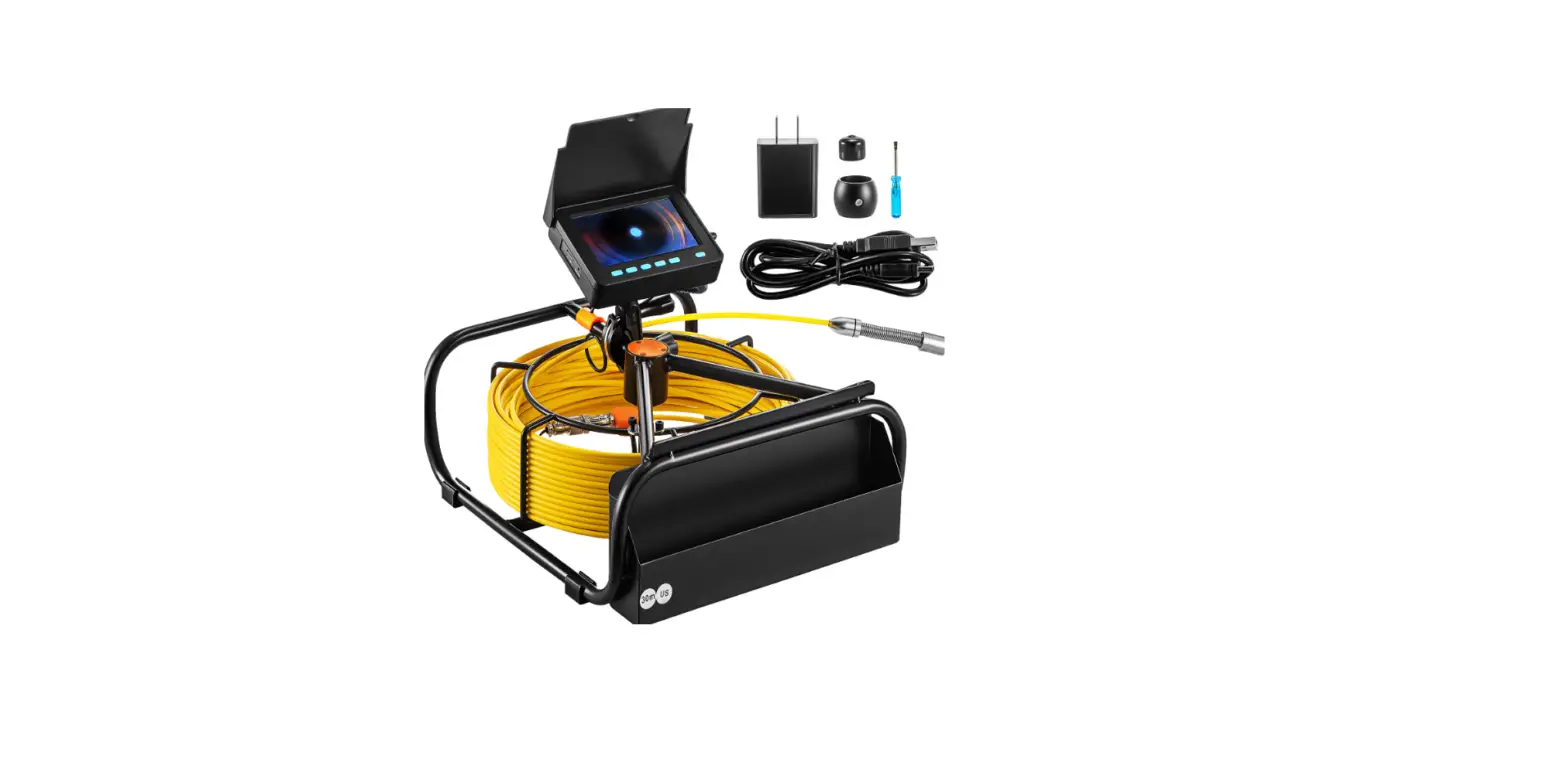
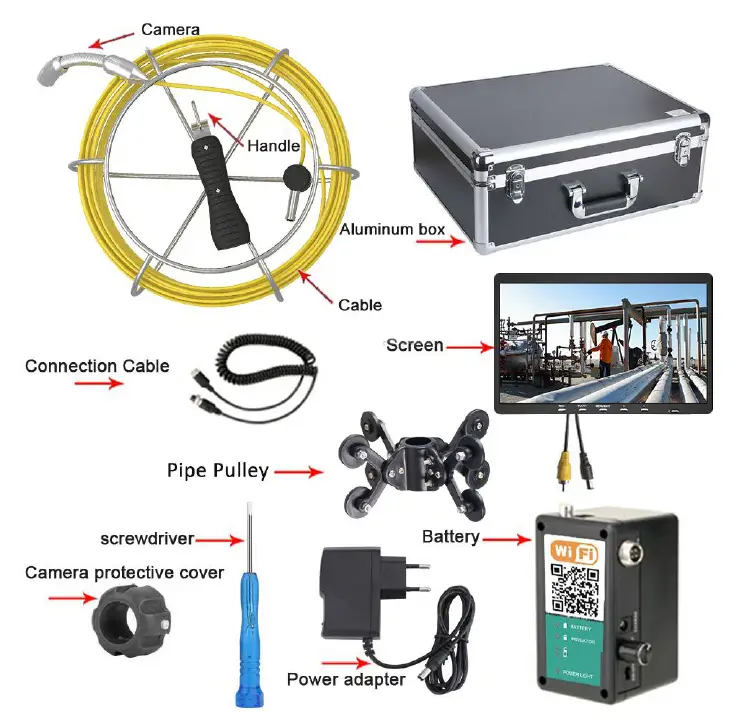
Accessories list :
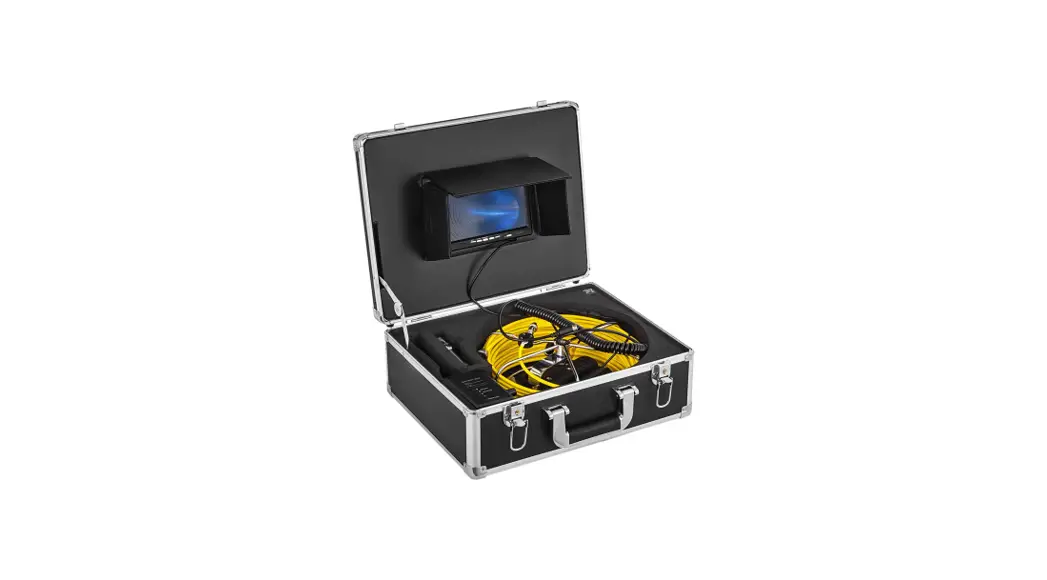
- Aluminum box *1
- Charger *1
- Camera Head*1
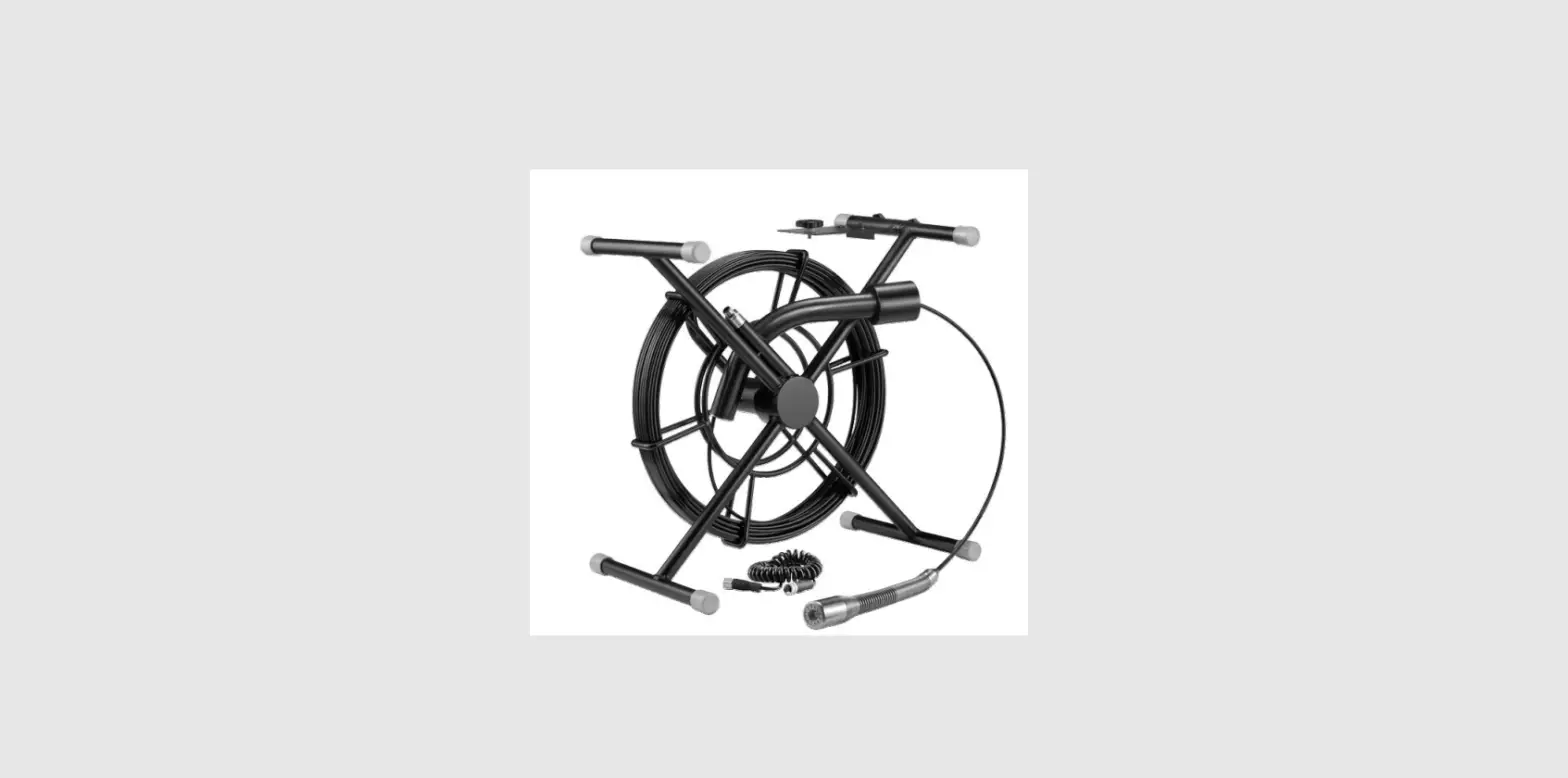
- Cable Coil and cable *1
- Battery *1
- Camera protective cover*1
- Pipe Pulley*1
- Screen*1
- Mini Screwdriver*1
- Connection Cable *1

System install
Connect the device according to the wiring diagram, then turn on and using.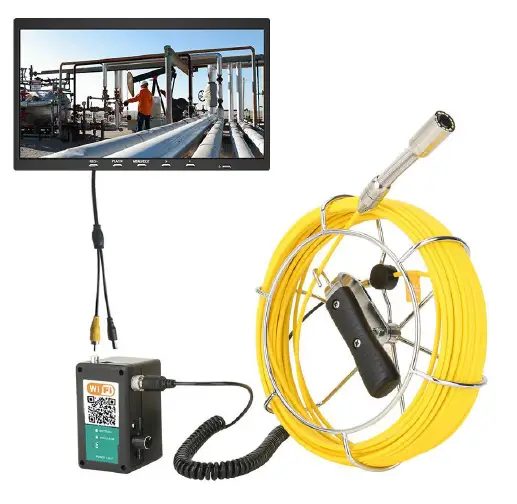
Detailed operation
- turn on
Connect each connector, press the power button, the system starts working. - MENU setting
- Press MENU enter brightness setting, press +/- to set, then press MENU exit.
- Contrast setting, press MENU button twice enter contrast setting, press +/-to set, then press MENU exit.
- Color setting, Press MENU three times to enter settings, press +/- to set,then press MENU exit.
APP Installation & Operation
Compatible with Android & IOS 
- APP download: Scan the QR code which is on the battery
box or manual, then download and install. - Connection all the parts and turn on the power supply.
- After about 15 seconds, Click the “WLAN” setting on your mobile device, found the “WIFIImage_***” device (as picture).

- Connect the wifi hotspot, enter the initial password (default password: 88888888), select “Connect.”
(If APP connecting successful between device and mobile phone,it will appear “connected”) - The next step is back to mobile device interface, click icon
 to run APP.
- Pop-up the window ( for example. 192.168.3.1,) click to enter into:
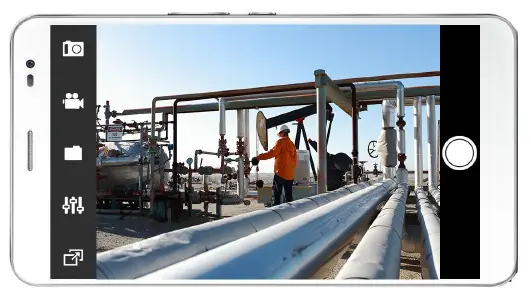
- If pop-up the image, then the operation is successful.
- The left side shows 5 function keys:
- Photo button
- Record Button
- File browse
- Menu Setting
- Image Zoom IN/ZOOM OUT

- MENU Setting, like as picture:

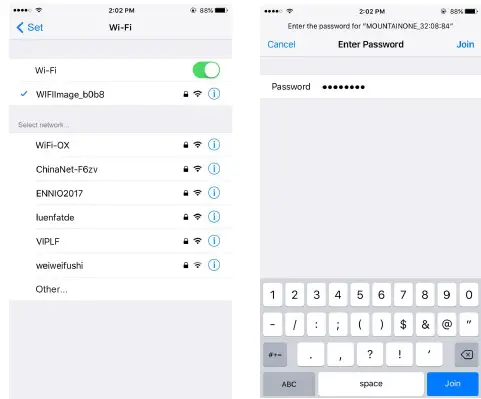
 to run APP.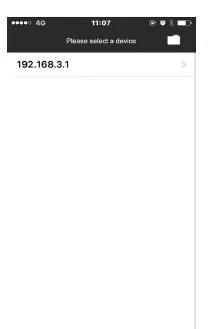
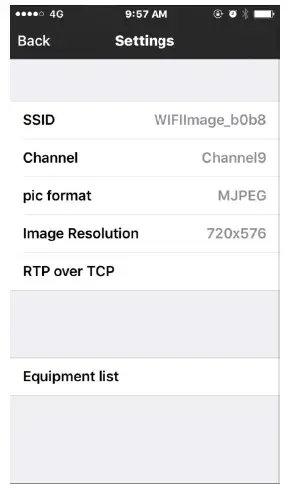
Recharge:
When the battery power is low,please recharge it,the method is as below:
- Take out the battery and charger from the box
- Connect the charger to the battery (CHARGER), the recharge time is about 4-5 hours.
- Connect the charger to the alternating current of 110-240V, if the indicator shows red, it means recharging, If the indicator shows green,it means recharging finished. Notes: To make sure the battery using age longer, please recharge it timely; otherwise, maybe the battery can’t be recharged.
Failure and diagnosis
| Common problems / faults | solutions |
| indicator light on No image | 1:Check whether each connector is connected and the camera needs to be tightened. 2:Check if the battery is fully charged and try again after it is fully charged . |
| No power | 1:Check whether each connector are connected correct . 2:Battery is exhausted ? check the battery display |
| Unable to connect to WIFI | 1. check and confirm whether WIFI is displayed normally. 1.Restart the power supply to connect to WIFI. 2. The WiFi connection is complete and restart the APP. |
| Can not be charged | 1:check the charger indicator light is on? 2:Is the DC plug inserted good ? |
Contact Us
Go to our website to download use manual or check more Products: https://sanyipace.com/
Our Email: [email protected]
We support spare parts replacing, please contact us at the first time when you got issues with our product.
 Sewer Camera, Drain Camera for plumbing repair | SANYIPACE – Sanyipace