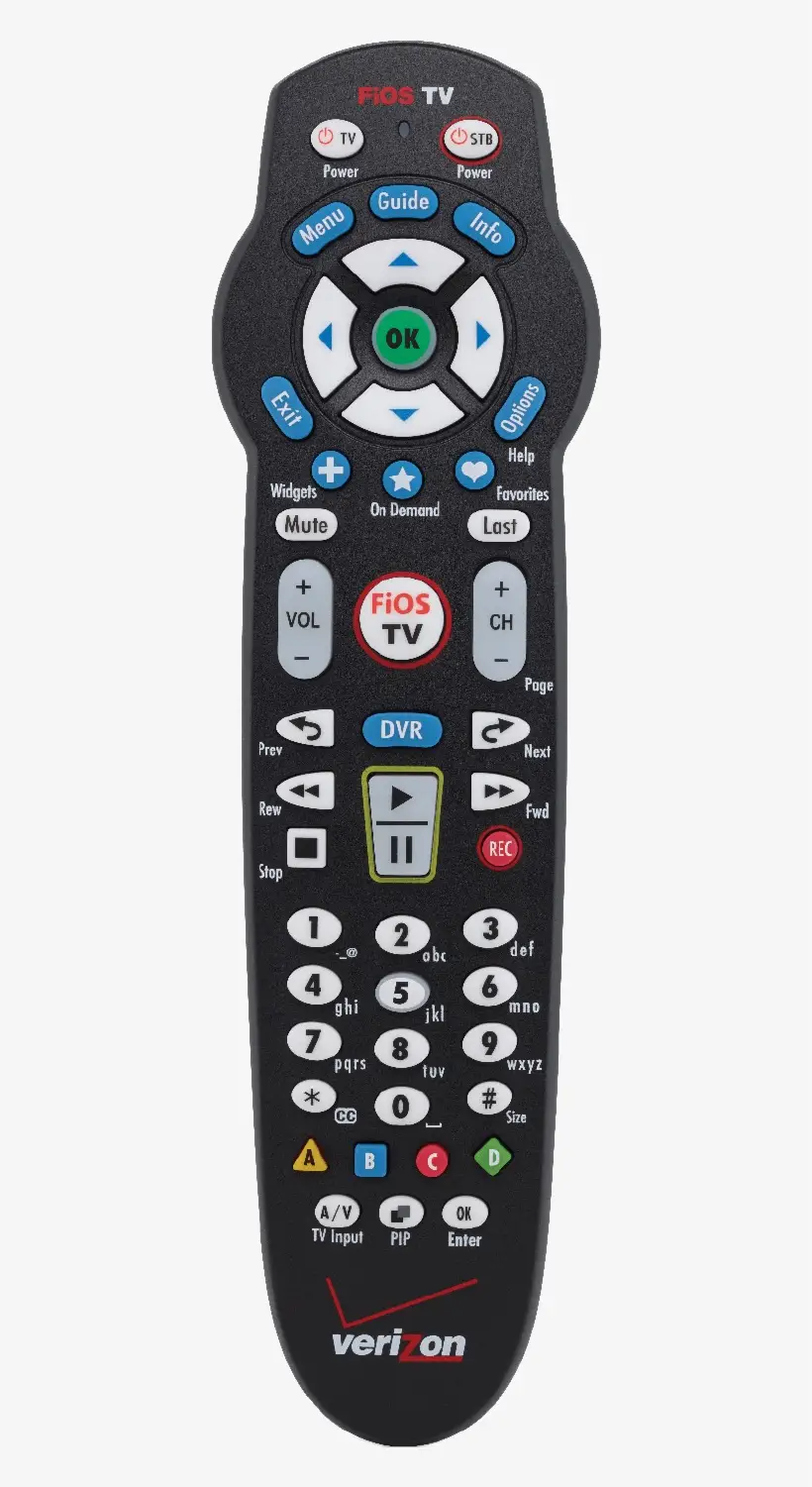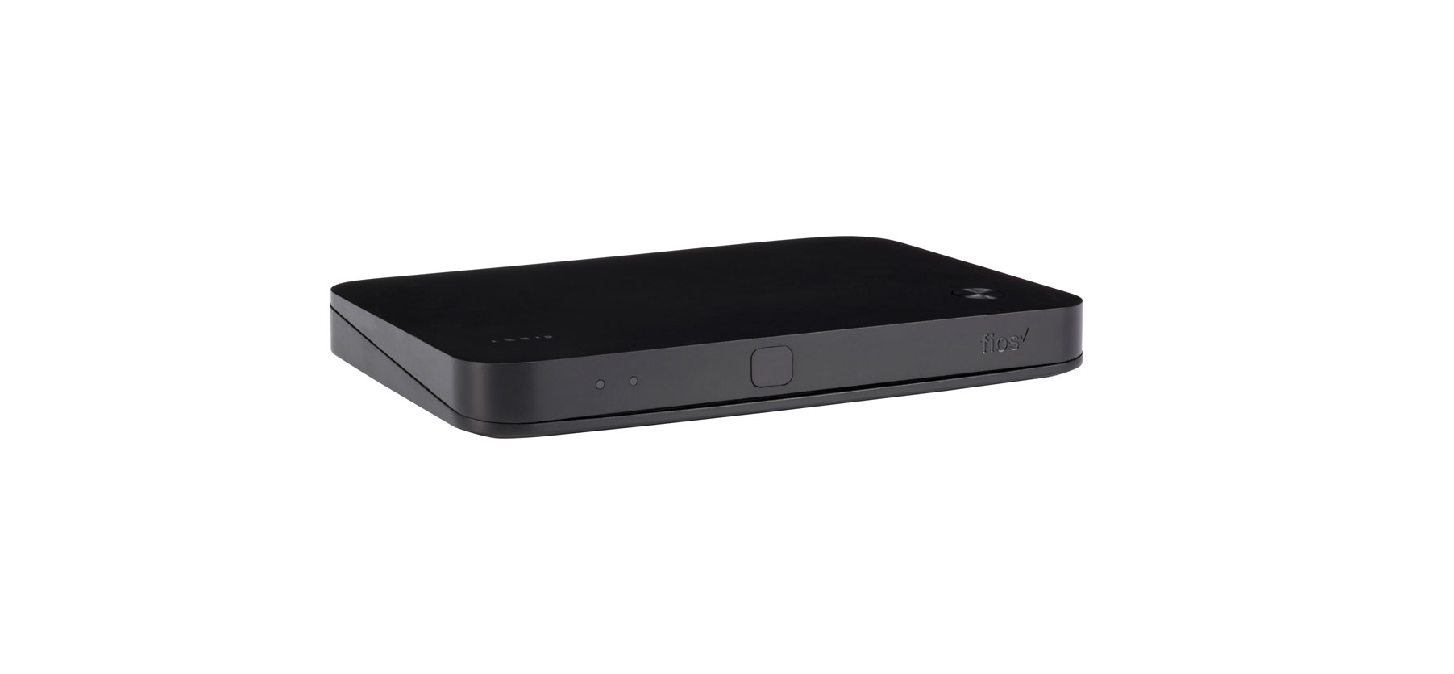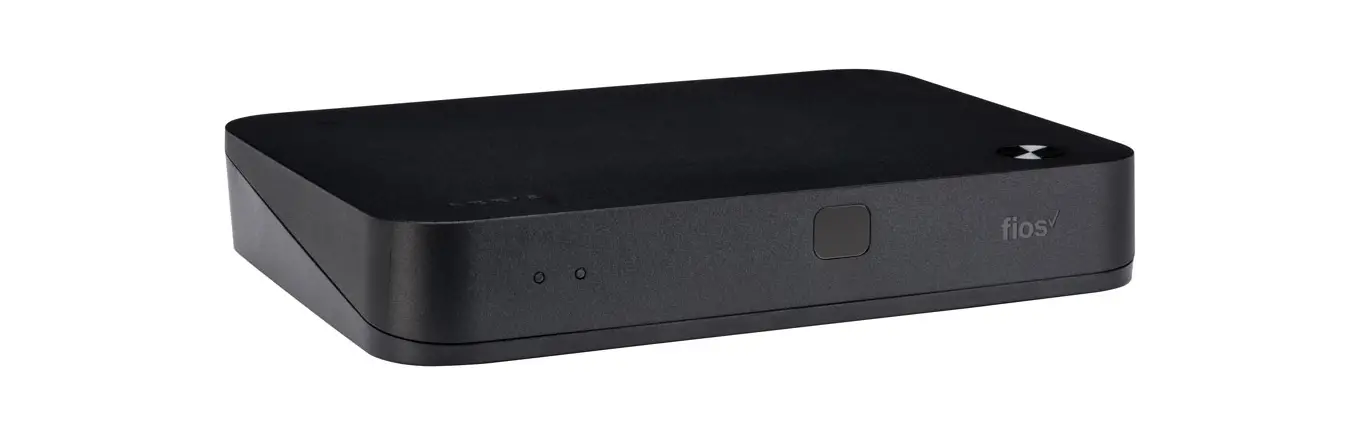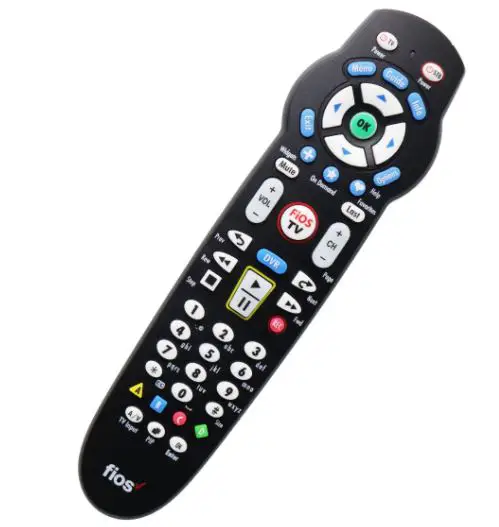
Verizon Fios TV Remotes User Guide
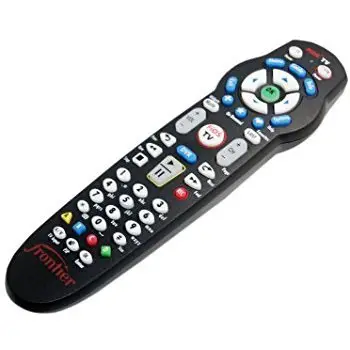
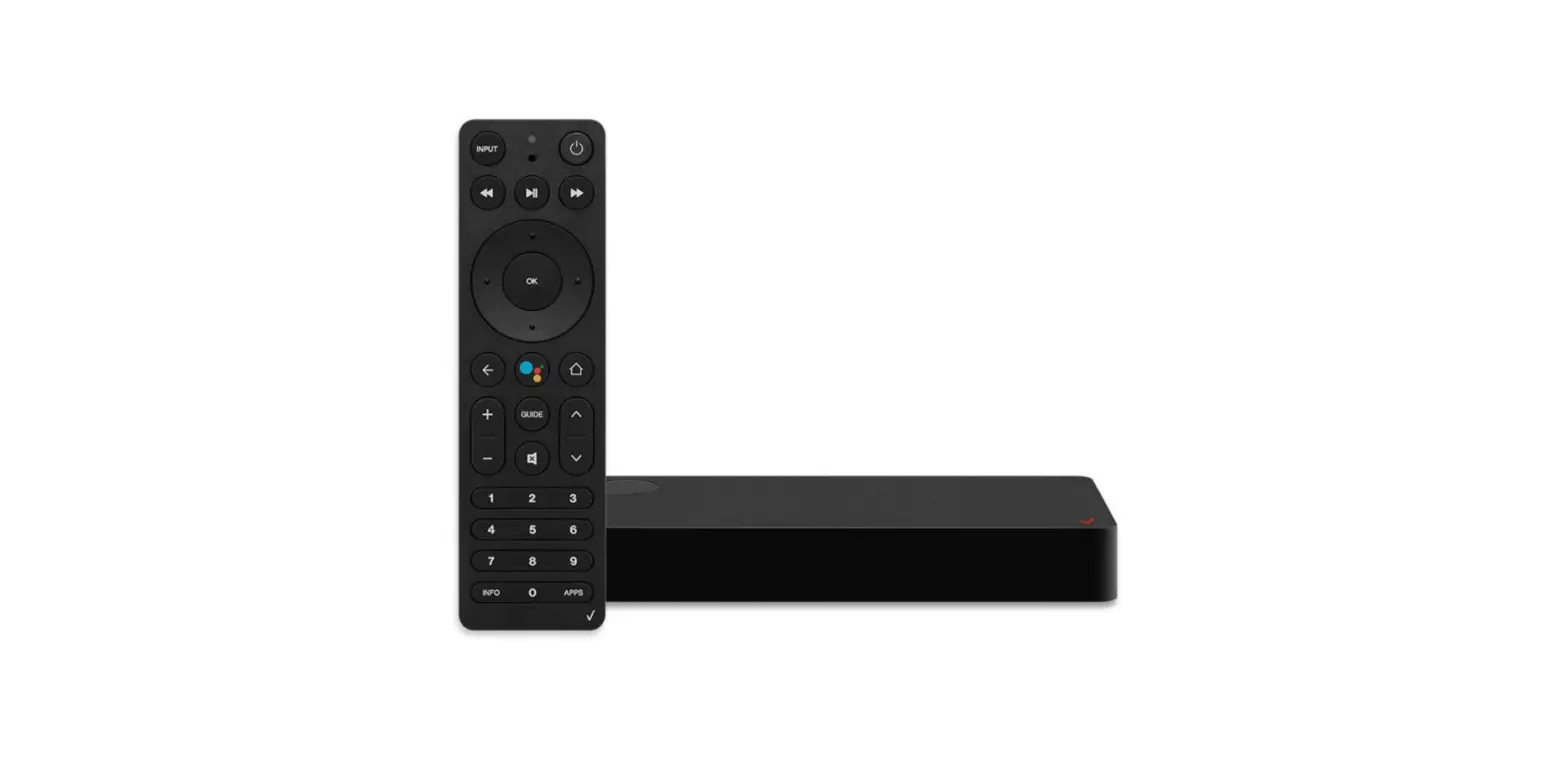
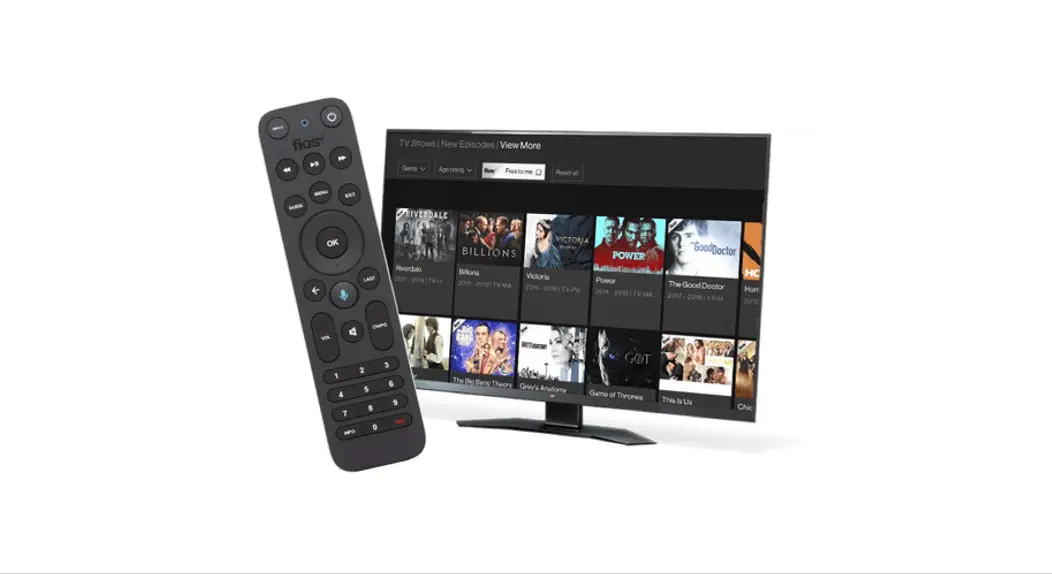
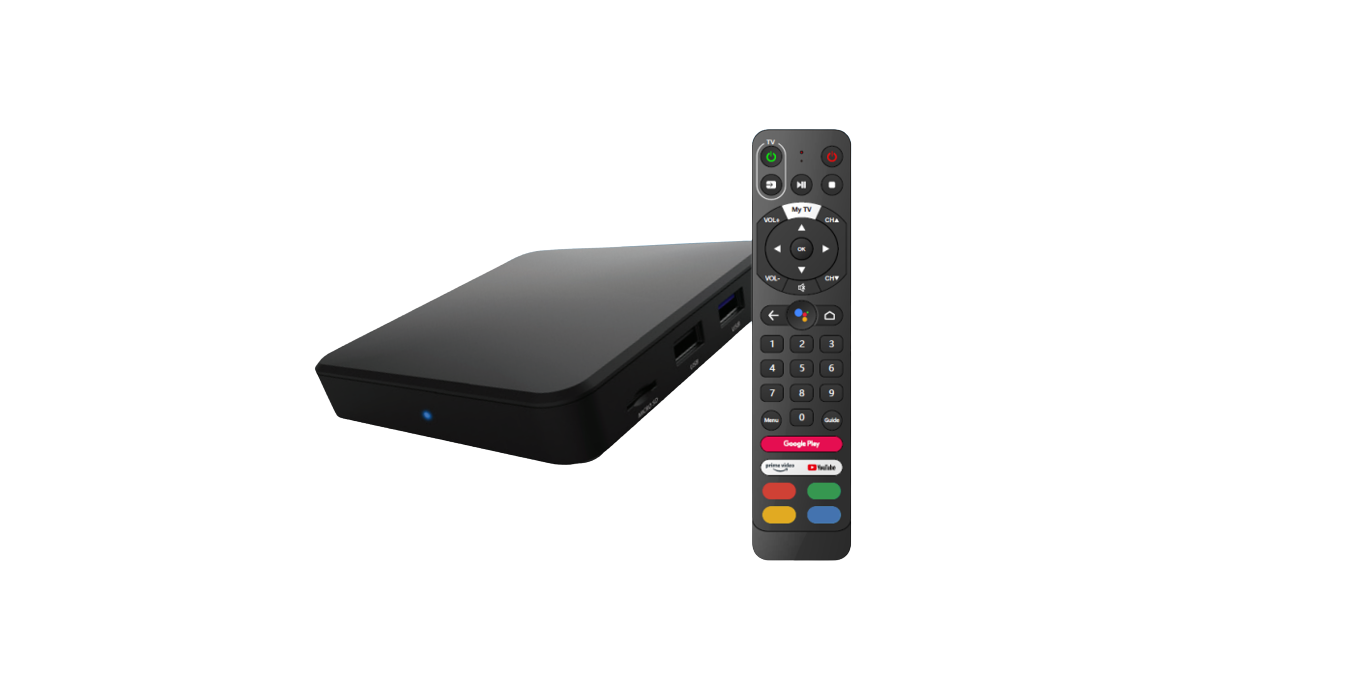
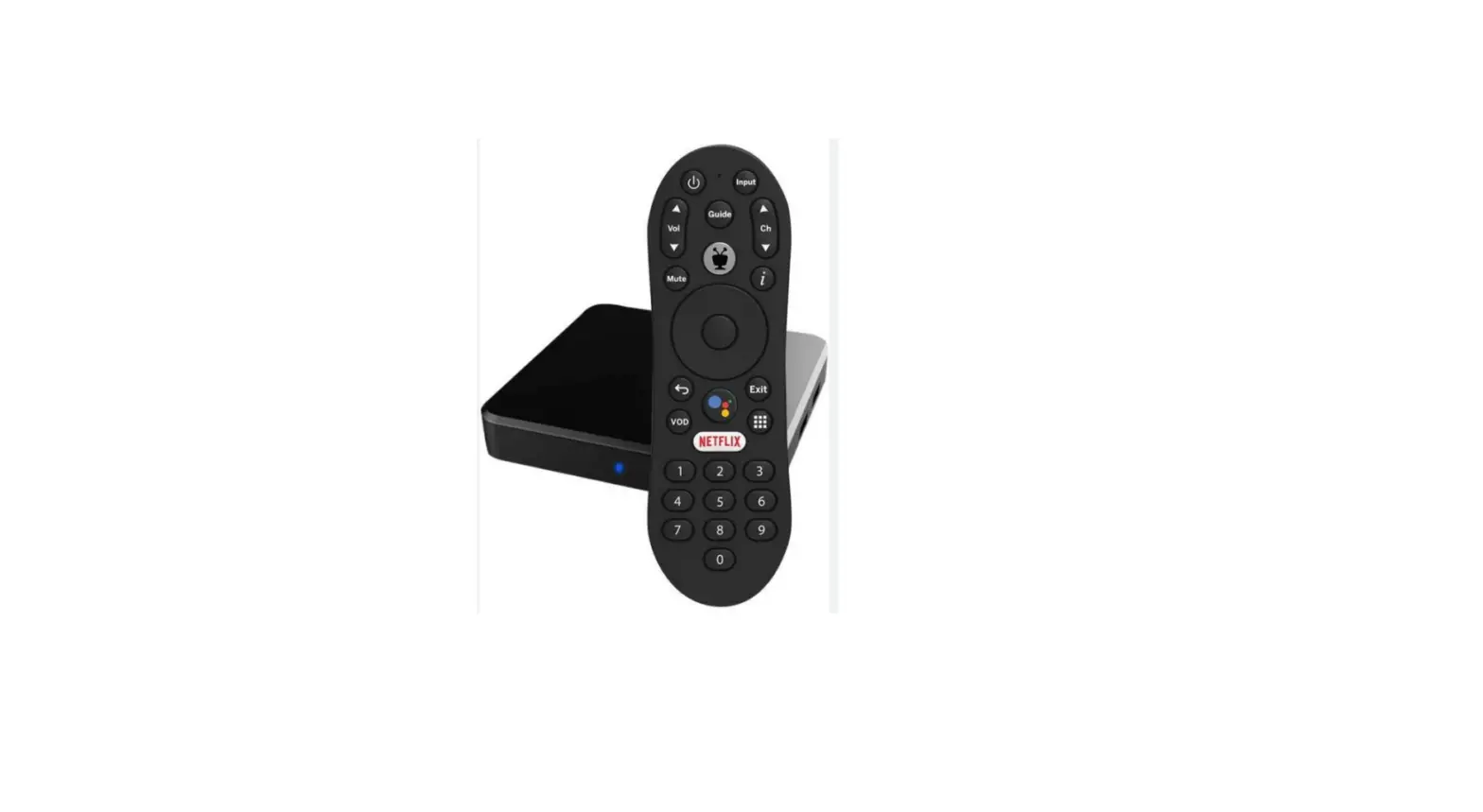
With advanced voice remote and seamless Netflix integration, get to what you want to watch faster with the Fios TV Voice Remote.
Find my remote
If you misplace a Fios TV Voice Remote, finding it is easy. Press the power button twice on the corresponding Fios TV One or Fios TV One Mini. The remote will start beeping. When you find it, press any button on the remote to stop the beeping.
Microphone/Voice Search— the fastest way to use your remote.
With the Fios TV Voice Remote, you can use your voice to control your Fios TV. Simply press and hold the Microphone button to give commands (see below for examples). Speak normally and hold the remote about 12 inches from your mouth. If held too closely, your voice may come across as distorted and difficult for the remote to understand.
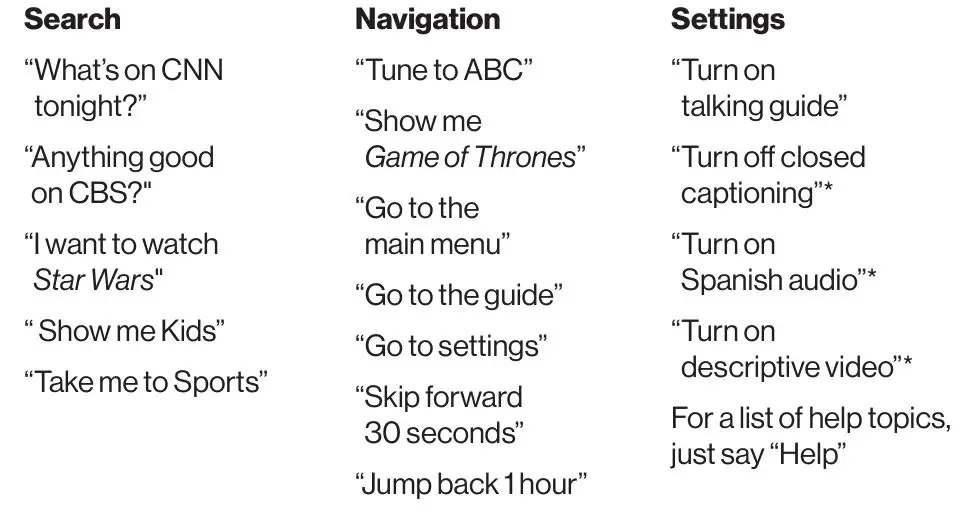
*Available for select programs
PRODUCT OVERVIEW
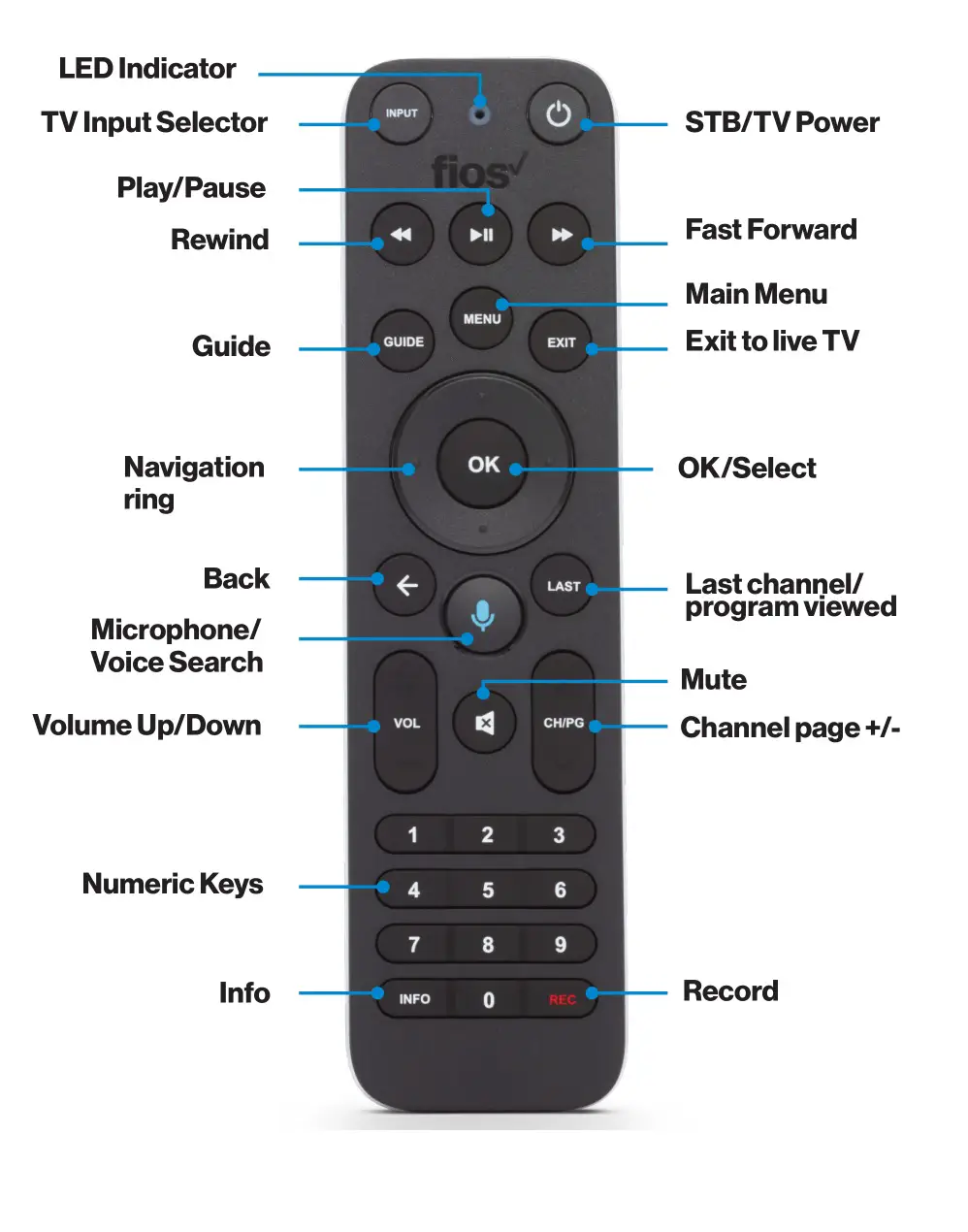

FUNCTION
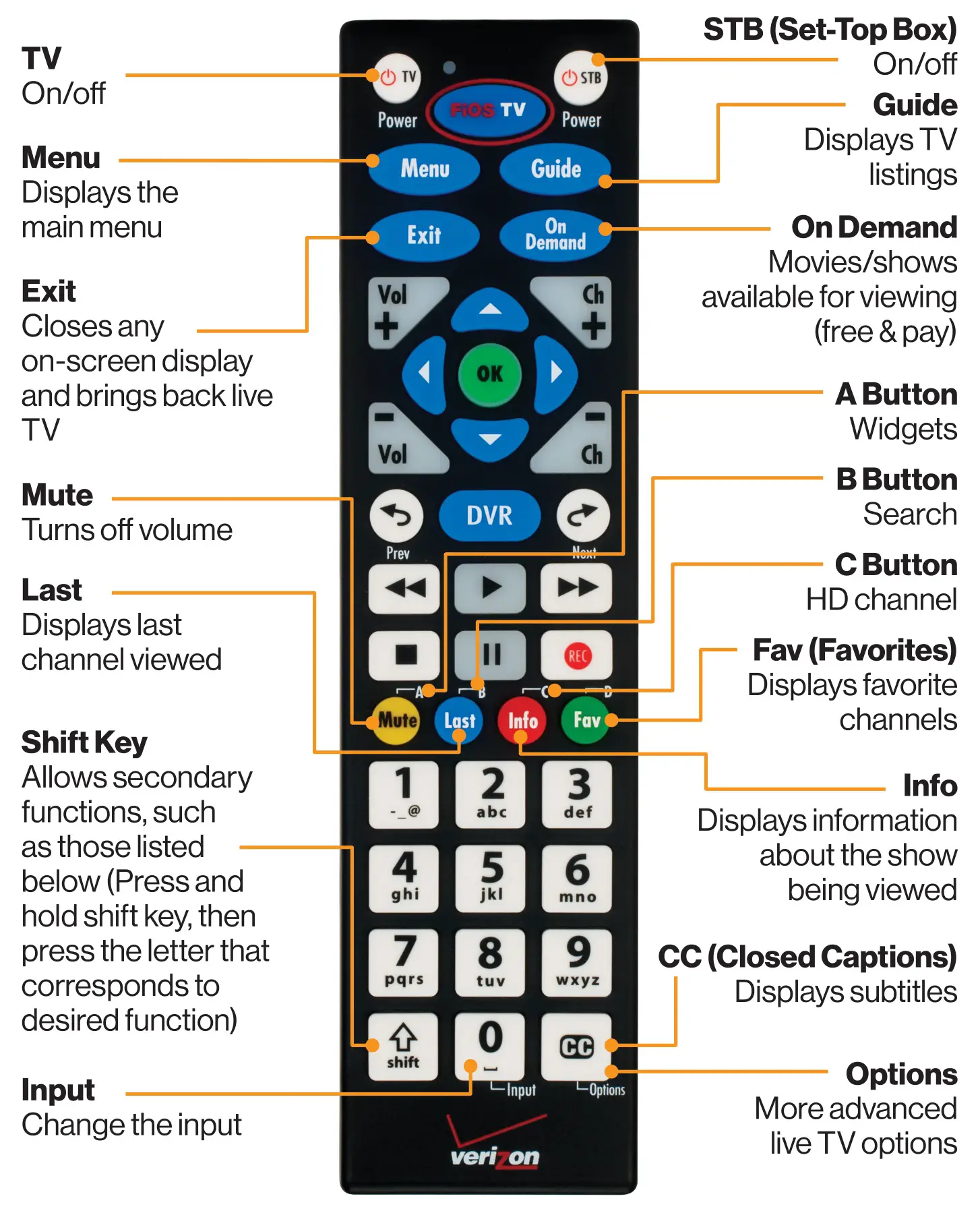
Recording a Show
- Press the Guide button
- Select show to record
- Press the REC button once to record the show
- Press REC a second time to record a series
- Follow prompts to record or modify the series, then press the OK button
Using On Demand (free movies and TV shows available)
- Press the On Demand button
- Use the blue arrow buttons to search through available programs
- When you find a program you want to watch, press OK
Setting Favorites
- Press the Menu button
- Scroll to Settings > System > Favorite Channels
- Choose Favorites 1 or Favorites 2
- Go to Add or Remove Channels
- Scroll through the channels, press OK to add a Favorite channel (or simply enter the channel number)
- A heart will be displayed next to the channel when it’s successfully entered
- Press the Exit button to get back to live TV
Changing TV Input
- Press and hold the Shift button and press the 0 button at the same time
- Inputs will be displayed (For example HDMI 1, HDMI 2, Video 1, Video 2, etc)
- While still holding the Shift button, press 0 until the desired input is highlighted
- Release both buttons and the input will be changed
Do more Better
Fios apps and support
Want help with your Fios TV, Phone or Internet service?
Get the answers you need, fast. Just visit us online or press the Menu button on your TV remote. Scroll to Customer Support, then select your topic
FAQS
- Steps to pair your Fios TV Voice Remote with Fios TV One or Fios TV One Mini.
- Point the Fios TV Voice Remote toward the Fios TV One you wish to pair it with,
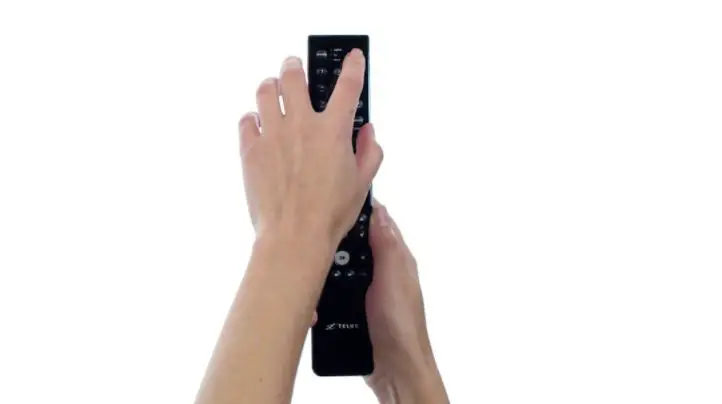
- Press and hold the Play/Pause and “O” buttons at the same time,
- Release the buttons when the blue light starts flashing on the Fios TV Voice Remote,
- When the blue light stops flashing on the Fios TV Voice Remote, your Fios TV Voice Remote is connected, paired and ready for use
Yes and Thank GOD that amazon has it! After going to seven verizon stores that have equipment ,none had it. If my puppy didn’t chew these I wouln’t have to order so many.
No. The Verizon tuner will ONLY accept 1 Bluetooth connection. BUT you can also use an old infrared remote.
vrc4100 ble
Yes, IF the Original/Old remote is Bluetooth. You can use any number of Infrared remote controls. The limitation is with Bluetooth. Since Verizon is just a phone company & is clueless about Computers, they can’t figure out how to use multiple Bluetooth devices, i.e. remotes.
They don’t actually pair. The remotes use IR and anything with the code will connect. You can use multiple remotes.
It can NOT be programmed. The buttons are HARD coded for the Arris boxes.
Yes. Just make sure it’s the right one for your box.
No. The old cable box is not voice-activated capable.
This controller is Bluetooth to the Verizon box. The IR is intended for the TV & soundbar
A: Press the Channel Up/Down buttons on the remote.
Press the DVR button on your remote. You can then select your device and play, pause, rewind or fast-forward a recording. You can also see what’s recorded and watch live TV. To learn more about using your DVR, visit www.verizon.com/dvr. For more information about DVRs, visit www.verizonfios.com/dvr.
Simply press and hold down the Microphone button on your Fios TV Voice Remote for about two seconds, and then speak into it normally as you would a telephone handset (about 12 inches from your mouth). If held too closely, your voice may come across as distorted and difficult for the remote to understand.
How to use-VIDEO

Verizon Fios TV Remotes User Guide
 Accessibility materials and devices