Verizon RCU RC552 Remote Control
Product Information
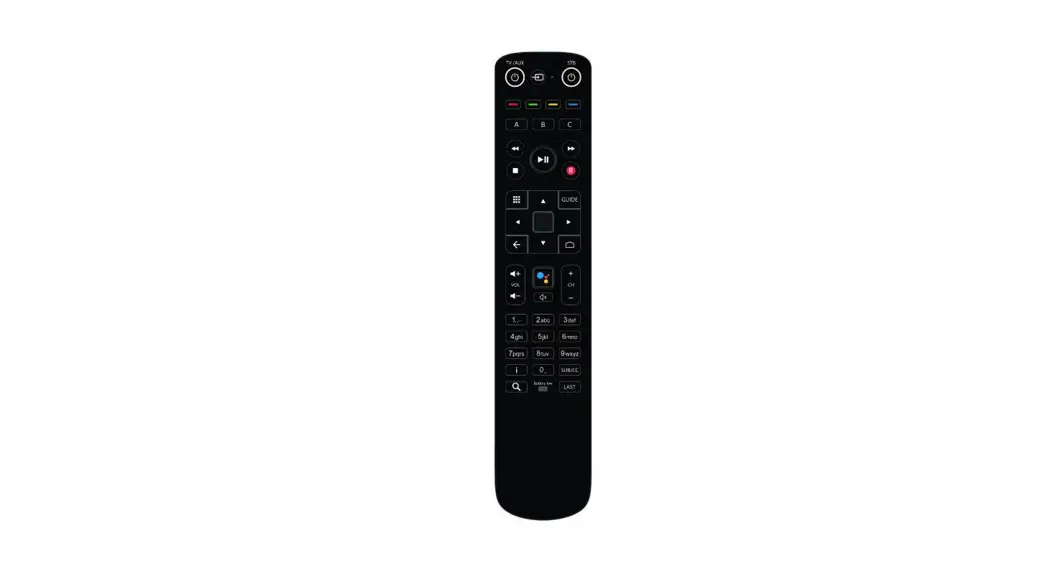
The Verizon RCU RC552(RTL8762CKO) is a remote control unit
designed for use with a set-top box (STB). It features an
auto-pairing mechanism, voice search application, OTA upgrade
support, and compliance with Part 15 of the FCC Rules.
- Auto Pairing Mechanism: The RCU can start auto
pairing if it is not paired. To pair, point the RCU at the STB and
press the MIC button. The RCU will start undirected advertising for
pairing, and the LED will blink. If pairing is successful, the LED
will provide a Pairing Success blink. If pairing fails, the LED
will provide a Pairing Failure blink. - Voice Search Application: The RCU features a
button to activate the Voice Search application to search for
content by speaking through the remote’s built-in microphone. The
RCU supports one-way voice transferred from RCU to host. - OTA Upgrade: The RCU software supports upgrade
via OTA (Over-The-Air). - Compliance: This device complies with Part 15
of the FCC Rules. Operation is subject to the following two
conditions: (1) This device may not cause harmful interference, and
(2) this device must accept any interference received, including
interference that may cause undesired operation.
Product Usage Instructions
- Auto Pairing: To pair the RCU with the STB,
point the RCU at the STB and press the MIC button. The RCU will
start undirected advertising for pairing, and the LED will blink.
If pairing is successful, the LED will provide a Pairing Success
blink. If pairing fails, the LED will provide a Pairing Failure
blink. - Voice Search: To activate the Voice Search
application, press the designated button on the RCU. Speak into the
remote’s built-in microphone to search for content. - OTA Upgrade: The RCU software supports upgrade
via OTA (Over-The-Air). Follow the prompts on the screen to
initiate the upgrade process. - Battery Replacement: Only use AAA alkaline
batteries. To replace the batteries, follow the instructions in the
user manual carefully to avoid any damage to the RCU.
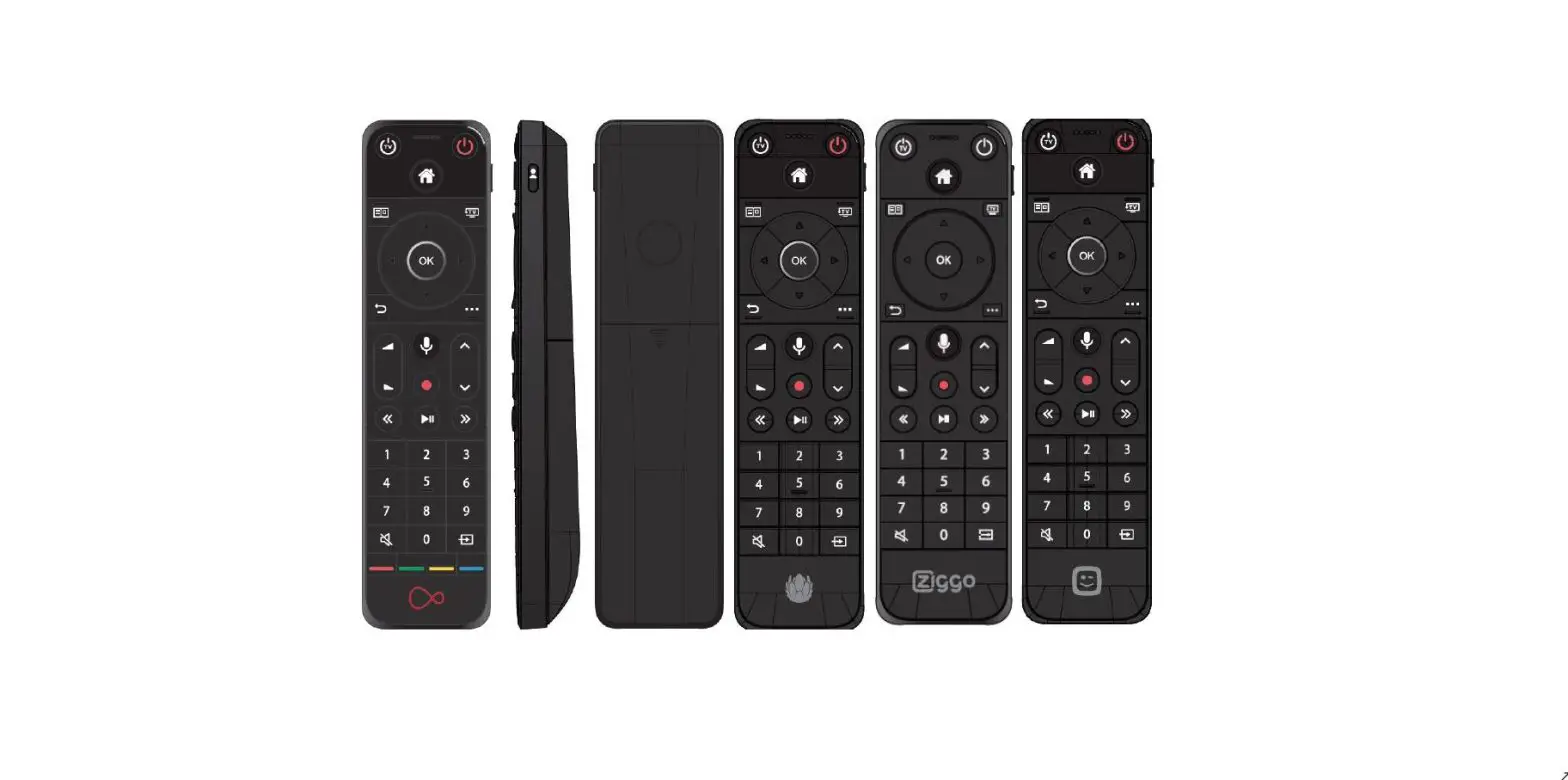
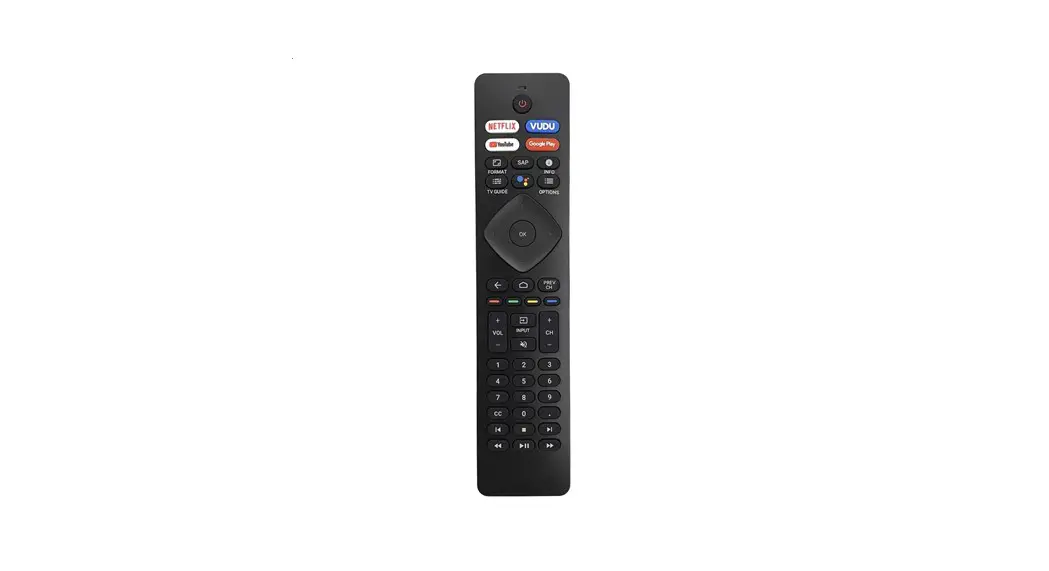
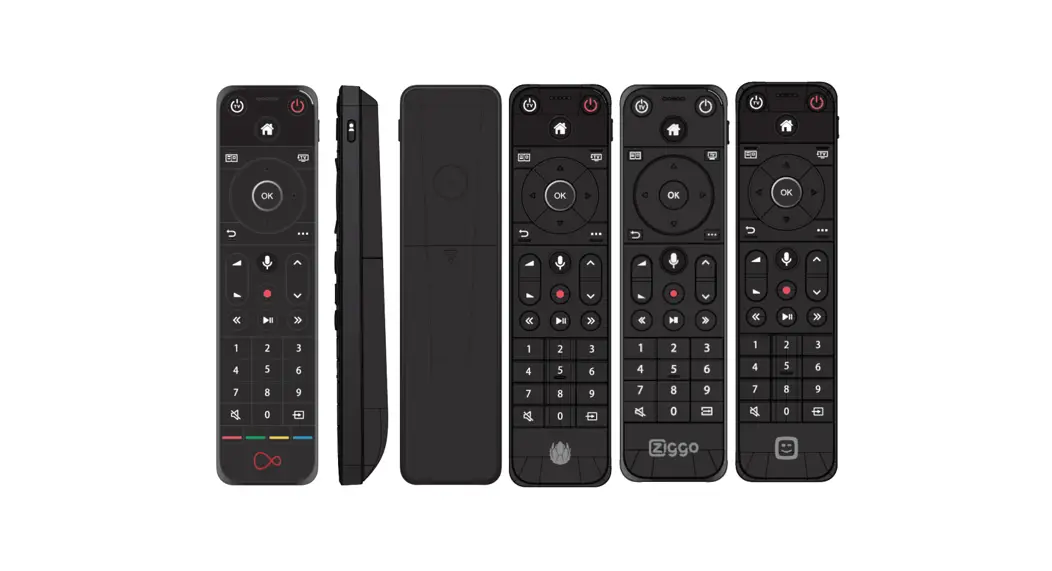
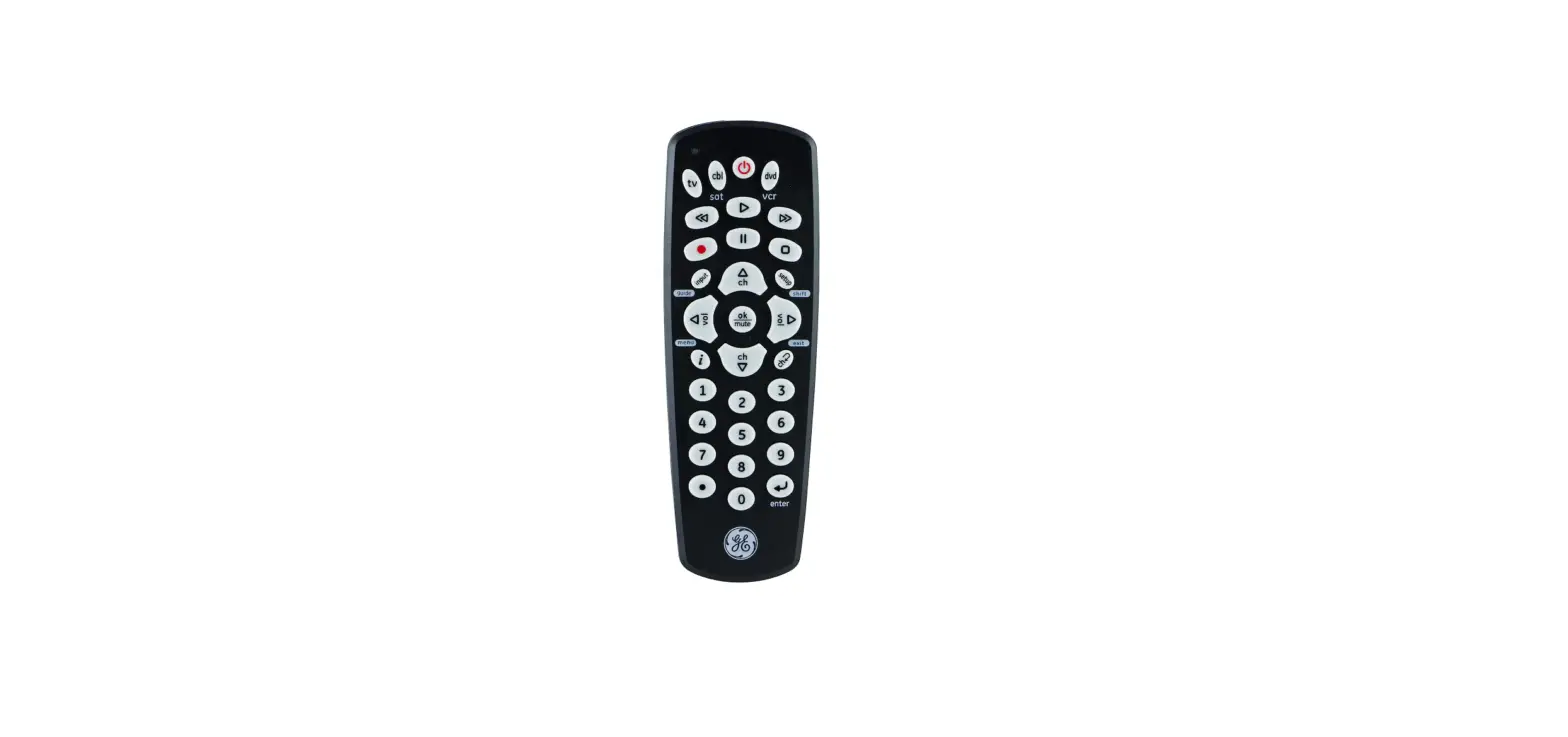
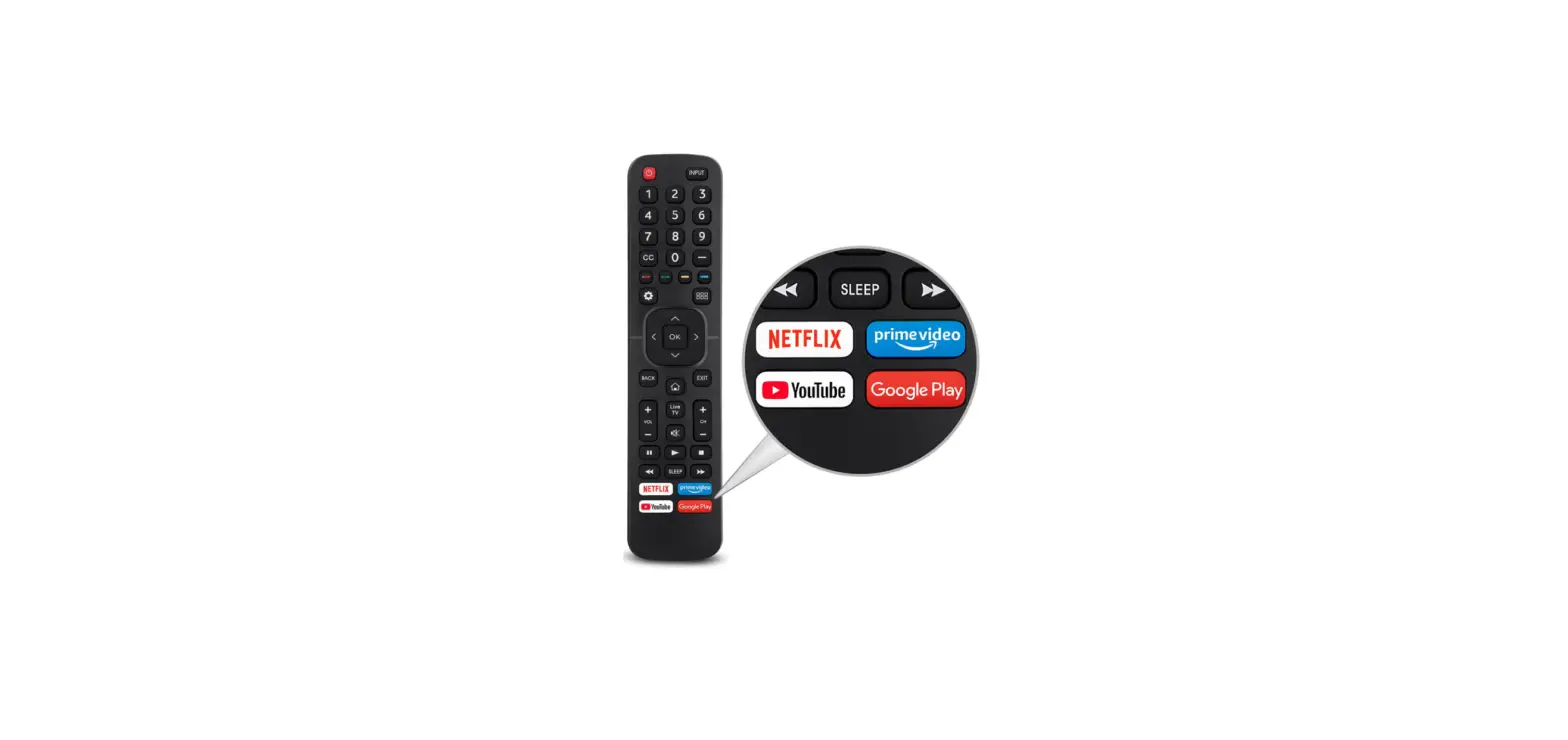
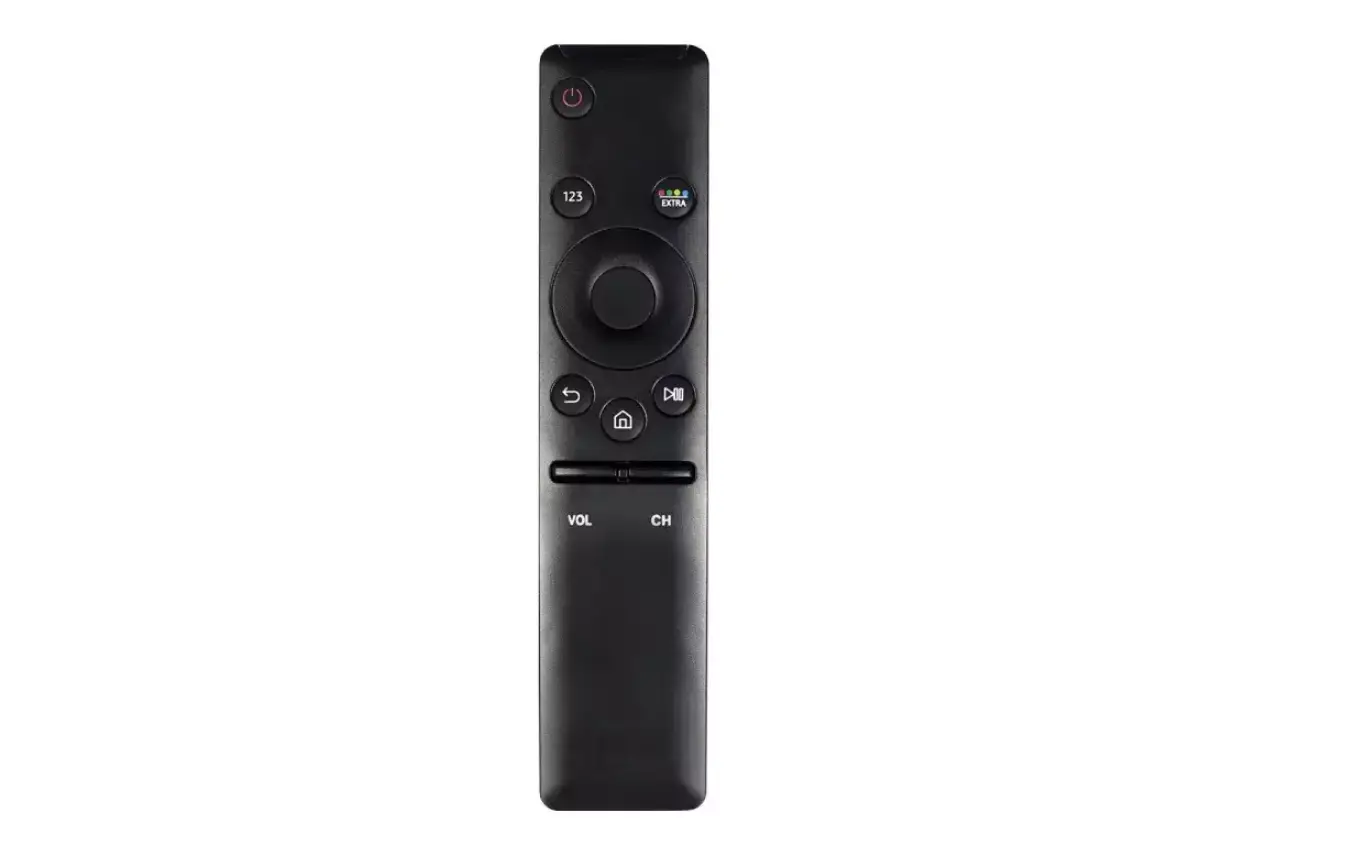
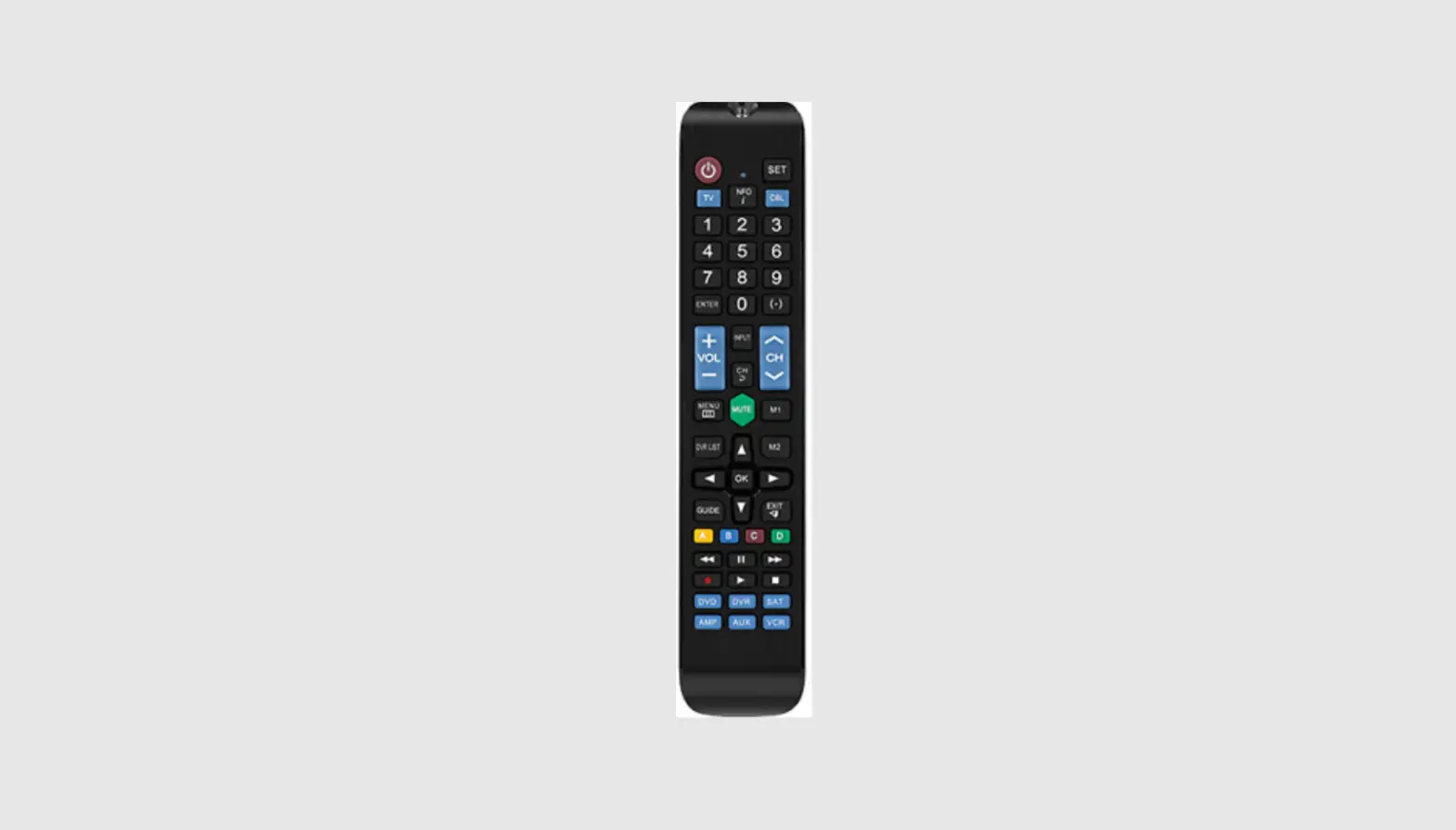
Picture for reference only
User Manual Verizon RCU RC552(RTL8762CKO)
Confidential
Page 1 of 3
1. Products Functions
The RC552 remote control is primarily designed via BLE to connect with Verizon RF set-top box. This connection is needed to control all essential features that Verizon offers, including browsing content, playing videos, and conducting voice searches. BLE are also used for over-the-air firmware upgrades as well as the download of TV control codes. The remote further includes infrared (IR), used to control a TV/Audio when it is connected to the STB. Prior to this, the RCU needs to be configured via Omnis’s simple setup.
2. Product Summary
· The RCU has 31keys, BLE transceiver, microphone, IR transmitter, RGB LED indicator, buzzer. · The RCU supports BLE (HID keys, voice & OTA), TV/Audio-IR (SSU), Findme.
3. Auto Pairing mechanism
RCU can start auto pairing if it is not paired:
1) Point at STB and press MIC button, RCU starts undirected advertising for pairing, LED will blink.
2) If pairing is successful, LED will provide a Pairing Success blink. 3) If pairing is failed, LED will provide a Pairing Failure blink.
4. Voice
RCU features a button to activate the Voice Search application to search for content by speaking through the remote’s built-in microphone. The RCU supports one-way voice transferred from RCU to host.
5. OTA upgrade
The RCU software supports upgrade via OTA (Over-The-Air).
6. Compliance Statement This device complies with Part 15 of the FCC Rules. Operation is subject to the following two conditions:
– This device may not cause harmful interference, and – This device must accept any interference received, including interference that may cause
undesired operation.
User Manual Confidential
Page: 2 of 3
7. Caution: – Please take attention that changes or modification not expressly approved by the party responsible for compliance could void the user’s authority to operate the equipment. – Risk of explosion if batteries are replaced by an incorrect type. Only use AAA alkaline batteries.
8. FCC information: FCC ID: 2AGOFRC451B FCC Statement: This device complies with Part 15 of the FCC Rules. Operation is subject to the following two conditions: (1) This device may not cause harmful interference, and (2) this device must accept any interference received, including interference that may cause undesired operation.
RF exposure statement
This equipment complies with the FCC radiation exposure limits set forth for an uncontrolled environment. This transmitter must not be co-located or operating in conjunction with any other antenna or transmitter.
NOTE 1: This equipment has been tested and found to comply with the limits for a Class B digital device, pursuant to part 15 of the FCC Rules. These limits are designed to provide reasonable protection against harmful interference in a residential installation. This equipment generates uses and can radiate radio frequency energy and, if not installed and used in accordance with the instructions, may cause harmful interference to radio communications. However, there is no guarantee that interference will not occur in a particular installation. If this equipment does cause harmful interference to radio or television reception, which can be determined by turning the equipment off and on, the user is encouraged to try to correct the interference by one or more of the following measures: – Reorient or relocate the receiving antenna. – Increase the separation between the equipment and receiver. -Connect the equipment into an outlet on a circuit different from that to which the receiver is
connected. -Consult the dealer or an experienced radio/TV technician for help.
User Manual Confidential
Page: 3 of 3