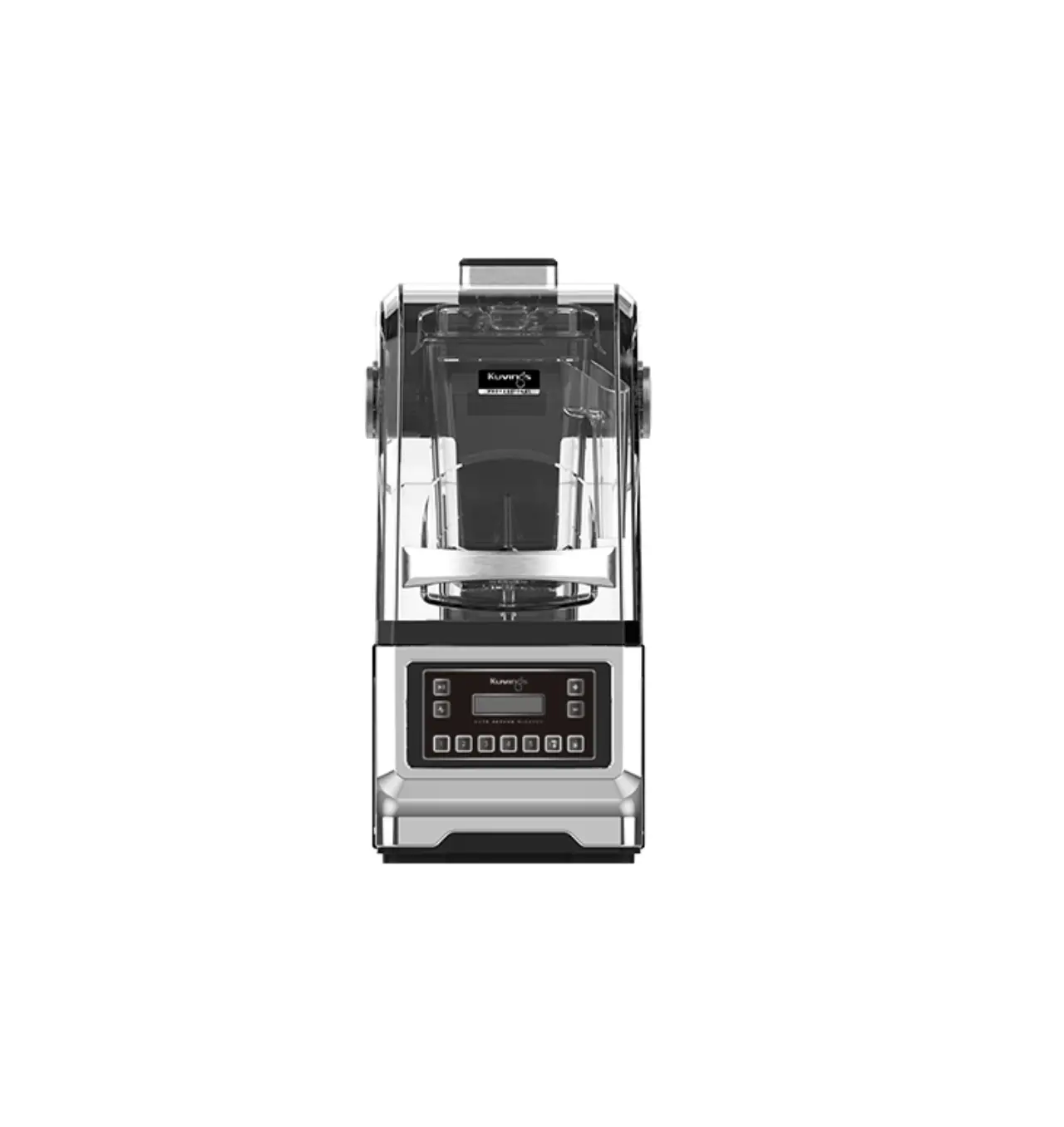
Kuvings Auto Vacuum Blender
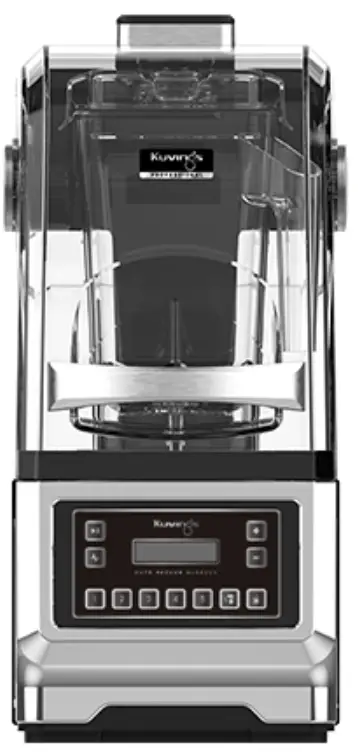

Product Features
 BLEND AUTOMATIC
Blend more conveniently with automatic opening, automatic vacuum, and quick start functions.
 BLEND DIFFERENT
Experience a differentiated recipe and a differentiated Asymmetrical Container with a blade made of STS material.
 BLEND CUSTOMIZE
Create your own dreamed drink recipe by setting your own blending algorithm.
How to Use Each Function
| Order | Features | Button | Control Panel |
| 1 | Start/Stop |  | 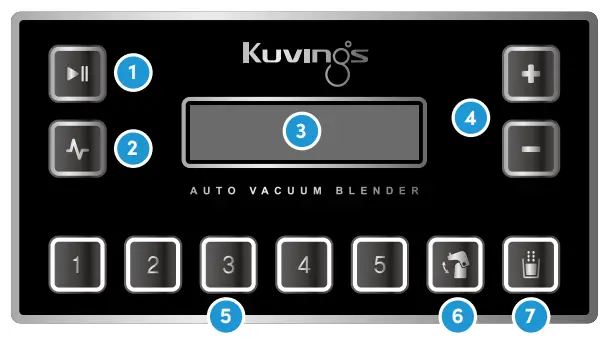 |
| 2 | Pulse |  | |
| 3 | Display |  | |
| 4 | Manual Speed Control |  | |
| 5 | Auto Blending |  | |
| 6 | Auto Open/Close |  | |
| 7 | Auto Vacuum |  |
| Auto Open/Close |
| Auto Vacuum |  | Quick Start Button |
| If you press the ‘Auto open/close’ button in the power standby state, the ‘Auto open/close’ mode is activated. * When the Sound Enclosure opens and closes automatically, do not press or open the cover by force. (It may cause malfunction or damage.) | If you press the ‘Auto Vacuum’ button in the power standby state, the ‘Auto Vacuum’ mode. * In the ‘Auto Vacuum’ mode, the back flow prevention mode is activated and the vacuum-related functions cannot be used continuously. * In order to reuse the ‘Auto Vacuum’ mode and related functions, separate the container completely from the body, then reattach it. | If you press the ‘Quick satrt button’ in the power standby state, the quick blending function is activated. * Quick blending operates the function set in Auto Blending Button 1. |
| Setting | Order | Details | Display |
| Vacuum Pressure Setting (Refer to p.27 | 1 | Press the ‘Auto Vacuum’ button and the ‘Manual Speed Control’ button (up/down) at the same time. | 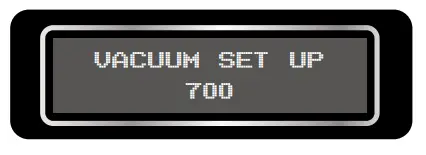 |
| 2 | When the setup screen appears, use the ‘Manual Speed Control’ button to set the desired vacuum pressure. | ||
| 3 | After setting the vacuum pressure, press the ‘Start/Stop’ button to complete the setting | 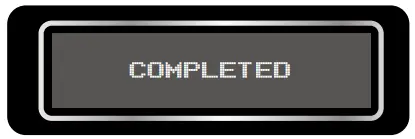 | |
| Auto Blending Recipe Program Settings This is a method to select and input a program among 35 recipe programs. (Refer to p.21) | 1 | Press one of the ‘Auto Blending’ buttons 1 to 5 and one of the manual speed control up/down buttons at the same time. | 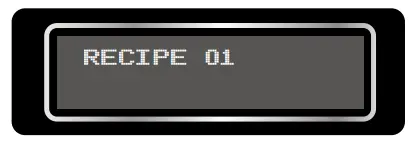 |
| 2 | When the recipe setup screen appears, use the ‘Manual Speed Control up/ down’ buttons to select the recipe program you want to set. | ||
| 3 | After selecting the recipe program, press the ‘Auto Blending’ (1~5) button you want to set up. |
| |
| 4 | Recipe setting is completed by pressing the ‘Start/Stop’ button. If “COMPLETED” appears on the screen, the selected program has been entered | 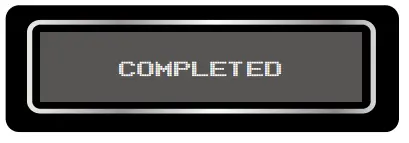 | |
| DIY Recipe Program Settings (Refer to p.26) | 1 | Press the two speed control buttons (up/down) at the same time. Then use the manual speed control buttons(up and down) to enter DIY recipe mode. After entering, press button 1 to DIY recipe The setting screen appears. | 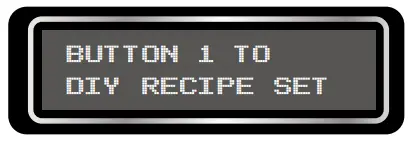 |
| 2 | From section 1 to section 5, you can set the time and RPM for each section. * You can register from number 36 to 40, for your desirable program. Also you can edit/change, and you can add a total of 5 DIY recipes. | 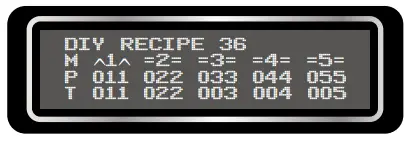 | |
| 3 | Select the DIY recipe number you want to register/change with the ‘Auto Open/Close’ or ‘Auto Vacuum’ button. (The text displayed at the top of the screen is “DIY RECIPE NO” / ex. DIY RECIPE 36) | 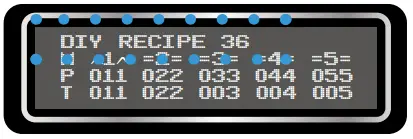 | |
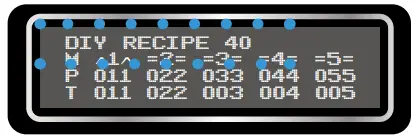 | |||
| 4 | To move to the section you want to set (1~5), select using buttons 1~5. | 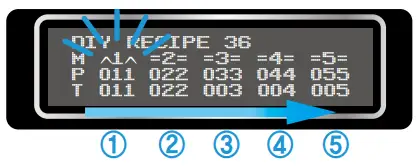 | |
| 5 | Select the setting item with the  Pulse button. Pulse button.* M : Pulse (^1^) / Blending (1=1) mode, P : Rotation speed selection T : select operating time | 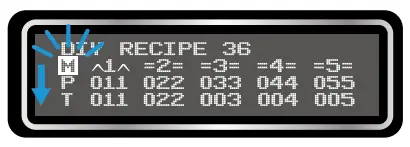 | |
| 6 | Press the ‘Start/Stop’ button to complete set up. The screen will display “COMPLETED”. * If you want to cancel the setting, press Pulse button for 2 seconds. | 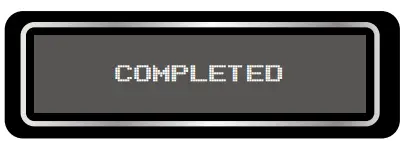 |
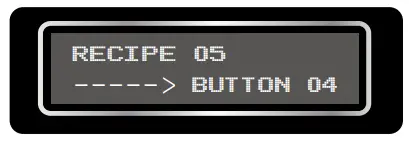 Set recipe program 5 on auto blending button 4