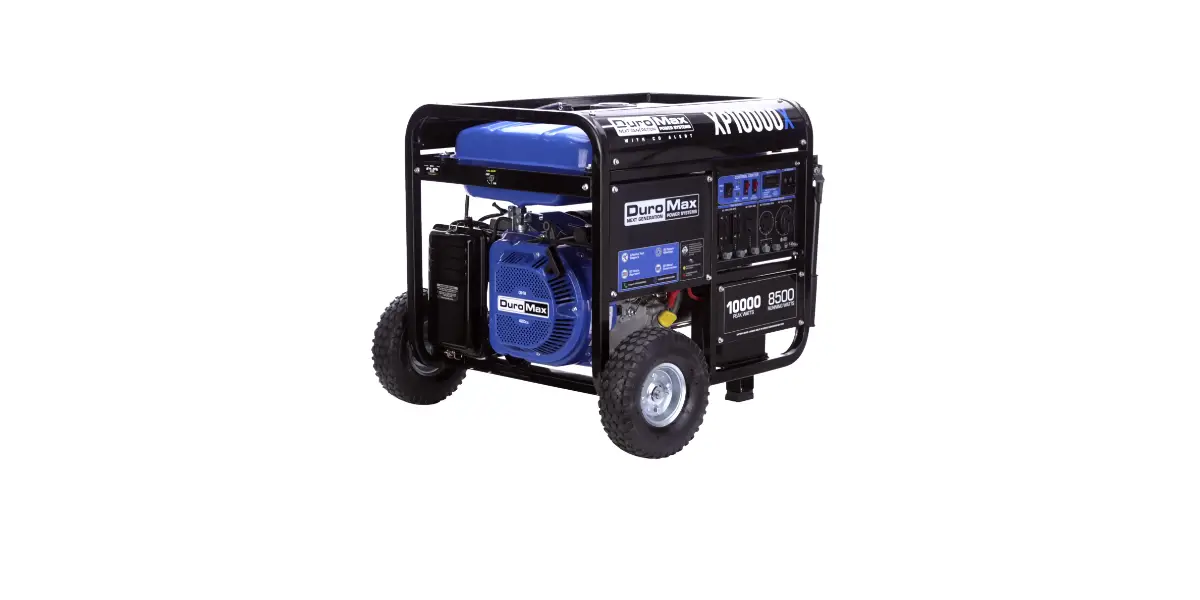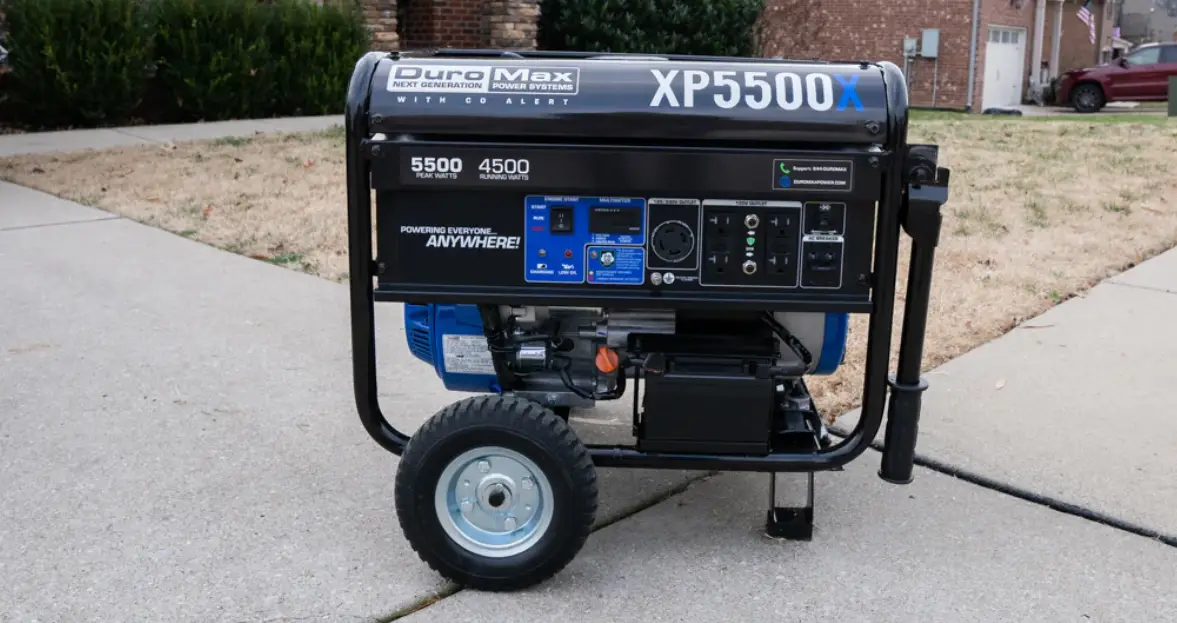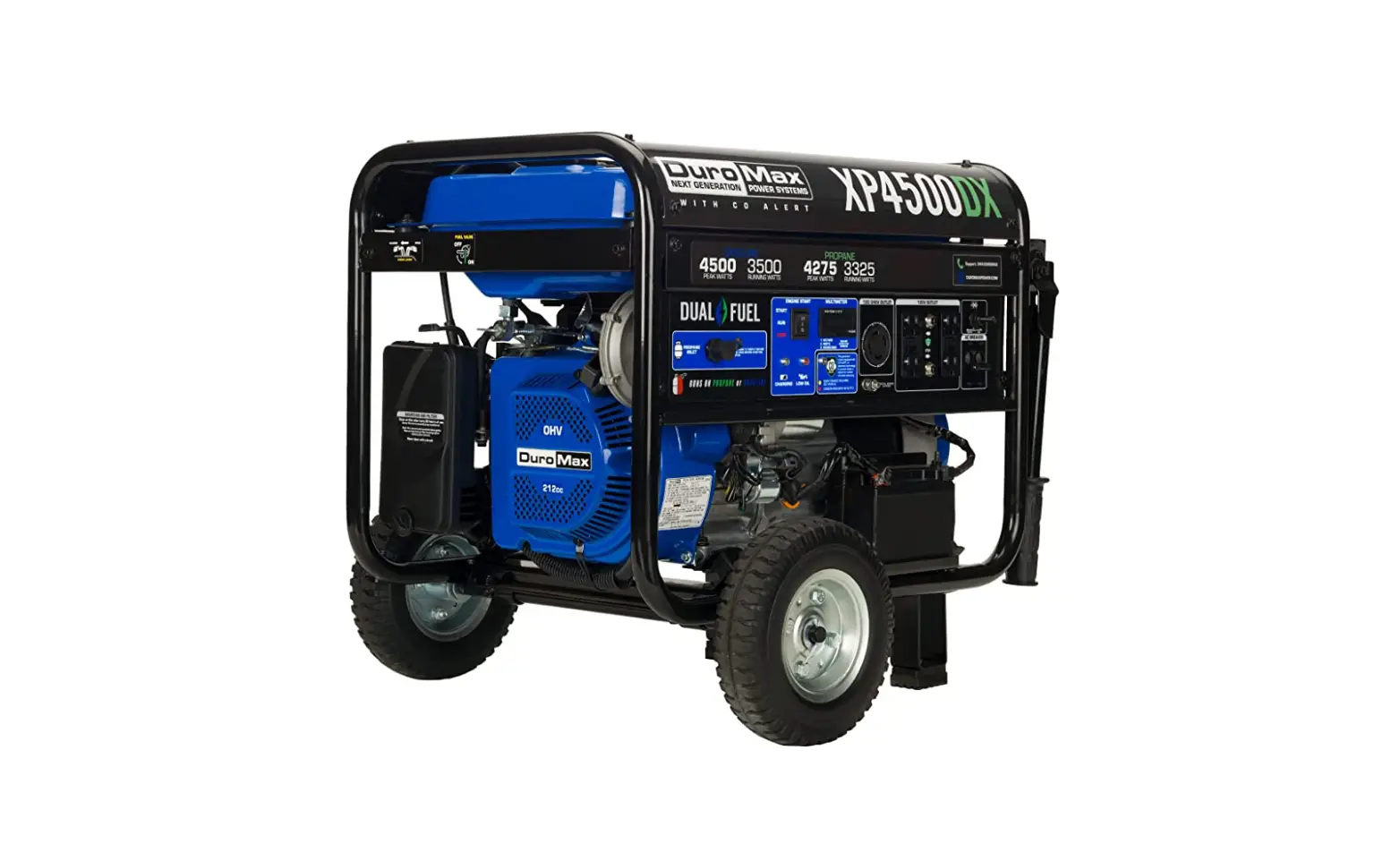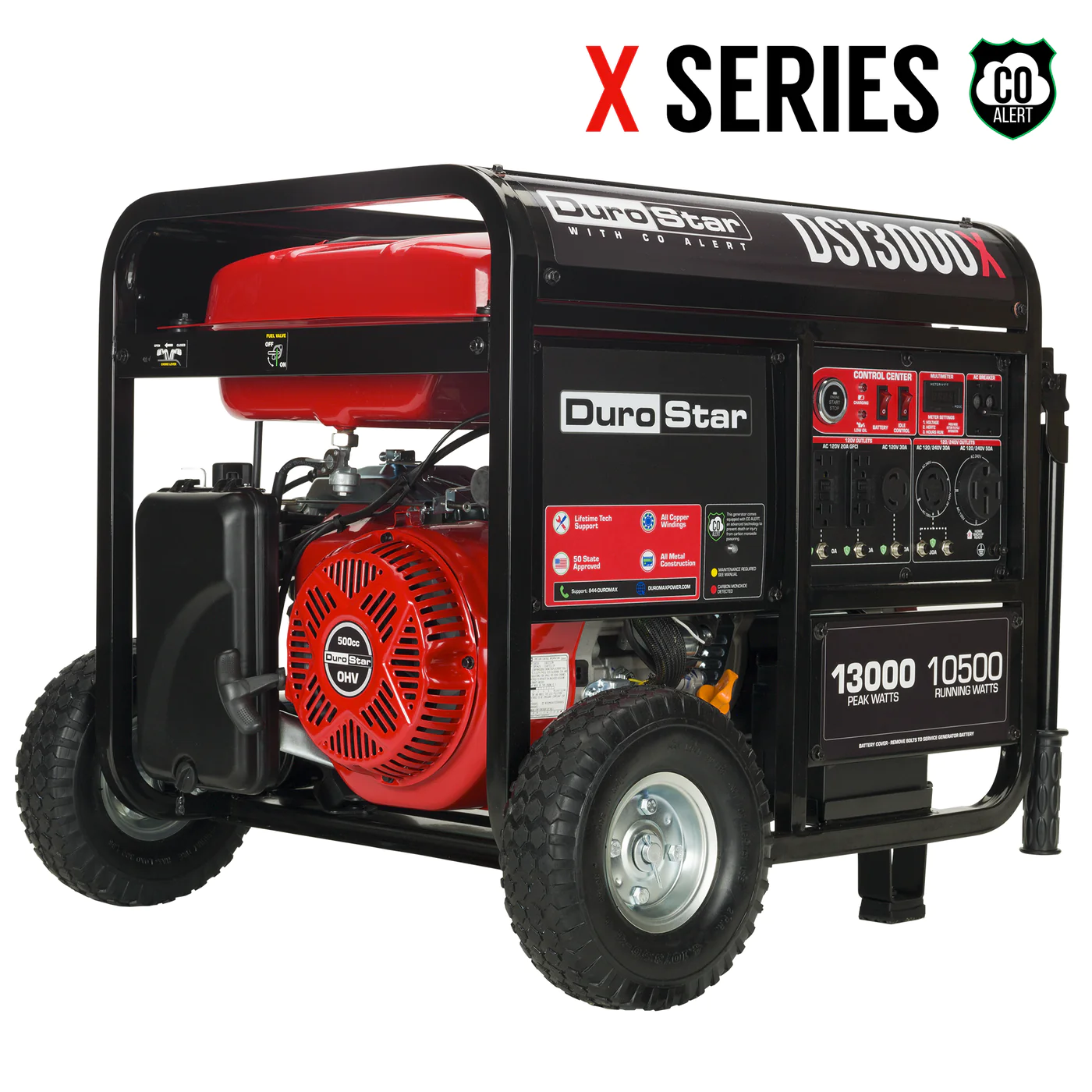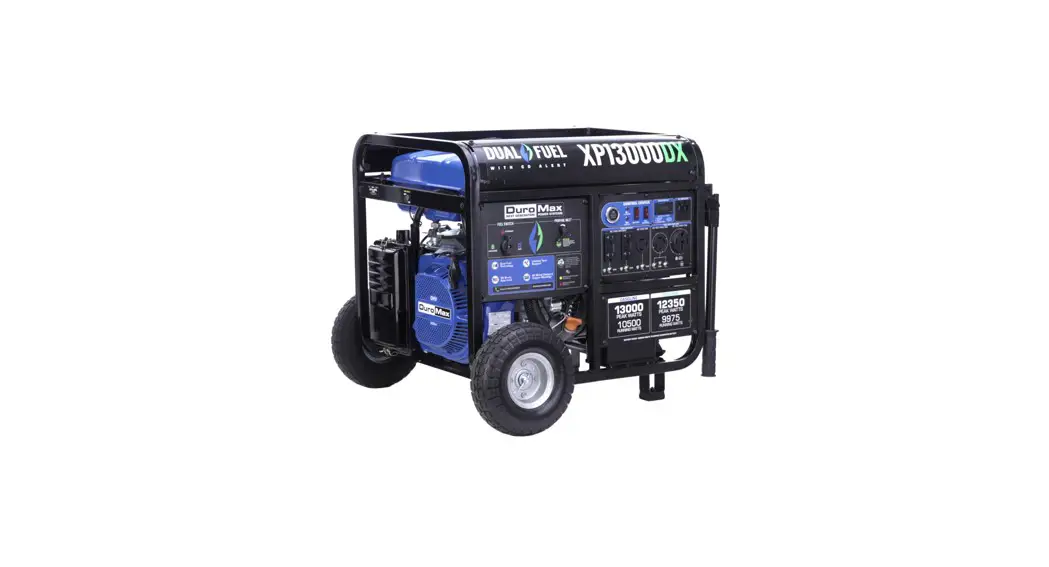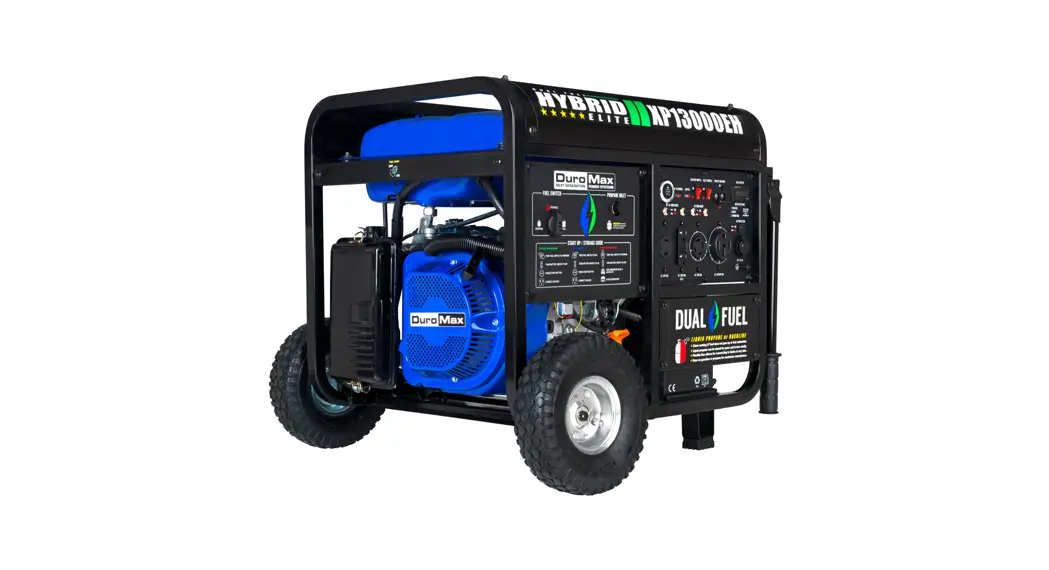


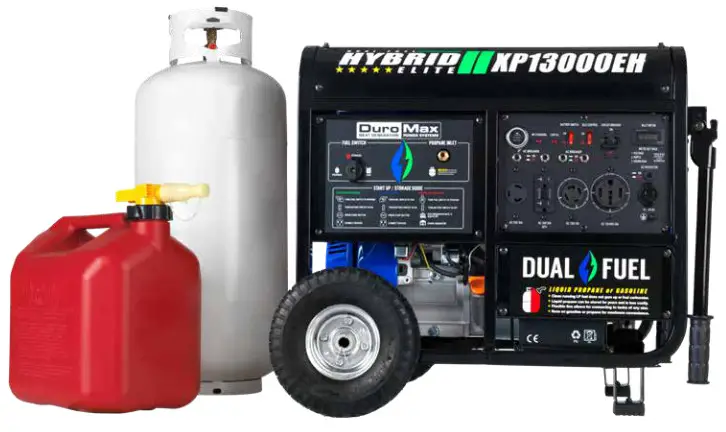
XP13000EH GENERATOR
Quick Start Guide
REV: XP13000EH-QS-04102020
This manual provides information regarding the operation and maintenance of these products. We have made every effort to ensure the accuracy of the information in this manual. We reserve the right to change this product at any time without prior notice.
5800 Ontario Mills Pkwy
Ontario, CA 91764 USA
www.duromaxpower.com
Call our Customer Care Team Toll Free 8-5 pm PST Mon-Fri
844-DUROMAX
QUICKSTART GUIDE (GASOLINE)
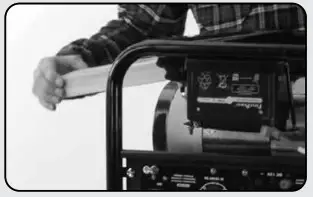 | 1. Remove shipping braces The shipping braces prevent engine movement during shipment. Flip the generator over and remove the brightly colored brace between the motor and the frame, and the wood brace under the generator. |
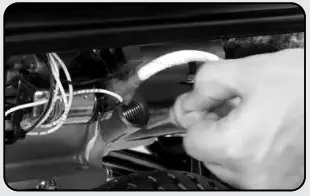 | 2. Add oil The oil fill cap is located on the lower engine block to the right of the recoil start housing. Remove the oil fill cap and fill with 10w30 oil. |
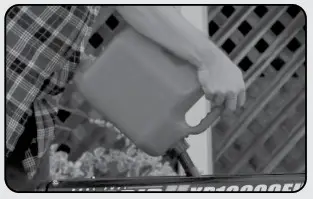 | 3. Add gasoline The fuel cap is located on top of the fuel tank. Fill the tank with fresh unleaded gasoline 87 octane or higher. The tank is full when you see fuel in the bottom of the fuel filter cup. DO NOT overfill the tank. |
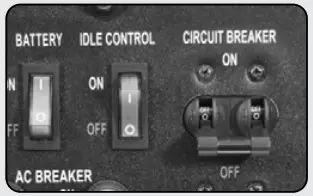 | 4. Turn breaker off The breaker is located on the right side of the front power panel. Flip the breaker down to prevent accidental load when starting the generator. |
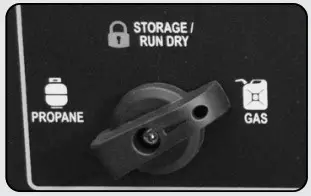 | 5. Turn fuel switch to GAS The fuel switch is located on the left front panel. Rotate the switch clockwise to the GAS position to turn on the gas supply. |
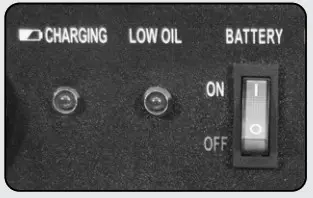 | 6. Turn battery switch on The battery switch is located on the top center of the main power panel. Turn the switch ON to allow power to the push-button start. |
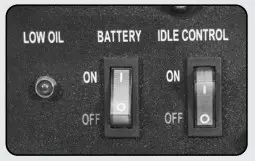 | 7. Turn idle control off The idle control is located on the top center of the main power panel. Turn the switch OFF to prevent the unit trying to idle down before the engine is warmed up. |
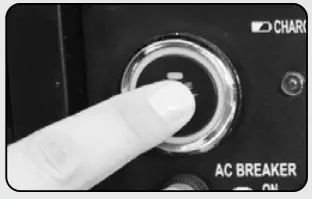 | 8. Start generator The push-button starts left side of the main power panel. Press the button for 1 second to start the generator. |
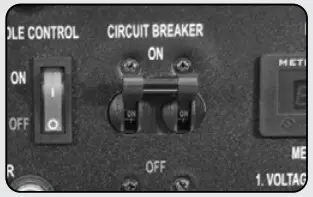 | 9. Turn breaker on The breaker is located on the right side of the front power panel. Flip the breaker up to allow power to flow to the receptacles. |
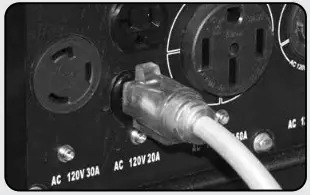 | 10. Connect devices Connect your devices to the receptacles on the front panel. Start with the largest loads first. |
QUICKSTART GUIDE (PROPANE)
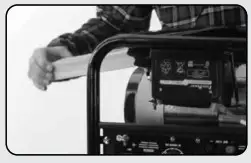 | 1. Remove shipping braces The shipping braces prevent engine movement during shipment. Flip the generator over and remove the brightly colored brace between the motor and the frame, and the wood brace under the generator. |
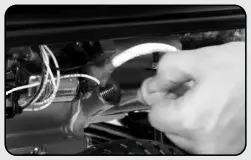 | 2. Add oil The oil fill cap is located on the lower engine block to the right of the recoil start housing. Remove the oil fill cap and fill with 10w30 oil. |
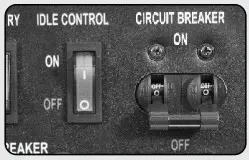 | 3. Turn breaker off The breaker is located on the right side of the front power panel. Flip the breaker down to prevent accidental load when starting the generator. |
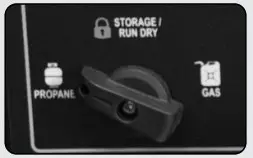 | 4. Turn fuel switch to Propane The fuel switch is located on the left front panel. Rotate the switch counter-clockwise to the Propane position to turn on the fuel supply. |
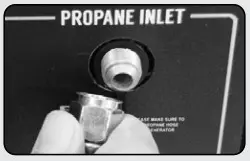 | 5. Connect propane hose The propane inlet is located on the right-hand front panel to the right of the fuel switch. Securely connect the propane hose to the inlet. |
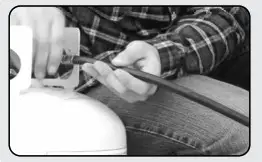 | 6. Connect propane tank The propane hose is located on the left side of the regulator, below the OHV valve cover. Screw the open ACME nut connection to your propane tank and turn the tank on. |
| 7. Turn battery switch on The battery switch is located on the top center of the main power panel. Turn the switch ON to allow power to the push-button start. |
| 8. Turn idle control off The idle control is located on the top center of the main power panel. Turn the switch OFF to prevent the unit from trying to idle down before the engine is warmed up. |
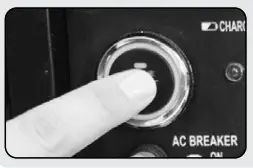 | 9. Start generator The push-button starts left side of the main power panel. Press the button for 1 second and release it to start the generator. |
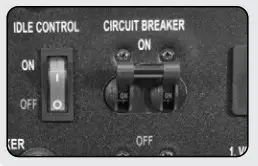 | 10. Turn breaker on / connect The breaker is located on the right side of the front power panel. Flip the breaker up to allow power to flow to the receptacles. Connect your devices to the receptacles on the front panel. Start with the largest loads first. |
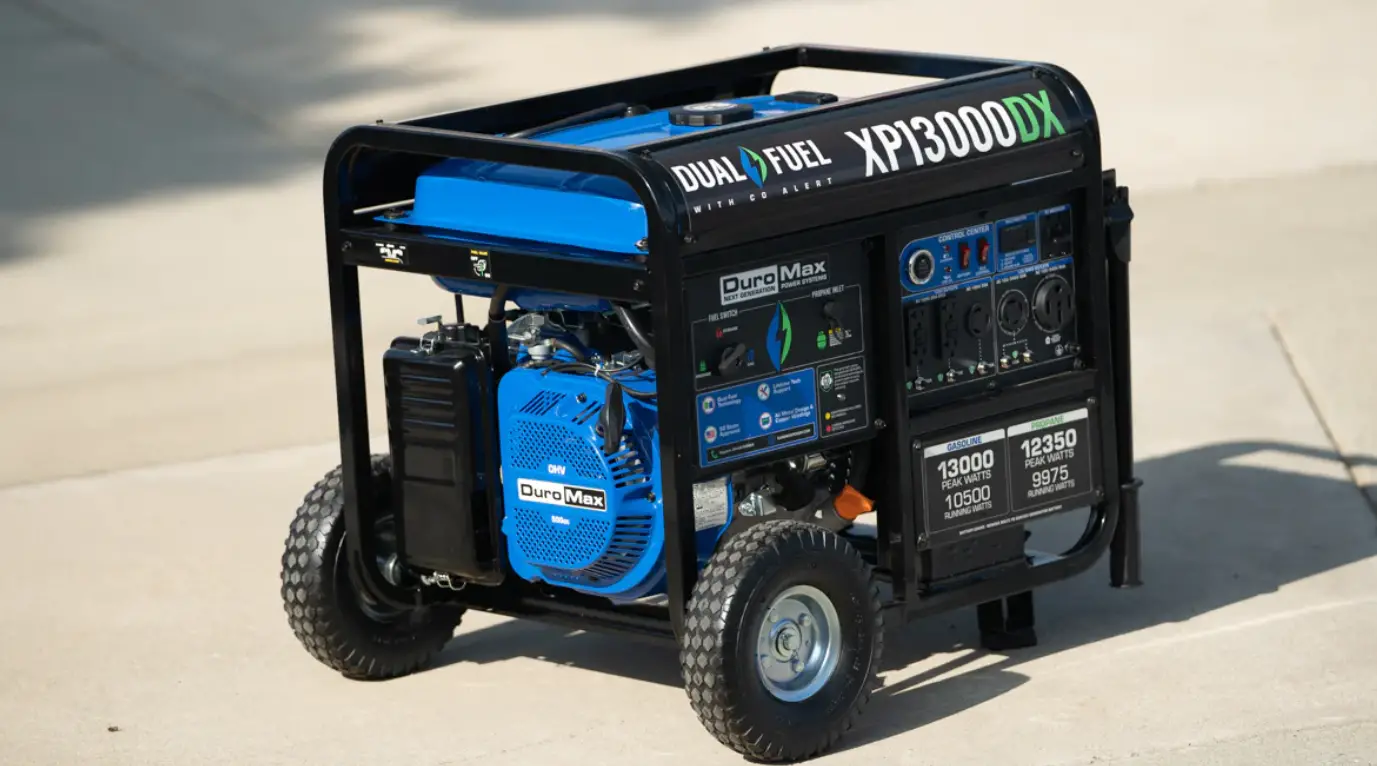
GENERATOR COMPONENTS
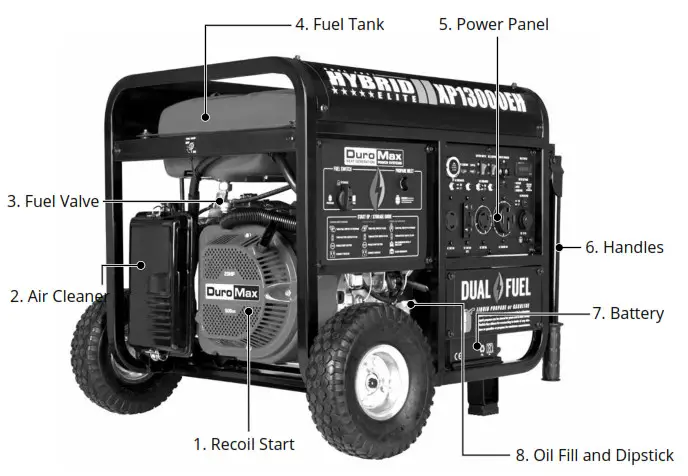
- Recoil Start – Easy Pull Recoil Start to start the engine without the electric start.
- Air Cleaner – a removable, cleanable, oiled, element that cleans the air going into the engine.
- Fuel Valve – On/Off valve that allows gasoline to the fuel switch.
- Fuel Tank – All metal 7.8 Gallon gasoline fuel tank.
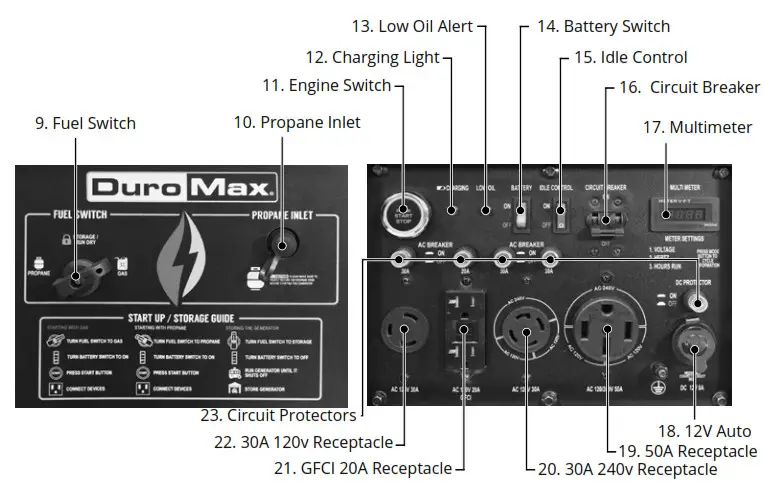
- Power Panel – Contains the start switch, plugs, meters, and circuit breakers.
- Handles – Longest handles of any DuroMax Model allow easy movement across any surface.
- Battery – 12V DC Battery that powers the Electric Start System
- Oil Fill and Dipstick – Use to add or check the oil.
- Fuel Switch – Fuel selection switch to choose Gas, Propane, or Storage mode.
- Propane Inlet – Provides a regulated LPG Fuel supply to the engine. (Intended for use with a
LPG Source of 3 PSI or more.) - Engine Switch – Push Button start switch. Press for 1 second to start the generator. Hold for 3
seconds to stop the generator. - Charging Light – Will light when the generator is charging the onboard battery.

- Low Oil Alert – Will light only if the generator shuts down due to low oil.
- Battery Switch – Prevents battery discharge during storage.
- Idle Control – Slows the engine to save fuel and lower noise when no load.
- Circuit Breaker – Protects the panel from overload and short circuits.
- Multimeter – Displays voltage, hertz, and time running.
- 12v Auto – Provides a 12v automotive-style plug for appliances and chargers.
- 120/240v 4-Prong Receptacle – Use to connect electrical devices that run 120 or 240 Volt, 60Hz, single-phase, AC current (NEMA 14-50)
- 120/240v 4-Prong Twist Lock – Use to connect electrical devices that run 120 or 240 Volt, 60Hz, single-phase, AC current (NEMA 14-30)
- 120v 3-Prong GFCI Receptacle – Use to connect electrical devices that run 120 Volt, 60Hz, single-phase, AC current (NEMA 5-20)
- 120v 3-Prong Twist Lock – Use to connect electrical devices that run 120 Volt, 60 Hz, single-phase, AC current (L5-30).
- Circuit Protectors – Protects the receptacles from overload.
PACKAGE CONTENTS
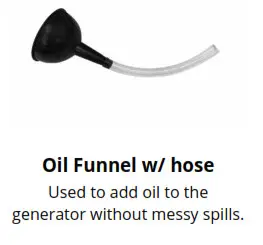
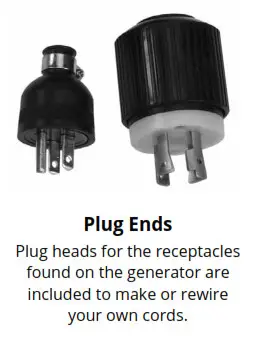
Your generator comes with the items listed below. Please check to see that all of the following items are included with your generator.
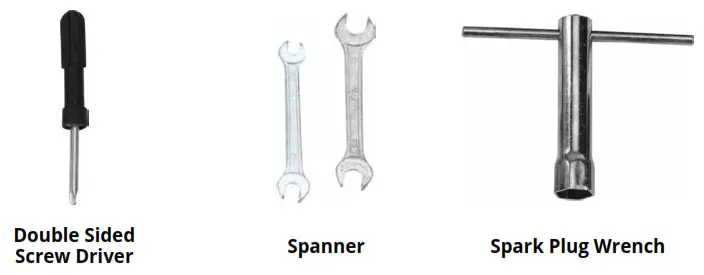
Phillips and slot blade screwdriver used for generator maintenance.
Assorted wrenches used in generator maintenance and assembly. Commonly 8mm, 10mm, 13mm, and 15mm.
Used in spark plug maintenance, inspection, and installation.
CUSTOMER SERVICE
Duromax Power Equipment is committed to ensuring that our products perform when they need to. Our generators are your lifeline in the event of an emergency. Should you have any problems, please contact our customer service department:
DUROMAX POWER EQUIPMENT
5800 Ontario Mills Parkway
Ontario, CA 91764
Customer Service: 844-DURAMAX
Customer Service Hours: 8-5 pm PST
Website: www.duromaxpower.com
Email: [email protected]

5800 Ontario Mills Parkway
Ontario, CA 91764
United States
844-DUROMAX
 DuroMax Power Equipment