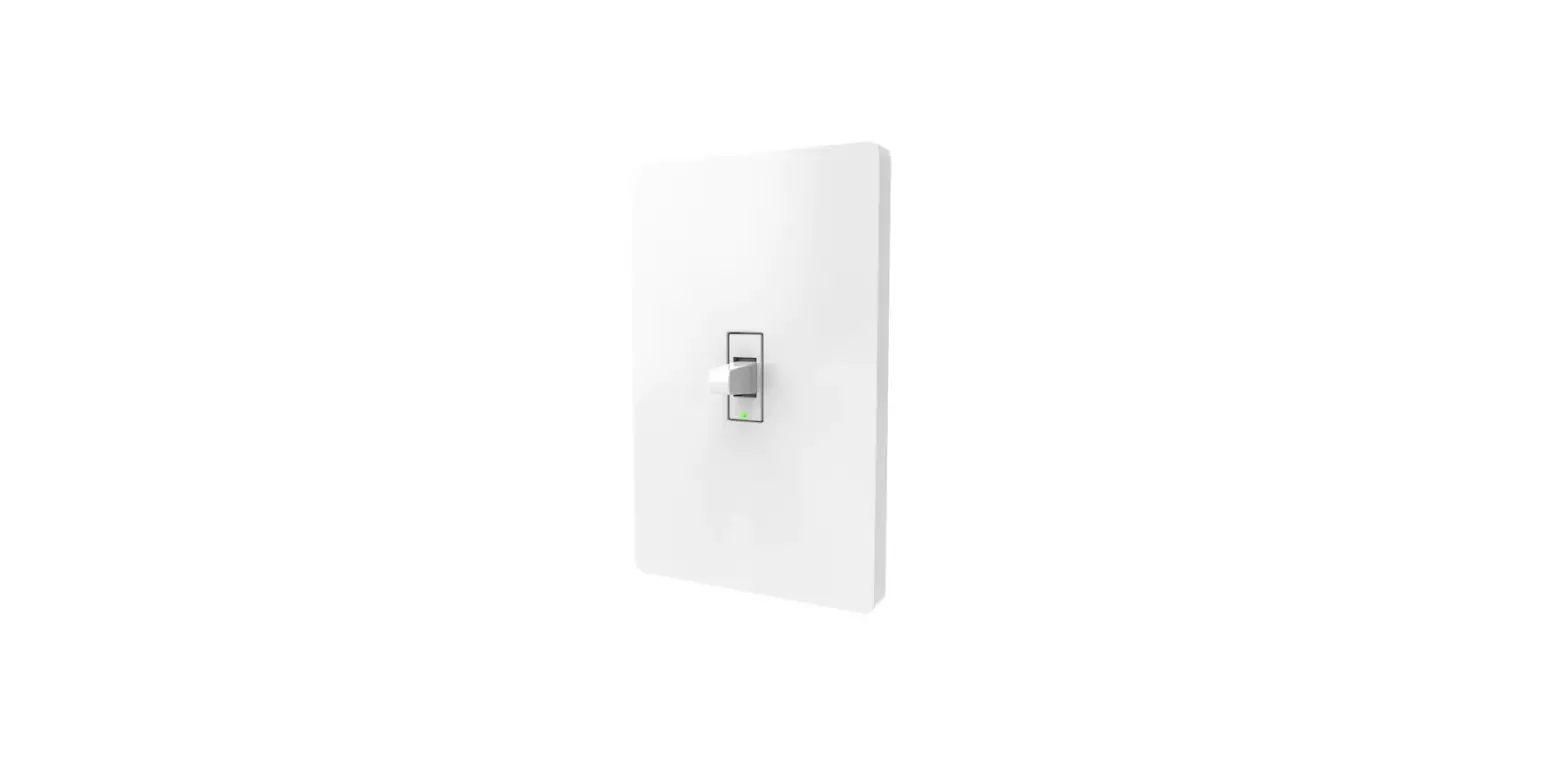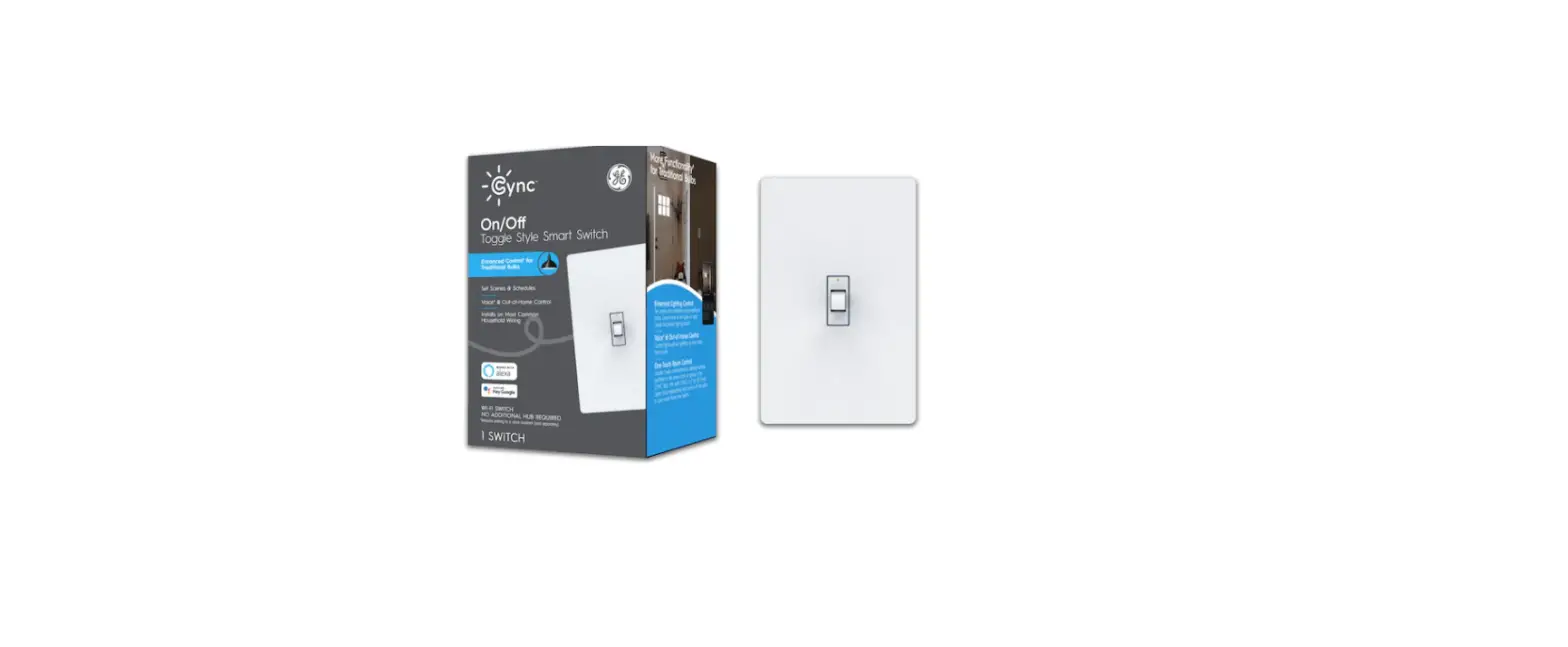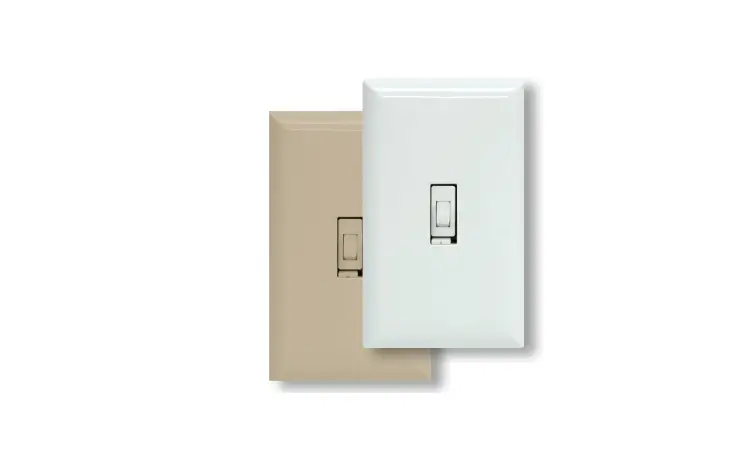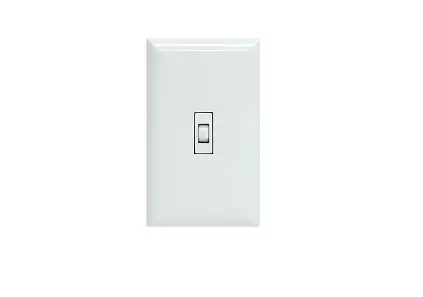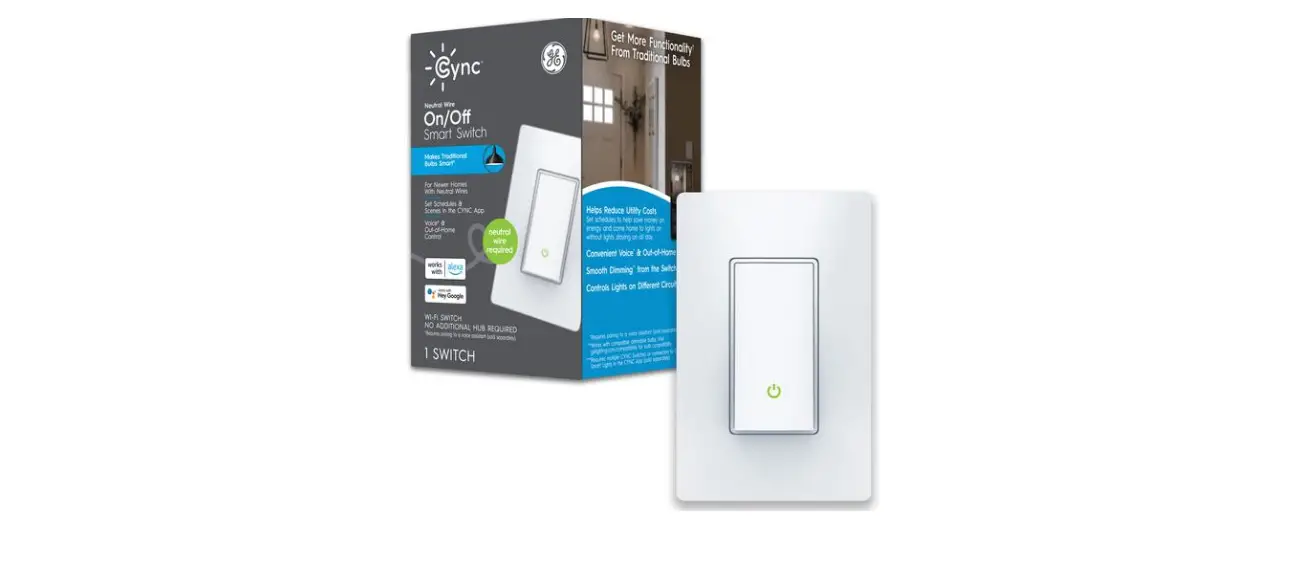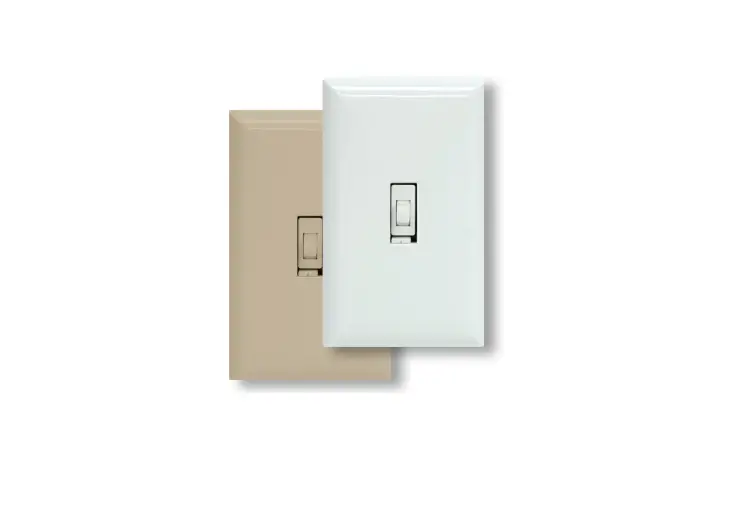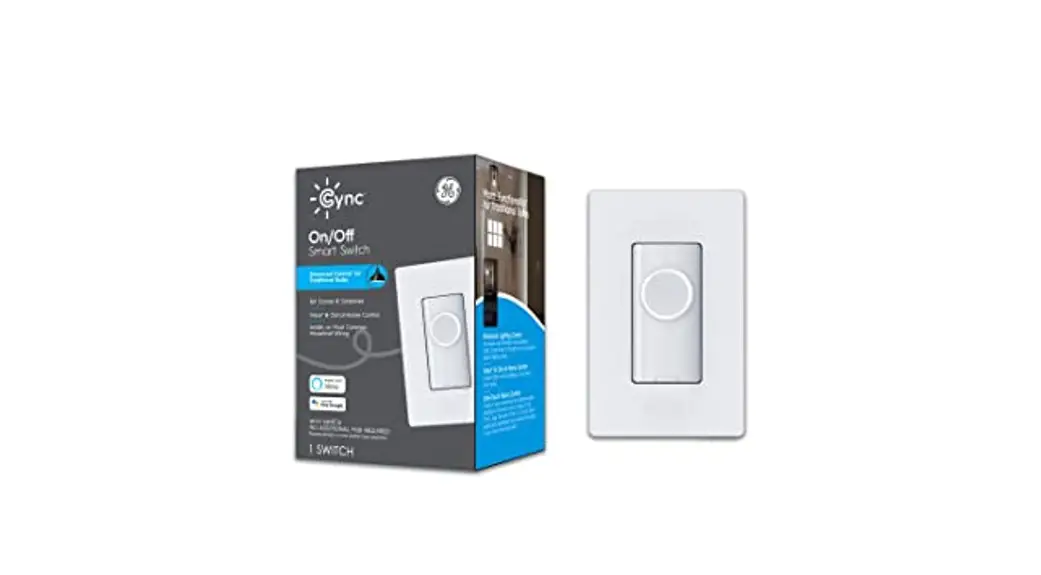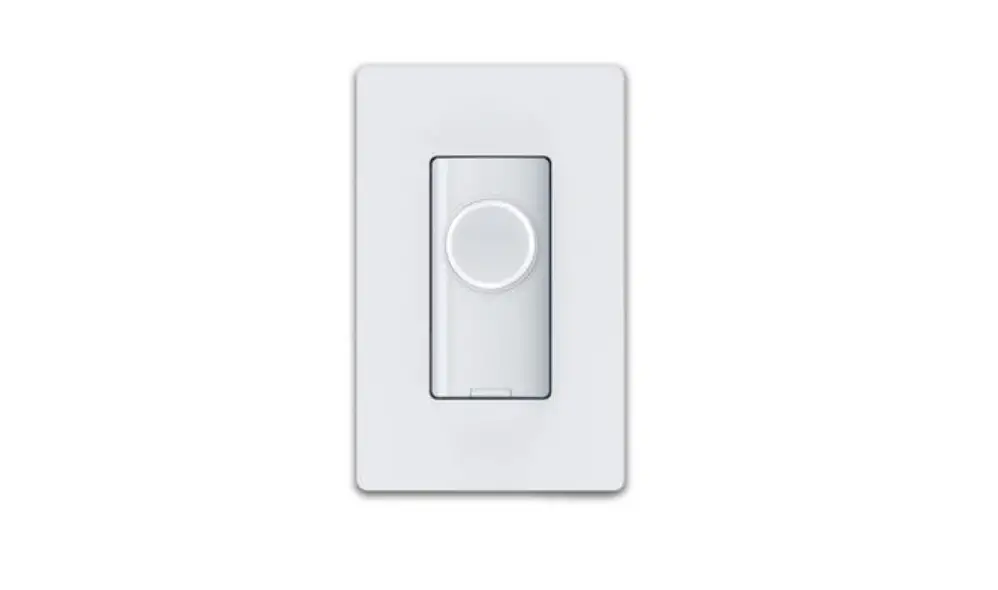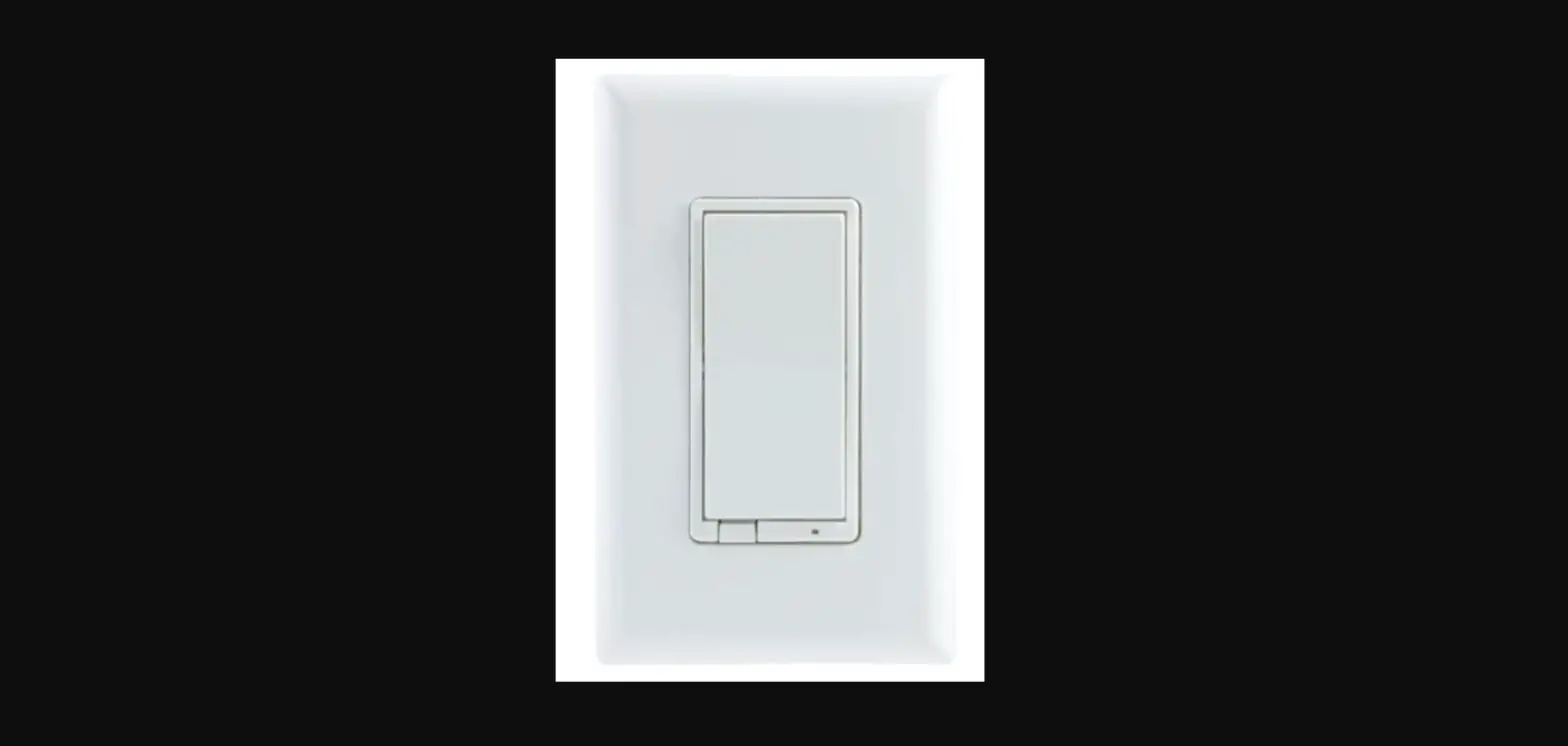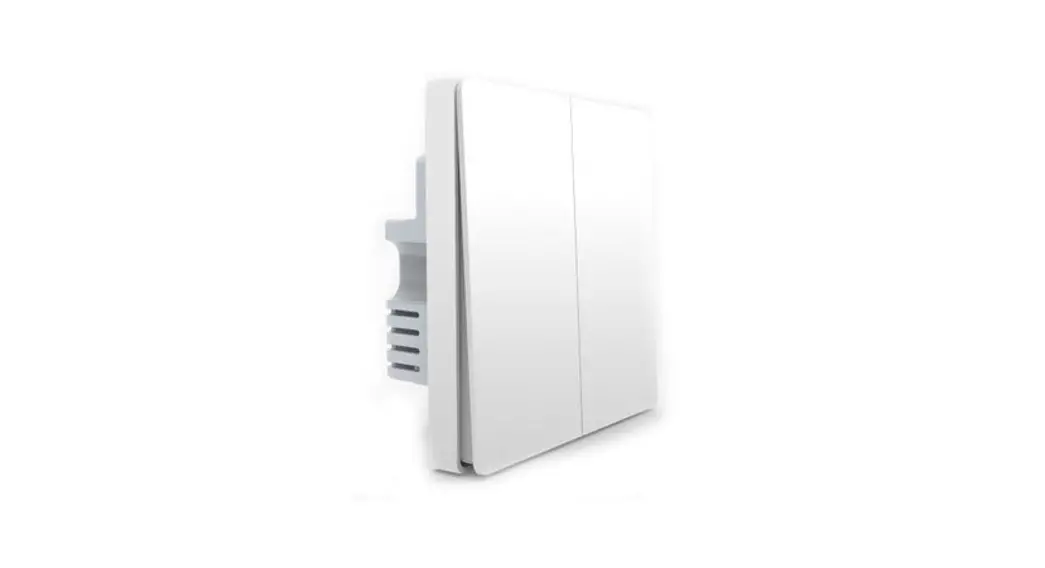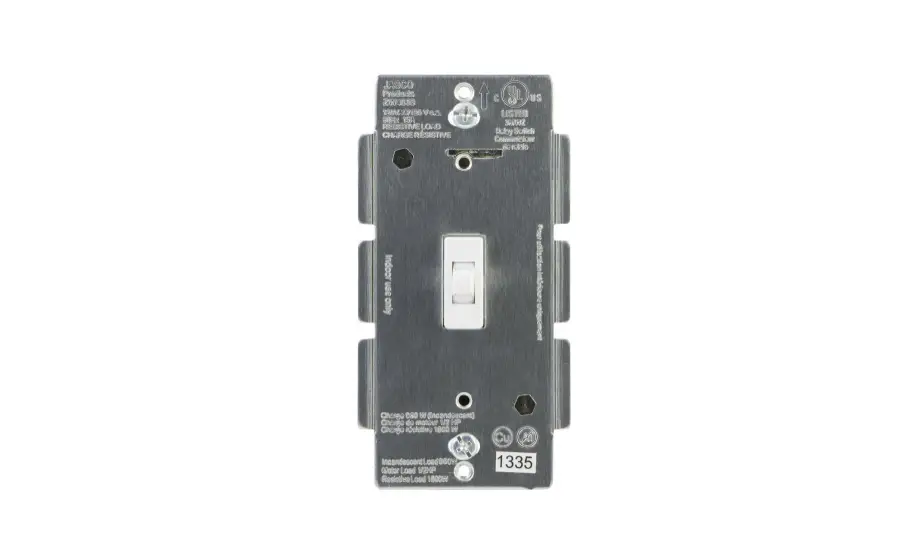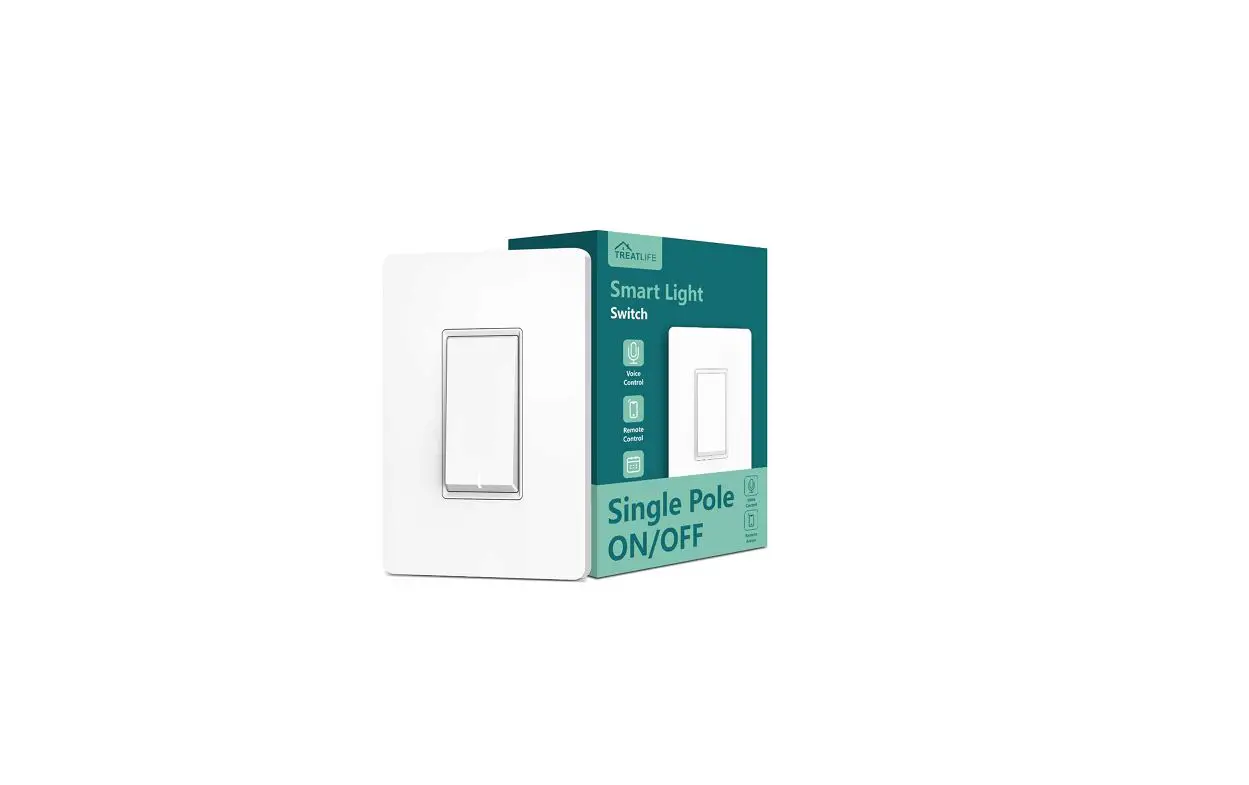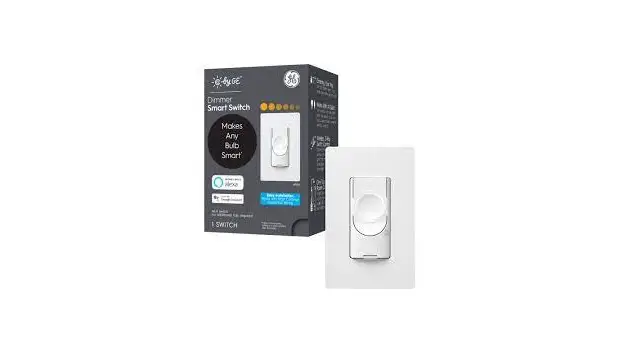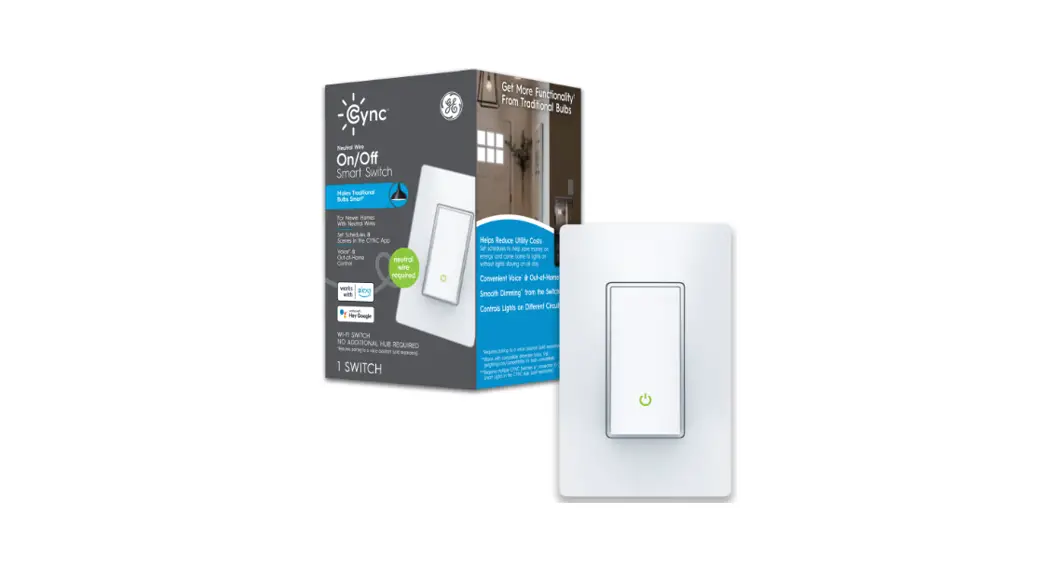
 60039376 Cync Pro Pack 1.5-Amp Single-pole/3-way Smart Toggle Light Switch
Instruction Manual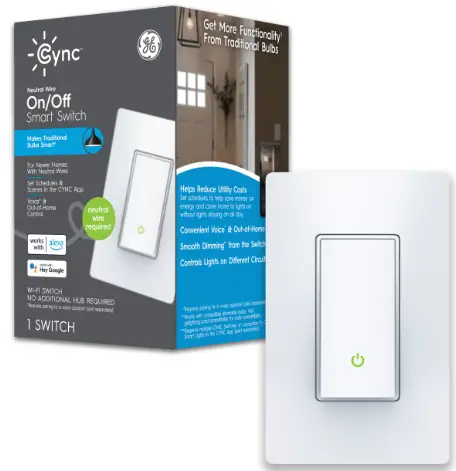
60039376 Cync Pro Pack 1.5-Amp Single-pole/3-way Smart Toggle Light Switch
FOR HOMEOWNER / END USER
Complete set up in the CYNC App, then see what it can do
 | Install your Smart Switch |
 | Download the CYNC App |
 | Add your Smart Switch to the CYNC App |
Automate your lights to turn on when you come home. Go to Cync App and schedule times to turn your lights on and off under routines.
Use your voice to turn off lights. Connect to Amazon Alex° or Hey Google voice assistants in the Cync App (sold separately), then say Alexa, turn off lights or Hey Google, turn off lights.
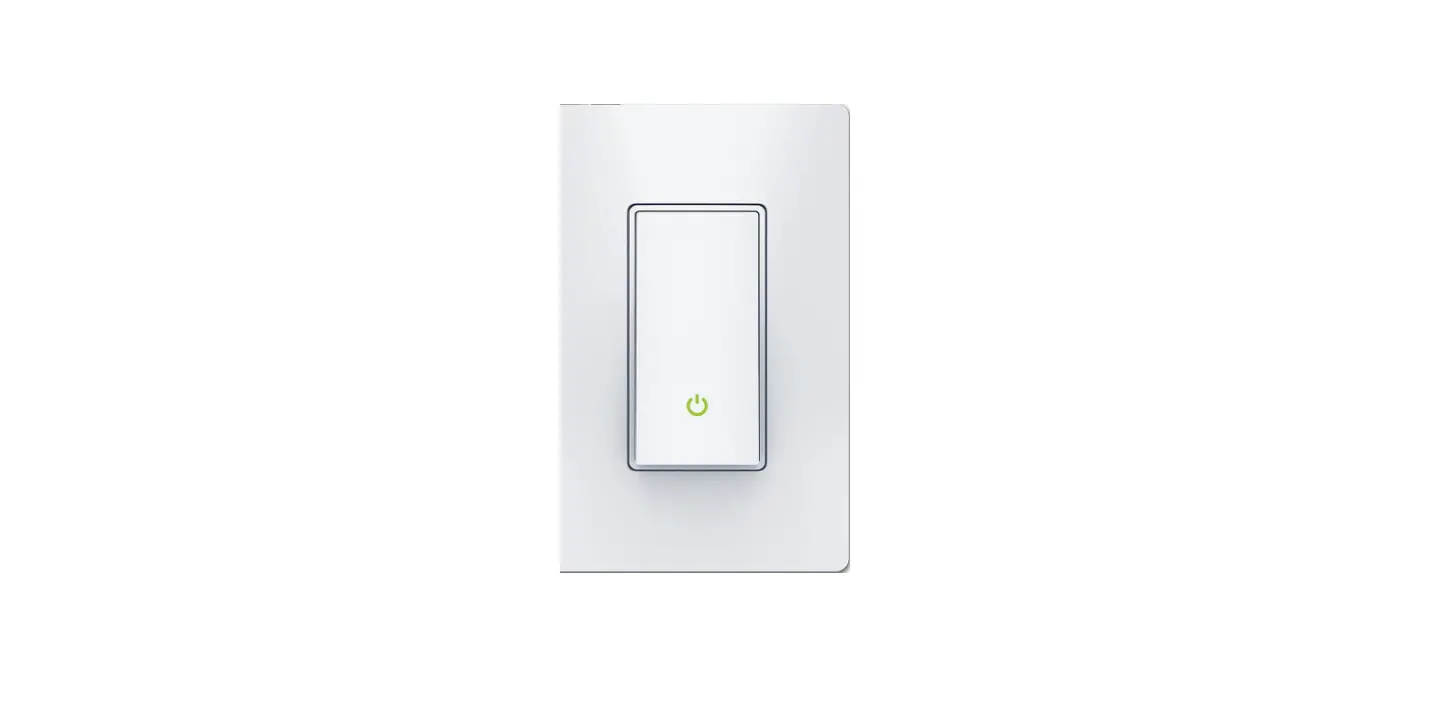
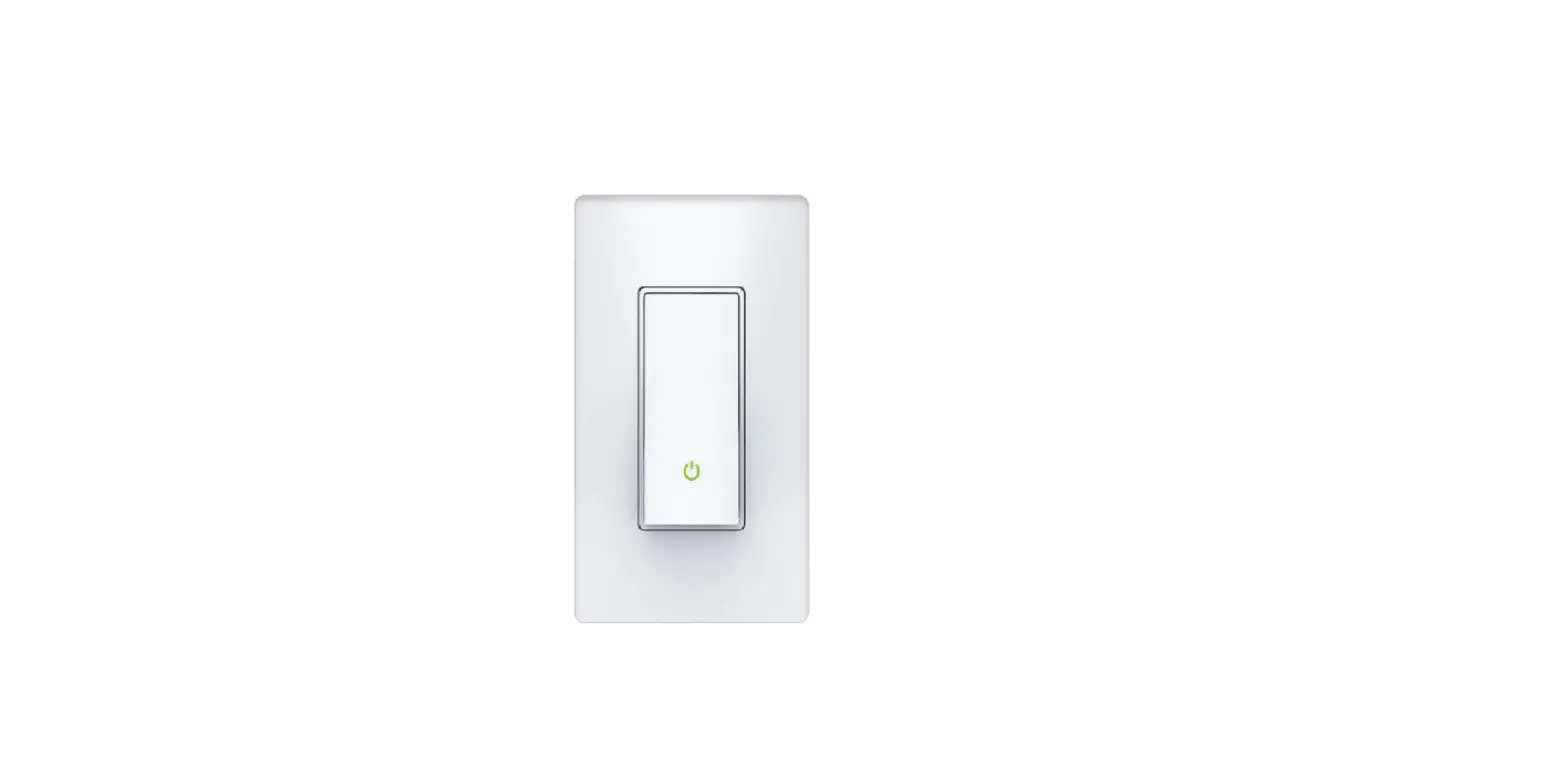
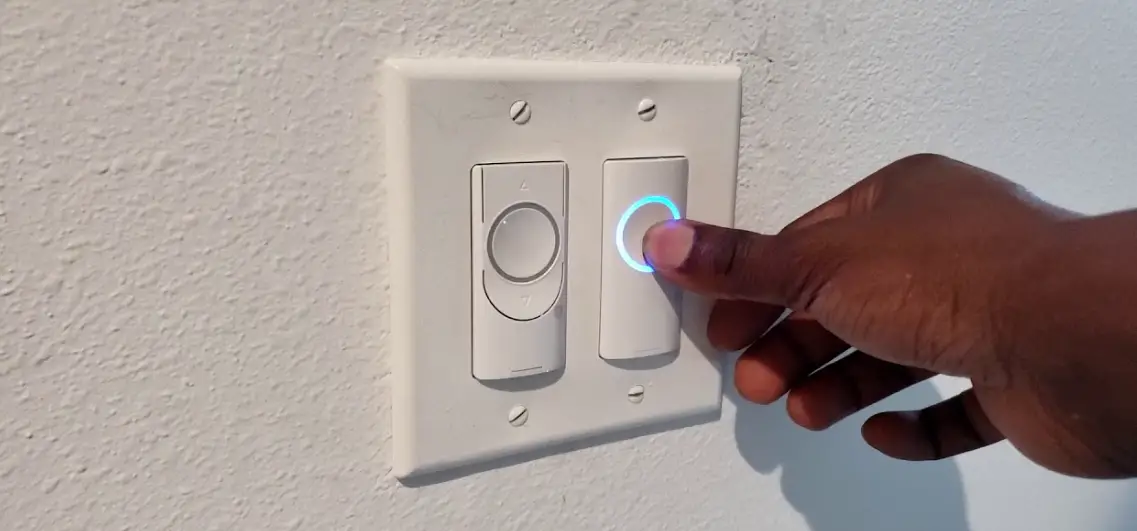
Switch Touch Controls
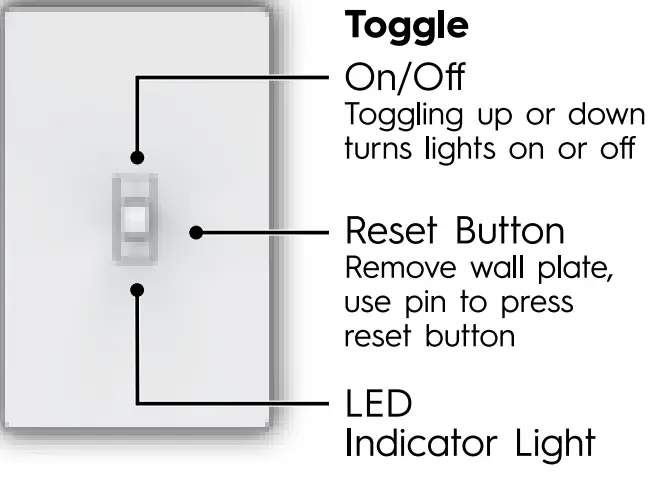
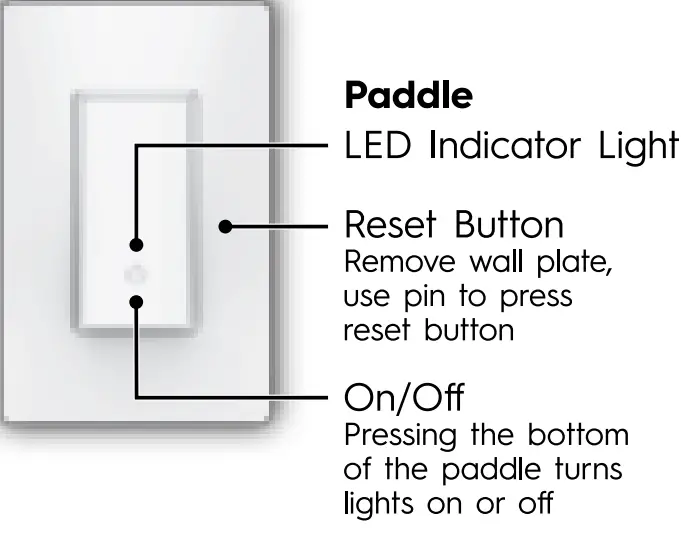
GE and C by GE are trademarks of General Electric Company.
Used under trademark license.
For setup help, go to cyncsupport.gelighting.com
call 1-844-302-2943.
PK-00108864-1