If you have multiple DIRECTV appointments scheduled, they’ll appear in order by scheduled date. Once an order completes, details of your next appointment will display.
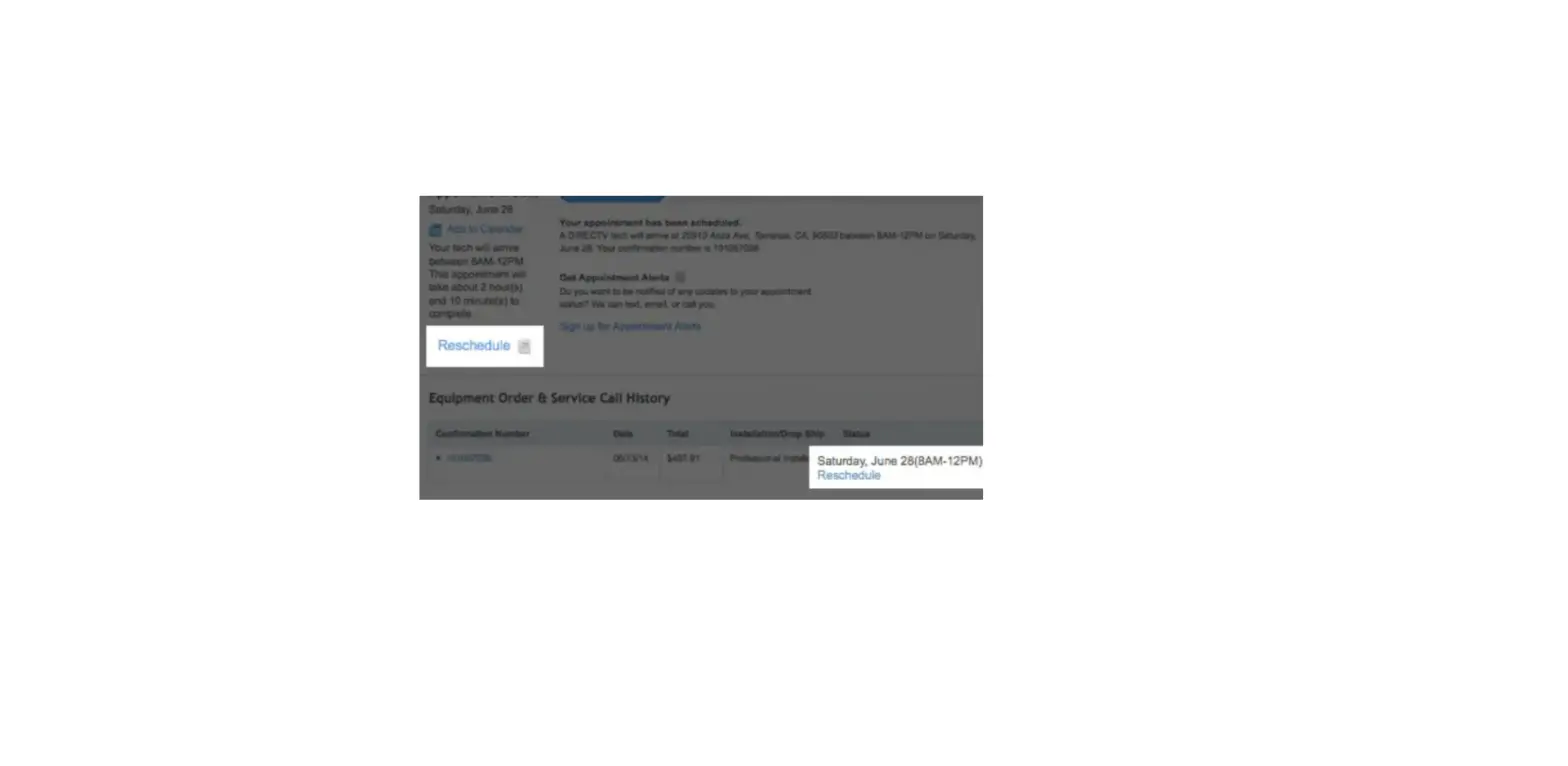
To reschedule or cancel an upcoming appointment before your first appointment takes place, scroll to the Equipment Order & Service Call History section. Find your appointment and select Reschedule or Cancel to make an update.
Note: Only service repair appointments can be cancelled online. To cancel an equipment installation appointment, call us at 800.531.5000.