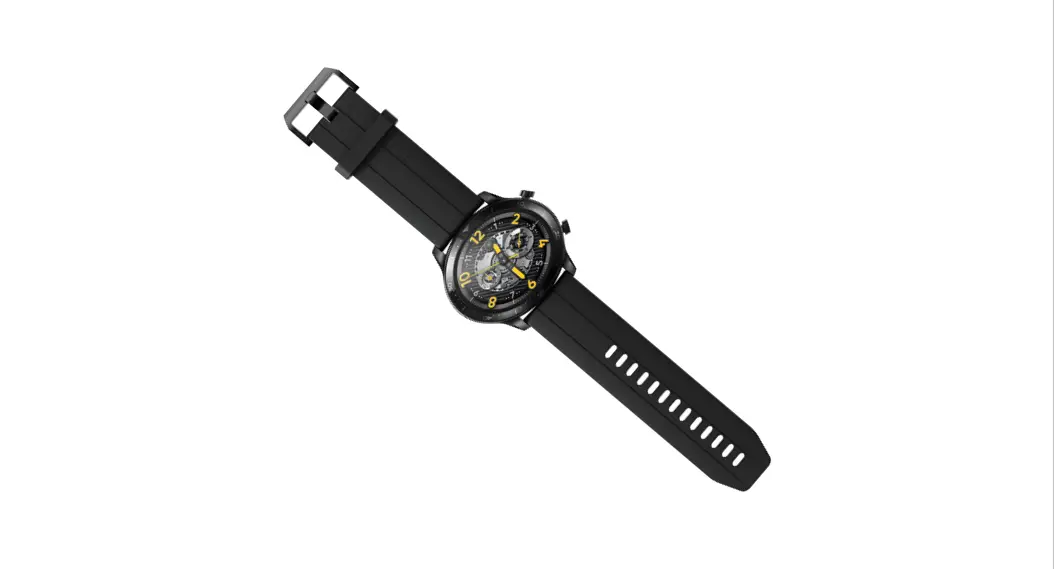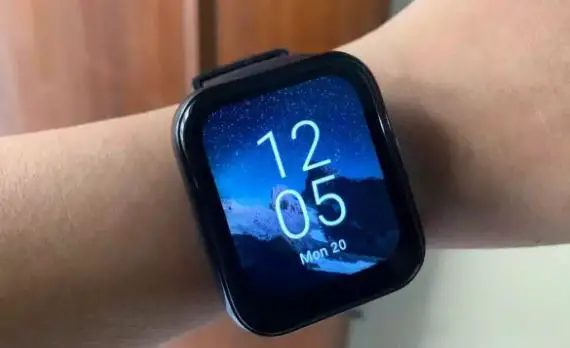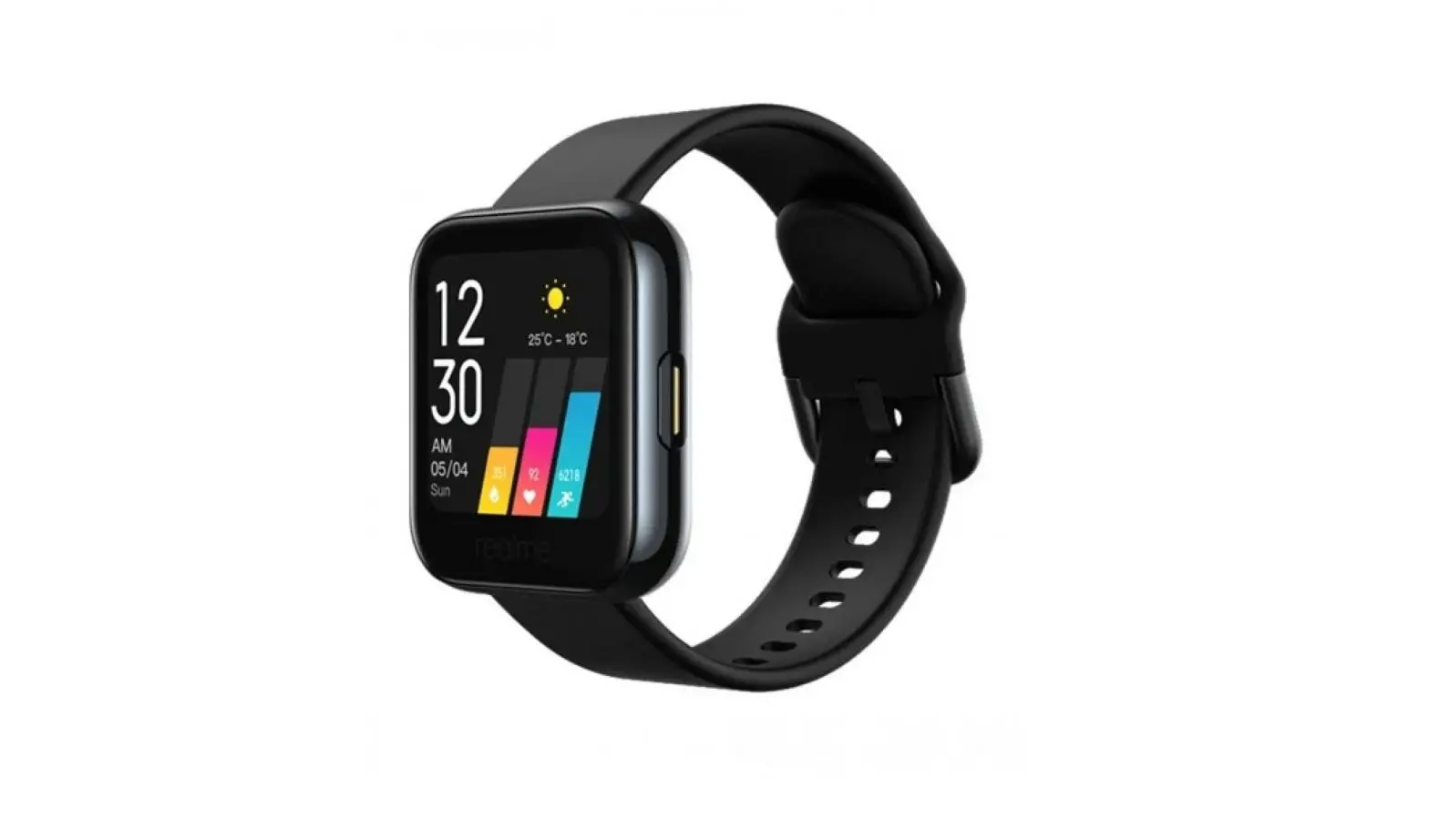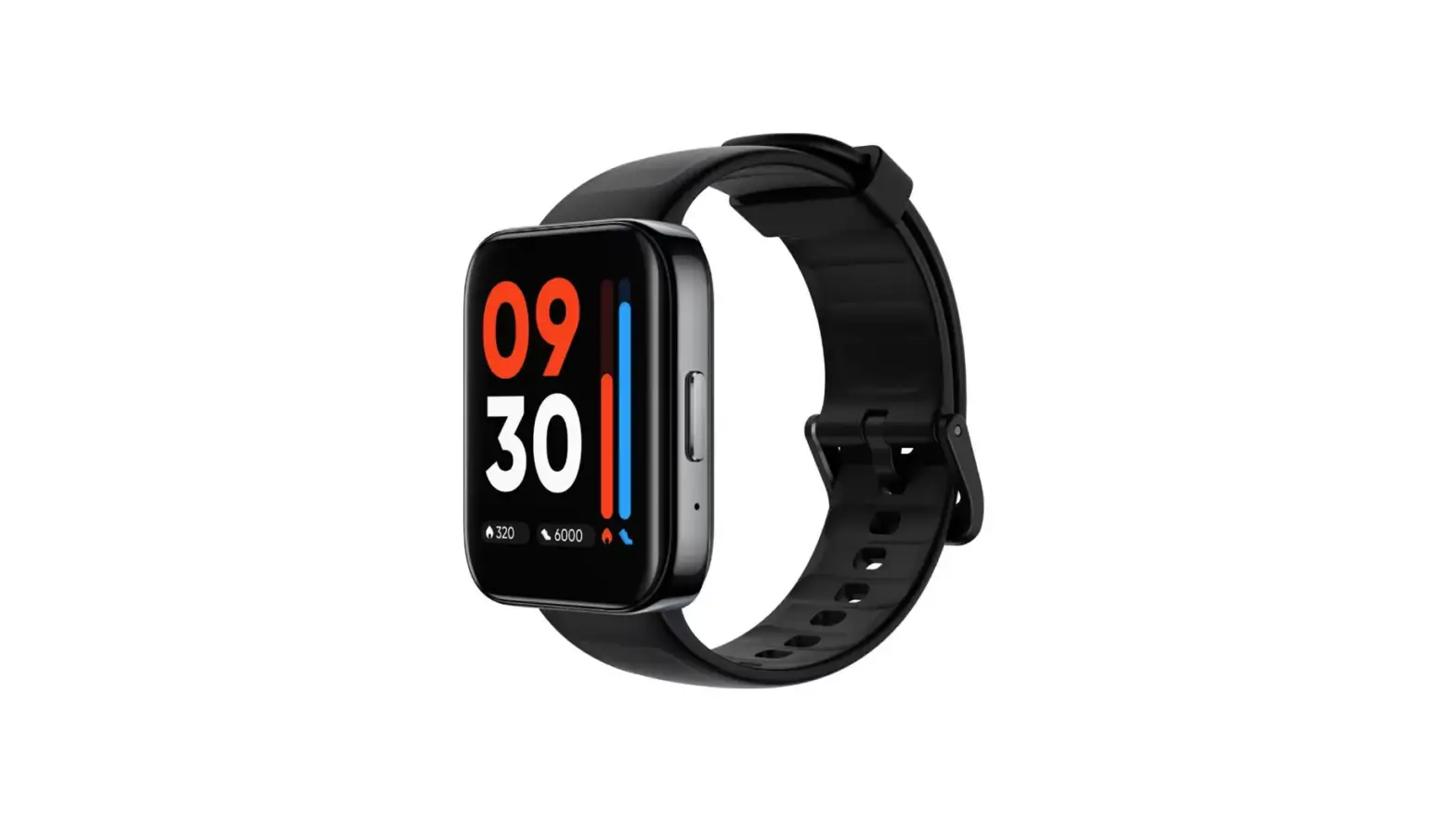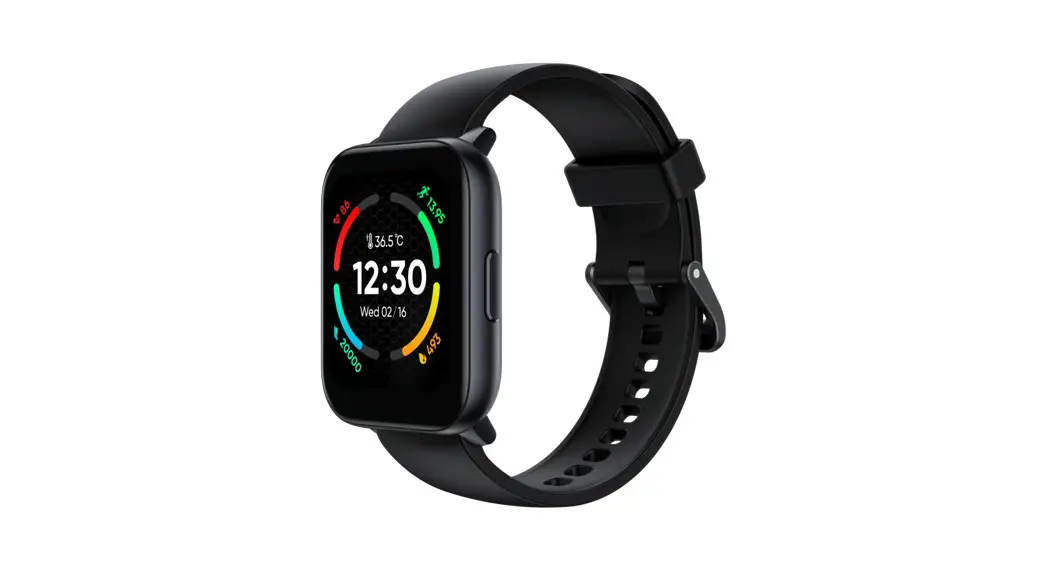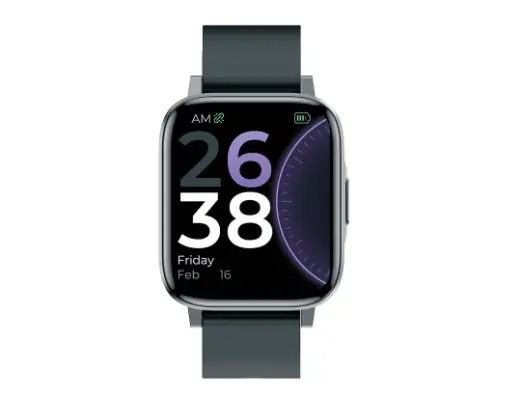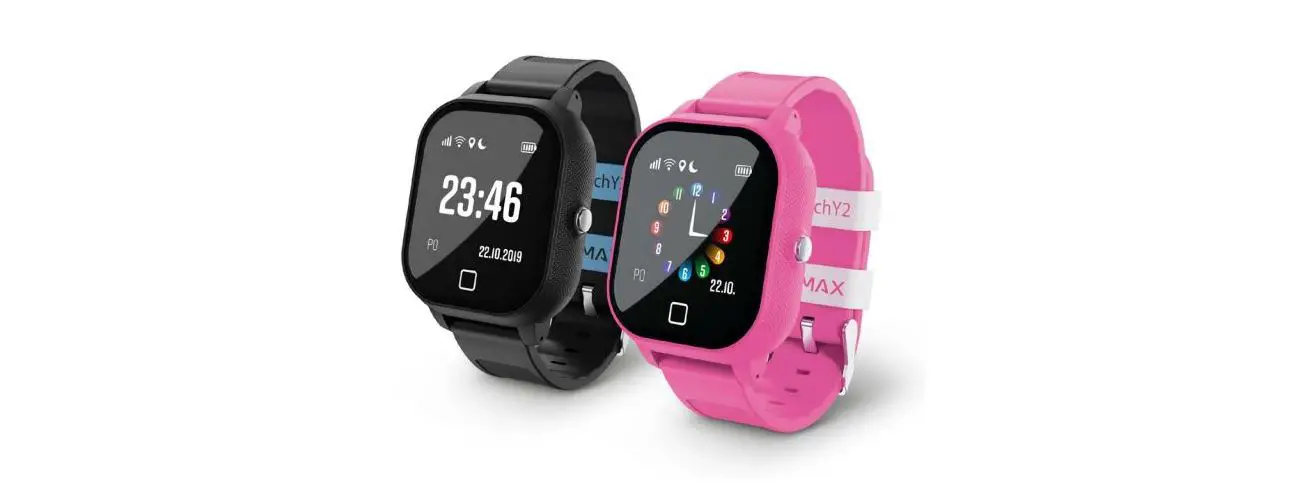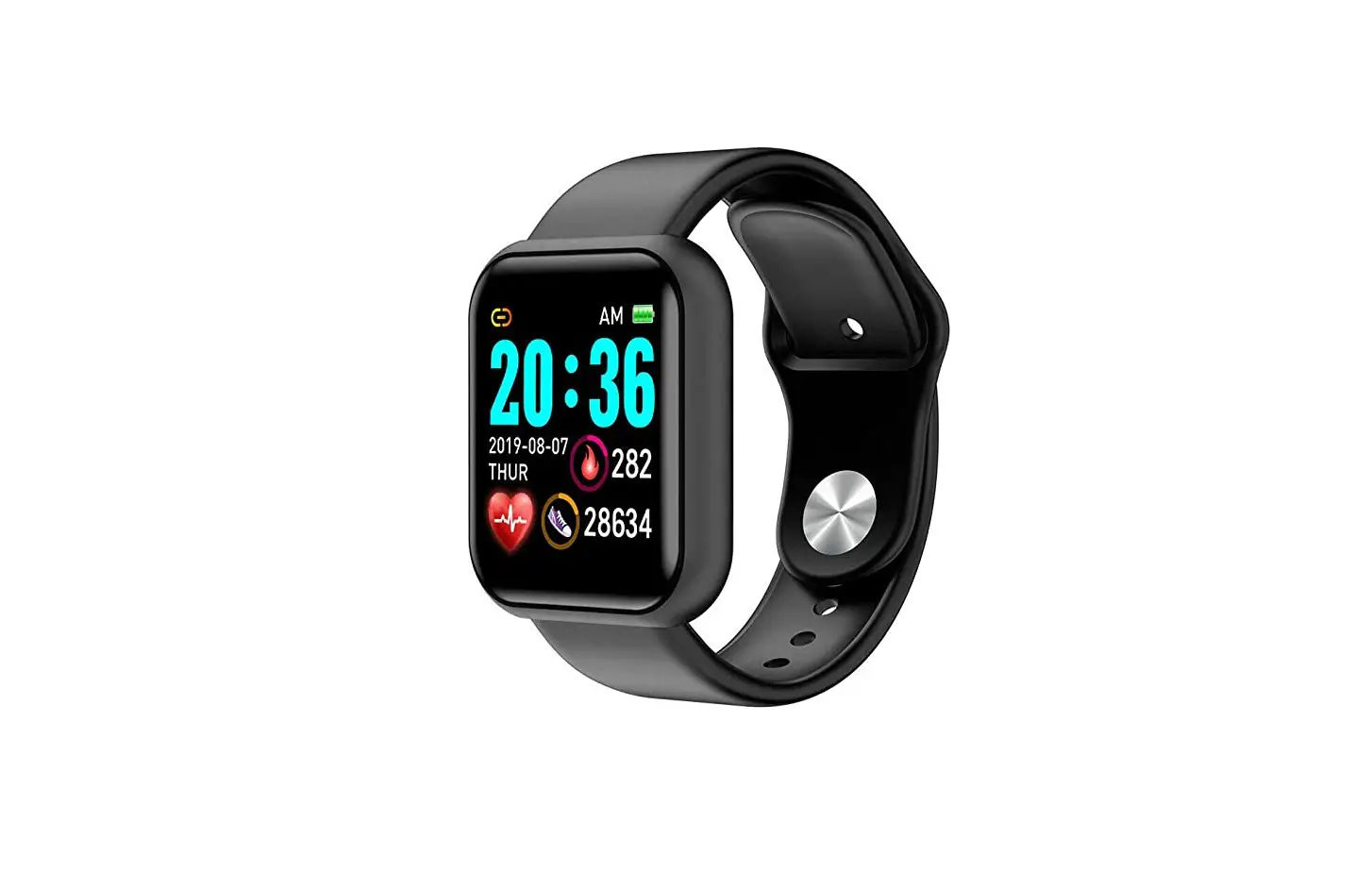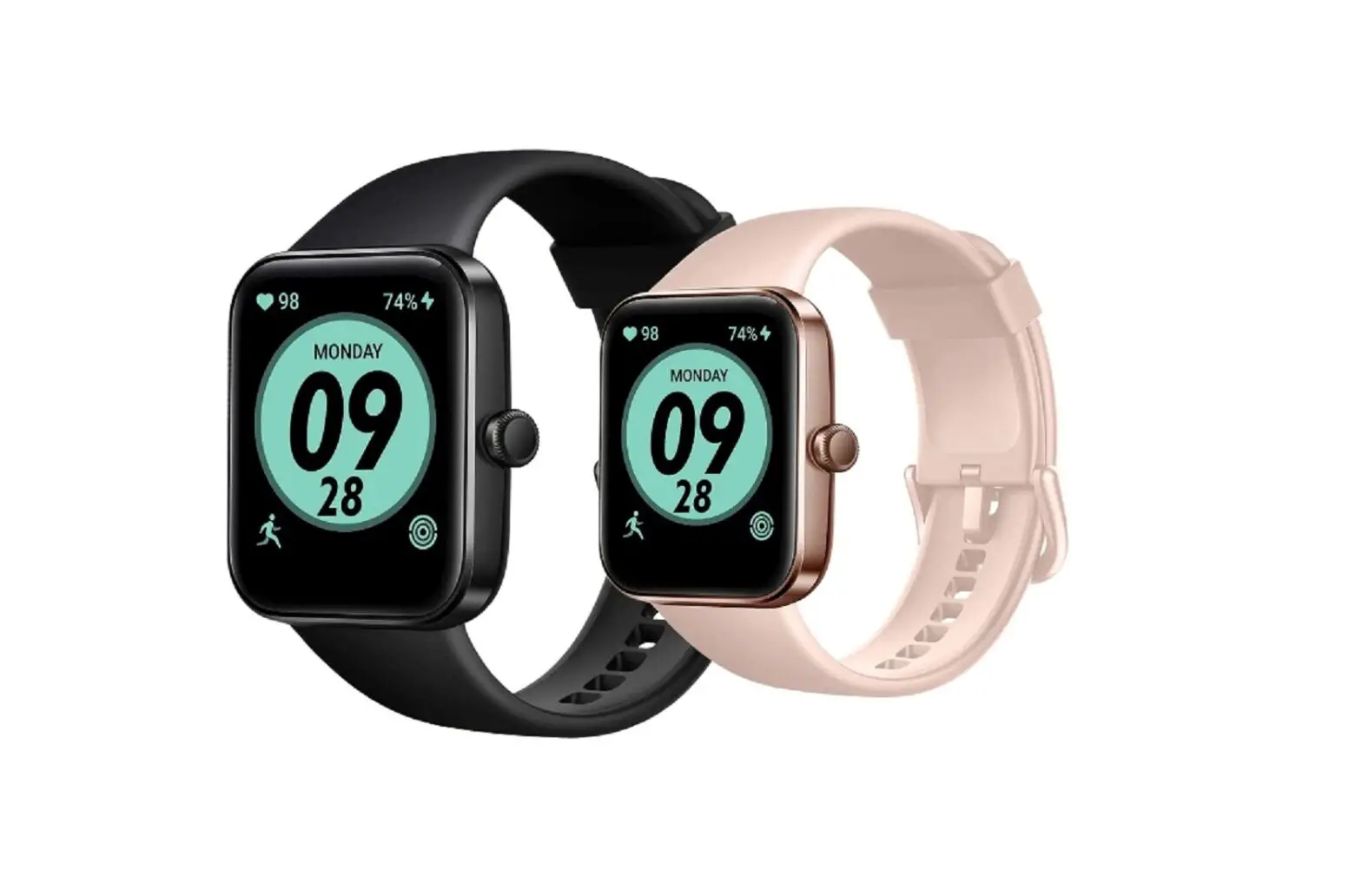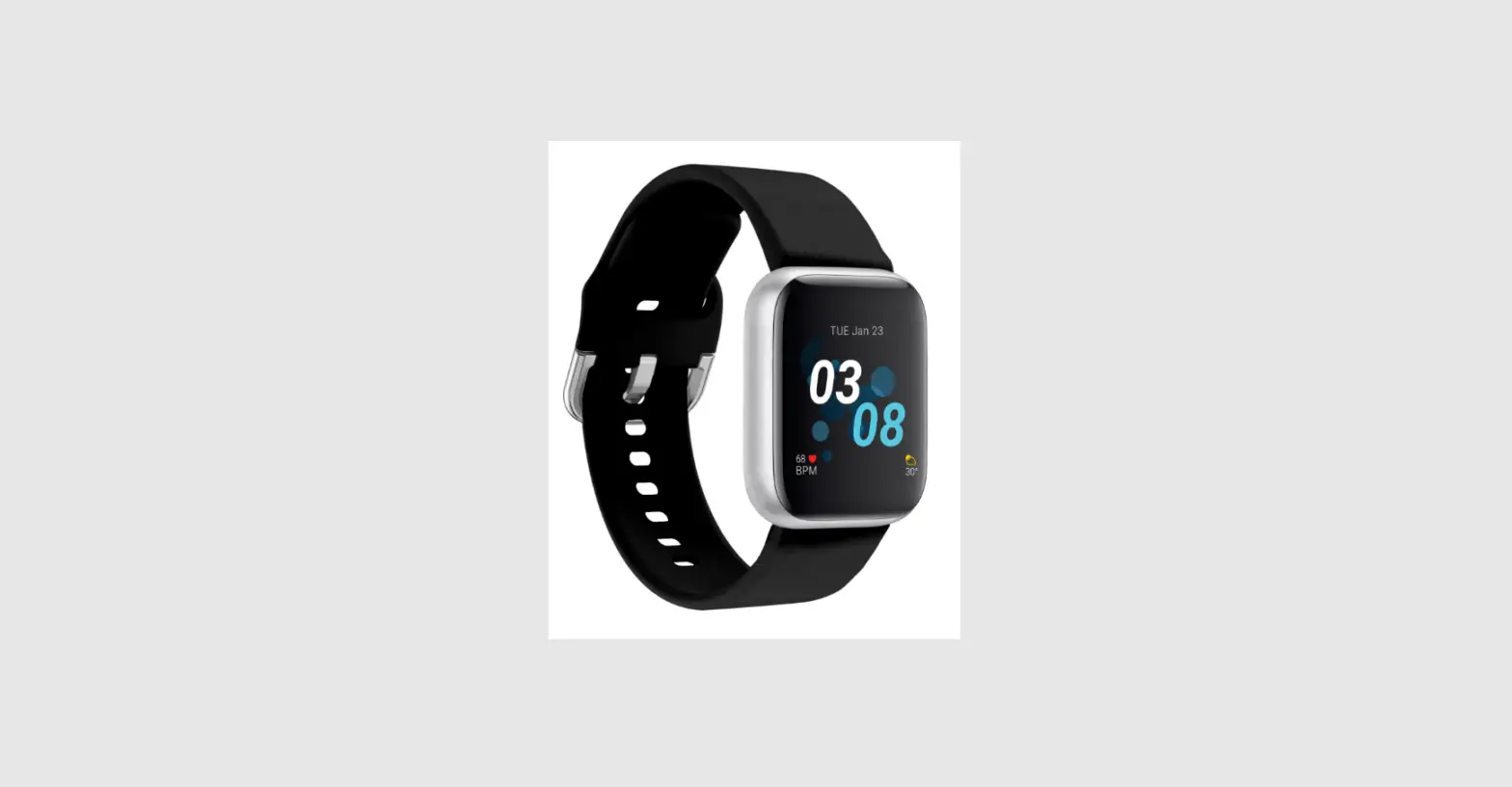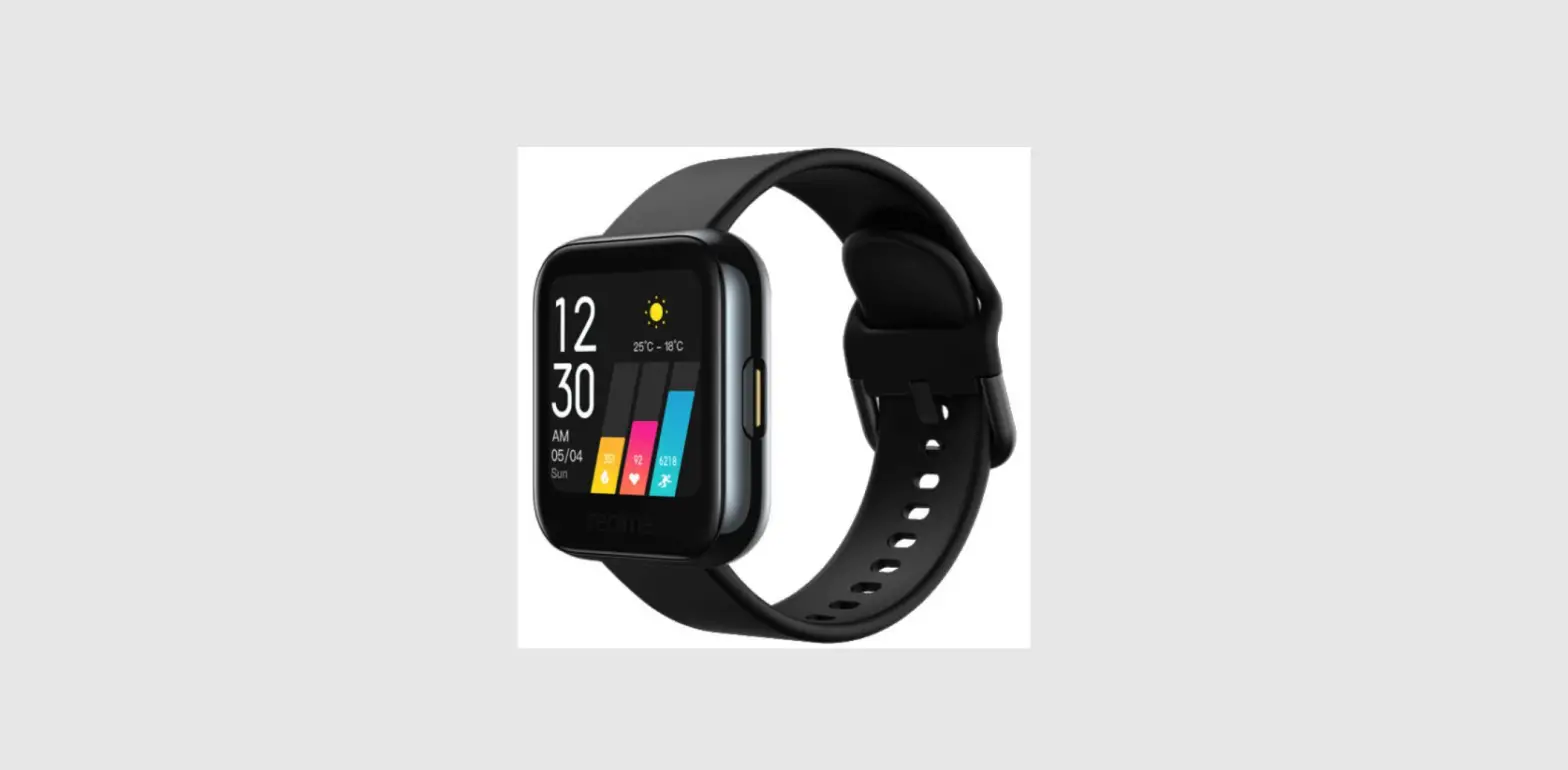
 realme Watch 3 Smartwatch
 realme Watch 3 Smartwatch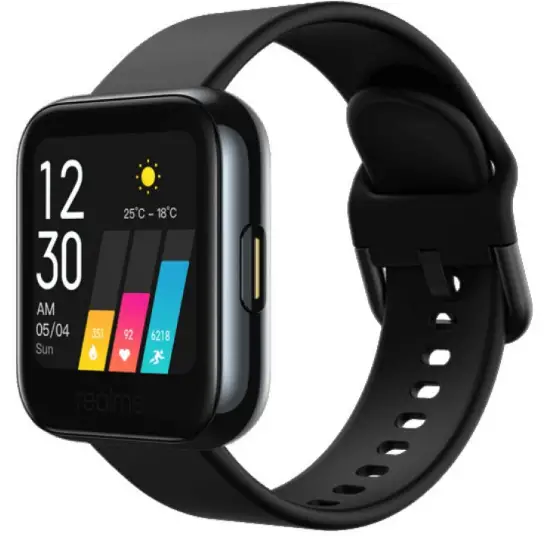
introduction
Enter pairing mode
Press and hold the power button on the side to power on.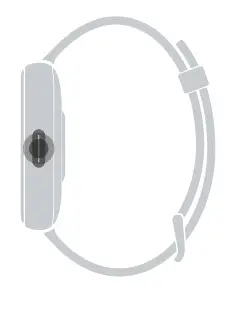
On home screen
- Swipe down to expand quick settings
- Swipe up to see notifications
- Swipe left to see widgets
- Swipe right to see widgets
- Press and hold to change the watch face
Cover watch with palm
- Turn off the screen

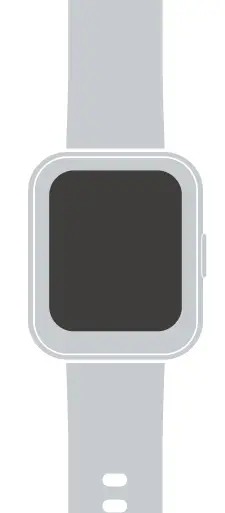
Press once
- Wake the watch
- Pause or resume workout
- Return to the previous screen in an app
- To browse applications at home screen
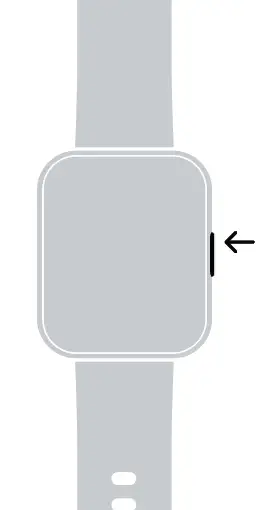
Press and hold
- Power on, off or restart
- Upon 8s force restart

Charging
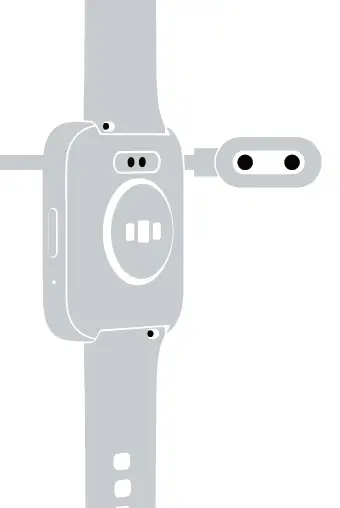
To charge the watch, place the watch on the charging line.
Make sure both metal pads on the back of the watch are aligned with the metal tips on the line.
Please, to obtain the User Manual in other languages, please scan the following QR code

Parameters
- Model: RMW2108
- Frequency band of operation:
- 2402MHz-2480MHz
- Bluetooth transmit power: ≤10dBm(max)
- Ingress protection level: IP68
- Input rating: 5V 0.5A
- Working temperature range: 0°C~45°C
- Storage temperature range: -20°C~60°C
Contents
- Smart watch
- Charging line
- User manual
Regulatory Information
- To view regulatory information, please go to Settings – About – Regulatory Information
 iot-wiki.realme.com/faq.html?deviceId=