EU868 MerryIoT Sensors Installation Guide
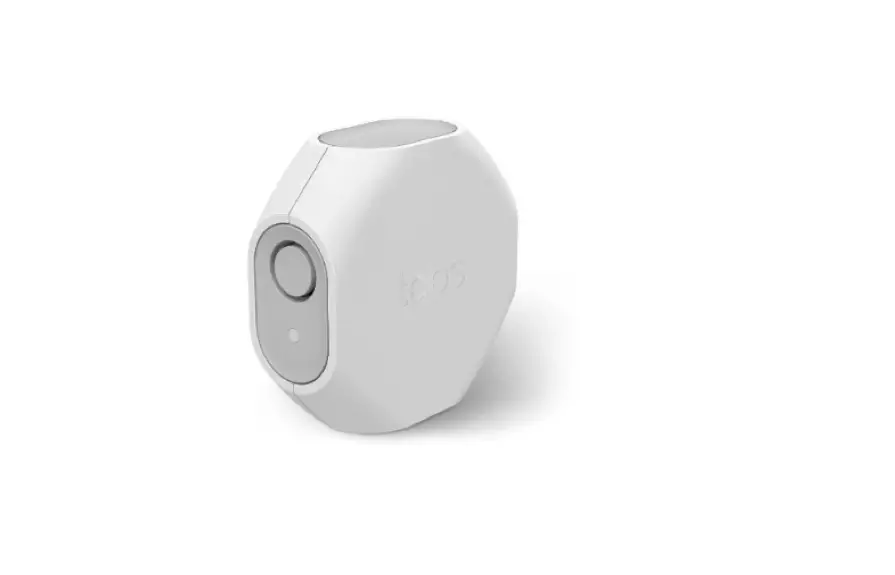
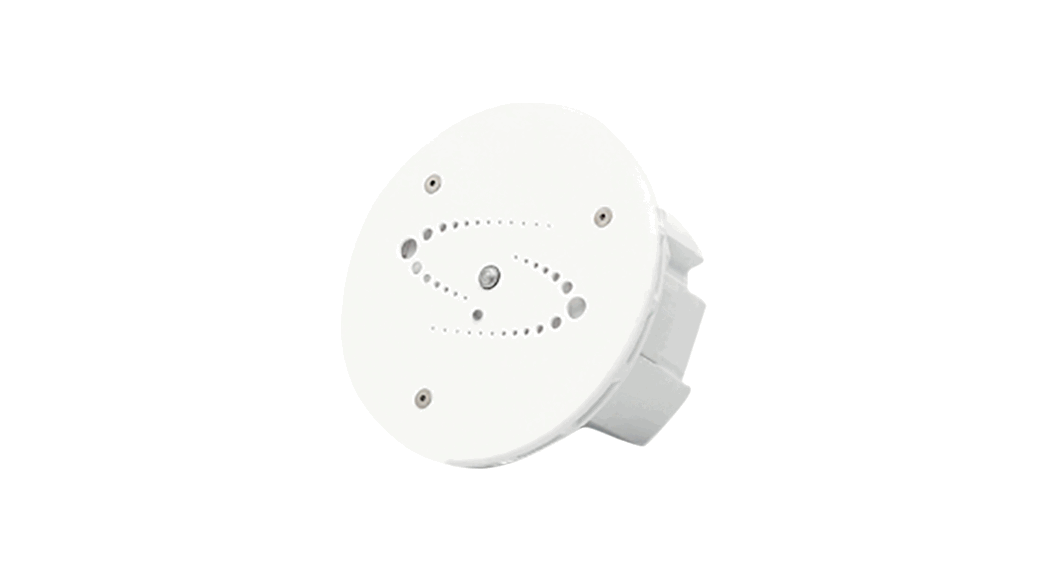
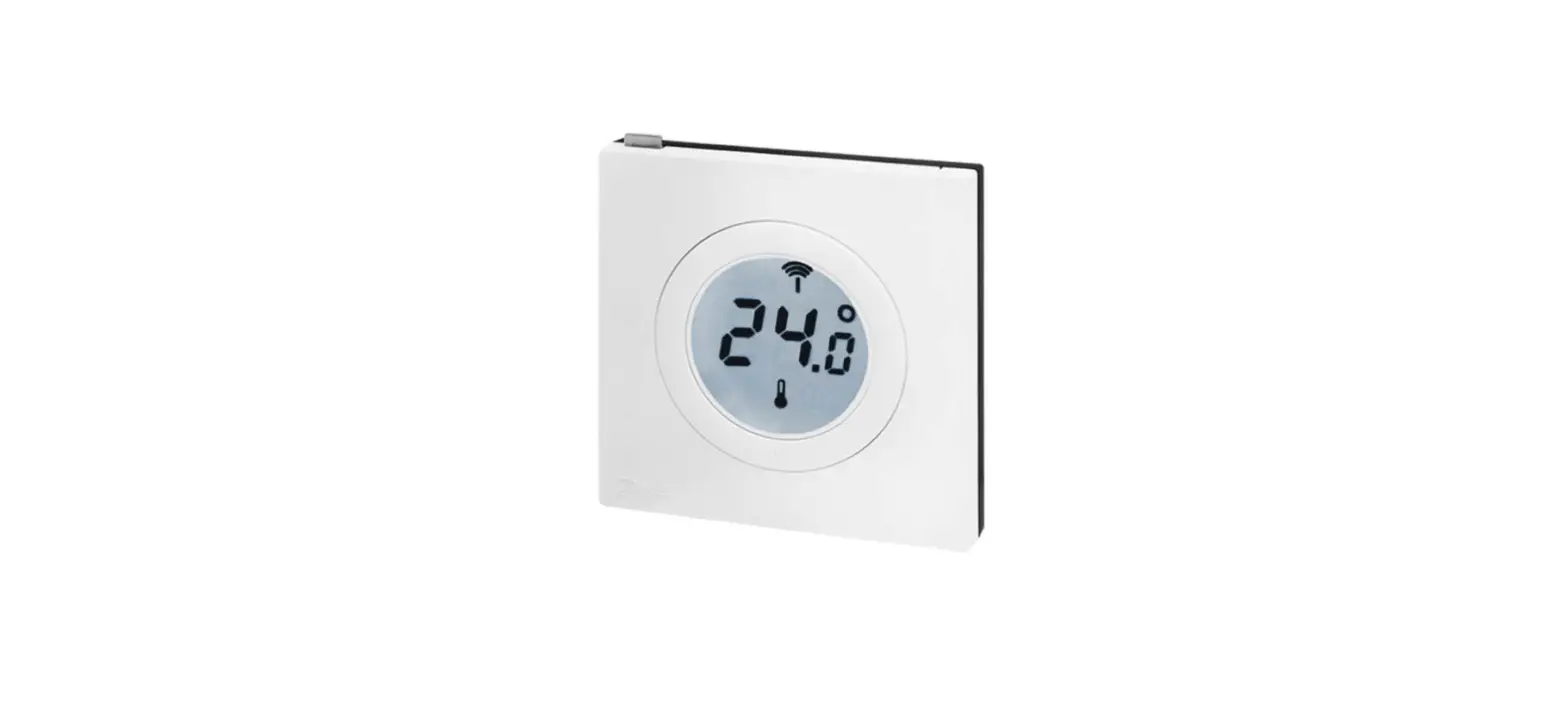
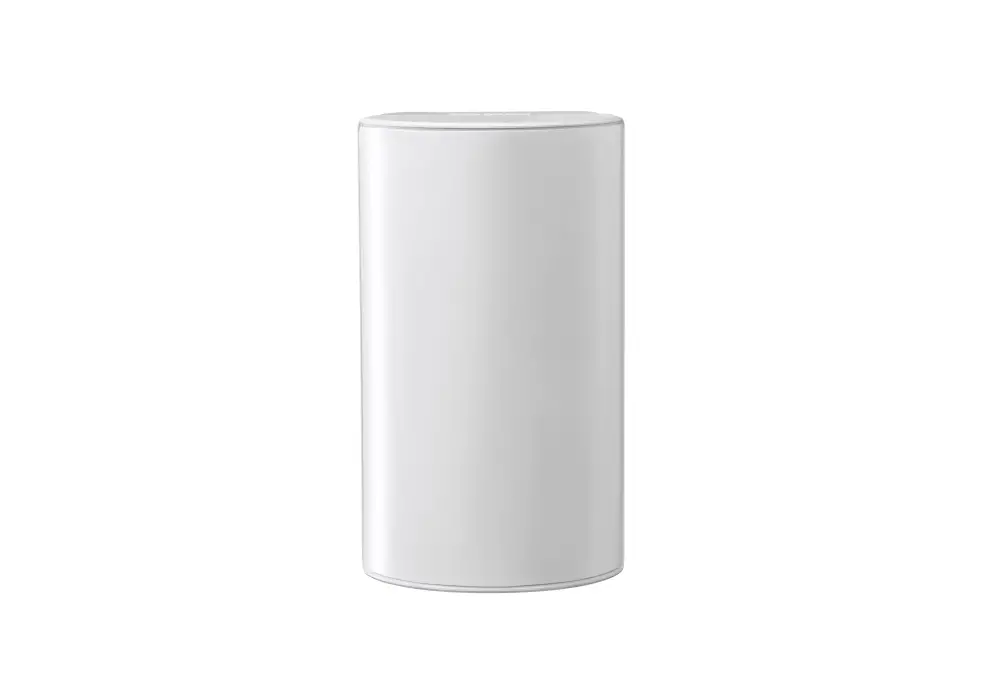
MerryloT Air Quality CO2
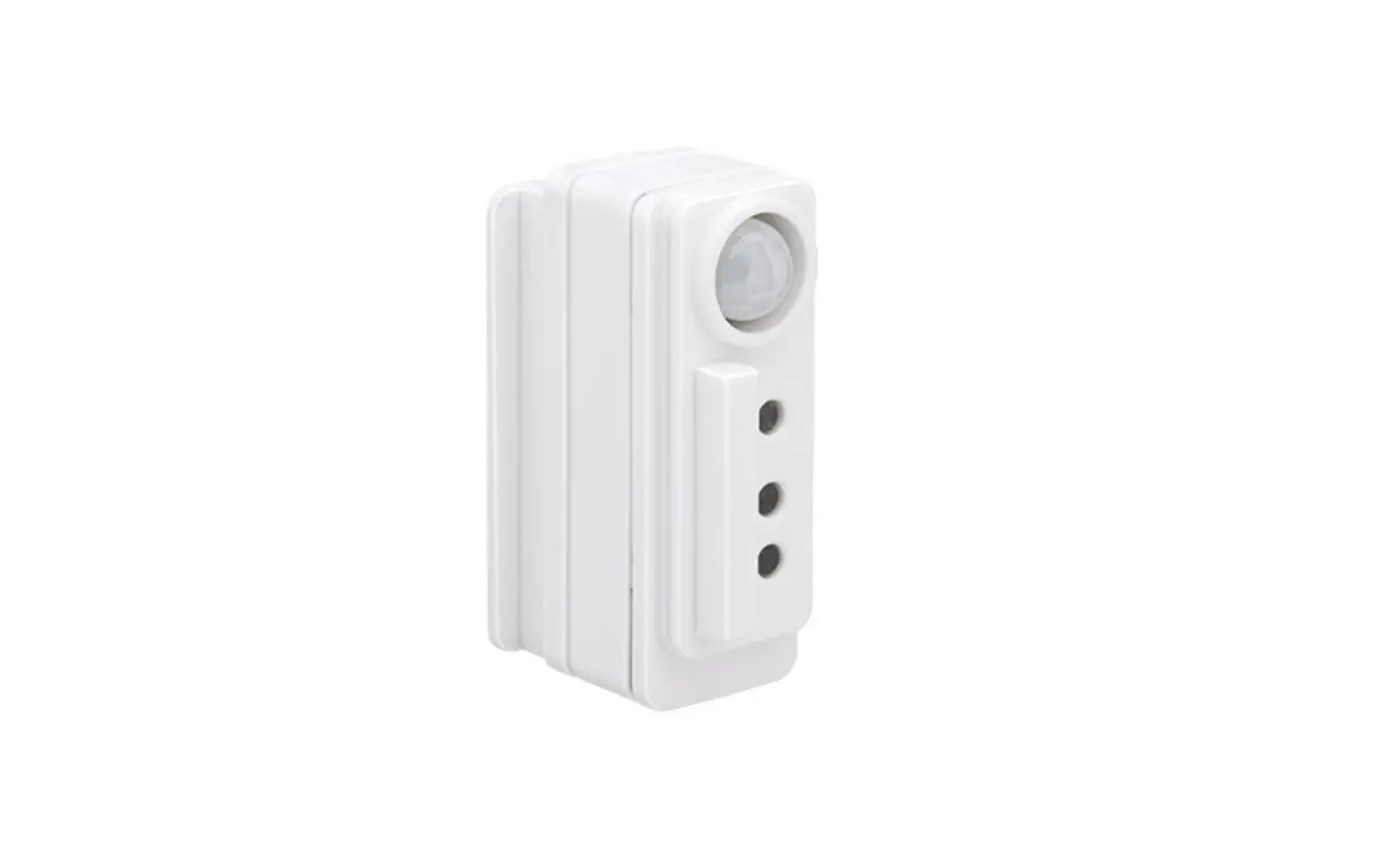
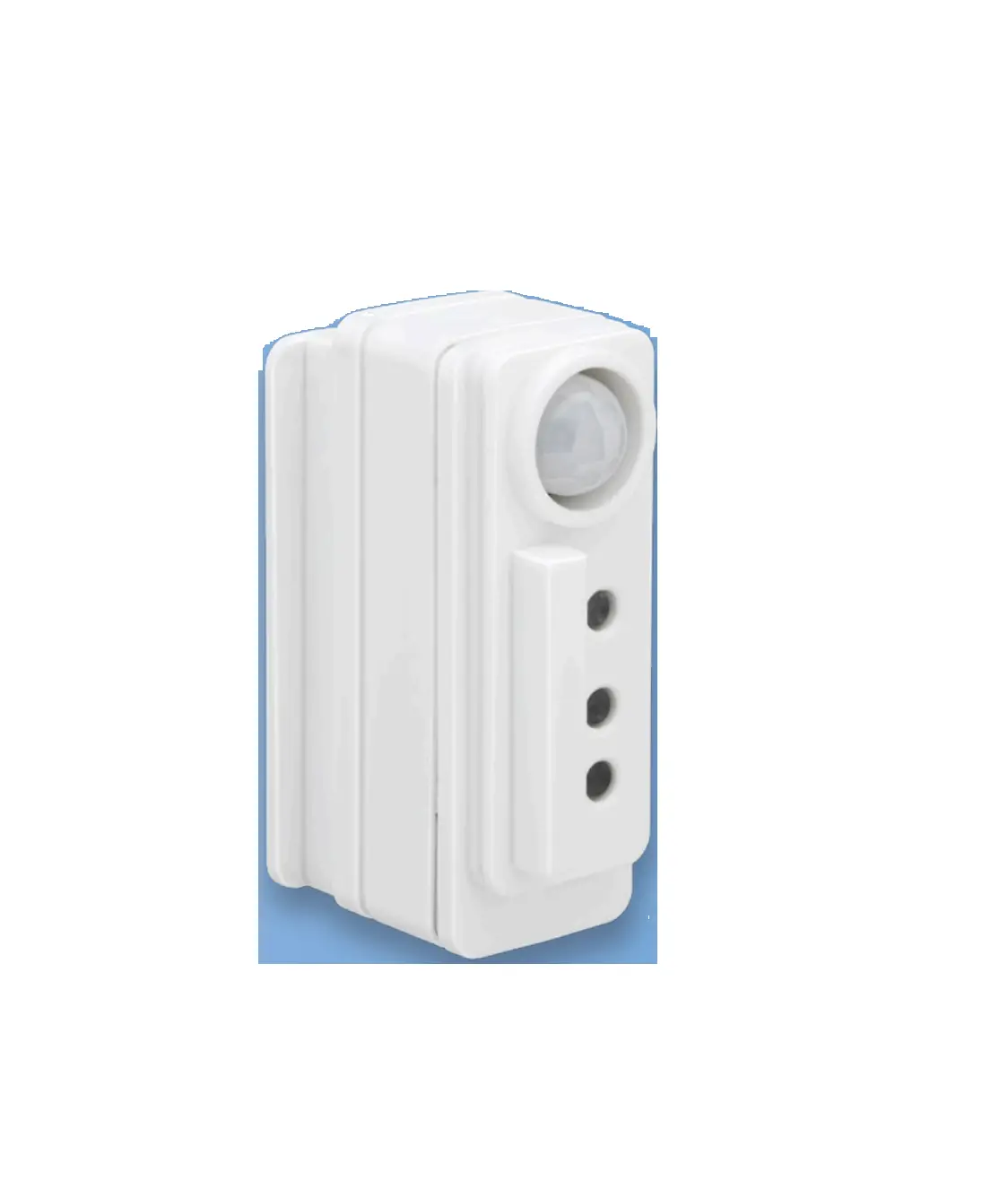
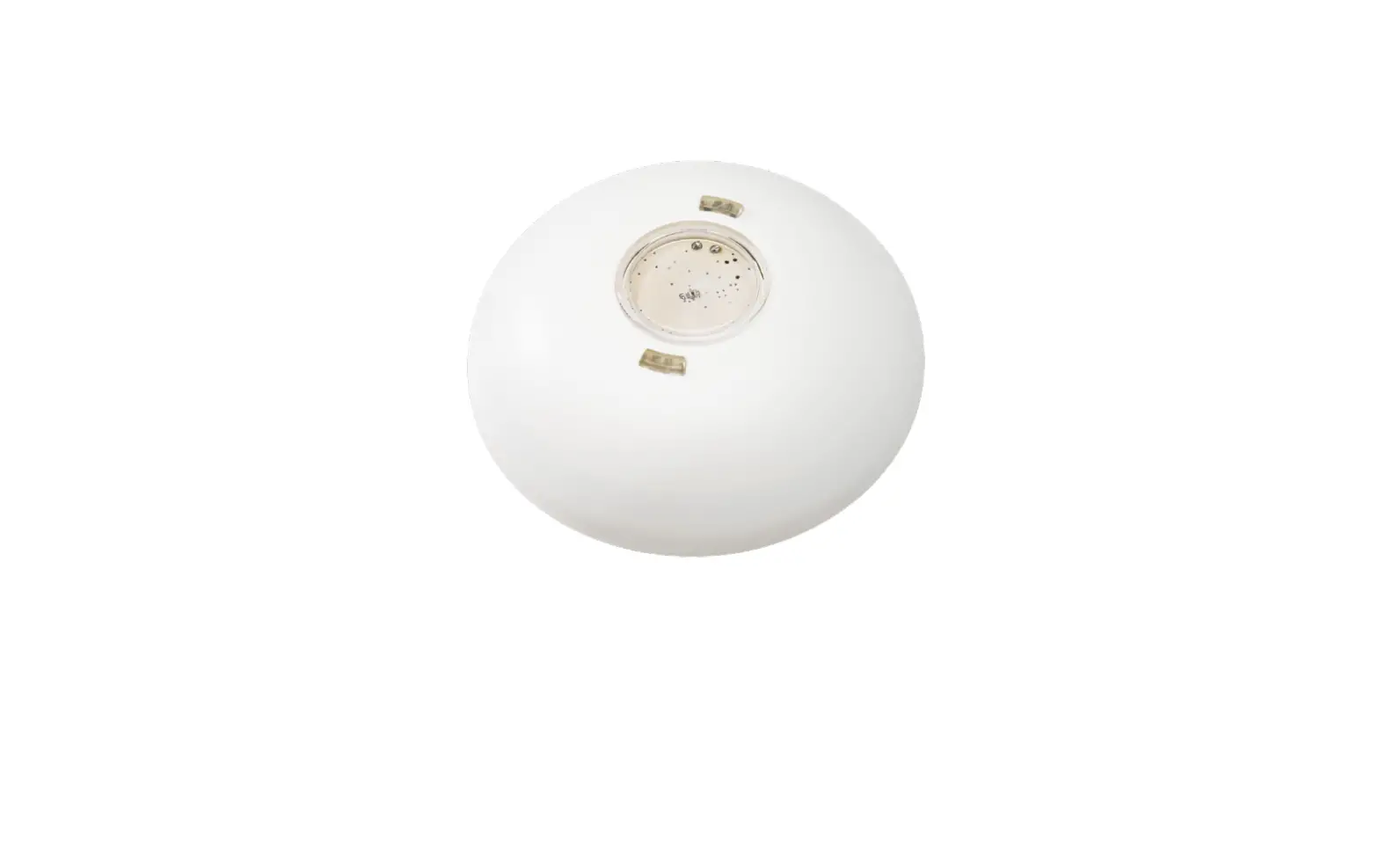
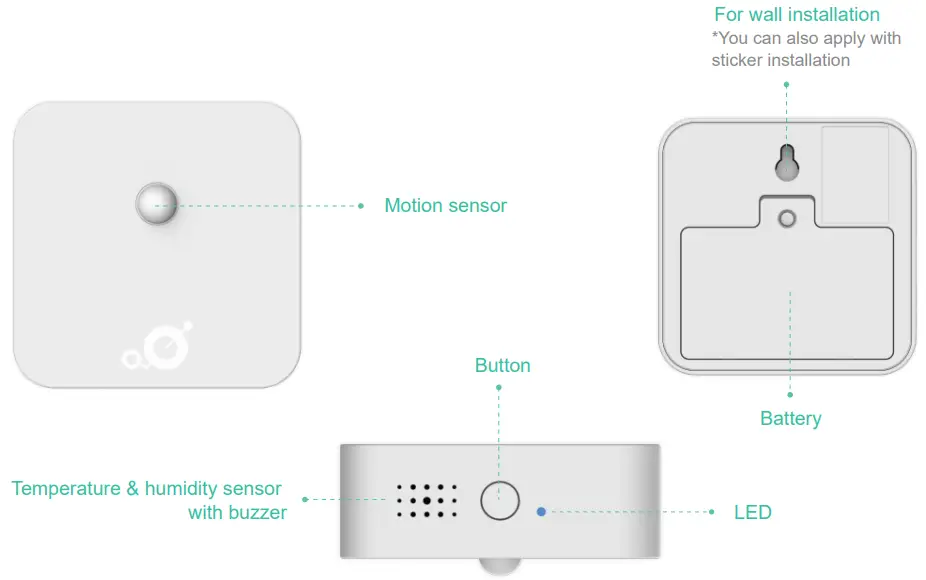
MerryloT Motion Detection
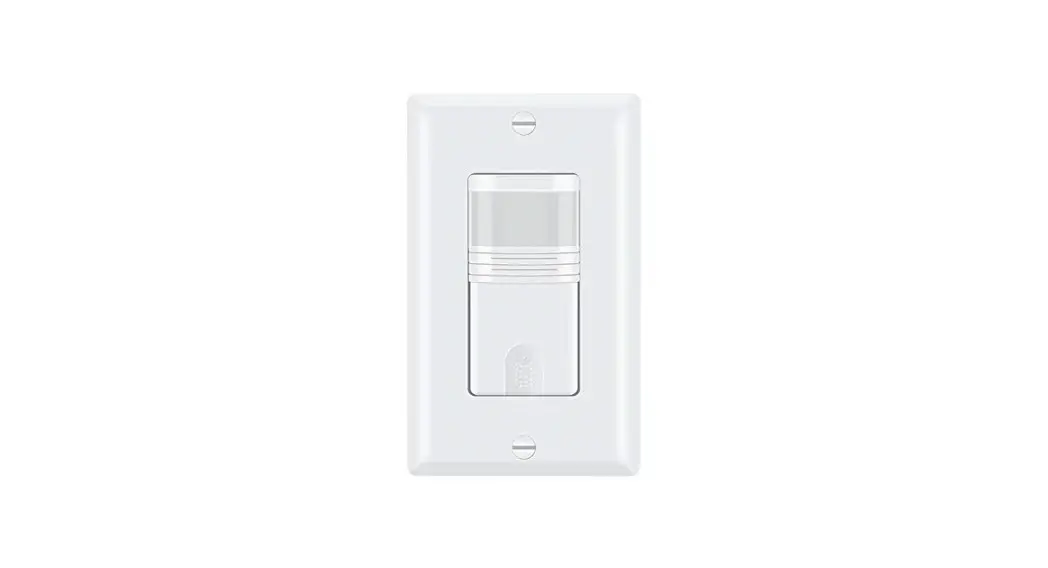
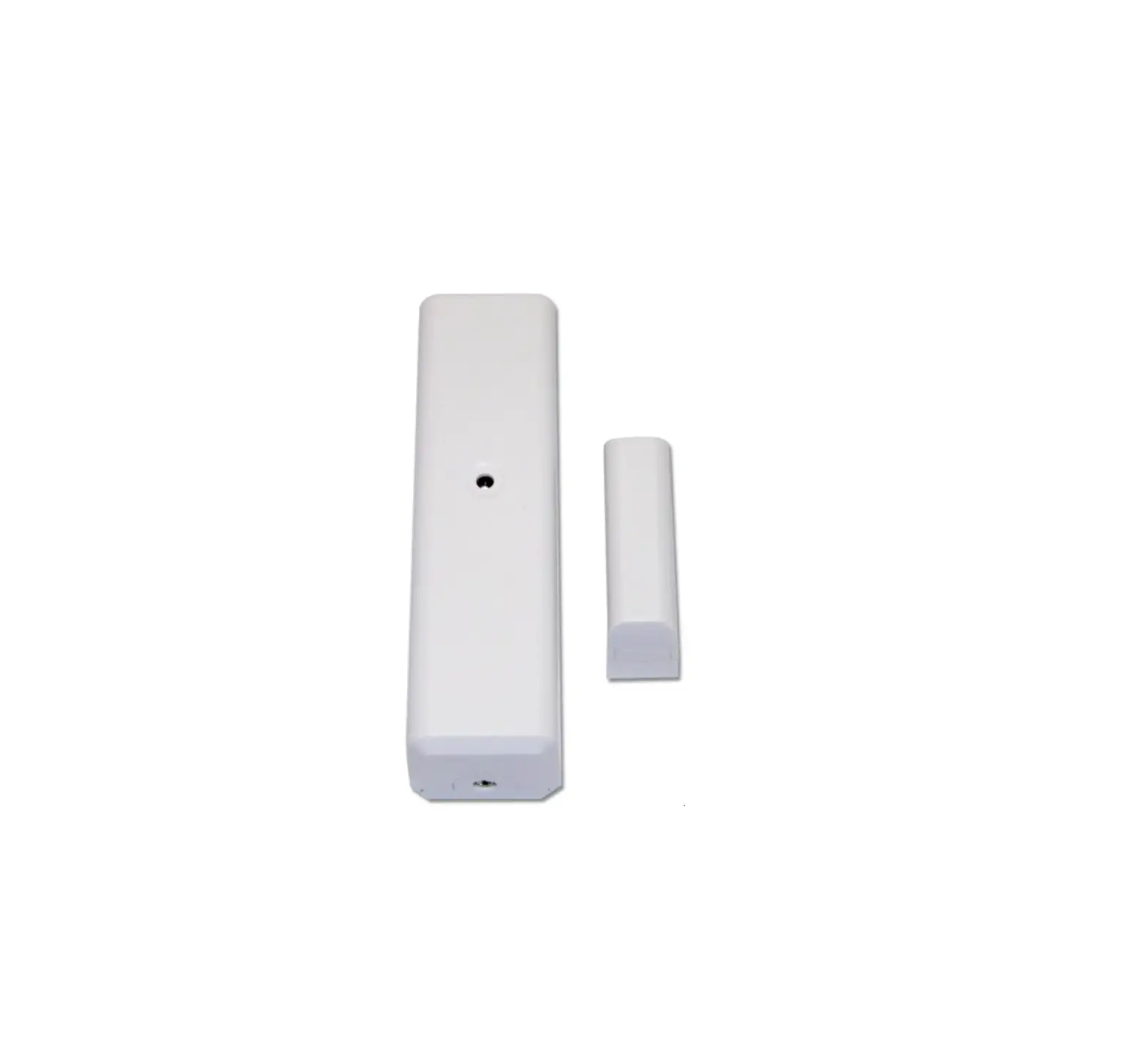
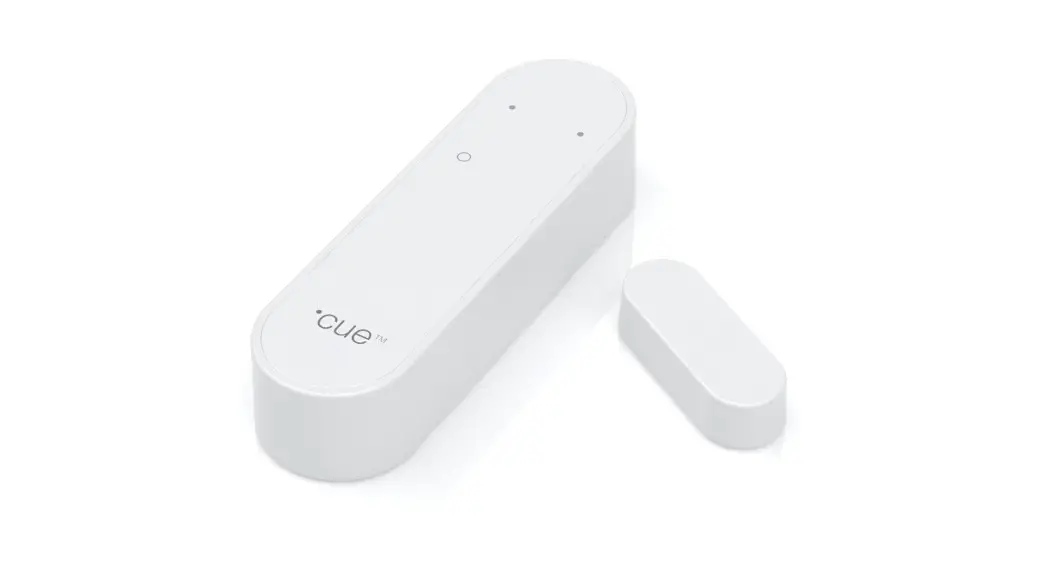
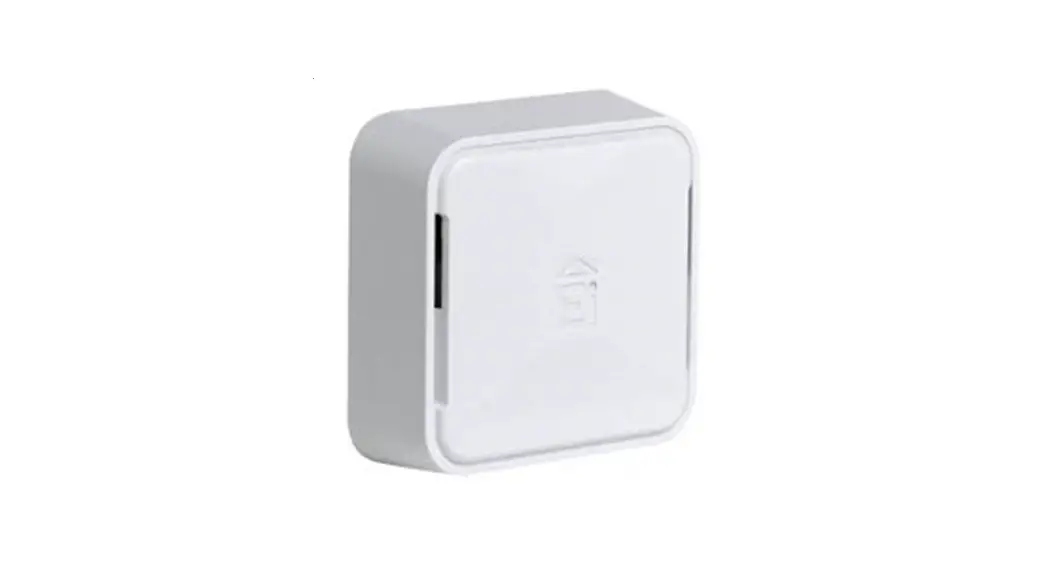
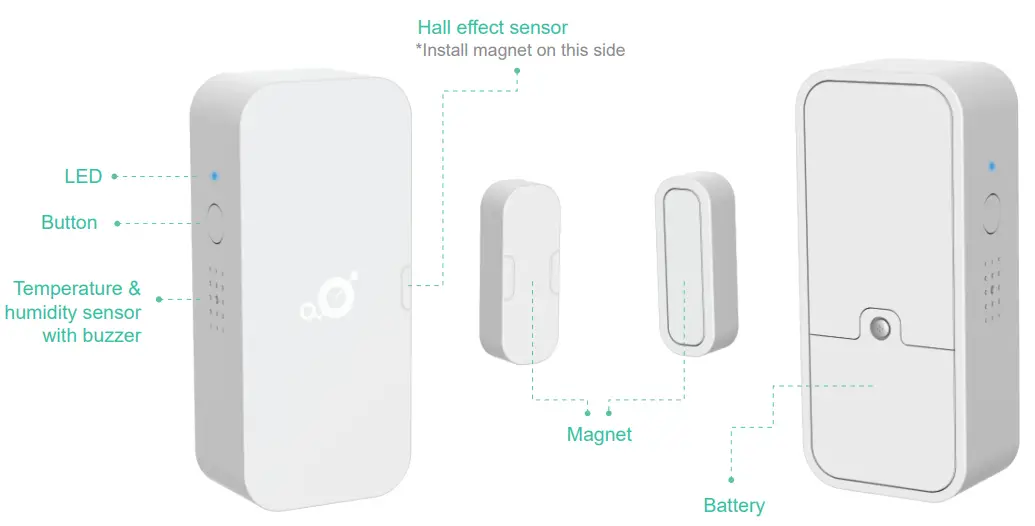
MerryloT Open / Close
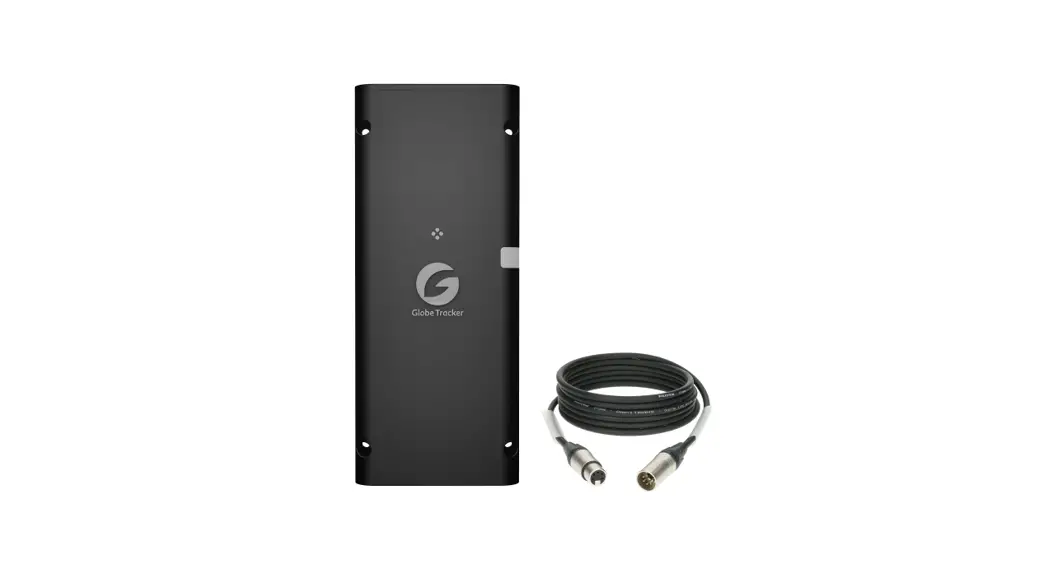
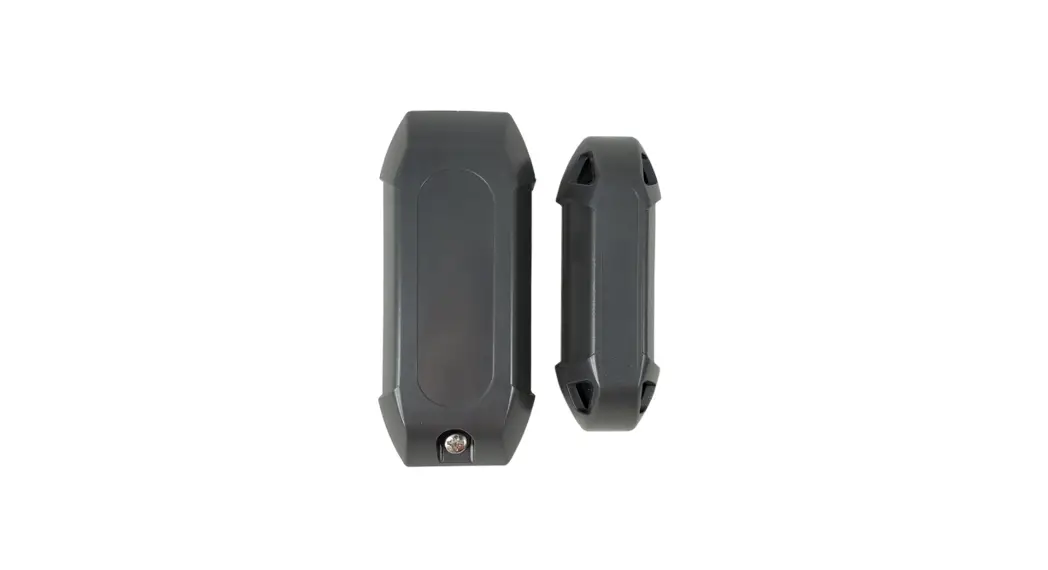
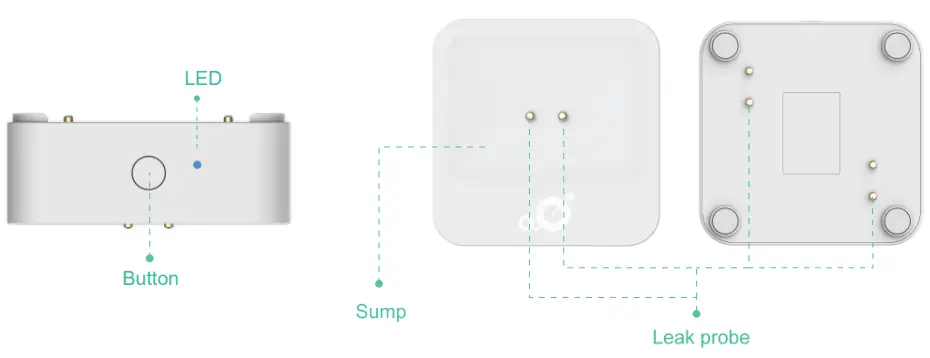
MerryloT Leak Detection
Basic Sensor Behaviors
- Default keepalive interval: 60 mins
- Status changes from free mode to occupied mode
- Detection interval during occupied mode: 10 mins
- Status changes from occupied mode to free mode
- When “tampered” is detected
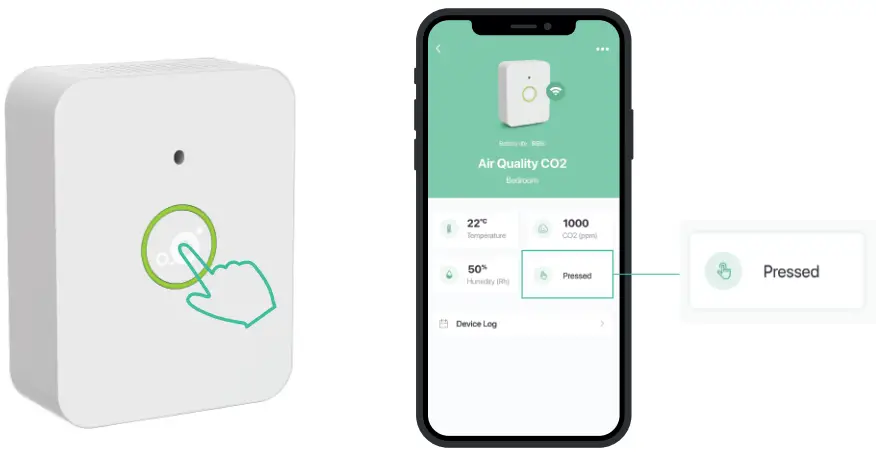
- When the button is pressed
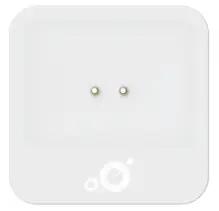
- Default keepalive interval: 60 mins
- When CO2 value is over 1000 ppm
- Detection interval: 10 mins(w/o uplink)
- When the button is pressed
- CO2 warming up time: at least 1 hour, or press the button to manually trigger it at least 20 mins after successfully joining in.
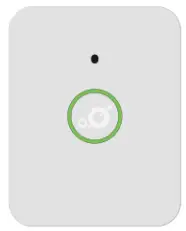
- Default keepalive interval: 360 mins
- When “switch open” is detected
- When “switch close” is detected
- When “tampered” is detected
- When the button is pressed
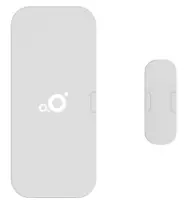
MerryIoT Open / Close
- When leakage is detected
- Detection interval: 5 mins(w/o uplink)
- When “tampered” is detected
- When the button is pressed
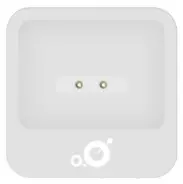
MerryIoT Leak Detection
MerryloT Sensors Installation
Please make sure to check Helium coverage before installing the MerrtyIoT Sensors
Link: https://explorer.helium.com
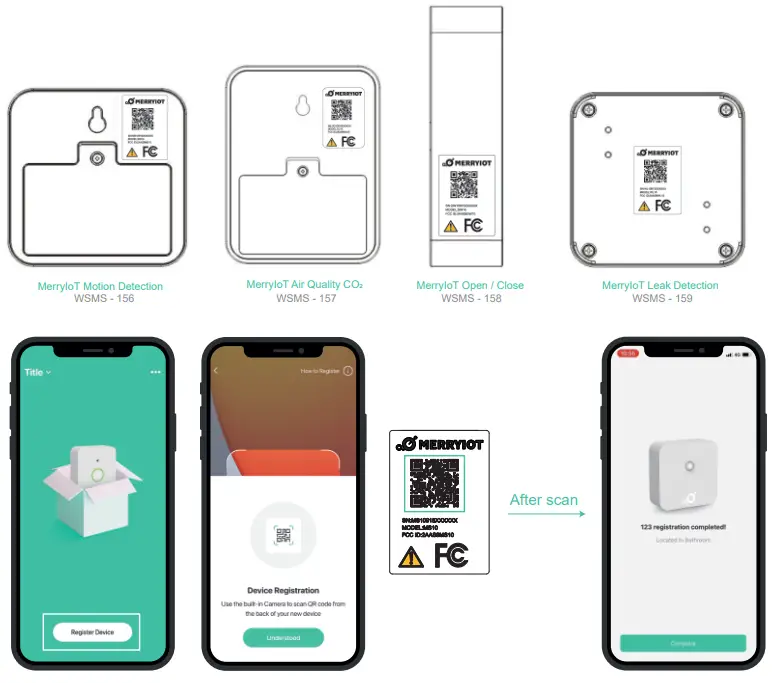
- Install and launch MerryIoT mobile application on your phone

Search:MerryIoT Sensor
- Install the battery to power on the Sensor

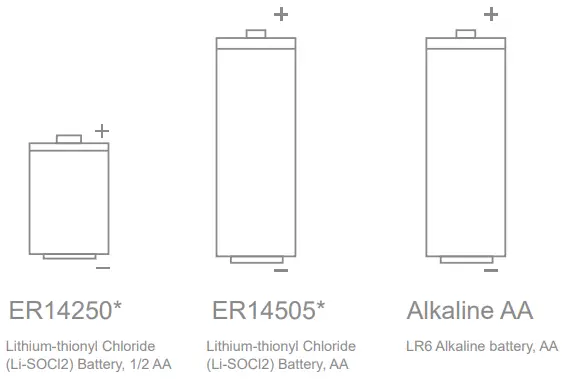
CO2 Motion Open / Close Leak ER14250 
ER14505 Alkaline AA - Open the app, scan the QR code on the back of the Sensor 3

- Press the button for 5 seconds to activate installation mode
- When the Sensor successfully joined a network, the LED will go on to constant lumination for 3 seconds
- Press the button on the Sensor. Once the Sensor is successfully connected, the following icon will appear on the application
The sensor real-time status will be updated
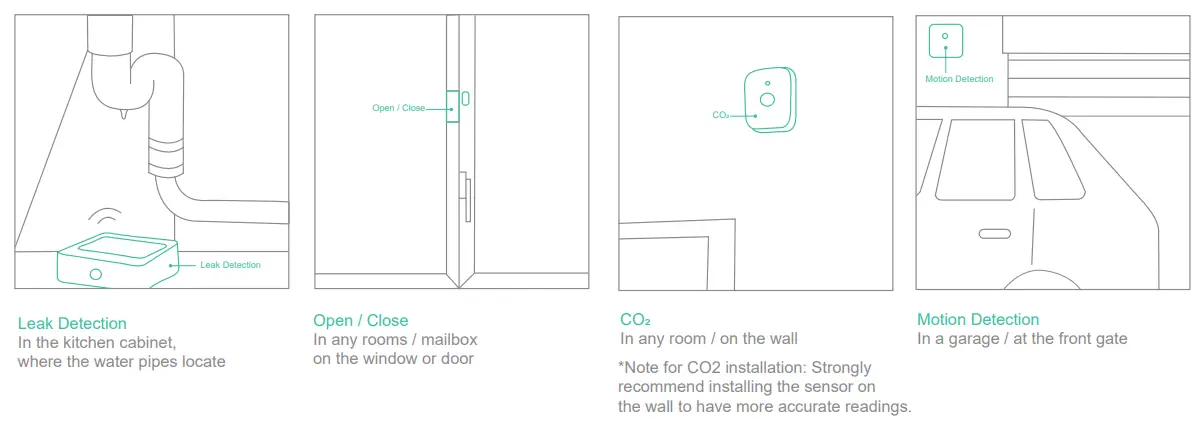
- Once the Sensor is connected, install the Sensor to your desired location

- FAQ: https://www.merryiot.com/FAQ




App Functions
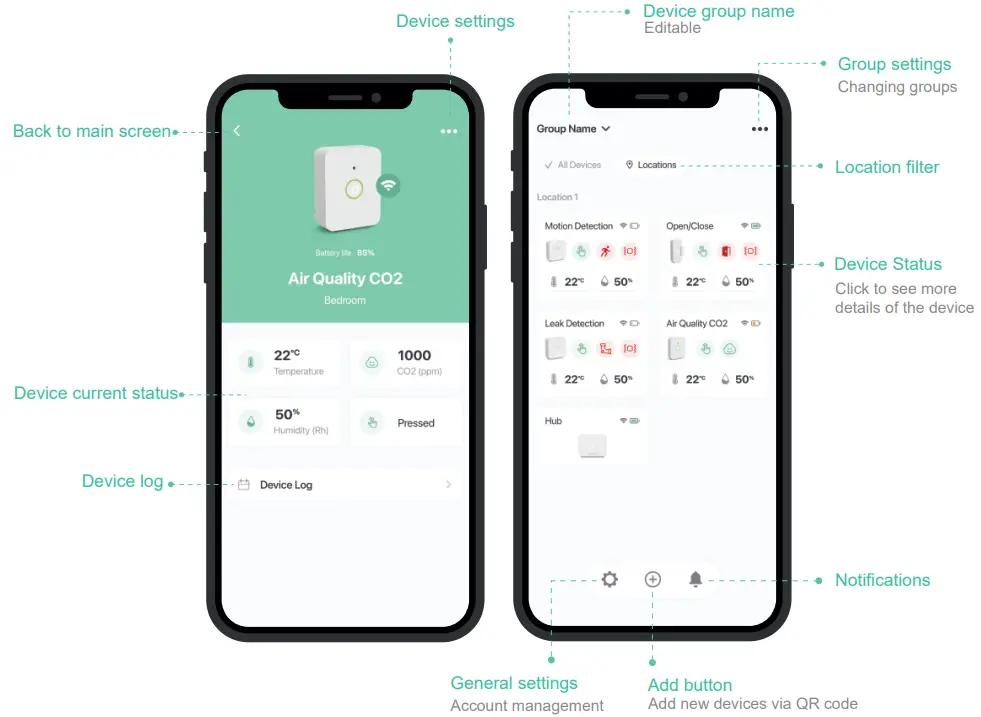
App Icons
 Battery status
Sufficient / Low / Exhausted
 LoRaWAN Connection status
On/off
 Door or window status
Open/close
 Water leak detected
 Motion detected
 Button pressed
With real-time status
 Device is being tampered
 Air quality/CO2 concentration
Excellent (Green): 400~800 ppm
Good (Yellow): 800~1200ppm
Bad (Red): >1200 ppm
 Temperature (oC / oF)
 Relative Humidity (%)
MerryloT Leak Detection – Battery Replacement Instruction
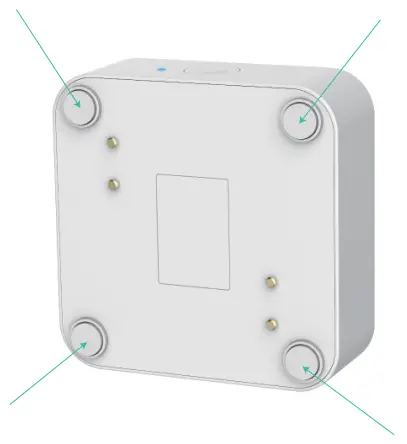
For water-proof purpose, the Leak Detection is sealed with rubber rings and screws
To replace the batteries, please use star-type screw driver to open the screws located in the four corners of the device
 explorer.helium.com
 MerryIoT_FAQ