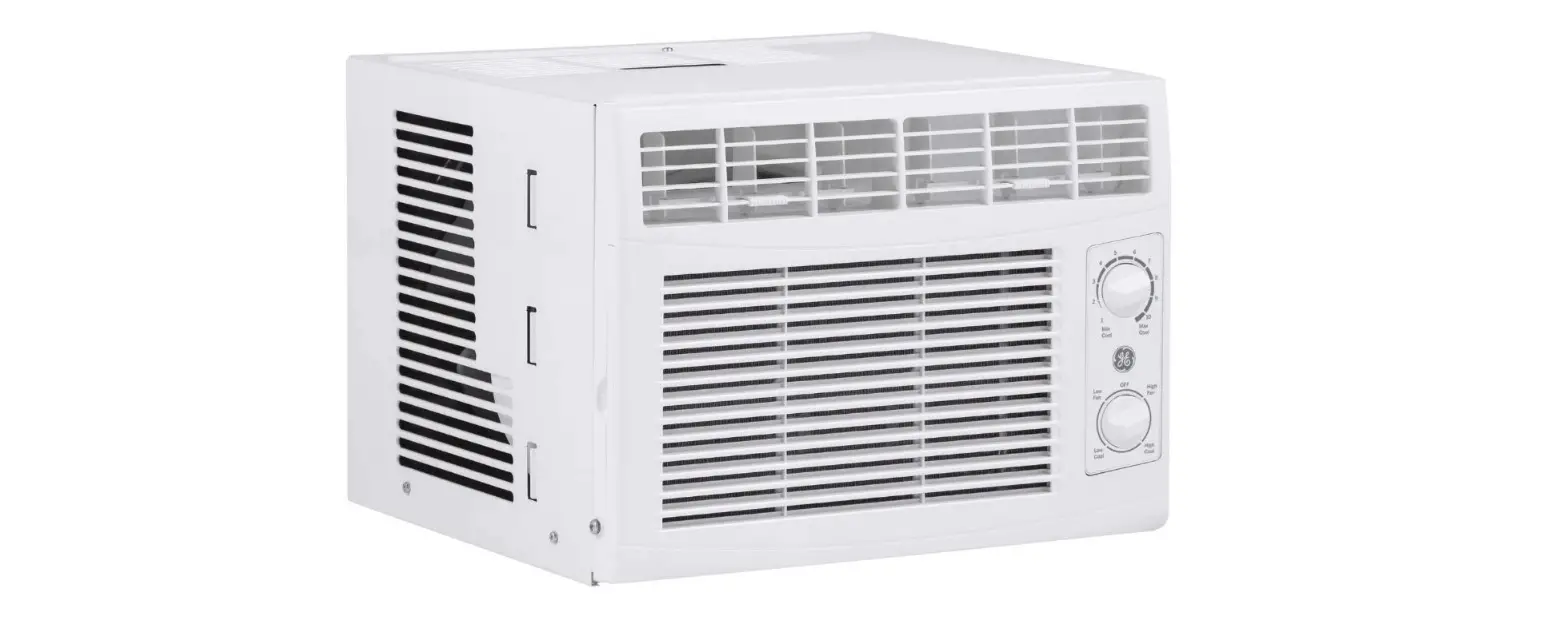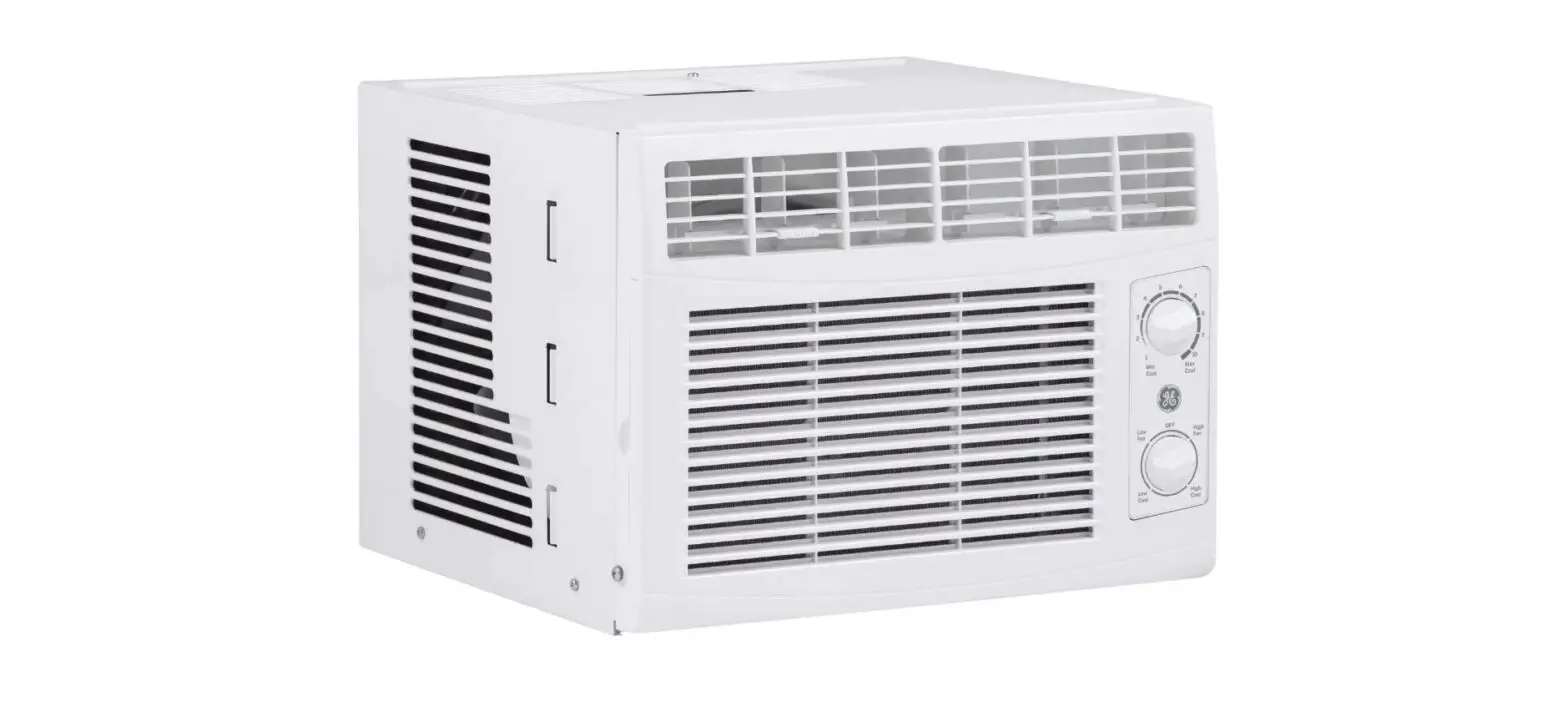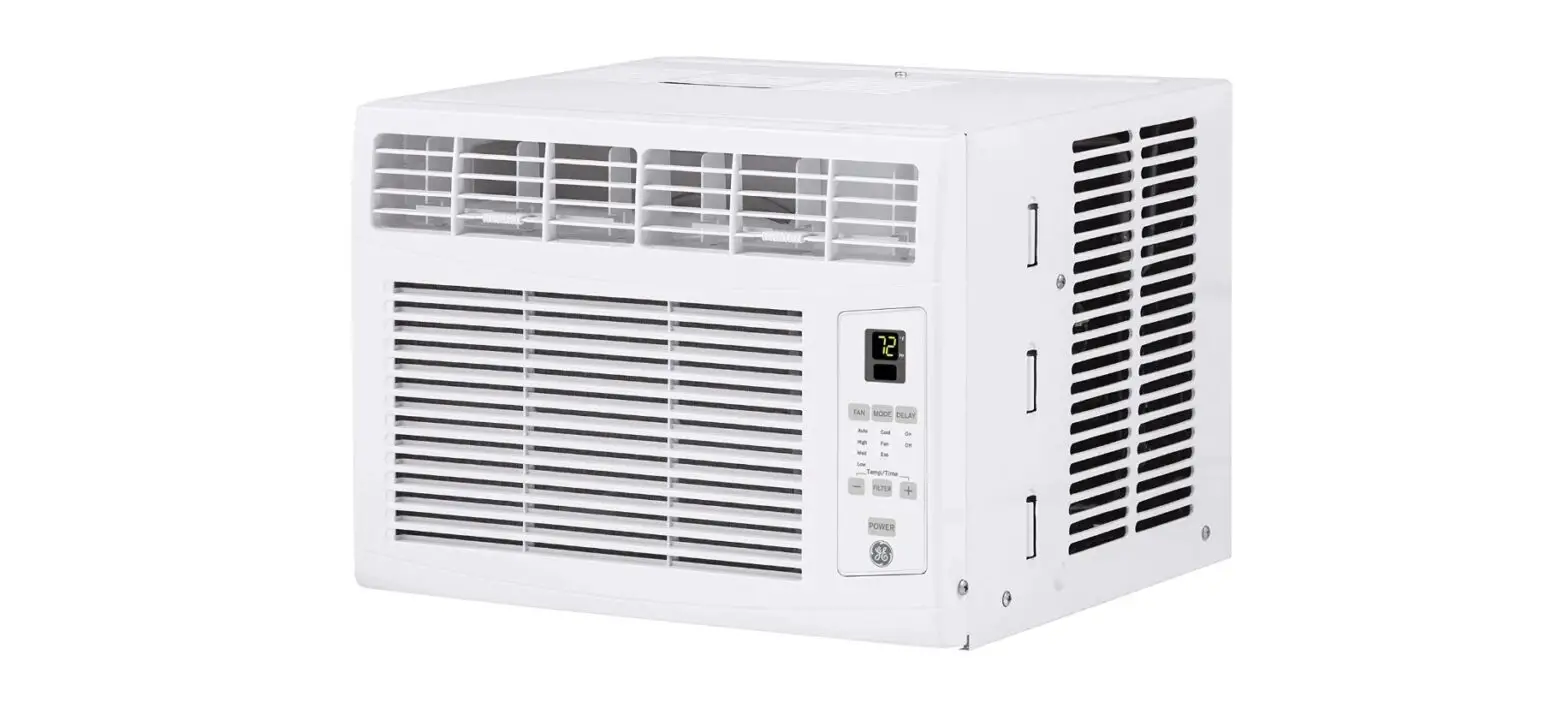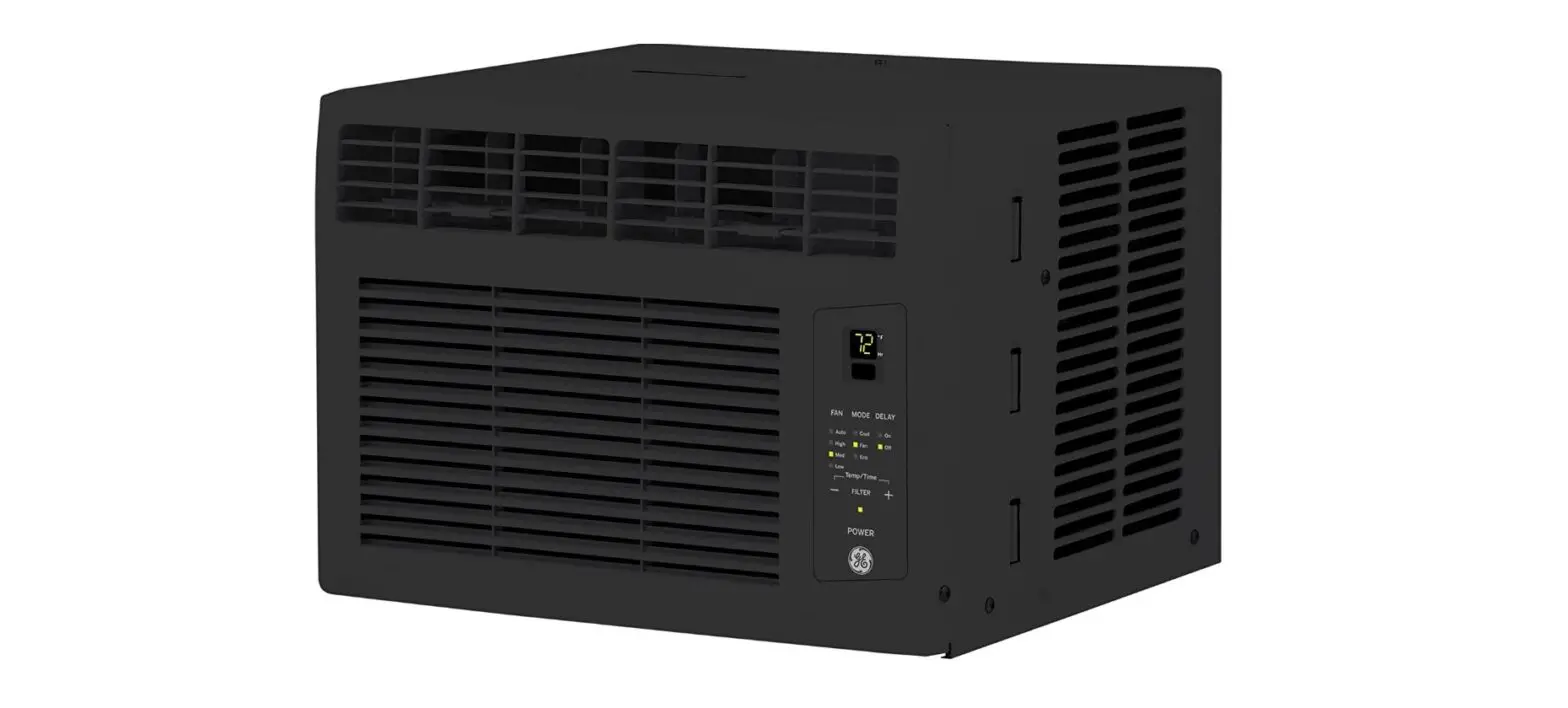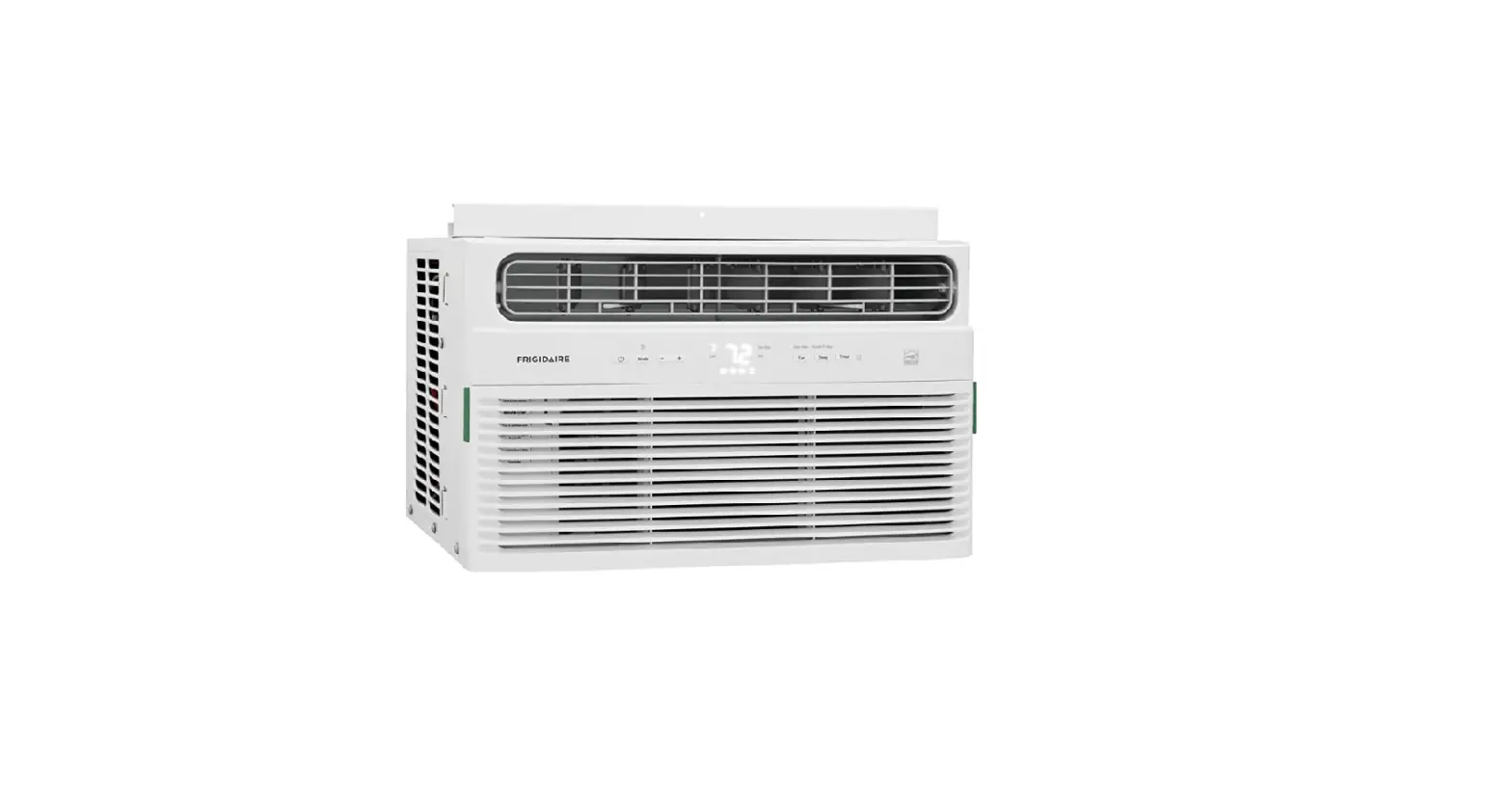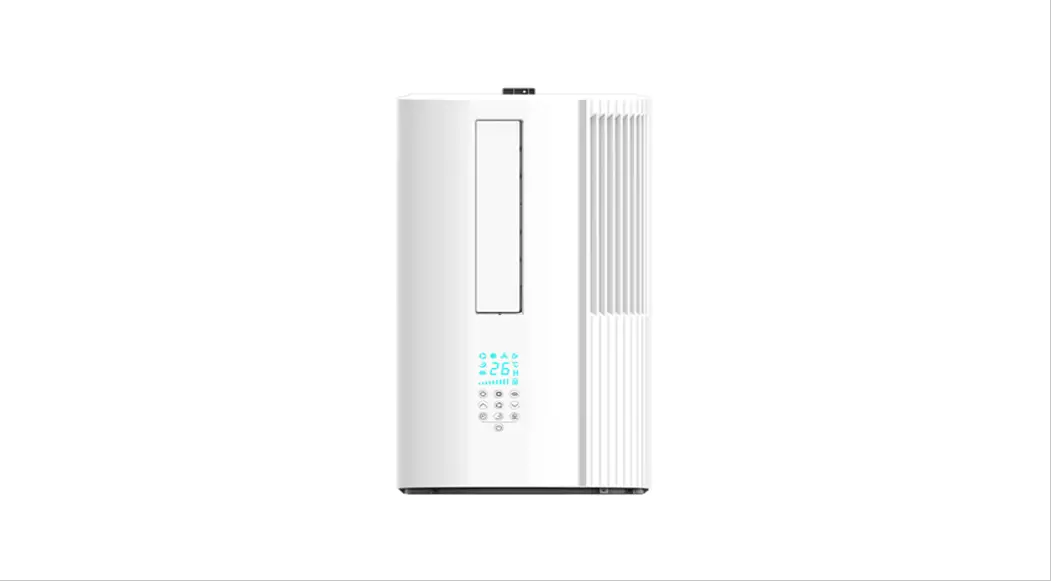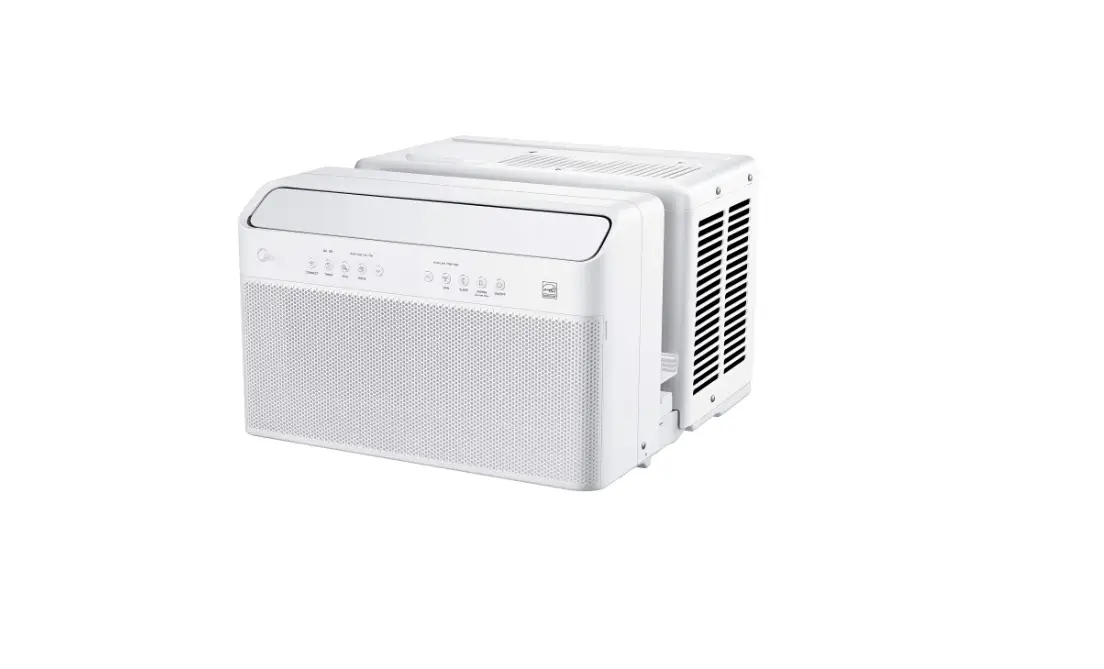

Window Type Air Conditioner
Models
MAW08V1QWT
MAW10V1QWT
MAW12V1QWT
version A – 03 – 2020
Installation Guide
Scan the following QR code for an installation video.

You must follow the user manual for detailed installation instructions
Before using your air conditioner, please read the user manual carefully and keep for future reference. For additional support, please call customer service at 1-866-646-4332.
Page 1
TOOL & HARDWARE
Required Installation Hardware
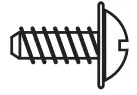 | 1/2” Type B Screw | 2 |
 | 1/4” Type B Screw | 2 |
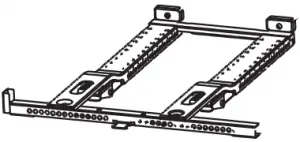 | Main Bracket | 1 |
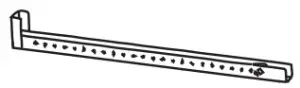 | Right Extension Arm (For 26”-36” windows) | 1 |
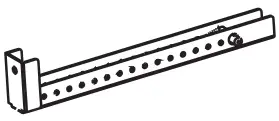 | Right Extension Arm – Short (For 22”-26” windows) | 1 |
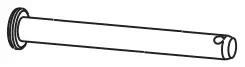 | Main Support Pin | 2 |
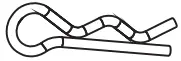 | Cotter Pin | 2 |
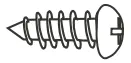 | 1/2” Type A Screw | 3 |
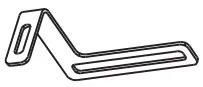 | Open Window Bracket – RH | 1 |
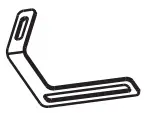 | Open Window Bracket – LH | 1 |
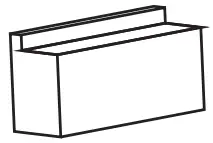 | Side Arm Foam | 2 |
Optional Installation Hardware
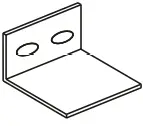 | Window Sash Lock | 1 |
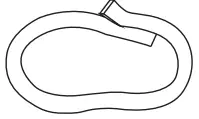 | Thick Window Sash Seal Foam | 1 |
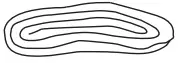 | Thin Window Sash Seal Foam | 1 |
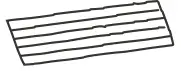 | Miscellaneous Sealing Foam | 1 |
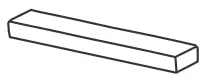 | Additional Side Arm Foam | 2 |
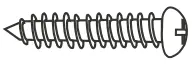 | 1” Type A Screw | 2 |
 WARNING
Do not use any devices or materials for installation that are not recommended in this manual.
WINDOW REQUIREMENTS
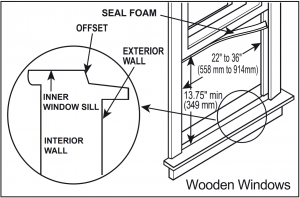
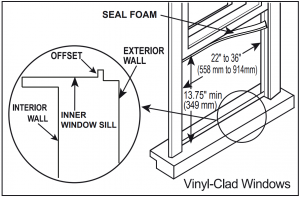
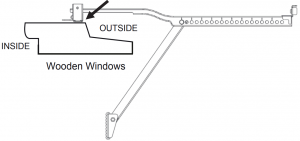
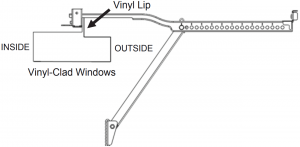
NOTICE
Maximum window thickness including non-removable handle: 2-7/8″
Page 2
1. INSTALL THE SUPPORT BRACKET
WARNING
- Bracket should only be used for its intended purpose. If not, the warranty will be voided.
- You must follow the detailed installation instructions in the user manual.
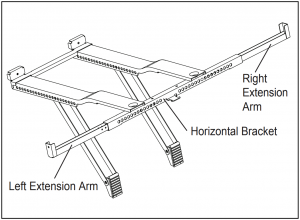
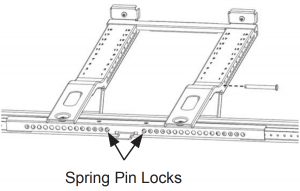
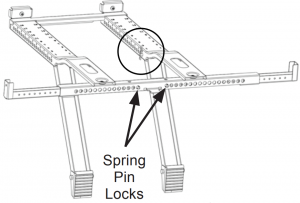
1.1 Adjust the left extension arm out and install the right extension arm. Set the bracket in your window.
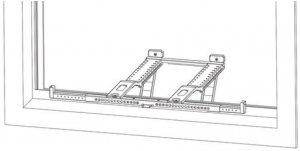
WARNING
Maintain control of the bracket until installation is complete.
Depending on the level used, place at either location below to check level.
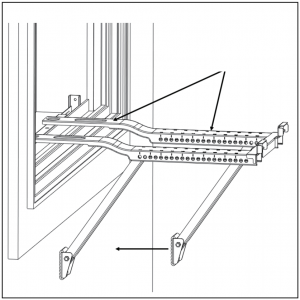
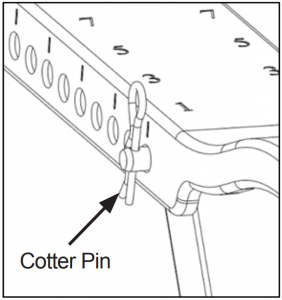
1.2 Adjust the angled support arms until they touch the exterior wall. Check that the bracket is properly tilted downwards toward the outdoors. Install the support pins and cotter pins then extend the left and right extension arms.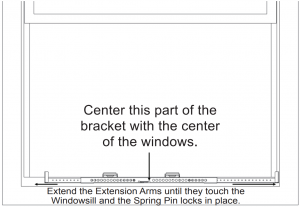
Page 3 Installation Guide
1. INSTALL THE SUPPORT BRACKET (cont.)
Use the provided 1/2″ Type A screws.
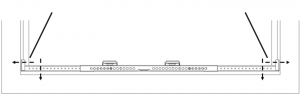
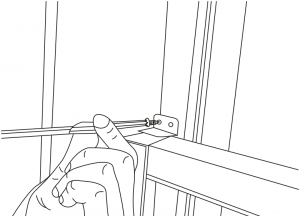
NOTE: Drill 1/8″ pilot holes before screwing into the window sill.
1.3 Secure the bracket to the window with a screw at the end of each extension arm as shown. Holes at the end or bottom of the Extension Arms can be used to secure the Support Bracket to the window.
2. SECURE THE UNIT ON THE BRACKET
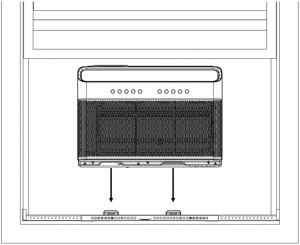
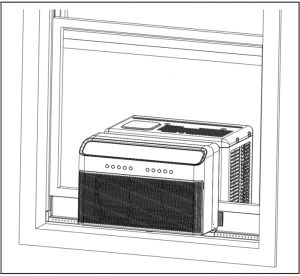
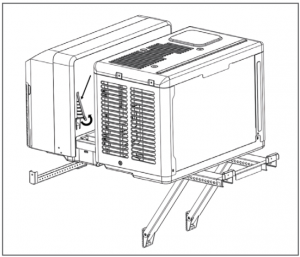
2.1 Set the air conditioner on the support bracket and fold down the side arm hinges.
WARNING
Do not leave the unit unattended during installation.
2.2 You must install the Open Window Brackets.
WARNING
Failing to do this could cause injury or property damage.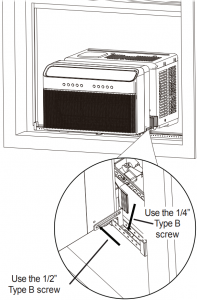
Installation Guide Page 4
3. SEAL AND CLOSE THE WINDOW
3.1 Measure, cut and install the side arm foam.
WARNING
Do not leave the unit unattended during installation.
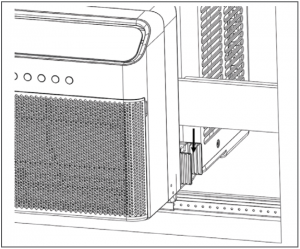
3.2 Secure the anti-tip brackets into the window track and then close the window.
Top view
Remove the factory installed 1/2″ screw and extend the Anti-Tip Brackets into the window track. Secure the Anti-Tip Brackets by re-using the factory installed 1/2″ screw. Failing to use this screw could damage the air conditioner.
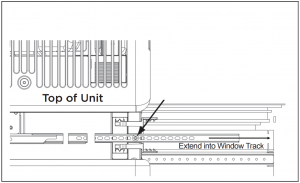
WARNING
You must extend the Anti-Tip Brackets into the Window Track Opening. Failure to follow this warning may cause serious injury.
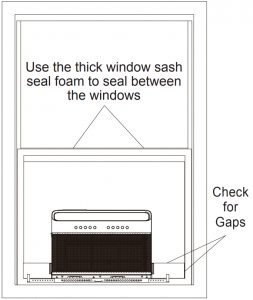
3.3 Use the included foam to seal any gaps between the window and the air conditioner.
Page 5
3.4 Extend both window locks located in the window slot. For additional security, install the window sash lock.
FAQ Why does the air conditioner not start?
– Wall plug disconnected. Push plug firmly into wall outlet.
– House fuse blown or circuit breaker tripped. Replace fuse with time delay type or reset circuit breaker.
– Check if the light on the plug is on. If it is off, press the RESET button.
– Power is OFF. Turn power ON.
FAQ Why is there noise during cooling?
– It is normal to hear airflow, set to a slower fan setting if too loud.
– Window vibration – poor installation. Refer to installation instructions or check with installer.
FAQ Unit will not connect to Wifi or App does not work?
For additional support and troubleshooting tips, follow the link in this QR code.

Page 6 Installation Guide