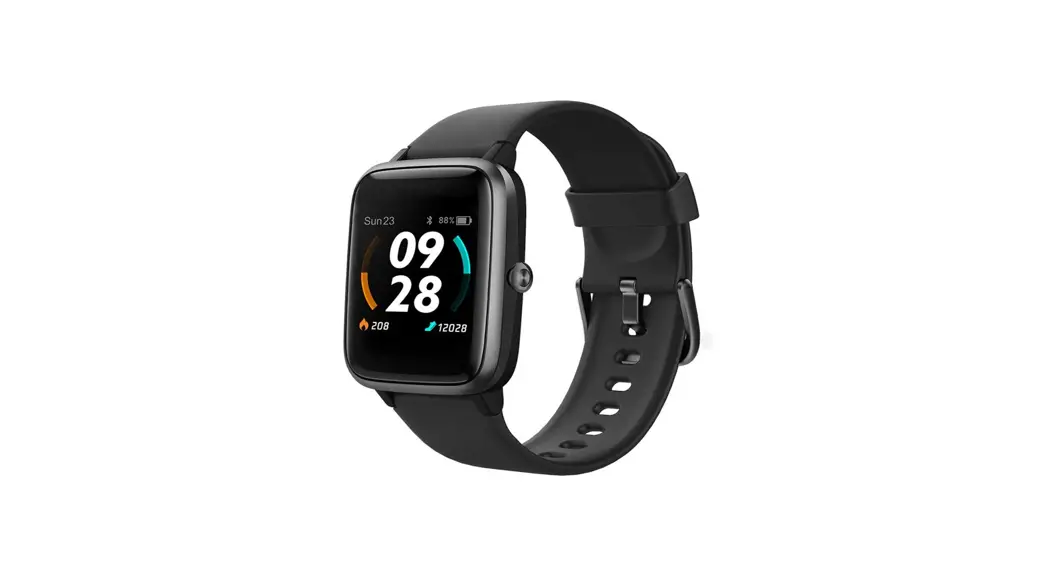
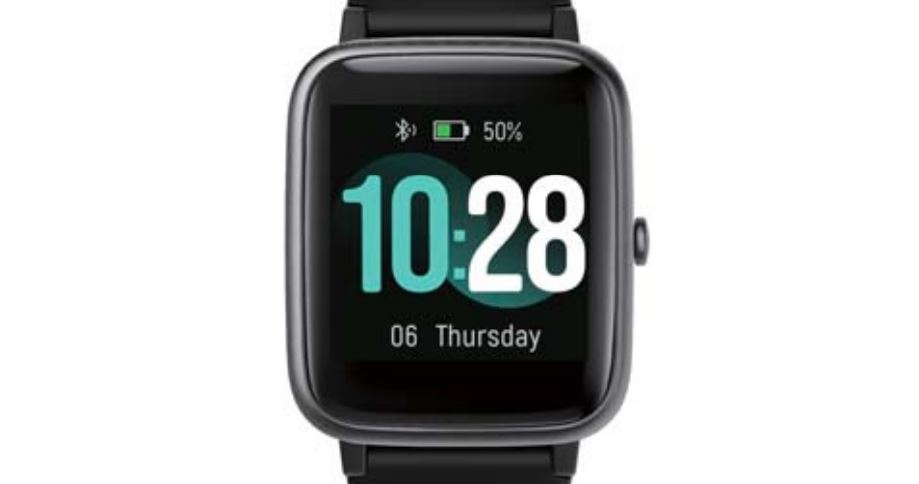
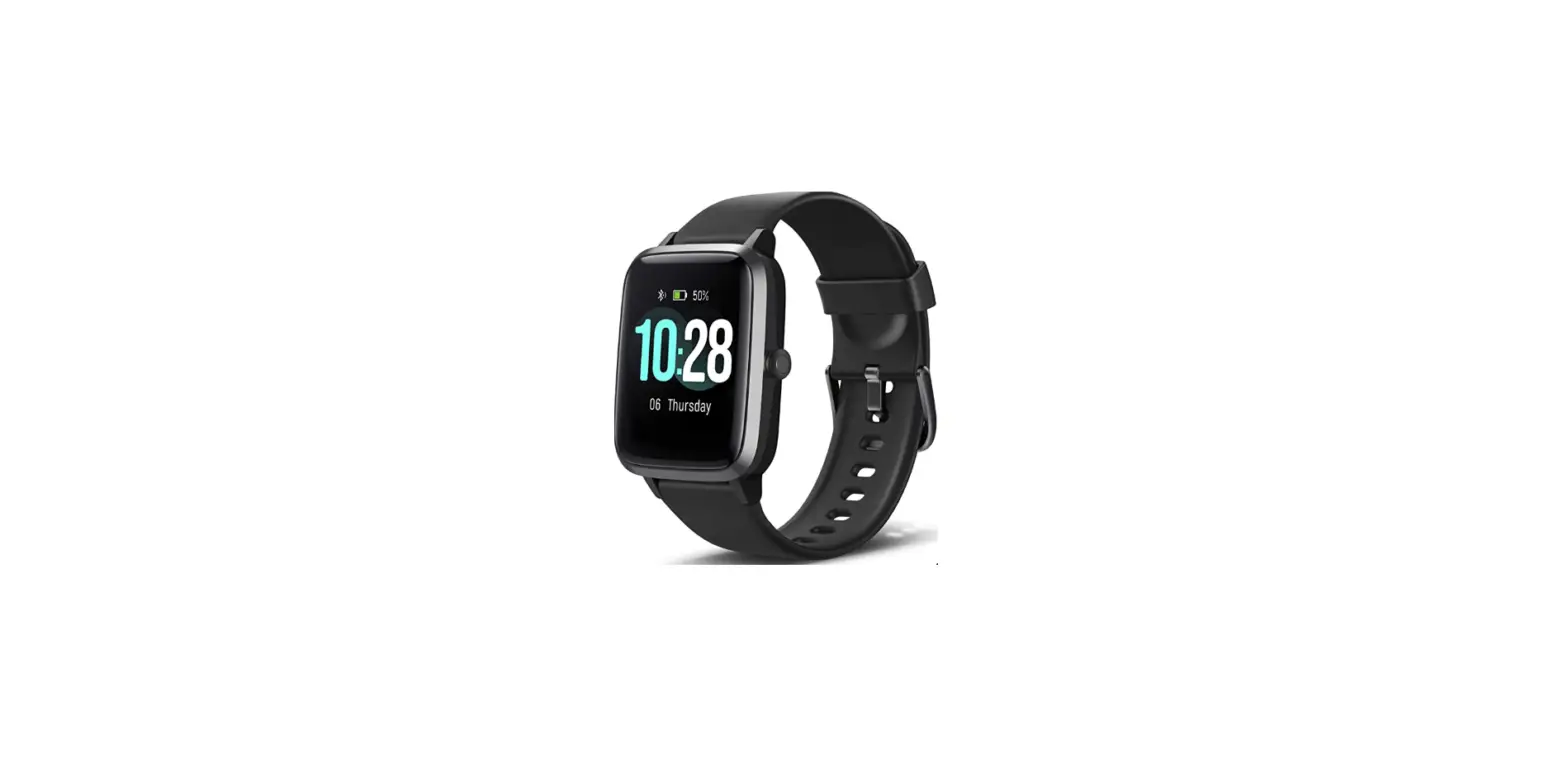
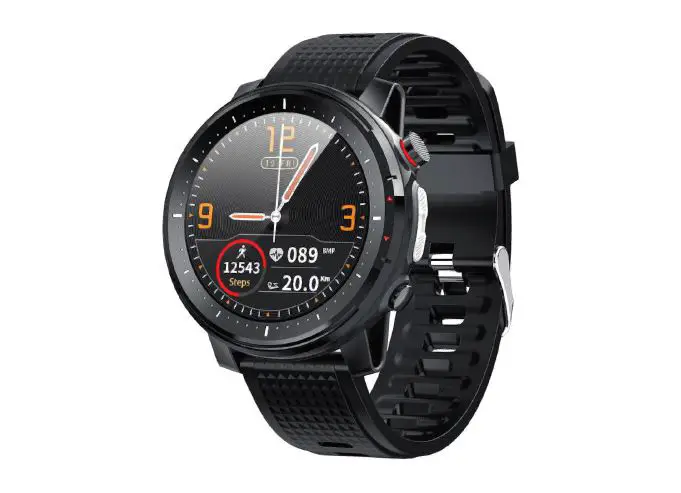
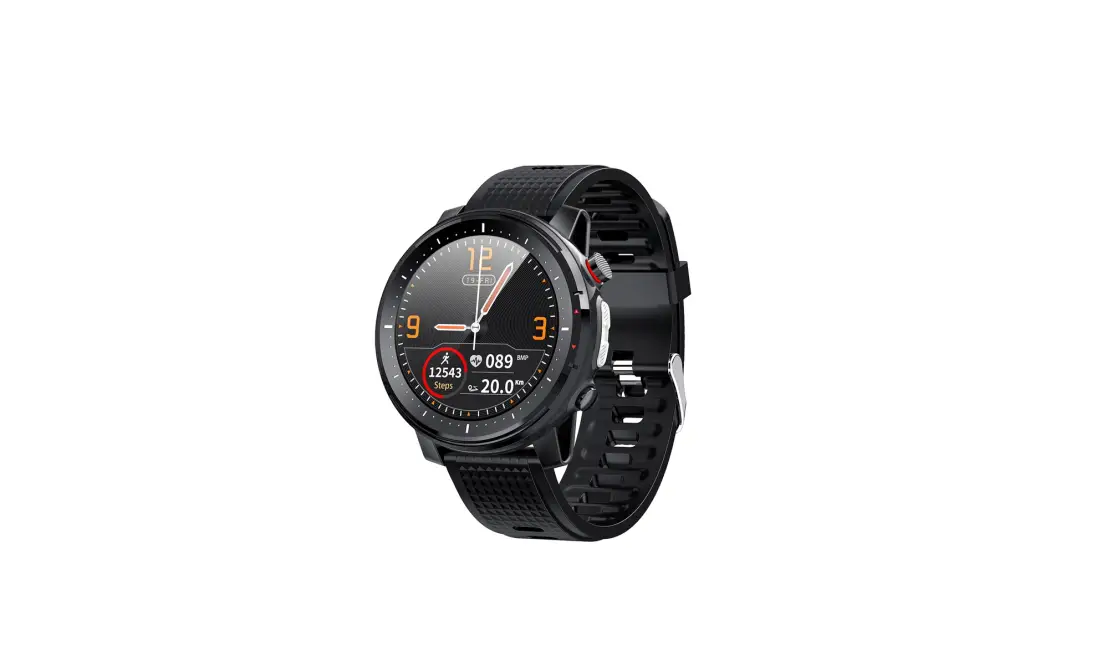
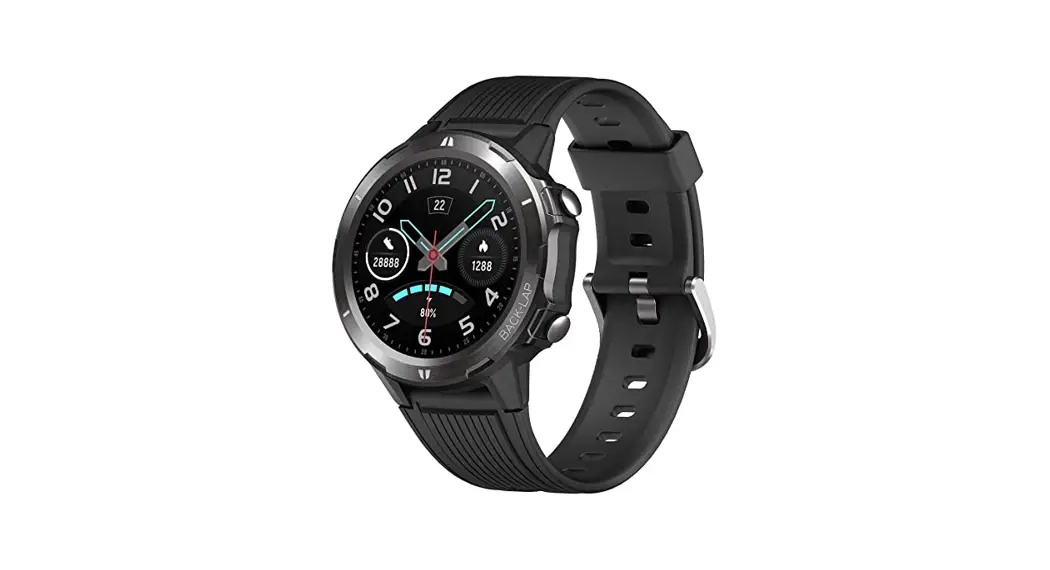
Smart Watch L5
Smart Watch L5 User Manual
Thank you for choosing our product! To have a comprehensive
understanding and using this device, to know all the features and
simple operation method, please read this manual first.
Part 1: Packing List
Check all the accessories if they are complete.
| Item No. | Accessories | Quantity |
|---|---|---|
| 1 | Wonbo Smart Watch L5 | 1 |
| 2 | User Manual | 1 |
| 3 | Charging Cable | 1 |
- Switch button: long press to switch on/off the device, short
press to on/off the screen; short press in the operate interface to
back homepage. - Torchlight: Switch light on/off.
- Touch instructions: tap to select and enter a menu, slip right
to return. At the home slide down into status bar; slide right into
notification center; slide left to enter the main menu.
Part 3: Charging instruction
This product adopts magnetic force charging. Put the charging
point connect to the back of the device charging pins, it will
charge automatically. It usually takes 2 hours to full charging,
device standby time up to 30 days, 5-7 days for working. Do not use
the watch when charging. Caution: Do not make the magnetic charging
cable any 2 pins connect with conducting material at same time, it
may cause short circuit.
Part 4: Setting Up the Watch
Watch connect to Cellphone, you need yo download the App Fundo
in the cellphone at very first, see below 2 methods.
- Method 1: Scan the QR code in the watch (Setting-App download)
or scan following QR code image to Download Fundo. - Method 2: Search Fundo in Google Play Store or Apps Store.
After installation, turn on cellphone Bluetooth and Fundo App,
confirm the notifications and others permission Apps asks are
enabled, and fill up personal information. Tap Add device, search
L5XXX device (turn on the GPS in the smart phone before binding)
and tap connect.
Usage Instructions:
- Make sure all accessories are included in the packaging.
- To turn on/off the device, press and hold the switch button. To
turn on/off the screen, press the switch button once. To go back to
the homepage, press the switch button once in the operating
interface. - To turn on/off the torchlight, use the corresponding
button. - To select and enter a menu, tap on the screen. To return, swipe
right. To access different areas of the watch, swipe up or down,
left or right. - To charge the watch, connect the charging point to the back of
the device’s charging pins. It takes approximately two hours to
fully charge and has a standby time of up to 30 days and working
time of 5-7 days. Do not use the watch while charging. - To set up the watch, download the Fundo app on your cellphone
through either scanning the QR code on the watch or searching for
it in the Google Play Store or App Store. Turn on Bluetooth and the
Fundo app on your cellphone, allow notifications and other
permissions, and fill in personal information. Tap “Add device,”
search for L5XXX device (turn on GPS in the smartphone before
binding), and tap connect.
Owner’s Manual
Smart Watch L5
Thank you for choosing our product! To have a comprehensive understanding and using this device, to know all the features and simple operation method, please read this manual first.
Part 1: Packing List
Check all the accessories if they are complete.
Item No. 1 2 3
Accessories Wonbo Smart Watch L5 User Manual Charging Cable
Quantity 1 1 1
Part 2: Buttons Instruction
Switch button: long press to switch on/off the device, short press to on/off the screen; short press in the operate interface to back homepage.
Torchlight: Switch light on/off.
Touch instructions: tap to select and enter a menu, slip right to return. At the home slide down into status bar; slide right into notification center; slide left to enter the main menu.
Part 3: Charging instruction
This product adopts magnetic force charging. Put the charging point connect to the back of the device charging pins, it will charge automatically. It usually takes 2 hours to full charging, device standby time up to 30 days, 5-7 days for working. Do not use the watch when charging. Caution: Do not make the magnetic charging cable any 2 pins connect with conducting material at same time, it may cause short circuit.
Part 4: Setting Up the Watch
Watch connect to Cellphone, you need yo download the App “Fundo” in the cellphone at very first, see below 2 methods. Method 1: Scan the QR code in the watch (“Setting”-App download) or scan following QR code image to Download “Fundo”.
Method 2: Search “Fundo” in Google Play Store or Apps Store. After installation, turn on cellphone Bluetooth and Fundo App, confirm the notifications and others permission Apps asks are enabled, and fill up personal information. Tap “Add device”, search “L5XXX” device (turn on the GPS in the smart phone before binding) and tap connect.
Obsah je uzamcen
Dokoncete, prosím, proces objednávky. Následn budete mít pístup k celému dokumentu.
Proc je dokument uzamcen? Nahnvat Vás rozhodn nechceme. Jsou k tomu dva hlavní dvody: 1) Vytvoit a udrzovat obsáhlou databázi návod stojí nejen spoustu úsilí a casu, ale i financní prostedky.
Dlali byste to Vy zadarmo? Ne*. Zakoupením této sluzby obdrzíte úplný návod a podpoíte provoz a rozvoj nasich stránek. Teba se Vám to bude jest nkdy hodit. *) Mozná zpocátku ano. Ale vzte, ze dotovat to dlouhodob nelze. A rozhodn na tom nezbohatneme. 2) Pak jsou tady ,,roboti”, kteí se pizivují na nasí práci a ,,vysávají” výsledky naseho úsilí pro svj prospch. Tímto krokem se jim to snazíme pekazit. A pokud nemáte zájem, respektujeme to. Urgujte svého prodejce. A kdyz neuspjete, rádi Vás uvidíme!