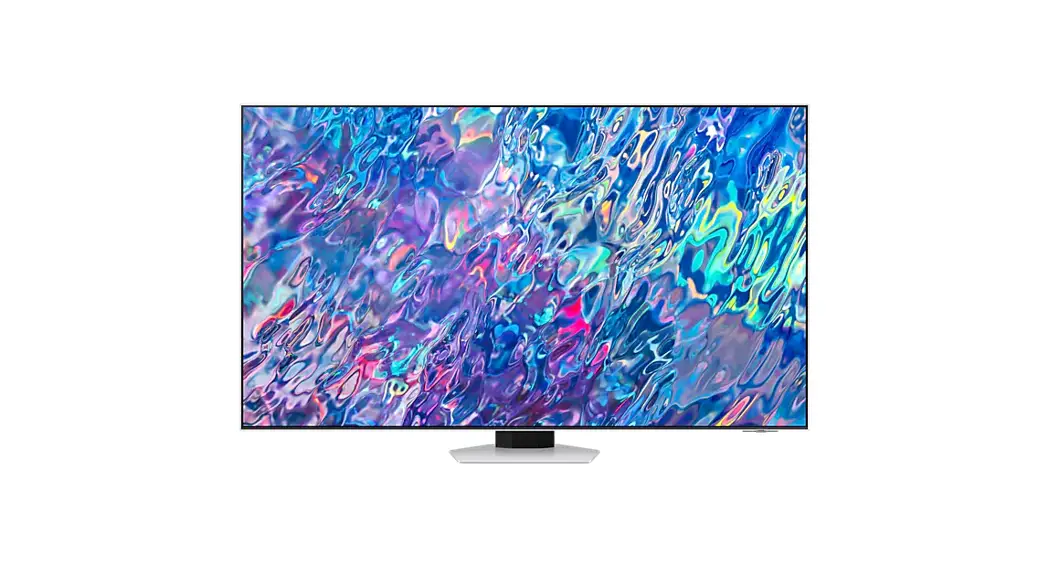
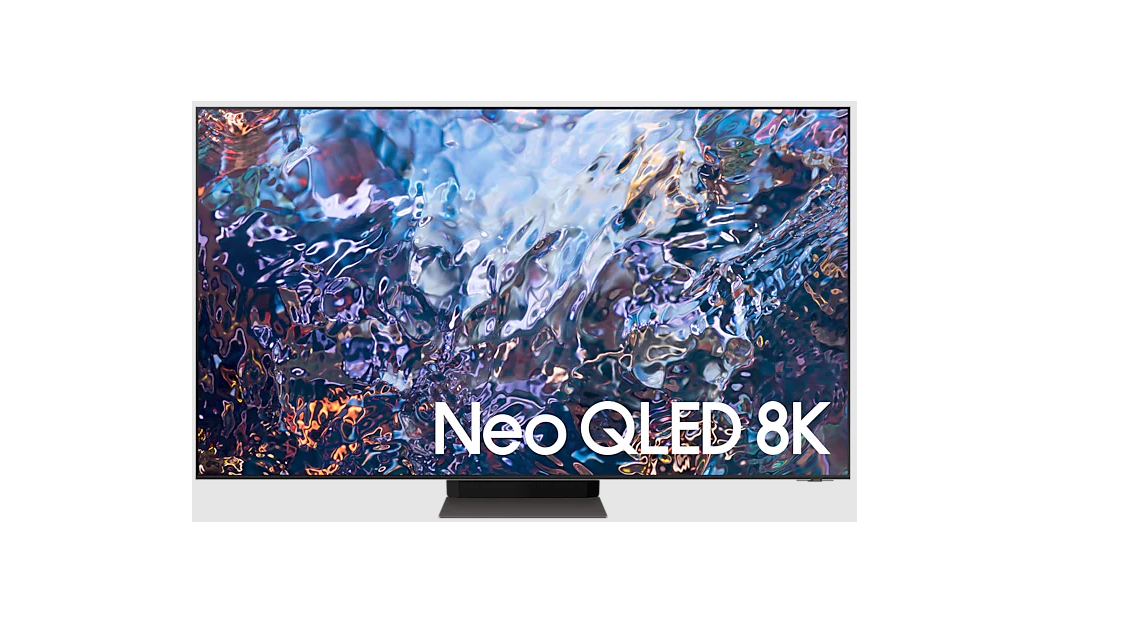
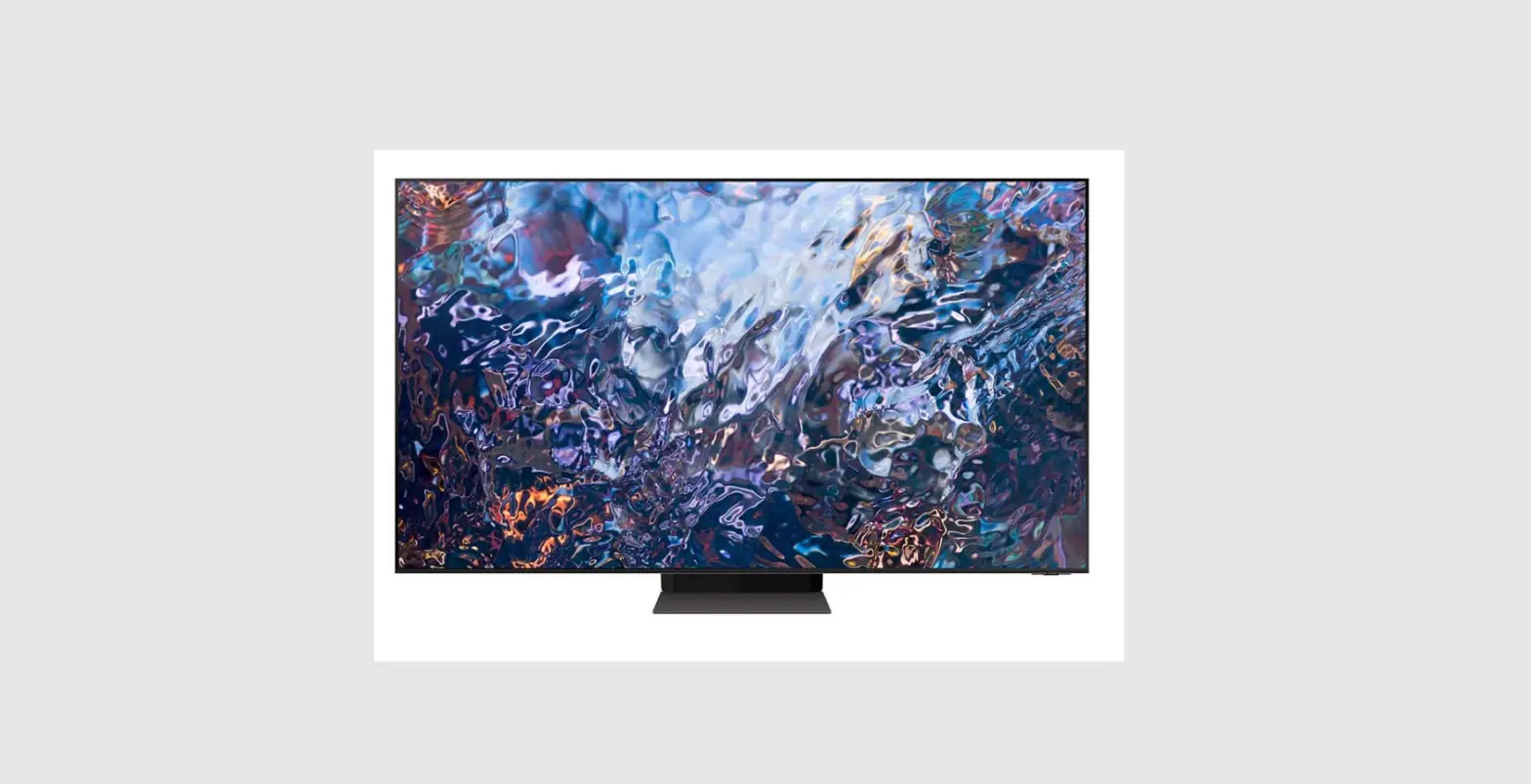
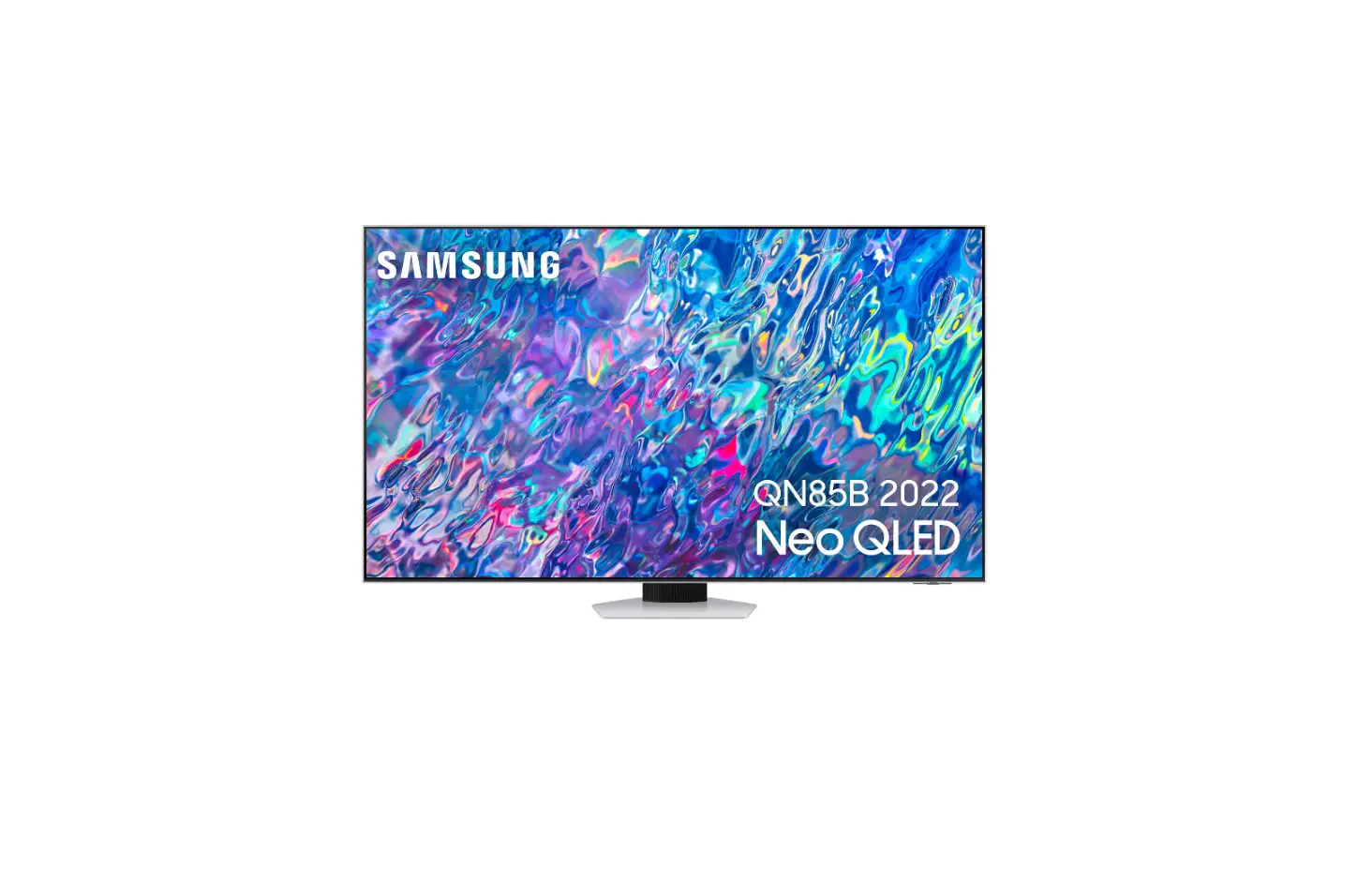
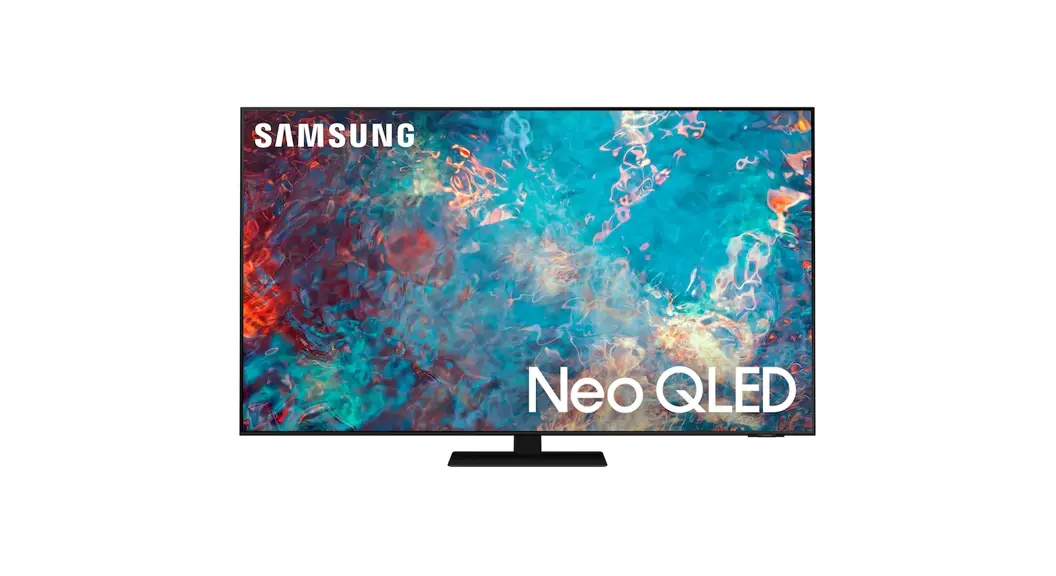
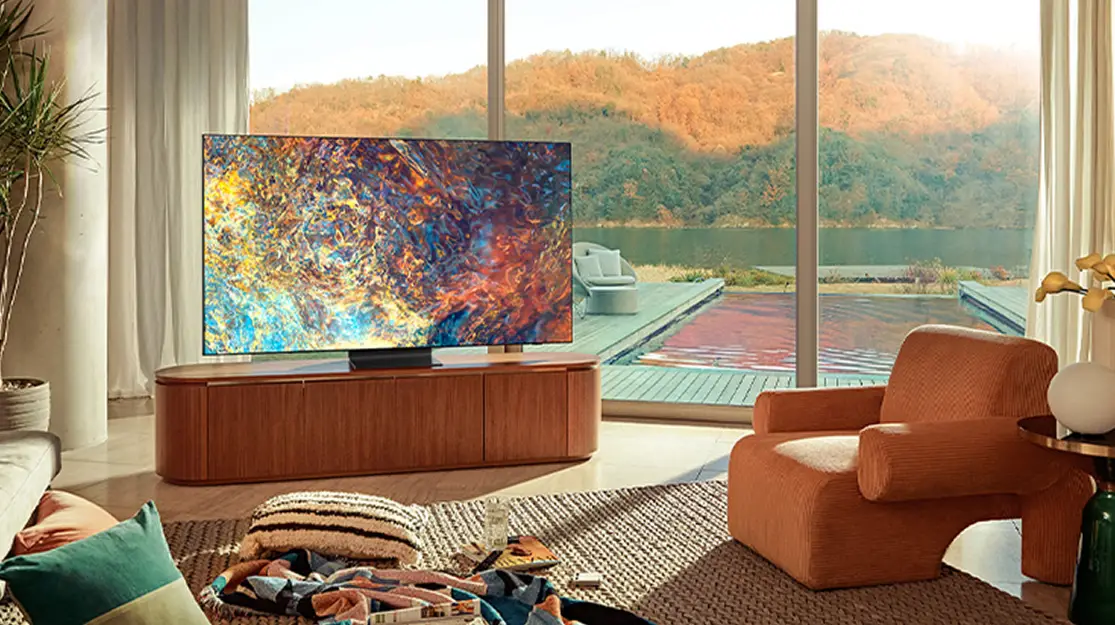
55QN95B TV Neo QLED
Product Information
This is a Samsung TV with a model and serial number specified.
It comes with a User Manual and an embedded e-Manual. The TV has
symbols that indicate important safety instructions and features,
such as the presence of high voltage or the need for a reliable
connection to protective earth. The TV can be mounted on a wall,
but it is important to follow the manufacturer’s instructions and
use parts provided by Samsung only to avoid injury or damage to the
product. There is also an anti-fall device that can be purchased
and installed for added stability and safety.
Product Usage Instructions
- Register your product at www.samsung.com for complete
service. - Read the Safety Instructions and consult the User Manual for
further safety-related information. - To access the embedded e-Manual, go to Menu > Settings >
Support > Open e-Manual. - If you plan to mount the TV on a wall, follow the
manufacturer’s instructions exactly and do not install the wall
mount kit while the TV is turned on. - Use parts provided by Samsung only to avoid difficulties with
the product or injury caused by the product falling. - Ensure that the TV is properly ventilated to avoid overheating
and use caution when pulling, pushing, or climbing on the TV, as
this may cause it to fall and result in serious injury or
death. - Refer to the Safety Flyer included with your TV for all safety
precautions.
USER MANUAL
Thank you for purchasing this Samsung product.
To receive more complete service, please register your product at www.samsung.com
Model
Serial No.
Before Reading This User Manual
This TV comes with this User Manual and an embedded e-Manual ( > Menu > Settings > Support > Open e-Manual).
Warning! Important Safety Instructions
Please read the Safety Instructions before using your TV. Refer to the table below for an explanation of symbols which may be on your Samsung product.
CAUTION
RISK OF ELECTRIC SHOCK. DO NOT OPEN.
CAUTION: TO REDUCE THE RISK OF ELECTRIC SHOCK, DO NOT REMOVE COVER (OR BACK). THERE ARE NO USER SERVICEABLE PARTS INSIDE. REFER ALL SERVICING TO QUALIFIED PERSONNEL.
This symbol indicates that high voltage is present inside. It is dangerous to make any kind of contact with any internal part of this product.
This symbol indicates that this product has included important literature concerning operation and maintenance.
Class II product: This symbol indicates that a safety connection to electrical earth (ground) is not required. If this symbol is not present on a product with a mains lead, the product MUST have a reliable connection to protective earth (ground).
AC voltage: Rated voltage marked with this symbol is AC voltage.
DC voltage: Rated voltage marked with this symbol is DC voltage.
Caution. Consult instructions for use: This symbol instructs the user to consult the user manual for further safety related information.
Power
· Do not overload wall outlets, extension cords, or adaptors beyond their voltage and capacity. It may cause fire or electric shock. Refer to the power specifications section of the manual and/ or the power supply label on the product for voltage and amperage information.
· Power-supply cords should be placed so that they are not likely to be walked on or pinched by items placed upon or against them. Pay particular attention to cords at the plug end, at wall outlets, and at the point where they exit from the appliance.
· Never insert anything metallic into the open parts of this apparatus. This may cause electric shock.
· To avoid electric shock, nevertouch the inside of this apparatus. Only a qualified technician should open this apparatus.
· Be sure to plug in the power cable until it is firmly seated. When unplugging the power cable from a wall outlet, always pull on the power cable’s plug. Never unplug it by pulling on the power cable. Do not touch the power cable with wet hands.
· If this apparatus does not operate normally – in particular, if there are any unusual sounds or smells coming from it unplug it immediately and contact an authorised dealer or Samsung service centre.
· To protect this apparatus from a lightning storm, orto leave it unattended and unused for a long time, be sure to unplug it from the wall outlet and disconnect the antenna or cable system. Accumulated dust can cause an electric shock, an electric leakage, or a fire by causing the power cable to generate sparks and heat or by causing the insulation to deteriorate.
· Use only a properly grounded plug and wall outlet. An improper ground may cause electric shock or equipment damage. (Class l Equipment only.)
· To turn off this apparatus completely, disconnect it from the wall outlet. To ensure you can unplug this apparatus quickly if necessary, make sure that the wall outlet and power plug are readily accessible.
English – 2
English
Installation
· Do not place this apparatus near or over a radiator or heat register, or where it is exposed to direct sunlight.
· Do not place vessels (vases etc.) containing water on this apparatus, as this can result in a fire or electric shock.
· Do not expose this apparatus to rain or moisture. · Be sure to contact an authorised Samsung service centre for
information if you intend to install your TV in a location with heavy dust, high or low temperatures, high humidity, chemical substances, or where it will operate 24 hours a day such as in an airport, a train station, etc. Failure to do so may lead to serious damage to your TV. · Do not expose this apparatus to dripping or splashing.
Mounting the TV on a wall
If you mount this TV on a wall, follow the instructions exactly as set out by the manufacturer. If it is not correctly mounted, the TV may slide or fall and cause serious injury to a child or adult and serious damage to the TV.
· To orderthe Samsung wall mount kit, contact Samsung service centre.
· Samsung is not responsible for any damage to the product or injury to yourself or others if you choose to install the wall mount on your own.
· Samsung is not liable for product damage or personal injury when a non-VESA or non-specified wall mount is used or when the consumer fails to follow the product installation instructions.
· You can install yourwall mount on a solid wall perpendicular to the floor. Before attaching the wall mount to surfaces other than plaster board, contact your nearest dealer for additional information. If you install the TV on a ceiling or slanted wall, it may fall and result in severe personal injury.
· When installing a wall mount kit, we recommend you fasten all four VESA screws.
· If you want to install a wall mount kit that attaches to the wall using two top screws only, be sure to use a Samsung wall mount kit that supports this type of installation. (You may not be able to purchase this type of wall mount kit, depending on the geographical area.)
· When you install the wall mount, be sure to maintain a gap of more than 40 mm between the TV and wall, which depends on the model.
· Do not mount the TV at more than a15 degree tilt. · Standard dimensions forwall mount kits are shown in the
table on the Quick Setup Guide.
Do not install your wall mount kit while your TV is turned on. This may result in personal injury from electric shock.
· Do not use screws that are longerthan the standard dimension or do not comply with the VESA standard screw specifications. Screws that are too long may cause damage to the inside of the TV set.
· Forwall mounts that do not complywith the VESA standard screw specifications, the length of the screws may differ depending on the wall mount specifications.
· Do not fasten the screws too firmly. This may damage the product or cause the product to fall, leading to personal injury. Samsung is not liable for these kinds of accidents.
· Always have two people mount the TV onto a wall. For 82 inch or larger models, have four people mount the TV onto a wall.
Providing proper ventilation for your TV
When you install your TV and One Connect Box, maintain a distance of at least 10 cm between the One Connect Box with other objects (walls, cabinet sides, etc.) to ensure proper ventilation. Failing to maintain proper ventilation may result in a fire or a problem with the product caused by an increase in its internal temperature. · When you install your TVwith a stand or a wall mount, we
strongly recommend you use parts provided by Samsung only. Using parts provided by another manufacturer may cause difficulties with the product or result in injury caused by the product falling.
Safety Precaution
Caution: Pulling, pushing, or climbing on the TV may cause the TV to fall. In particular, ensure your children do not hang on or destabilise the TV. This action may cause the TV to tip over, causing serious injuries or death. Follow all safety precautions provided in the Safety Flyer included with your TV. For added stability and safety, you can purchase and install the anti-fall device, referring to “Preventing the TV from falling”.
WARNING: Never place a television set in an unstable location. The television set may fall, causing serious personal injury or death. Many injuries, particularly to children, can be avoided by taking simple precautions such as:
English – 3
Obsah je uzamcen
Dokoncete, prosím, proces objednávky. Následn budete mít pístup k celému dokumentu.
Proc je dokument uzamcen? Nahnvat Vás rozhodn nechceme. Jsou k tomu dva hlavní dvody: 1) Vytvoit a udrzovat obsáhlou databázi návod stojí nejen spoustu úsilí a casu, ale i financní prostedky.
Dlali byste to Vy zadarmo? Ne*. Zakoupením této sluzby obdrzíte úplný návod a podpoíte provoz a rozvoj nasich stránek. Teba se Vám to bude jest nkdy hodit. *) Mozná zpocátku ano. Ale vzte, ze dotovat to dlouhodob nelze. A rozhodn na tom nezbohatneme. 2) Pak jsou tady ,,roboti”, kteí se pizivují na nasí práci a ,,vysávají” výsledky naseho úsilí pro svj prospch. Tímto krokem se jim to snazíme pekazit. A pokud nemáte zájem, respektujeme to. Urgujte svého prodejce. A kdyz neuspjete, rádi Vás uvidíme!
 Samsung US | Mobile | TV | Home Electronics | Home Appliances | Samsung US