 HOME THEATRE EQUIPMENT
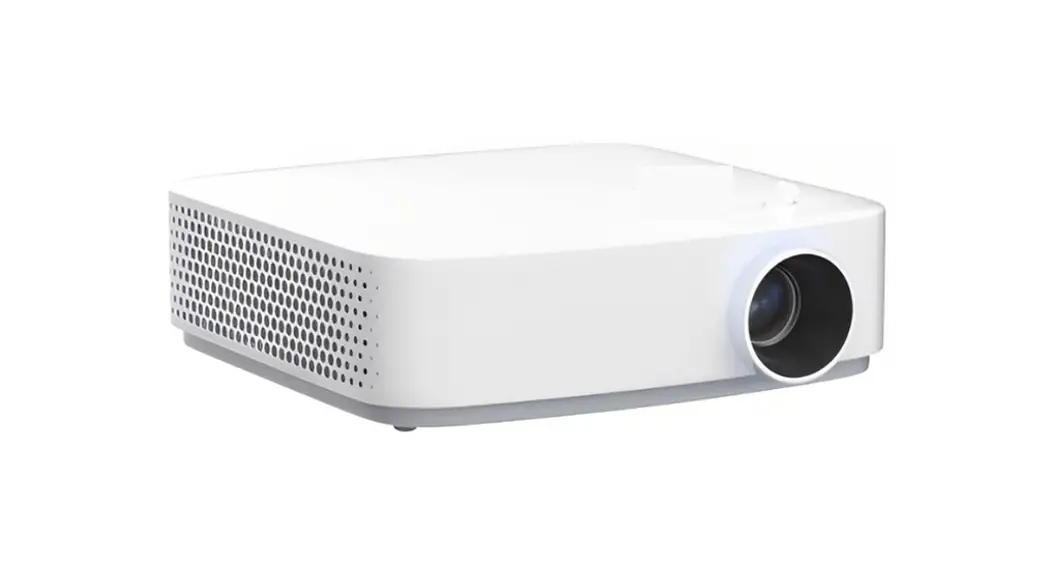
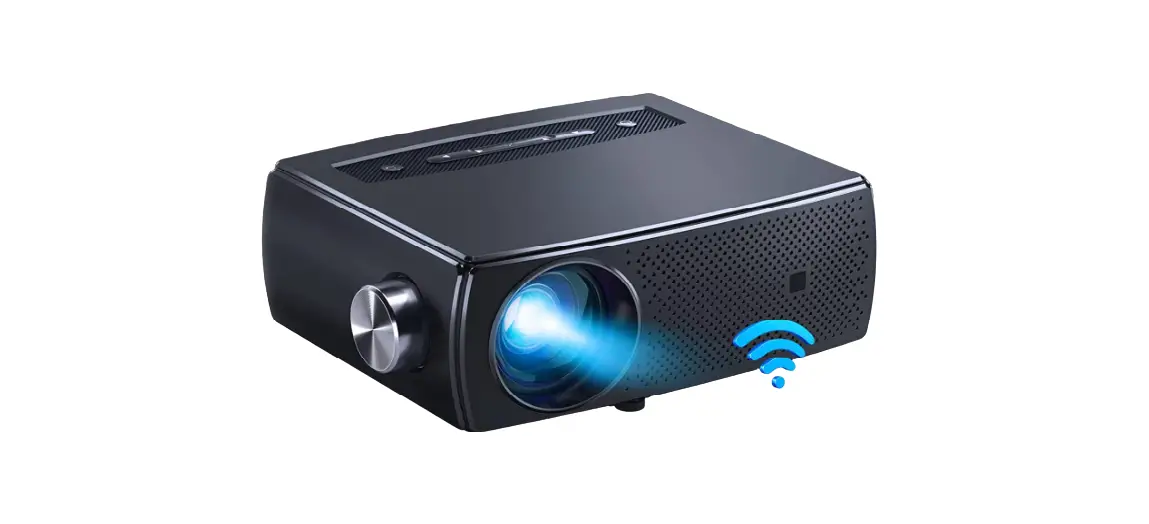
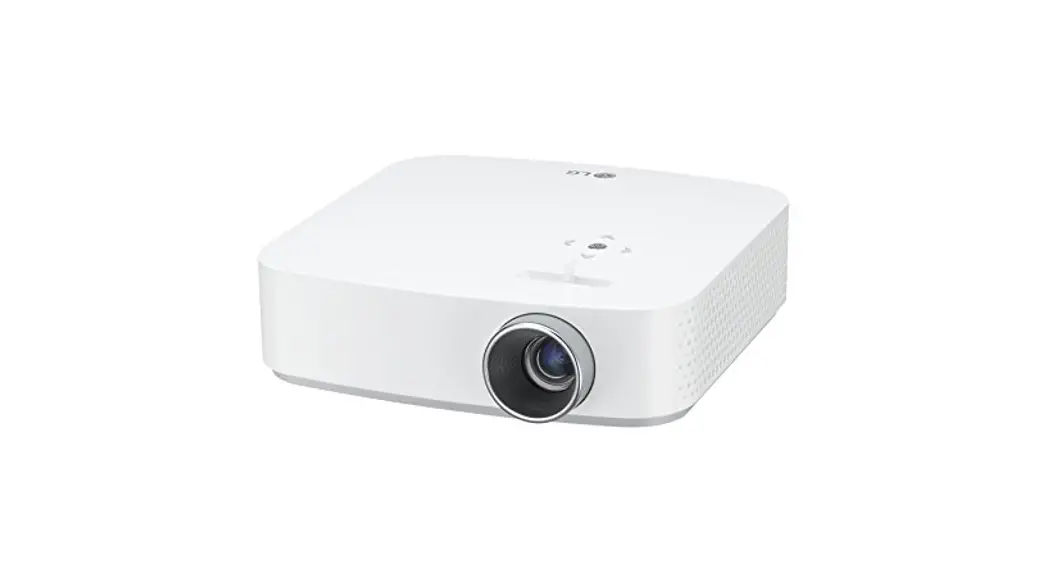
F410 Projector with WiFi and Bluetooth
User Guide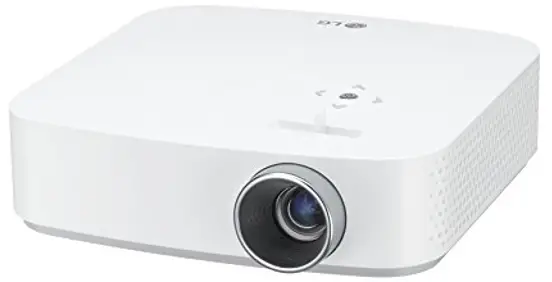
F410 Projector with WiFi and Bluetooth
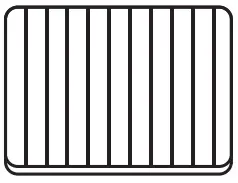
 The removed dust fitter can be cleaned with a brush/hair dryer first, then rinsed carefully with clean water, and can be used again after drying. Generally, it is cleaned once a month.
Dust Filter Replacement Operation Guide
Step 1
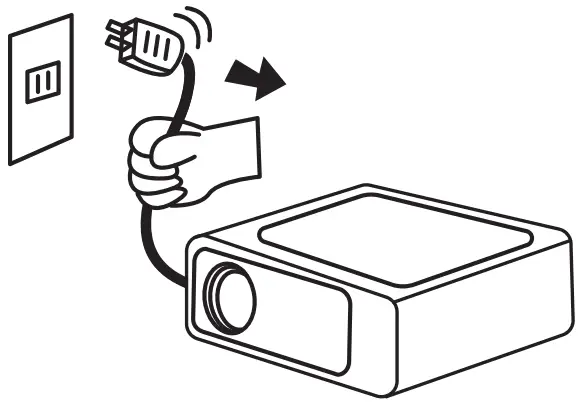 Unplug the projector power
Step 2
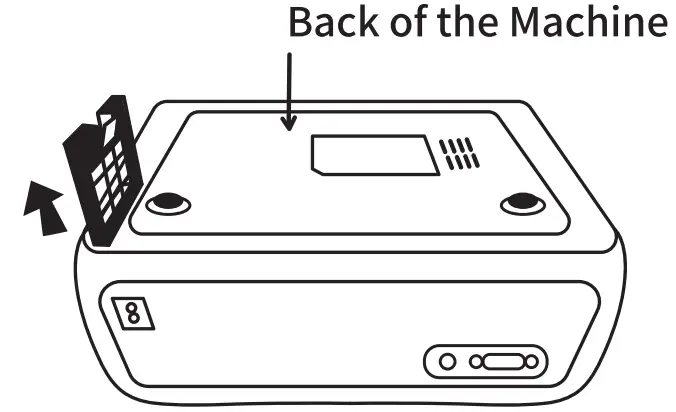 Take out the filter holder by pulling the buckle from the back of the machine.
Step 3
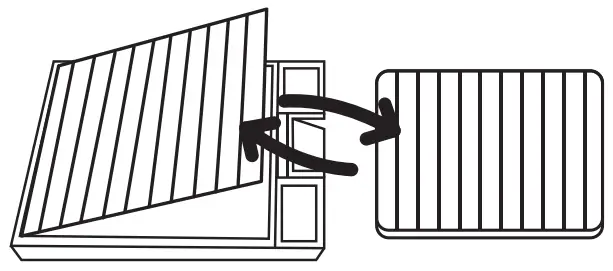 Remove the original dust filter and replace it with a new one.
Step 4
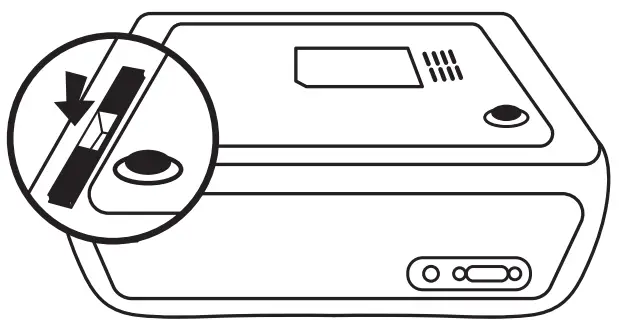 Put the filter holder back into the machine.
HOME THEATRE EQUIPMENT