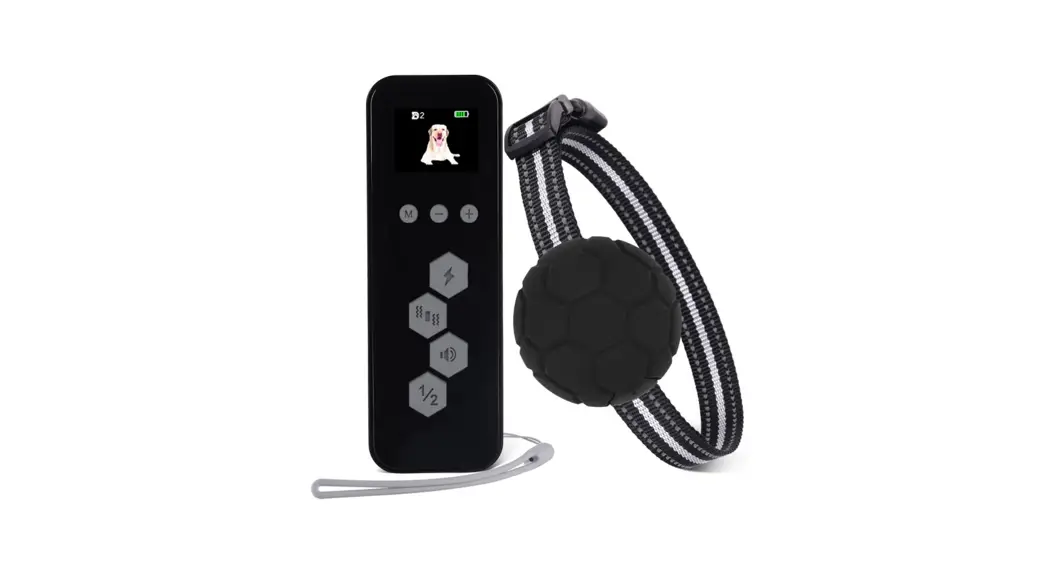
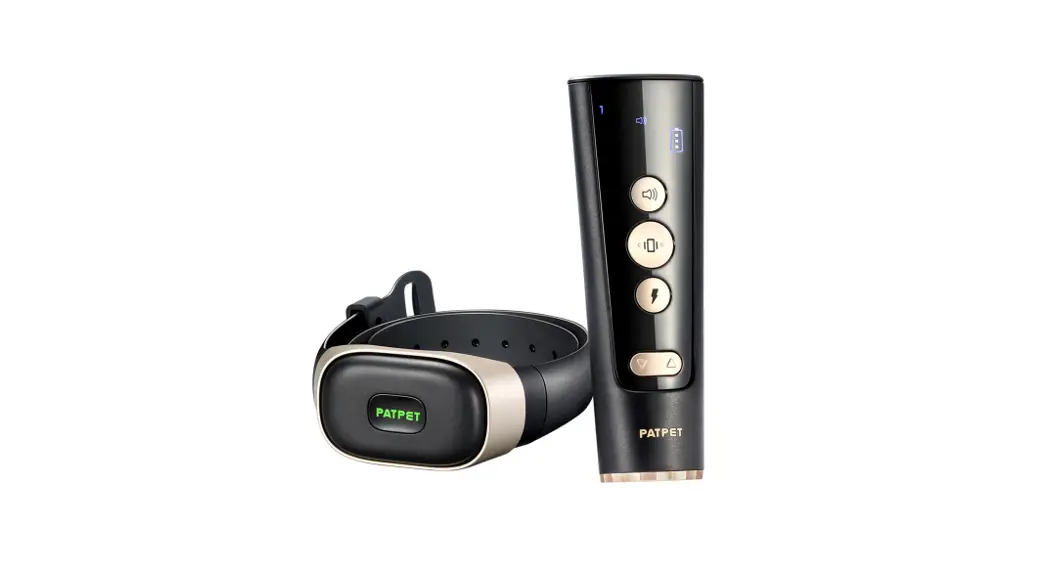
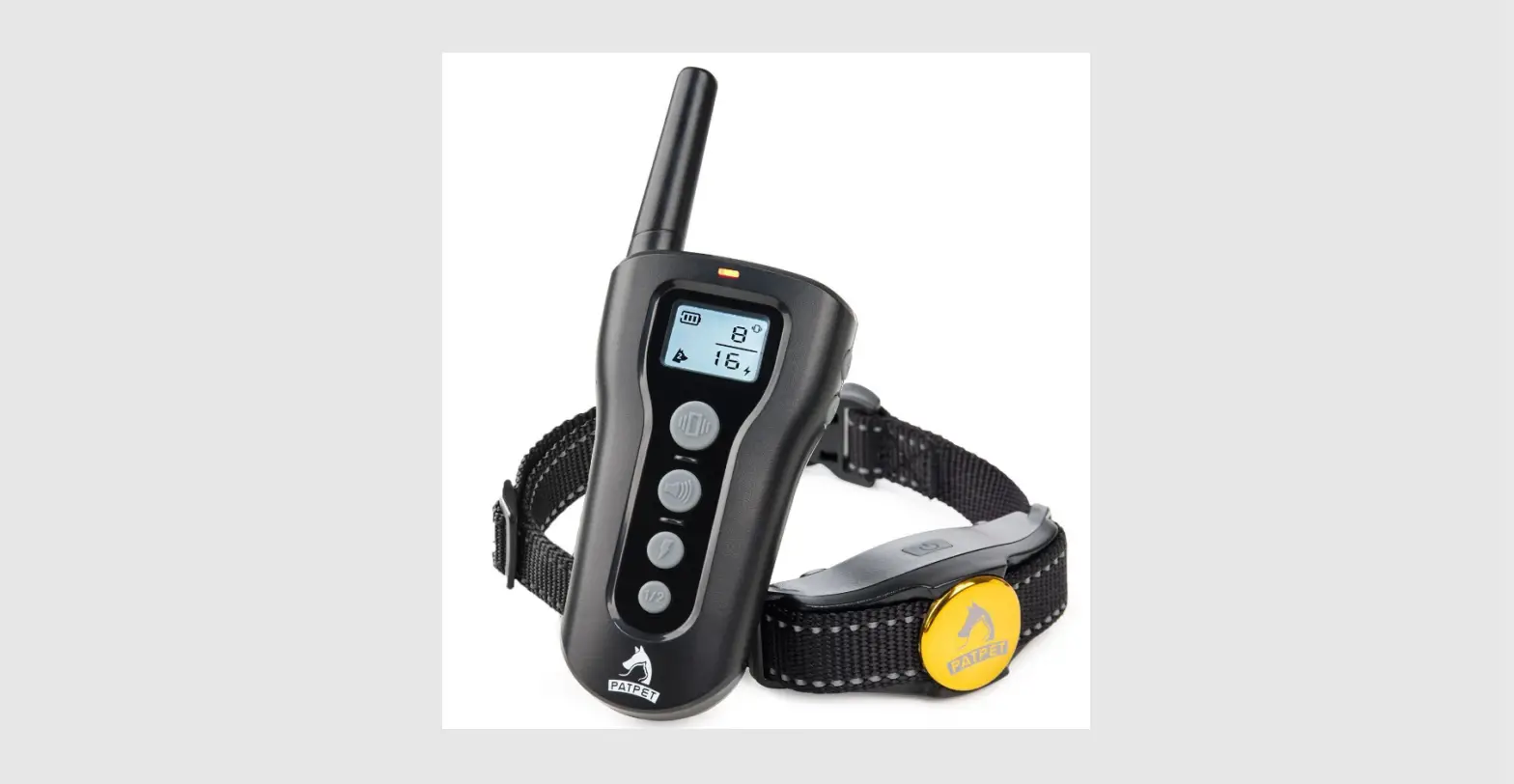
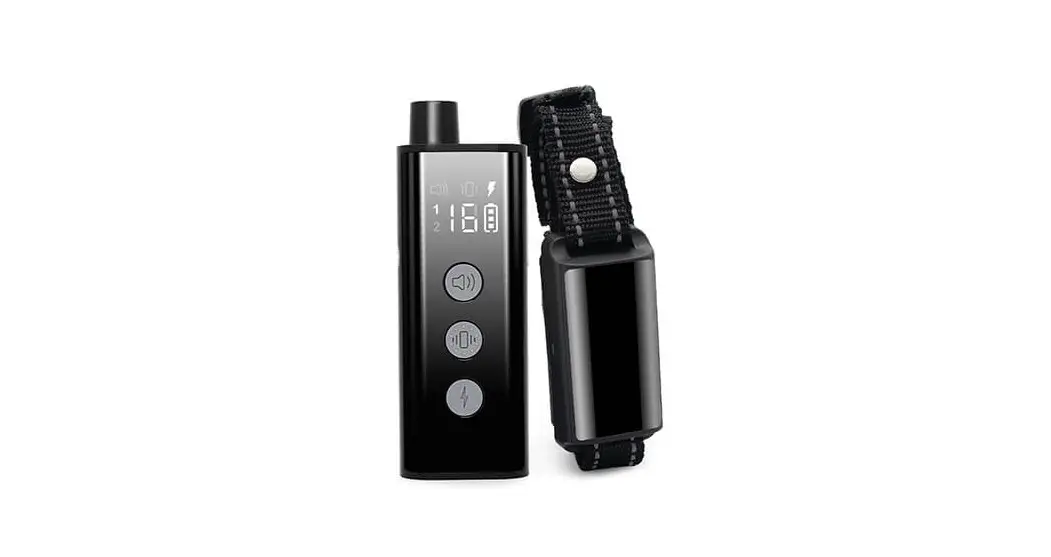
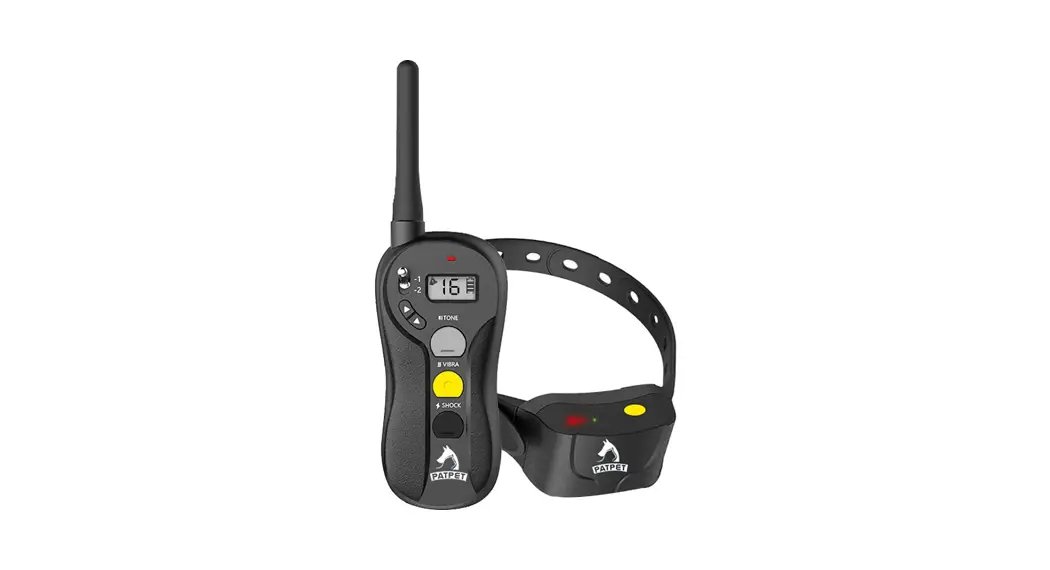
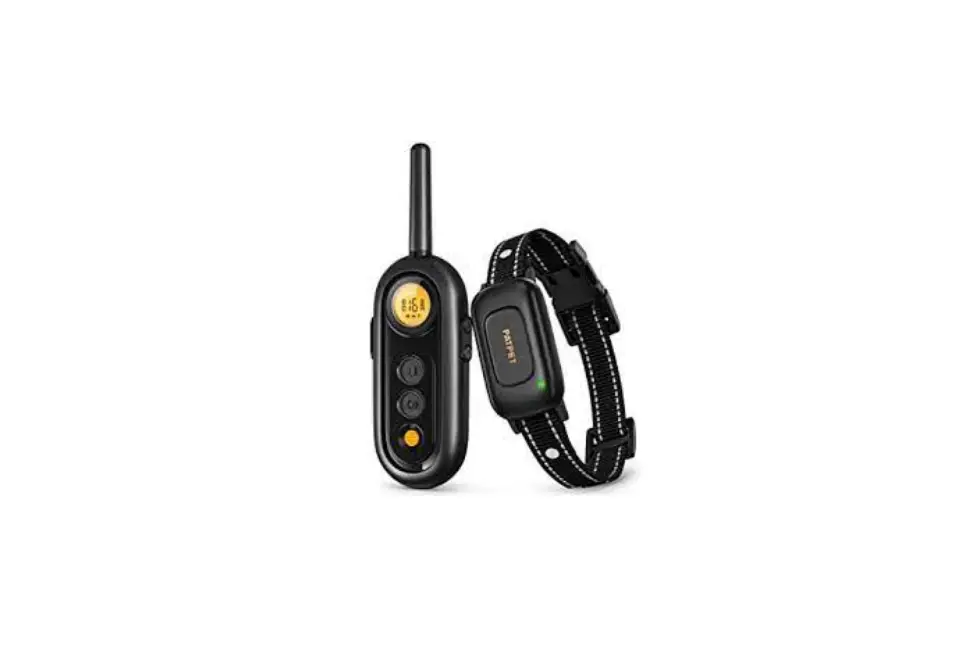
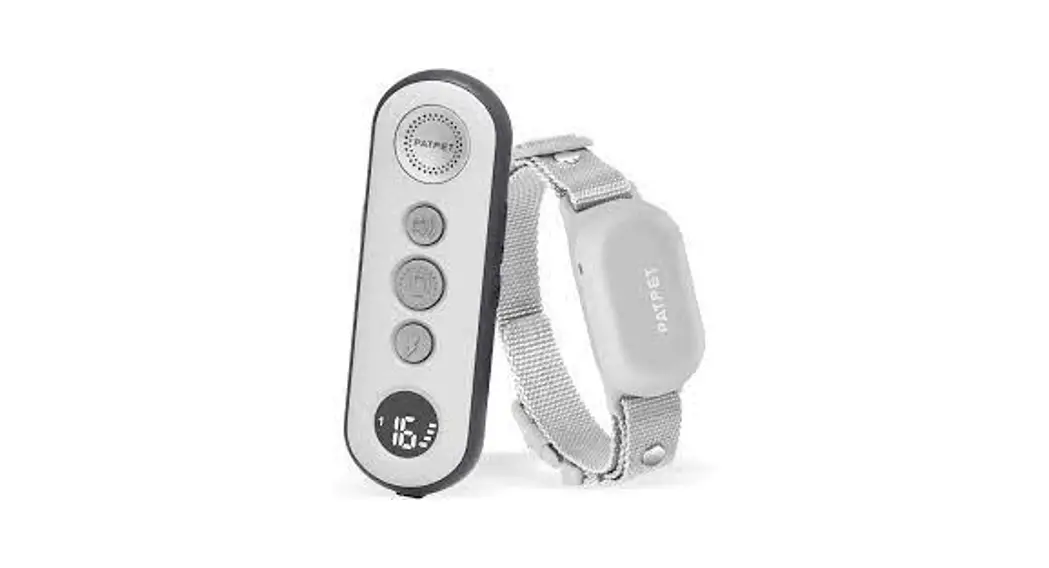
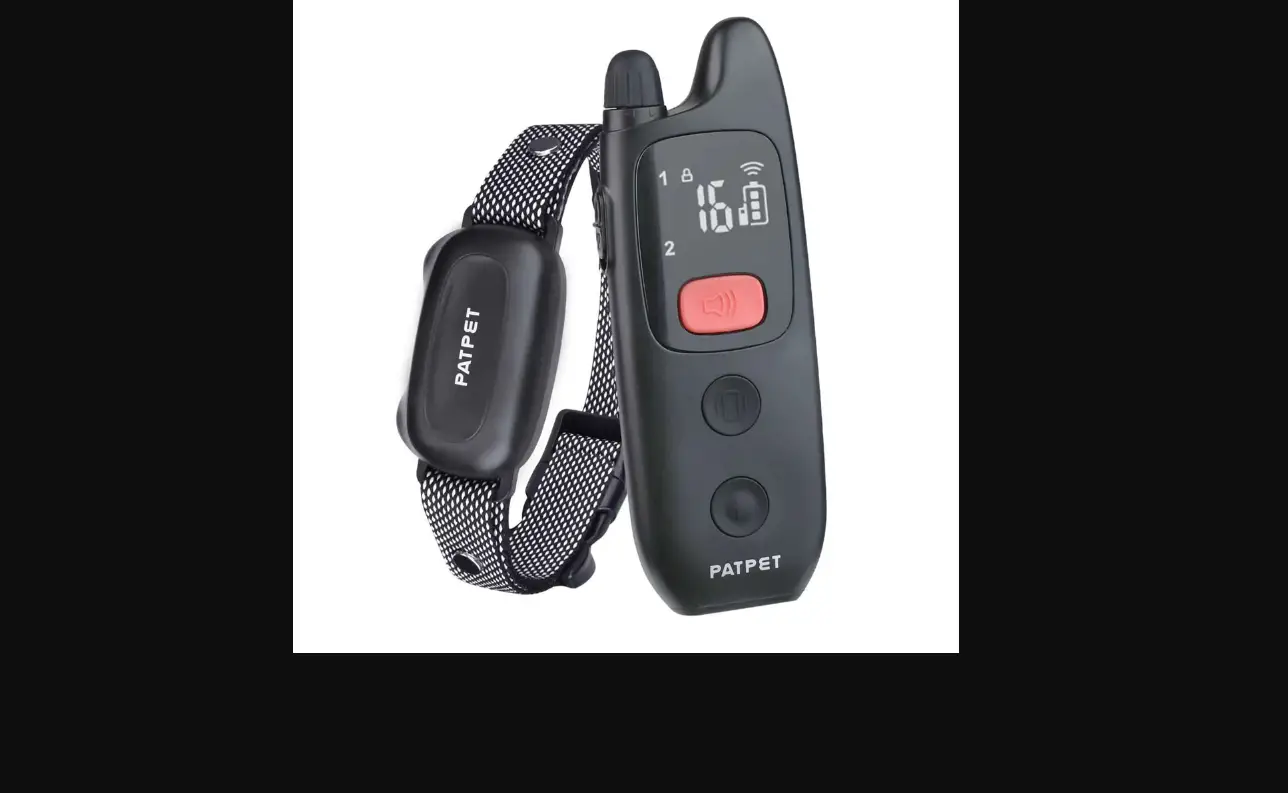
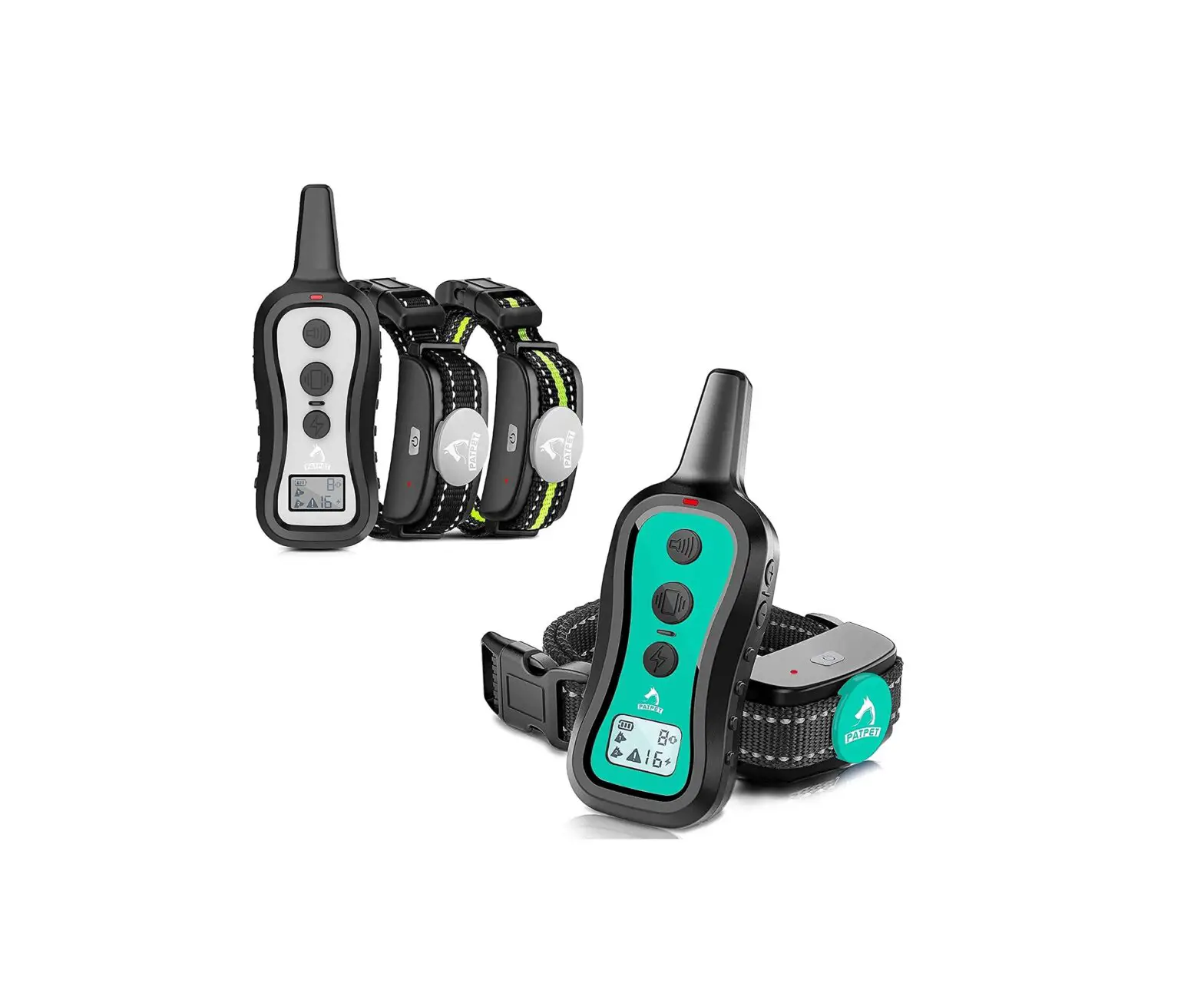
T330 Training Collar
User Manual for T330 Remote Training Collar
Please read this manual carefully before use
Safety Instructions
- This product cannot be tested directly on humans, otherwise it
will violate local laws. - Turn off or remove the receiver before playing with the
dog. - Please do not wear the receiver on your dog for a long
time. - Do not place the product near a stove or at high
temperatures. - Do not open the shell of the product, which will cause the
lithium battery disconnect or fire.
Product Introduction
What You Get
| COMPONENTS | Quantity |
|---|---|
| Transmitter | 1 |
| Receiver (Including collar) | 1 |
| Static stimulation test light | 1 |
| Magnetic charging cable | 1 |
| Lanyard | 1 |
| User Manual for T330 Remote Training Collar | 1 |
Function and Operation Description
At a glance
Battery Status CH1
CH2 Lock/Unlock
Tone Icon
Vibration Icon
Static Stimulation Icon
Vibration/Static Stimulation Level
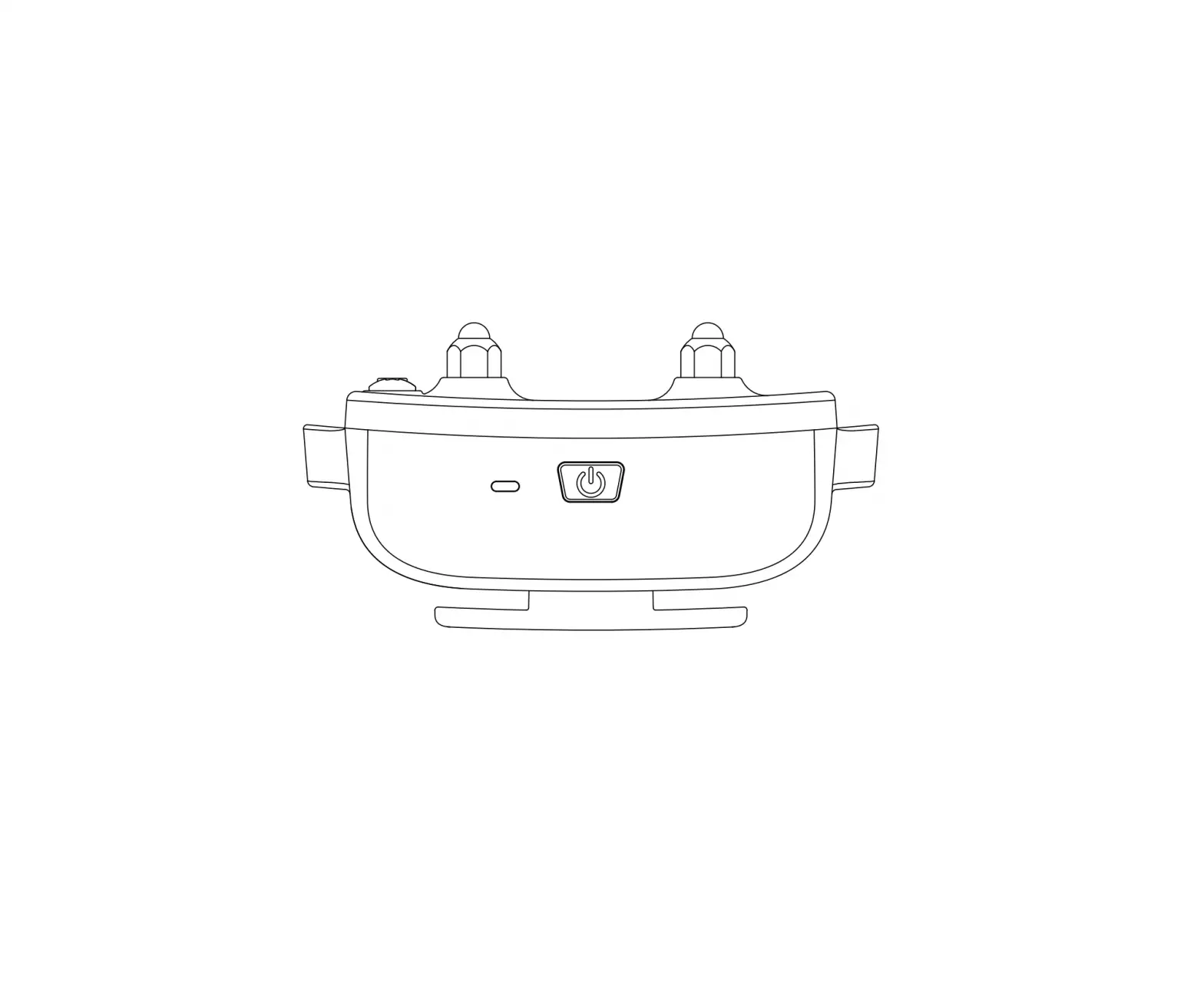
Charging Port
Contact Point TPU Adjustable Collar
Charging Port
Please tie the lanyard here
Used to adjust the level of Static Stimulation / Vibrate
Used to display device status
Switch to Lock or Unlock
Press to start the tone function
Press to start the vibration function
Static Stimulation Button
Press to start the static stimulation function
Channel Selection Button
Used to switch other receiver communication channels
Press to turn on/off the receiver
Receiver Indicator Light Status
| Light Color | Status |
|---|---|
| Red light (Flashing slowly) | Charging |
| Steady green light | Charging completed |
| Green light Blinks every 5 seconds | Receiver is power on |
| Green light Flashes once | Tone |
| Yellow light Flashes once | Vibration |
| Red light Flashes once | Static Stimulation |
Charging
Tips: Please fully charge before use!
It takes about 2 hours for full charging
DC5V1A
The indicator flashes red when charging
The indicator stays green after full charging
DC5V1A
Turn on/off: Transmitter and Receiver
Slide down to lock the transmitter
The startup indicator color is green.
Long press 2 seconds to turn on/off
Slide up to unlock the transmitter
The indicator color is red when the device is powered off.
Function Introduction
Tone:
Transmitter delivers a beep tone with nonadjustable volume to the
receiver collar.
Vibration:
Press + / – firmly to adjust the vibrate level
Transmitter delivers a vibrate with adjustable level (level1-16) to
the receiver.
Static Stimulation:
Press + / – firmly to adjust the Static Stimulation level
Transmitter delivers a static stimulus with adjustable level
(level1-16) to the receiver collar. The indicator color shows
red.
Button:
How to test the Static Stimulation function
- Step 1: Make sure the Transmitter and receiver collar are
paired. - Step 2: Start the static stimulation function and adjust the
level to 10. - Step 3: Put the test light between two contact points and make
sure its interface is touching the contact points. Press the static
stimulation button again, if the test light is on which means the
static stimulation is ongoing.
Pairing and select the communication
channel:
Tips: The default factory settings of the communication channel is
channel 1.
User Manual for T330 Remote Training Collar
Please read this manual carefully before use
Contents
Safety Instructions ………………………………………………… 1 Product Introduction …………………………………………….. 1 What You Get …………………………………………………………. 2 Function and operation description …………………. 3 1.At a glance ……………………………………………………………… 3 2.Receiver Indicator Light Status ……………………………….. 5 3.Charging …………………………………………………………………. 6 4.Turn on/off ………………………………………………………………. 6 5.Function introduction ……………………………………………….. 7 Wearing Method And Precautions …………………….. 11 1.Wearing Method ……………………………………………………… 11 2.Wearing Precautions ……………………………………………….. 12 Frequently Asked Questions ……………………………… 12 About After-Sales ………………………………………………… 18 Compliance …………………………………………………………….. 19 FCC Warning …………………………………………………………. 19
Safety Instructions
This product cannot be tested
1 directly on humans, otherwise it will violate local laws
2 Turn off or remove the receiver before playing with the dog.
3 Please do not wear the receiver on your dog for a long time.
4 Do not place the product near a stove or at high temperatures.
Do not open the shell of the
5 product, which will cause the lithium battery disconnect or fire.
Product Introduction
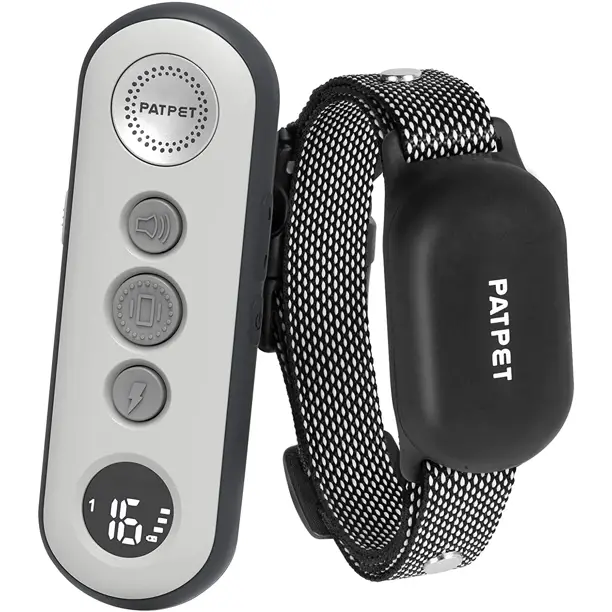
Thank you for choosing our products. The T330 dog training collar has a transmission range of 330 yards. When you start the punishment function on the remote control, your dog will receive stimulation from the electronic collar (such as beep, vibration and static stimulation). Collar and contact points are designed in an integrated way, which is waterproof (IPX7) and friction resistant. It is suitable for small, medium and large dogs, and has been proved safe, reliable and effective by dog trainers.
1
What You Get
COMPONENTS
Transmitter
1
Receiver (Including collar)
1
Static stimulation test light
1
Magnetic charging cable
1
Lanyard
1
User Manual for T330 Remote Training Collar
User manual
1
Please read this manual carefully before use
2
Function and operation description 1.At a glance
æLanyard Hole
çLevel Adjustment Button
ëVibration Button
íChannel Selection Button
èDisplay Screen éLock/Unlock
êTone Button
ìStatic Stimulation Button
Battery Status CH1
CH2 Lock/Unlock
Tone Icon
Vibration Icon Static Stimulation Icon
Vibration/Static Stimulation Level
3
Charging Port
îOn/Off Button Indicator Light
Contact Point TPU Adjustable Collar
Charging Port 4
æ Lanyard Hole
Please tie the lanyard here
ç Level+/- Button è Display Screen
Used to adjust the level of Static Stimulation / Vibrate
Used to display device status
é Lock/Unlock
Switch to Lock or Unlock
ê Tone Button ë Vibration Button
Press to start the tone function
Press to start the vibration function
ì
Static Stimulation Button
Press to start the static stimulation function
í
Channel
Selection
Button
Used to switch other receiver communication channels
î On/Off Button
Press to turn on/off the receiver
2.Receiver Indicator Light Status
Red light (Flashing slowly
Charging
Steady green light
Charging completed
Green light Blinks every 5 seconds
Receiver is power on
Green light Flashes once
Tone
Yellow light Flashes once
Vibration
Red light Flashes once
Static Stimulation
5
3.Charging
Tips: Please fully charge before use!
It takes about 2 hours for full charging
DC5V1A
The indicator flashes red when charging The indicator stays green after full charging
DC5V1A
4.Turn on/off: Transmitter and Receiver
Slide down to lock the
transmitter
The startup indicator color
is green.
Long press 2 seconds to turn on/off
Slide up to unlock the transmitter
The indicator color is red when
the device is powered off.
6
5.Function introduction
Tone
Transmitter delivers a beep tone with nonadjustable volume to the receiver collar.
The indicator color shows green. ç
Tone æ Button
…………………
Vibration
Press + / – firmly to adjust the vibrate level
Transmitter delivers a vibrate with adjustable level (level1-16) to the receiver
collar.The indicator color shows yellow. ç
æ Vibration Button
…………………
7
Static Stimulation
Press + / – firmly to adjust the Static Stimulation level
Transmitter delivers a static stimulus with adjustable level (level1-16) to the receiver
collar. The indicator color shows red.
ç
Static æ Stimulation
Button
…………………
How to test the Static Stimulation function
8
Step 1Make sure the Transmitter and receiver collar are on paired.
Step 2Please start the static stimulation function and adjust the level to 10.
Step 3Put the test light between two contact points and make sure its interface is touching the contact points. Press the static stimulation button again, if the test light is on which means the static stimulation is on going .
Pairing and select the communication channel
TipsThe default factory settings of the communication channel is channel .
Please follow the steps below if you want to switch to another channel. Step 1Unlock the transmitter and long press the button
to select a signal channel.
9
Step 2Make sure the receiver is shut down first, and hold on the on/off button for 7 seconds. The green light will flash quickly and enter to the matching state after hearing a beep.
The green light flashes quickly and will enters the matching state after hearing a beep.
Step 3Please press the tone or vibration function button within 10 seconds when entering the matching state, and the receiver will beep twice indicating that the matching is successful.
Press the tone or vibration function button within 10 seconds.
Note 1.Repeat above steps when timeout 2.One channel can control multiple receivers simultaneously
10
Wearing Method And Precautions 1.Wearing Method
Please keep the dog in a
æ
comfortable standing position and ensure that the receiver is
turned off before wearing.
Please place the receiver in
the middle of the dog’s neck
and ensure that the direction
ç
of the switch button is upward, and the contact point is aligned
with the dog’s throat.
Check the tightness of the
receiver collar.
The wearing standard is that a
finger can be held between the
è
collar and the dog’s neck. If the collar is too loose or tight, the
normal operation of the product
will be affected.
Mark the length of the collar
with a pen, remove the collar
D
é
and cut off the excess part, and slightly burn the edge with a
lighter to prevent the thread
from falling off.
11
2.Wearing Precautions
Wearing a collar for a long time or too tight will cause the dog’s skin to be worn, from redness to pressure sores. This condition is often referred to as bedsore. Please make sure your dog doesn’t wear the collar more than 12 hours a day. Please try to readjust the collar position on the pet’s neck every 1 to 2 hours. Regularly check the tightness of the collar to prevent excessive pressure. Do not connect the tow rope to the receiver, or excessive pressure will be caused to the collar. Please clean your pet’s neck area and the contact area of the receiver with a damp cloth every week. Please check the contact area daily for signs of rash or pain. Please stop using the collar until the skin heals if you notice a rash or pain in your dog. If the condition persists for more than 48 hours, seek medical attention immediately.
Frequently Asked Questions
Questions Analysis
Measures
Charging cable is not fit
Use the 5V1A original charging cable
Charging cable is 1.Remote/receiver damaged cannot be charged
Replace the charging cable and try again
The product low power The battery needs to be
enters the low power activated. Please extend
protection mode
the charging time slightly
12
Questions Analysis
Measures
Check whether the touch No response means
of the key is normal
damaged
2.The product does not turn on
No display/sound prompt Recharge again
The product low power enters the low power protection mode
Recharge and wait for the battery to activate
Wrong startup method Long press the on/off button
The shock level is set 0, Adjust high shock level and or the shock level is too try again low
The vibration level is set Adjust high vibration level 0, or the vibration level and try again is too low
3.No static stimulation /No vibration
Check whether the battery is low and the output power becomes small
Charge the receiver in time
The dog hair not well groomed
The contact points are attached to the dog’s skin
The collar strap is wearing too loose
The receiver is worn in the middle of the dog’s neck, with a finger width gap between the collar and the neck
Remote & receiver not paired
Repair the remote with receiver
13
Questions Analysis
Measures
The collar strap is wearing too loose
4.The collar strap is easy to fall off and not tight
Excess collar strap not cut off after first-time wear product
The receiver is worn in the middle of the dog’s neck, with a finger width gap between the collar and the neck
Collar straps should be passed through each buckle, and excess collar straps should be cut off and clamped to the size of the dog’s neck
The collar strap is damaged and needs to be replaced
Please refer to page 6 for instructions on wearing the collar
Low battery power
Use it after it is fully charged
5.The remote
Violent handling and
screen displays beating.The transmitter
garbled characters was damaged by a dog.
æthe use of the process can not be violent operation, artificial damage will not be after-sales; Keep the transmitter and receiver out of sight of the dog when in and out of use.
çIn case of garbled characters on the display screen after receiving the goods, contact customer service for confirmation after shooting video or pictures
14
Questions Analysis
Measures
6.Dog injuries
Wear it for too long time
It should not be worn for more than 12 hours and should be checked every 2 hours
Worn when the dog’s hair is wet or swimming, the shock column will wear on the skin
æKeep your dog’s neck area dry and clean, and do not wear products while swimming or playing with your owner
çUse silicone caps to reduce the friction of the contact points
Dog has skin diseases
Stop using the product for a few days. If the condition persists for more than 48 hours, consult your veterinarian for help
The dog is less than 6 months old
The pet should be at least 6 months old before using the training collar, and the dog should be able to recognize basic obedience commands, such as “sit” or “stay.”
7.Accessories missing, accessories damage, etc
Transport damage or packing miss
Contact customer service to confirm the repair/return with shooting video or photos.
15
Questions Analysis
Measures
8.Product compatibility issues
9.Safety of vibration/shock
The remote and receiver
need to match, if buy another sellers’ remote or receiver, it can not be
Buy the same model from us to pair
paired with ours
The continuous use of
vibration and shock should
not exceed 30 seconds.
The dog training collar
requires the user to interact
A brief vibration or shock with and train the pet to
won’t hurt, but it can
achieve the desired effect
make the dog feel
uncomfortable
Our vibration and shock
functions have been tested
on different types of dogs
over a long period of time
The actual remote range
10.Remote range does not equal actual
may vary due to terrain, weather, vegetation, battery capacity, and interference from other
Change the venue and try to train in a place with less interference
radio devices.
11.The product does not effect
æ Seek training support
The dog training collar is a training aid product,
from a professional dog trainer
which requires users to interact and train their pets to achieve the desired effect
ç Proper training time. The training course should be kept active and short, with a better effect of about
10-15 minutes each time
16
Questions Analysis
Measures
12.It is effective at first, but does not work later
æ Check whether the device works normally
ç Wearing for a long time dog has been fully adapted
æ Change the levels and readjust the training mode
ç It is recommended not to wear the product when not training
13.The product does not work
Can not turn on it
Remote & receiver not paired well
Test after charging
Repair the remote with receiver
14. Dog bites damage the device/collar belt
The dog resists the product
Do not let the dog see when wearing and operating the product
15.Do not use the product for a long time
æ Please turn it off every
time when not using it
If the product is not used
for a long time, it will
ç If it is not used for a long
lose power until it is
time, please refer to the
shut down.
manual for charging
instructions before charging
it and use
17
About After-Sales
1.If the product is faulty within 30 days from the purchase date, you need to take a video or picture of the faulty product. After the customer service confirms, the replacement can be sent. And the faulty product must be returned within 7 days after receiving the replacement.
2.If the product is faulty after 30 days, and it is still within the 1-year warranty period from the purchase date, the consumer will be required to return the product and pay the freight. We will test and replace the faulty parts, and returned to you free of charge.
3.This warranty is a supplement to other rights and remedies provided by law. For major failures and any other compensation, i f it is a reasonably foreseeable loss or damage, you are entitled to a replacement or refund.
4.You also have the right to repair or replace the goods in the following cases: the quality of the goods is unqualified, and the failure does not constitute a major failure. If you have any questions or need more information, please contact our customer service.
18
Compliance
This symbol means that the product has been CE certified, and any product with CE mark is proved in compliance with the local regulations of EEAs.
This symbol means that the electromagnetic interference of the equipment is lower than the limit approved by the Federal Communications Commission.
Disposal of package: The package shall be disposed by type.Disposed as waste papers for cardboards and cartons Recycling for packaging cases
Disposal system: The disposal system shall be applicable to EU and other European countries and capable of collecting recyclable materials by category.
FCC Warning
This device complies with part 15 of the FCC Rules. Operation is subject to the following two conditions:
(1) this device may not cause harmful interference, and (2) this device must accept any interference received, including interference that may cause undesired operation.Any changes or modifications not expressly approved by the party responsible for compliance could void the user’s authority to operate the equipment.
19
NOTE: This equipment has been tested and found to comply with the limits for a Class B digital device, pursuant to Part 15 of the FCC Rules. These limits are designed to provide reasonable protection against harmful interference in a residential installation. This equipment generates, uses and can radiate radio frequency energy and, if not installed and used in accordance with the instructions, may cause harmful interference to radio communications. However, there is no guarantee that interference will not occur in a particular installation.
If this equipment does cause harmful interference to radio or television reception, which can be determined by turning the equipment off and on, the user is encouraged to try to correct the interference by one or more of the following measures: — Reorient or relocate the receiving antenna. — Increase the separation between the equipment and receiver. — Connect the equipment into an outlet on a circuit different from that to which the receiver is connected. — Consult the dealer or an experienced radio/TV technician for help.
To maintain compliance with FCC’s RF Exposure guidelines, This equipment should be installed and operated with minimum distance between 20cm the radiator your body: Use only the supplied antenna.
20