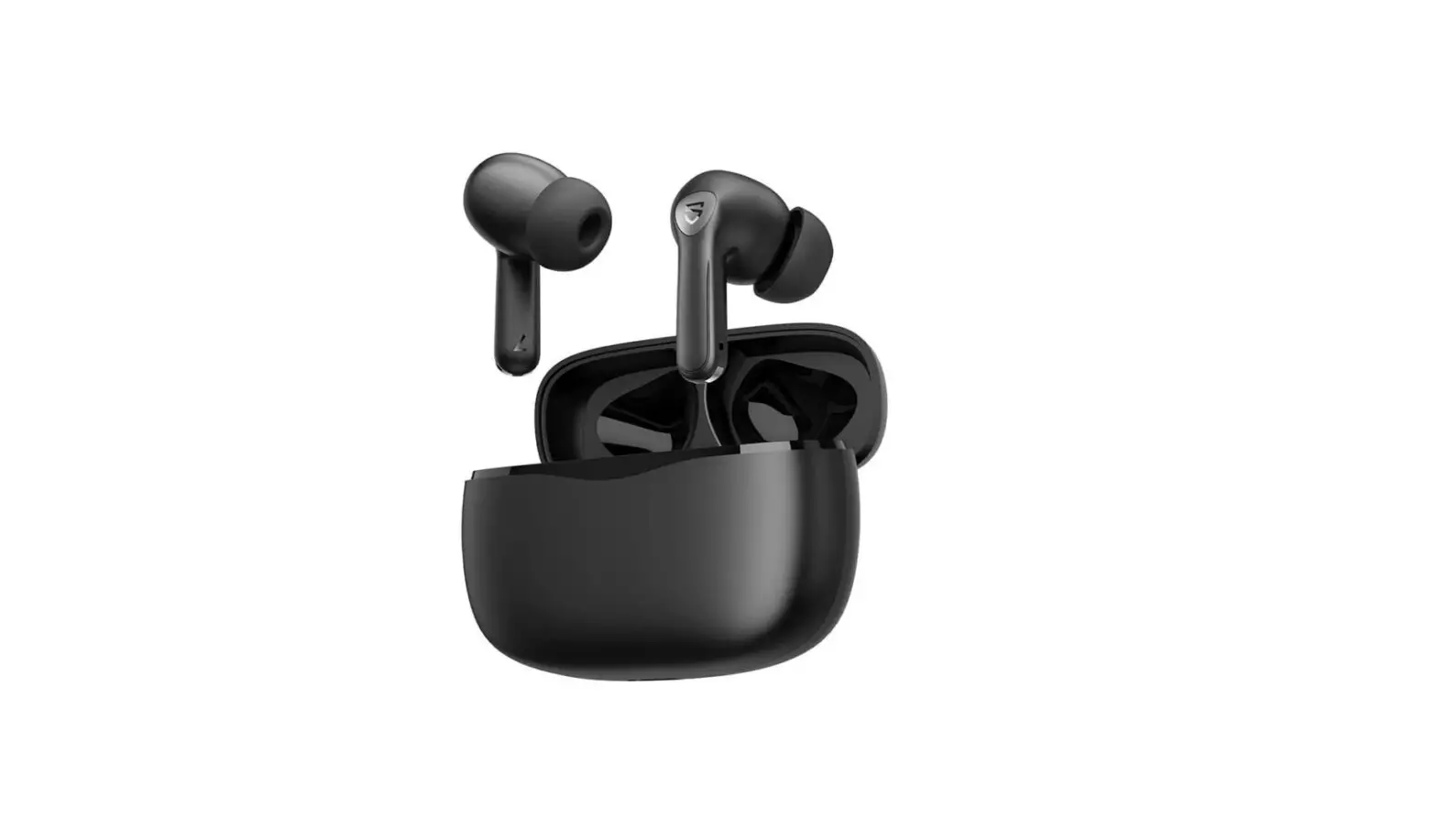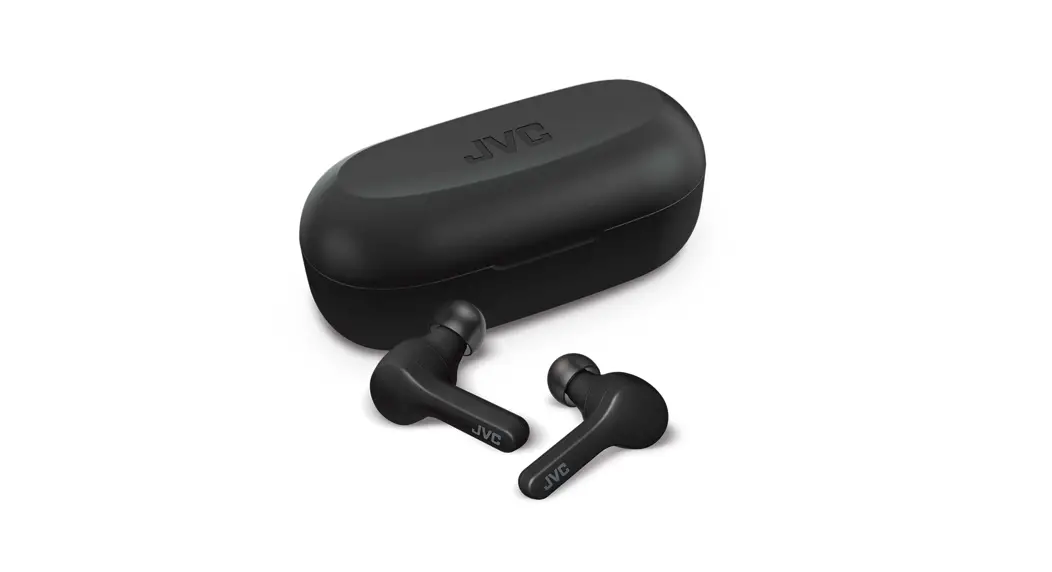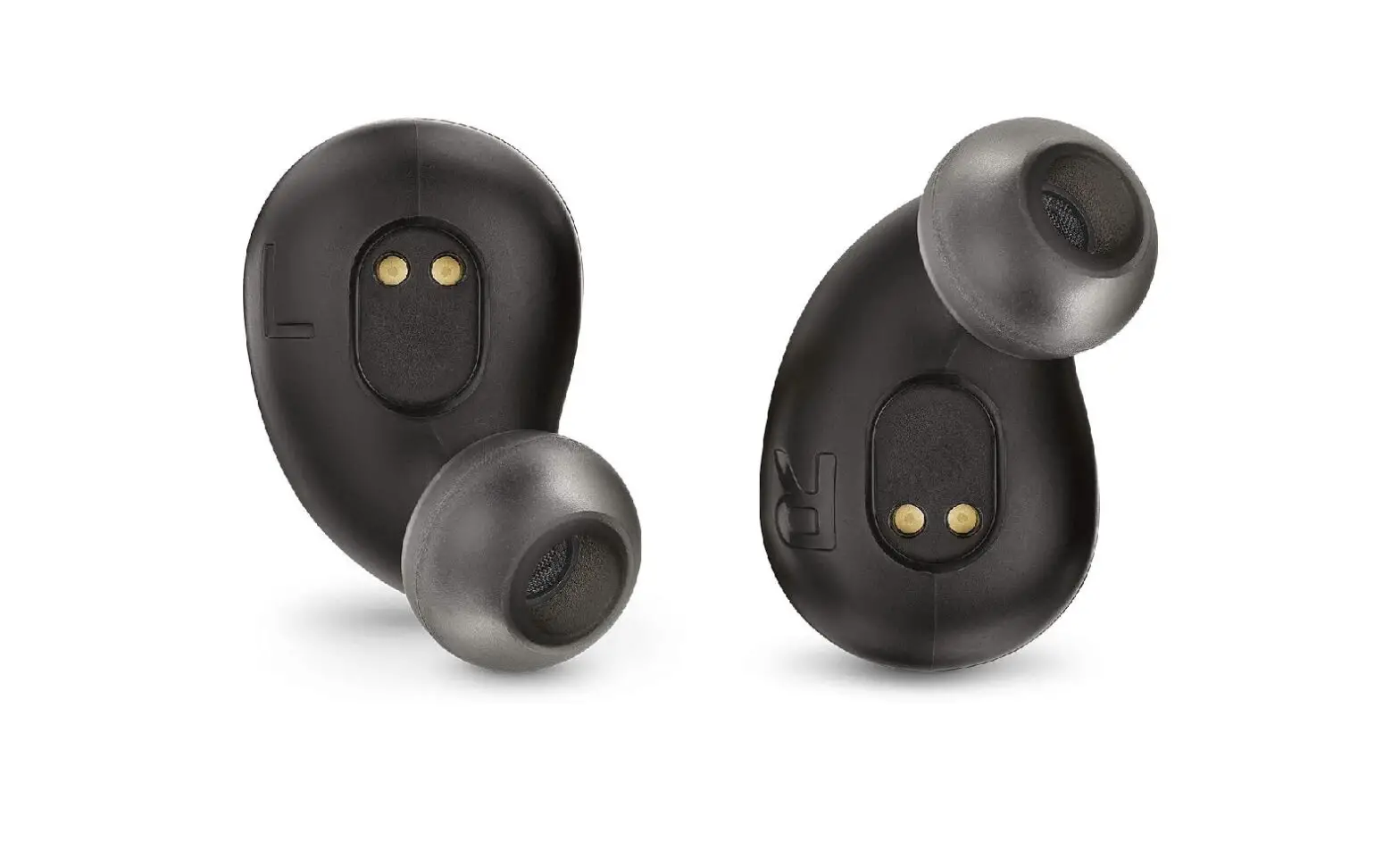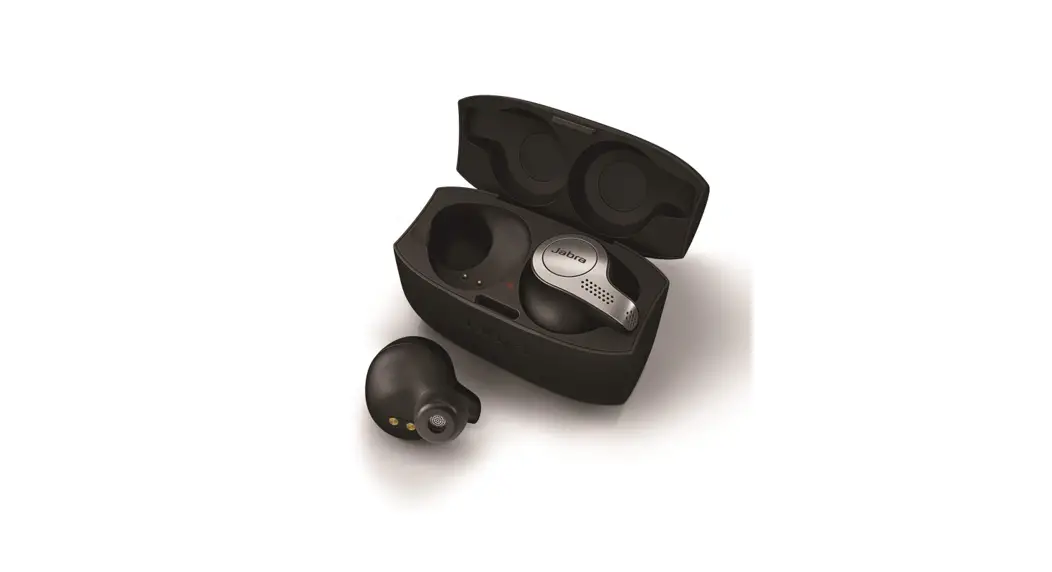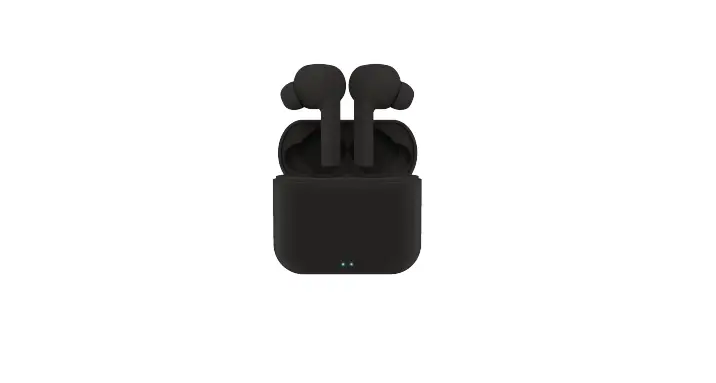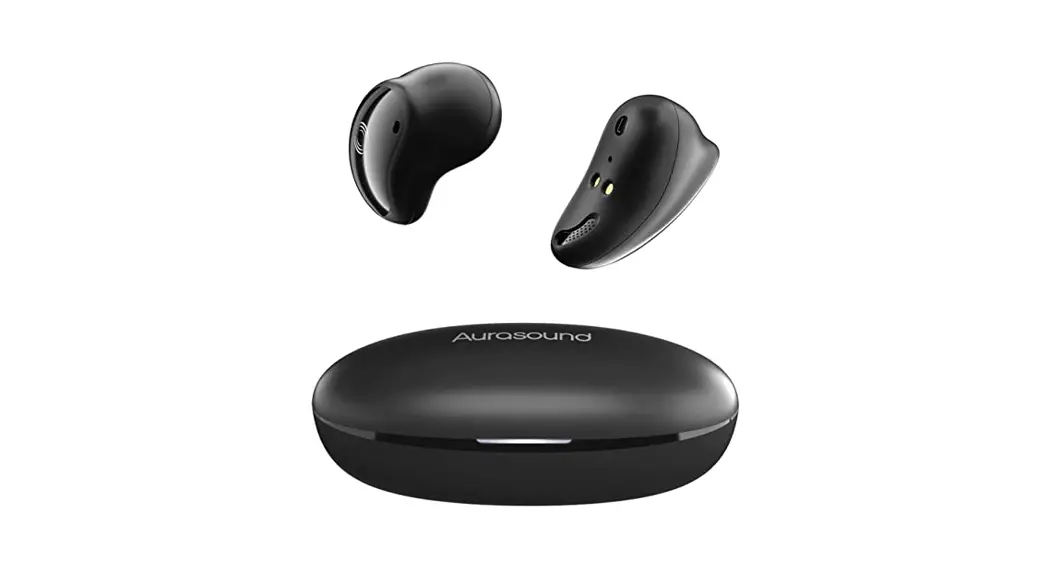

SOUND BEANbuds Wireless Earbuds
Instructions
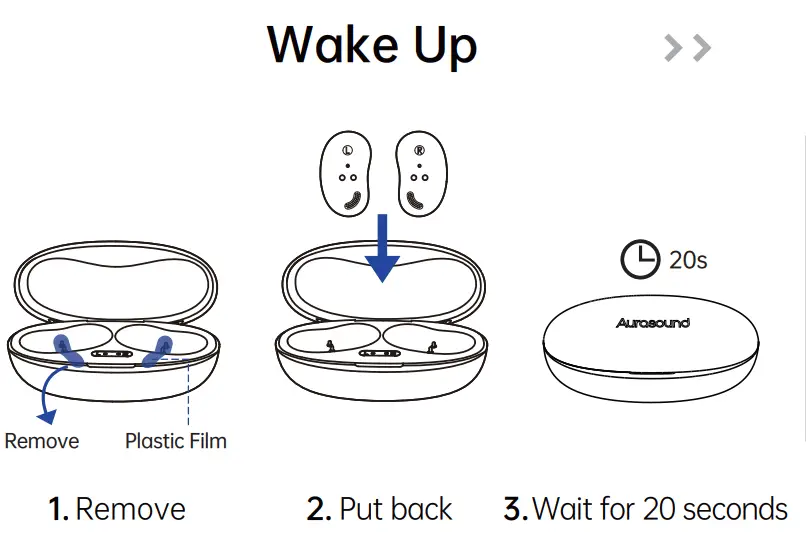
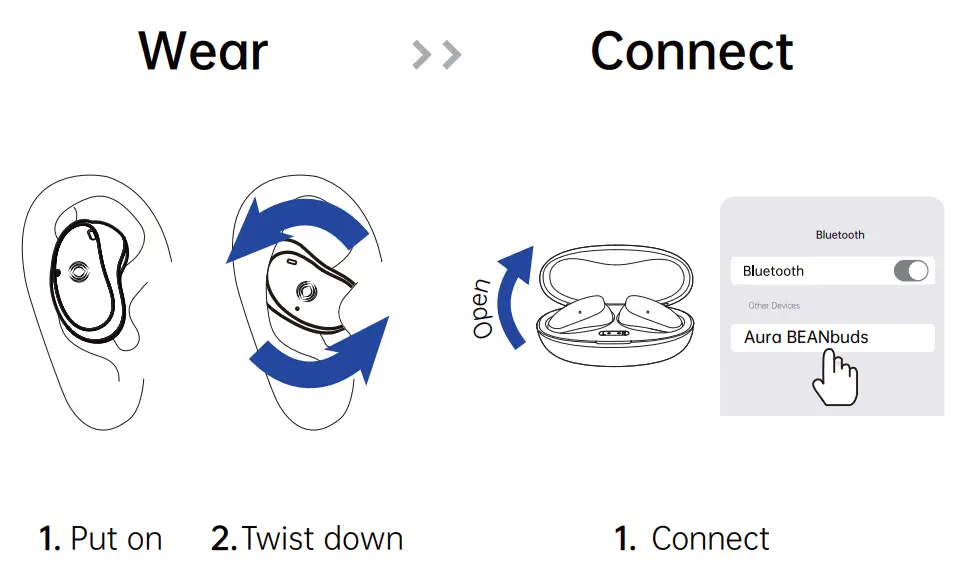
1st time using

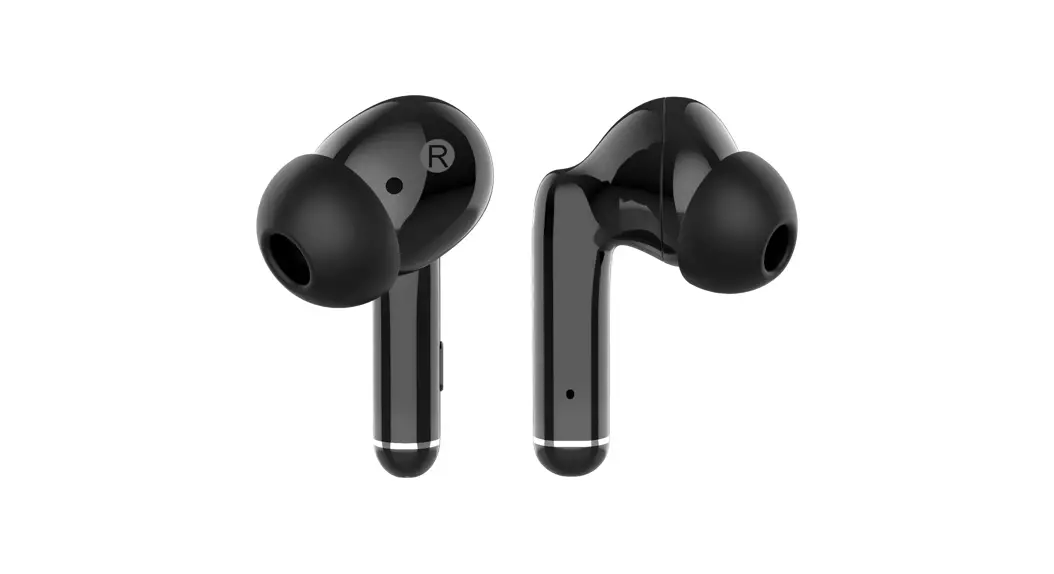
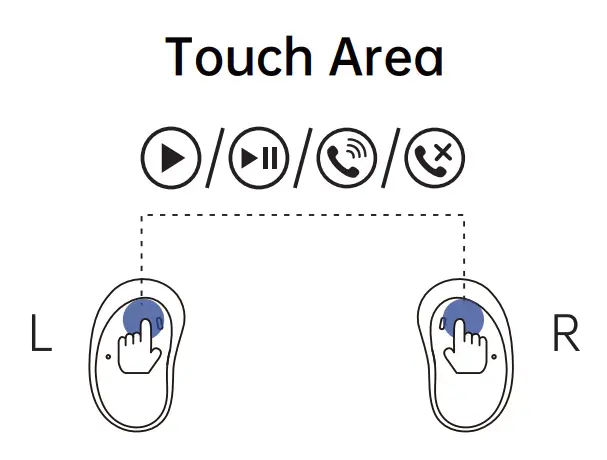
Touch Area
For more support: Email to
[email protected]
aurasoundgroup.com
One bud stopped working
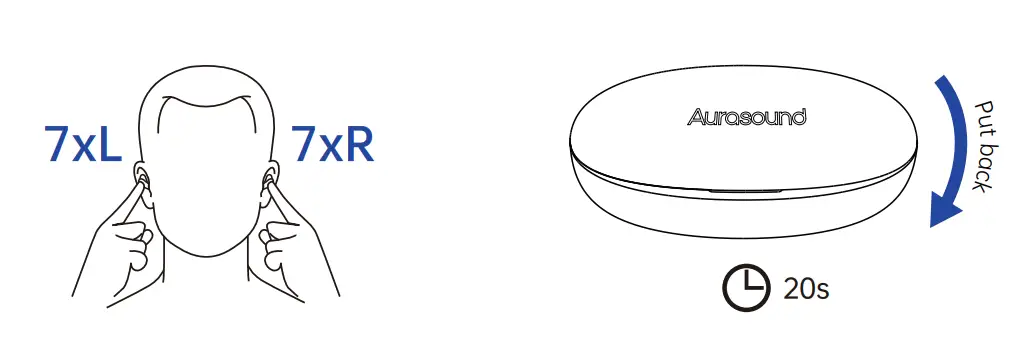
- Click both of them 7 times
- Wait for 20 seconds

- Search for pairing in the mobile phone again
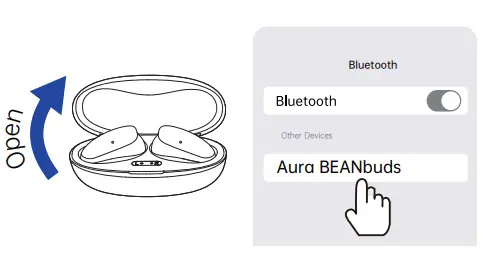
Reset
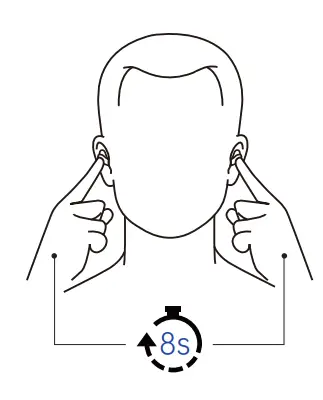
- Press and hold both of them, here will be warning tones “Du” – “Disconnected” – “Du” – “Power on” – “Du” – “Pairing”, 8s Then release.
- Restart mobile phone Bluetooth and search for pairing again
 Aurasound American Express Apple Pay Mastercard PayPal Shop Pay Visa